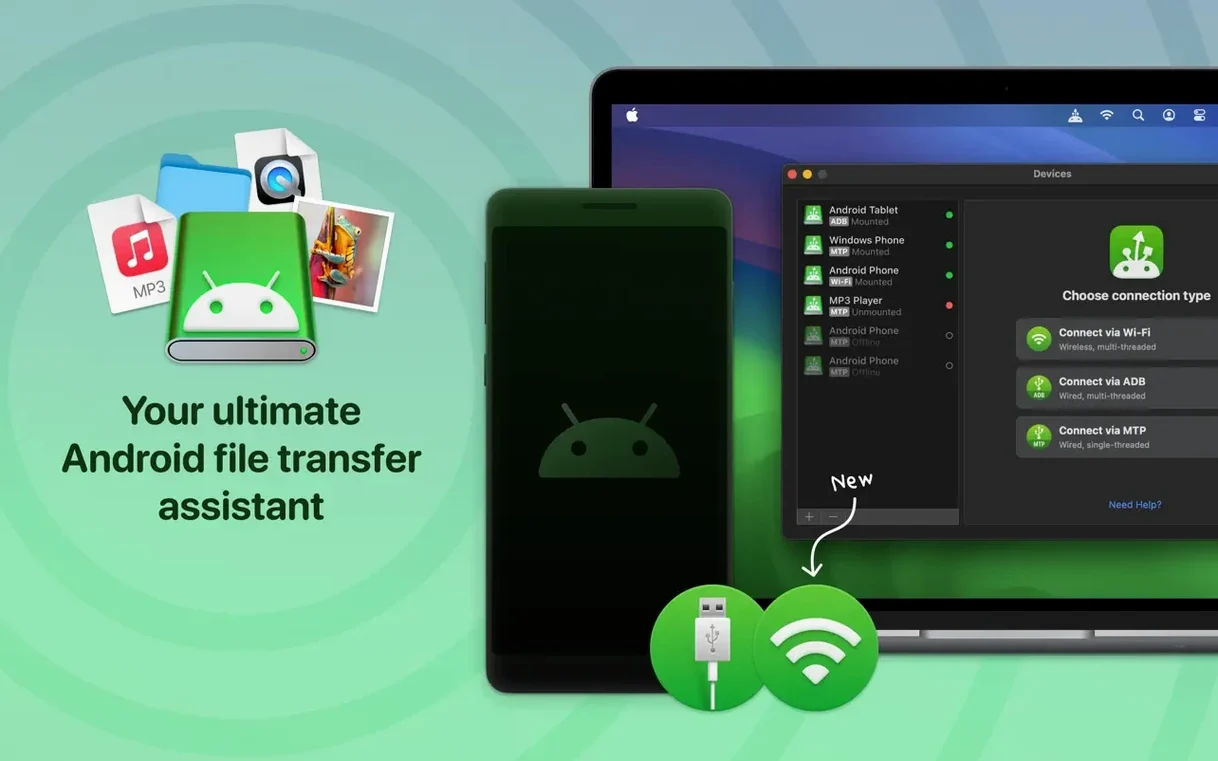
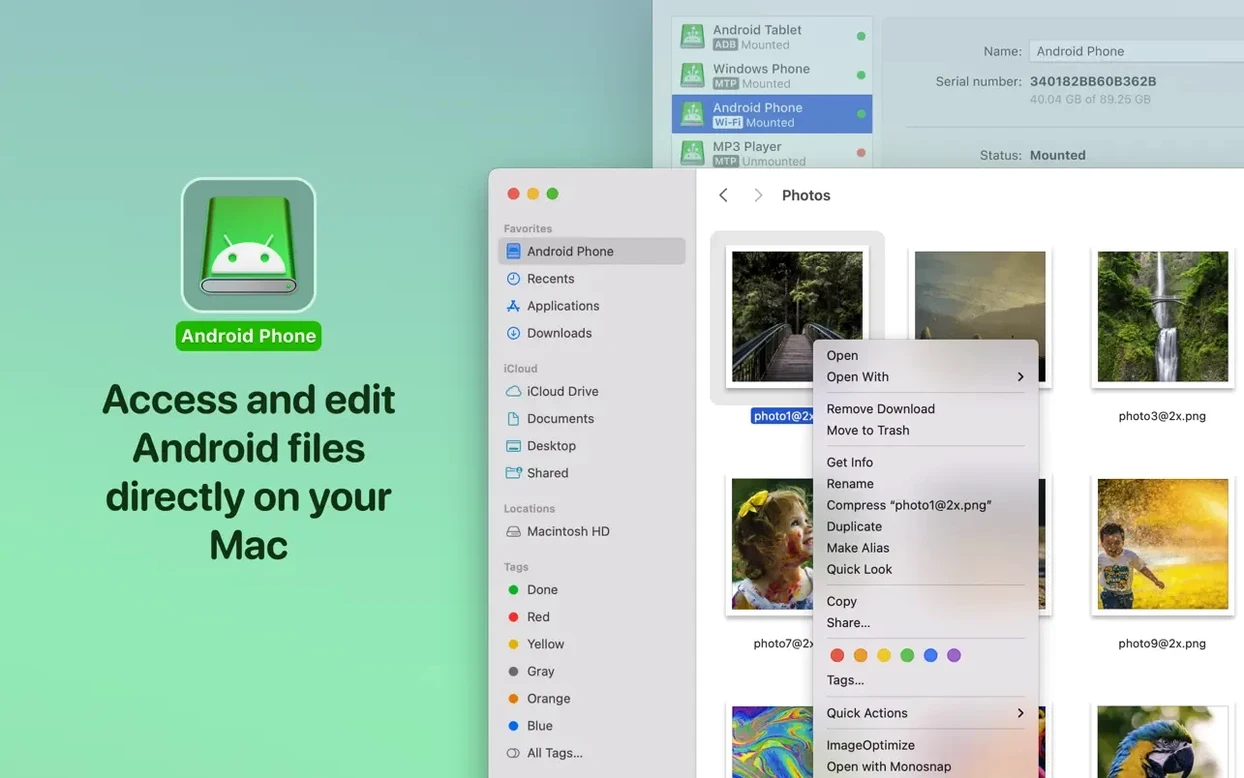
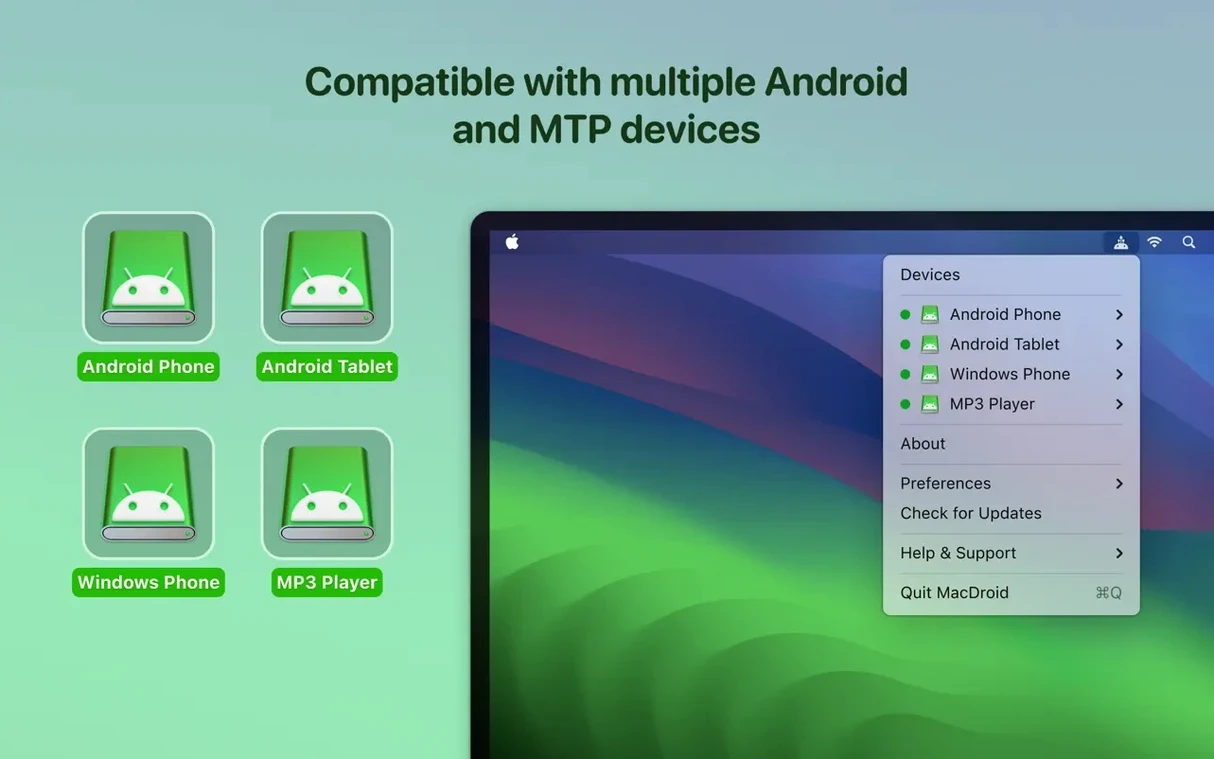
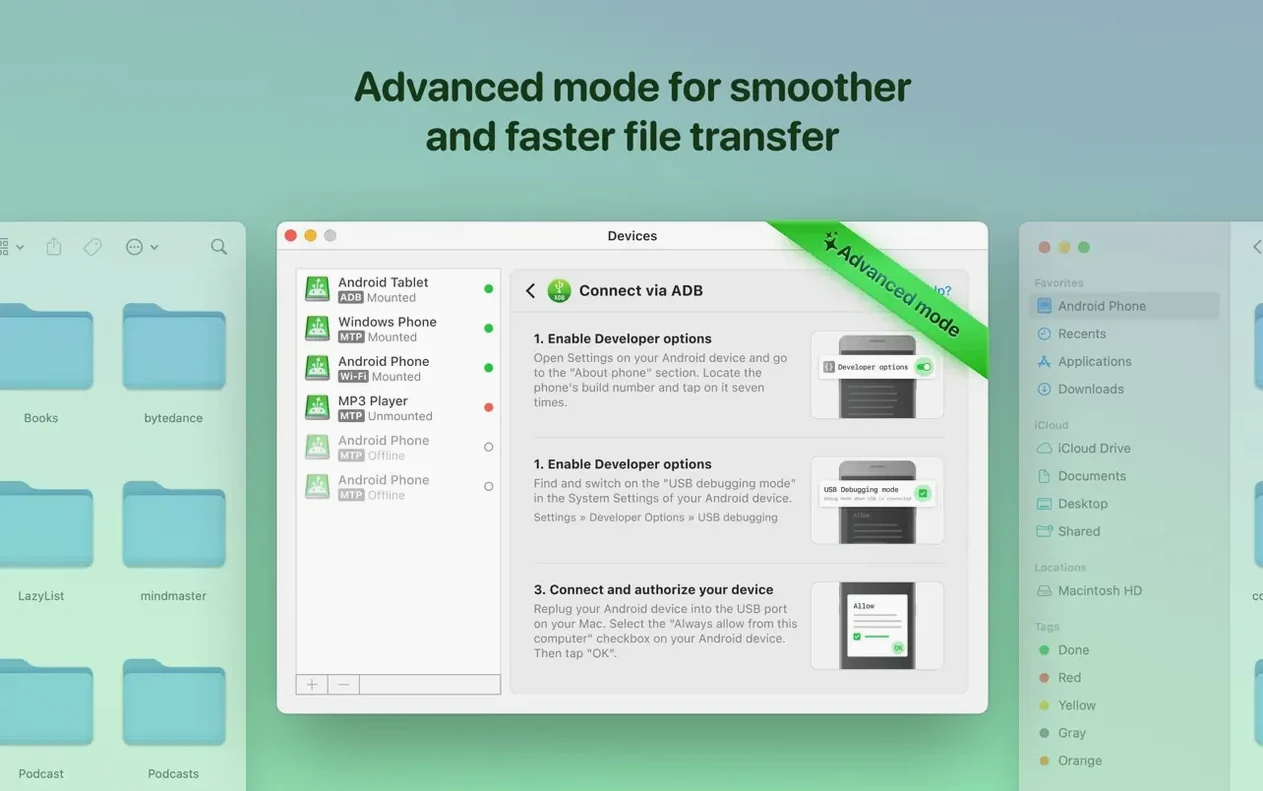
Moving a file from a Mac to an Android phone still trips up too many people. Cloud uploads eat bandwidth, email attachments have size limits, and some tools refuse to see external SD cards. MacDroid Pro removes the friction. It mounts your Android device as a readable, writable disk directly in the Finder, so you drag, drop, and get back to work.
Jobs it handles
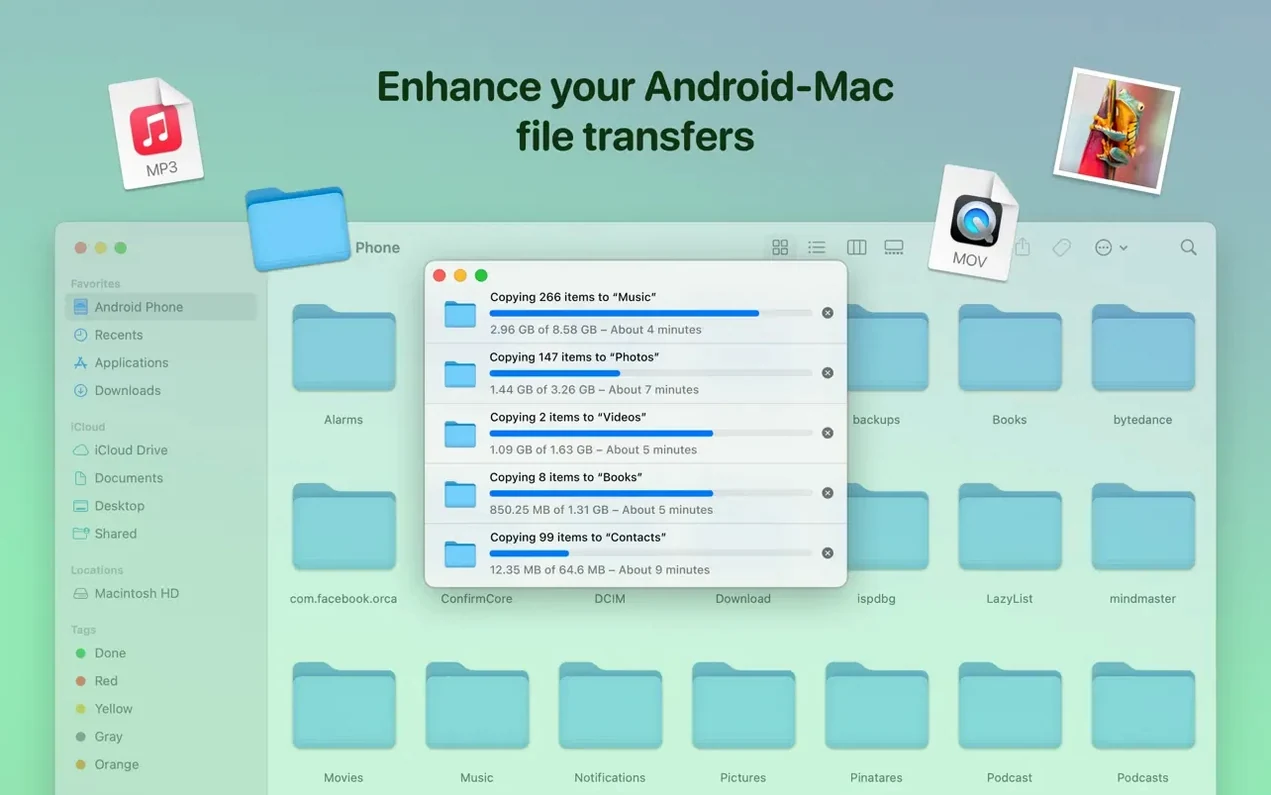
- Direct folder management — browse, copy, delete, and rename files on internal memory and external SD cards.
- Music transfers — add music between Mac and Android without a media sync tool.
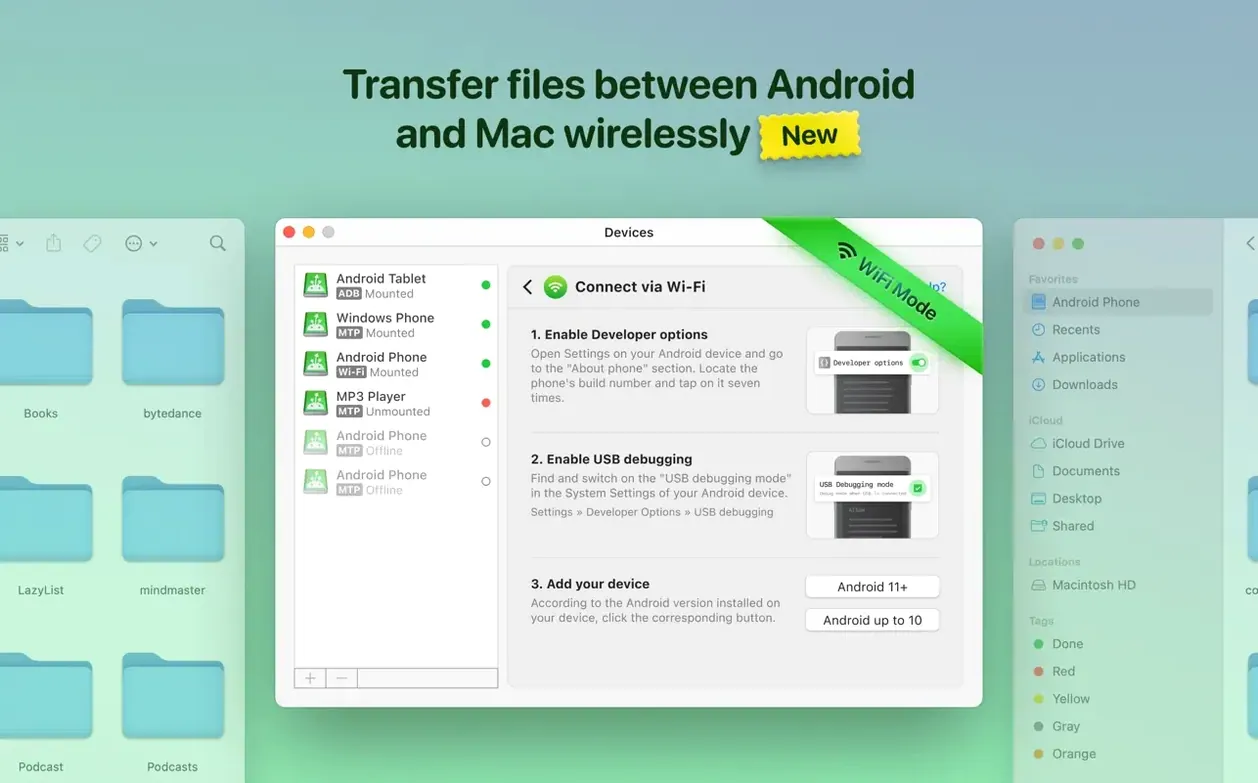
- Dual connection modes — connect over USB for speed or switch to wireless when the cable isn't handy.
- Faster listings — version 2.10.1206 loads file and folder listings noticeably quicker than earlier builds.
ADB handshakes and MTP operations tightened in the latest update
Electronic Team tightened the connection layer in version 2.10.1206. ADB handshakes with some devices are now more reliable, and MTP operations were improved across the board. A bug that returned incorrect file listings is gone. The update also patched a download glitch triggered when the cache volume was changed, and it shipped a Traditional Chinese localization alongside the existing eleven languages.
USB debugging must stay on in Developer Options to keep ADB mode alive
Before you transfer a single file, open Android’s Developer Options and triple-check that USB debugging stays on. MacDroid Pro leans on it for ADB mode, and a system update occasionally toggles it off. If the device refuses to mount, this is almost always the culprit.
Give the app a clear job on day one. A good warm-up: pull every photo taken in the last week onto the Mac, then push a folder of lossless music the other way. The dual-direction test flushes out permission prompts early and confirms both internal storage and the SD card show up in the Finder sidebar.
When the wireless connection feels sluggish, plug in. USB transfers land roughly three to five times faster on large video files, and the cabled session never competes with a busy Wi‑Fi channel. Keep a short, high-quality cable within reach — a loose port or a charge‑only cable wastes more troubleshooting time than any software setting.
Close Android File Transfer first to stop macOS from stealing the handshake
Device appears then vanishes. macOS sometimes grabs the Android handshake before MacDroid Pro can lock on. Close any Android File Transfer helper that launched automatically, quit MacDroid Pro, reconnect the cable, then reopen the app. On ARM Macs, repeat the sequence once if the first attempt fails — the driver stack occasionally needs a second pass.
Empty folder listings. After a large cache change or a macOS point update, the directory tree can show blank folders. Open MacDroid Pro’s preferences, clear the disk cache, and restart the connection. Version 2.10.1206 already patched the worst of this, but a stale cache file on the Mac side still trips a few users.
Write permission denied on external storage. Android restricts SD card access per app. If a folder refuses writes, disconnect, grant the storage permission again on the phone (Settings → Apps → MacDroid → Permissions), then reconnect. This step often gets skipped when someone sets up macdroid pro for the first time.
Some people search for a macdroid torrent or a macdroid crack when permissions bog them down, but the real fix is always a permissions audit, not a different package. A macdroid cracked build usually ships with older connection modules that reintroduce the exact listing bugs version 2.10.1206 eliminated. The full, current build includes the Traditional Chinese localization and the faster ADB handshake — details often missing from repacked copies.
Small conveniences worth clicking
- Favourite folders bar. Drag any Android directory into the sidebar slot MacDroid Pro provides. Repeated transfers to
/Musicor/DCIMthen need exactly one click instead of five. - Auto-mount toggle. Enable it once, and the Android disk appears seconds after plugging in. No dock icon gymnastics, no manual connect every morning.
- Quick preview shortcut. Tap the Space bar on a selected phone file inside the Finder. The Quick Look pane reads JPEG, PNG, MP4, and several audio formats without copying a byte to the Mac.
- Context-menu rename. Right‑click → Rename works on Android files just as it does locally. Clean up messy photo filenames before importing them into Lightroom or Apple Photos.
- Dual-pane muscle memory. Open two Finder windows — one Mac, one Android — and use
⌘C,⌘Vexactly as you would between local folders. The clipboard path translation is invisible.
- New — Traditional Chinese localization added.
- Improved — MTP connection and device operation made more reliable.
- Improved — File and folder listings now load faster.
- macOS 11.5 or later
- Intel or Apple Silicon Mac
- Android device (USB cable or shared Wi-Fi network)
Questions I get before install
Does MacDroid Pro work over Wi-Fi?
Yes. You can connect your Android device to your Mac wirelessly or with a USB cable, whichever suits your current setup.
Can I access my Android SD card with MacDroid Pro?
Absolutely. MacDroid Pro supports both internal storage and external SD cards, so you can manage files on either volume from the Finder.
What macOS version does the current release require?
MacDroid Pro 2.10 requires macOS 11.5 or later and runs natively on both Intel and Apple Silicon Macs.
Comments 0
Sign in to leave a comment.Sign inCreate an account
No comments yet. If a step is still there after you install it, say so.
More in Mac Apps
All in Mac Apps Updated
MacCleaner Pro
Finds exactly what ate your disk space and removes leftover app clutter.
5 steps saved
 Updated
MacFamilyTree
Manages evidence and citations to build a family history that holds up to scrutiny.
5 steps saved
 MacBooster
Clears junk, scans for malware, and frees up memory from a single panel.
19 steps saved
 Lunar Pro
Syncs every external display’s brightness to the room, just like a MacBook screen.
20 steps saved
 macOS Catalina
Moves iPhone sync and backups from iTunes straight into the Finder.
12 steps saved
 Luminar Neo
Edits photos with layers and AI tools for sky, light and object removal.
4 steps saved
 macOS Golden Gate
Brings the newest macOS to Apple silicon Macs with fresh system features.
20 steps saved
 macOS High Sierra
Keeps older Intel Macs and 32-bit apps running on a stable, final build.