
FontLab 8.4 runs natively on both Intel and Apple Silicon Macs, requiring macOS 10.14 or later. The current build packs roughly 500 improvements over the initial version 8 release, and about 900 over FontLab 7. Despite the overhaul, the core workflow remains familiar for anyone upgrading from FontLab Studio 5.
| Detail | Spec |
|---|---|
| Current version | 8.4.3.8984 |
| Architecture | Intel + Apple Silicon native |
| Font formats | OpenType, TrueType, Mac TrueType |
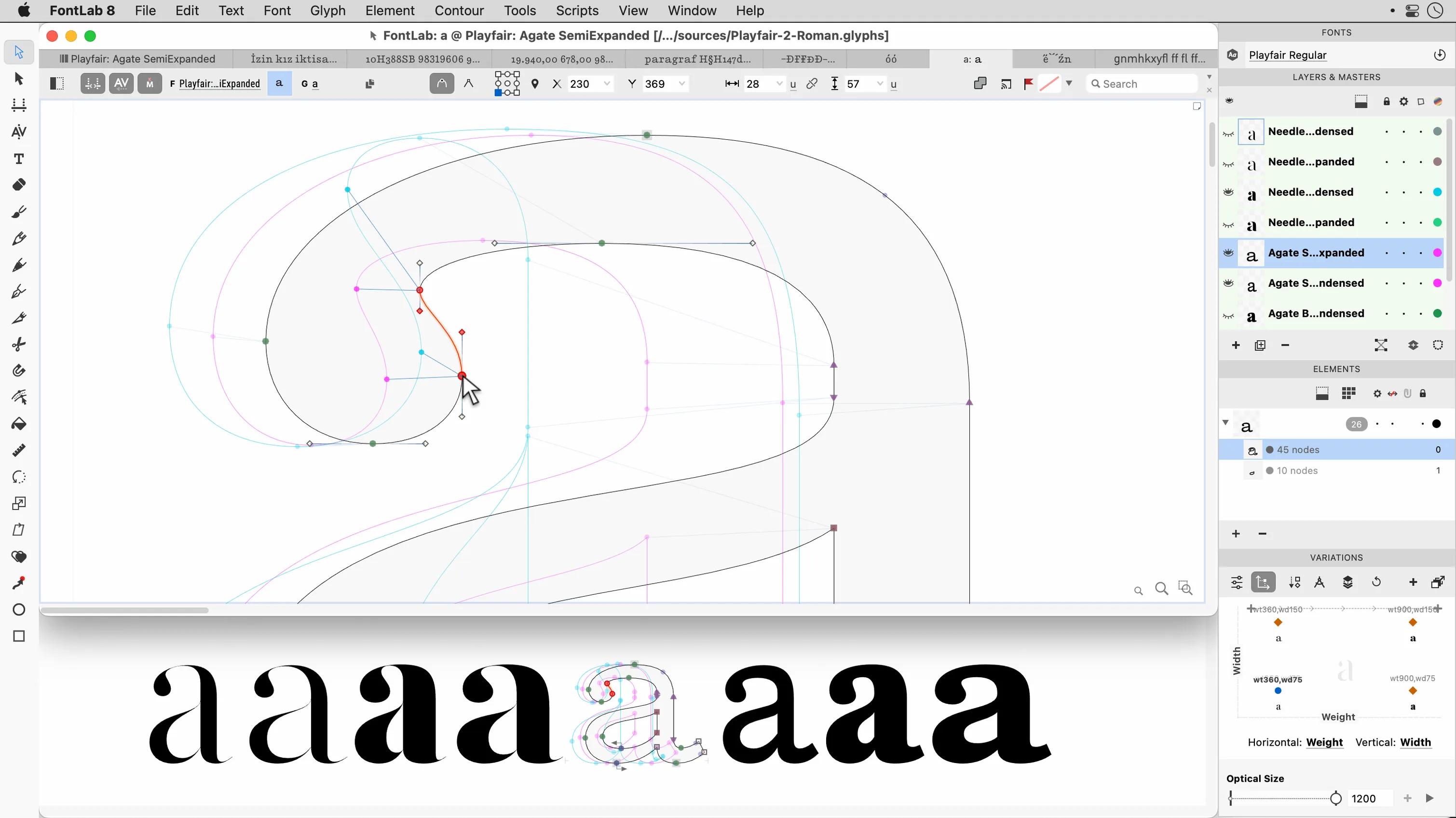
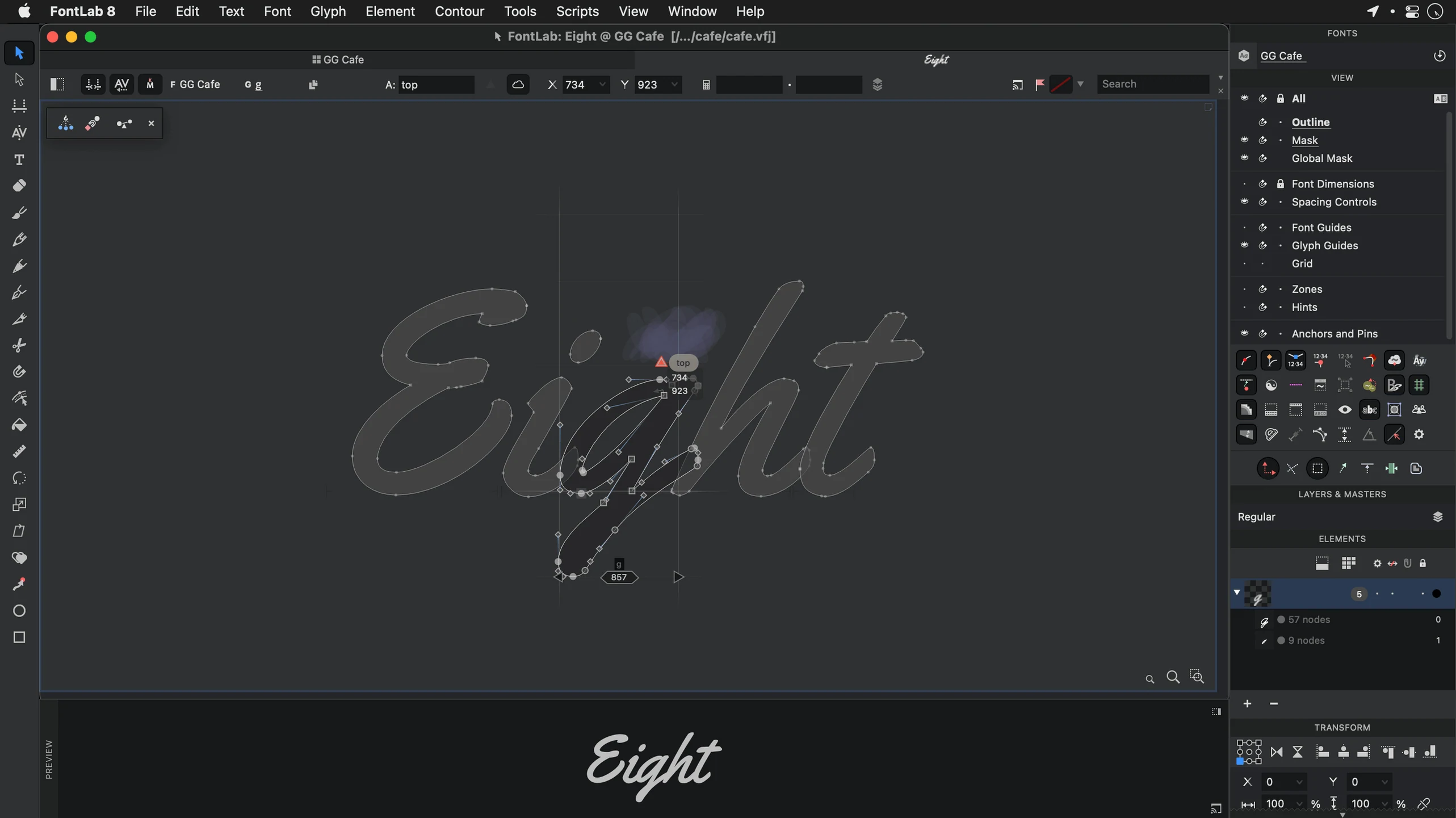
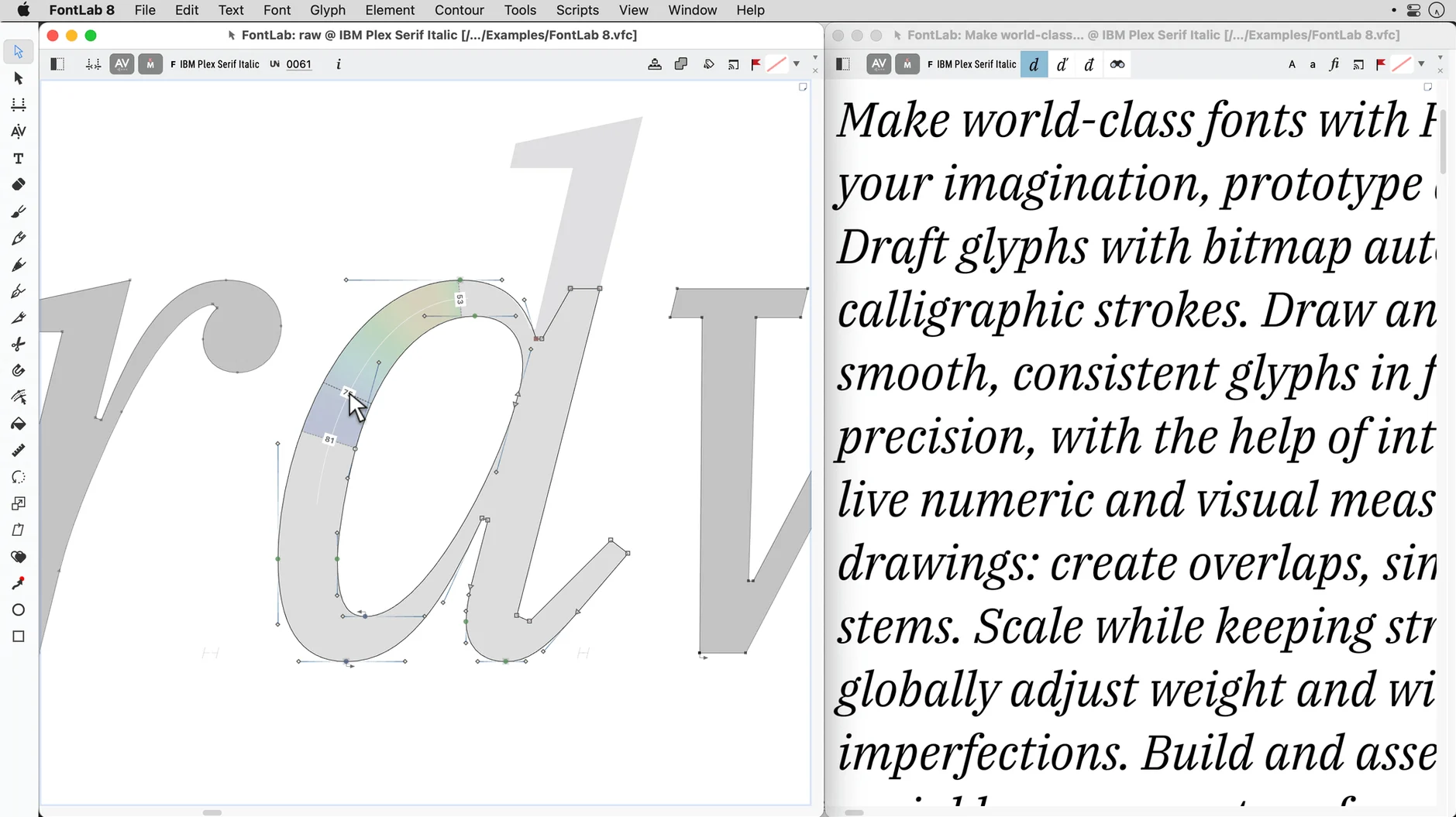
The drawing environment still centres on precise vector tools with drag-and-drop glyph placement. What changed is speed and scope. Batch transformation handles larger glyph sets without the lag that crept into older builds. The built-in viewer and editor now share a single workspace, so you can preview a full character set, double-click a glyph, and land straight in the drawing canvas. Unicode support spans the latest blocks, and the app reads and writes both OpenType and Mac TrueType fonts without conversion gymnastics. The 8.4 release doesn't rewrite the playbook—it sharpens the tool that was already there.
Monday morning with two client briefs open
A freelance Arabic and Hebrew type designer working across two client projects opens FontLab first thing Monday. One brief asks for a display face with a full Hebrew vowel set; the other needs a Latin companion for an existing Arabic family. The designer imports scanned sketches as TIFF, traces the core letterforms with the vector tools, then drags finished glyphs into their Unicode slots. Batch transformation nudges stem weights across the whole Hebrew block without touching the Arabic side. By Wednesday, both clients have test fonts exported as OpenType for review in InDesign.
Clean up AI exports first before editing
Most friction points show up early. Here are the common ones and what sorts them out.
- Imported EPS outlines refuse to edit cleanly. Run the contour cleanup before dragging anything into a glyph cell. Overlapping paths from AI exports usually flatten into workable curves.
- Undo stops responding after a long batch operation. FontLab keeps more than 200 levels, but batch transforms on very large glyph sets can flood the stack. Save a snapshot before running the transform, then work from that.
- Hebrew marks sit in the wrong position. Check the encoding page for the glyph, not just the Unicode value. Editable code pages let you map the same mark differently across scripts — useful, but easy to forget when switching projects.
- Glyph previews look fine but test fonts feel off. Open the built-in viewer at 72 ppi with antialiasing off. That catches hinting and stem-weight problems a retina preview hides.
Where FontLab fits
FontLab slots into a wider production chain without forcing everything through one app. The usual route for a small studio looks like this:
- Sketching and initial outlines — paper scans or Illustrator files land in FontLab as AI, EPS, TIFF, or BMP imports.
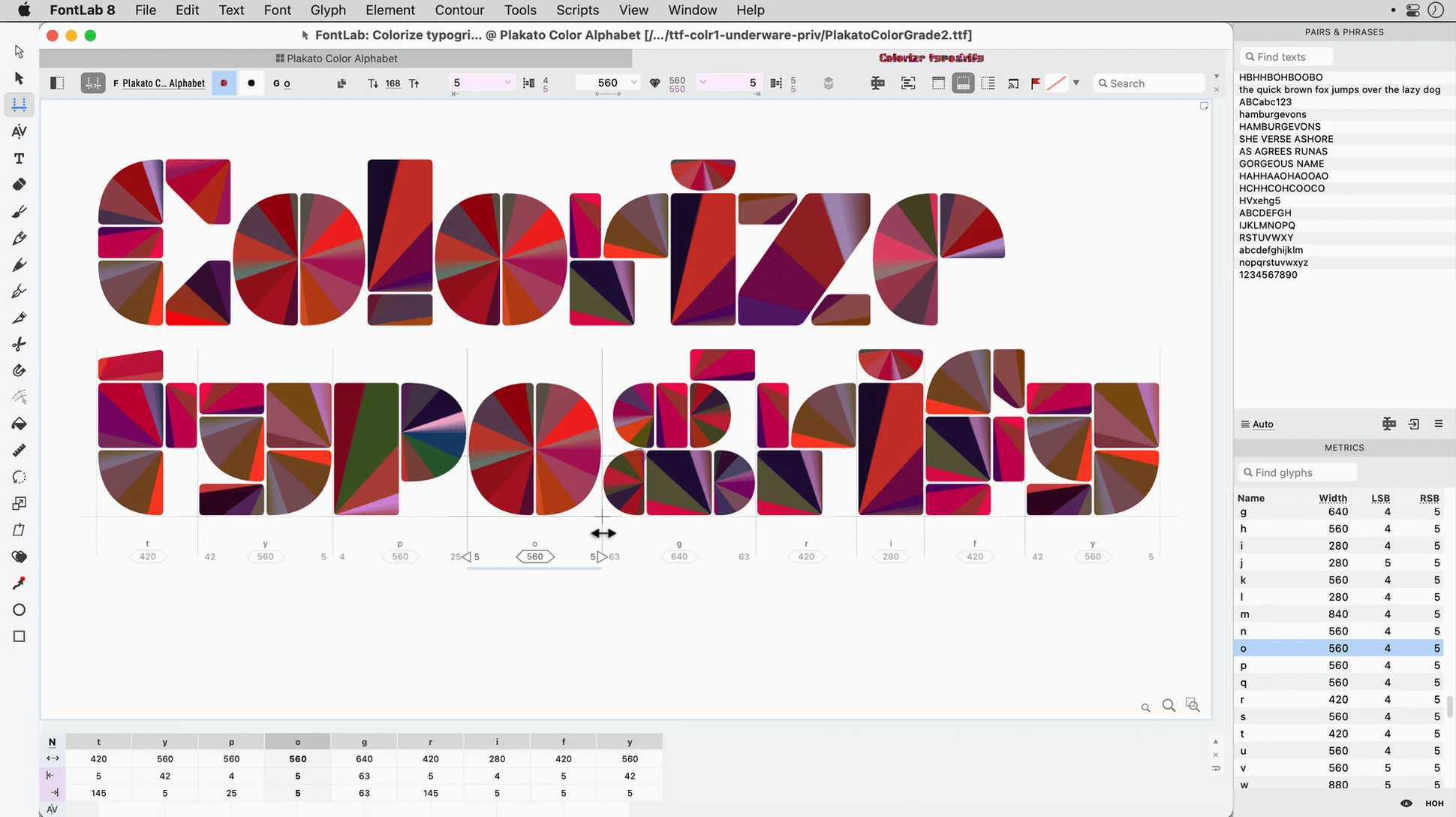
- Spacing and kerning — FontLab's metrics tools handle pair kerning; the same data exports cleanly for testing in InDesign or Pages.
- Batch edits across a family — programmable transformations run across multiple masters at once, which keeps a three-weight family consistent.
- macOS integration — fonts installed from FontLab appear immediately in Font Book and any Cocoa app. The colour-managed preview respects the system display profile, so what you see on a calibrated screen matches print proofs more closely.
For teams still maintaining older Type 1 libraries, FontLab imports ASCII/Unix Type 1 without a separate conversion step. That alone makes it the quiet workhorse in studios that keep legacy font stacks alive alongside new OpenType releases.
- New — 500 improvements over the initial FontLab 8 release, including faster batch processing and a unified viewer-editor workspace.
- Improved — Now 900 changes ahead of FontLab 7, with native performance on Apple Silicon and expanded Unicode support.
- macOS 10.14 or later
- Intel or Apple Silicon Mac
Questions I get before install
Does FontLab 8 handle batch glyph transformations?
Yes. You can apply transformations across entire glyph sets, which makes it practical to adjust weight, slant, or metrics in one pass.
Comments 0
Sign in to leave a comment.Sign inCreate an account
No comments yet. If a step is still there after you install it, say so.
More in Mac Apps
All in Mac Apps Updated
ForkLift
Manages files across servers and cloud services in a dual-pane layout.
19 steps saved
 Folder Quick Look
Adds folders to the Space bar Quick Look workflow on macOS.
16 steps saved
 Updated
FotoMagico
Turns a folder of photos into a timed presentation with captions and music.
7 steps saved
 Folder Preview Pro
Lets you peek inside any folder or archive without opening it.
23 steps saved
 Flicker Free
Removes rolling light-source flicker from any camera's footage.
13 steps saved
 Updated
FxFactory Pro
Installs and manages video effect plugins for Final Cut Pro, Motion and Premiere.
10 steps saved
 FL Studio
Builds beats in the pattern playlist and piano roll, from the first loop to the mixdown.
12 steps saved
 Firewall Scudo
Lets you allow or block an app's network access the moment it first tries to connect.