
If you spent years in Manga Studio 4, Clip Studio Paint picks up the conversation without a pause. It opens EX and Debut files directly, so your old page layouts and brushes don't become a rescue project.
Ink a panel with vector layers
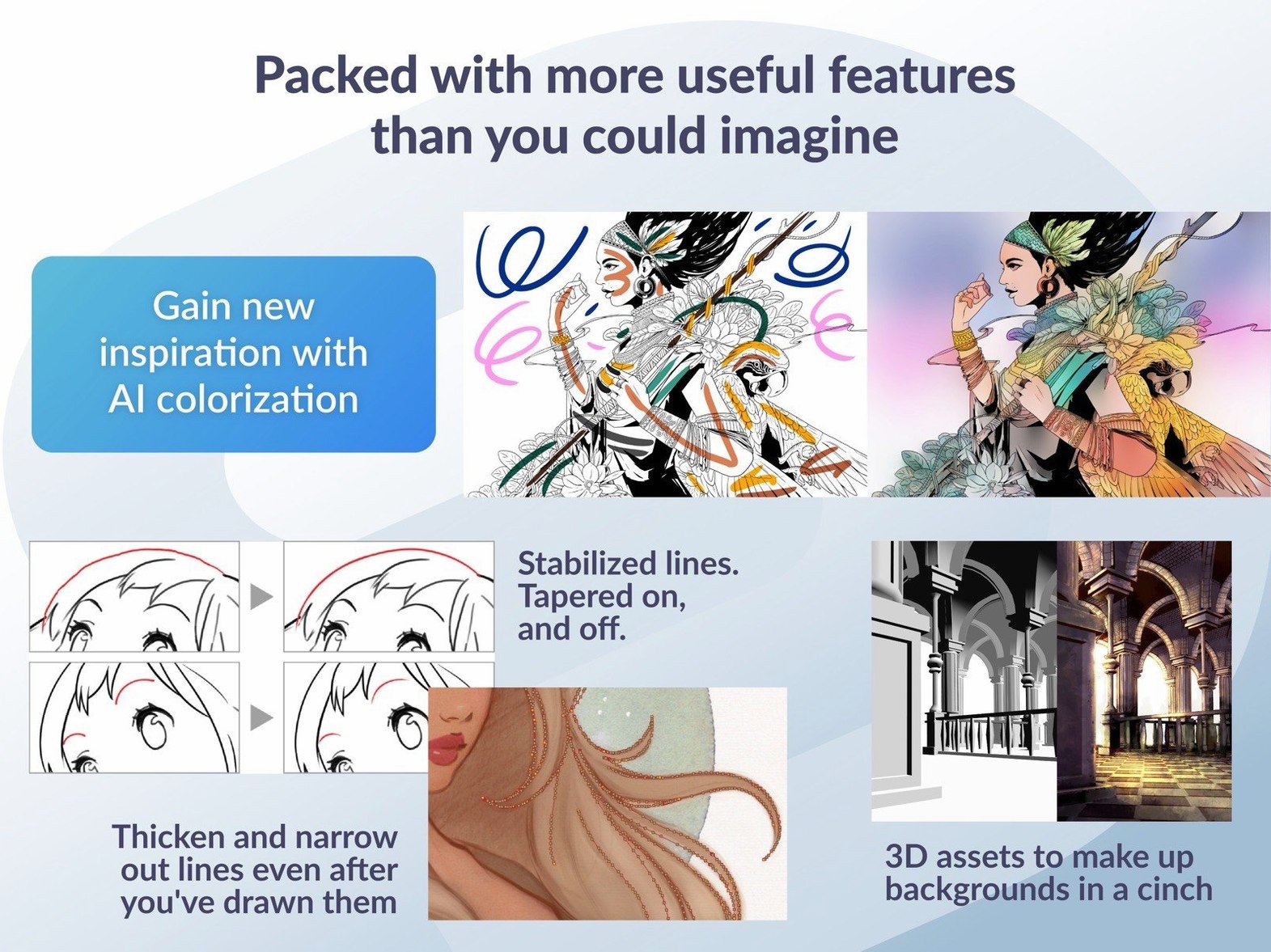
Pick a G-pen, set stabilization to about 12, and draw your line art on a vector layer. Every stroke stays editable—push control points, adjust width, or erase up to an intersection without wrecking the rest.
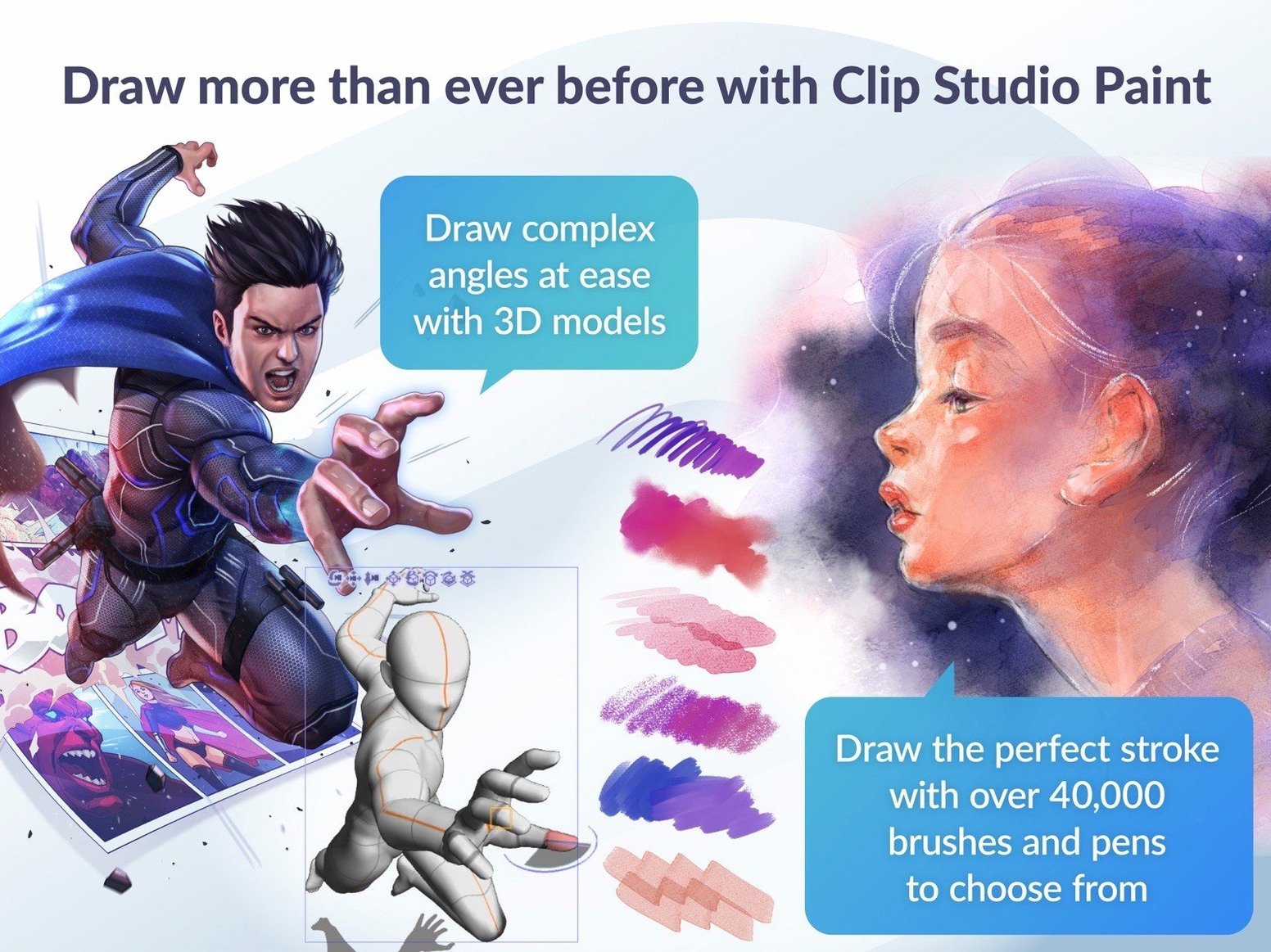
Pose a 3D model as a drawing reference
Drag a posable figure onto the canvas from the Materials panel. Rotate the limbs, lock the camera angle, and lower the layer opacity—you now have a perspective guide that looks correct, not guessed.
Export a rough animation test
Create an animation folder with a handful of cels, sketch your keyframes, then export as a GIF or sequential images. The light table keeps your onion skin visible so the motion reads clearly before you commit to clean-up.
Pose a 3D figure on the canvas in under two seconds
Open a new illustration file at 600 dpi on an A4 canvas. The workspace settles in under two seconds. First move: drag a 3D drawing figure from the Materials panel onto the canvas. Rotate the shoulders, tilt the head, lock the camera. Drop the layer opacity to 20% and create a vector layer above it.
Pick the G-pen. Stabilization at 10. Draw the head shape in four strokes — each one lands where you intended. Switch to the eraser set to Erase up to intersection and clean the jawline overlap with a single click. No stray marks, no re-drawing.
Add a raster layer for flat colours. Use the Fill tool with Close gap set to 5 px — the paint bucket respects your line art even where strokes don't quite meet. Mid-tones on a new layer, clipped to the flats. The whole figure reads as a solid study inside twenty minutes.
Save as .clip, then export a layered PSD for a collaborator. The file opens in Photoshop with every folder and blend mode intact. No surprises.
Cold launch in four seconds, no lag between a 12-page story and an illustration
Clip Studio Paint launches cold in about four seconds on Apple Silicon. Switch between a 12-page story file and a standalone illustration, and both documents stay responsive — no beach ball, no redraw lag while the timeline catches up.
Memory sits around 1.2 GB during a typical inking session with half a dozen layers and one 3D figure active. Larger EX projects with twenty story pages and high-res renders push closer to 2.4 GB, still comfortable on an 8 GB machine. The GPU fan rarely spins up unless you chain multiple heavy filters across an animation timeline.
On macOS 15, the 4.1.4 update fixed the PSD export sizing glitch and the Quick Look preview of .clip files — press the spacebar in Finder now and you get a clean thumbnail instead of a blank white square. The timeline scrubbing in animation mode runs at full frame rate without dropping cels, even when onion skin spans eight previous frames.
One quirk: keeping the Materials panel open while browsing a large 3D library can introduce a half-second stall on first scroll. Collapsing the panel when you don't need it keeps everything smooth.
Set pen stabilization to 8–12 and pick a colour profile upfront
- Stabilization default — open Preferences > Tablet and set stabilization to 8–12 for the pen sub-tool you use most. You can still override per brush, but a sensible baseline stops jitter before it starts.
- Colour profile — switch from the default sRGB to Adobe RGB or your calibrated monitor profile if you send work to print. Found under View > Colour Profile > Preview Settings.
- Auto-save interval — the default is 15 minutes. Drop it to 5 in the File preferences. The backup writes fast and never interrupts a stroke.
- Tablet pressure curve — in the Tablet settings panel, adjust the click sensitivity graph so a light touch registers 20% pressure. The factory curve often demands too much force, especially on Wacom pens with worn nibs.
- Canvas rotation behaviour — enable Rotate/Flip with a two-finger gesture in Preferences > Touch gestures. Flipping the canvas horizontally while inking reveals proportion errors instantly, the same way a mirror check works on paper.
- 3D material placement — after the 4.1.4 fix, dragging a 3D object onto a layer outside a frame folder now behaves predictably. Still, set the default drop location to Selected layer in the 3D preferences so you never spawn a figure on the wrong plane.
- New — Simplified Chinese added as a display language.
- Improved — Quick Look previewing of .clip files on macOS 15.
- Fixed — A force-close when Color mixing was set to Running color; an issue where cels or keyframes could remain after deleting resized clips or changing timeline frame rate; several other animation and export bugs.
- macOS 14 or later
- 2 GB memory (8 GB or more recommended)
- OpenGL 3.3 compatible GPU
- Pen tablet with pressure sensitivity supported
- Internet connection for some functions and license verification
Questions I get before install
Can I use 3D models for free in Clip Studio Paint?
Yes, the software includes built-in 3D drawing figures and primitive shapes that you can pose and use as reference without purchasing additional 3D models.
Does Clip Studio Paint handle frame-by-frame animation?
It supports frame-by-frame animation with a timeline, light table, and export options for sequential images, GIFs, and movie files.
Comments 0
Sign in to leave a comment.Sign inCreate an account
No comments yet. If a step is still there after you install it, say so.
More in Mac Apps
All in Mac Apps Clop Pro
Hands back a compressed copy the moment you copy an image or video.
12 steps saved
 Updated
CleanShot X
Captures, annotates, and pins a window without leaving your screen.
13 steps saved
 CloudMounter
Mounts cloud drives in Finder so you work without a separate client.
22 steps saved
 Cockos REAPER
Records and mixes multitrack audio in a light, endlessly customizable DAW.
15 steps saved
 CleanMyMac
Clears system junk, mail attachments, and privacy traces in one scan.
9 steps saved
 Cocktail Sequoia Edition
Runs maintenance scripts, cache cleanup and repairs from one control panel.
5 steps saved
 Coherence X
Isolates each web tool into its own app so one crash stops nothing.
7 steps saved
 Color Finale
Lets you grade inside the Final Cut Pro timeline with no roundtripping.