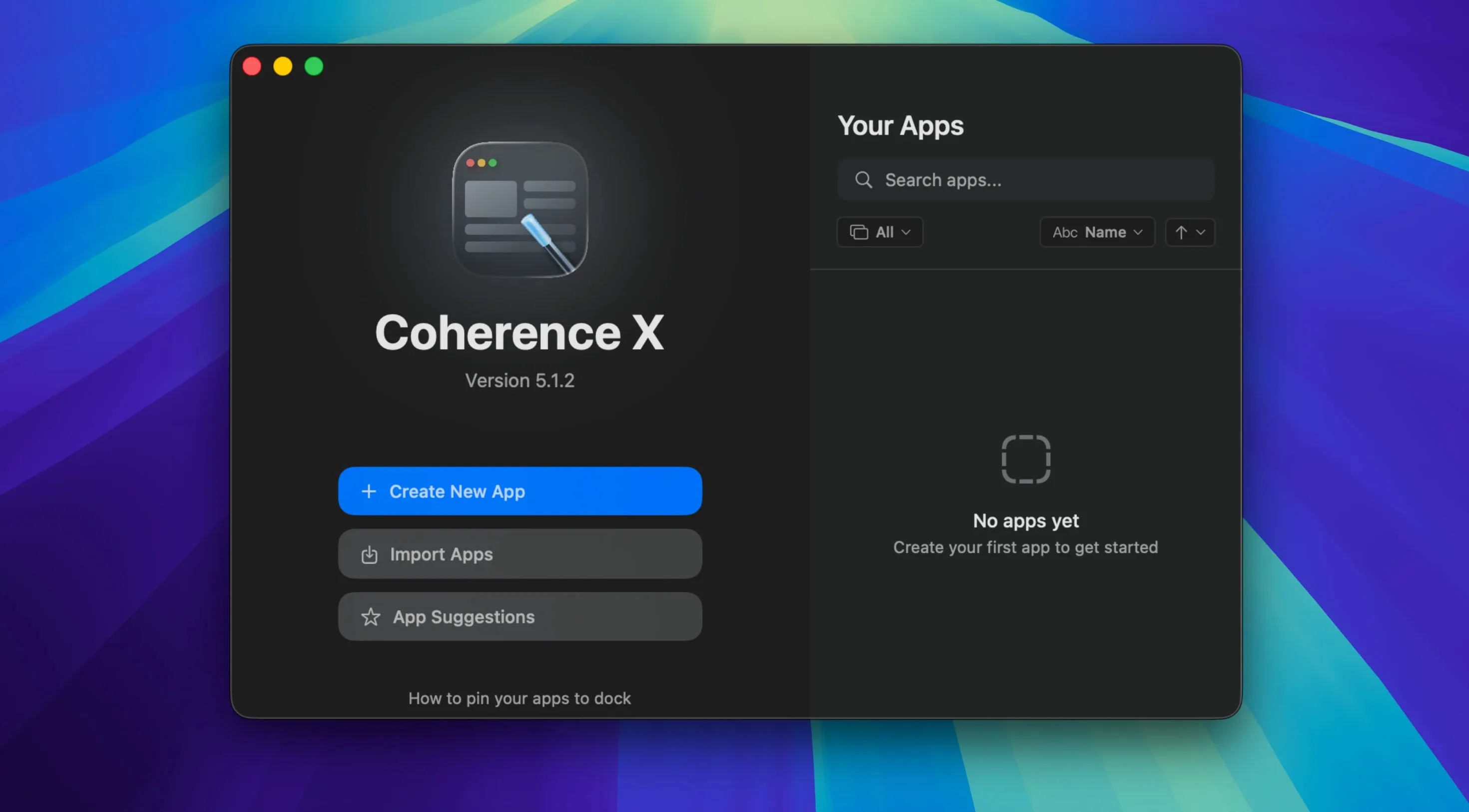
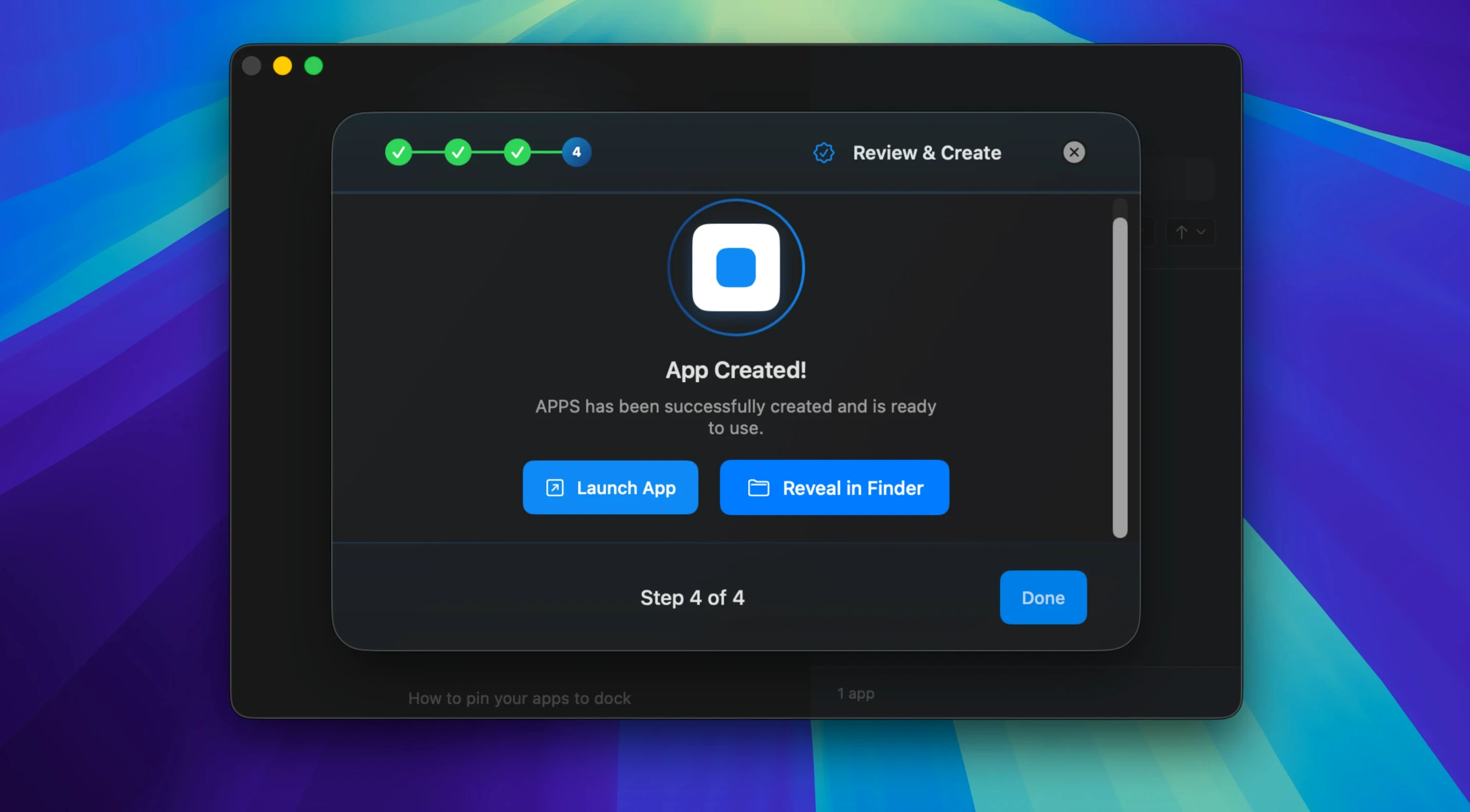
A marketing director keeps Front, Slack, and Notion in separate windows but hates how a single browser crash takes down the whole workflow. She isolates each tool into its own app with Coherence X. One stalls, the others stay running.
Fine-tuning the engine
Experienced users stop treating Coherence X as a simple site-to-app converter and start using the editing tools that save rebuild time:
- URL and mode editing — switch an app’s target URL or toggle Incognito mode without starting over.
- Extension management — install and manage Chrome Web Store extensions inside a specific app while keeping the main browser clean.
- Link routing rules — decide which links open inside the app and which bounce out to the system browser. Version 6.1 suggests destinations for new rules and saves changes without a rebuild.
- Tab restoration — configure the app to restore tabs after a restart, keeping work sessions intact.
- Export and share — package a configured app and hand it to a colleague with all settings preserved.
Appearance that sticks
Version 6.1 saves appearance tweaks—icon, window chrome, colour adjustments—immediately. No rebuild required. The same applies to link routing edits. Multiple domains can be added at once, and Dock behaviour is predictable: clicking the icon reopens a minimized window or creates a fresh one when none exists.
Where Coherence X fits in the stack
Coherence X lives between the browser and the desktop. It does not replace Chrome — it borrows its engine and gives each web tool its own address space. Created apps show up in Mission Control, respond to Command-Tab, and obey Do Not Disturb and Focus filters like native software. The clipboard, notifications, and Keychain all bridge across automatically because the underlying engine already speaks macOS.
Extensions install per app, not per profile. A Grammarly extension lives inside a writing app without touching the Slack app beside it. Password managers such as 1Password or Bitwarden connect through their standard Chrome extension and unlock with Touch ID when the host Mac supports it.
Link routing ties the apps back to the main browser. Click a URL in a Coherence X app, and the rule engine decides whether it belongs inside the app or should be handed off. Version 6.1 adds multiple domains per rule and suggests a destination when you create one, so the setup conversation with the app is shorter.
Workflow: building a customer-support cockpit
- Open Coherence X and create three Standard apps: one for the helpdesk queue, one for the internal knowledge base, and one for the team chat tool.
- Inside the helpdesk app, install the clipboard manager extension and a dark-mode reader extension from the Chrome Web Store.
- Set link routing so ticket links from the chat app open in the helpdesk app, but external docs open in the system browser.
- Assign a separate Chrome profile to the knowledge base app so its session stays logged into the internal SSO portal.
- Export the configured helpdesk app and share it with a new hire. They drag it into Applications and launch it — extensions, link rules, and profile already in place.
A freelance researcher’s day
A policy researcher runs three versions of the same analytics dashboard, each tied to a different client account. Logging in and out of one browser tab is slow and error-prone. She creates three Tabbed apps with Coherence X, each assigned its own Chrome profile. The Dock shows three distinct icons — one per client — and the tab strip inside each app holds the dashboard, a related data source, and a notes page. When she restarts the Mac, all tabs restore to where she left off. Link routing pushes citations out to Zotero in the system browser, while internal dashboard links stay contained. A coherence download torrent link she clicks from a colleague’s shared research collection opens in the main browser without disrupting the isolated client sessions, because the rule set catches the domain pattern and routes it away. The setup takes under ten minutes and removes the cognitive drag of constant profile switching.
- New — add multiple domains at once when setting up link routing rules. Suggested destinations appear for new rules.
- Improved — link routing and appearance changes save immediately without rebuilding the app.
- macOS 13 or later
- Apple Silicon or Intel Mac
Questions I get before install
Can I use Chrome extensions inside a Coherence X app?
Yes. You can install and manage extensions from the Chrome Web Store directly within any created app.
Does Coherence X support Incognito mode?
It does. You can toggle Incognito mode for any app when editing its settings.
Can I share an app I've built?
Yes. Coherence X lets you export a fully configured app so someone else can use it with the same settings.
Comments 0
Sign in to leave a comment.Sign inCreate an account
No comments yet. If a step is still there after you install it, say so.
More in Mac Apps
All in Mac Apps Cocktail Sequoia Edition
Runs maintenance scripts, cache cleanup and repairs from one control panel.
7 steps saved
 Color Finale
Lets you grade inside the Final Cut Pro timeline with no roundtripping.
22 steps saved
 Cockos REAPER
Records and mixes multitrack audio in a light, endlessly customizable DAW.
13 steps saved
 CloudMounter
Mounts cloud drives in Finder so you work without a separate client.
21 steps saved
 Commander One PRO
Unzips, connects to FTP, and searches files inside one dual-pane window.
21 steps saved
 Clop Pro
Hands back a compressed copy the moment you copy an image or video.
13 steps saved
 Clip Studio Paint
Draws comics, manga and illustrations with pen tools built for line art.
7 steps saved
 Updated
Compresto
Shrinks video and image files offline before you email or post them.