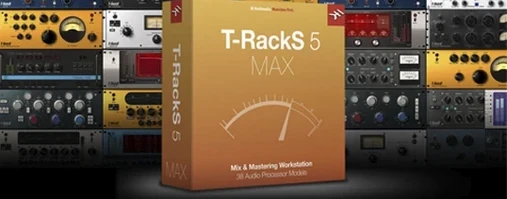
Mastering engineers reach for T-RackS when a project needs a final polish that stock DAW tools cannot deliver. It is the tool you open to shape a full album, not just a single track.
Drag Your Chain Order to Reshape the Tone
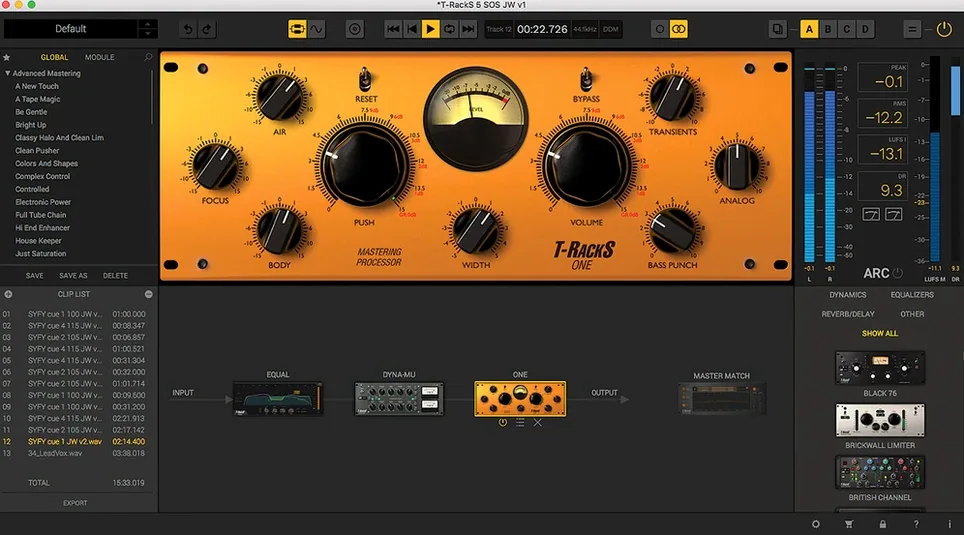
- Chain order — drag modules into a series. A compressor before an EQ colours the tone differently than the reverse. The order is entirely yours to set.
- Master Match X — analyses a reference track and matches your mix to its spectral profile. A fast way to align tonality across an album.
- Dithering selection — four algorithms sit at the output stage. Pick the one that preserves the low-level detail when you truncate to 16-bit.
The final assembly
The standalone console handles album sequencing, letting you set gaps, fades, and embed metadata before export. Multi-format output writes all the file types you need in one pass. When you prefer to work inside a DAW, each module loads as an individual Audio Unit, VST 3, or AAX plug-in on an Apple Silicon or Intel Mac running Catalina or later.
The Mastering Console Sits After Your DAW Mix
Does it replace my DAW? No. T-RackS sits at the end of the chain. You finish a mix in your DAW, then open the standalone Mastering Console to assemble and polish the final files. The plug-in versions work inside a DAW on individual channels or the master bus — same processors, different workflow.
What about CPU load? The 64-bit engine spreads work across cores, but a chain of 16 modules will test any machine. Start with four or five processors per session and add more only when the session runs smoothly. The floating-point architecture handles 192 kHz material without degrading headroom, so you can push levels without clipping the internal bus.
Will it open old sessions? Projects from earlier T-RackS versions load into the new Module Manager. The redesigned interface rearranges the same controls, not different ones. Patches and chains you built years ago recall as they were.
How steep is the learning curve? The four new processors — Master Match, Dyna-Mu, EQual, and ONE — each focus on a single job. EQual gives you a clean parametric layout. Dyna-Mu models vari-mu compression without menus full of obscure parameters. You can learn one module at a time and ignore the rest until you need them.
Sixteen Empty Slots Versus an Assistant’s Suggestion
Placed next to iZotope Ozone, T-RackS feels more modular and less assistant-driven. Ozone leans on its Master Assistant to suggest a chain; T-RackS hands you 16 empty slots and waits for your choices. Both deliver professional results, but the IK Multimedia approach rewards engineers who want to build their own signal path from scratch rather than accept a recommended preset.
FabFilter Pro-L 2 and Pro-Q 3 are single-purpose tools. They excel at one task — limiting and equalisation — and integrate into any DAW. T-RackS bundles nine processors into one console, which means you do not juggle windows from three developers. The trade-off is that each FabFilter plug-in offers deeper control in its domain, while T-RackS covers more ground in one package.
Against Waves Abbey Road TG Mastering Chain, the difference is character. Waves models a specific console's colour. T-RackS gives you four dithering options, a reference-matching engine, and album assembly tools that Waves does not include. If you want one desk's flavour, Waves delivers. If you need a full mastering toolkit with sequencing, T-RackS fills that role.
Album mastering workflow, step by step
Suppose you have eight finished mixes for an EP. The tracks vary in level and tonal balance.
- Load the first track into the standalone Mastering Console. Drop EQual into slot one. Apply a gentle high-pass at 30 Hz to clear subsonic rumble, then a 1 dB dip around 400 Hz where the mix sounds boxy.
- Insert Dyna-Mu in slot two. Set the attack slow to let transients through and dial in 2 dB of gain reduction on the loudest passages. The vari-mu action glues the midrange without dulling the top end.
- Place Master Match X in slot three. Load a reference track that matches the genre's tonal balance. Let the module analyse and apply its curve. Blend the effect to 70 percent — enough to steer the mix, not clone the reference.
- Check headroom before the final limiter. Slot four holds ONE, set to catch peaks above -1 dBFS with a fast release. This leaves room for the dither stage without squashing dynamics.
- Choose dithering. On the output panel, select the MBIT+ algorithm and set the target to 16-bit for CD export. Listen to the fade-out of the last song; the noise shaping should keep the reverb tail clean as it disappears.
- Sequence the album. Drag all eight tracks into the order you want. Set a 2-second gap between songs, add a short crossfade where track three bleeds into track four, and embed artist name and ISRC codes in the metadata fields.
- Export. Choose multi-format output: 44.1 kHz 16-bit WAV for CD, 48 kHz 24-bit WAV for video, and 320 kbps MP3 for streaming previews. One pass writes all three formats.
- macOS 10.15 Catalina or later
- Apple Silicon or Intel 64-bit processor
Questions I get before install
Can I use T-RackS modules inside my DAW?
Yes, each processor loads as an individual Audio Units, VST 3, or AAX plug-in, or you can run the full suite as a standalone console.
Comments 0
Sign in to leave a comment.Sign inCreate an account
No comments yet. If a step is still there after you install it, say so.
More in VST Plugins
All in VST Plugins Synapse Audio The Legend HZ v2.0.2.R1
Recreates a classic analog monosynth with a fat, warm bass and lead tone.
17 steps saved
 Supertone Air
Matches the acoustic fingerprint of a reference clip to dry dialogue in one pass.
8 steps saved
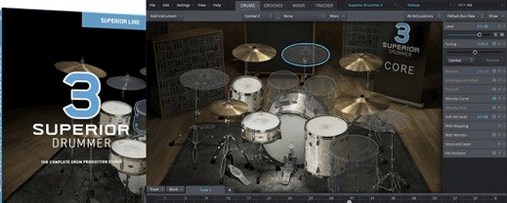 Superior Drummer
Gives you a 230 GB sample library of raw, unprocessed drum recordings inside any major DAW.
20 steps saved
 Strymon Plugin Bundle
Brings Strymon's delays, reverbs and modulation pedals into your DAW.
21 steps saved
 Steinberg SpectraLayers Pro
Treats audio as a visual spectrum where every sound becomes a shape you can select and remove.
18 steps saved
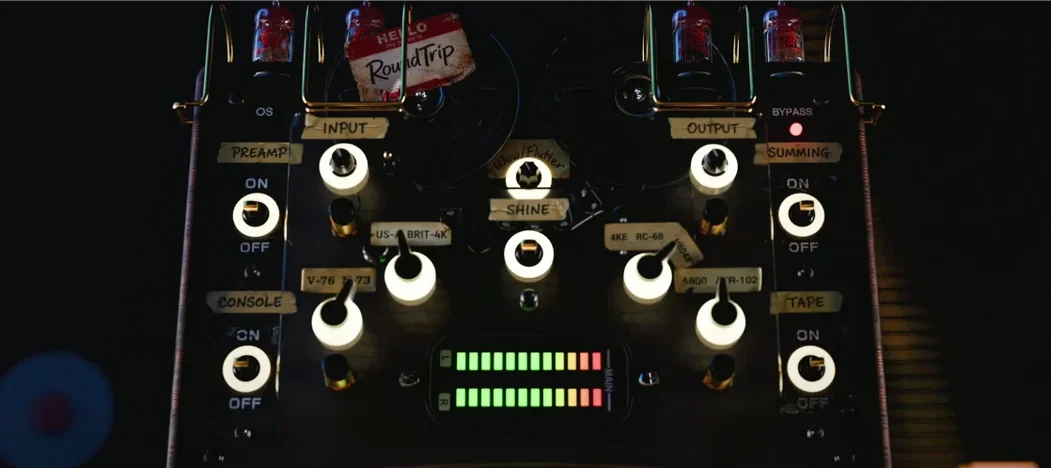 Tokyo Speirs RoundTrip
Gives each track instance a unique personality through component variation.
12 steps saved
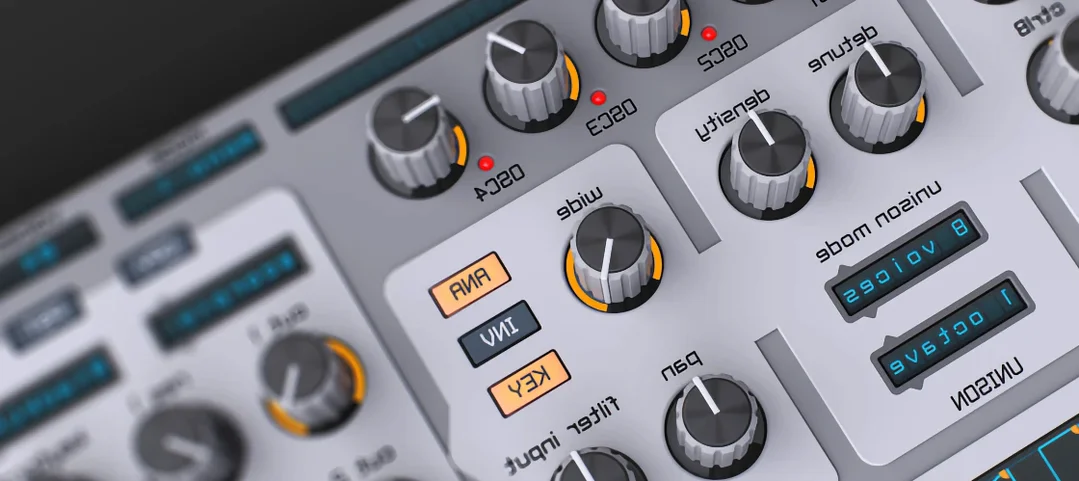 Spire
Builds big leads, pads and plucks from a flexible polyphonic synth.
13 steps saved
 Tone Empire EDYN
Adds console-style colour and dynamics to tracks, drum buses or the master.