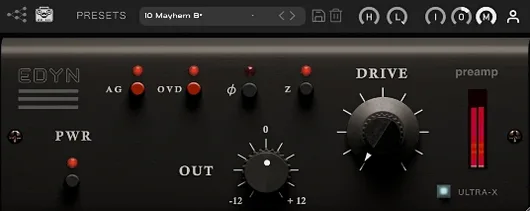
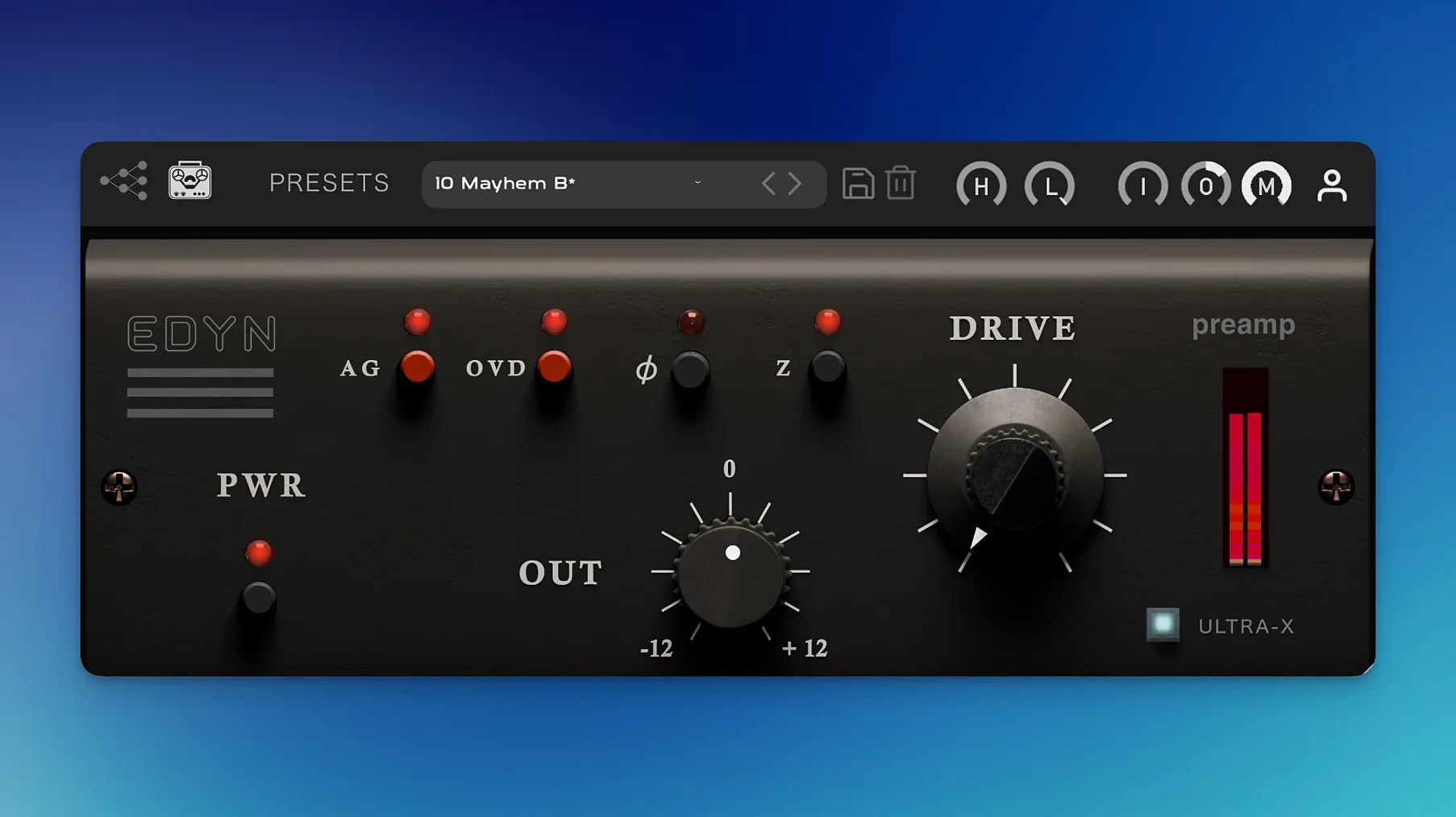
EDYN runs on macOS 10.14 and later, with native support for both Intel and Apple Silicon processors. Version 1.0.2 also brings a scalable interface for high-resolution displays.
Where does EDYN sit in a session?
It works across individual tracks, drum buses, and the master output. The discrete transistor design excels at adding density to sources that need a faster, more articulate front end.
What does the Drive module do?
Drive introduces harmonic saturation pulled from the original console circuitry. Dial it in lightly to thicken a vocal, or push it harder on a drum room mic for a cracking transient response.
How do the impedance settings change the sound?
The switchable 50-ohm and 200-ohm input impedance alters how the plugin interacts with the source. A lower setting tightens the low end and slightly darkens the top; the higher setting opens the midrange and lets more high-frequency detail through.
Parallel saturation without chasing levels
The Mix control lets you blend the processed signal with the dry original. Combine that with automatic gain compensation and you can run parallel saturation without chasing levels across the session.
A tracking engineer’s morning with EDYN
A producer tracking a singer-songwriter in a home studio opens a session with eight dry drum mics, a DI acoustic guitar, and a vocal take that feels thin. The raw tracks are clean but lack the glue of a console-driven session. They drop EDYN on the drum bus first. Drive at 10 o’clock, 50-ohm impedance, high-pass filter at 60 Hz. The kit snaps forward — kick and snare gain density without losing the room mics’ air. The guitar DI gets the 200-ohm setting with Drive pushed to 1 o’clock and the Mix control pulled back to 40%. It sits against the vocal without masking. On the lead vocal, OVD mode adds a controlled edge that cuts a dense midrange mix without EQ. The whole session sounds like it passed through one desk.
Dial in a vocal-ready impedance before you press play
EDYN ships with a flat state that rewards a few deliberate moves before you audition a single track.
- Set the input impedance. Start at 200 ohms for vocals, acoustic instruments, and overheads — it keeps the top open. Switch to 50 ohms for kick, bass, and dense synth parts where low-end control matters more than air.
- Engage the high-pass filter. The console circuit can add weight below 40 Hz that stacks up across a mix. Set it between 50–80 Hz on anything that is not a dedicated bass element.
- Keep the Mix control at 100% and pull back later. Learn what the full preamp character does to a source, then blend to taste. The automatic gain compensation keeps loudness matching honest while you compare.
- Toggle OVD mode last. It is easy to reach for extra saturation first. Better to shape the Drive and impedance response, then engage OVD if the track still needs more forward push.
- Fixed — Offline rendering errors on the master output.
- Fixed — AU validation failures in Logic Pro on macOS Sequoia.
- Fixed — Crashes when loading multiple instances in Logic Pro.
- Fixed — Parameter automation issues in Pro Tools.
- Improved — Apple Silicon performance and reduced CPU load.
- New — Scalable interface for high-resolution displays.
- macOS 10.14 or later
- Intel or Apple Silicon Mac
Comments 0
Sign in to leave a comment.Sign inCreate an account
No comments yet. If a step is still there after you install it, say so.
More in VST Plugins
All in VST Plugins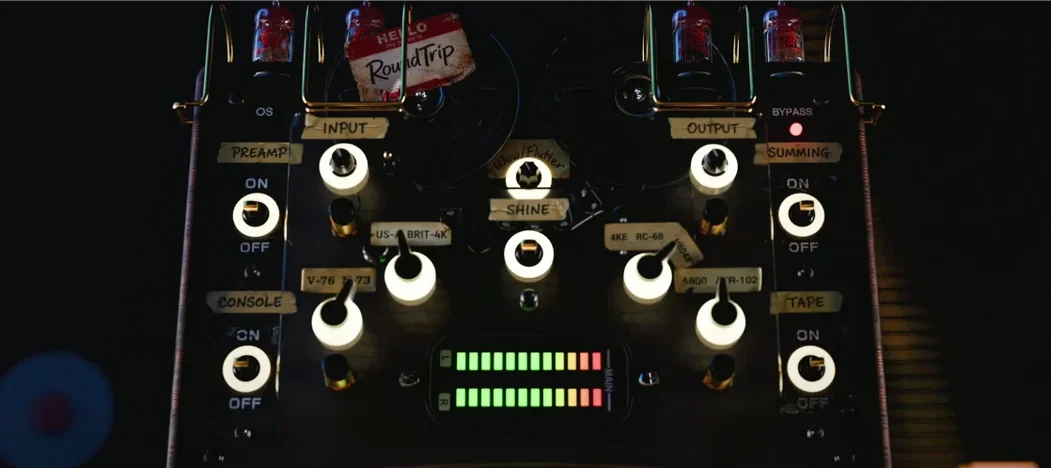 Tokyo Speirs RoundTrip
Gives each track instance a unique personality through component variation.
10 steps saved
 Toontrack EZkeys
Puts a full piano, organ, or keys engine inside your session.
12 steps saved
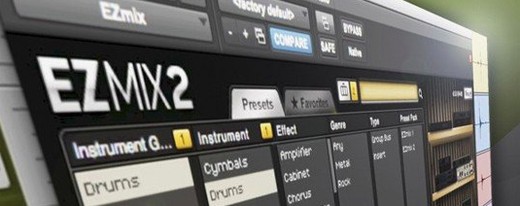 Toontrack EZmix Bundle
Applies a finished signal chain from one preset on any track or bus.
4 steps saved
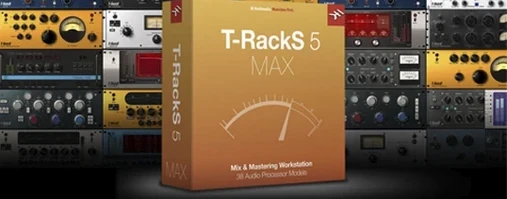 T-RackS
Shapes a full album's final tone with a drag-and-drop chain of mastering modules.
19 steps saved
 UJAM Beatmaker VICE
Delivers 1980s drum machine punch as a single playable instrument.
13 steps saved
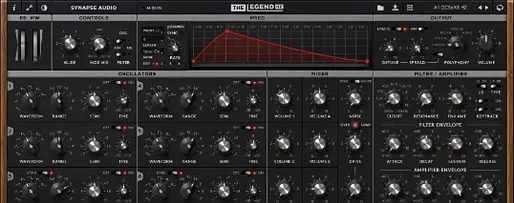 Synapse Audio The Legend HZ v2.0.2.R1
Recreates a classic analog monosynth with a fat, warm bass and lead tone.
22 steps saved
 uJAM Cinedream
Generates a moving guitar part from a single held key.
20 steps saved
 UJAM Symphonic Elements STRIIIINGS
Places sixty string ensemble textures from Hans Zimmer’s recordings under your fingers.