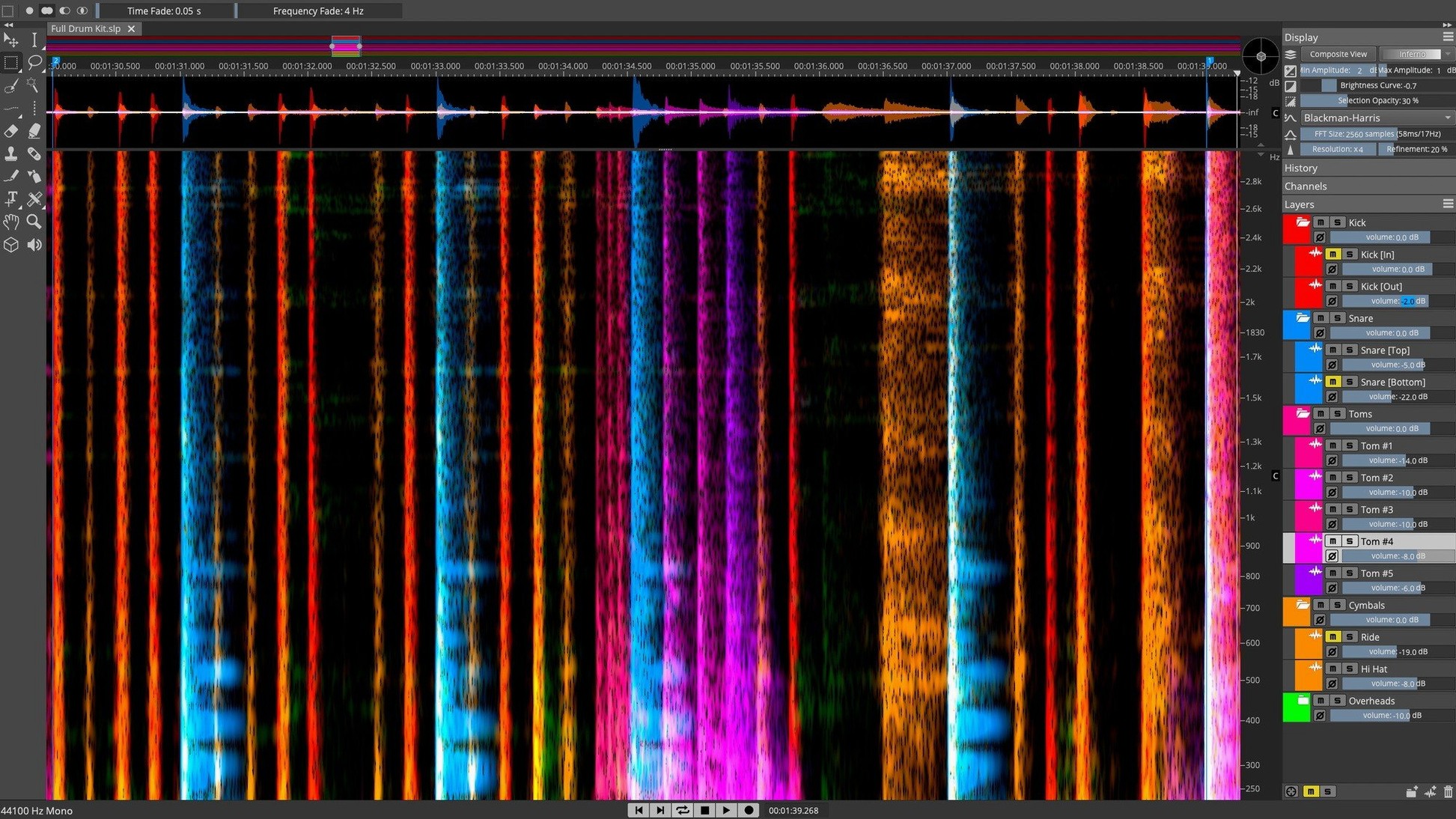
Unmix Song to Stems isn't a button you use once in a while; it's the core of how repairs begin in SpectraLayers Pro. The software treats audio as a visual spectrum, where every sound becomes a shape you can select, isolate, or remove.
ARA 2 plug‑in and standalone file support
SpectraLayers Pro runs standalone or as an ARA 2 plug-in inside a DAW. Open it from Logic Pro, Cubase, or Nuendo, and the spectral view sits alongside your arrangement. File-format support covers the usual studio standards: WAV, AIFF, FLAC, MP3, and more. On the machine side, it needs macOS 12 or later. Apple Silicon runs natively; Intel Macs are still supported without emulation.
What the spectrum does for sound
Once a file is in the layer display, the tools are surgical. AI-driven stem unmixing separates vocals, drums, bass, and other instruments into independent layers. A dedicated Voice Denoiser isolates speech from a noisy background. When you need to fix a recurring click or hum, Pattern Finder scans the full spectral image and highlights every matching event. Manual editing tools let you draw, lasso, and move sound in the 3D view, with the same object-based logic you'd expect from a layer-based image editor.
The DAW bridge: ARA 2 and drag-and-drop
SpectraLayers Pro doesn't try to replace your DAW. It slots in as a secondary editor that hands clean layers back to the session. ARA 2 integration with Cubase and Nuendo is the tightest link — select a clip, choose "Edit in SpectraLayers," and the spectral view opens with the clip already mapped. No exporting, no timestamp drift.
In Logic Pro, the flow is nearly as smooth. Run SpectraLayers as a standalone application and drag isolated stems directly onto empty tracks. The transfer keeps sample-rate and bit-depth settings intact, so you bypass the bounce queue.
For non-ARA hosts like Ableton Live or Pro Tools, the clipboard shuttle works well. Copy a selection in the DAW, paste it into SpectraLayers, perform the edits, and copy the result back. It is one extra step, but the spectral editor's own undo history stays separate, which protects the original region.
Spotlight indexes unmix and denoiser commands
SpectraLayers Pro leans into a few macOS underpinnings without calling attention to them. Spotlight indexes the application and its user manual, so typing "unmix stems" or "voice denoiser" into the system search often brings up the relevant section. Quick Look works on exported WAV and AIFF layers inside Finder, which is handy when you have generated four or five stems and need to audition one without opening a full DAW session.
Audio Unit hosting is absent by design — the tool processes files, not real-time streams — but the system Audio MIDI Setup utility sees the standalone application as a routable source when using a utility like BlackHole or Loopback, for those who prefer to capture edits live into another recorder.
Unmatched dialogue repair versus layer‑based unmixing
Three other spectral editors tend to appear in the same conversation: iZotope RX, Adobe Audition, and Acon Digital Acoustica.
- iZotope RX — RX is a repair suite first, a spectral editor second. Its module chain is unmatched for dialogue cleanup, but you cannot grab a harmonic overtone and move it up the scale. SpectraLayers Pro treats the spectrum as an editable canvas; RX treats it as a diagnostic display. For stem separation and sound redesign, SpectraLayers Pro is the more direct tool. For broadcast loudness compliance, RX pulls ahead.
- Adobe Audition — Audition has a competent spectral frequency display with a brush and lasso, but its unmixing relies on the older Center Channel Extractor, not on AI-driven stem separation. The spectral editing is shallower: no 3D view, no Pattern Finder, no independent layer export. Audition makes sense in a video-editing pipeline; SpectraLayers Pro makes sense when the audio itself is the project.
- Acon Digital Acoustica — Acoustica shares the spectral-editor identity and includes a comparable set of repair tools. Its unmixing is capable but ships as a separate plug-in, not as an integrated layer system. SpectraLayers Pro's advantage is the layer stack: each unmixed stem lives on its own row, editable and exportable without bouncing.
Native Apple Silicon binary keeps memory pressure low
Installation is a standard disk-image routine. After opening the downloaded image, run the installer and let it place the application and its supporting components. On Apple Silicon Macs, the native binary loads without Rosetta, which keeps memory pressure lower during long extraction passes.
Once the application launches, three moves make the first sessions less frustrating:
- Set the default layer behaviour. Open Preferences > Editing and switch the default blend mode to "Overlay." This keeps new selections visible against the spectrogram instead of washing them out.
- Calibrate the scroll-wheel assignment. By default, the scroll wheel zooms the time axis. Holding Option while scrolling zooms the frequency axis instead. Muscle memory for that modifier saves about ten minutes of fumbling per session.
- Run a short test unmix. Load a thirty-second clip you know well, hit Unmix Song to Stems, and watch where the AI places sibilance and reverb tails. Knowing the model's biases — it tends to leave breath sounds in the vocal stem — tells you which layers need manual cleanup before you commit to a full-length track.
The Voice Denoiser deserves an early test too. Feed it a spoken passage with background hum, compare the processed layer to the original, and note the threshold at which the reduction starts chewing into consonants. That threshold changes with the microphone and room, so a five-minute calibration loop pays off later.
- macOS 12 or later
- Apple Silicon or Intel Mac
Questions I get before install
What is Unmix Song to Stems?
An AI-driven process that separates a mixed track into individual layers—vocals, drums, bass, and other instruments—inside the spectral display.
Does SpectraLayers Pro work as a plug-in?
Yes. It runs standalone and integrates with DAWs like Logic Pro, Cubase, and Nuendo through ARA 2.
What does the Voice Denoiser do?
It isolates the human voice within a recording, reducing background noise without manual spectral cleanup.
Comments 0
Sign in to leave a comment.Sign inCreate an account
No comments yet. If a step is still there after you install it, say so.
More in VST Plugins
All in VST Plugins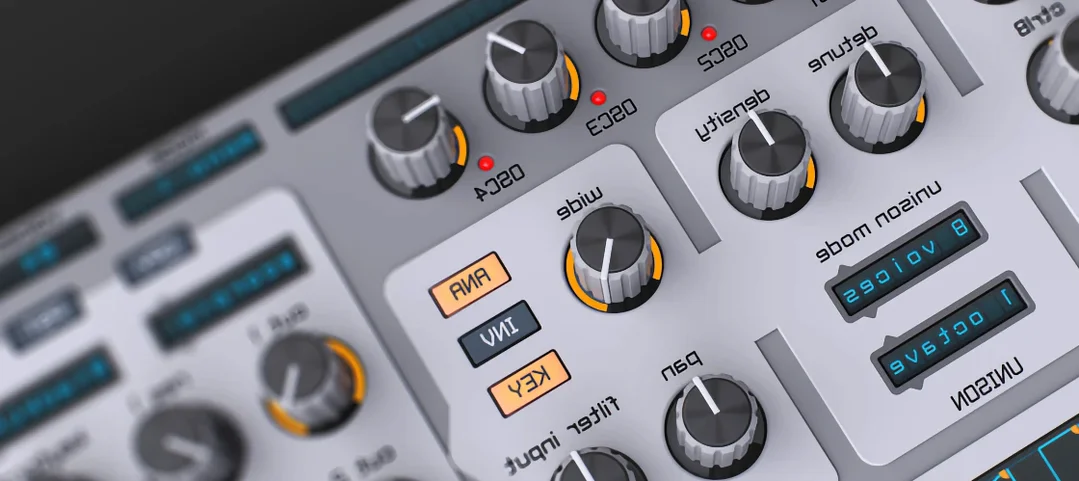 Spire
Builds big leads, pads and plucks from a flexible polyphonic synth.
20 steps saved
 Strymon Plugin Bundle
Brings Strymon's delays, reverbs and modulation pedals into your DAW.
8 steps saved
 Sonic Academy KICK
Sculpts the transient, body, and sub layer of a kick drum independently.
8 steps saved
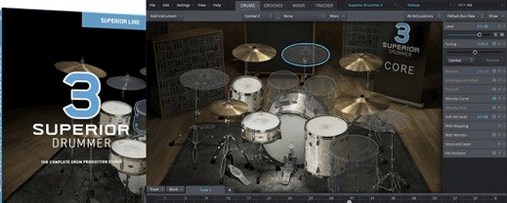 Superior Drummer
Gives you a 230 GB sample library of raw, unprocessed drum recordings inside any major DAW.
17 steps saved
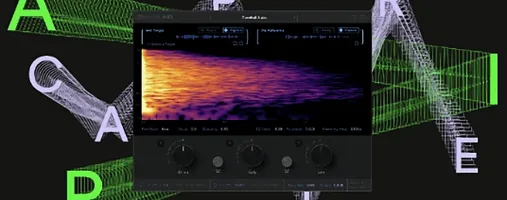 Supertone Air
Matches the acoustic fingerprint of a reference clip to dry dialogue in one pass.
7 steps saved
 Slate Digital Submerge
Creates tempo-synced ducking and pumping without routing a sidechain compressor.
15 steps saved
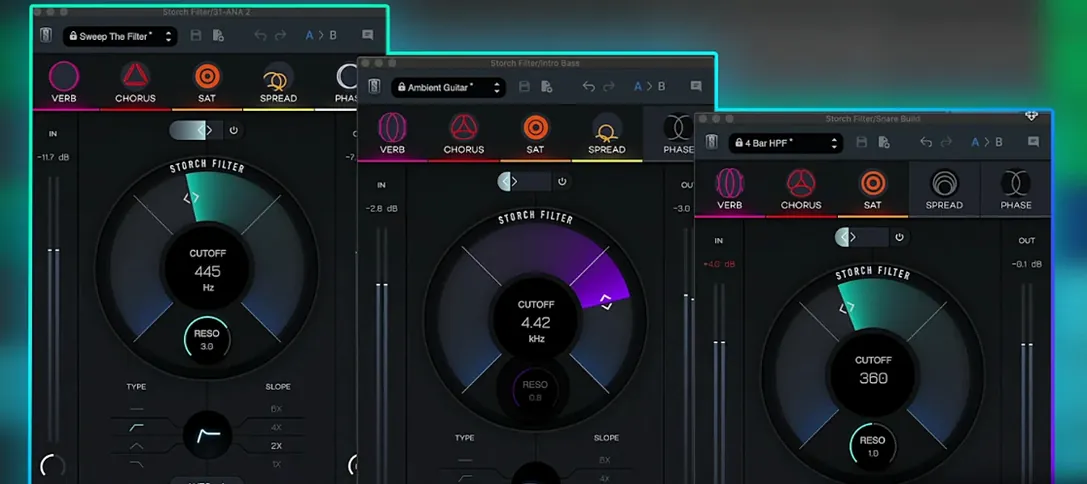 Slate Digital Storch Filter
Sweeps a resonant analog-style filter with built-in drive and modulation.
13 steps saved
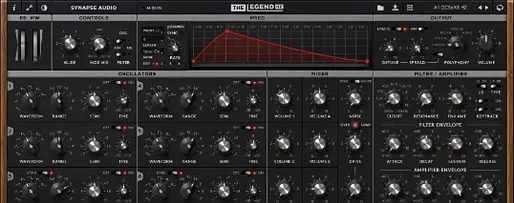 Synapse Audio The Legend HZ v2.0.2.R1
Recreates a classic analog monosynth with a fat, warm bass and lead tone.