
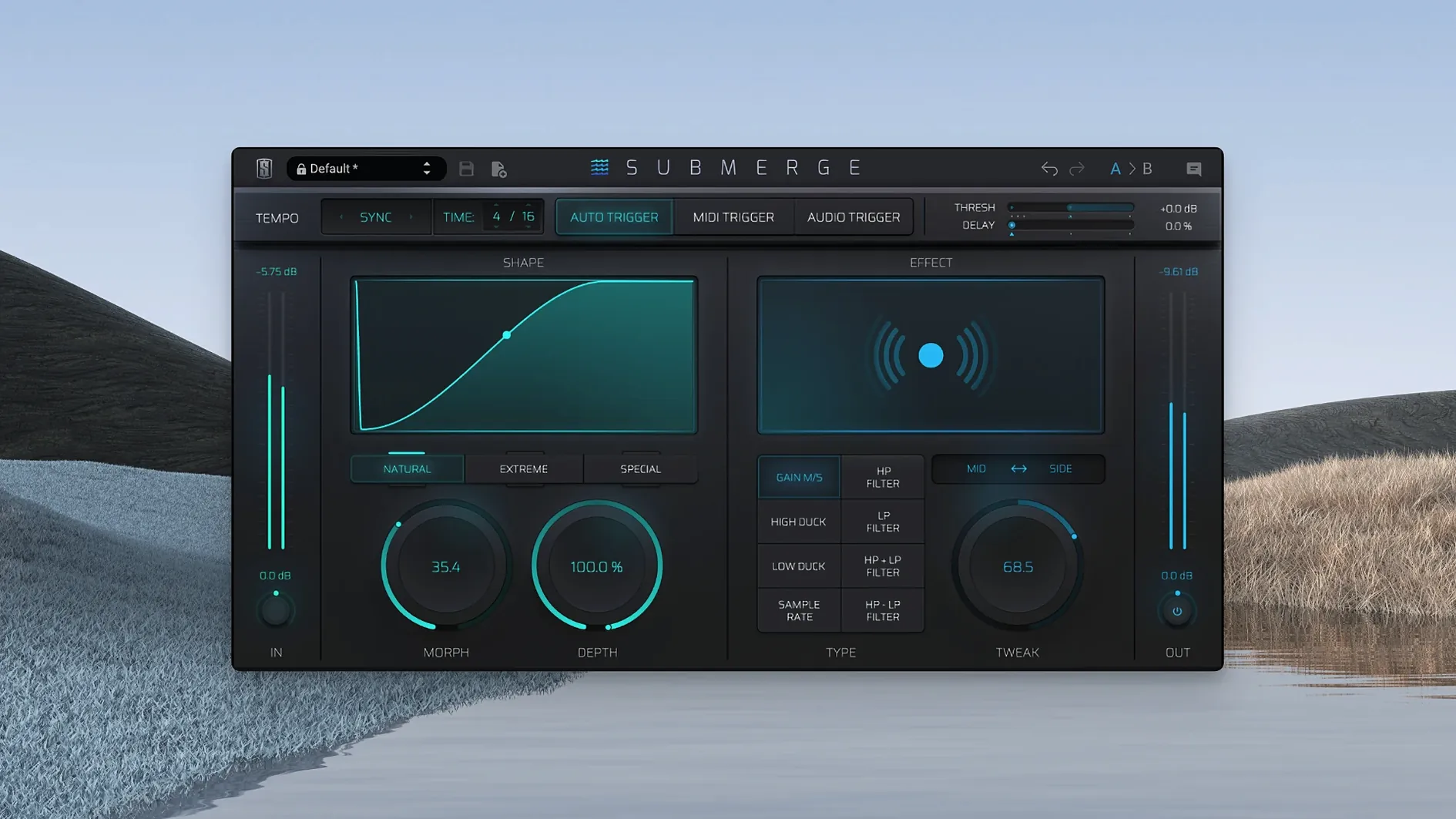
Submerge is an automatic sidechain plug‑in for producers who want quick ducking and pumping without routing a compressor to a silent kick track.
macOS 11 Apple Silicon with Tempo‑Synced Trigger Modes
| Detail | Info |
|---|---|
| Platform | macOS 11 (Apple Silicon) |
| Interface | English |
| Trigger modes | Auto (tempo‑synced), MIDI, Audio |
| Format | VST3, AU, AAX |
Format support covers VST3, AU and AAX hosts on Apple Silicon. The plug‑in installs through the Complete Access Hub or a standalone installer from Slate Digital’s downloads page. Three trigger modes let you lock to the project tempo, chase an external audio source or drive the envelope from a MIDI note. The main controls — Threshold, Speed, Morph, Depth and Tweak — shape the ducking curve directly. Hold Shift and the curve inverts, turning a dip into a push for off‑grid pumping. A pair of sound‑shaping additions sit under the hood: a sample‑rate reducer and a global filter section that applies high‑pass and low‑pass filtering to the affected signal. The result is a clean‑layout tool that handles standard sidechain chores and more textural, lo‑fi movement in the same window.
Dial In the Speed Control Before Judging the Ducking
Most early stumbles come from ignoring the Speed control. New users dial in Threshold and Depth, hear ducking, and stop. Speed sets how quickly the envelope reacts — leave it at a sluggish default on a fast four‑on‑the‑floor pattern and the mix turns muddy. Match Speed to the tempo before touching anything else.
Another common one: stacking Submerge on a bus while the kick still feeds the original compressor routing. You get phase cancellation and a weak low end. Pick one method per project. If Submerge is on, disable the old sidechain chain.
- Setting Speed too slow for the track tempo — mud and lag
- Leaving Tweak at zero — misses the fine envelope shape
- Using Audio trigger without muting the trigger source — doubled signal
- Applying sample‑rate reduction before filtering — aliasing that fights the mix
- Forgetting Morph when blending between two curve extremes
The Morph knob trips people up too. It crossfades between the natural and extreme curves, but only when the curve switch is set to Natural or Extreme. In Custom mode, Morph does nothing, and the silence confuses first‑time users.
After Surgical EQ, Before the Compressor on Your Bus
Submerge works best early in the signal path. Place it after surgical EQ cuts and before compression on a bass or pad bus. The ducking envelope pulls level down cleanly, and a downstream compressor sees a more stable input — less pumping from two sources fighting each other.
On drum buses, swap the order. Put Submerge after the bus compressor so the ducking envelope shapes an already‑glued drum sound. The sample‑rate reducer and filters then degrade the whole kit in a controlled way, which suits lo‑fi breakdowns and transitions.
macOS features slot in naturally. Route a software instrument’s MIDI to Submerge via a virtual IAC bus and you have tempo‑locked ducking from any MIDI clip without printing audio. The plug‑in also respects the host’s latency compensation, so there is no manual offset fiddling when switching between trigger modes. Use the global high‑pass filter to carve out sub information before it hits the sidechain detector — cleaner than automating EQ on every channel.
Tempo‑Locked Ducking Without Silent Kick Routing
Electronic producers working in‑the‑box benefit immediately. Submerge removes the silent‑kick routing that clutters a template. Auto mode syncs to tempo changes in a live set without re‑patching, and MIDI trigger turns any drum pattern into a sidechain source in seconds. A slate digital torrent search leads some producers here when they want a single‑window alternative to complex routing setups.
Mix engineers handling pop and hip‑hop sessions find the Speed and Tweak controls more precise than a stock compressor. Quick recall matters when a client asks for “a little more pump” across sixteen tracks. Submerge’s three‑mode trigger architecture means the same plug‑in handles a kick‑driven bass duck, a vocal‑triggered pad dip, and a tempo‑locked synth pulse without changing plug‑in type.
Sound designers gravitate toward the lo‑fi side. Sample‑rate reduction plus Mid/Side processing creates movement that sits inside a stereo field rather than across it. Filtering the side signal while ducking the mid turns a rhythmic pad into something that breathes around a centre vocal. Those hunting a slate digital mac torrent often land on Submerge because it packs multiple degradation tools into the same ducking window.
Bedroom producers with older Apple Silicon machines appreciate the ARM‑native build. One instance draws little CPU, so stacking eight or ten across a session does not choke playback. The plug‑in’s single‑window layout also suits a laptop screen — no scrolling through compressor, filter, and bit‑crusher tabs. A slate digital crack mac route sometimes leads users here when they need a lightweight sidechain tool that does not demand an iLok dongle and separate utility plug‑ins.
- macOS 11 or later
- Apple Silicon Mac
Comments 0
Sign in to leave a comment.Sign inCreate an account
No comments yet. If a step is still there after you install it, say so.
More in VST Plugins
All in VST Plugins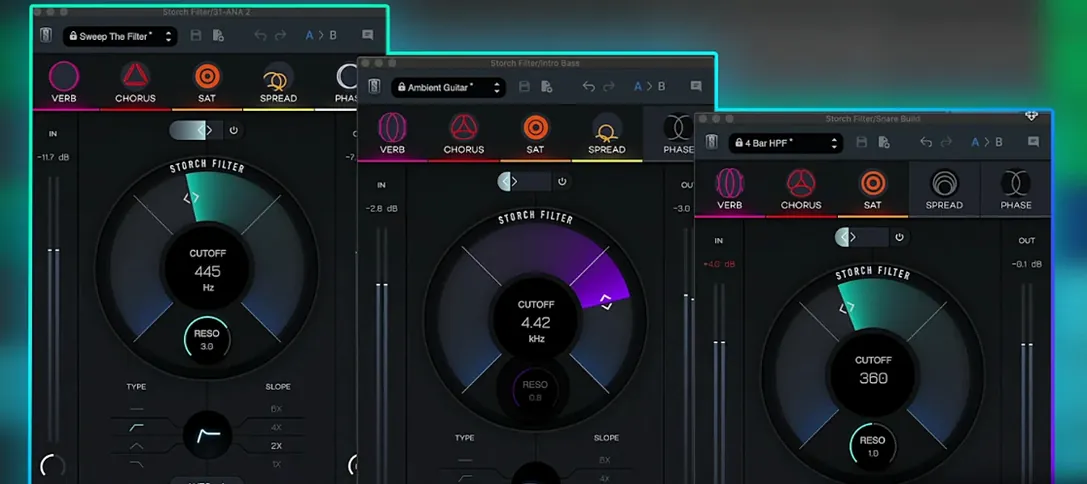 Slate Digital Storch Filter
Sweeps a resonant analog-style filter with built-in drive and modulation.
4 steps saved
 Slate Digital Murda Melodies
Pushes a melody through a wreckable chain of modulation, delay, and reverse effects.
21 steps saved
 Slate Digital Fresh Air
Adds high-end presence to a vocal or mix bus with two straightforward controls.
8 steps saved
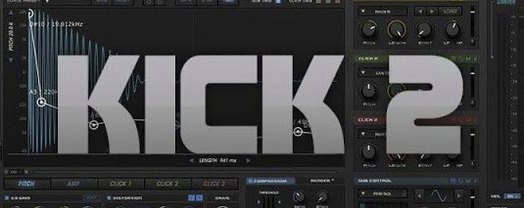 Sonic Academy KICK
Sculpts the transient, body, and sub layer of a kick drum independently.
5 steps saved
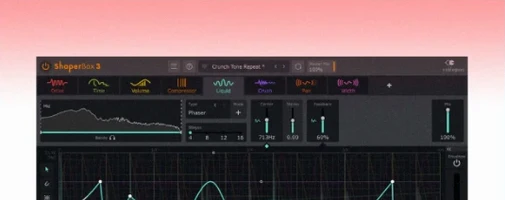 ShaperBox
Shapes volume, filter, pan and time with drawn LFO waves on any track.
12 steps saved
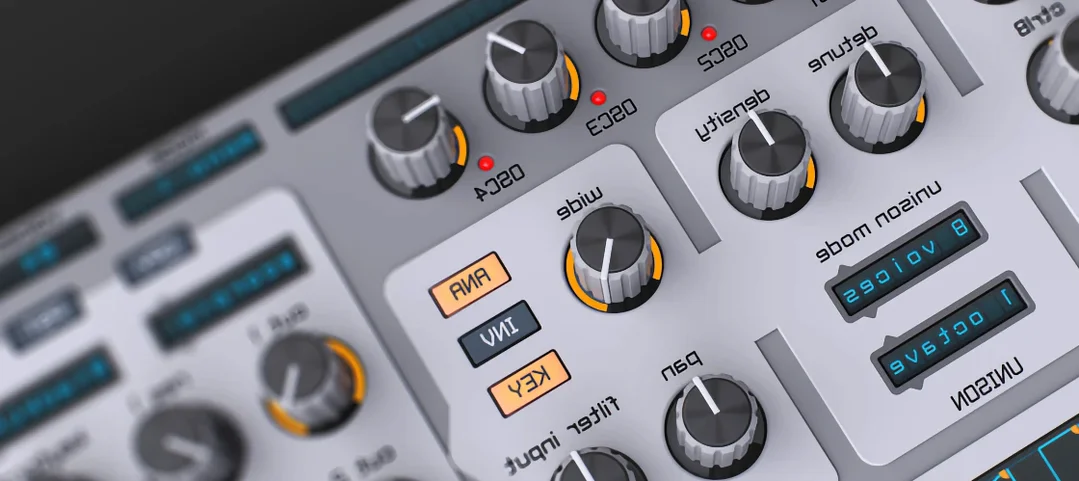 Spire
Builds big leads, pads and plucks from a flexible polyphonic synth.
13 steps saved
 Updated
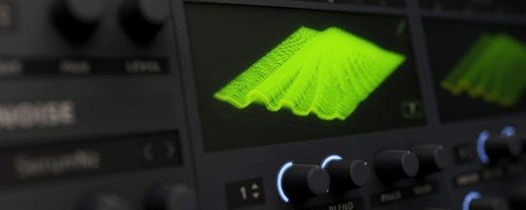
Serum
Lets you build and warp wavetables to place a sound precisely in a mix.
21 steps saved
 Steinberg SpectraLayers Pro
Treats audio as a visual spectrum where every sound becomes a shape you can select and remove.