Version 3.6.1 turns PitchShaper's Formant Link, Density, and Grain Size into automatable parameters, while squashing a persistent Logic Pro cursor bug and a silent-input audio artifact.
How do you isolate a frequency band for processing?
Engage the multiband crossover and set the low, mid, or high split points. Each band receives its own effect instance, so you can distort only the lows or add a phaser to the mids without touching the rest of the mix.
Which module handles classic modulation?
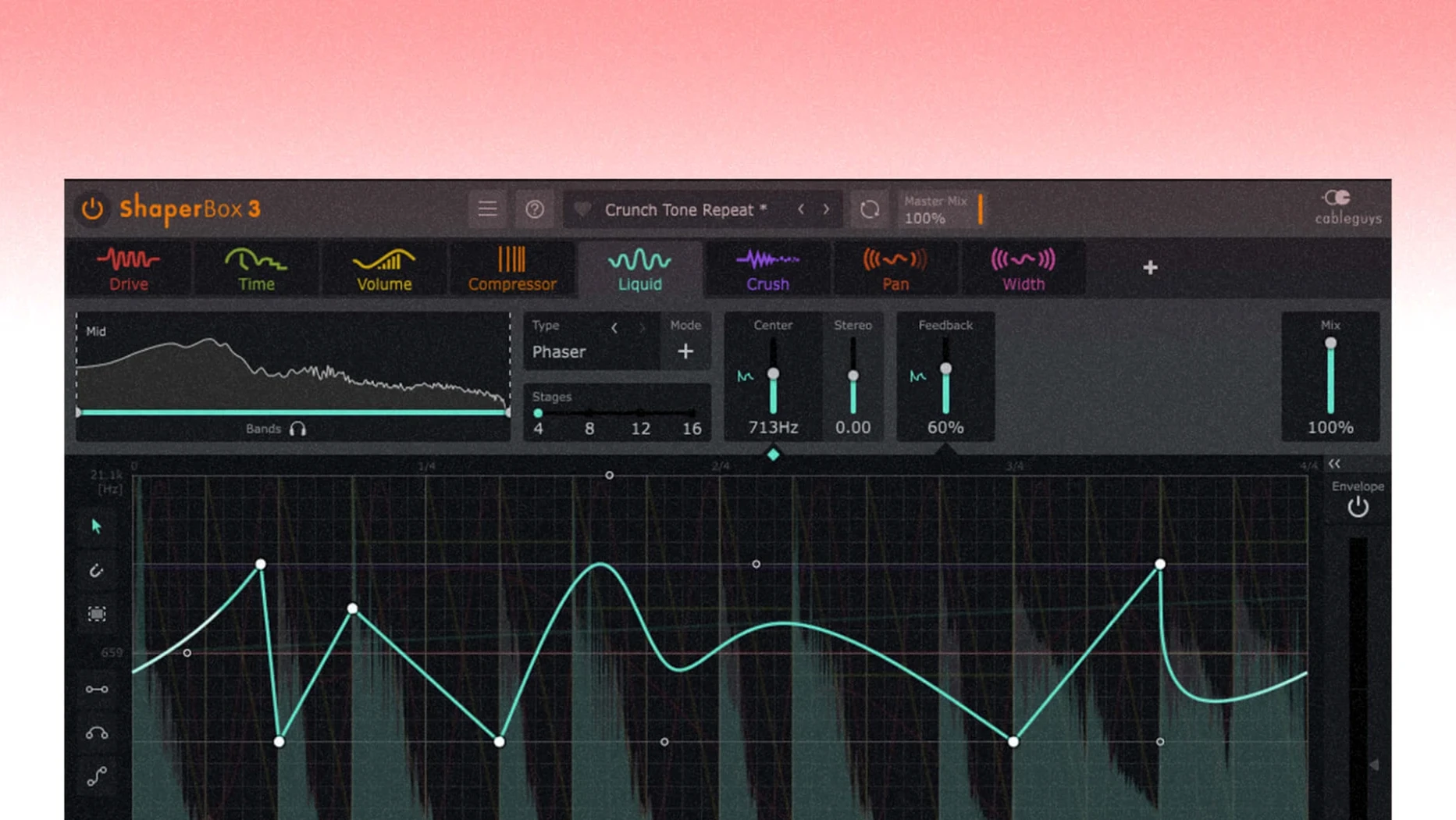
LiquidShaper builds flanger and phaser sounds from a single interface. Draw your own modulation shapes to push the movement beyond a standard LFO.
Can the effects react to the audio itself?
Enable the Audio Trigger on any effect. The processing locks to the incoming signal's transients, letting you fire multiple triggers simultaneously to gate, duck, or swell effects in time with the source.
How ShaperBox sits alongside other rhythmic processors
Three plugins tend to surface in the same conversation, and each pulls in a different direction.
ShaperBox vs. Xfer LFO Tool. LFO Tool is a single-purpose modulation device built around an editable LFO shape. It excels at clean volume ducking and filter sweeps. ShaperBox covers that ground through VolumeShaper and FilterShaper, then layers on five additional modules. If you only need sidechain-style pumping, LFO Tool is the more focused tool. If you want a compressor, a multiband distortion, a stereo widener, and a time-stretching granulator in one window, ShaperBox is the broader instrument. The trade-off is visual complexity: LFO Tool's single-curve editor is easier to scan at a glance; ShaperBox rewards deeper exploration.
ShaperBox vs. Soundtoys Effect Rack. Soundtoys bundles discrete analogue-modelled effects into a rack with global wet/dry and a small set of modulation sources. The sound is unmistakably coloured, where ShaperBox keeps its processing cleaner until you push it. Effect Rack gives you a handful of curated modulation slots; ShaperBox gives you per-module LFOs, envelope followers, and Audio Triggers with multi-point curve editing. For rhythmic, grid-locked shaping, ShaperBox offers finer control. For character reverb, saturated delay, and filter grit, Effect Rack is the stronger choice.
ShaperBox vs. Devious Machines Infiltrator 2. Infiltrator 2 is perhaps the closest rival: a multi-effect sequencer with deep modulation and a huge effects library. It leans harder into glitch, sequenced pitch jumps, and loop-based processing. ShaperBox stays more anchored to groove-shaping tasks — ducking, gating, transient emphasis, stereo animation — and its multiband architecture is more straightforward. Infiltrator 2 can feel like a playground for chaos; ShaperBox feels like a precision tool for tightening a mix.
Automating PitchShaper’s Core Parameters
The jump to version 3.6.1 is subtle in the moment but meaningful over a week of use. Three changes stand out.
Automating PitchShaper's core parameters. Formant Link, Density, and Grain Size are now available as automation targets. That means you can draw a ramp that gradually detaches the formant from the pitch shift across a breakdown, or spike the grain density for a bar of stutter without reaching for a separate plugin. Before the update, these controls were set-and-forget. Now they can tell a story across an arrangement.
Silent-input artifact fix. A MIDI note or Audio Trigger arriving while the input was silent could produce a short noise burst — the kind of glitch that forces a bounce check and a re-export. With the fix, the plugin stays quiet until real signal appears. It removes one reason to keep a limiter strapped across the output at all times.
Logic Pro cursor bug resolved. Dragging a control and watching the mouse pointer vanish was a small but persistent friction point for Logic users. Version 3.6.1 restores normal cursor behaviour, which matters most during long editing sessions where every extra click compounds fatigue.
Electronic Producers Who Build It Into Their Default Template
This is not a plugin that rewards casual tinkering. Three user profiles tend to build it into their default template.
Electronic music producers working with four-on-the-floor arrangements. The combination of VolumeShaper for sidechain-like ducking, FilterShaper for sweeping builds, and PanShaper for stereo movement gives dance-music producers a single insert that handles the rhythmic backbone of a track. The 600 presets provide quick starting points for kick-bass interaction, pad animation, and drop effects.
Mix engineers cleaning up dense sessions. Multiband operation is the killer feature here. An engineer can compress only the low band to tighten a boomy kick while leaving the mid-range untreated, or add subtle harmonic drive to the highs of a dull vocal without touching the body. The sidechain visual display makes gain reduction visible before it becomes audible — a real benefit when working at speed.
Sound designers building reactive textures. Audio Trigger mode, especially with multiple triggers active simultaneously, turns any incoming audio into a modulation source that gates, ducks, or swells effects in real time. Feed a drum loop into a reverb send, trigger PanShaper from the transients, and the stereo field dances with the rhythm. It is a fast way to generate movement that would take a stack of envelope followers and routing elsewhere.
- New — PitchShaper's Formant Link, Density, and Grain Size are now available as automation parameters.
- Fixed — An audio artifact triggered by a MIDI note or Audio Trigger during silent input no longer occurs.
- Fixed — The mouse cursor no longer disappears in Logic Pro after dragging a control.
- macOS 10.15 or later
- Apple Silicon and Intel support
Comments 0
Sign in to leave a comment.Sign inCreate an account
No comments yet. If a step is still there after you install it, say so.
More in VST Plugins
All in VST Plugins Updated
Serum
Lets you build and warp wavetables to place a sound precisely in a mix.
20 steps saved
 Serato Sample
Splits a stereo mix into isolated stems for sampling and remixing.
13 steps saved
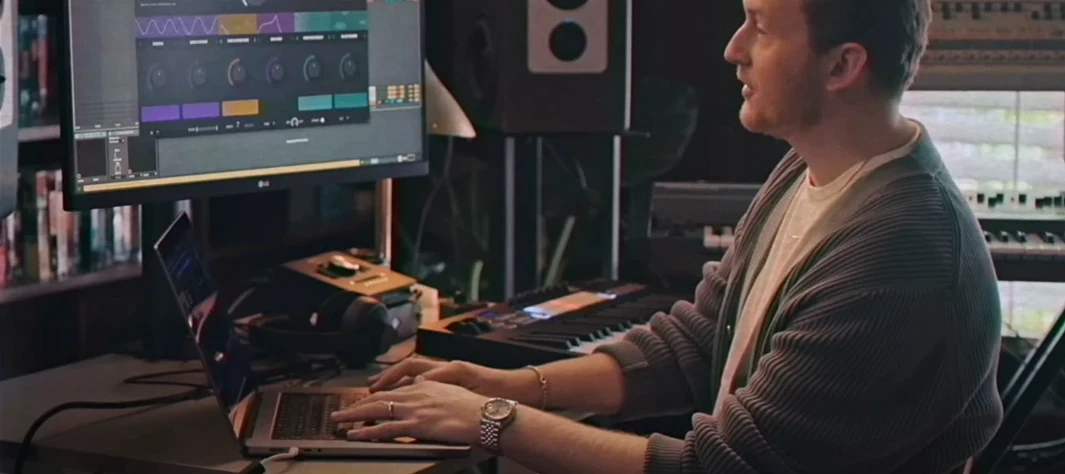 Serato Hex FX
Chains up to fifty effects in a custom order inside a single plugin.
21 steps saved
 Slate Digital Fresh Air
Adds high-end presence to a vocal or mix bus with two straightforward controls.
4 steps saved
 Slate Digital Murda Melodies
Pushes a melody through a wreckable chain of modulation, delay, and reverse effects.
15 steps saved
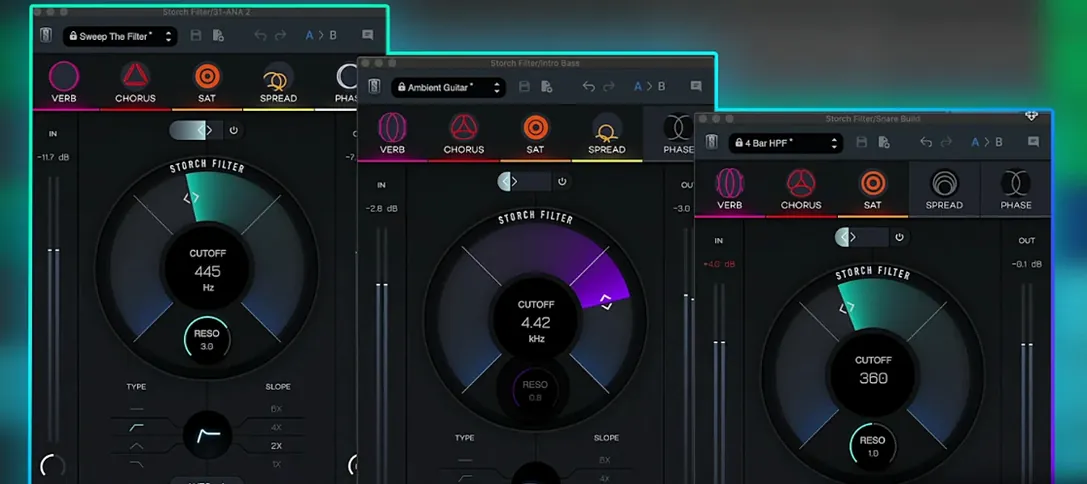 Slate Digital Storch Filter
Sweeps a resonant analog-style filter with built-in drive and modulation.
7 steps saved
 Slate Digital Submerge
Creates tempo-synced ducking and pumping without routing a sidechain compressor.
4 steps saved
 Scaler 3
Suggests chords and progressions and plays them across your tracks.