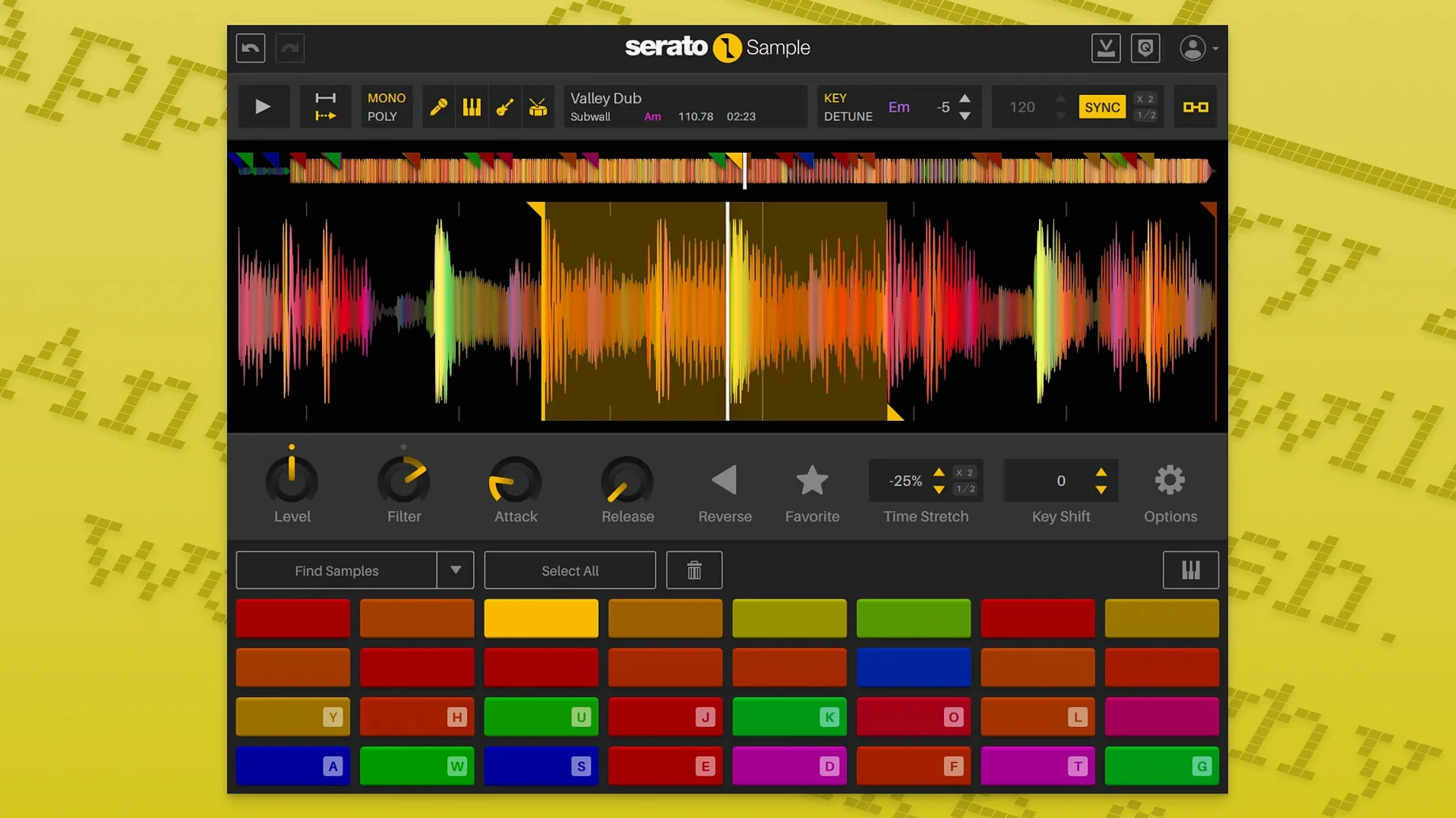
Stem Separation isn't just a checkbox—it's the quickest way to turn a dense stereo mix into clean building blocks. Grab a dusty soul record, drop it into Serato Sample 2.2.0, and let the algorithm split it into four isolated lanes: vocals, melody, bass, and drums.
- Drag an audio file onto a pad and click Stem to separate it instantly.
- Fade the Acapella stem up to isolate a hook, then mute the Drums lane to remove heavy kicks.
- Assign the Bass stem to its own cue point and pitch it down four semitones with Pitch ’n Time.
- Chop the Melody lane into 16th-note slices and re-trigger them in Keyboard Mode.
- Map Stem On and individual Stem Levels to host automation for real-time fades during playback.
Each lane stays in perfect sync regardless of tempo changes. The time-stretching keeps transients clean, so you can flip a sample without ever leaving your DAW.
Independent, Automatable Stems Unlock Every Cue
Before 2.2.0, stem levels were set-and-forget. You adjusted the four lanes once, and that mix stayed baked into every cue point. Now each parameter is independent and automatable—that shift alone removes a dozen small workarounds producers relied on.
Three changes affect everyday sessions immediately:
- Per-stem level control. Drop the Drum lane by 3 dB on the verse, then push it up for the chorus—all from the same pad. No duplicating samples, no separate instances.
- Host automation for Stem On and Stem Levels. Draw a ramp in Logic Pro or Ableton Live, and the Acapella lane fades up over four bars while the Melody lane dips. This used to require manual fader rides or resampling.
- Mouse wheel support. Hover over any parameter—cue point start, slice length, stem fader—and scroll to tweak. Small thing, but it cuts the click-drag-click pattern that slowed down quick edits.
AlphaTheta SLAB support matters less day-to-day unless you work with that hardware, but the automation additions alone turn Serato Sample from a static chopping tool into something you can perform and mix against the full arrangement.
Where Serato Sample Fits in a macOS Setup
The plugin works inside any VST3, AU, or AAX host on Apple Silicon or Intel hardware running macOS 11 Big Sur or later. In practice, that means it slots into three distinct workflows depending on your DAW.
Ableton Live. Drop Serato Sample onto a MIDI track, drag a loop from the Session View browser, and the BPM detection locks the sample to the project tempo. Map Stem On to a Macro knob on a Push controller and ride stems live while the arrangement plays.
Logic Pro. Use the AU version. Send a vocal snippet from the Tracks area into Serato Sample, isolate the Acapella stem, and route Logic's Step Sequencer to trigger slices in Keyboard Mode. The pitch-shifting stays clean even at extreme intervals because it uses Pitch ’n Time, not Logic's stock algorithm.
Maschine or MPC software. Run the VST3 inside the host plugin chain. Serato Sample complements the native samplers by adding stem separation they lack. You can separate a breakbeat into drums and bass, then sample those stems into the hardware pads for further chopping.
Outside the DAW, the plugin interacts with macOS features in small but useful ways. Drag and drop from Finder works directly—grab a WAV from a folder and drop it onto a pad. The Command key modifies click behaviour on cue points for finer adjustments. On Macs with Apple Silicon, the ARM build loads faster and handles real-time stem separation without taxing the CPU, leaving headroom for other processing.
Sample Chopping Workflow: Old Soul Hook into Modern Beat
Start with a stereo WAV from a 1970s soul record—drums, bass, strings, and a vocal phrase all baked together. The goal is three usable elements: a clean kick-and-snare pattern, a filtered bassline, and the vocal hook pitched down.
- Create a MIDI track in your DAW and load Serato Sample 2.2.0 as an instrument plugin.
- Drag the WAV from Finder onto Pad A. The BPM detector reads the original tempo and syncs it to the project—no manual warping needed.
- Click Stem. The algorithm separates the file into Acapella, Melody, Bass, and Drums lanes. Mute Melody and Acapella immediately to check the Drum lane's isolation.
- Set Cue Point 1 on the kick transient and Cue Point 2 on the snare. Adjust the beatgrid so the slice markers land cleanly on each hit. With an unquantized break, drag the grid anchors until the transients lock.
- Mute Drums, unmute Bass. Set Cue Point 3 on the bass note that hits with the kick. In Keyboard Mode, map Cue Point 3 across multiple keys and pitch it down four semitones with Pitch ’n Time active—the formants stay natural, not chipmunk-thin.
- Unmute Acapella alone. Find the vocal phrase, trim the cue point to just the words you want, and set Stem Level for Acapella to +2 dB so it sits forward in the mix.
- Assign the Drum lane to channel 2 in your DAW's mixer, Bass to channel 3, and Acapella to channel 4. Now each stem processes through its own EQ, compression, and effects chain.
- Add host automation: draw a curve on the Bass Stem Level parameter to dip during the vocal phrase, then rise again when the hook drops out.
The whole process—from dragging in the file to hearing three isolated stems in a mix—takes under five minutes once the workflow is familiar. The real speed gain comes from never leaving the plugin to do fades, pitch shifts, or re-triggers.
Swap the Stretch Algorithm on Apple Silicon
Out of the box, Serato Sample makes sensible choices, but three settings improve daily use immediately.
Default Stretch Algorithm. Pitch ’n Time is the default on Apple Silicon builds and it handles polyphonic material without artefacts. If you work exclusively with monophonic sources—basslines, single vocal notes—switch to the Monophonic algorithm in Preferences. The transient response tightens, and CPU usage drops slightly.
Trigger Mode per pad. The global default is One-Shot, but you can change each pad independently. For drum hits, keep One-Shot. For melodic chops, switch to Trigger so the sample stops when you release the key. For sustained pads, use Gate. This per-pad setting lives in the dropdown under each pad's waveform display.
Mouse Scroll Sensitivity. With 2.2.0's scroll wheel support, the default increment might feel too coarse. Hold Command while scrolling for finer adjustments on any parameter—this isn't documented but works across all controls.
For stem-heavy projects, save a default preset with all four Stem Levels at 0 dB and Stem On mapped to a macro. Load it as your template patch so every new sample starts with stems ready and automation assignments in place.
- New: Individual stem level controls for Acapella, Melody, Bass, and Drums. Support for AlphaTheta SLAB. macOS Tahoe compatibility.
- Improved: Stem On and Stem Levels are now host automation parameters. Mouse wheel scrolling works on parameters when hovered.
- macOS 11 Big Sur or later
- Intel or Apple Silicon Mac
- DAW host supporting VST, AU, AAX, or VST3
Questions I get before install
Can I automate the individual stem volumes in my DAW?
Yes. Version 2.2.0 exposes Stem On and Stem Levels as host automation parameters, so you can record real-time fades for acapella, melody, bass, and drums.
Which plugin formats does Serato Sample 2.2.0 support on Mac?
It supports VST, VST3, AU, and AAX formats on macOS 11 Big Sur and later, including macOS Tahoe.
Comments 0
Sign in to leave a comment.Sign inCreate an account
No comments yet. If a step is still there after you install it, say so.
More in VST Plugins
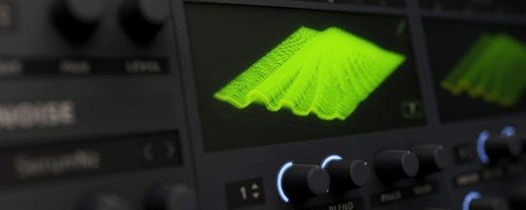
All in VST Plugins Serato Hex FX
Chains up to fifty effects in a custom order inside a single plugin.
13 steps saved
 Updated
Serum
Lets you build and warp wavetables to place a sound precisely in a mix.
5 steps saved
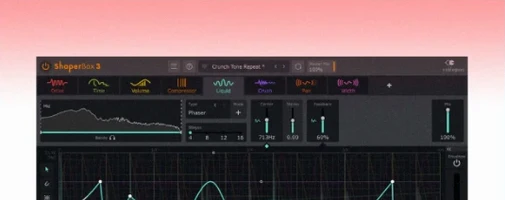 ShaperBox
Shapes volume, filter, pan and time with drawn LFO waves on any track.
4 steps saved
 Scaler 3
Suggests chords and progressions and plays them across your tracks.
14 steps saved
 Sauceware Audio Scorch 2
Turns a simple chord progression into a full arrangement without a keyboard.
8 steps saved
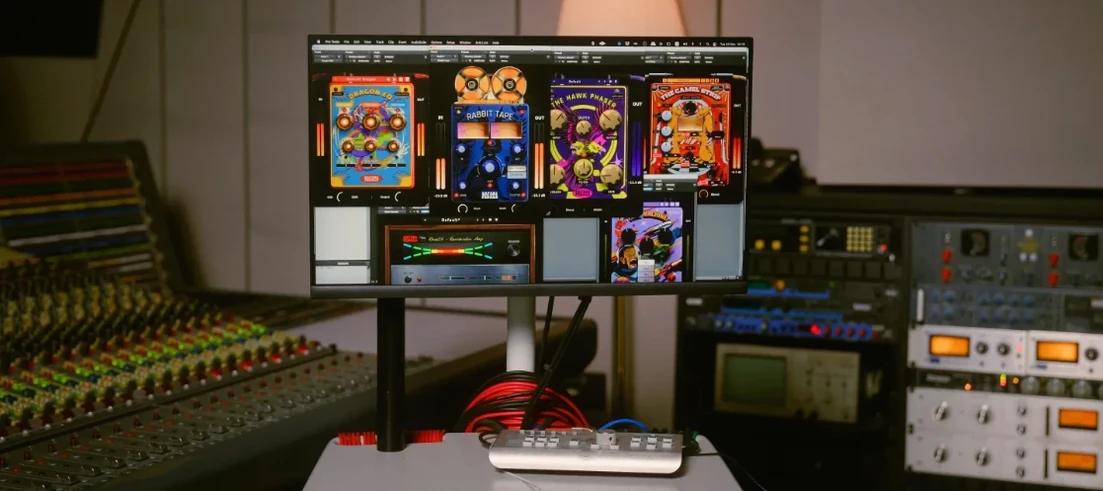 Safari Pedals Everything Bundle
Puts a saturator, chorus, and transient clipper chain in one plugin folder.
15 steps saved
 Roland ZENOLOGY Pro
Gives producers who build their own patches a deep editor with ten filter types.
21 steps saved
 Slate Digital Fresh Air
Adds high-end presence to a vocal or mix bus with two straightforward controls.