
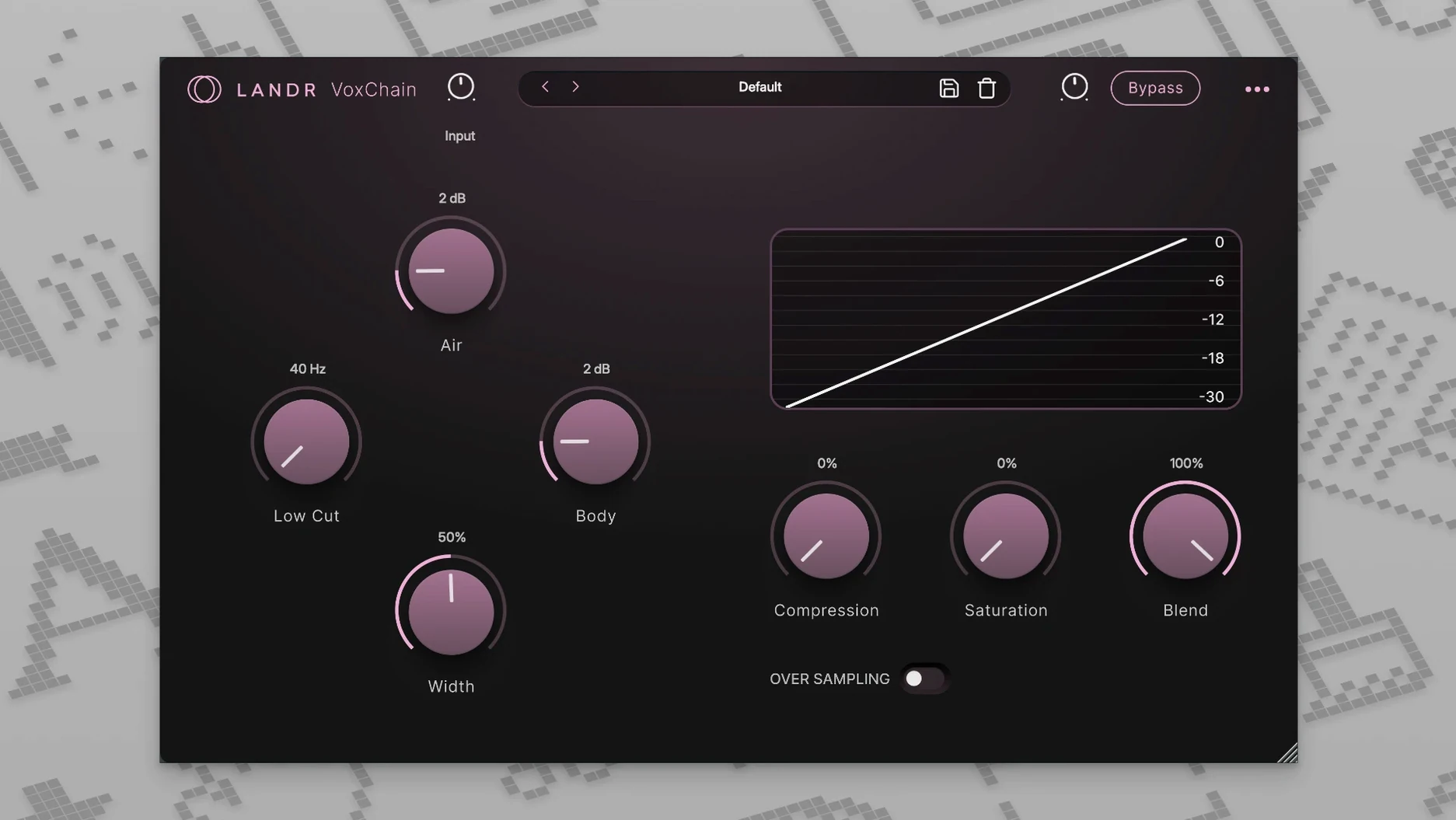
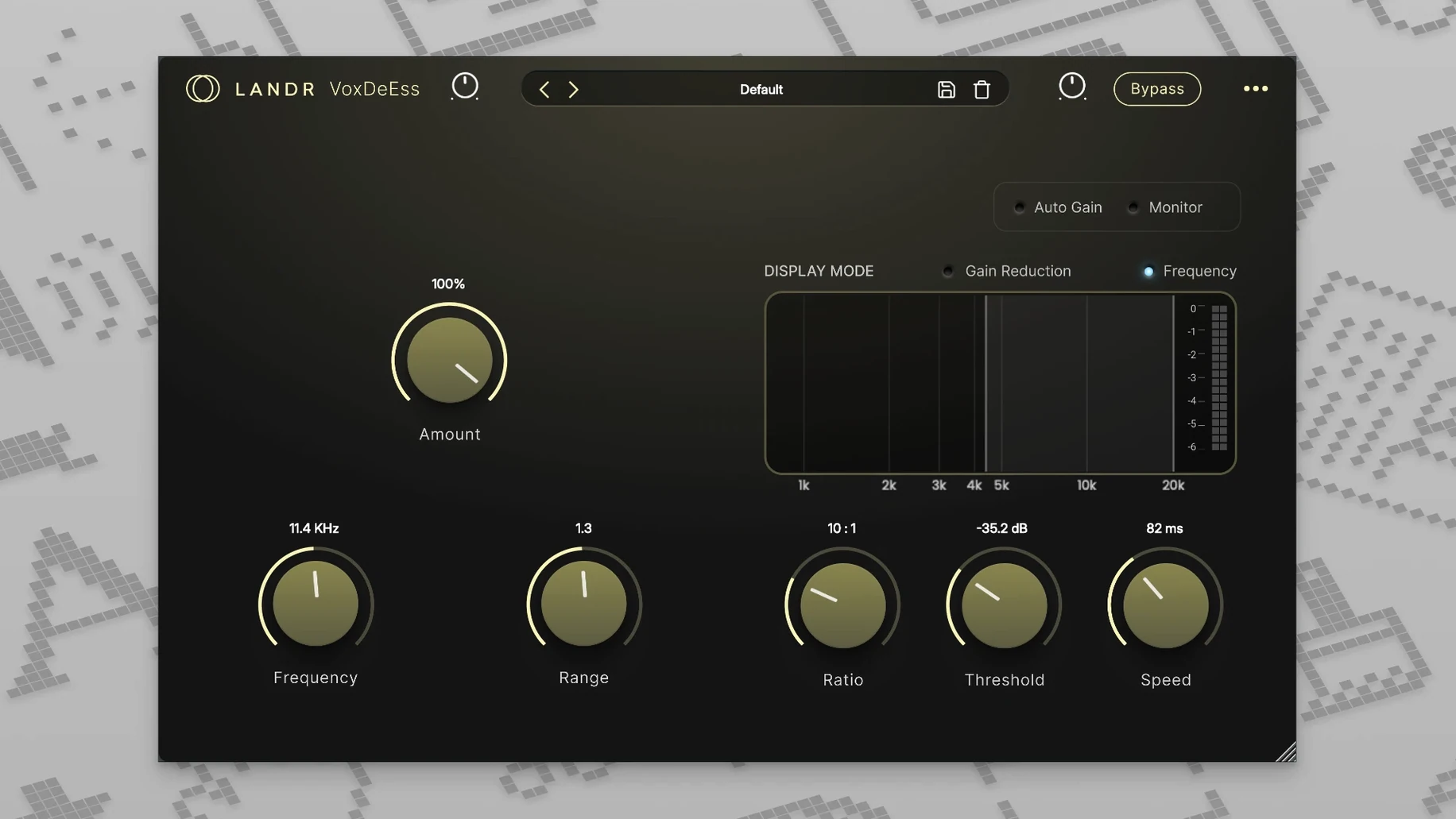
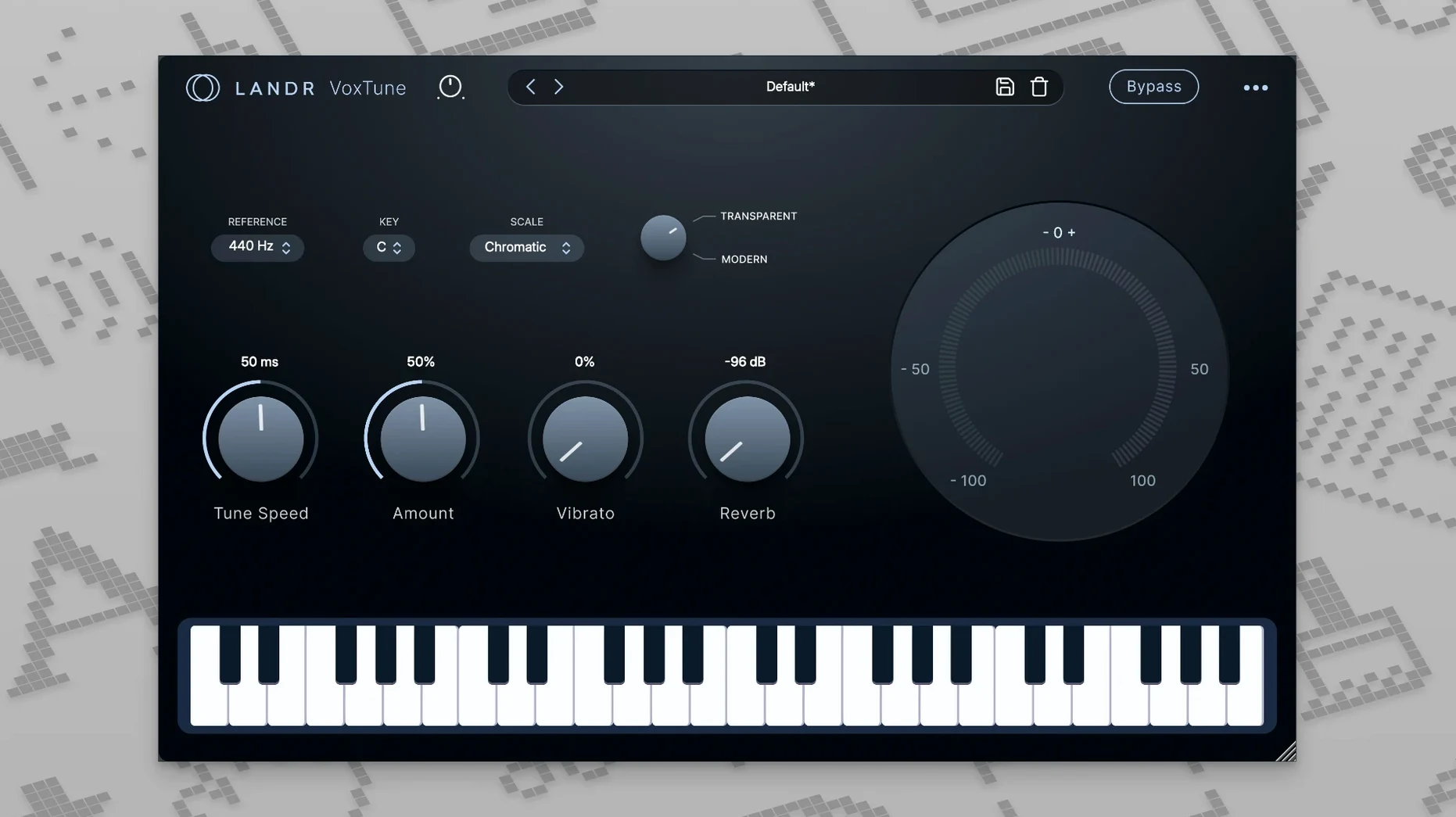
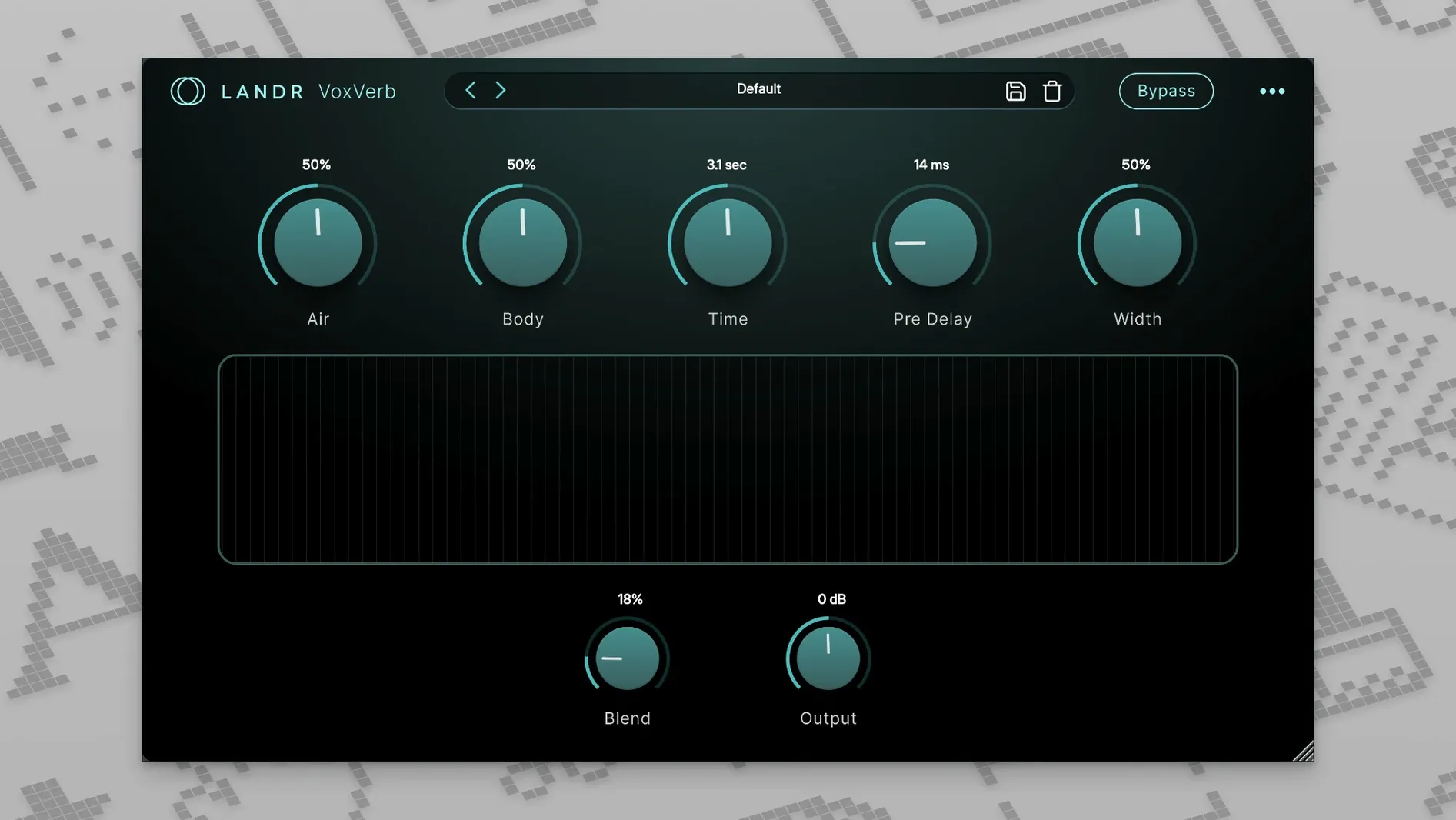
Singers, producers, and live engineers who want a single download for tracking and mixing vocals. The LANDR Vocal Bundle packs four straightforward plugins into one collection, covering the core vocal chain from pitch to space.
Pitch Correction, Channel Shaping, Vocal Reverb, and De-essing
- Real-time pitch correction during recording or performance
- Shaping a vocal channel with EQ, compression, and saturation
- Adding vocal-tuned reverb without complex routing
- Taming sibilance on a lead vocal or backing stack
A Closed Set of Four Plugins
- Four specific tools — no modular expansion beyond these plugins
Correcting Before the Performance Exists
Most early missteps are predictable once you understand what each plugin expects. A few I spot repeatedly during consulting sessions:
- Over-tracking VoxTune before the performance exists. Turning the correction speed to maximum and drawing heavy formant shifts before you have a clean take locks you into a sound you cannot undo. Record dry, then shape.
- Stacking VoxChain without gain-staging. The saturation stage reacts to input level. Pushing a hot signal into the EQ and expecting the compressor to clean it up later creates a brittle top end that no de-esser can fix.
- Treating VoxVerb like a generic send reverb. Its early-reflection curve is tuned for vocal midrange. Drowning a rap vocal in a 3-second tail because the hall preset sounds beautiful solo will bury consonants in a dense mix.
- De-essing after reverb, not before. VoxDeEss should sit upstream of VoxVerb almost always. A sibilant transient hitting the reverb input creates a wash of metallic splash that no output EQ can remove.
- Ignoring the vibrato control in VoxTune. Beginners treat it as an on/off switch. The knob is continuous — a 15–20% reduction keeps natural warble while tightening pitch, which suits indie vocals far better than full suppression.
Instant Window Opens on M-Series Macs
The bundle loads as four separate AU or VST3 units, not a monolithic shell. That matters for session tempo because individual plugin windows open instantly — no splash screen, no asset scanning after the first scan. On an M-series Mac, inserting the full chain (VoxTune → VoxChain → VoxDeEss → VoxVerb) across a dozen vocal tracks adds negligible CPU headroom loss. Live tracking at 64 samples with VoxTune active stays stable, no glitches or buffer underruns.
Memory use sits low. The plugins share a common framework, so loading all four consumes roughly twice the RAM of a single instance, not four times. I have run the full bundle on a 2020 Intel MacBook Air alongside drums, bass, and keys without needing to freeze tracks. Stability across Logic, Ableton Live, and Cubase has been uneventful — no random validation failures or GUI redraw freezes in version 2025.12.
The only resource note worth flagging: VoxVerb's higher-quality mode engages a longer convolution tail. Switching to it across 8–10 tracks simultaneously will spike CPU briefly, so commit those settings before the final mix pass.
Shortcuts and quiet conveniences
A few details hide in plain sight. Every plugin in the bundle respects a handful of behaviours that speed up repetitive work:
- Option-click any knob resets it to default. Works across VoxTune, VoxChain, VoxVerb, and VoxDeEss. Faster than hunting for a tiny reset dot.
- VoxChain's output stage stays clean. Crank input gain into the saturation circuit for warmth, then pull the output fader down to match level. The plugin never clips internally, so you can drive the colour without adding peaks downstream.
- VoxDeEss listens only to the band you set. The detection circuit is not full-range. Narrow the frequency range to a single octave around the worst sibilance, and the plugin stops reacting to hi-hat bleed or breath noise.
- VoxVerb's mix lock. Set the wet/dry balance, then audition presets with the mix ratio frozen. Almost no reverb plugin exposes this without a shift-click or a menu dive; here it is a dedicated toggle.
- VoxTune's formant shift tracks with pitch correction. When you push a vocal up a fifth, the formant follows proportionally. No separate automation lane needed, which matters for quick harmony stacking.
The bundle does not ship with a manual more detailed than a quick-start card, so these workflows surface only by poking around. Once internalised, they cut session friction noticeably.
- macOS 12 or later
- Apple Silicon or Intel processor
- Plugin formats that support AU, VST3, or AAX
Questions I get before install
Which plugins come in the LANDR Vocal Bundle?
It includes VoxTune for real-time pitch correction, VoxChain for channel shaping, VoxVerb for vocal reverb, and VoxDeEss for de-essing.
Can I use the bundle live?
Yes, the product page lists it as suitable for live performance alongside recording and mixing.
Comments 0
Sign in to leave a comment.Sign inCreate an account
No comments yet. If a step is still there after you install it, say so.
More in VST Plugins
All in VST Plugins KORG TRITON
Recreates the HI synthesis engine that defined early-2000s pop and hip-hop productions.
22 steps saved
 KORG Collection
Recreates classic KORG synths and workstations as plugins inside your DAW.
5 steps saved
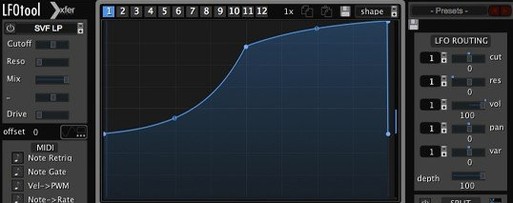 LFOTool
Redraws motion on tracks and buses with a modulation sequencer instead of a static LFO.
18 steps saved
 Komplete Kontrol
Unifies browsing, loading, and hands-on control of instruments and effects from one hub.
9 steps saved
 Komplete FX Bundle
Provides a rack of modulation, dynamics, and time-based effects for shaping any signal.
23 steps saved
 Kalifornia Dynamic KD Alkane
Adds weight and presence to a sterile kick drum with swift, focused processing.
12 steps saved
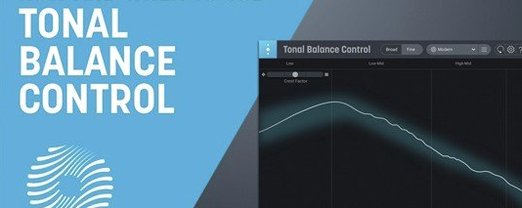 iZotope Tonal Balance Control
Shows how a mix’s frequency balance compares to a chosen genre reference.
11 steps saved
 Updated
iZotope RX
Isolates dialogue, music, and effects while cleaning bleed and breath from recordings.