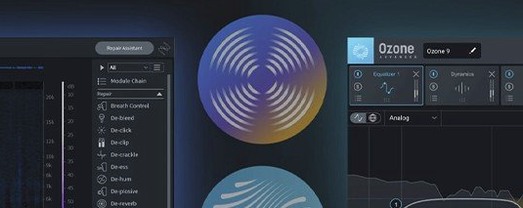
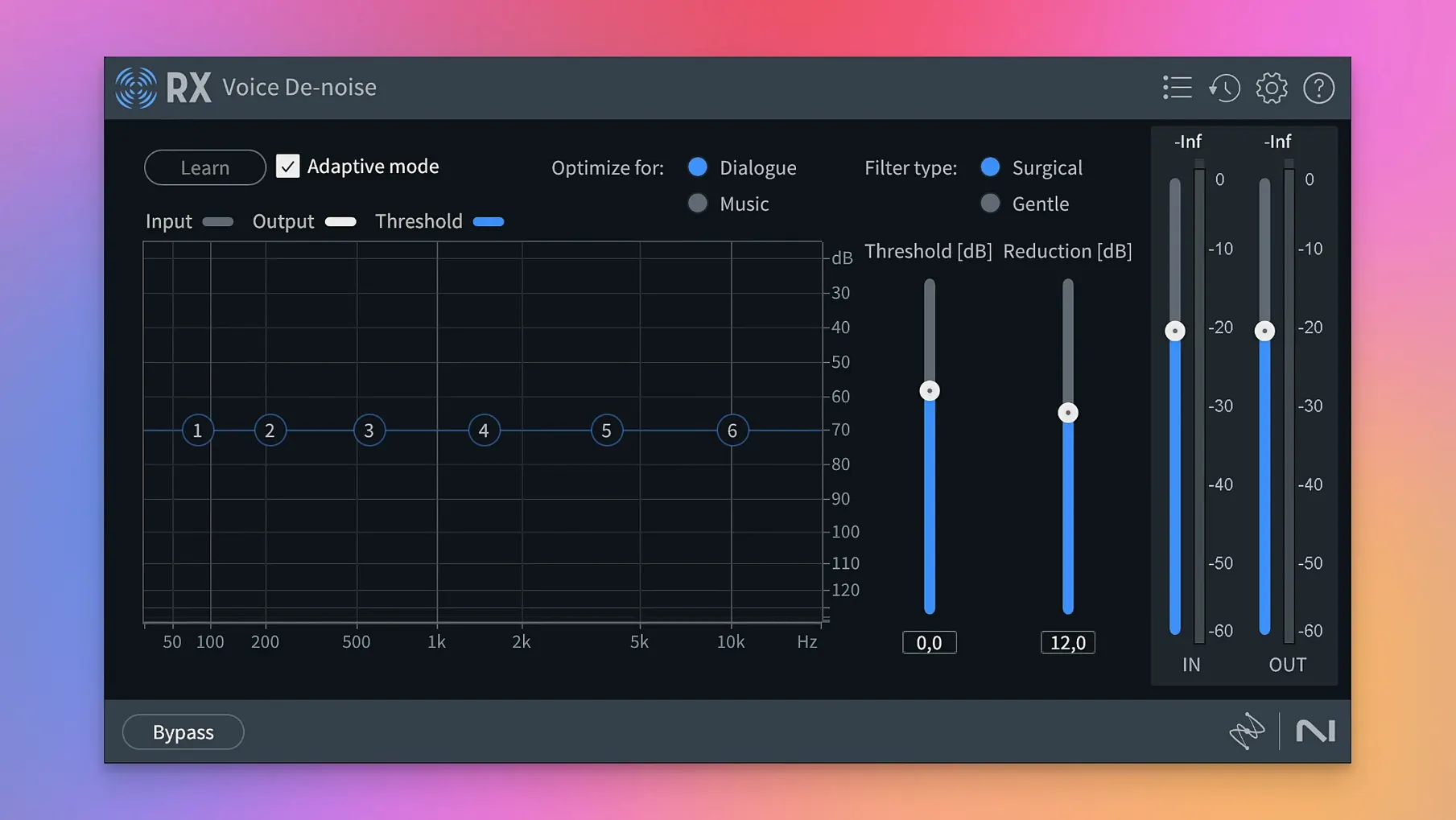
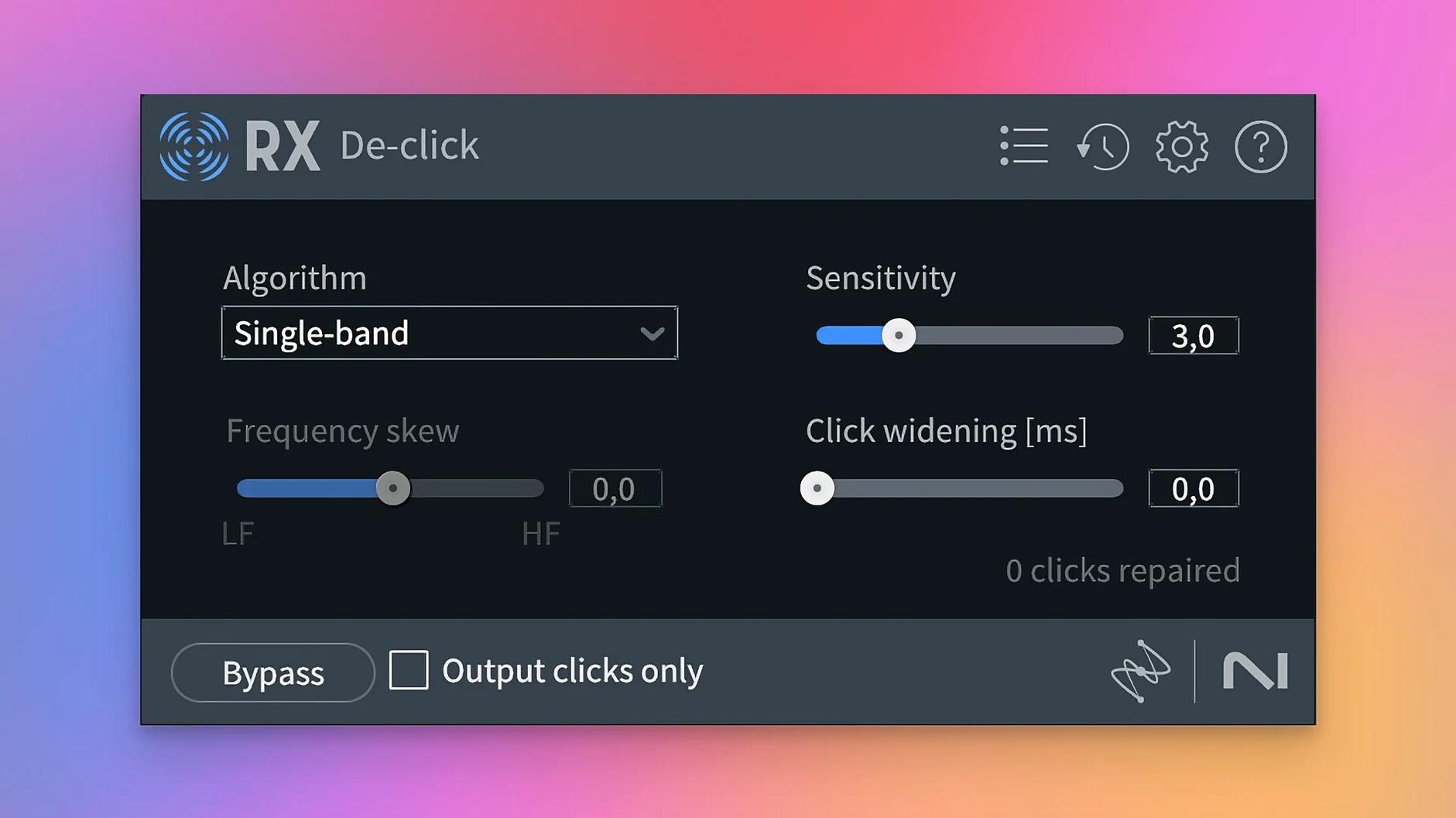
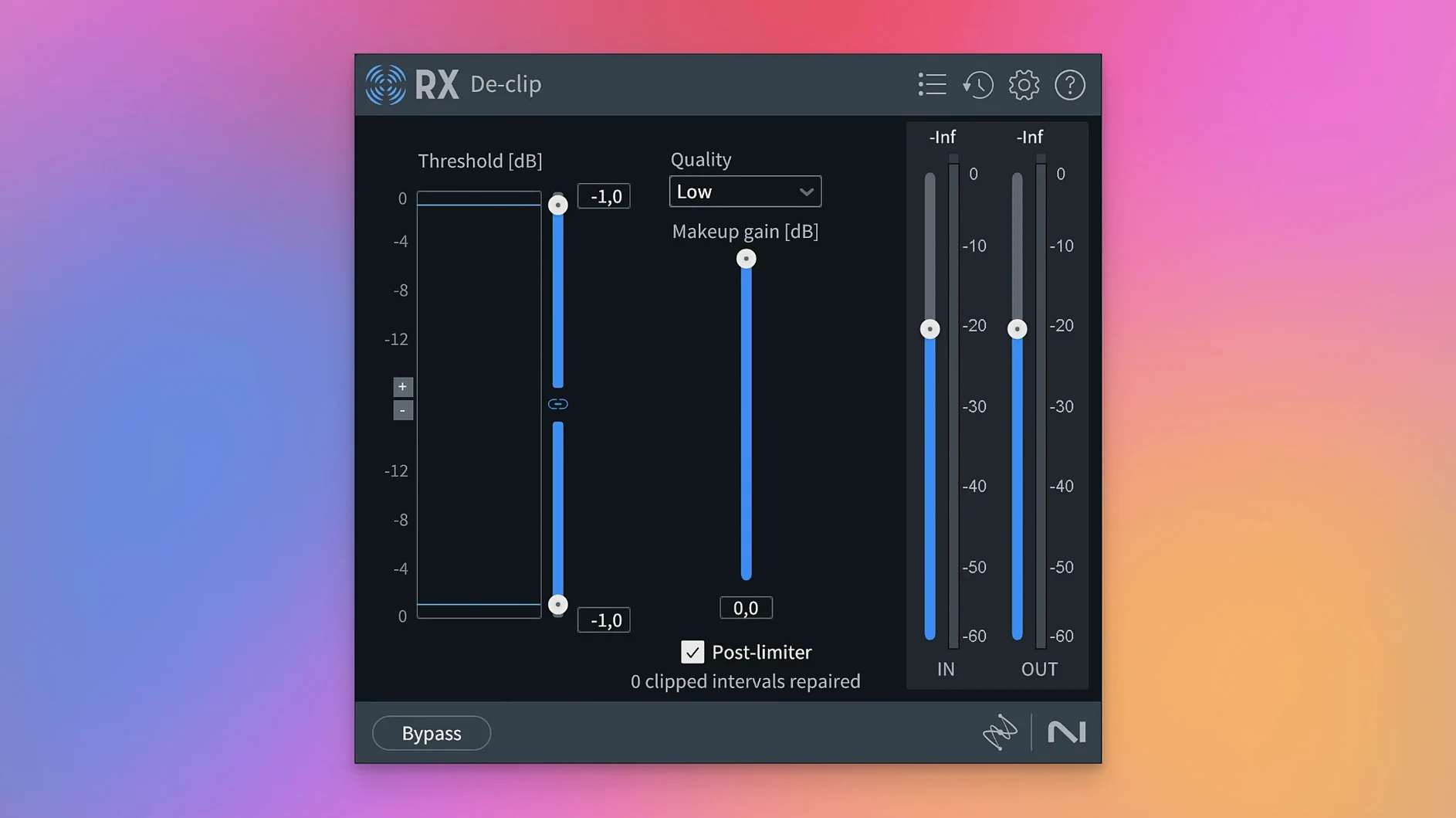
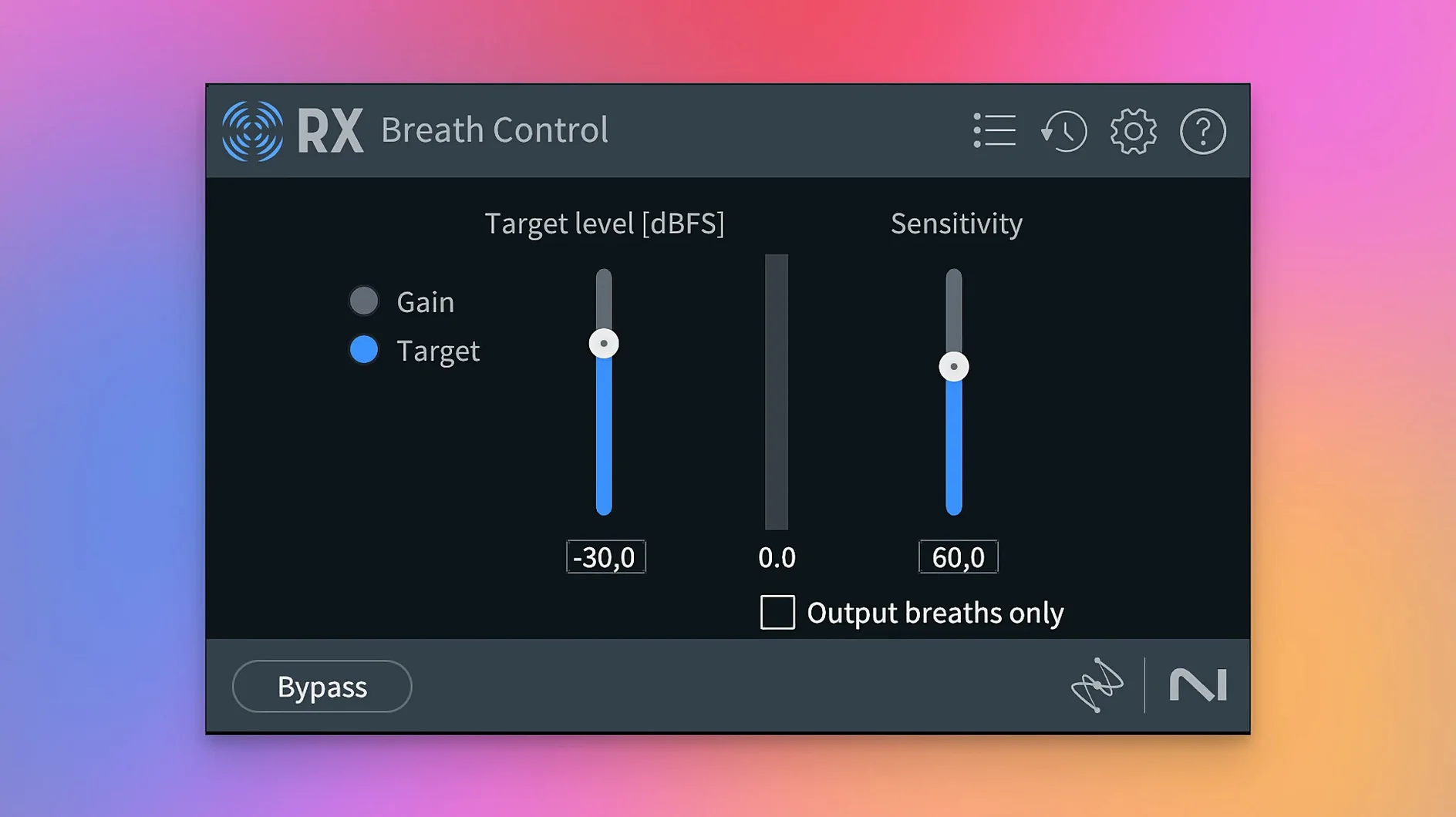
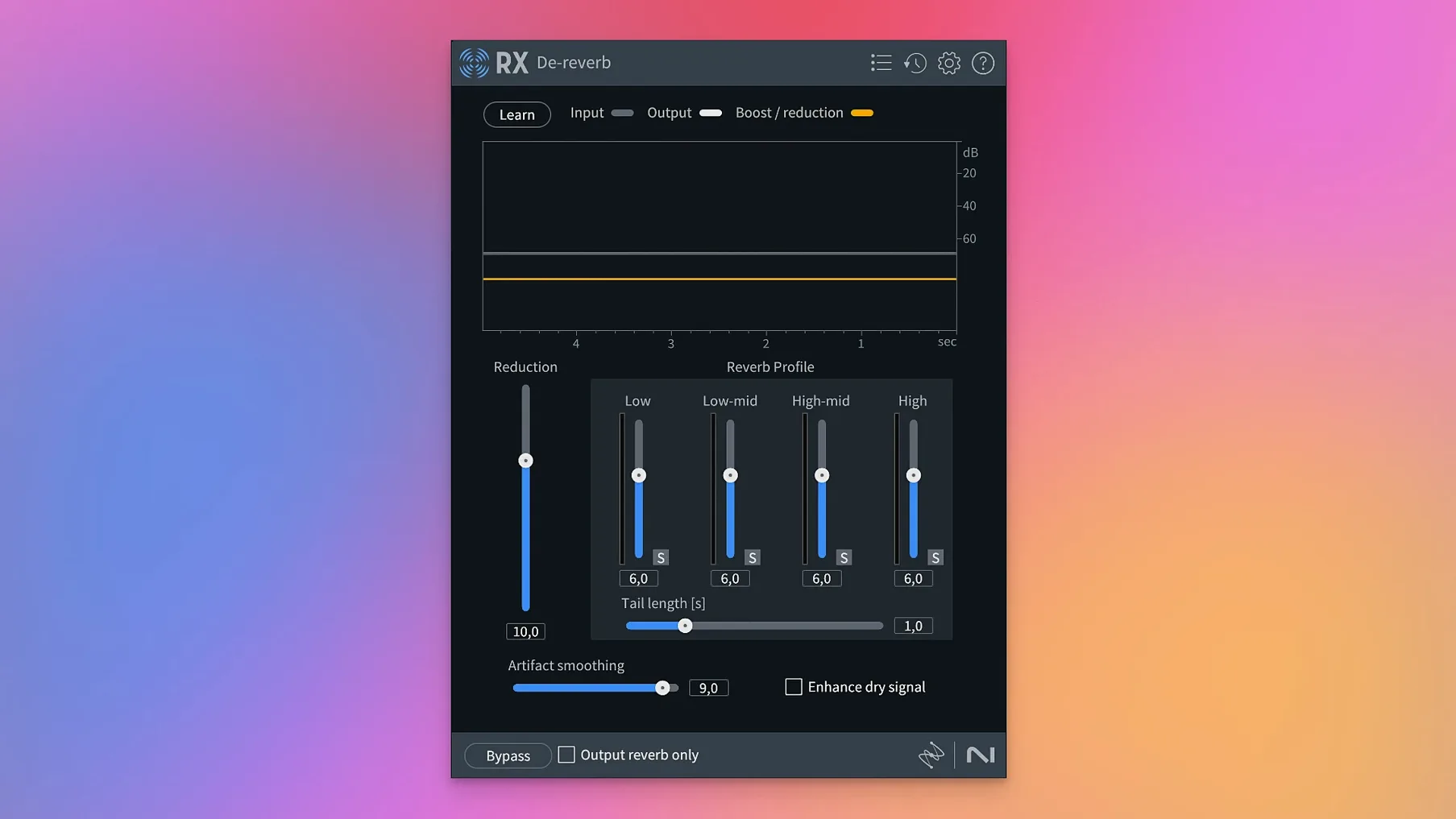
RX 12 rethinks isolation. Two rebuilt modules and a new separation tool change how you approach cleanup. De-bleed and Breath Control get complete rewrites, while Scene Rebalance lets you pull dialogue, music, and effects apart from a single clip.
- Confirm the format. RX runs as a standalone editor and as a plug-in — AU, VST3, AAX — inside any DAW that hosts them.
- Open the host you already use. The suite loads on Intel and Apple silicon Macs natively, with Rosetta fallback. macOS 14.7 is the baseline.
- Isolate the problem. Send a clip through Repair Assistant first. Machine learning flags clicks, hum, crackle, and broadband noise, then suggests a chain.
- Apply targeted modules. De-ess tames sibilance. De-reverb pulls back room wash. De-clip reconstructs peaks flattened by a hot preamp.
- Separate the scene. Scene Rebalance splits a stereo file into dialogue, music, and effects stems. Stems View opens each stem for independent spectral editing.
- Clean up the timeline. Trim Silence strips pauses from long recordings. Spectral De-noise and Spectral Editor handle what broad strokes miss.
The module set covers recording artefacts and environmental noise with a single interface. Machine learning suggestions speed up triage, while manual spectral tools give you frame-by-frame control over the result.
GPU Load and CPU Spikes to Plan For
People want to know whether RX 12 slows down their machine. The answer depends on the module. Repair Assistant and Spectrogram rendering use GPU acceleration where available. Heavy spectral edits on hour-long files will pin the CPU briefly—plan around that. On an Apple silicon Mac, most modules run without noticeable latency inside Logic or Reaper. Rosetta fallback exists but native mode is faster.
Another common question: can you use it without a DAW? Yes. The standalone application opens audio files directly. Drag a WAV or AIFF onto the window and the full toolkit is available. That matters for quick fixes—clean up a voiceover, remove a chair squeak, then export. No session setup needed.
People also ask whether RX handles MP3 compression artefacts. It does not specialize in them. De-crackle and Spectral De-noise can reduce some swirl and warble from low-bitrate files, but the toolkit targets recording problems, not codec degradation. Set expectations accordingly.
How RX compares
Adobe Audition — Audition bundles spectral editing, noise reduction, and multitrack mixing in one app. Its noise-print reduction is effective. RX 12 goes deeper on specific problems: De-bleed, Breath Control, and Scene Rebalance have no direct equivalent in Audition. Mix engineers who already own Audition often add RX for surgical repair and keep Audition for session assembly.
Accusonus ERA Bundle — ERA plugins are single-knob problem solvers. De-noise, De-reverb, and Plosive Remover work quickly but offer limited manual control. RX 12 gives you the same quick fix via Repair Assistant plus spectral editing, loudness optimisation, and stem separation. ERA competes on speed; RX competes on depth.
Waves Restoration Bundle — Waves offers X-Noise, X-Click, X-Crackle, and X-Hum as individual plugins. They are lightweight and familiar to broadcast engineers. RX 12 covers the same ground with more modern machine-learning assistance and adds tools Waves does not: Dialogue Isolate, Music Rebalance, and Scene Rebalance. The Waves plugins sit well in a live chain; RX works better as an offline repair station.
Fitting RX into your stack
RX 12 works alongside any DAW that hosts AU, VST3, or AAX plug-ins. The typical pattern: send a clip from Logic Pro, Reaper, or Pro Tools via the RX Connect plugin. Repair it in the standalone editor, then commit the result back to the timeline. This keeps the DAW session light and lets RX handle the heavy spectral processing.
The ARA integration speeds things up further. AU ARA and VST3 ARA let RX modules run directly inside supported hosts without round-tripping audio. Spectral Editor appears as a track-level editor in Logic. That means less file management and fewer exports.
For video workflows, RX 12 pairs with Final Cut Pro or DaVinci Resolve indirectly. Export the audio track, clean it in the standalone application, and re-sync. Dialogue Isolate and Scene Rebalance excel at salvaging location sound before it hits the timeline.
macOS features fill gaps around the edges. Quick Look previews cleaned exports without opening a DAW. Spotlight finds RX session files by name. Automator and Shortcuts can batch-process files through the standalone app for repetitive tasks—strip silence from a folder of interviews, for instance. RX 12 does not require these, but they reduce clicks when you process the same kind of material repeatedly.
Version 12.1.0 ships with the developer's latest fixes and performance improvements. Full details are available in the official release notes.
- macOS 14.7 or later
- Apple Silicon or Intel 64-bit processor
Questions I get before install
What does the Scene Rebalance module do?
Scene Rebalance separates a mixed audio file into dialogue, music, and effects stems for independent processing.
Is iZotope RX 12 compatible with Apple silicon Macs?
Yes, it runs natively on Apple silicon and Intel Macs, and works under Rosetta.
Which repair modules are included?
The suite includes De-click, De-clip, De-crackle, De-ess, De-hum, De-reverb, Spectral De-noise, and rebuilt De-bleed and Breath Control modules.
Comments 0
Sign in to leave a comment.Sign inCreate an account
No comments yet. If a step is still there after you install it, say so.
More in VST Plugins
All in VST Plugins iZotope Tonal Balance Control
Shows how a mix’s frequency balance compares to a chosen genre reference.
16 steps saved
 iZotope Neutron
Balances tone, dynamics, and stereo placement across individual tracks and buses.
4 steps saved
 iZotope Nectar
Shapes a vocal track’s tone, dynamics, and space directly on the insert slot.
21 steps saved
 iZotope Insight
Plots loudness history and stereo vectors so you can hit your delivery spec exactly.
23 steps saved
 Kalifornia Dynamic KD Alkane
Adds weight and presence to a sterile kick drum with swift, focused processing.
9 steps saved
 Komplete FX Bundle
Provides a rack of modulation, dynamics, and time-based effects for shaping any signal.
18 steps saved
 Komplete Kontrol
Unifies browsing, loading, and hands-on control of instruments and effects from one hub.
22 steps saved
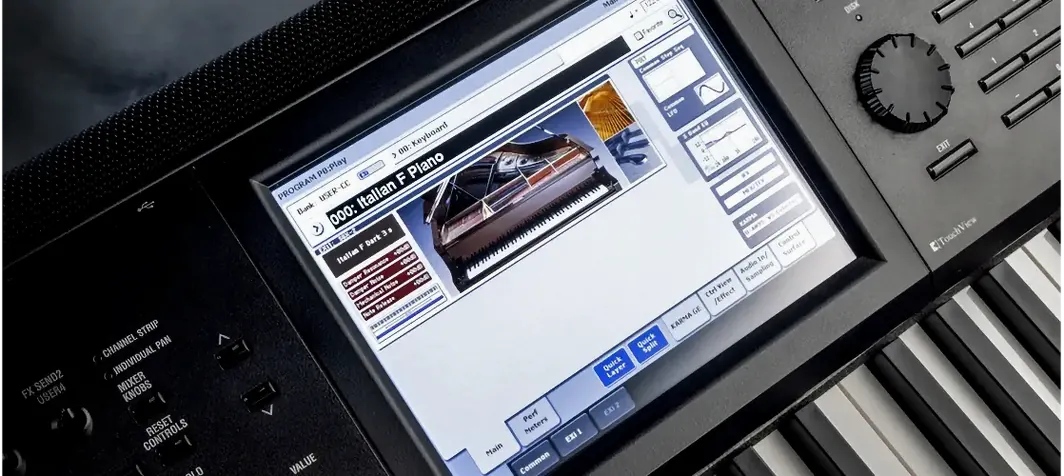 KORG Collection
Recreates classic KORG synths and workstations as plugins inside your DAW.