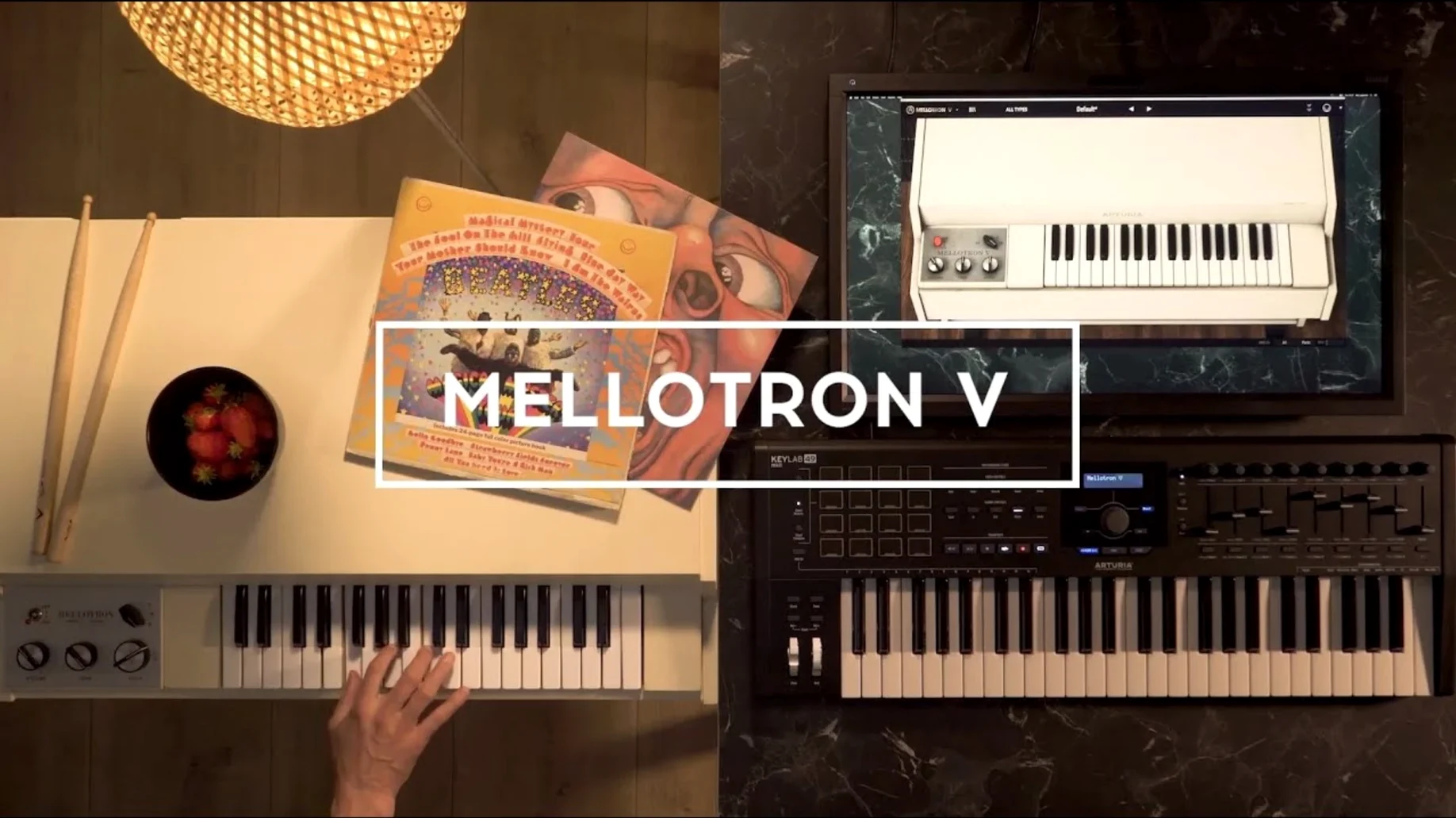
65 tape banks. That is the core of the sound, and it is where the session work starts. I load Mellotron V onto an instrument track, usually in a sparse arrangement where the tape character has room to breathe. The plug-in lays out 96 chromatic semitones across the keyboard, pulled from the original production reels.
- Track one: pad or string bed. I pull up a string or choir bank, roll off some high end with the built-in EQ, and push it back in the stereo field. It sits behind a vocal without clutter.
- Bus send: flute or woodwind texture. I route a copy to a parallel bus, high-pass it around 400 Hz, and add a touch of the onboard delay. The result is a wispy layer that moves independently of the main pad.
- User sample slot. When a track needs something the 65 banks do not cover, I drop my own sample onto the virtual tape frame. The playback inherits the same flutter and saturation the stock tapes carry.
Mellotron V works as a 64-bit plug-in on macOS 11 and later, running natively on both Intel and Apple Silicon. Preset management is stable now — naming and browsing no longer crash, and the search narrows a large preset list to something usable in seconds.
Scoring composers landing period string pads in minutes
Mellotron V is not a general-purpose synth. Its value concentrates in a few working habits.
- Scoring and library work. Composers who need a period-correct string pad or choir bed in minutes, without routing through a sample browser. The 65 banks cover the classic Mellotron palette, so a brief for “early seventies texture” is one preset away.
- Bedroom producers chasing tape character. People who build tracks around a single atmospheric layer. The flutter and noise controls sit right on the main panel, so you can hear the tape age as you drag, rather than faking it with a lo-fi chain.
- Sound designers with their own material. Loading WAV, AIFF, or FLAC files onto a tape frame turns a field recording or synth stem into a Mellotron-style instrument. The mechanical controls apply to user samples the same way they apply to the factory banks.
M-Tron Pro chases tape libraries, Mellotron V models the mechanical warble
GForce M-Tron Pro covers roughly the same territory — a dedicated Mellotron emulation with a large tape library and a similar plug-in format list. M-Tron Pro leans harder into sample breadth; Mellotron V leans into the instrument’s mechanical side, with more immediate access to tape speed, noise floor, and motor behaviour.
IK Multimedia SampleTron 2 is the third name that usually comes up. It models both Mellotron and Chamberlin tones, and it includes a useful set of tape and amp effects. Mellotron V’s edge is its user sample implementation: the track row, split into 96 chromatic semitones, gives you more control over how external audio maps across the keyboard than either rival.
If you want the widest factory library out of the box, other options have more banks. If you want to shape the tape sound and drop in your own recordings without leaving the plug-in, Mellotron V is the more focused tool.
- New — Preset search improvements.
- Improved — Playlist editing, preset playlist naming, favourite preset management, and preset naming all behave reliably.
- Fixed — Several bugs that interrupted preset workflows.
- macOS 11 or later
- 64-bit host (Intel or Apple Silicon)
- English interface
Comments 0
Sign in to leave a comment.Sign inCreate an account
No comments yet. If a step is still there after you install it, say so.
More in VST Plugins
All in VST Plugins Arturia FX Collection
Covers tracking, mixing, and mastering with a single suite of 39 processors.
10 steps saved
 Arturia Pigments
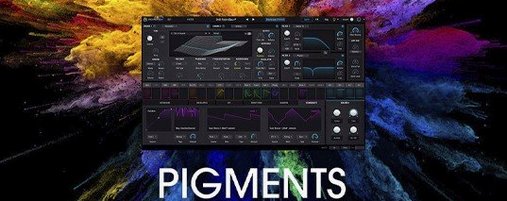
Lets you drag any modulator to any parameter and hear the result instantly.
15 steps saved
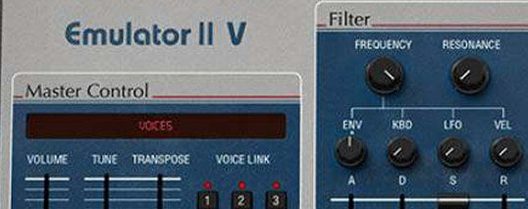 Arturia Emulator II V
Recreates the gritty 8-bit sampler that shaped early digital records.
9 steps saved
 Arturia Efx AMBIENT
Builds long, shifting ambient tails without chaining extra aux channels.
22 steps saved
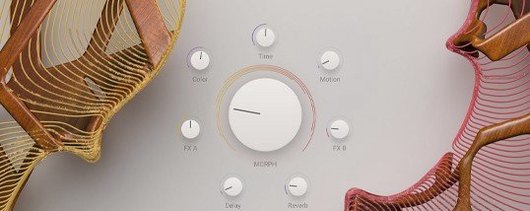 Arturia Augmented STRINGS
Blends real string samples with synthesis engines via one Morph control.
16 steps saved
 Updated
Arturia Analog Lab V
Browses every Arturia preset from a single searchable window.
7 steps saved
 Antares Auto-Tune Pro
Corrects vocal pitch with surgical precision while keeping the performance human.
9 steps saved
 Ample Sound Ample Guitar LP III
Plays a virtual Les Paul with fingerstyle, picking, and fret noises baked in.