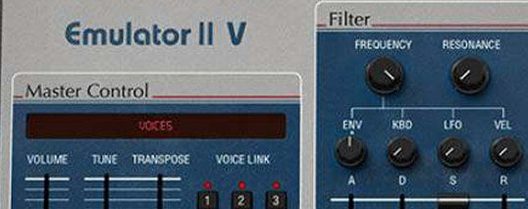
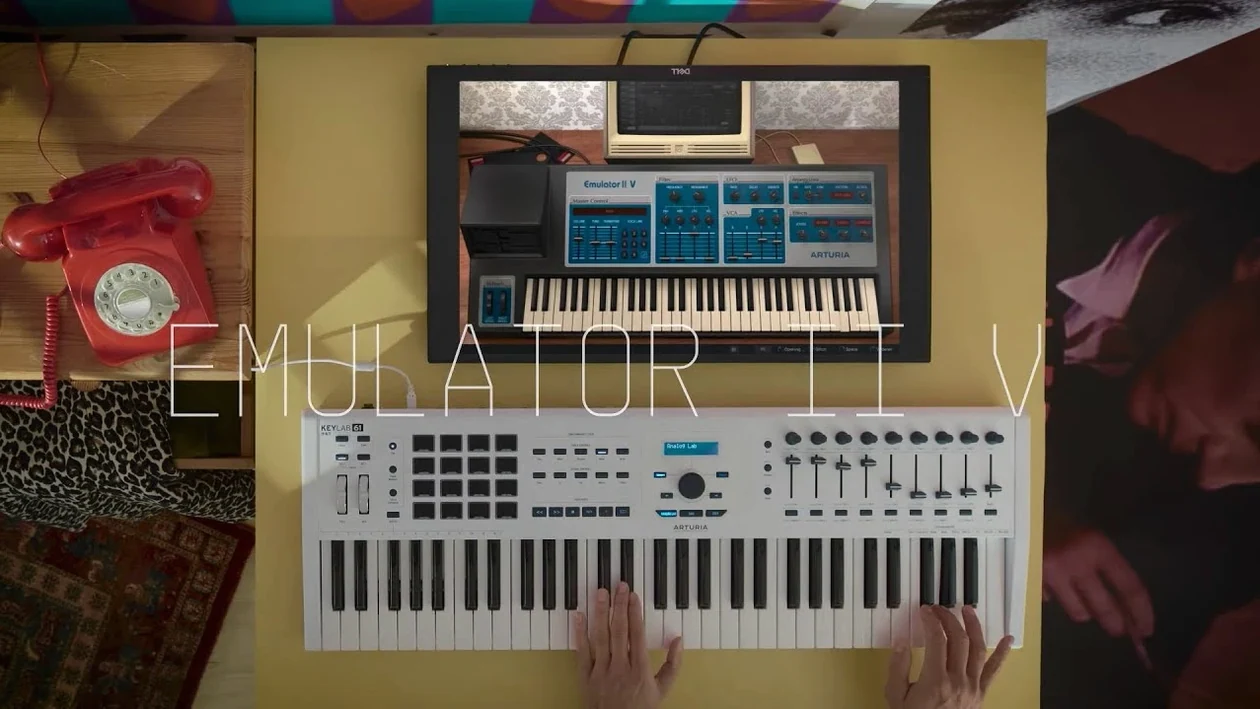
The Arturia Emulator II V is a software recreation of the 1984 E-Mu Systems Emulator II, an 8-bit sampler that defined early digital sound. It runs as a VST, AU, or AAX plugin on macOS 11 and later — Intel and Apple Silicon native.
What sets this apart from a sample pack is the architecture. Each layer gives you a dedicated VCF, ADSR envelope, LFO, and VCA with its own ADSR. Arturia’s TAE technology models the original circuitry, then adds modern tools the hardware never had: extra modulation routing, expanded polyphony, and a set of studio-grade effects.
Factory content covers the original Emulator and Synclavier libraries alongside new samples tuned for modern production. The interface keeps things direct — no patch cables, no nested menus. Load a sound, tweak the filter and envelopes, add a unison voice or two, and you’re done.
For producers who want that grainy, 8-bit grit wrapped in a reliable plugin format, this fits a tight workflow without the headache of maintaining vintage hardware.
Ten instances barely nudge the CPU on Apple Silicon
The Emulator II V sits light in a session. On an M1 or M2 Mac, a single instance rarely pushes CPU past a few percent, and even eight to ten instances across a track stay well within budget. Loading times are short — factory patches appear in under a second, and larger user samples don't stall the DAW. Memory use stays modest for a modern instrument, which makes it practical as a sketching tool alongside heavier synths.
Stability has been dependable through long arranging sessions. The plugin holds up across Logic, Ableton Live, and Cubase without dropouts or unexpected UI freezes. The 27.7 kHz output stage keeps the character intact while the internal engine stays responsive. For anyone moving between Intel and Apple Silicon machines, the universal build means no Rosetta juggling.
Quiet imported samples and cramped UI quick fixes
Most friction comes from expectations, not bugs. A few points worth knowing:
- Quiet output on imported samples — Normalize before loading, or boost the VCA gain. The 8-bit companding stage tames headroom quickly.
- UI feels cramped on small displays — The plugin draws best at 125% scaling or higher. On a 13-inch screen, collapse the effects rack to free space.
- Preset browsing stalls — Rebuild the Arturia preset index from the plugin menu, then restart the DAW. Usually fixes it within a minute.
- Arpeggiator timing drifts — Sync to the DAW clock rather than internal tempo when running multiple instances.
If a sound cuts out mid-session, check the voice count first. Dense chords with long release tails can eat through the 32-voice allocation faster than expected.
8-bit companding texture that modern samplers can’t fake
Producers working in lo-fi, synthwave, industrial, and early digital styles will extract the full value. The 8-bit companding and 27.7 kHz sample rate give finished tracks a texture that clean modern samplers can't fake. Sound designers building custom kits also benefit — the per-layer VCF, ADSR, and LFO offer enough sculpting to turn one sample into a dozen usable variants.
Keyboard players who want the Emulator feel without hardware upkeep gain a solid practice and performance tool. The 250 original presets cover the classic territory immediately. DAW users who dislike nested menus and patch cables will find the flat, graphic parameter view faster to work in than most sampler interfaces.
- macOS 11 or later
- Intel or Apple Silicon Mac
- VST, AU, or AAX plugin host
Questions I get before install
What sample libraries are included?
It ships with a curated collection that combines original Emulator and Synclavier samples with modern material recorded specifically for the plugin.
Does each layer have independent controls?
Yes. Every layer provides its own VCF, ADSR, LFO, and VCA with a dedicated ADSR envelope, giving you precise control over each sound in a multi-layered patch.
Comments 0
Sign in to leave a comment.Sign inCreate an account
No comments yet. If a step is still there after you install it, say so.
More in VST Plugins
All in VST Plugins Arturia Efx AMBIENT
Builds long, shifting ambient tails without chaining extra aux channels.
8 steps saved
 Arturia FX Collection
Covers tracking, mixing, and mastering with a single suite of 39 processors.
6 steps saved
 Arturia Mellotron V
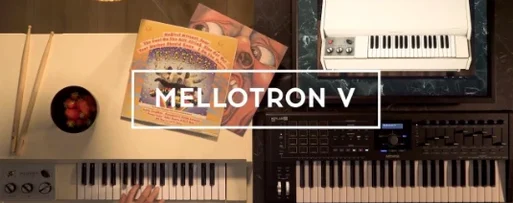
Places 65 tape banks under your fingers for arrangements that need texture.
22 steps saved
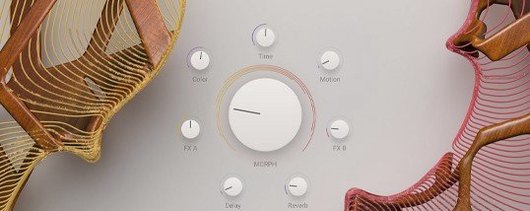 Arturia Augmented STRINGS
Blends real string samples with synthesis engines via one Morph control.
10 steps saved
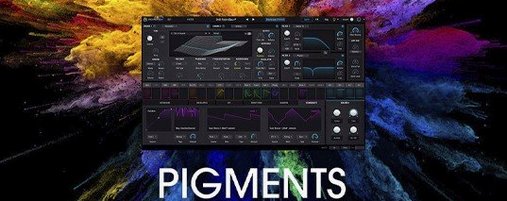 Arturia Pigments
Lets you drag any modulator to any parameter and hear the result instantly.
16 steps saved
 Updated
Arturia Analog Lab V
Browses every Arturia preset from a single searchable window.
7 steps saved
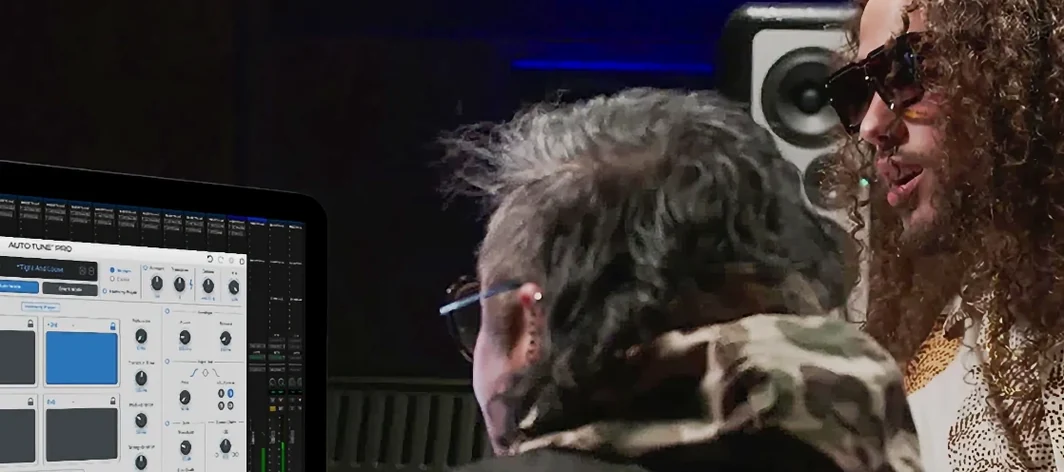 Antares Auto-Tune Pro
Corrects vocal pitch with surgical precision while keeping the performance human.
9 steps saved
 Ample Sound Ample Guitar LP III
Plays a virtual Les Paul with fingerstyle, picking, and fret noises baked in.