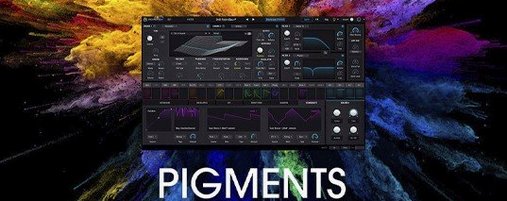
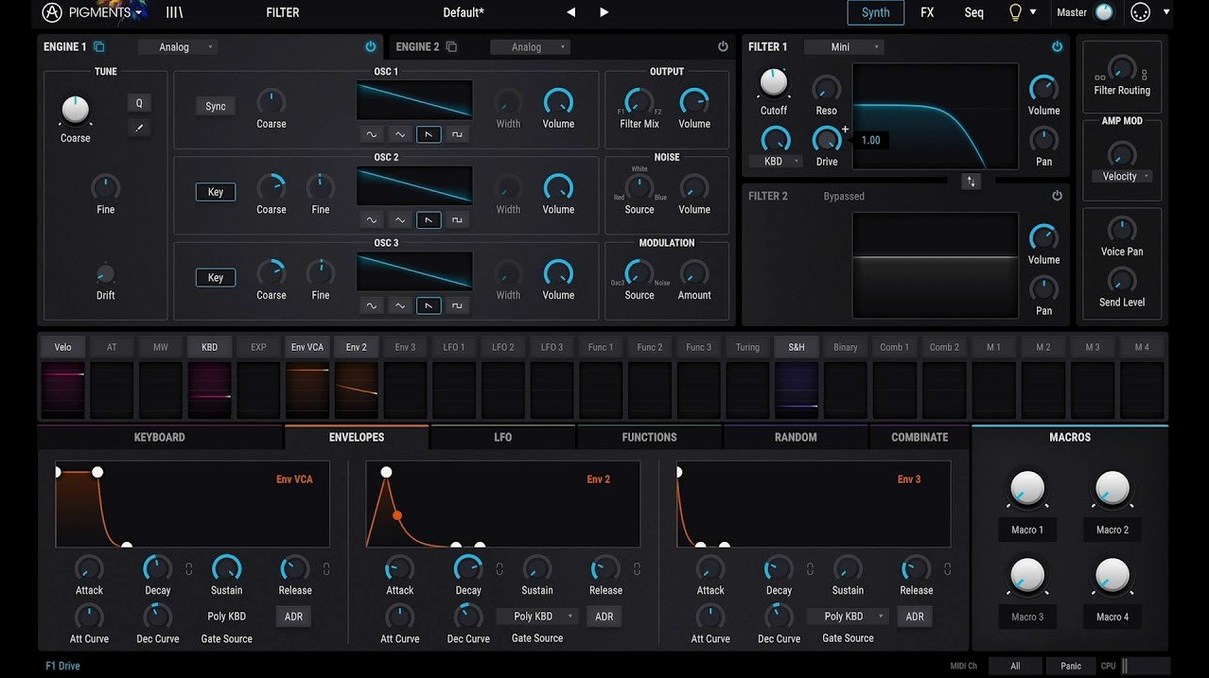
Six synthesis engines sit behind one colour-coded interface in Arturia Pigments. Version 7.0.1 adds the Corroder effect and keeps the signal path visible: pick a source, route a modulator, hear the change immediately.
- Drag-and-drop modulation — assign an LFO or envelope to any parameter without menu diving.
- Corroder effect — degrades clean patches with bit-crush and downsampling textures that sit forward in a mix.
- Rage, Ripple, and Reverb filters — new tonal shaping between the oscillators and the output stage.
- 150 new factory presets — usable starting points covering pads, basses, and percussive hits.
- In-app tutorials — short walkthroughs for modulation routing and the redesigned Play Page.
- Built-in effects — no external inserts needed to finish a sound before it reaches the DAW.
The hybrid engine keeps virtual analog warmth next to wavetable movement, so a patch can shift from stable to brittle in one drag. On Apple Silicon and Intel Macs, the plugin loads as VST or AU and stays responsive while you stack modulators.
A patch from scratch, start to finish
A bass that moves without automation. Start with the wavetable engine, pick one of the 50 new tables, and set two voices with slight detune. Route an envelope to the filter cutoff — short attack, medium decay, low sustain. That gives the note its pluck.
Next, drag an LFO onto the wavetable position parameter. Set the rate to a dotted eighth and the amount low enough that the timbre shifts without losing the fundamental. Assign velocity to the envelope amount so harder hits open the filter further. Three modulators in, the patch already reacts like an instrument, not a static sample.
Finish with the Corroder effect at the end of the chain. Keep the mix around twenty percent and pull the downsample control until the top end gets grainy. Add the Reverb filter before the output for a short, dark tail. Save it. The whole process takes under ten minutes, and every control stays visible while you work.
Reorder the Play Page Macros You Actually Touch
- Play Page layout — the redesigned Play Page puts performance controls up front. Reorder the macros to match what you actually reach for mid-session.
- Modulation range limits — set min and max values on every assigned modulator. It prevents LFOs from sweeping into unusable territory and keeps patches predictable.
- Voice allocation — drop the maximum voices on pad patches to avoid CPU spikes when you hold long chords under other tracks.
- Default effects order — the built-in effects follow a fixed chain. Rearrange them once for your template and save it as a default preset so every new patch starts with the routing you prefer.
- Tutorial visibility — in-app tutorials are useful on first launch. Turn them off from the help menu once you know the routing flow, so they don't interrupt patch-building.
Apple Silicon Native, Universal Binary Confirmed
Does it run natively on Apple Silicon? Yes. The plugin loads as a universal binary, so both Apple Silicon and Intel 64-bit Macs get the same performance. Version 7.0.1-6772 requires macOS 11 or later.
Is this the same engine as Pigments Play? Pigments Play uses a simplified version of the engine. The full plugin adds the complete modulation system, all six synthesis engines, and the expanded effects section, including the Corroder.
How much drive space does it need? The factory library — presets, wavetables, samples, and noises — takes up a fair amount of room. Keep at least a few gigabytes free, especially if you plan to save many user patches.
Will a pigments free download give me the full version? The complete plugin includes everything from the 7.0.1 update: 150 new presets, the new filters, and the Corroder effect. A pigments vst free download mac search will point you to the same package listed here.
Does it work in every DAW? Pigments loads as VST and AU across major hosts on macOS. If your DAW supports one of those formats, the plugin will appear after installation.
- New — Redesigned Play Page; Rage, Ripple, and Reverb filters; Corroder effect; 150 factory presets, 50 wavetables, 30 samples, and 20 noises.
- Improved — In-app tutorials cover the updated workflow.
- macOS 11 or later
- Apple Silicon or Intel 64-bit
- Interface language: English
Comments 0
Sign in to leave a comment.Sign inCreate an account
No comments yet. If a step is still there after you install it, say so.
More in VST Plugins
All in VST Plugins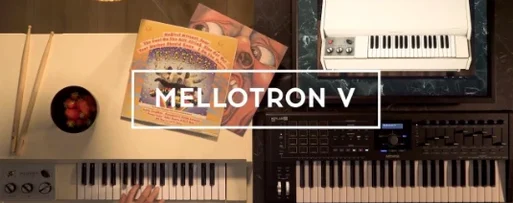 Arturia Mellotron V
Places 65 tape banks under your fingers for arrangements that need texture.
8 steps saved
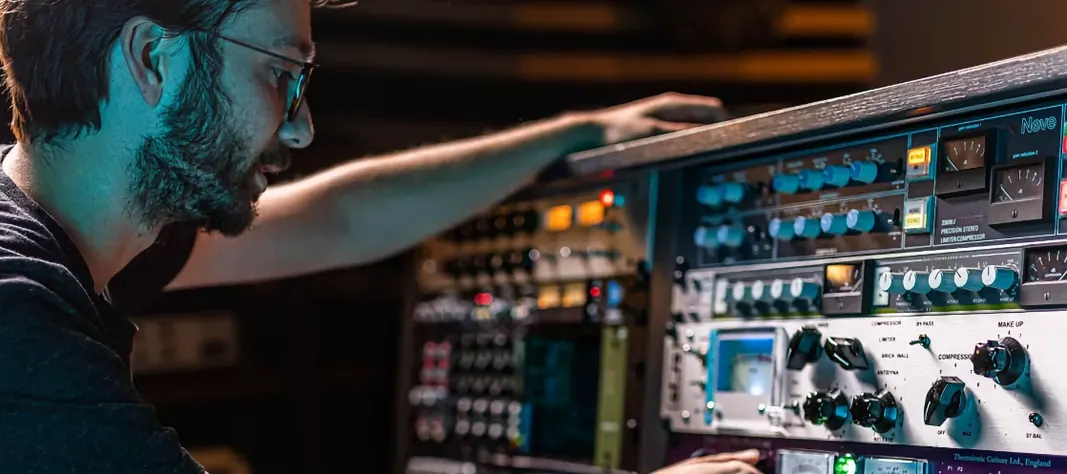 Arturia FX Collection
Covers tracking, mixing, and mastering with a single suite of 39 processors.
15 steps saved
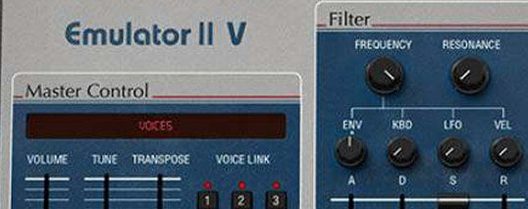 Arturia Emulator II V
Recreates the gritty 8-bit sampler that shaped early digital records.
9 steps saved
 Arturia Efx AMBIENT
Builds long, shifting ambient tails without chaining extra aux channels.
22 steps saved
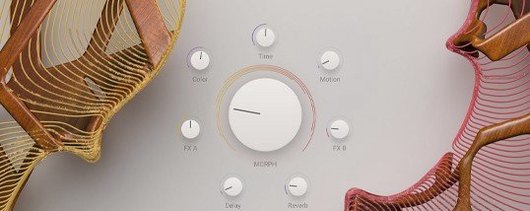 Arturia Augmented STRINGS
Blends real string samples with synthesis engines via one Morph control.
16 steps saved
 Updated
Arturia Analog Lab V
Browses every Arturia preset from a single searchable window.
7 steps saved
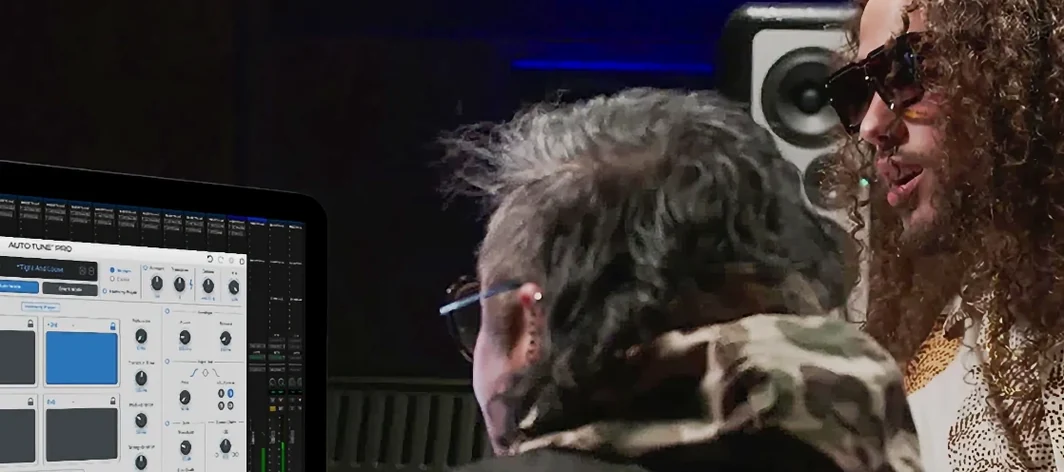 Antares Auto-Tune Pro
Corrects vocal pitch with surgical precision while keeping the performance human.
9 steps saved
 Ample Sound Ample Guitar LP III
Plays a virtual Les Paul with fingerstyle, picking, and fret noises baked in.