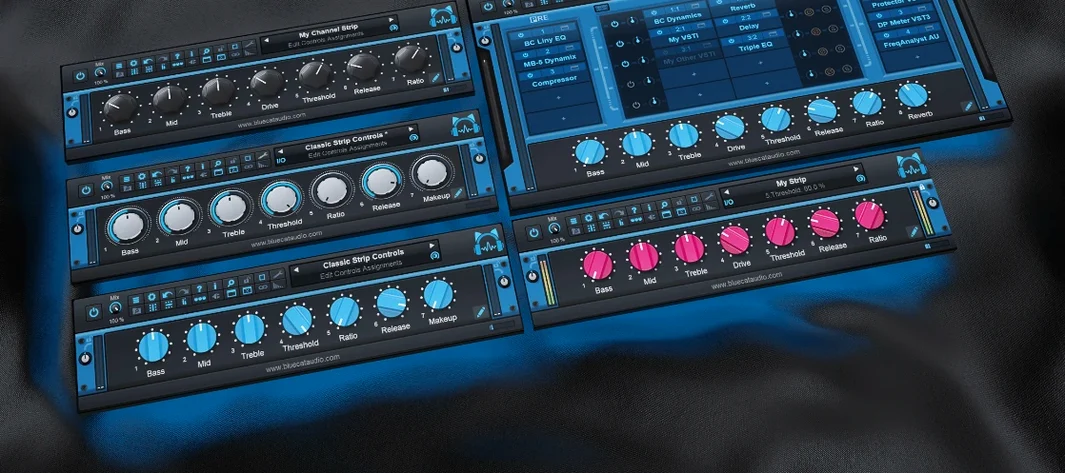
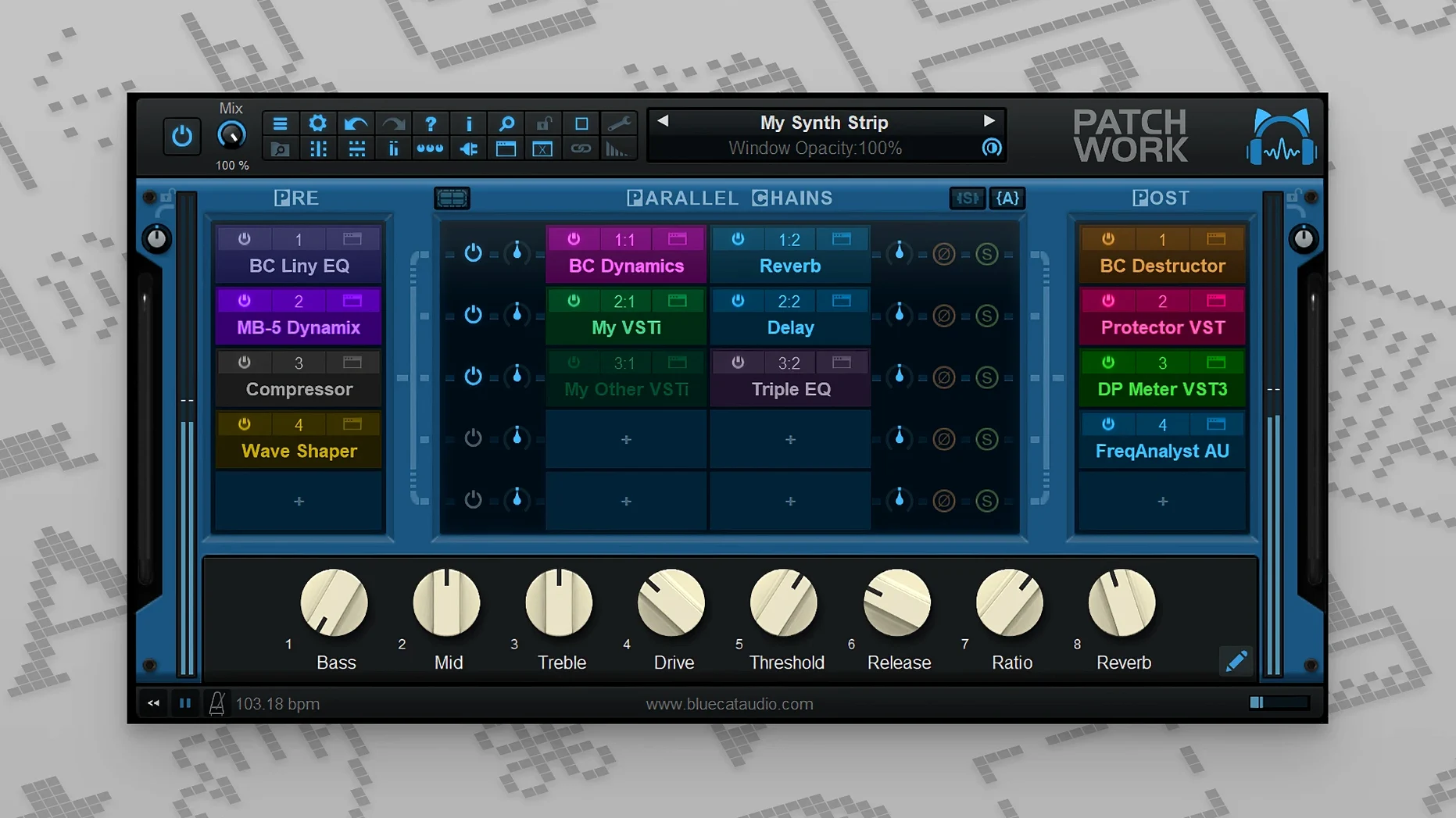
The 2.75 update turned PatchWork into a 16-channel audio recorder, while keeping its role as a straightforward plug-in host and effects patchbay. It loads third-party VST, VST3, and Audio Unit formats inside one DAW slot, which means you stop fighting format gaps and start chaining what you actually own.
- Loads up to 64 VST, VST3, Audio Unit, or built-in plug-ins per instance
- Full-text search across your saved plug-ins and a dedicated browser
- Drag-and-drop installation from the file system for plug-in interfaces
- Copy, paste, save, and reload complete effects chains
- Built-in audio recorder capturing up to 16 channels
- Sits alongside Blue Cat's other hosts—Axiom, Fader Hub, MB-7 Mixer, and Late Replies
Compatibility comes first: it runs as a single instance inside any DAW, on Intel or Apple Silicon Macs from macOS 10.9 onward. The browser and chain recall keep routing tidy, and the recorder means you capture the output without leaving the plugin.
In Daily Use — Speed, Stability, and Resource Footprint
A single PatchWork instance hosting 20-odd plug-ins—a chain of dynamics, modulation, and a convolution reverb—sits at roughly 2–4% CPU on an Apple Silicon Mac under light-to-moderate track counts. That number stays flat across looped playback, and memory pressure doesn't drift upward in long sessions. The host itself adds negligible overhead; what you pay for is the plug-ins you load, not the rack they sit in.
Parallel chains benefit from the same discipline. Eight parallel slots, each carrying a different saturation and EQ, still behave like one well-behaved insert. I've thrown it onto a live input track with a 64-sample buffer and watched the transport roll without glitches—no crackles, no sudden buffer underruns, no "plugin host is thinking" pauses when you bypass a row.
Stability follows the same pattern. PatchWork rarely disappears from a session. If a guest plug-in misbehaves, the wrapper catches it without taking the DAW down. The one quirk worth knowing: VST3 editor loading on macOS happens only when you open the interface, so a session full of hidden VST3 windows loads faster than one where every editor is visible. Keep that in mind when you save a preset with 30 plug-in windows open.
Skip the Slow Scan by Limiting Plug-in Folders
- Plug-in scanner scope. Out of the box, PatchWork scans everything it can find. If you own several DAWs and duplicate formats, trim the scan paths to one VST3 folder and one AU folder. Scanning time drops from a minute to a few seconds.
- New plug-in default state. Tell PatchWork to load new plug-ins with the interface closed. You'll build chains faster, and the session file stays smaller.
- Recorder output path. The 16-channel recorder defaults to a generic location. Point it at your project folder before you forget; those WAV files pile up fast when every slot is armed.
- MIDI bypass assignments. Version 2.75 added per-slot bypass via MIDI, but the assignments are blank. Spend three minutes mapping four CCs to four slots, and you'll swap effects during a live set without touching the mouse.
Print Parallel Chains Straight to Stems
Version 2.75 landed three practical upgrades. First, the built-in audio recorder—up to 16 channels of capture—means you can print a parallel chain's output directly to stems without routing back through the DAW mixer. Second, chain management got clipboard support: copy an entire row of effects, paste it into another PatchWork instance, save it as a preset file, and reload it across projects. Third, MIDI control expanded to individual plug-in bypass and window open/close, plus more event types for parameter changes. In practice, that turns a MIDI foot controller into a channel-strip remote.
The subsequent 2.78 release (officially noted May 2026) refined search behaviour in the presets browser—results now appear while you type, which shaves a few seconds off every chain rebuild. The same update tightened drag-and-drop handling for plug-in user interfaces, so yanking an interface file from Finder onto PatchWork feels immediate rather than staged.
- macOS 10.9 or later
- 64-bit Intel or Apple Silicon Mac
Questions I get before install
Which third-party plug-in formats does Blue Cat's PatchWork load?
It hosts VST, VST3, and Audio Unit plug-ins, plus a set of built-in effects, within a single DAW instance.
Comments 0
Sign in to leave a comment.Sign inCreate an account
No comments yet. If a step is still there after you install it, say so.
More in VST Plugins
All in VST Plugins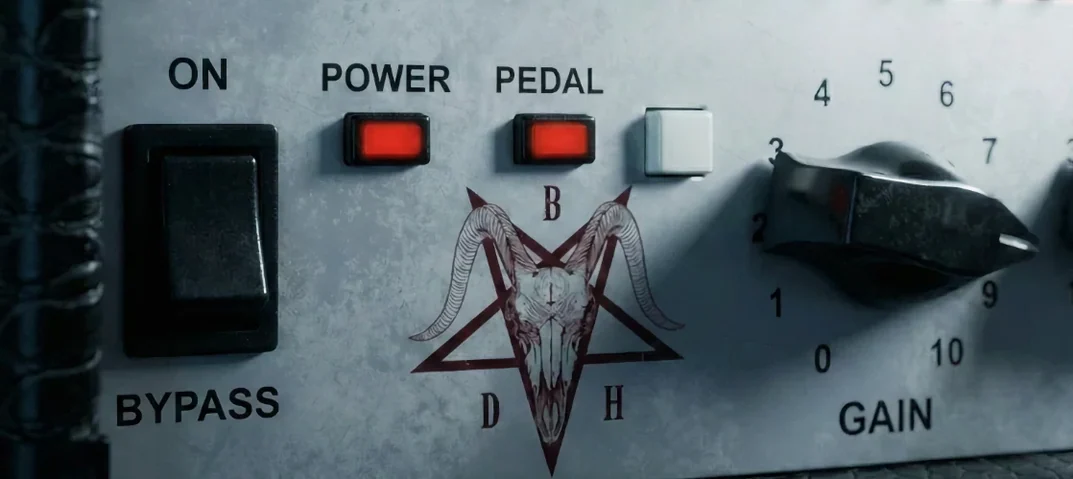 Bogren Digital Ampknob BDH 66o6 Plus
Delivers a tight high-gain amp tone from one simple plugin.
12 steps saved
 Cableguys Snapback
Locks a sample to every detected transient in real time for instant layer reinforcement.
10 steps saved
 Arturia Pigments
Lets you drag any modulator to any parameter and hear the result instantly.
6 steps saved
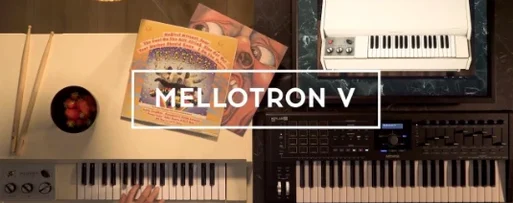 Arturia Mellotron V
Places 65 tape banks under your fingers for arrangements that need texture.
8 steps saved
 Arturia FX Collection
Covers tracking, mixing, and mastering with a single suite of 39 processors.
15 steps saved
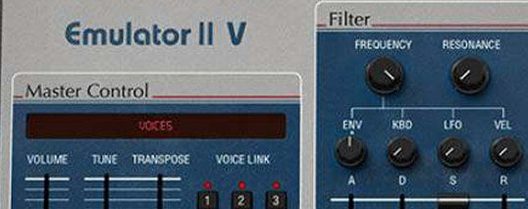 Arturia Emulator II V
Recreates the gritty 8-bit sampler that shaped early digital records.
9 steps saved
 Arturia Efx AMBIENT
Builds long, shifting ambient tails without chaining extra aux channels.
22 steps saved
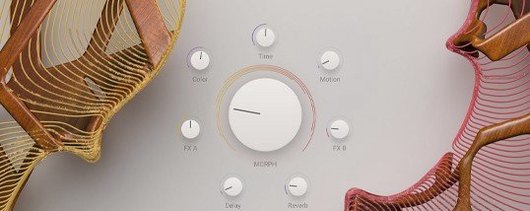 Arturia Augmented STRINGS
Blends real string samples with synthesis engines via one Morph control.