
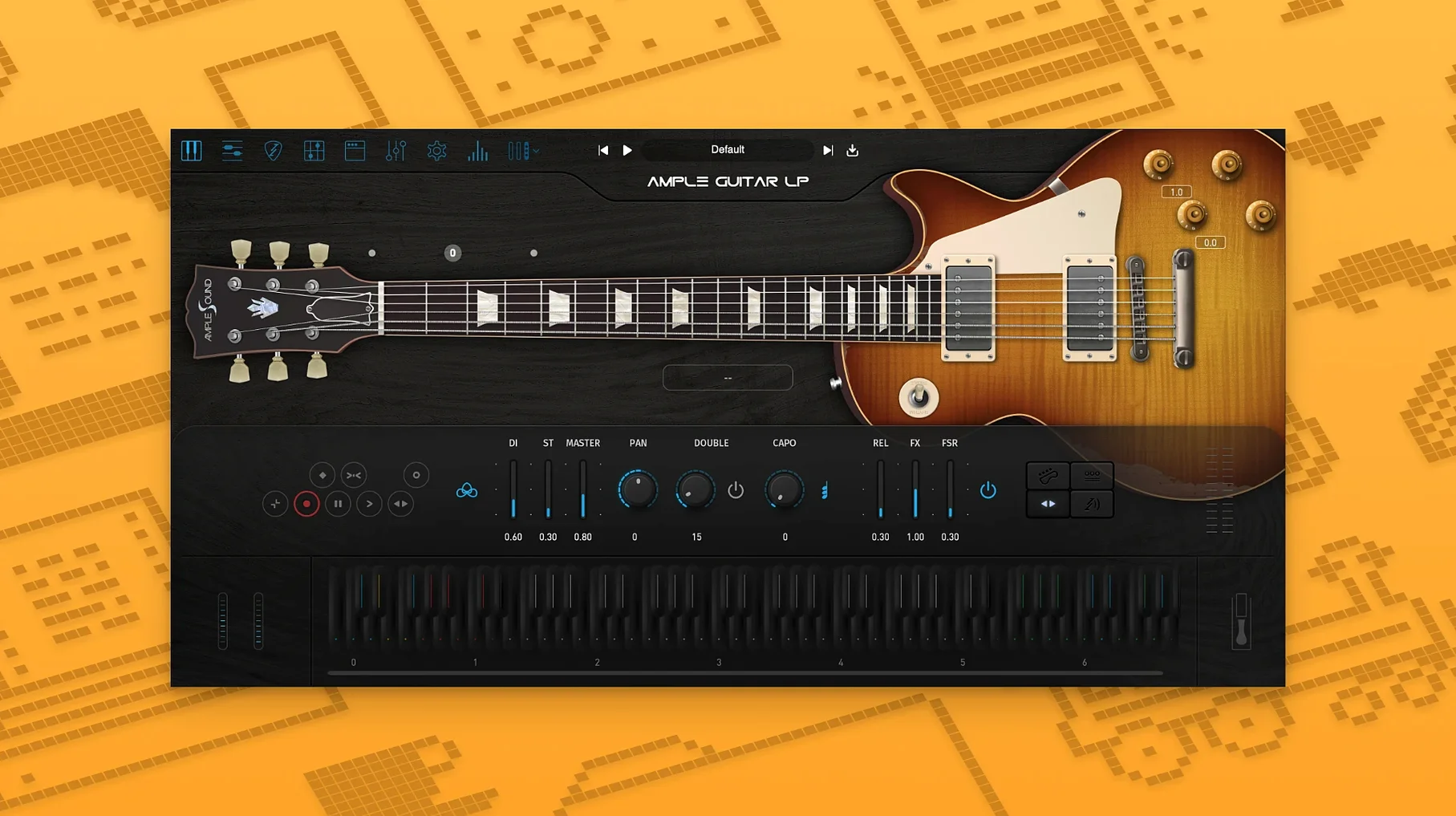
Ample Guitar LP III is a virtual electric guitar that reproduces the character of a Gibson Les Paul 1958.
Fingerstyle — plucked notes with the natural attack of bare fingers.
Picking — plectrum-driven tones that cut through a dense mix.
String effects — slides, hammer-ons, pull-offs, and fret noise for realistic phrasing.
Built-in amp — a ready-to-record signal chain, no external cabinet simulation required.
Effects — reverb, delay, and modulation to place the guitar in a finished space.
Lock String Selection Above the 12th Fret
Open the plugin, load a preset, and two controls deserve attention before you record a single note.
- String selection — the default mapping often favours the lower frets. For lead lines above the 12th fret, lock the string choice to the top three strings. The tone tightens and loses the mud that plagues virtual Les Pauls.
- Noise floor — fret squeaks and pick scrapes are on by default. For clean jazz parts, drop the release noise to about 30%. For rock rhythm tracks, leave it high; the grit reads as human.
Amp gain is the third thing. The built-in amp ships with a mid-gain setting that works for blues but flattens funk parts. Pull it back until the attack of the pick comes through, then add compression at the track level instead.
Map Key Switches to Drum Pads
Ample Guitar LP III hides a few workflow shortcuts behind its main interface.
- Keyswitches — the lowest octave on your MIDI controller switches articulations. Learn the four you use most and map them to drum pads if your controller has them.
- Strum engine — hold a chord and drag across the virtual strings with the mouse. Slower drags produce looser strums; faster drags tighten the attack. This works during playback, not just when the transport is stopped.
- Capo logic — instead of transposing the MIDI, use the capo slider. It keeps the chord voicings correct for the instrument, which matters more than you would expect on a Les Paul library.
- Doubling — duplicate the track, detune one instance by 6 cents, and pan them hard left and right. The stereo width beats any built-in doubler.
Lay Down a Fingerstyle Blues Part at 72 BPM
A producer opens a new project for a slow blues track. The drum loop runs at 72 BPM. She loads Ample Guitar LP III on a fresh instrument track and picks the fingerstyle preset.
- Rough the part first. She plays the chord progression on a MIDI keyboard without worrying about timing. The goal is voicings, not performance.
- Lock the strings. The first chord sounds too bass-heavy, so she restricts the low E and A strings to the thumb. The mud clears immediately.
- Humanize the timing. She opens the piano roll and nudges every third note forward by 10 to 20 ticks. The part stops feeling quantized.
- Add string noise. She raises the release noise to 45% and plays the phrase again. The transitions between chords now carry a faint scrape that sells the take.
- Shape the amp. Gain comes down to 40%. The reverb send goes up until the tail is audible but not obvious. Delay stays off — this track wants space, not movement.
- Print and move on. She bounces the part to audio, slices the best four bars, and loops them under the vocal scratch. The guitar sits in the mix without further processing.
Fifteen minutes from open to printed track. That is the point of the plugin: the busywork disappears, and the part sounds like a guitar rather than a keyboard approximation.
- macOS 10.13 or later
- Apple Silicon and Intel supported
- Interface: English
Questions I get before install
What guitar does Ample Guitar LP III emulate?
It is modelled on the sound of a Gibson Les Paul 1958.
Does it include an amplifier?
Yes, the plugin ships with a built-in amplifier and a set of effects.
Which articulations are included?
Fingerstyle, picking, and string effect articulations such as slides and hammer-ons.
Comments 0
Sign in to leave a comment.Sign inCreate an account
No comments yet. If a step is still there after you install it, say so.
More in VST Plugins
All in VST Plugins Ample Guitar M
Voices acoustic guitar parts with realistic picking, mutes, and slides from MIDI.
7 steps saved
 Antares Auto-Tune Pro
Corrects vocal pitch with surgical precision while keeping the performance human.
16 steps saved
 Updated
Arturia Analog Lab V
Browses every Arturia preset from a single searchable window.
22 steps saved
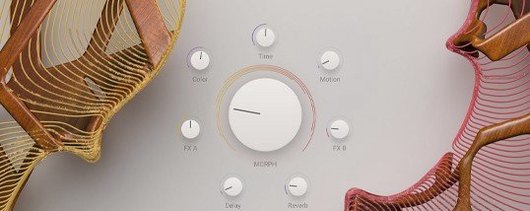 Arturia Augmented STRINGS
Blends real string samples with synthesis engines via one Morph control.
9 steps saved
 Arturia Efx AMBIENT
Builds long, shifting ambient tails without chaining extra aux channels.
15 steps saved
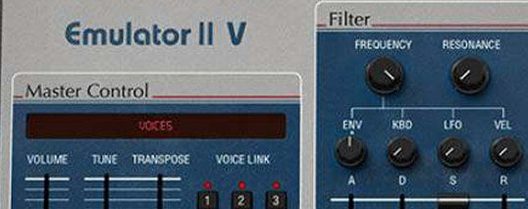 Arturia Emulator II V
Recreates the gritty 8-bit sampler that shaped early digital records.
8 steps saved
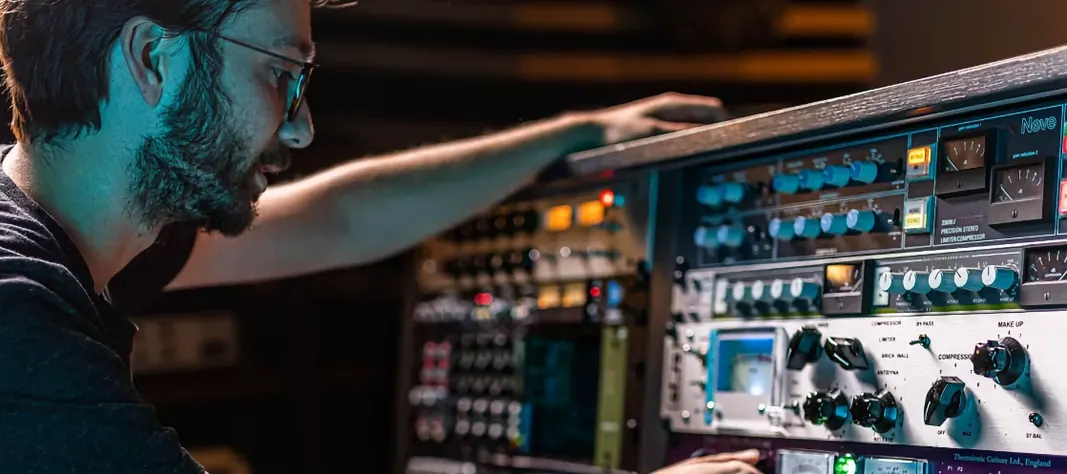 Arturia FX Collection
Covers tracking, mixing, and mastering with a single suite of 39 processors.
6 steps saved
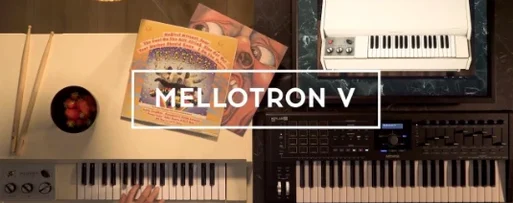 Arturia Mellotron V
Places 65 tape banks under your fingers for arrangements that need texture.