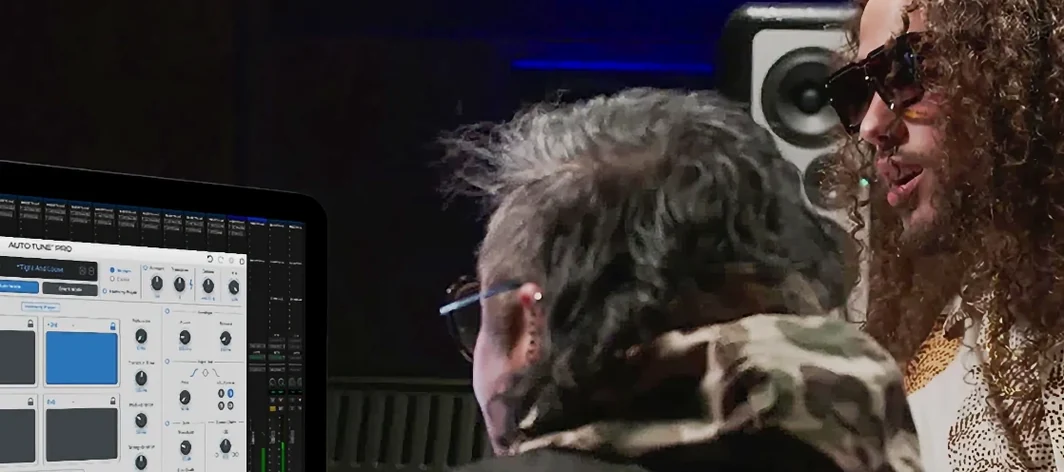
A vocal take can be 95% perfect—energy, texture, timing all there—but a handful of wavering notes pulls the listener out. Fixing those without leaving artifacts or squashing the performance into a flat, robotic line takes a tool that prioritizes control over convenience. Auto-Tune Pro puts that control in Graph Mode.
| Key Detail | Spec |
|---|---|
| Core Function | Vocal pitch correction and editing |
| Editing Modes | Graph Mode (manual), Auto Mode (real-time) |
| ARA2 Integration | Logic Pro, Studio One, Cubase/Nuendo |
| Use Case | Studio work and live performance |
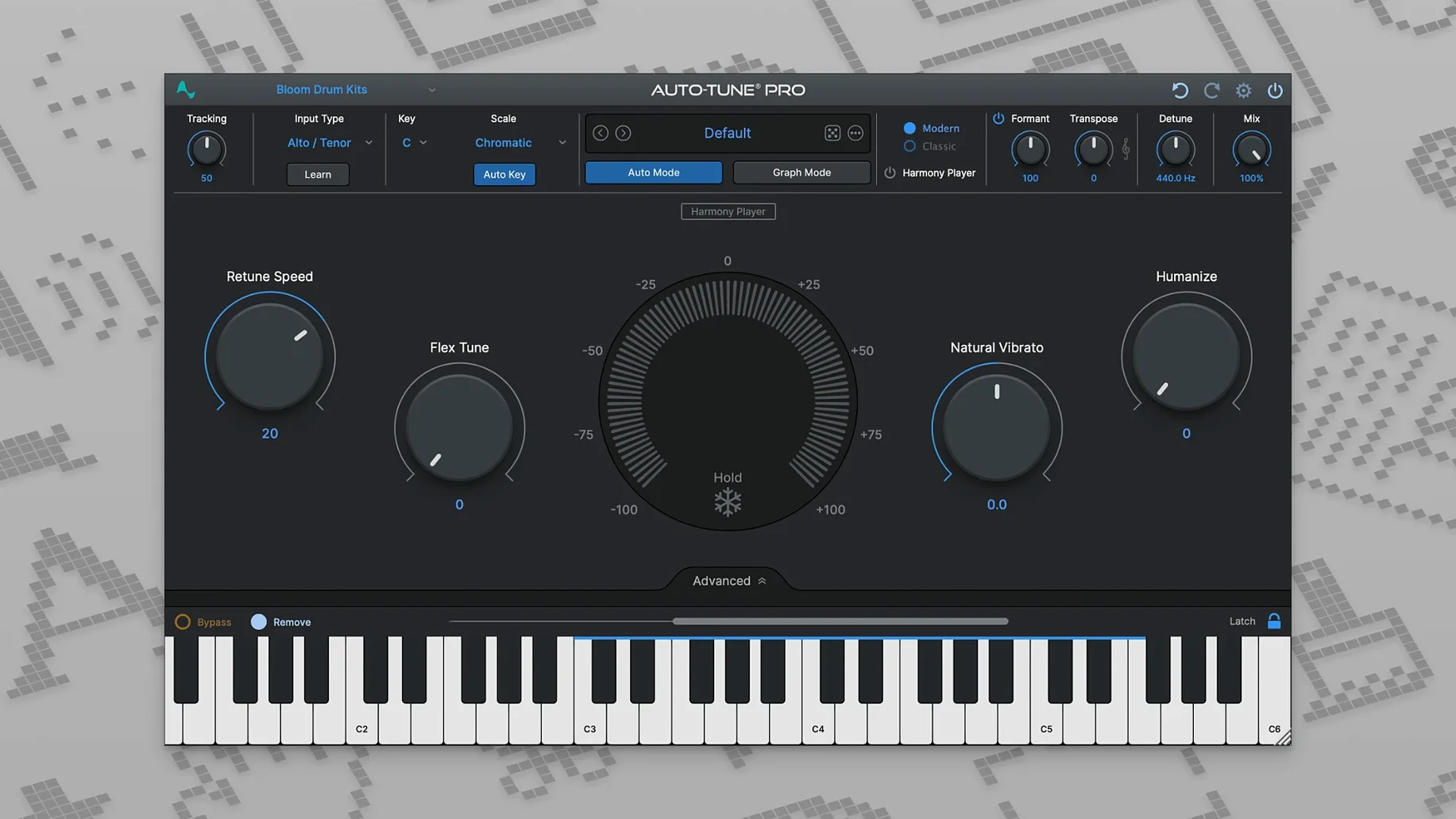
Graph Mode is where the plugin earns its "Pro" label. You see pitch curves drawn over the waveform, grab a point, and nudge a syllable back to centre. Retune Speed controls how fast the correction snaps—set it slow for a natural glide, fast for a hard lock. The Make Curve tool lets you redraw entire phrases freehand. Pair that with ARA2 support and edits flow directly inside your DAW timeline, no transfer steps needed. For live work, Auto Mode tracks incoming pitch in real time with low latency and keeps the vocal seated in a dense mix without calling attention to the processing.
Graph Mode Replaces Bounce-and-Edit for Solo Producers
Small studios and solo producer-engineers benefit first. Graph Mode replaces the tedious bounce-and-edit loop with one window; a full lead vocal can be tuned in an afternoon instead of spread across sessions. Mix engineers who receive uneven takes lean on Auto Mode as a cleanup pass before manual work. Live performers running a laptop rig get a low-latency safety net that holds pitch without freezing expression. Anyone already working in Logic, Studio One, or Cubase gains the most from ARA2—edits stay in the timeline, no external audio transfers.
Compared With Similar Tools
- Celemony Melodyne — deeper pitch manipulation and polyphonic editing, but heavier workflow. Auto-Tune Pro’s Graph Mode feels faster for monophonic vocal lines; Melodyne wins when you need formant surgery or chord-level correction.
- Waves Tune Real-Time — lighter real-time tuning with simpler controls. Auto-Tune Pro offers finer retune curves and the full manual editor; Waves suits quick fixes, not surgical passes.
- Logic Pro Flex Pitch — built into the DAW and useful for rough edits, but the correction character is less transparent. Auto-Tune Pro gives a cleaner artefact profile and carries the same settings across hosts.
- macOS 11 or higher
- Intel and Apple Silicon supported
- Compatible DAW host (AU, VST3, AAX)
Questions I get before install
What macOS version does Auto-Tune Pro 11 need?
It requires macOS 11 or higher and runs natively on both Intel and Apple Silicon Macs.
Comments 0
Sign in to leave a comment.Sign inCreate an account
No comments yet. If a step is still there after you install it, say so.
More in VST Plugins
All in VST Plugins Ample Sound Ample Guitar LP III
Plays a virtual Les Paul with fingerstyle, picking, and fret noises baked in.
13 steps saved
 Ample Guitar M
Voices acoustic guitar parts with realistic picking, mutes, and slides from MIDI.
16 steps saved
 Updated
Arturia Analog Lab V
Browses every Arturia preset from a single searchable window.
22 steps saved
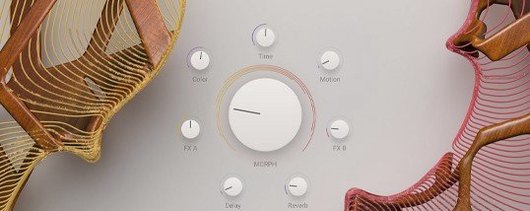 Arturia Augmented STRINGS
Blends real string samples with synthesis engines via one Morph control.
9 steps saved
 Arturia Efx AMBIENT
Builds long, shifting ambient tails without chaining extra aux channels.
15 steps saved
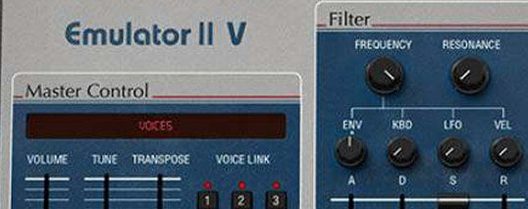 Arturia Emulator II V
Recreates the gritty 8-bit sampler that shaped early digital records.
8 steps saved
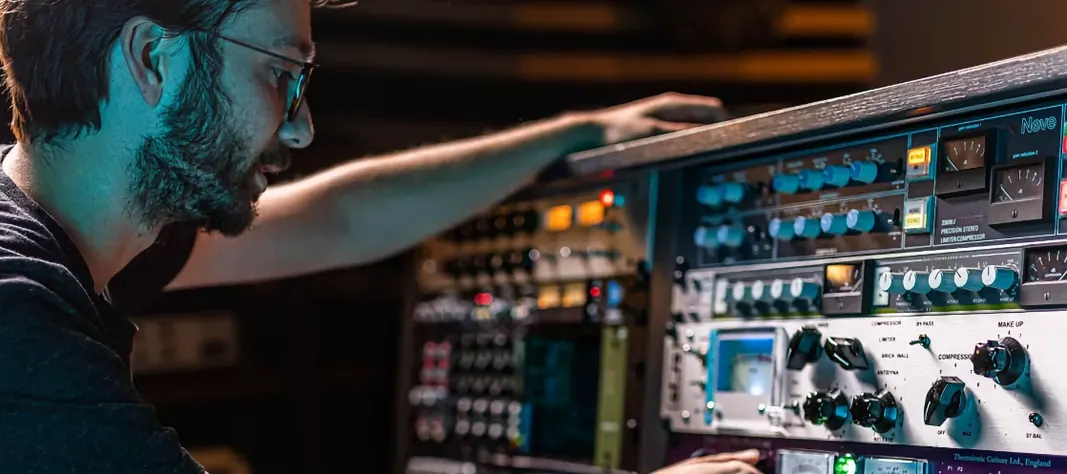 Arturia FX Collection
Covers tracking, mixing, and mastering with a single suite of 39 processors.
6 steps saved
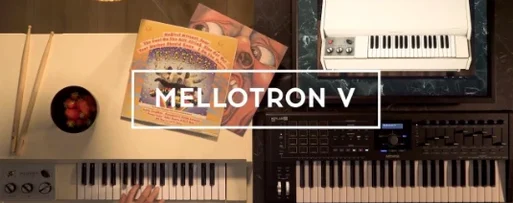 Arturia Mellotron V
Places 65 tape banks under your fingers for arrangements that need texture.