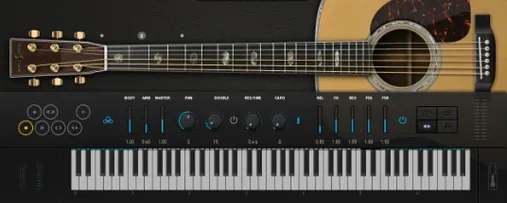
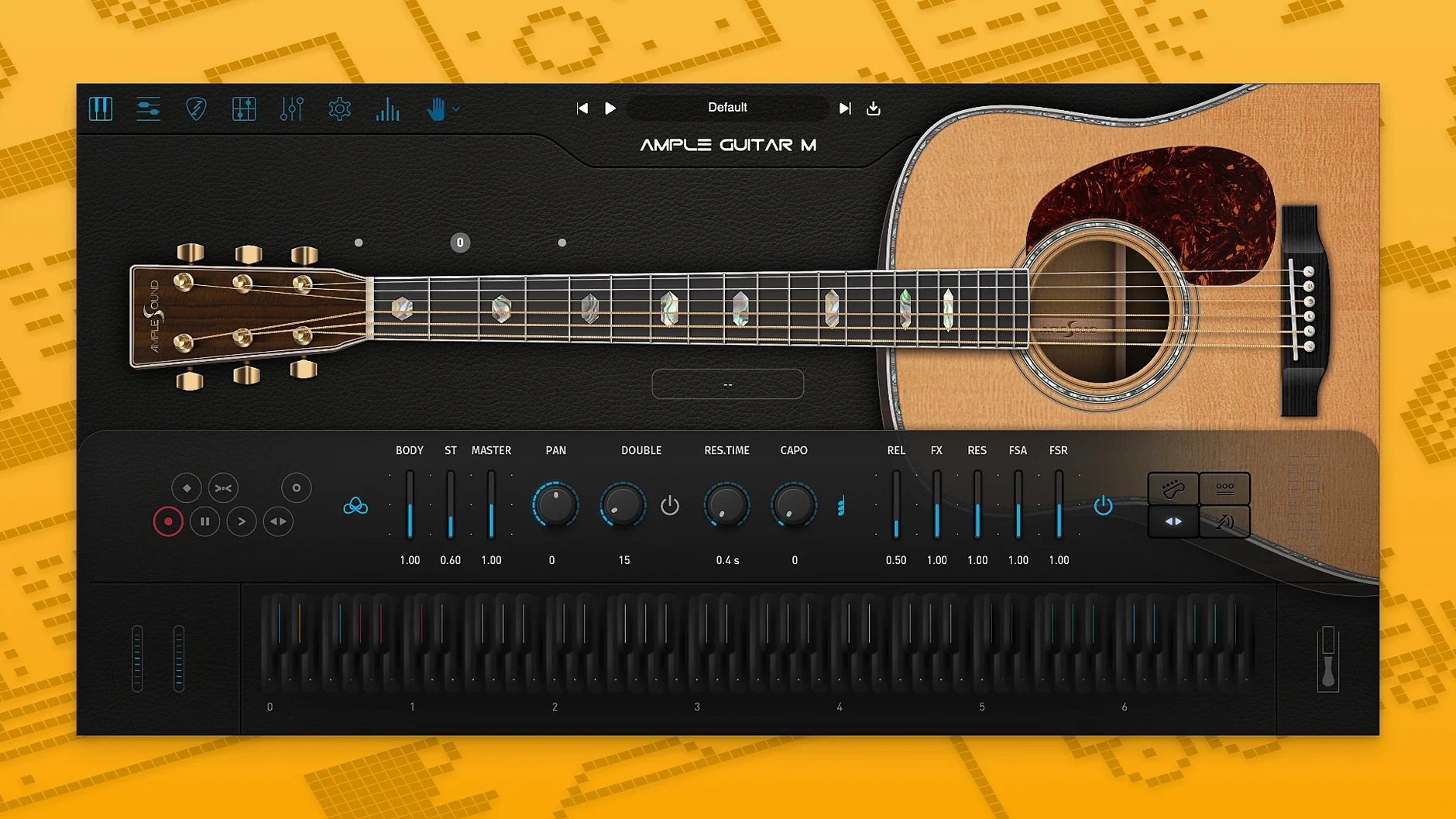
The problem with sampling an acoustic guitar is making the quiet parts between the notes sound real. Ample Guitar M solves that by capturing not just the tones but the player’s decisions—how a string is picked, muted, or slid into pitch. You write a part, and the engine voices it with proper fingering and articulation.
Sell the Performance, Not the Sample
The instrument library separates itself from static loops by treating each articulation as a performance choice. Hammer-ons and pull-offs connect notes naturally. Palm muting tightens a rhythm part without artificial EQ. Strumming engines group chord voicings so the attack feels cohesive, while legato slides, natural harmonics, and vibrato shape the sustain. These aren't layered effects—they are the core playing styles, triggered by velocity and key switches.
Pattern a Realist’s Take
Fingerpicking patterns stay consistent because the engine respects string assignment. When you program a picking sequence, notes ring out on the correct virtual string, stopping only when another note claims it. This avoids the washed-out overlap you get from basic piano-roll programming. The result is a track that breathes, whether it's a sparse verse or a double-tracked chorus.
Switch to Manual String Selection for Exact Voicings
Before programming anything, open the settings panel and set the string selection mode to manual if you plan to compose tricky voicings. The default auto mode is fine for fast sketching, but manual control keeps bass notes anchored to the lowest strings where they belong. Next, switch the velocity curve to a softer response. Acoustic guitar parts respond better to gentler input than synth-style curves.
For anyone building rhythm tracks, turn on humanize for both timing and velocity. A two to three percent swing removes the machine-gun effect without making the part sloppy. If you work mostly with picked arpeggios, reduce the release sample length slightly. Long releases are nice, but they muddy fast passages.
Common Snags, Sorted
- No sound after loading the plugin — The sample library path is empty. Point the plugin to the folder where the library was installed, then reload the instrument. This is the most common fix for a silent Ample Guitar M on a fresh Mac setup.
- Notes cut off early — Another MIDI note is claiming the same string. Switch the string assignment to manual or shorten overlapping notes in your piano roll.
- Strumming sounds like a block chord — Strum speed is set too low. Raise the strum time slightly and activate the humanize option so the downstrokes and upstrokes don't land perfectly together.
- Guitar Pro files won't load — The tab file may use an unsupported notation style. Export a clean Guitar Pro 5 or 7 file, then drag it into the tablature player again.
- High CPU on older Macs — Turn off the built-in reverb and use a bus send instead. The internal convolution reverb is convenient, but it taxes older Intel machines.
- New — Auto Vibrato Curve and Swing Quantization added to Riffer.
- Improved — Sampler engine performance delivers faster loading and playback.
- macOS 10.13 or later
- Apple Silicon or Intel 64-bit processor
- Sample library download required
Comments 0
Sign in to leave a comment.Sign inCreate an account
No comments yet. If a step is still there after you install it, say so.
More in VST Plugins
All in VST Plugins Ample Sound Ample Guitar LP III
Plays a virtual Les Paul with fingerstyle, picking, and fret noises baked in.
7 steps saved
 Antares Auto-Tune Pro
Corrects vocal pitch with surgical precision while keeping the performance human.
16 steps saved
 Updated
Arturia Analog Lab V
Browses every Arturia preset from a single searchable window.
22 steps saved
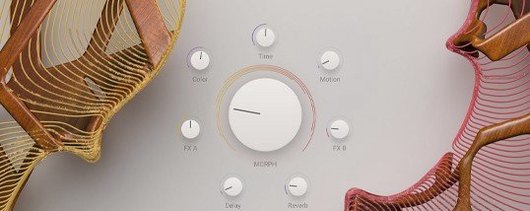 Arturia Augmented STRINGS
Blends real string samples with synthesis engines via one Morph control.
9 steps saved
 Arturia Efx AMBIENT
Builds long, shifting ambient tails without chaining extra aux channels.
15 steps saved
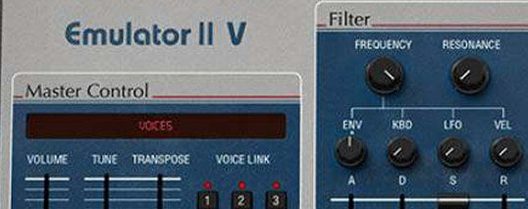 Arturia Emulator II V
Recreates the gritty 8-bit sampler that shaped early digital records.
8 steps saved
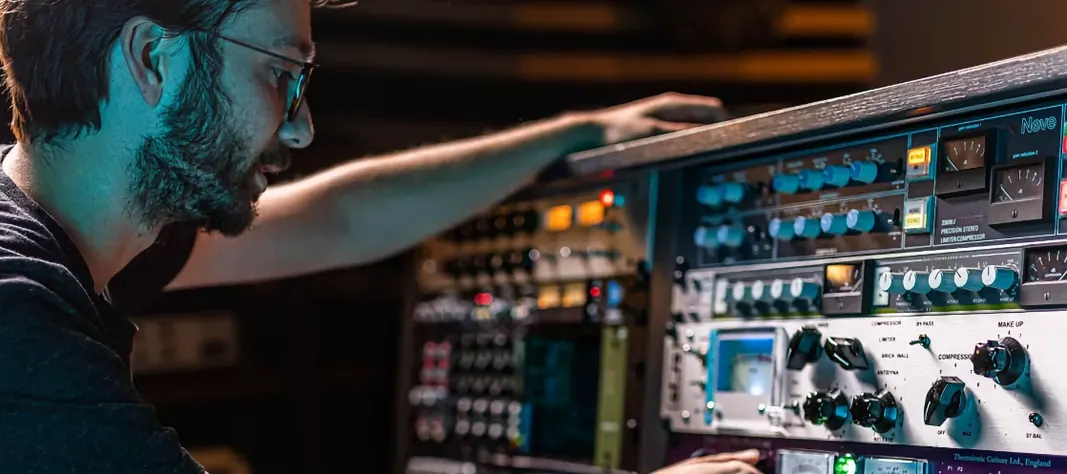 Arturia FX Collection
Covers tracking, mixing, and mastering with a single suite of 39 processors.
6 steps saved
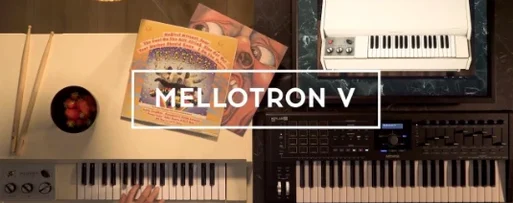 Arturia Mellotron V
Places 65 tape banks under your fingers for arrangements that need texture.