
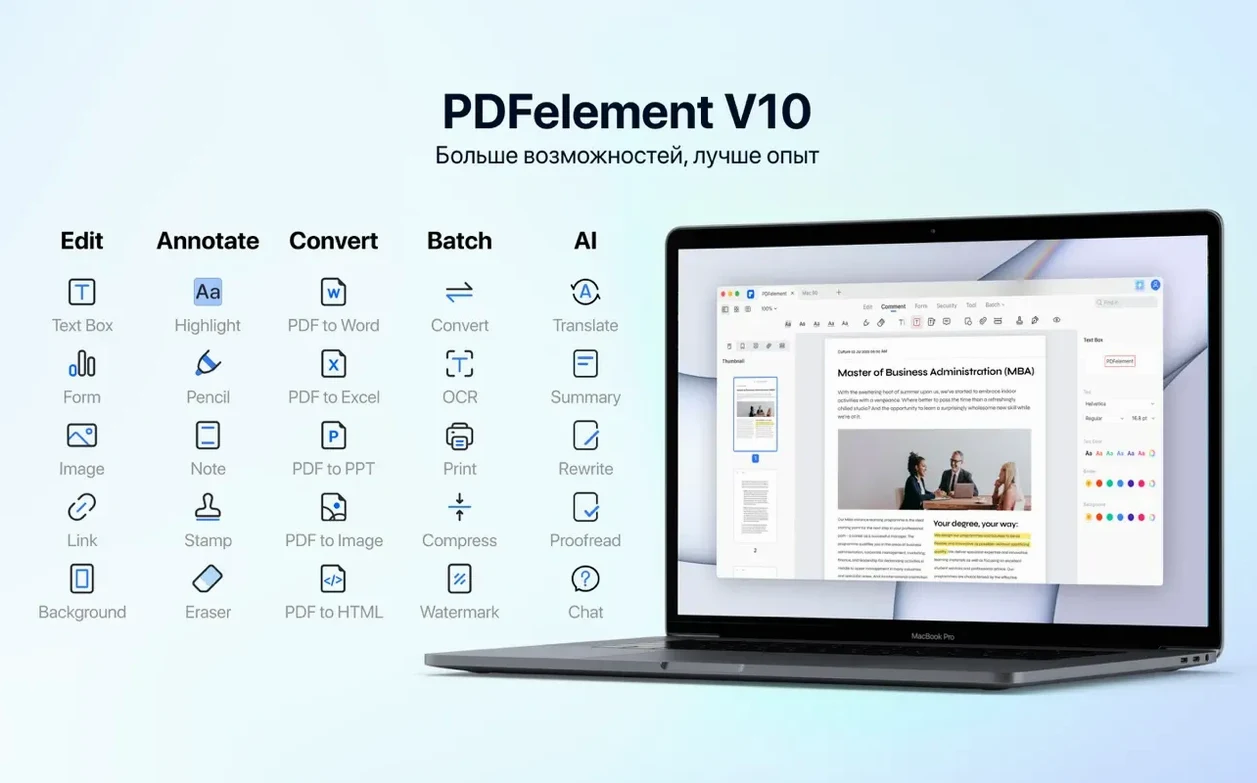
Piles of PDFs slow everything down. A contract that needs a signature, a scanned report you can't search, or a batch of exhibits that each need a Bates number. PDFelement clears that logjam by putting a full set of editing, conversion, and organization tools on your desktop.
OCR Your Scans and Apply Bates Numbering
- Handling scans with OCR. Turn a stack of paper into a searchable document. The current build includes the OCR engine, so it works alongside your scanner or a photo from your phone.
- Adding legal markup. Bates numbering and redaction tools sit right in the toolbar. Strip sensitive text or images without switching to another utility.
- Archiving cleanly. PDF/A output gives you a future-proof file format. Combine that with batch processing to convert a whole folder while you grab coffee.
- Working across languages. The interface speaks English, German, Arabic, Spanish, Italian, Dutch, Portuguese, French, Russian, Japanese, and Simplified Chinese. Useful when a multilingual team shares a machine.
Intel Build Runs via Rosetta 2 on Apple Silicon
- Mac architecture. This build is Intel (x86 64-bit) and needs macOS 11 or later; on Apple Silicon it runs through Rosetta 2. Check your system before you commit.
- Feature overlap. Preview handles basic annotation, and Pages opens a PDF for light edits. PDFelement earns its spot when you need forms creation, batch encryption, or the full PDF/A export — not for a quick highlight.
A session with PDFelement, step by step
You open a morning email. Three attachments: a scanned contract, a client intake form, and a twelve-page terms document that needs redaction before it goes out.
- OCR the contract first. Drag the scanned PDF onto the dock icon. The app offers to run OCR — you pick English, hit Apply, and in a few seconds the text becomes selectable and searchable.
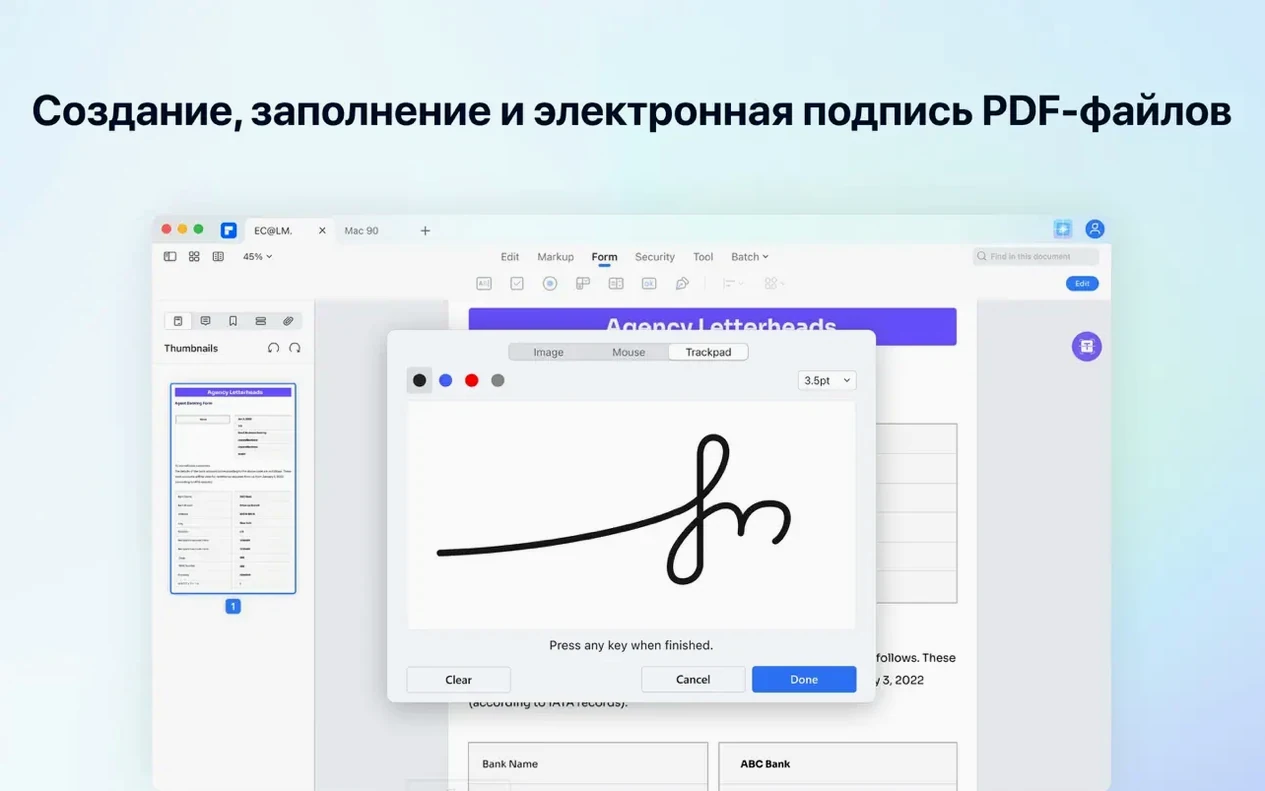
- Build the intake form. Open the blank client form you designed last month. Switch to the Form tab, drop a text field for the name, a checkbox set for service options, and a digital signature block. Save it as a fillable PDF.
- Redact the terms document. Open the twelve-pager. Mark three paragraphs and one account number for redaction. The black bars replace the content in the file itself, not just as an overlay — a detail that matters when you send it externally.
- Batch the exports. Highlight all three files in Finder, right-click, pick PDFelement’s batch tool. Convert to PDF/A for archiving. The finished files land in your client folder while you pour a second coffee.
Who it helps
A freelance paralegal juggling discovery files uses the combination of Bates numbering and batch processing most weeks. She receives a zip of scanned exhibits from a solicitor, drags them into PDFelement, applies sequential Bates labels across the set, and exports a single searchable bundle. The OCR catches handwritten margin notes — something her old scanner software missed. When a document needs a last-minute redaction before filing, she handles it without calling IT or waiting for a cloud upload. The app’s multilingual interface also lets her toggle to Spanish when she shares the workstation with a visiting notary.
Acrobat’s Preflight Tools Outrun, but Interface Feels Heavy
Adobe Acrobat Pro. The industry giant does everything PDFelement does, and then some. Its preflight tools and JavaScript automation outrun Wondershare’s offering. But Acrobat’s interface can feel heavy for someone who just wants to OCR, redact, and sign. PDFelement organises the same core tools in a flatter layout.
PDF Expert. Fast and Mac-native, PDF Expert shines at reading and annotation. Where it steps back is forms creation and batch PDF/A conversion — two areas PDFelement covers without add-ons. If your day is mostly highlighting and note-taking, PDF Expert fits. If you’re producing final-form documents with legal markup, the Wondershare tool pulls ahead.
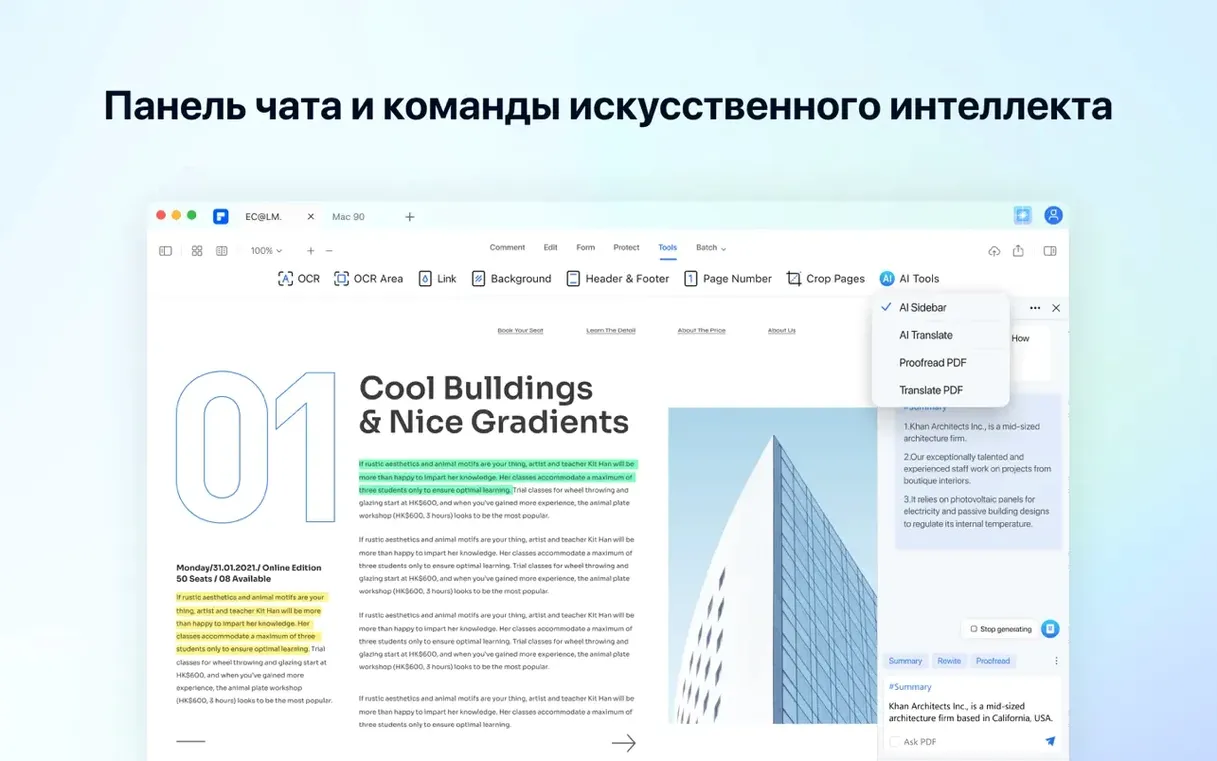
Nitro PDF Pro. Nitro’s Mac version offers a clean editor with solid conversion. PDFelement answers with deeper OCR language support (twenty-nine languages), built-in AI summarization, and a broader set of interactive form controls. When a team needs explain-and-summarize tools alongside standard edits, the gap tilts toward PDFelement Pro.
- New: OCR engine bundled with this release.
- macOS 11 or later
- Intel-based Mac
Comments 0
Sign in to leave a comment.Sign inCreate an account
No comments yet. If a step is still there after you install it, say so.
More in PDF
All in PDF PDF Squeezer
Shrinks PDF files without touching a settings panel.
8 steps saved
 Updated
PDF Reader Pro
Marks up, merges, and hands off contracts without leaving one app.
16 steps saved
 PDF Expert
Corrects a typo or updates a paragraph directly inside a PDF without switching to the source file.
13 steps saved
 Nitro PDF Pro
Edits PDF text, fills forms and signs documents in one window.
20 steps saved
 Adobe Acrobat Pro
Lets you retype a PDF paragraph or swap an image without leaving the page.
19 steps saved
 ABBYY FineReader PDF
Turns a paper scan into an editable Word file, tables and formatting intact.