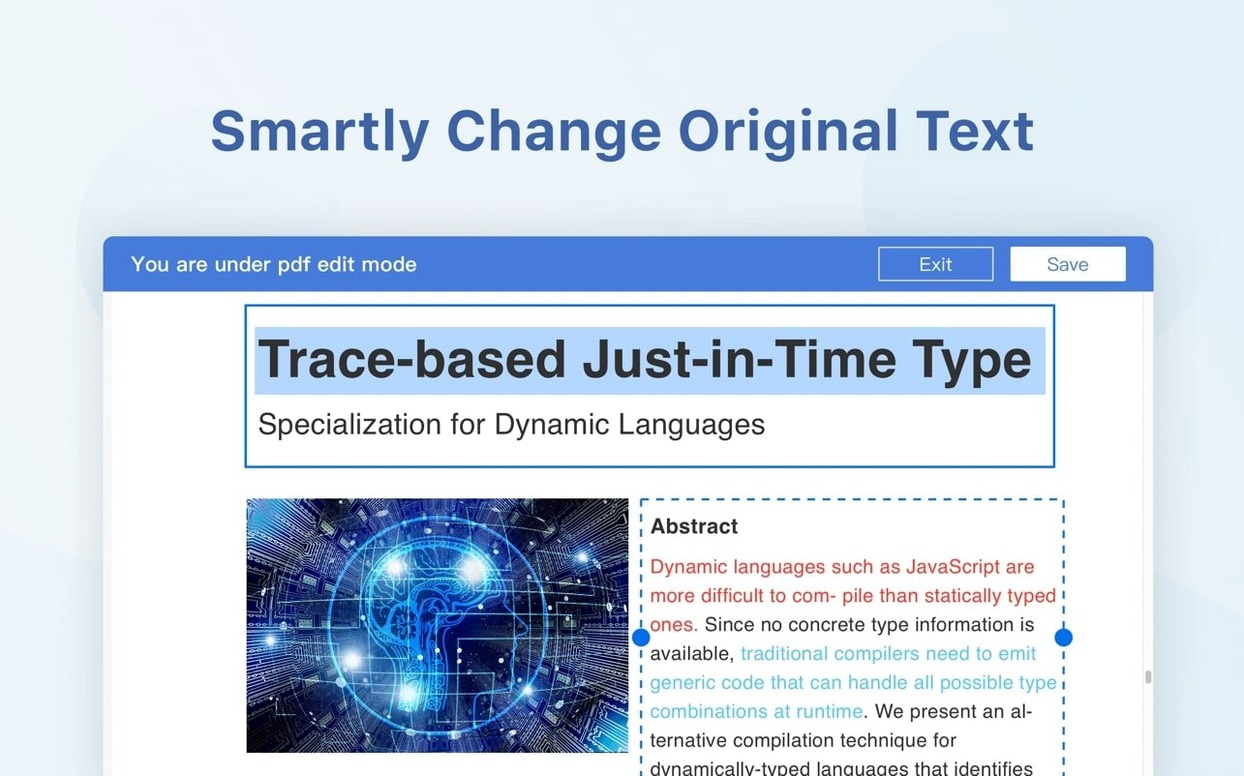
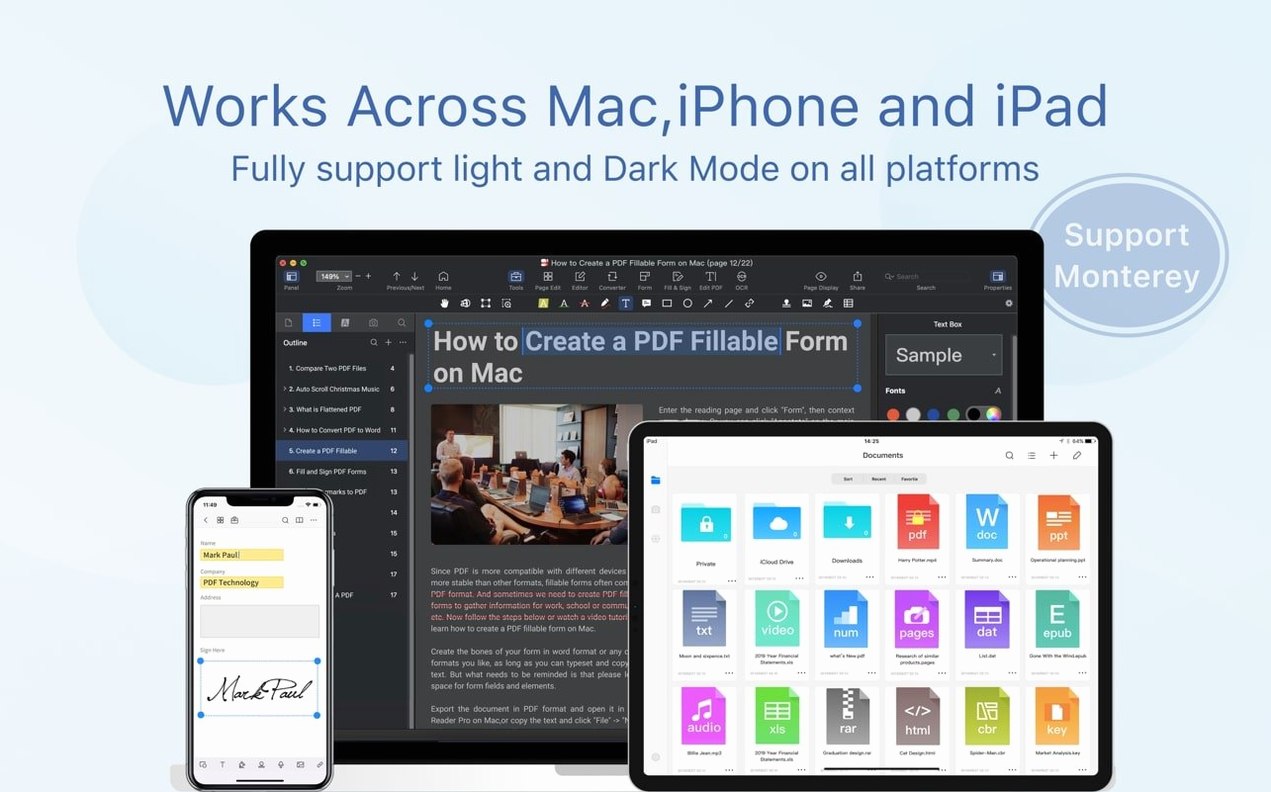
Contracts and service agreements arrive as PDFs and need markup, merging and a clean hand-off. PDF Reader Pro keeps that work in one app.
Tasks It Handles
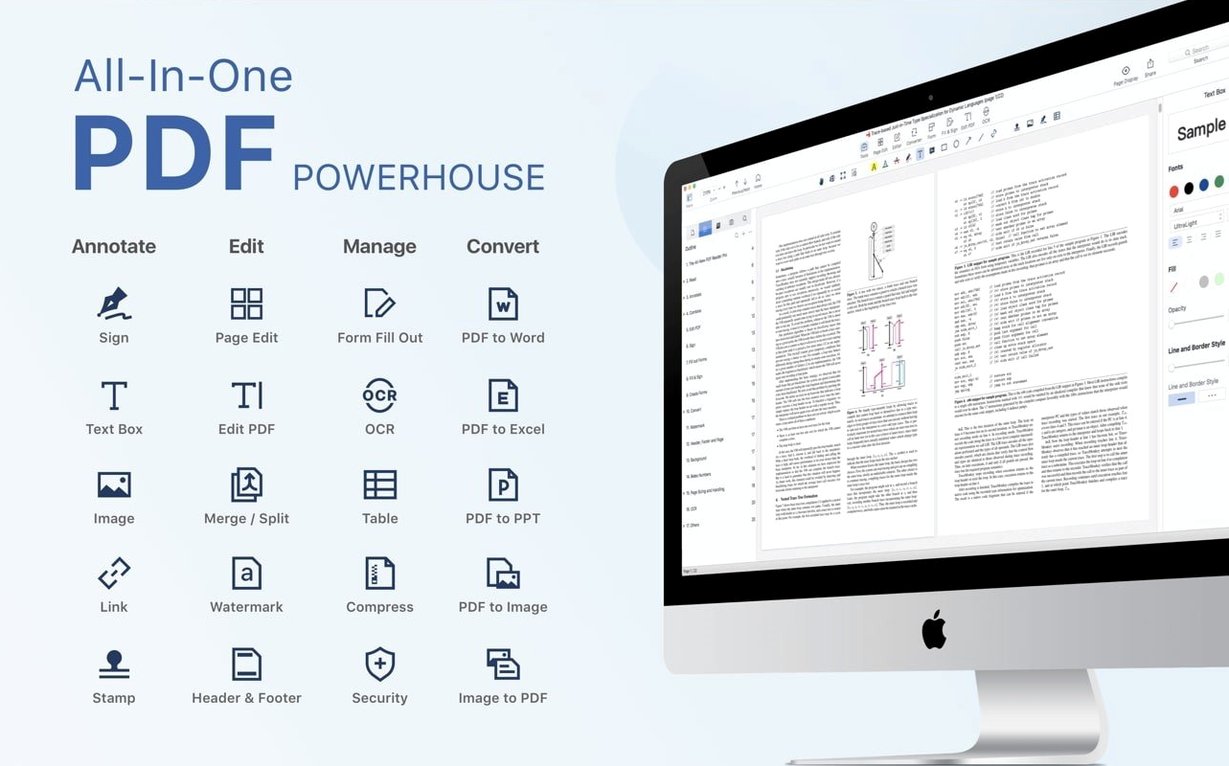
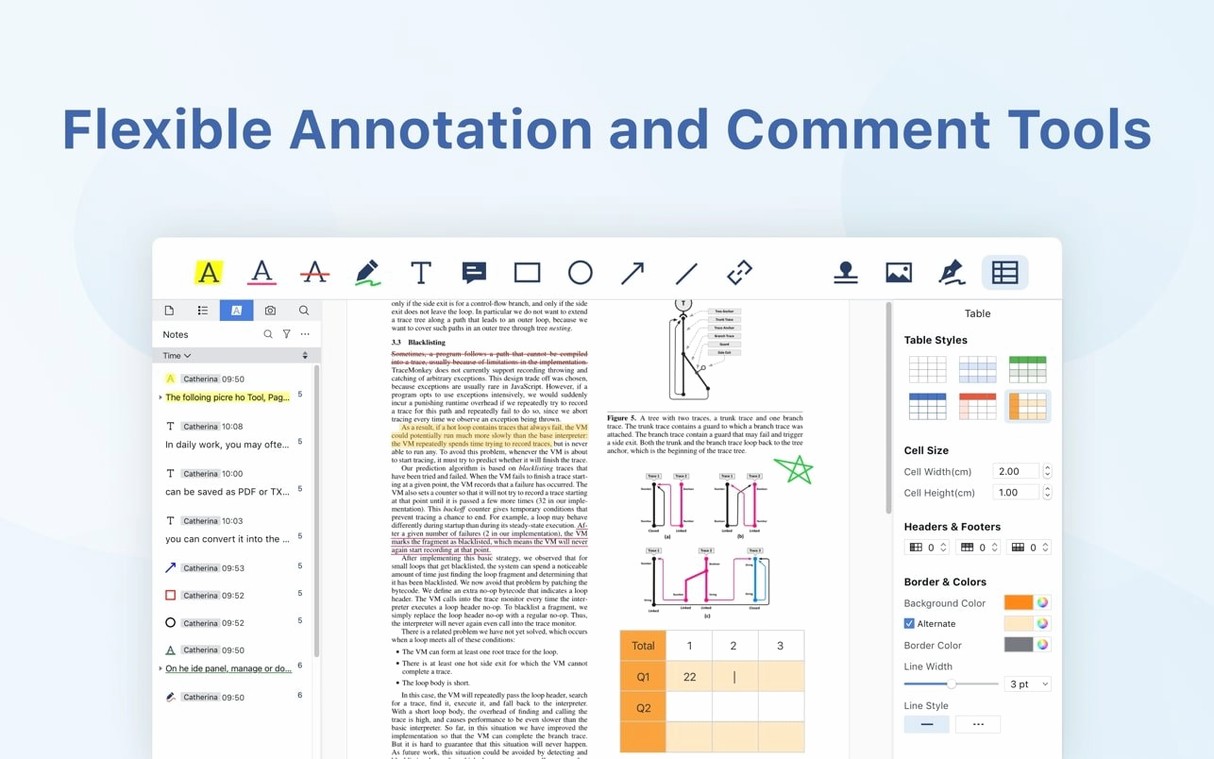
- Markup — strike outdated clauses, highlight terms and add notes.
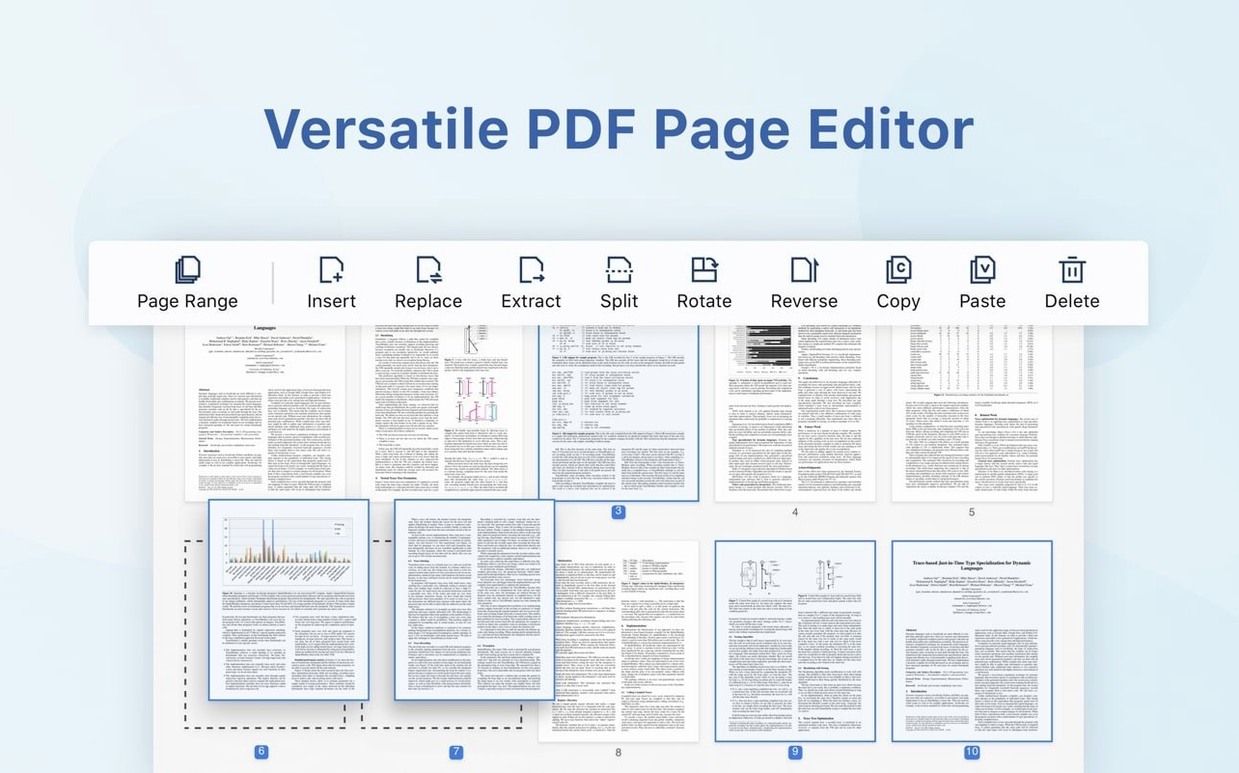
- Page assembly — insert pages from another PDF, merge several documents, or split one file into parts.
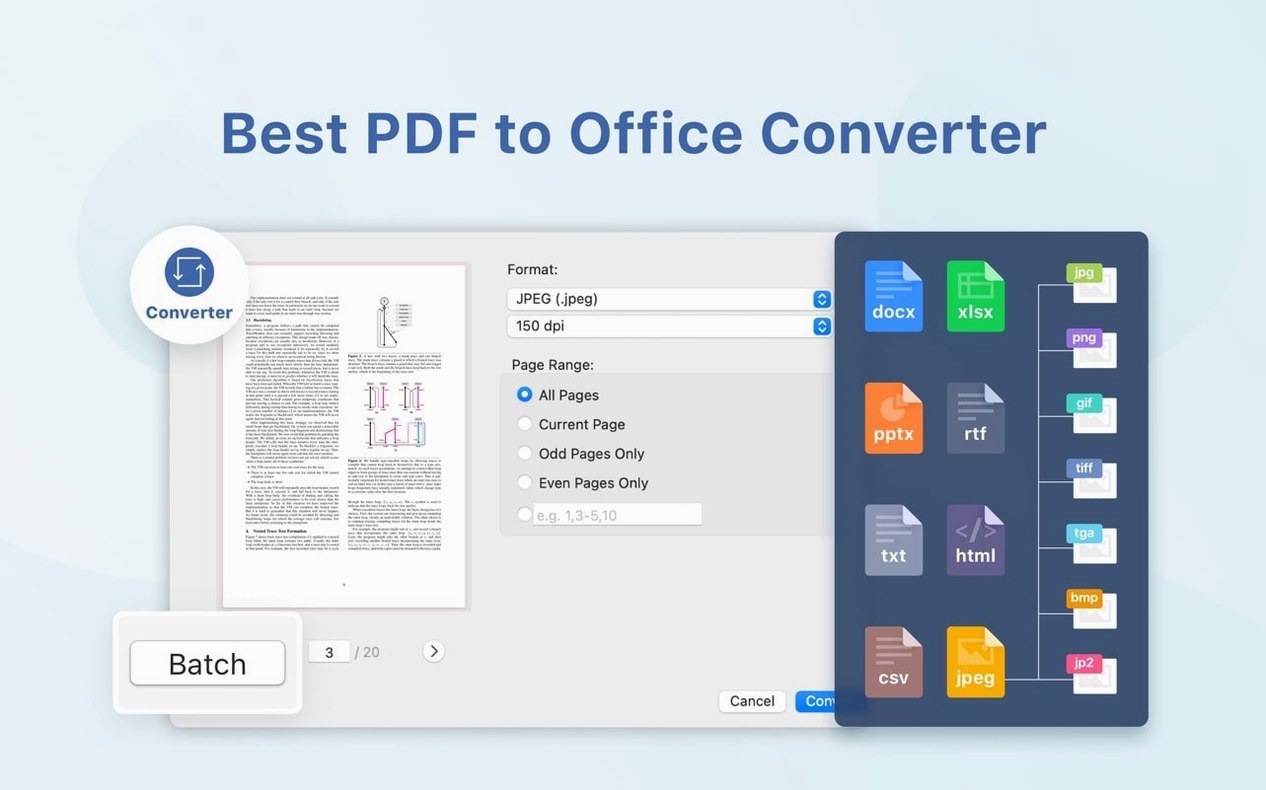
- Export — send content to Word, PowerPoint, Excel, RTF, HTML, text, images or CSV.
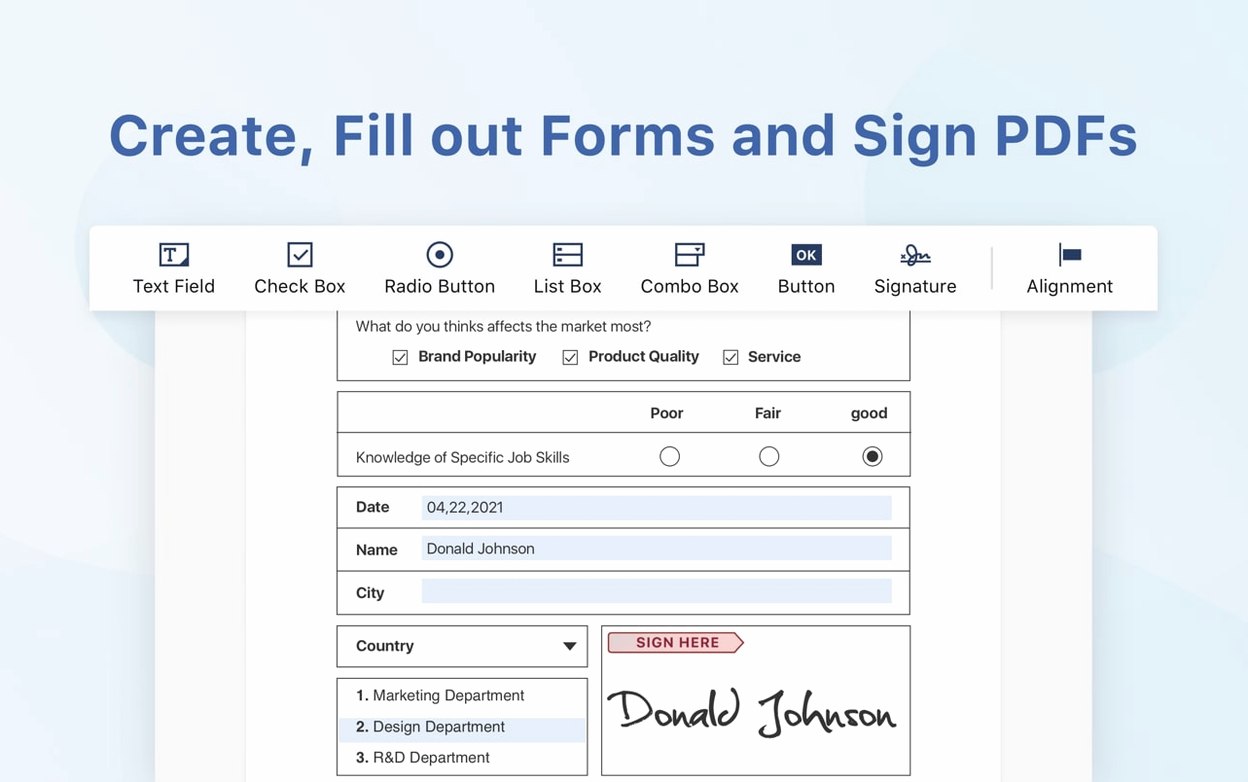
- Forms and signing — fill forms and sign digitally; eSign workflows and signature fields arrived in version 5.3.0.
- Read-aloud — text-to-speech for proofing long sections by ear.
Tools It Takes Off Your Dock
Mark Up a Contract in Two Passes Before Noon
You open a 40-page vendor contract that arrived ten minutes ago. The clock is running before a midday call.
First pass: highlight every payment term, delivery date and liability clause in yellow. Second pass: strike three clauses with the strikethrough tool and attach sticky notes explaining the requested changes. The sidebar bookmark list keeps each section one click away — no scrolling through pages hunting for Clause 12.3 again.
You need the signature page from last week's draft, so you open the Insert Pages panel, pull page three from that file and drop it into position here. Then you split off the pricing appendix as its own PDF for the finance team. Finally, you export the marked-up contract to Word so the other side can track changes in their own tool. The whole session takes under eight minutes and you never left one window.
Document-Heavy Workflows Without a Legal Team
The app clicks hardest for people who handle document-heavy workflows without an assistant or a dedicated legal team.
- Small-firm lawyers and paralegals — markup, Bates-style page insertion and quick exports to Word keep discovery bundles moving.
- Office managers and executive assistants — merging board packs, splitting reports, and filling purchase orders without calling IT.
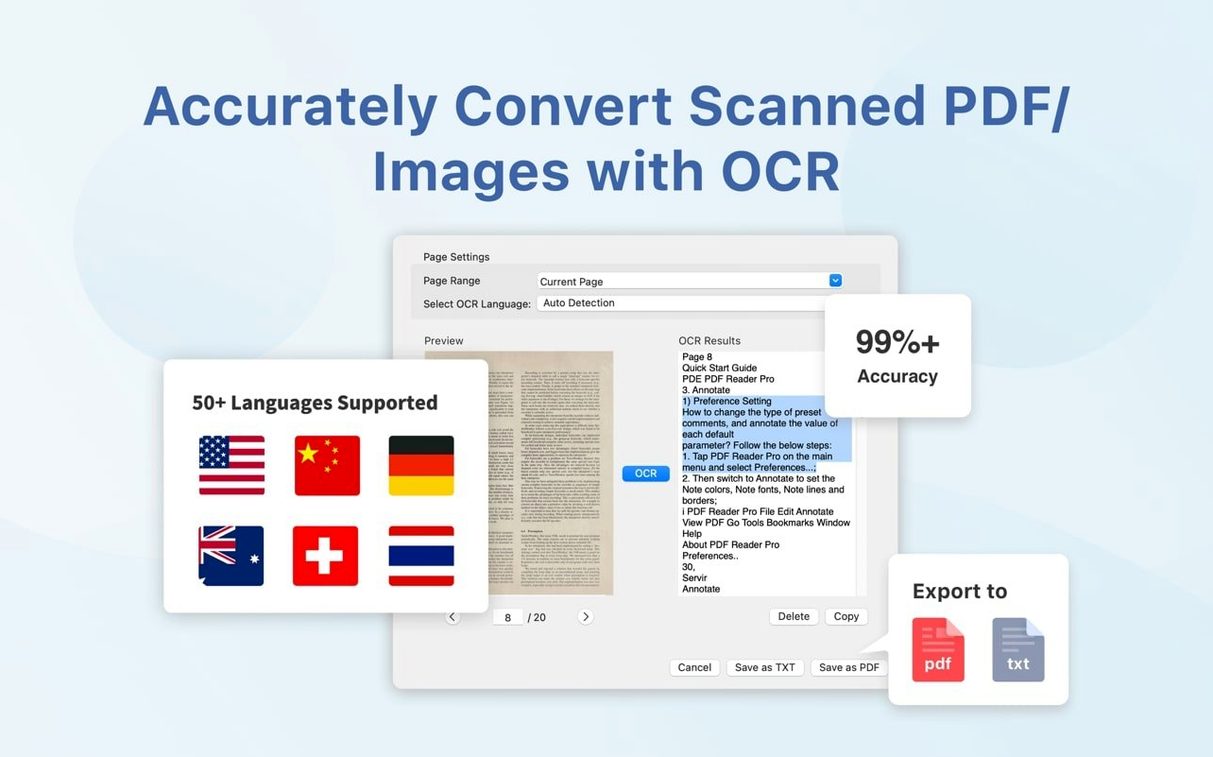
- Researchers and editors — text-to-speech proofing, citation highlighting and OCR for scanned articles all sit in one toolbar.
- Freelancers handling their own contracts — eSign workflows and form filling mean you send a signed PDF back in minutes, not after a trip to a print shop.
If your day already lives inside Acrobat and you rely on custom JavaScript or enterprise plugin stacks, PDF Reader Pro will feel lighter-weight than that toolset. For everyone else, it covers the daily reality of PDF work without the weight.
Launches Lighter Than Acrobat, Does More Than Preview
Launch is quick on both Apple Silicon and Intel Macs. The app settles at around 280 MB of memory with a couple of medium-sized PDFs open — heavier than Preview but less than half what a full Acrobat session typically pulls. Idle CPU sits near zero; OCR recognition spikes a core briefly and settles back down.
Rendering large scanned documents stays snappy. Page turns in a 200-page technical manual land with no blink or re-draw delay. Exporting a 40-page annotated PDF to a formatted Word document completes in seconds on an M-series chip, and the layout holds together well — tables stay as tables, text frames stay roughly where they belong.
Stability has been uneventful in daily use. No beachballs during page insertion, no crashes when switching between annotation tools. The app handles the grind of opening, marking, merging and exporting without drawing attention to itself. That is exactly what you want from a tool that sits between you and a deadline.
Preview for anything beyond basic notes, plus a separate converter for Office exports. Dropbox sync keeps finished files available on other devices.
- macOS 11 or later
- Apple Silicon or Intel 64-bit processor
Questions I get before install
Can PDF Reader Pro export content to other file formats?
Yes, it can export PDF content to Word, PowerPoint, Excel, RTF, HTML, text, images, and CSV.
Does the app support merging and splitting documents?
It can merge multiple documents into one and split a single PDF into multiple files.
What macOS version is required to run PDF Reader Pro?
macOS 11 or later, on Intel or Apple Silicon Macs.
Comments 0
Sign in to leave a comment.Sign inCreate an account
No comments yet. If a step is still there after you install it, say so.
More in PDF
All in PDF PDF Expert
Corrects a typo or updates a paragraph directly inside a PDF without switching to the source file.
20 steps saved
 PDF Squeezer
Shrinks PDF files without touching a settings panel.
9 steps saved
 PDFelement Pro
Edits, signs, and organizes PDFs so paperwork stops piling up.
13 steps saved
 Nitro PDF Pro
Edits PDF text, fills forms and signs documents in one window.
20 steps saved
 Adobe Acrobat Pro
Lets you retype a PDF paragraph or swap an image without leaving the page.
19 steps saved
 ABBYY FineReader PDF
Turns a paper scan into an editable Word file, tables and formatting intact.