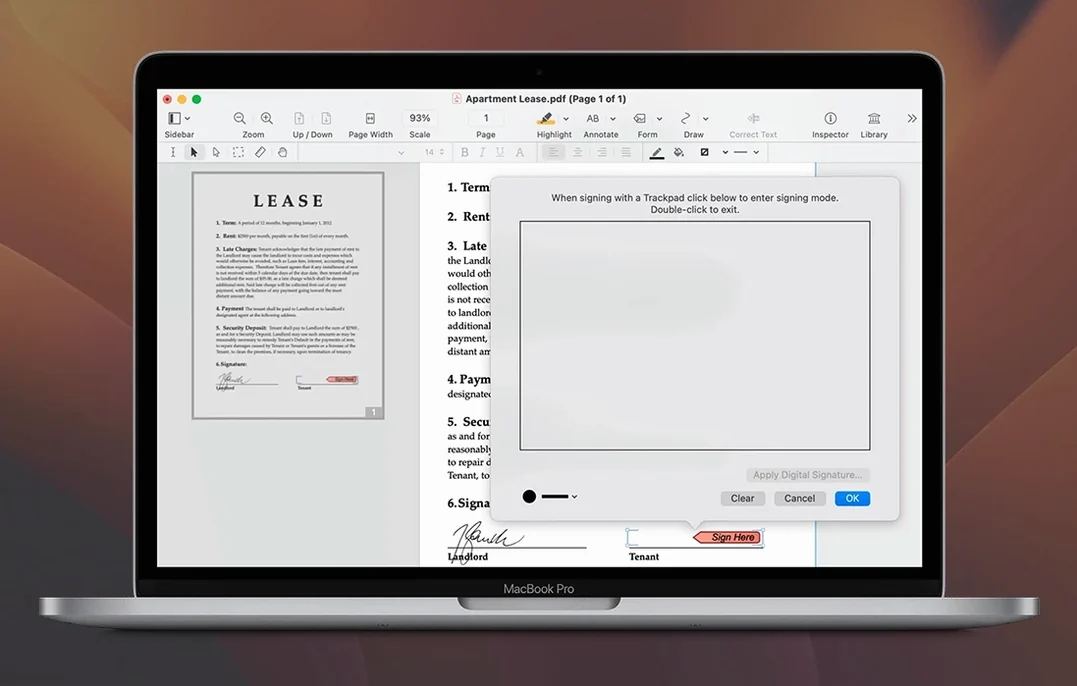
Nitro PDF Pro runs on any Mac with macOS 10.14 Mojave or newer, on both Intel and Apple Silicon machines. The 13.3.1 release kept the feature set steady—no new tools, no interface shifts, just the same editing engine Mac users already know.
Does the current version change how you edit text?
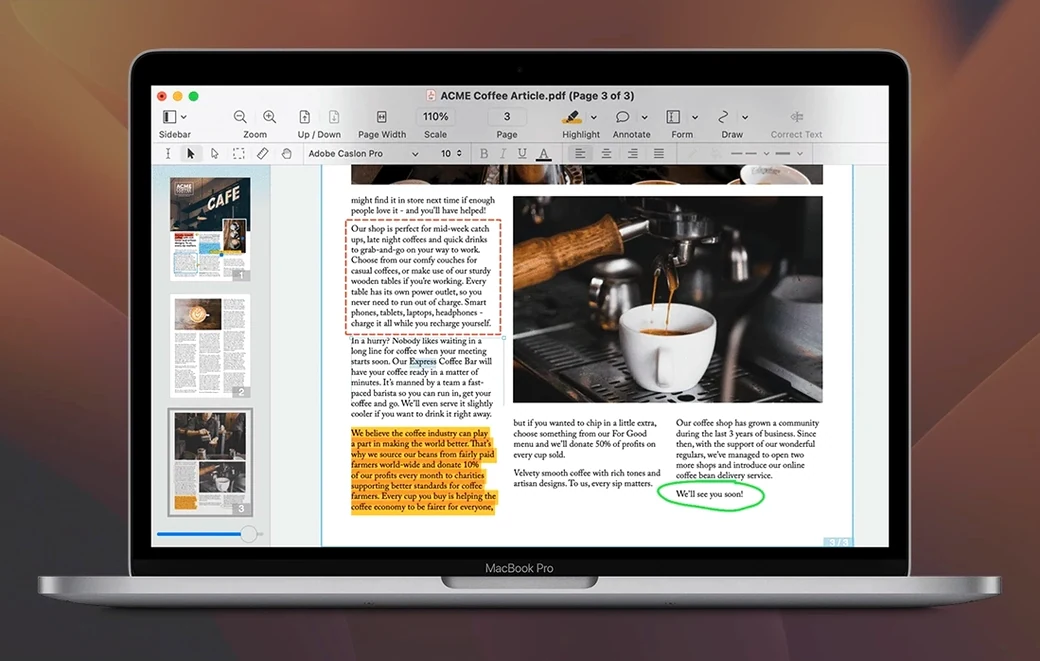
No. You still edit text directly in the original PDF using editable text blocks. The way you move, resize, copy and delete images inside a document also stayed the same.
What about scanned documents and OCR?
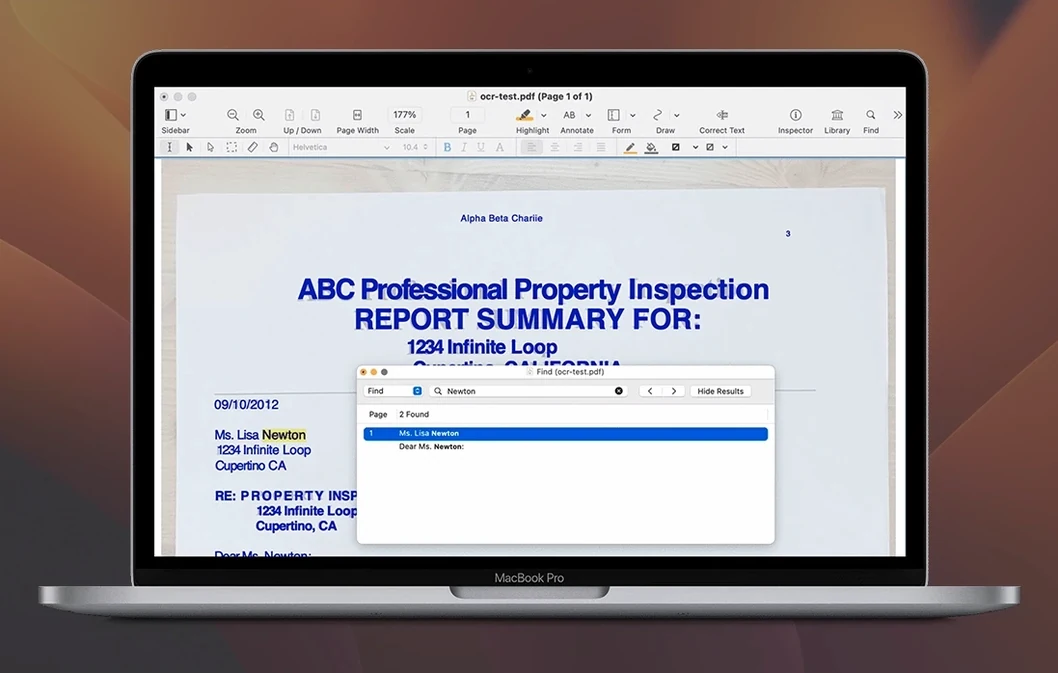
The OCR engine carries over unchanged. You can still convert scanned pages into searchable text, which helps when you need to highlight, underline or strikethrough passages in older paperwork.
Are form and export tools affected?
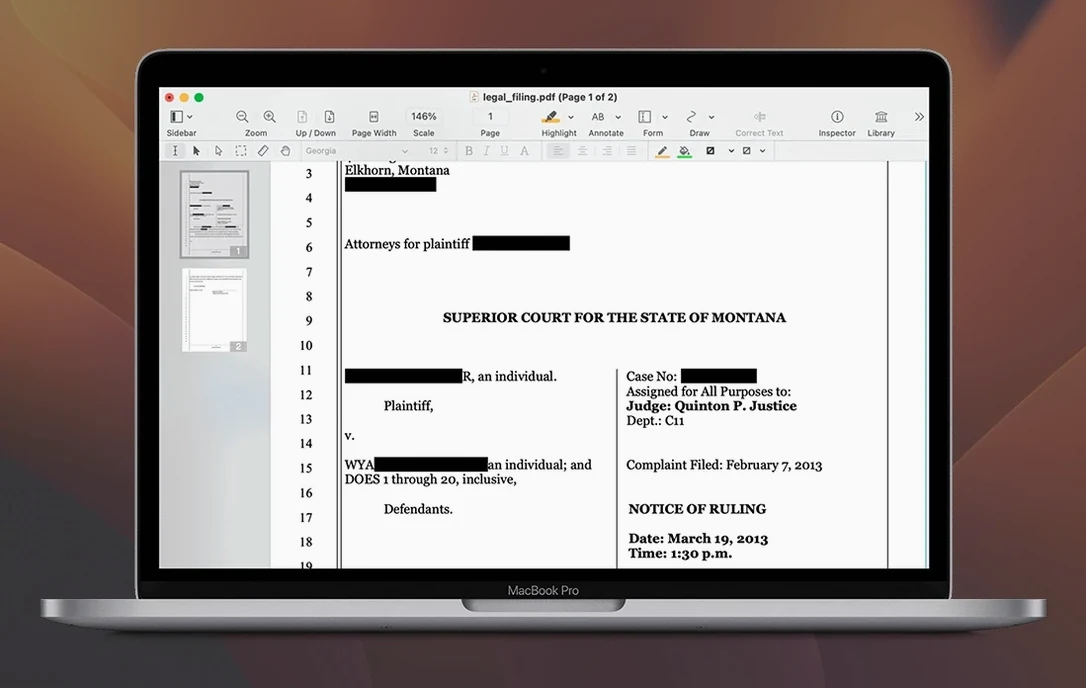
Not this time. You can still create cross-platform fillable forms, build editable tables of contents, assemble document portfolios and convert websites into multi-page PDFs with active hyperlinks. Redaction, signing and annotation tools all remain in place.
Editing a Scanned Page Before OCR Triggers a Dead End
Most early frustration traces back to three avoidable habits.
- Editing text before running OCR. Opening a scanned contract and clicking a paragraph expecting to type is the number-one dead end. The file is a flat image. Run Recognize Text first, then edit. Without OCR, Nitro PDF Pro sees pixels, not words.
- Ignoring the text-block boundaries. Editable text lives inside blue-bordered blocks. New users often click outside a block, start typing, and wonder why nothing appears. If the cursor doesn't blink inside a blue rectangle, you are not in an editable zone yet.
- Saving over the original without a backup. The app auto-saves aggressively. Before experimenting with redactions or heavy image deletion, duplicate the file in Finder. A permanent redaction cannot be undone from a single saved copy.
Transforming a Paper Invoice into a Signed, Searchable Record
This task shows up daily in small finance teams—take a supplier's paper invoice, make it searchable, fill in internal codes, and send it back signed.
- Open the scanned PDF. Drag the file onto the Nitro PDF Pro icon. If it's a photo of a document, the app treats it as a single image layer.
- Run OCR. Choose Recognize Text from the Tools menu. For most invoices, English language detection and 300 dpi output produce clean results. Wait about four to six seconds on a standard one-page scan.
- Add internal fields. Switch to the Edit tool. Click where you need to insert a cost-centre code or approval number. Type the text. Drag the new text block to align with the existing layout.
- Place your signature. Open the Sign tab. If you have already saved a signature image or drawn one with the trackpad, select it. Click the document to stamp it. Resize by dragging a corner handle.
- Export for the record. Use File > Export to save a flattened copy as PDF. Keep the editable original separate in case the supplier revises the invoice later.
This sequence replaces the old photocopier-and-pen loop entirely. No printing. No rescanning.
Launching in Under Two Seconds on Apple Silicon
On an Apple Silicon Mac, the app launches in under two seconds and opens a 40-page document in about three. Intel machines add a beat, but nothing that disrupts a morning review session. Scrolling through heavy construction drawings with embedded raster layers stays smooth; the rendering engine drops preview resolution during fast swipes and sharpens when you pause—a behaviour that keeps memory pressure reasonable.
RAM usage sits around 280–320 MB with three medium documents open. That figure climbs to roughly 500 MB when OCR processing a dense 80-page scanned report, then drops back once the job finishes. CPU spikes are short-lived and tied to batch exports or OCR runs, not idle background activity.
Stability on 13.3.1 is uneventful, which is exactly what you want. Two full weeks of daily use—editing forms, redacting client data, merging portfolios—produced no crashes and no document corruption. The single observed quirk involved an audio annotation refusing to play back after a rapid sleep-wake cycle; reopening the file fixed it. If you rely on the app for signed client deliverables, the current build inspires confidence.
- macOS 10.14 Mojave or later
- Intel or Apple Silicon Mac
- 1 GB RAM
- Up to 2 GB disk space
- Display resolution 1280×800 or higher
Comments 0
Sign in to leave a comment.Sign inCreate an account
No comments yet. If a step is still there after you install it, say so.
More in PDF
All in PDF PDF Expert
Corrects a typo or updates a paragraph directly inside a PDF without switching to the source file.
8 steps saved
 Updated
PDF Reader Pro
Marks up, merges, and hands off contracts without leaving one app.
20 steps saved
 PDF Squeezer
Shrinks PDF files without touching a settings panel.
9 steps saved
 PDFelement Pro
Edits, signs, and organizes PDFs so paperwork stops piling up.
20 steps saved
 Adobe Acrobat Pro
Lets you retype a PDF paragraph or swap an image without leaving the page.
19 steps saved
 ABBYY FineReader PDF
Turns a paper scan into an editable Word file, tables and formatting intact.