
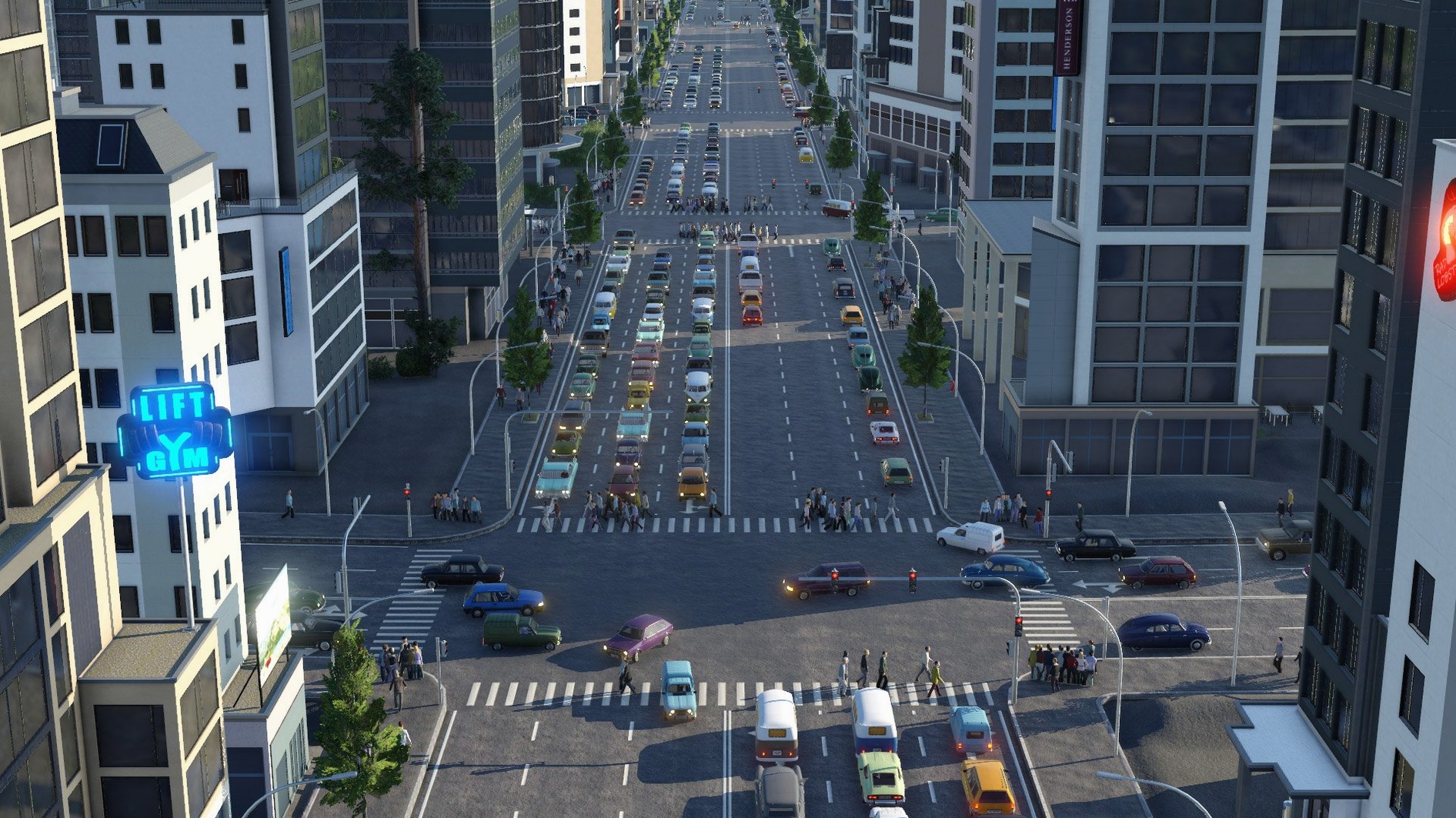
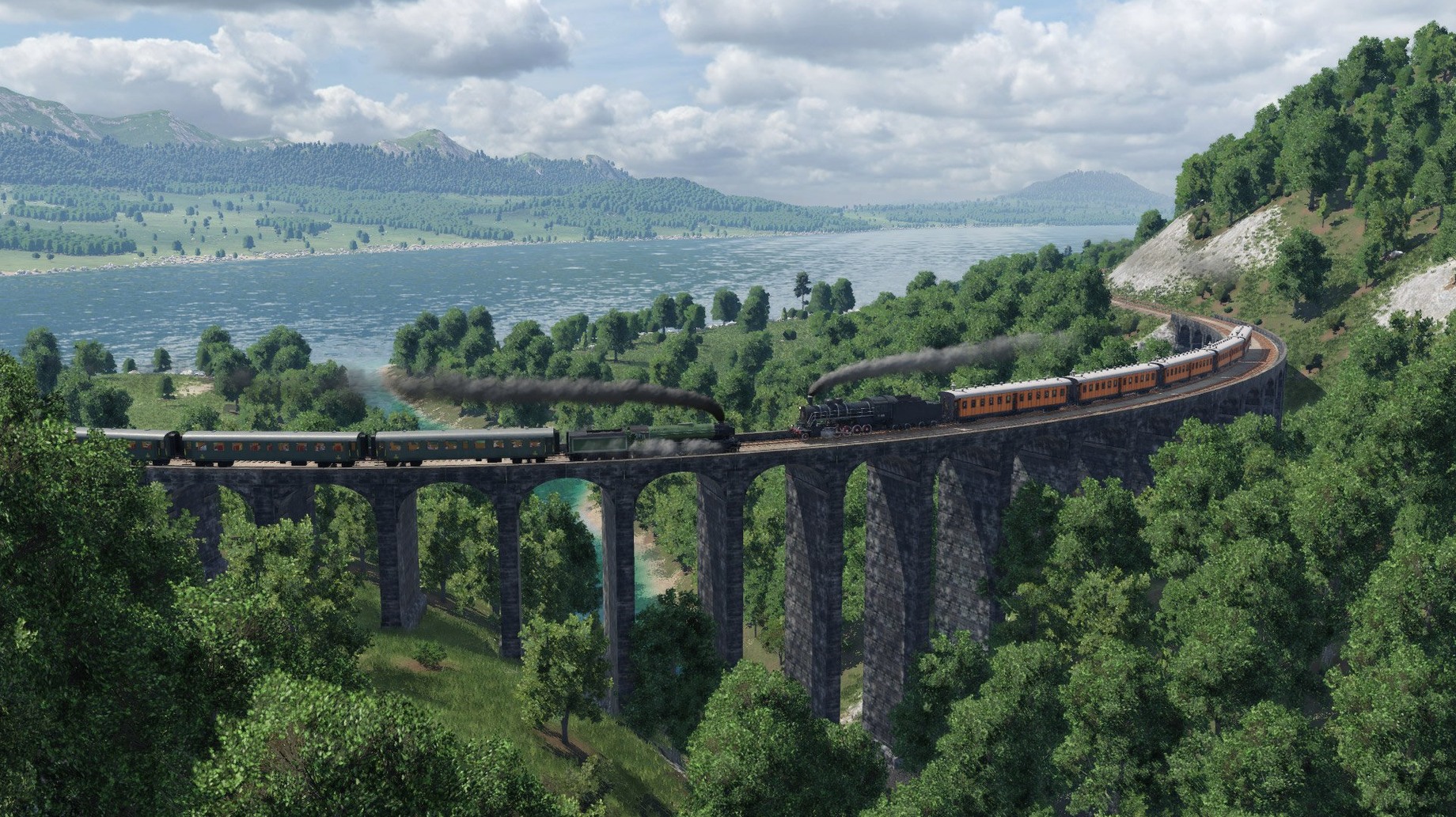
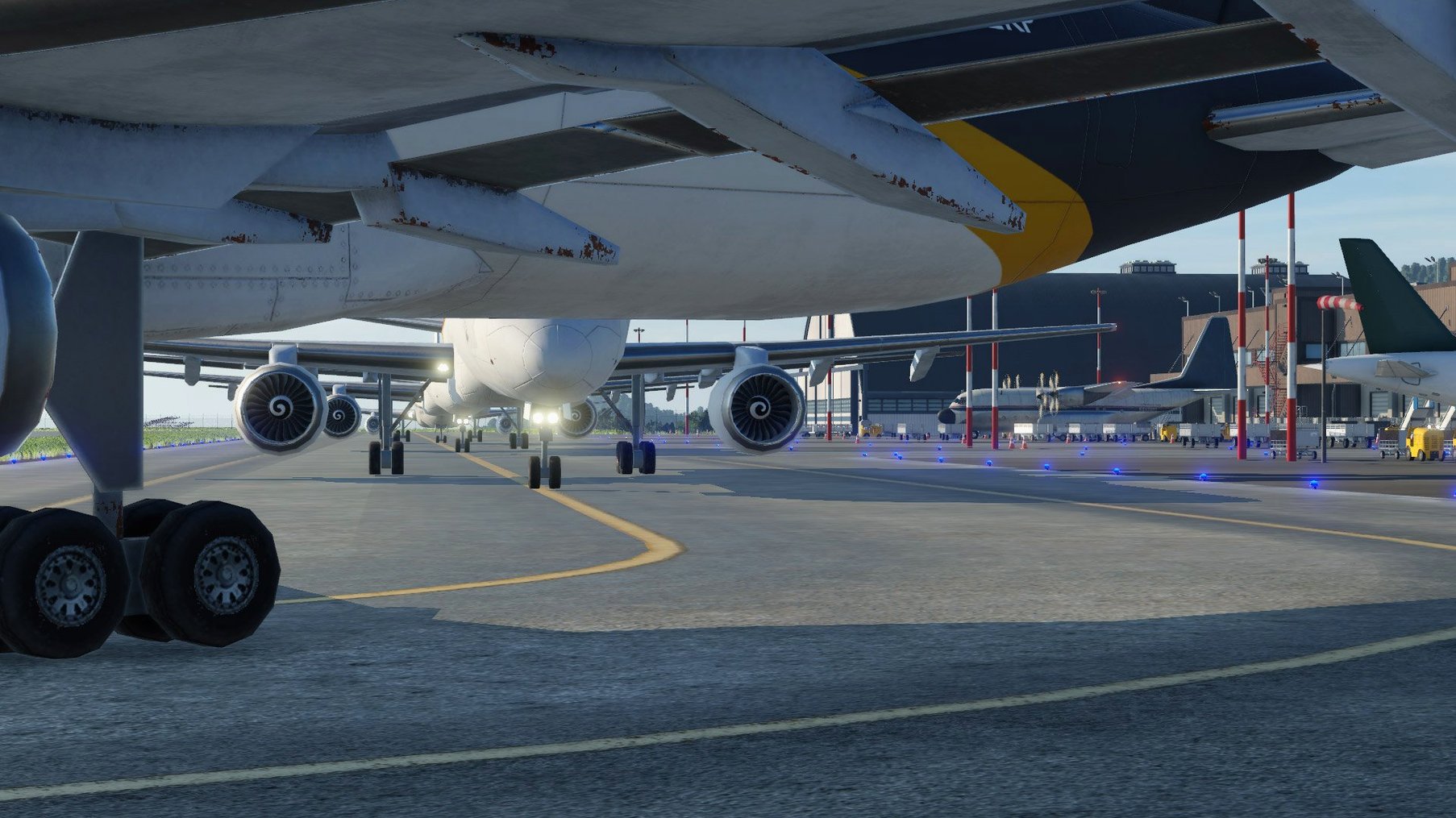
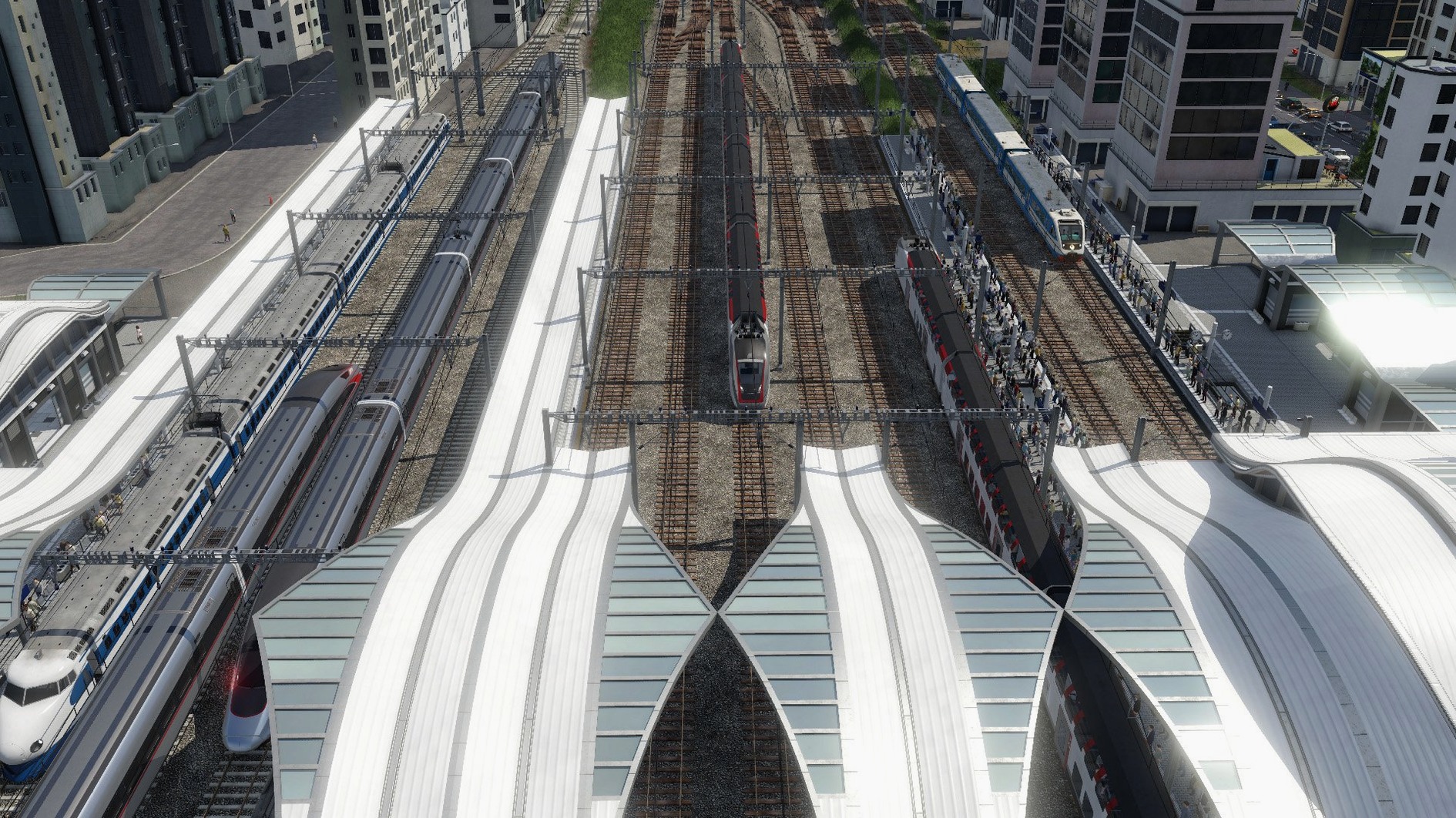
Transport Fever 2 is a transport simulation that puts you in charge of moving goods and people by land, water, and air across three distinct climate zones—temperate, dry, and tropical. The Deluxe Edition bundles three historical campaigns set on three continents.
What you can build and play
The core experience revolves around building infrastructure and managing logistics networks. Three scripted campaigns guide you through historically themed scenarios, while the free play mode gives you an open canvas without objectives. A built-in map editor lets you sculpt terrain and design your own worlds from scratch. The game also ships with support for modifications, opening the door to community-created vehicles, stations, and industries. Voice language support is available in English.
Reliability fixes in the current build
The latest update, build 35924.0 fixed, resolves a handful of specific crashes. Hidden files that start with a dot no longer interrupt loading. Starting a track segment at the mouth of a tunnel or bridge is now stable, and rare crashes triggered by building streets across track switches or replacing bridges and tunnels have been patched out.
A session in free play
Open free play, pick the temperate climate, and set the start year to 1880. The map loads as a patchwork of farms, forests, and two small towns separated by a ridge. You place a passenger station at each town edge, then drag a rail line through the valley—tracing the contour to keep the grade shallow. The game prompts for a depot; you add one near the larger town. Buy two steam locomotives and four passenger cars, assign them to the line, and unpause. Within minutes the first train shuttles workers between towns, and the cargo demand panel lights up: the sawmill now expects logs. You run a truck route from the forest to the mill, then extend the rail line to a harbour once the town grows enough to fund it. By 1905 the network handles passengers, lumber, and tools, and the ridge that once split the map now has a tunnel through it—paid for by the freight profits.
Start Small with a Single Industry Rail Line
Here’s what to do after you first download Transport Fever 2 for Mac and get through the tutorial campaign.
- Start small, then layer. In free play, begin with a single rail line between two industries that already produce and consume. Resist the urge to connect six towns at once—overreach starves your cash flow before any route matures.
- Check the data layers early. Toggle the cargo overlay (F6) before laying a single track. It shows which industries need each other and reveals supply chains you can exploit from day one.
- Use waypoints on long lines. Trains choose the shortest path by default. Drop a waypoint to force them through flat terrain or past a maintenance depot; it prevents them climbing a lethal 7% grade you didn’t notice during construction.
- Test the map editor before you commit to a campaign. Sculpt a small island, drop a few towns, and run a bus route. It teaches signal placement and station catchment areas without the pressure of a timed objective.
- Leave autosave on. The build 35924.0 fixed patch solved several crash triggers, but complex networks still benefit from a three-month autosave interval—especially when you’re learning bridge and tunnel rules.
- Fixed a crash triggered by hidden files starting with a dot.
- Fixed crashes when starting track segments at tunnel or bridge ends.
- Fixed rare crashes when building streets over track switches or replacing bridges and tunnels.
- macOS 10.14.6 or later
- Intel processor
Questions I get before install
What climate zones does Transport Fever 2 include?
The game features three distinct climate zones: temperate, dry, and tropical, each affecting terrain and vegetation.
Does the game include a map editor?
Yes. The game ships with a full map editor for creating custom landscapes and scenarios.
What languages are supported in the interface?
The interface supports Russian, English, German, Spanish, Traditional Chinese, Simplified Chinese, Dutch, Polish, French, and Japanese.
Comments 0
Sign in to leave a comment.Sign inCreate an account
No comments yet. If a step is still there after you install it, say so.
More in Games
All in Games Tropico
Balances construction, economy and politics to keep an island nation stable.
16 steps saved
 TRYP FPV : The Drone Racer Simulator
Responds to weight and drag so every gate pass relies on real flight physics.
12 steps saved
 Total War: WARHAMMER
Tests your province upgrades while a greenskin horde marches toward Altdorf.
23 steps saved
 Updated
Two Point Museum
Sends experts on expeditions and arranges discoveries to keep visitors happy.
18 steps saved
 Total War: THREE KINGDOMS
Balances war, trade, and loyalty across a turn-based Three Kingdoms recreation.
7 steps saved
 Total War: ROME REMASTERED
Rebuilds the classic Rome campaign with remastered visuals and UHD support.
6 steps saved
 Total War: PHARAOH
Commands ten leaders across a Bronze Age Collapse campaign map.
8 steps saved
 Updated
Ultimate Theater Simulator
Turns a rundown cinema into a profitable destination one decision at a time.