
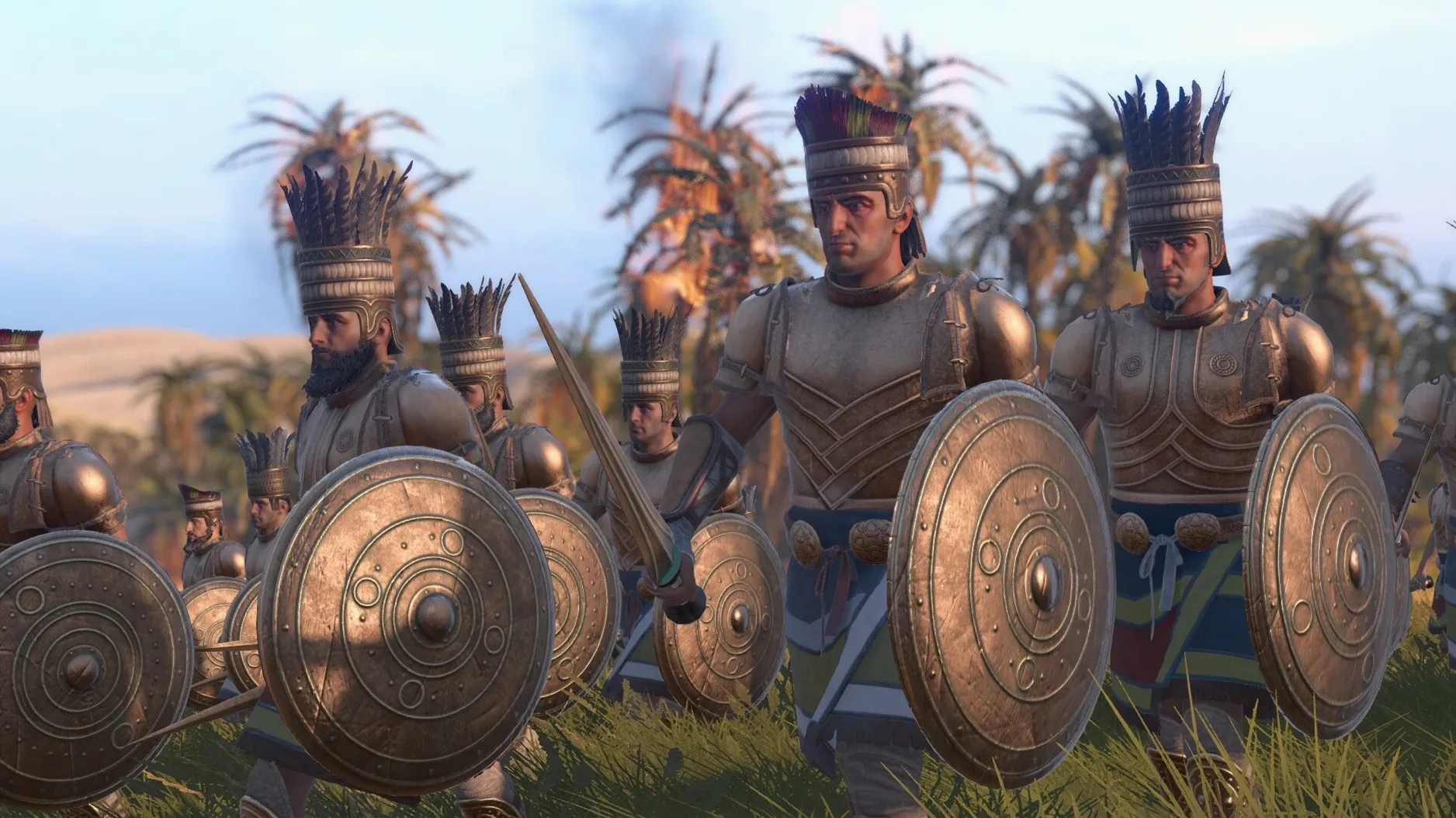
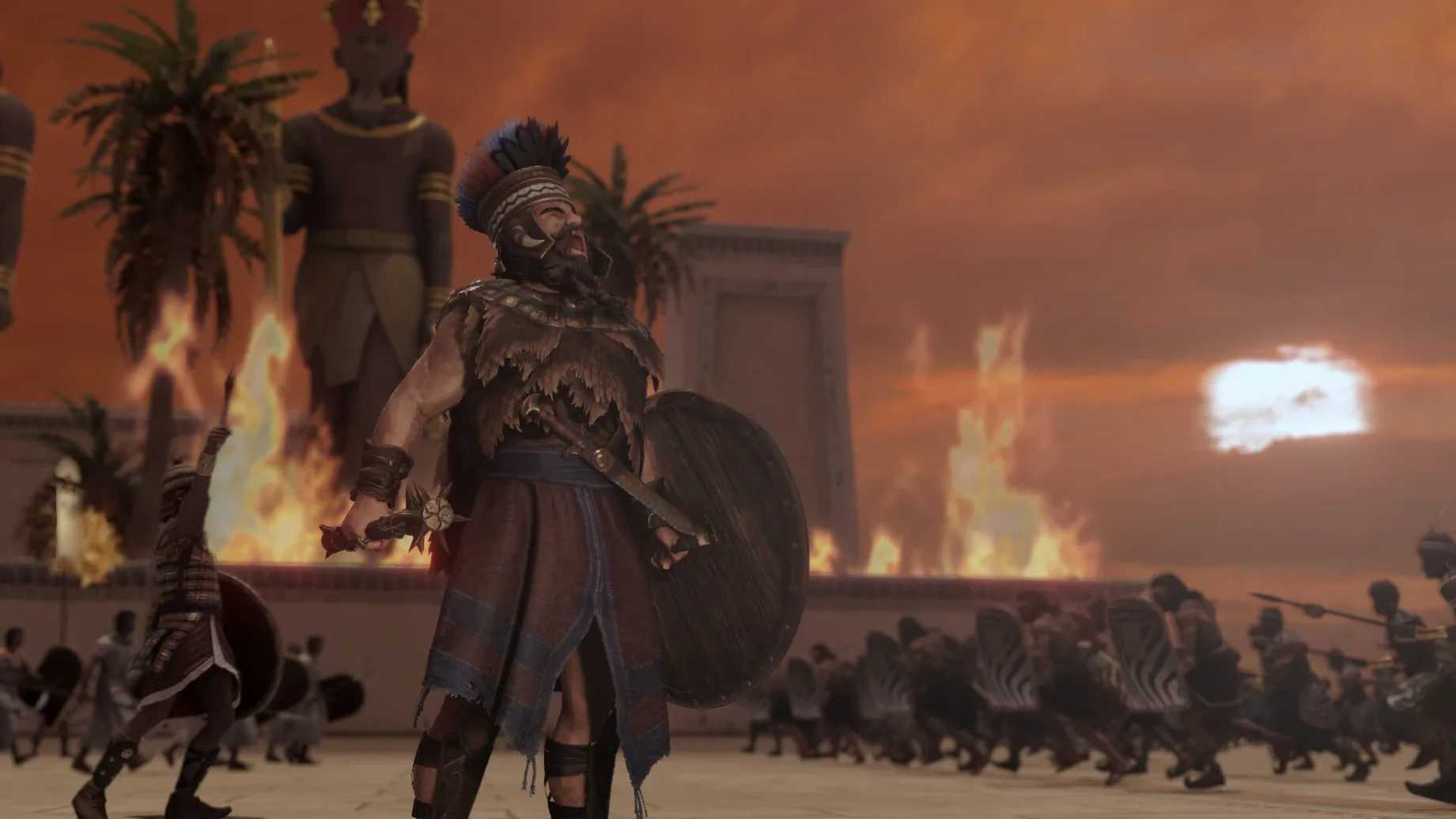
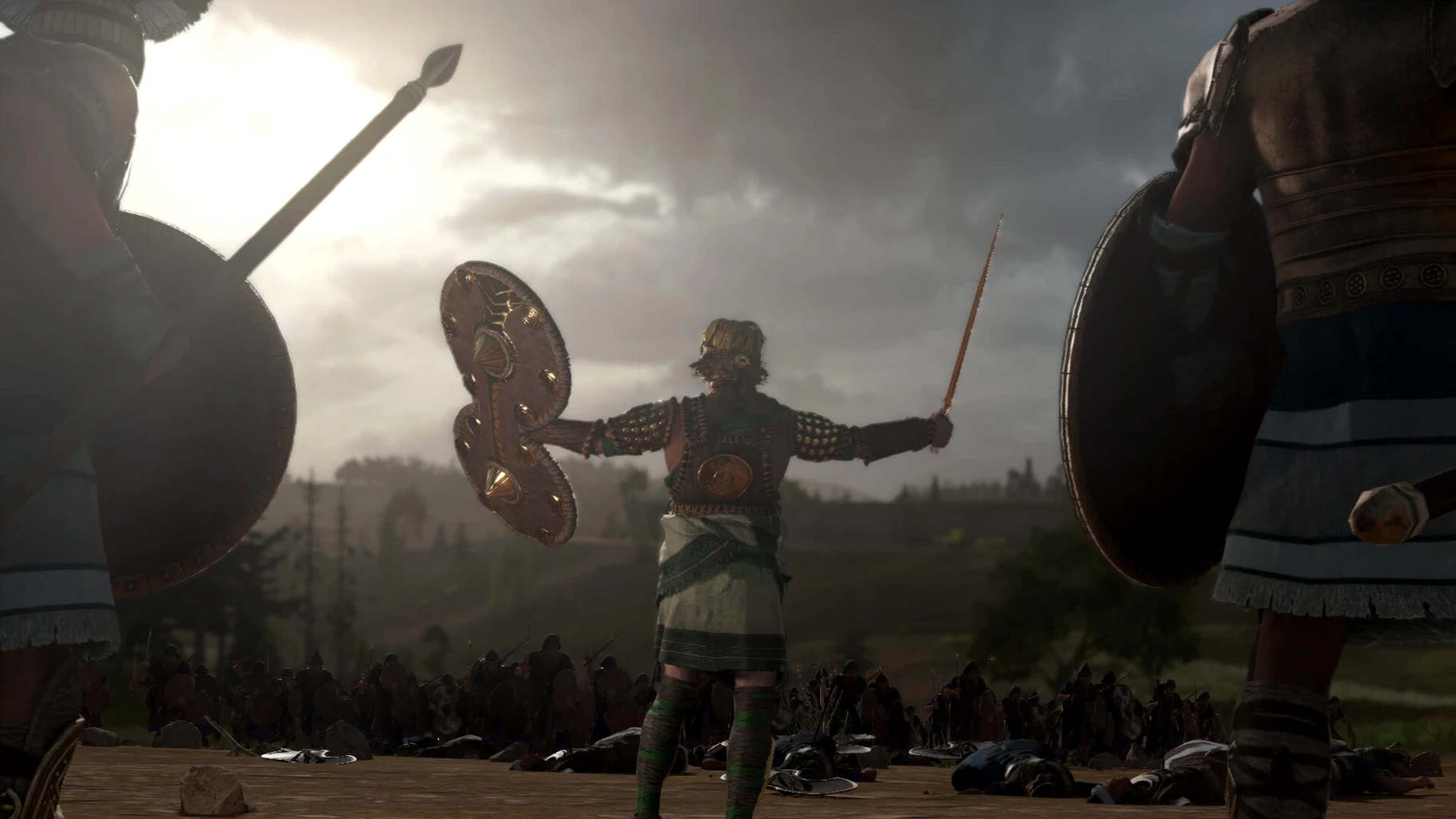
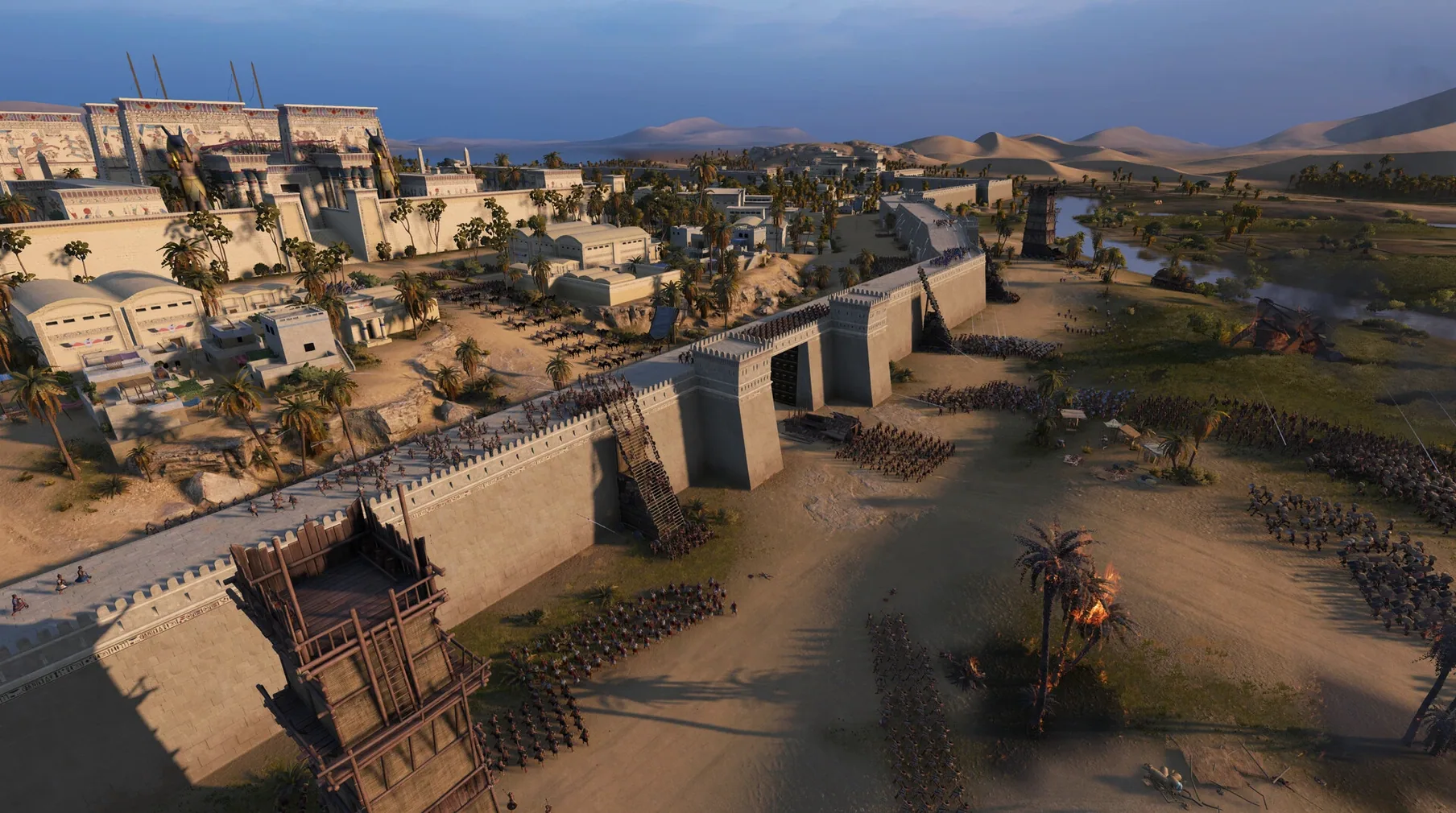
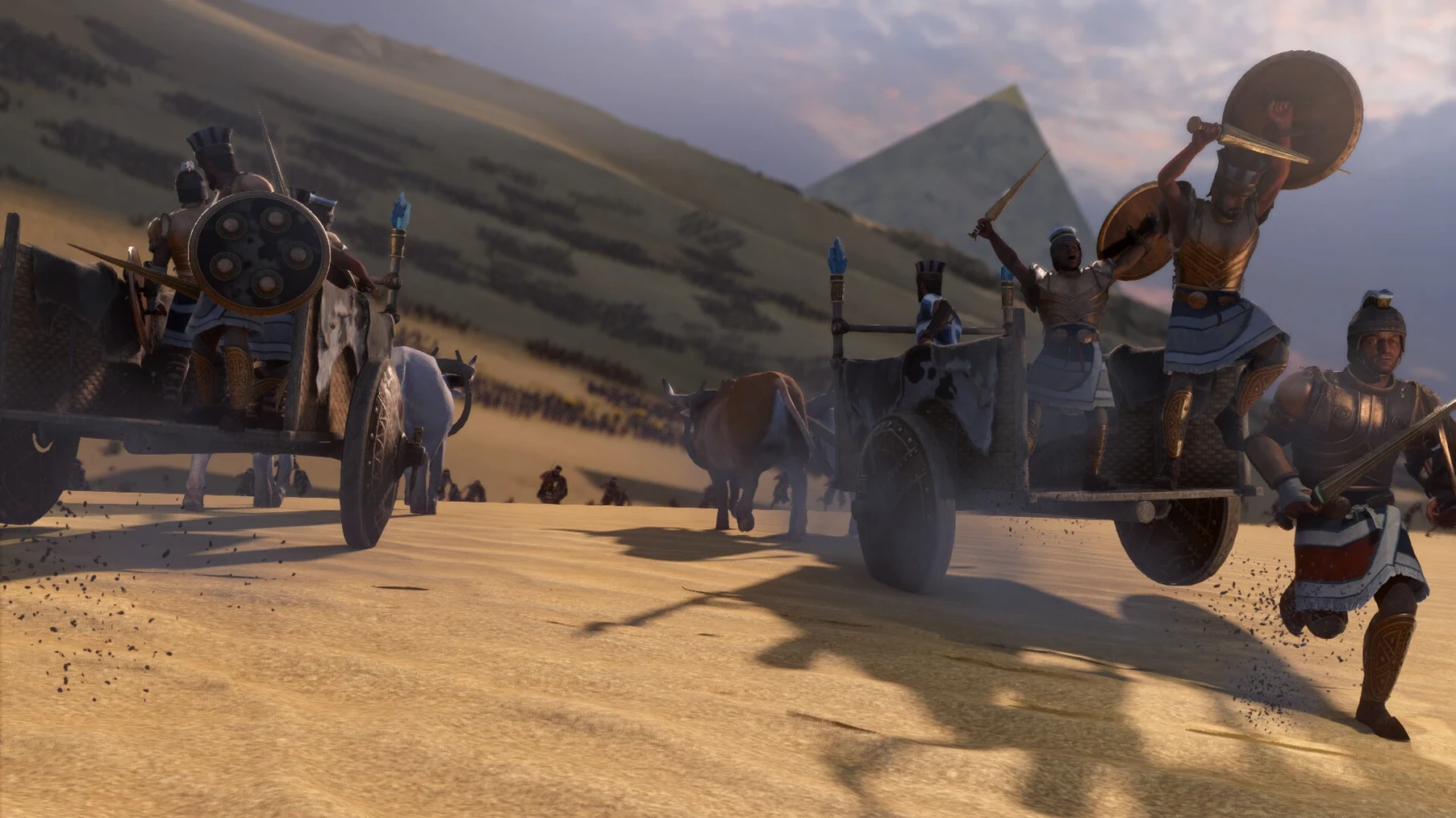
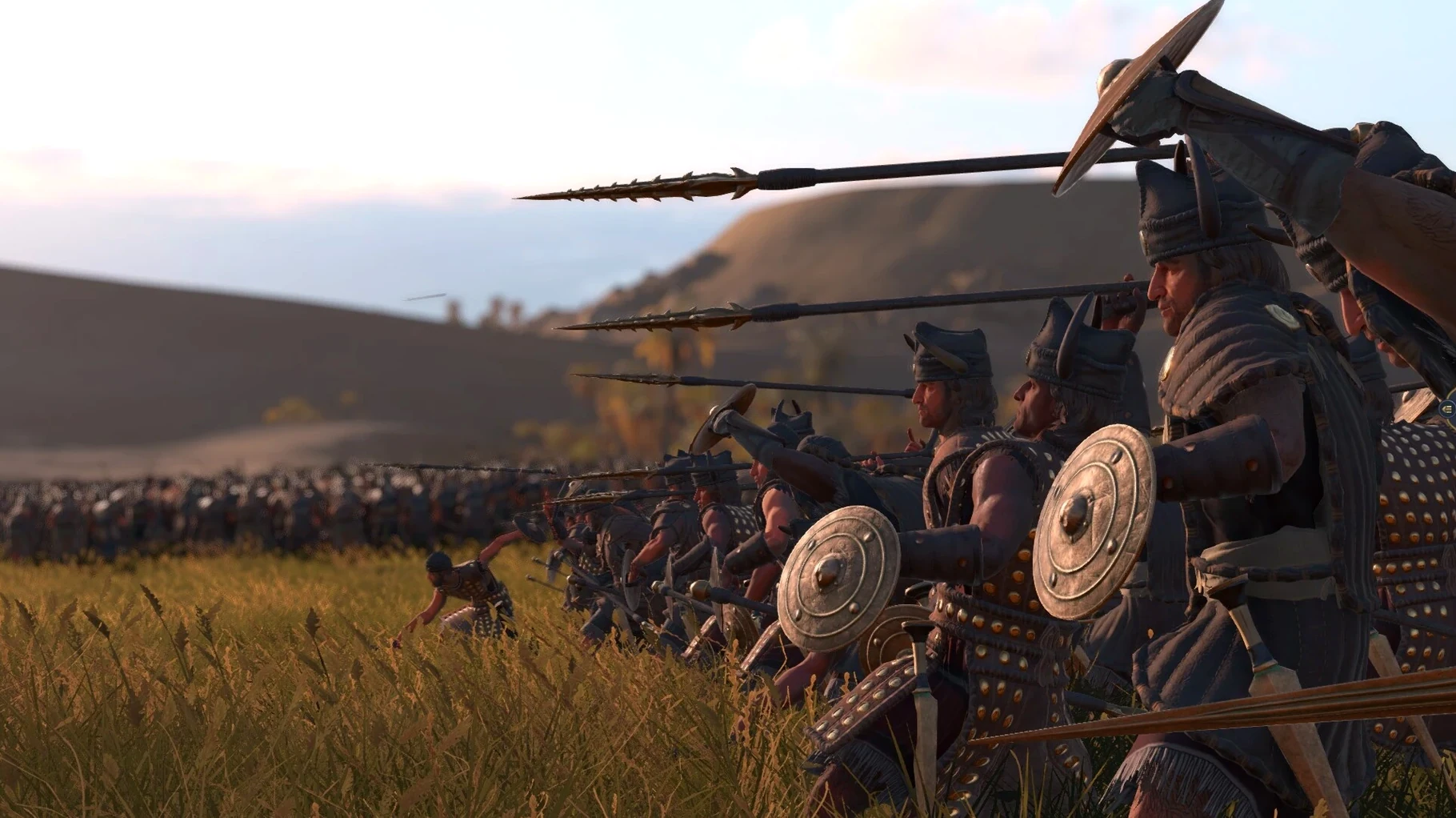
Version 1.2.3 is a stability-focused release, hardening the build after testing on macOS Sequoia with an M1 MacBook Air. The package itself remains the complete historical strategy experience set during the Bronze Age Collapse.
Ten leaders, three lands, one campaign map
- A detailed campaign map covering Egypt, Canaan, and Anatolia.
- Ten faction leaders with distinct starting positions.
- Customizable campaign settings—toggle natural disasters on or off.
- Randomized starting positions for all factions to refresh the strategic challenge.
- Interface support across twelve languages including English, French, German, and Simplified Chinese.
Voice language limits and macOS requirements
- Voice languages are limited to English, German, and Simplified Chinese.
- Requires macOS 13.4 or later; runs on both Intel and Apple Silicon.
Set random starts before your first turn
Spend the opening turns reading the campaign customization panel, not the map. A handful of settings reshape the entire rhythm of a run. Flip the starting position option to random for all factions—it breaks scripted expansion patterns. Then decide your appetite for chaos. Natural disasters can stay on if you enjoy reactive play; disable them when you want a pure resource-management puzzle. The detailed resource sliders are worth a careful look. Lowering stone availability while raising food forces slower monument construction and faster army replenishment, which tilts the early game toward skirmishing.
Settle on a faction leader within the first session and stick with them for 20 turns. Learning one leader’s court and unit roster teaches you the economic tempo better than hopping between three. The Sea Peoples campaign plays nothing like Egypt’s, so treat your first pick as a tutorial in a specific toolset.
Small conveniences worth the click
- Hold
Shiftwhile issuing a move order during battle to queue a follow-up path—units will snake around obstacles instead of blundering through fire or marsh. - Double-tap the spacebar in real-time battles to pause with a single still frame; the timing is tighter than the default toggle, and it becomes muscle memory quickly.
- Right-click on a settlement name in the campaign overlay to open the building browser without closing the diplomacy panel.
- Weather effects like rain and sandstorms are not cosmetic—they degrade ranged unit accuracy and slow heavy chariots. Hover over the weather icon in the battle UI for a concise breakdown before committing an archer volley.
- The campaign map zoom slider has a hidden snap point at “tabletop height.” Pull it back until the clouds appear, then nudge forward one step—you see province borders, trade routes, and army stances without losing the terrain texture.
Fire spreads, and it spreads faster than most players expect during the first siege. Dry forests and thatched settlement foundations ignite from torch units or stray flaming arrows. A quick double-check of the wind direction indicator, tucked into the battle screen’s lower-right corner, lets you torch the enemy’s cover while keeping your own flank upwind. When someone mentions they grabbed a total war pharaoh for mac cracked build, the first thing they comment on is how much the battle AI punishes carelessness with fire—because the spread model was never watered down for the Mac version.
- macOS 13.4 or later
- Intel or Apple Silicon Mac
Comments 0
Sign in to leave a comment.Sign inCreate an account
No comments yet. If a step is still there after you install it, say so.
More in Games
All in Games Total War: ROME REMASTERED
Rebuilds the classic Rome campaign with remastered visuals and UHD support.
18 steps saved
 Total War: THREE KINGDOMS
Balances war, trade, and loyalty across a turn-based Three Kingdoms recreation.
12 steps saved
 Total War: WARHAMMER
Tests your province upgrades while a greenskin horde marches toward Altdorf.
23 steps saved
 Transport Fever 2
Builds land, water and air networks to move goods and people across three climates.
18 steps saved
 Tropico
Balances construction, economy and politics to keep an island nation stable.
12 steps saved
 Updated
Tiny Glade
Turns a meadow into a diorama with no timers and no enemies.
16 steps saved
 TRYP FPV : The Drone Racer Simulator
Responds to weight and drag so every gate pass relies on real flight physics.
22 steps saved
 Updated
Timberborn
Puts engineering ahead of decoration in a colony of thirsty beavers.