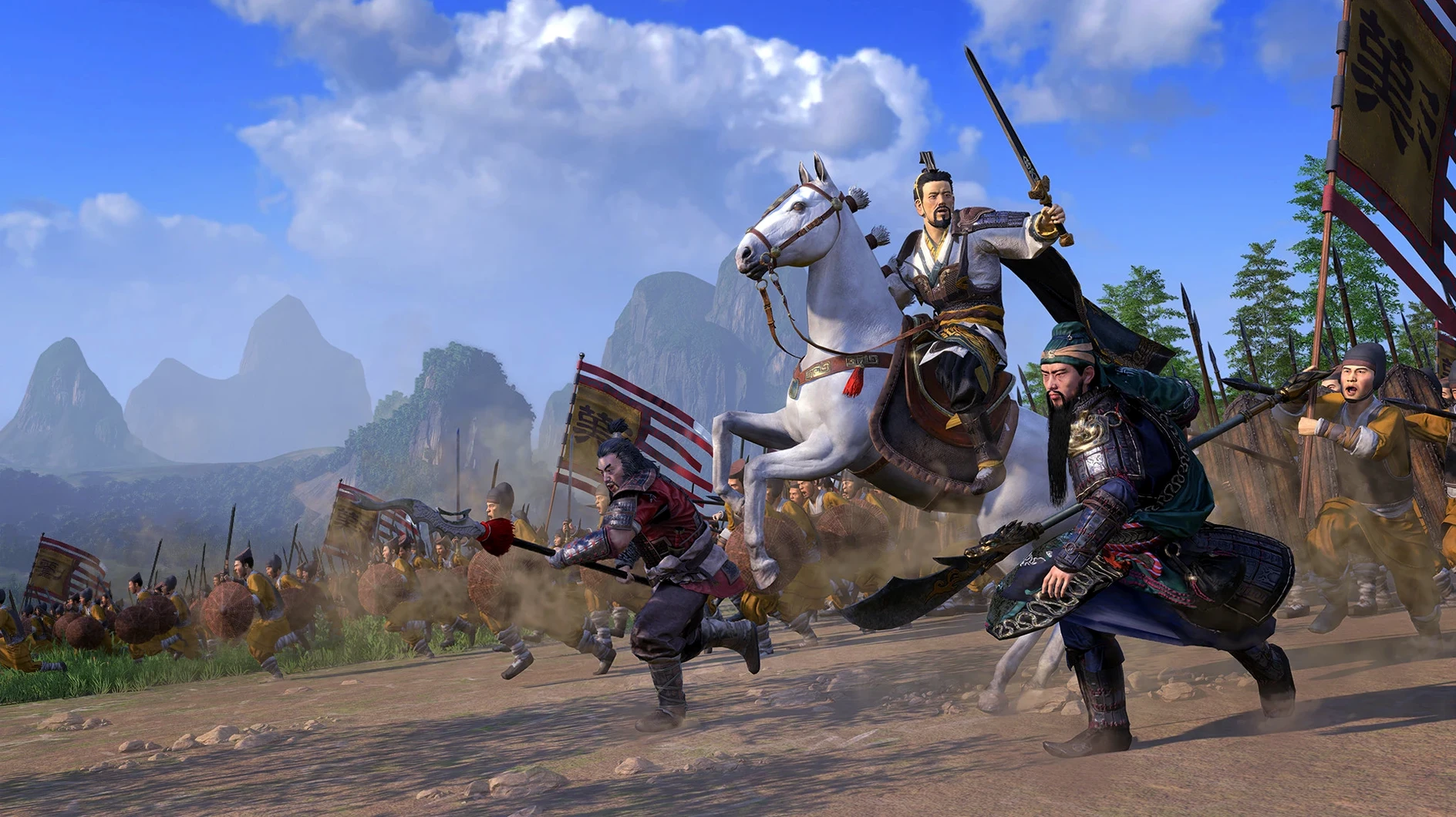
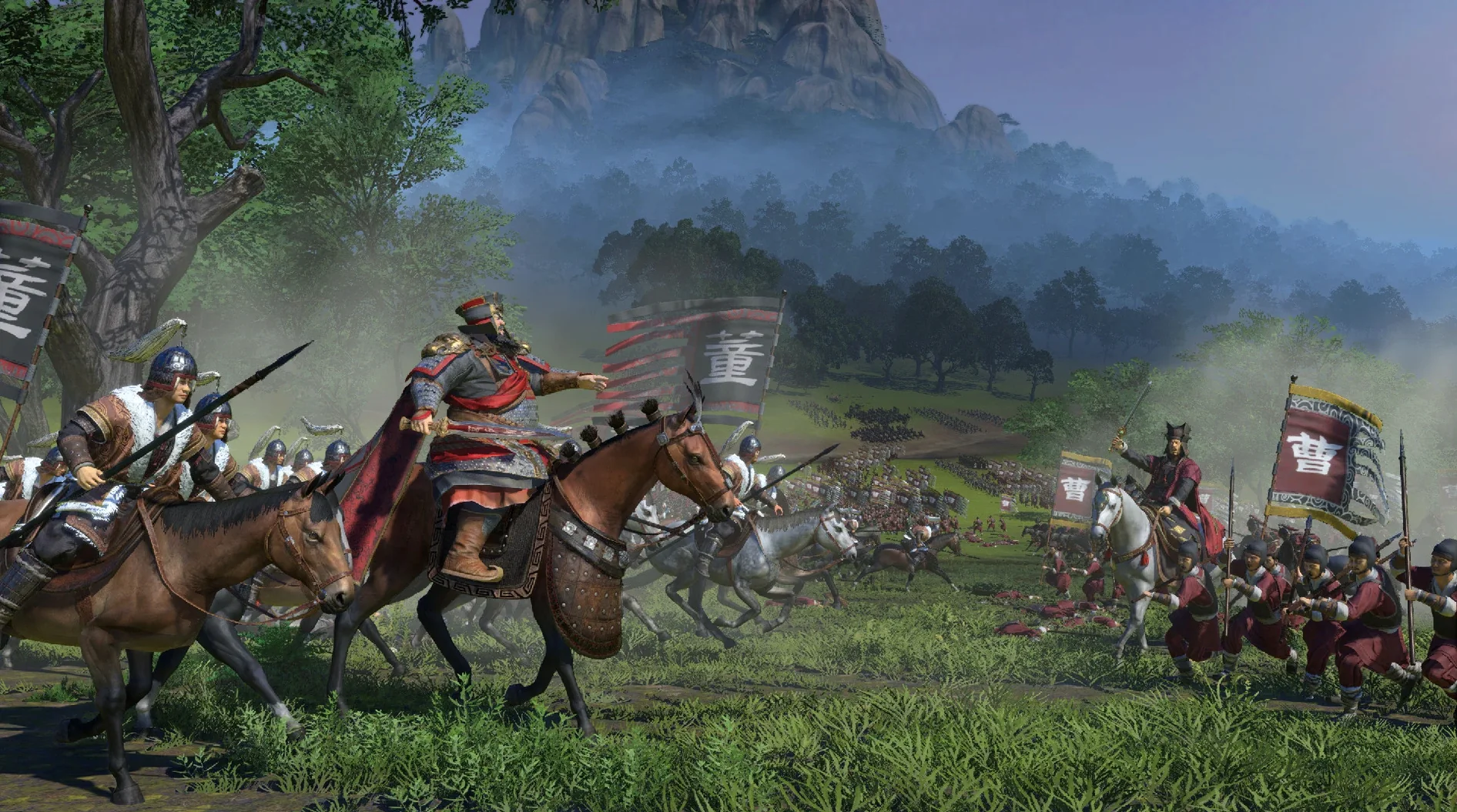
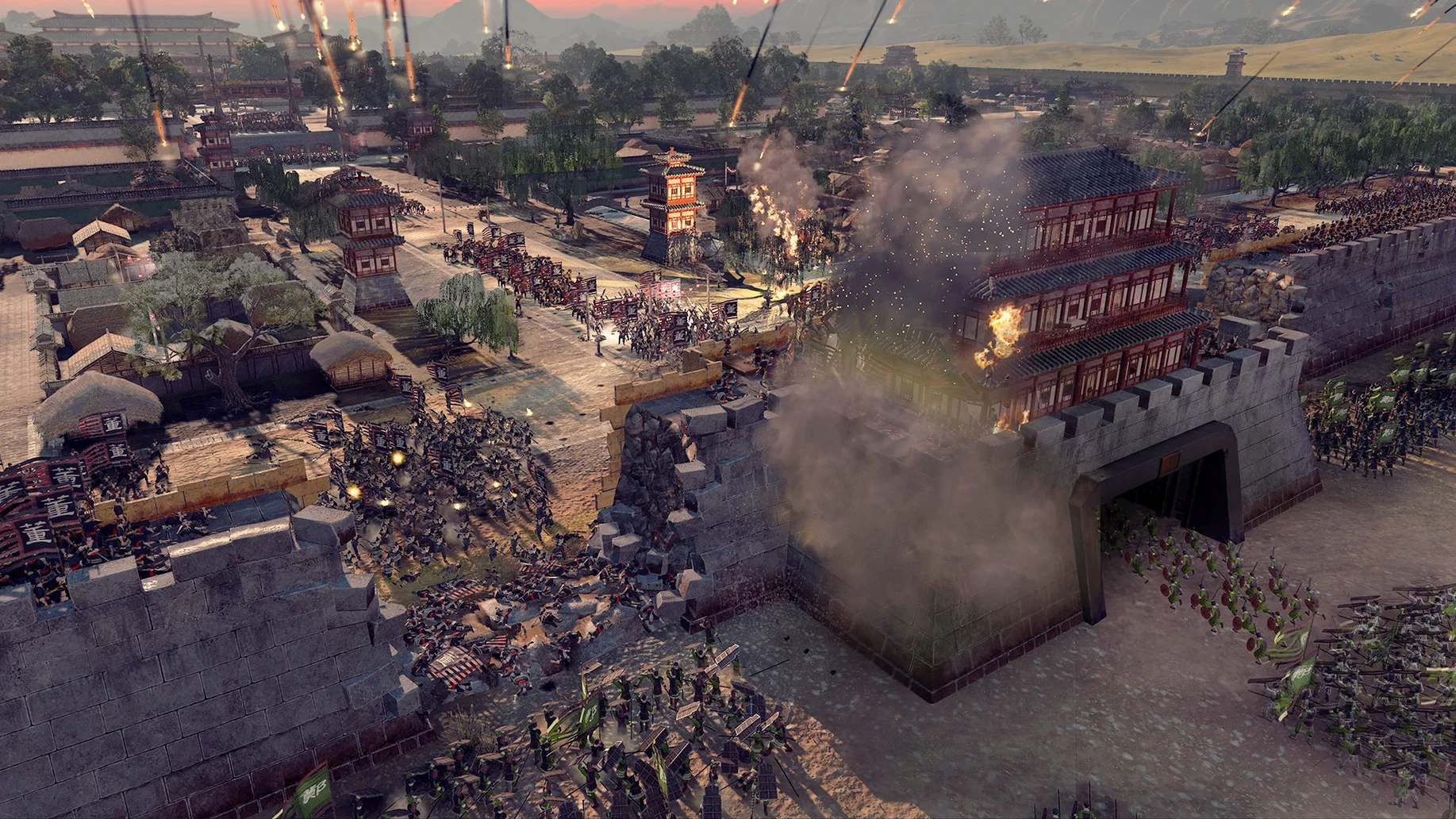
Version 1.7.1 fix locks in stability for the macOS edition, so your campaign map and battlefields stay solid through a full evening of play. You pick one of twelve warlords and step into a turn-based recreation of the Three Kingdoms period where war, trade, and personal loyalty all pull at once.
- Expand your territory on a painted campaign map, moving armies and building settlements turn by turn.
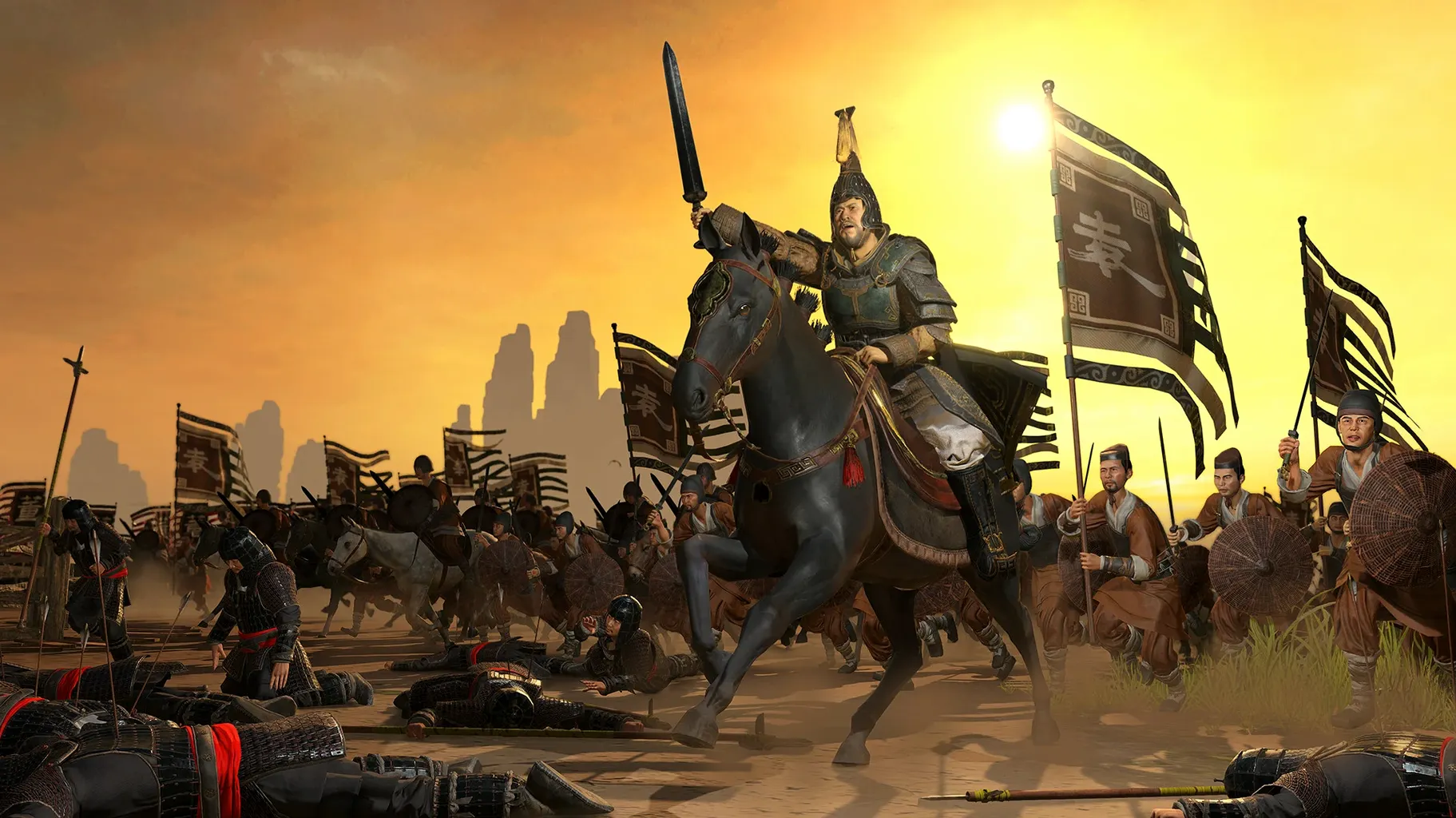
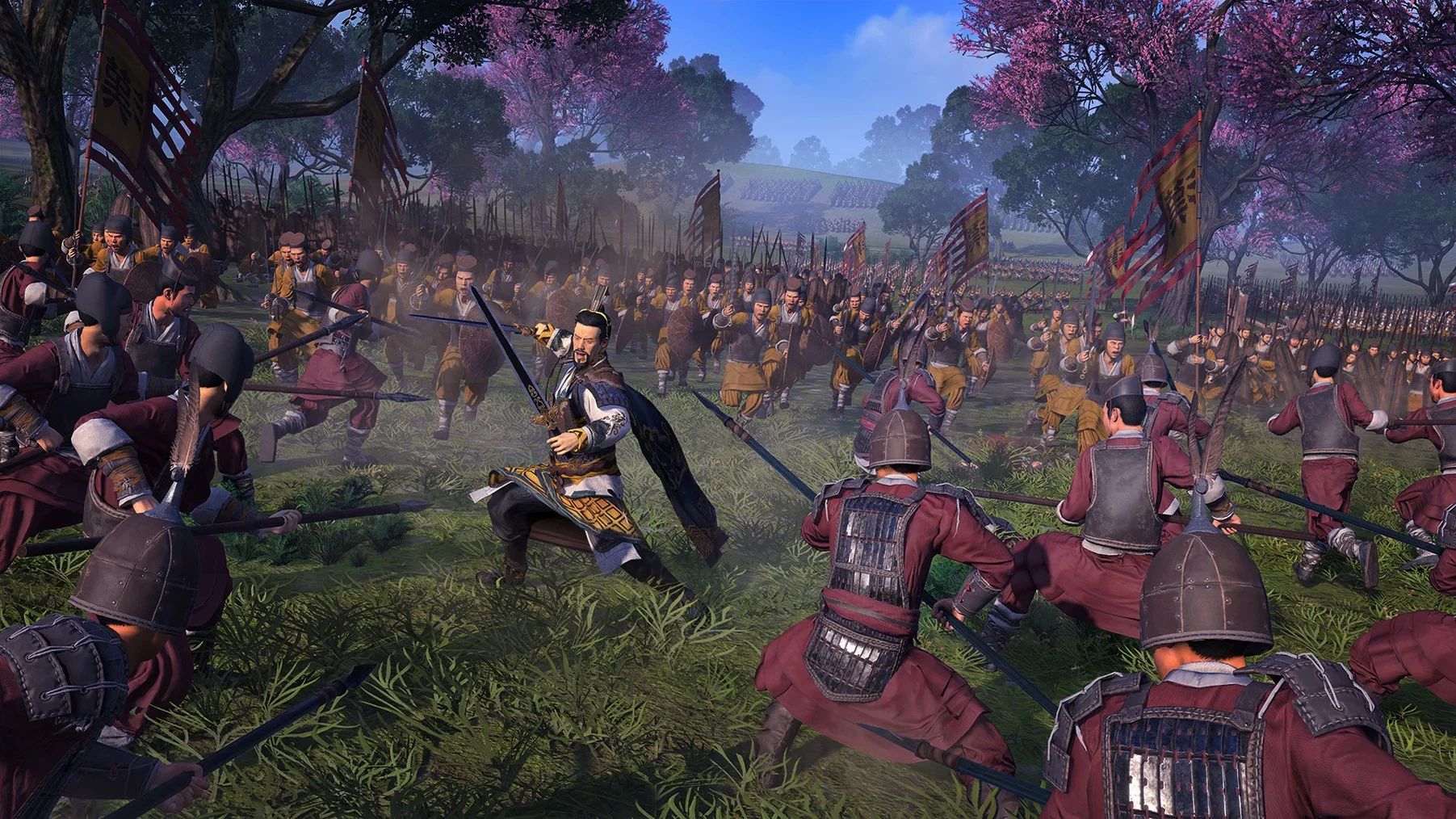
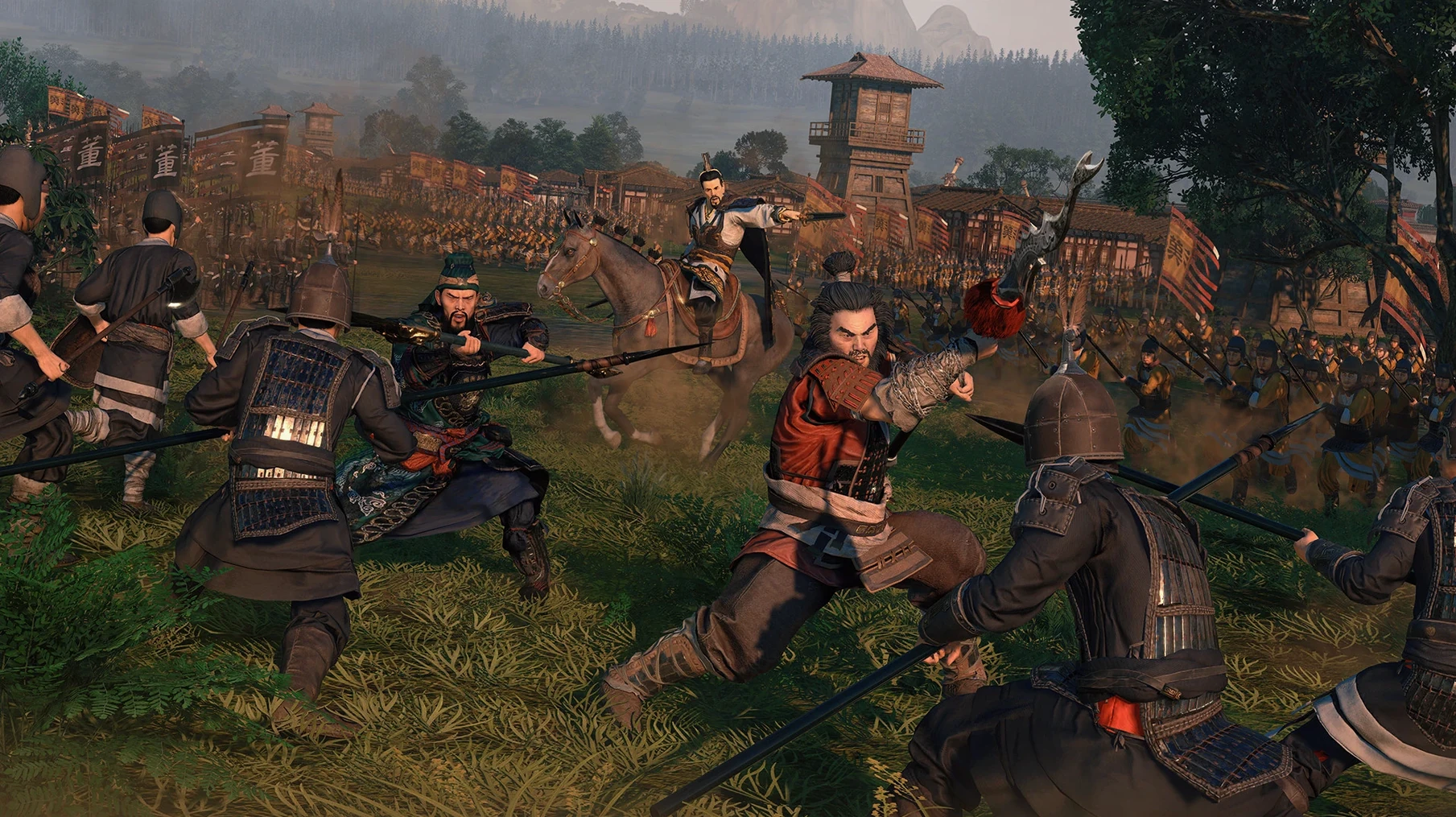
- Fight real-time battles where unit formations, morale, and terrain decide the clash.
- Manage relationships through guanxi — characters hold grudges, forge friendships, and scheme against rivals.
- Balance your treasury with trade, taxes, and supply chains while equipping your commanders.
- Force a rival off the Great Wall or block a river crossing on the Yangtze before the decisive charge.
Every minute splits between plotting on the map and commanding on the ground. A political slight in one season turns into a siege the next, and the build holds its frame rate through it all.
Drop shadow quality one notch to steady siege framerates
Before your first campaign, open the graphics menu and lower shadow quality one notch. The M1 handles most settings well, but shadows tax the GPU during large sieges for little visual return. Set unit size to Ultra if your Mac has 16 GB of RAM or more — battles feel properly scaled, and the engine holds up.
Two camera options matter more than they look. Switch battle camera to Classic Total War if you prefer the older, lower angle. Turn on Guard Mode for archers and artillery so they hold position instead of chasing routed units into a spear line. In the campaign settings, slow down AI turn speed one level; you will still see enemy movements clearly without waiting through every minor faction.
Disable advice pop-ups after your first ten turns. The tutorial hints repeat themselves and clutter an already dense interface.
Campaign strategists who treat every turn as a long-game investment
Players who enjoy long, layered campaigns over quick skirmishes will sink the most time into this. The turn-based map rewards patience — every army position, trade route, and character assignment compounds over dozens of turns.
Fans of character-driven strategy find the most to like. Guanxi ties generals to your faction in ways a simple loyalty number cannot. One commander might refuse to march against a childhood friend; another may defect after you promote a rival. Reading those relationships before each decision matters as much as reading the terrain.
Players with older Intel Macs also benefit — the x86 build runs on a wide range of hardware, and the 46 GB install leaves room on smaller drives. Anyone who wants a historical sandbox with real-time battles, without always playing the same faction, can download Total War Three Kingdoms for Mac and start with a different warlord each campaign.
- macOS 10.14.4 or later
- Intel or Apple Silicon Mac
- 46 GB free disk space
Questions I get before install
What does the turn-based campaign layer control?
You command army movement, settlement construction, diplomacy, and character assignments across ancient China, then zoom into real-time tactical battles when forces meet.
Comments 0
Sign in to leave a comment.Sign inCreate an account
No comments yet. If a step is still there after you install it, say so.
More in Games
All in Games Total War: ROME REMASTERED
Rebuilds the classic Rome campaign with remastered visuals and UHD support.
12 steps saved
 Total War: WARHAMMER
Tests your province upgrades while a greenskin horde marches toward Altdorf.
6 steps saved
 Total War: PHARAOH
Commands ten leaders across a Bronze Age Collapse campaign map.
23 steps saved
 Transport Fever 2
Builds land, water and air networks to move goods and people across three climates.
18 steps saved
 Tropico
Balances construction, economy and politics to keep an island nation stable.
16 steps saved
 TRYP FPV : The Drone Racer Simulator
Responds to weight and drag so every gate pass relies on real flight physics.
23 steps saved
 Updated
Two Point Museum
Sends experts on expeditions and arranges discoveries to keep visitors happy.
12 steps saved
 Updated
Tiny Glade
Turns a meadow into a diorama with no timers and no enemies.