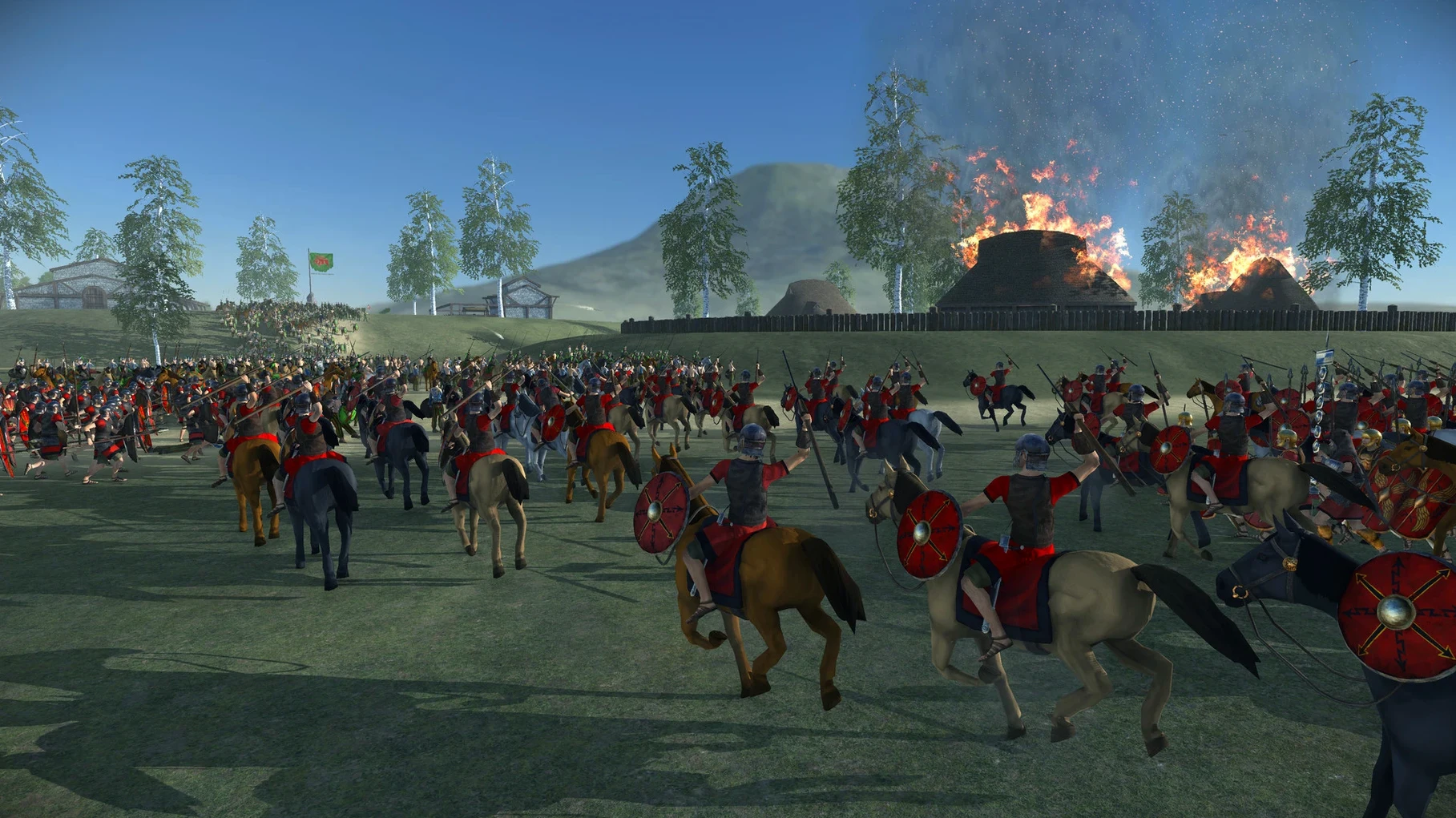
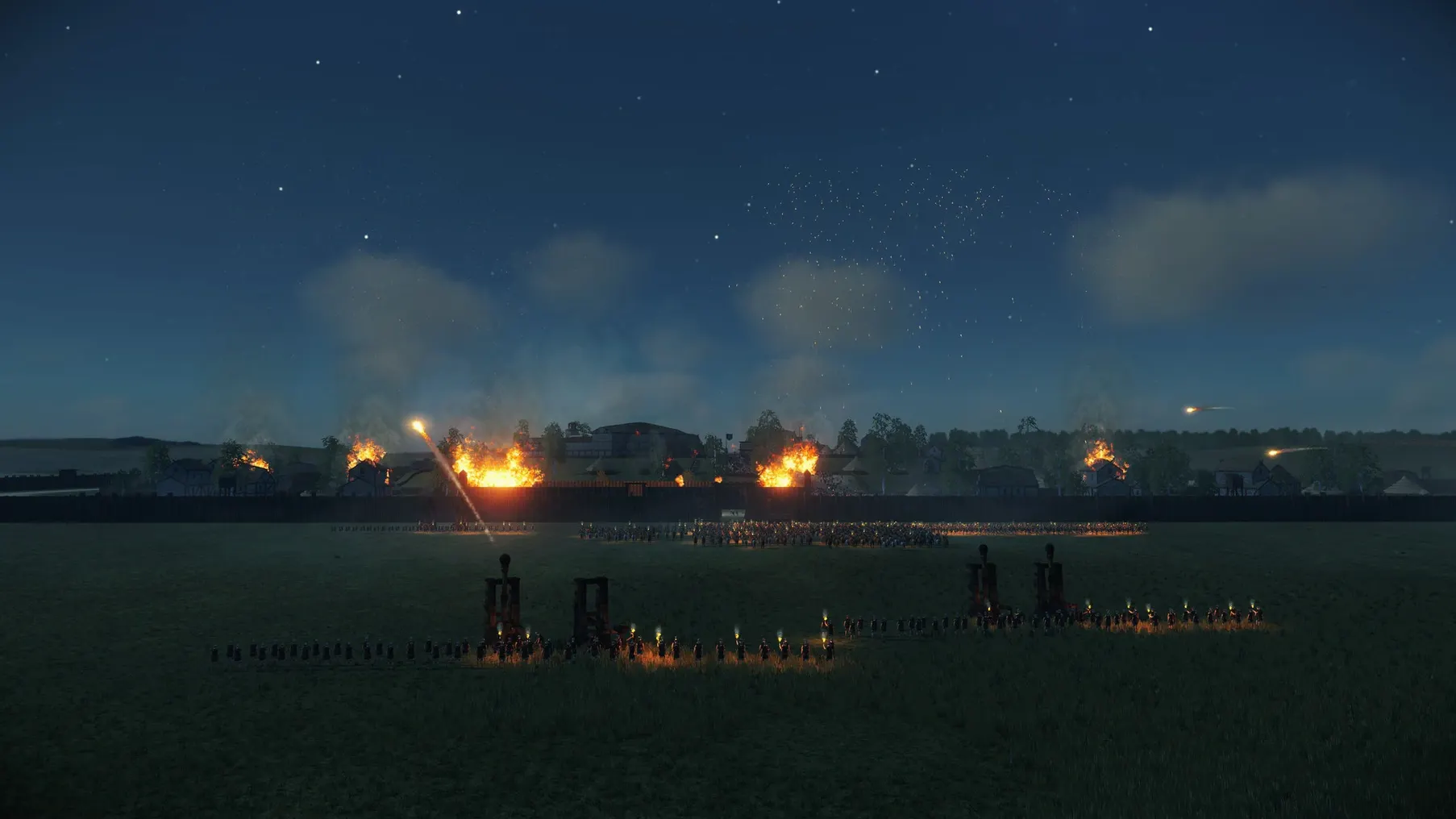
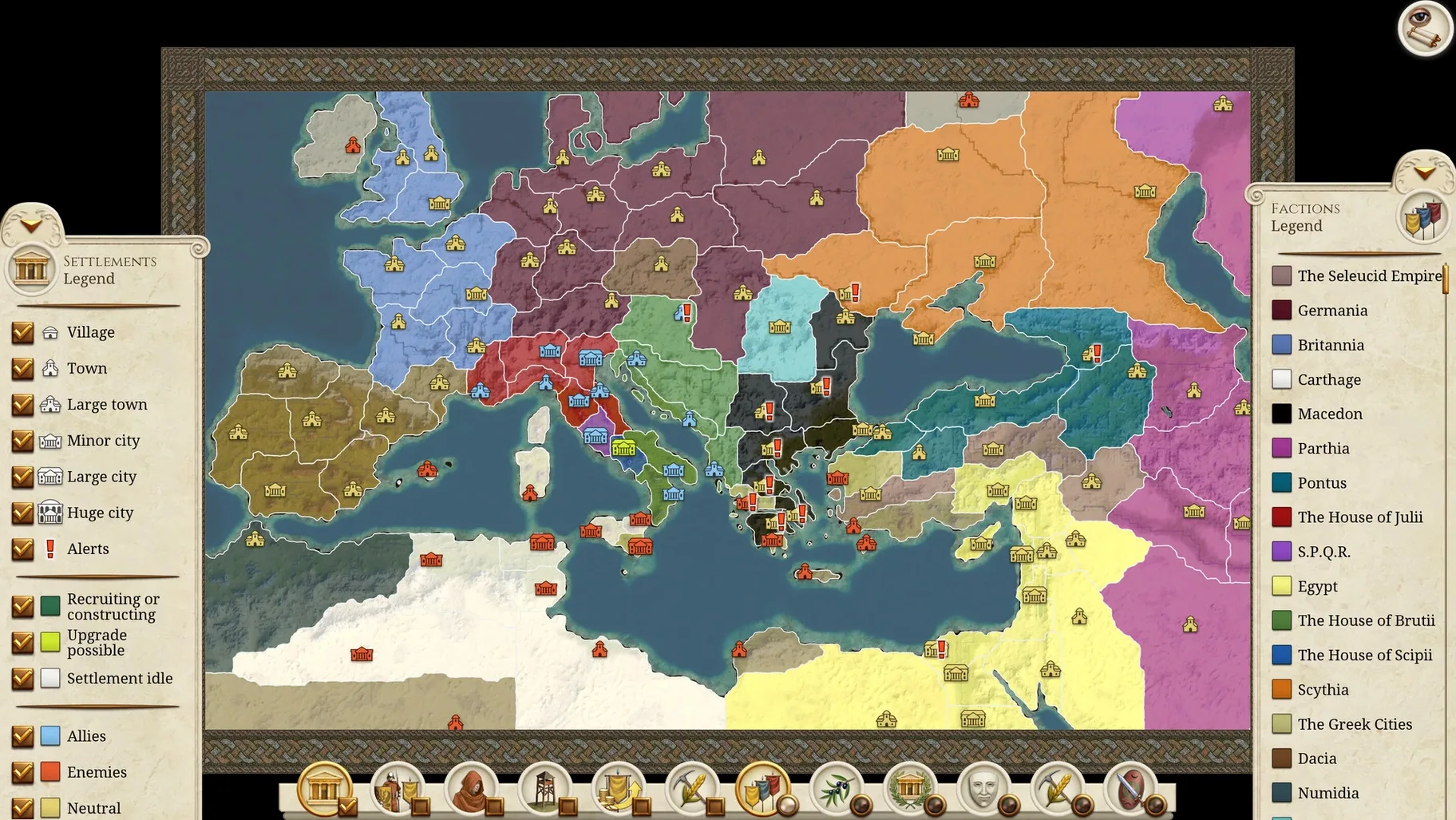
Version 2.0.5 tightens the campaign layer with UI and UX polish, squashes the most frequent crashes, and applies a round of gameplay improvements that make late-game turns feel snappier.
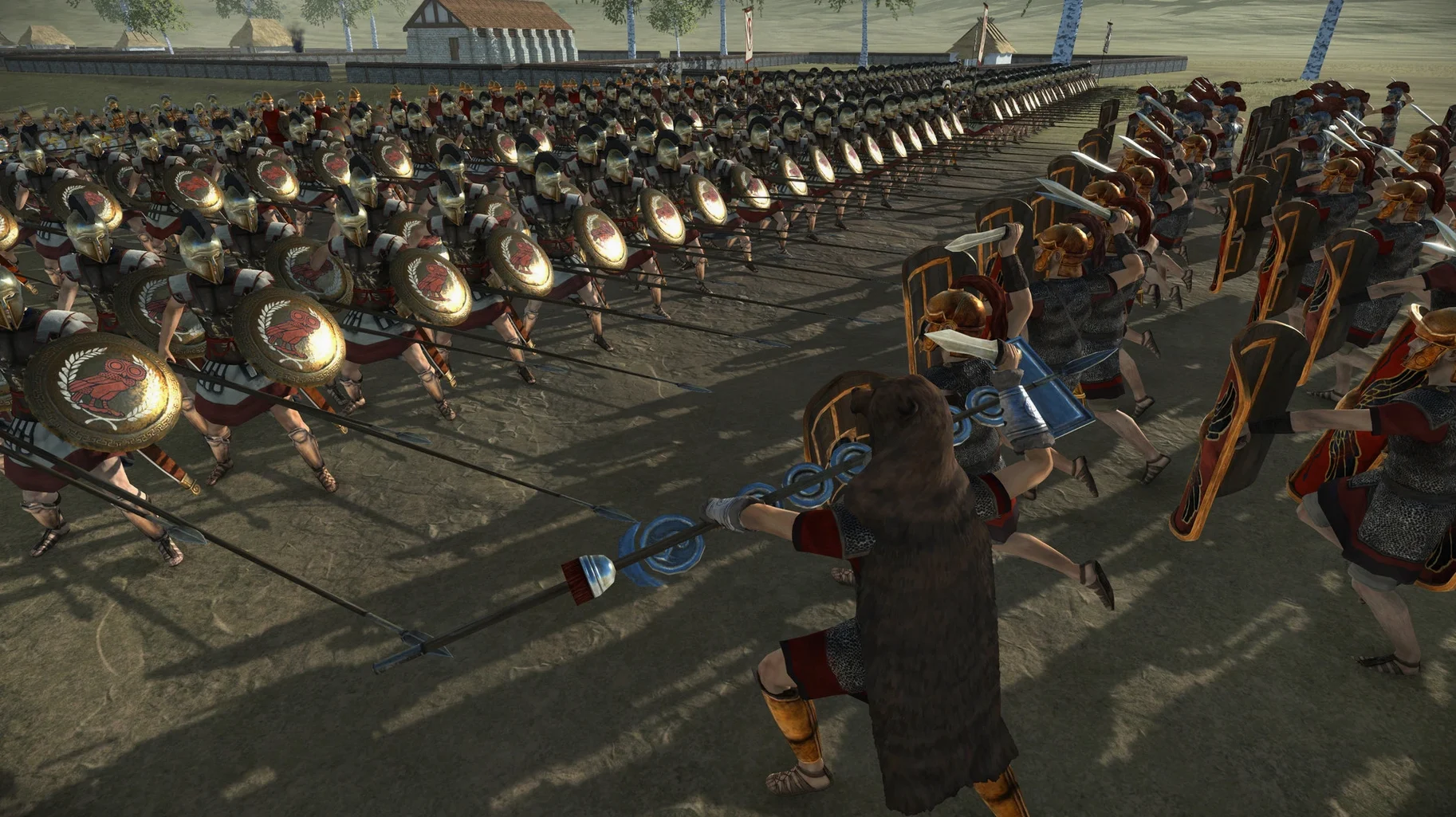
- Native UHD resolution support with remastered unit textures across every faction.
- Updated layer icons for diplomacy and security, plus tactical-map unit status icons and attack-range indicators.
- Heat maps that surface public order, food supply, and population growth in one glance.
- Cross-platform multiplayer so Mac legions can face Windows opponents on the same campaign map.
- Full voiceover in English, German, French, and Russian; partial voiceover in Spanish, Italian, and Mandarin Chinese.
- Steam Workshop mod support, with interface text in seven languages including Simplified Chinese and French.
This is the complete Rome: Total War package — Alexander and Barbarian Invasion expansions included — rebuilt to let you read the battlefield and the senate floor with equal clarity.
Early-game legion build order
Start a Julii campaign on normal difficulty. The first ten turns decide whether you snowball or stall.
- Turn 1 — queue wooden walls in Arretium, set tax rate to high, and march your starting army toward Segesta.
- Turn 2 — autoresolve Segesta. Recruit a diplomat in Arretium and send him east to meet the Gauls.
- Turns 3-5 — build roads, then a shrine to Jupiter. Roads speed reinforcement; Jupiter buffs public order so you can keep taxes high without rioting.
- Turns 6-8 — push north to Mediolanium. Hire a unit of mercenary hoplites the turn before you siege; they hold the gate while hastati wrap around.
- Turns 9-10 — queue a port in Segesta and a barracks upgrade in Arretium. By turn 10 you control three settlements, have a trade lane open, and can train principes.
The whole sequence leans on one principle: build order beats troop count. Roads and ports compound every turn you hold a city; extra units just drain denarii.
Undo three defaults that break battle balance
Three defaults work against you. Change them in the graphics and gameplay menus before launching a campaign.
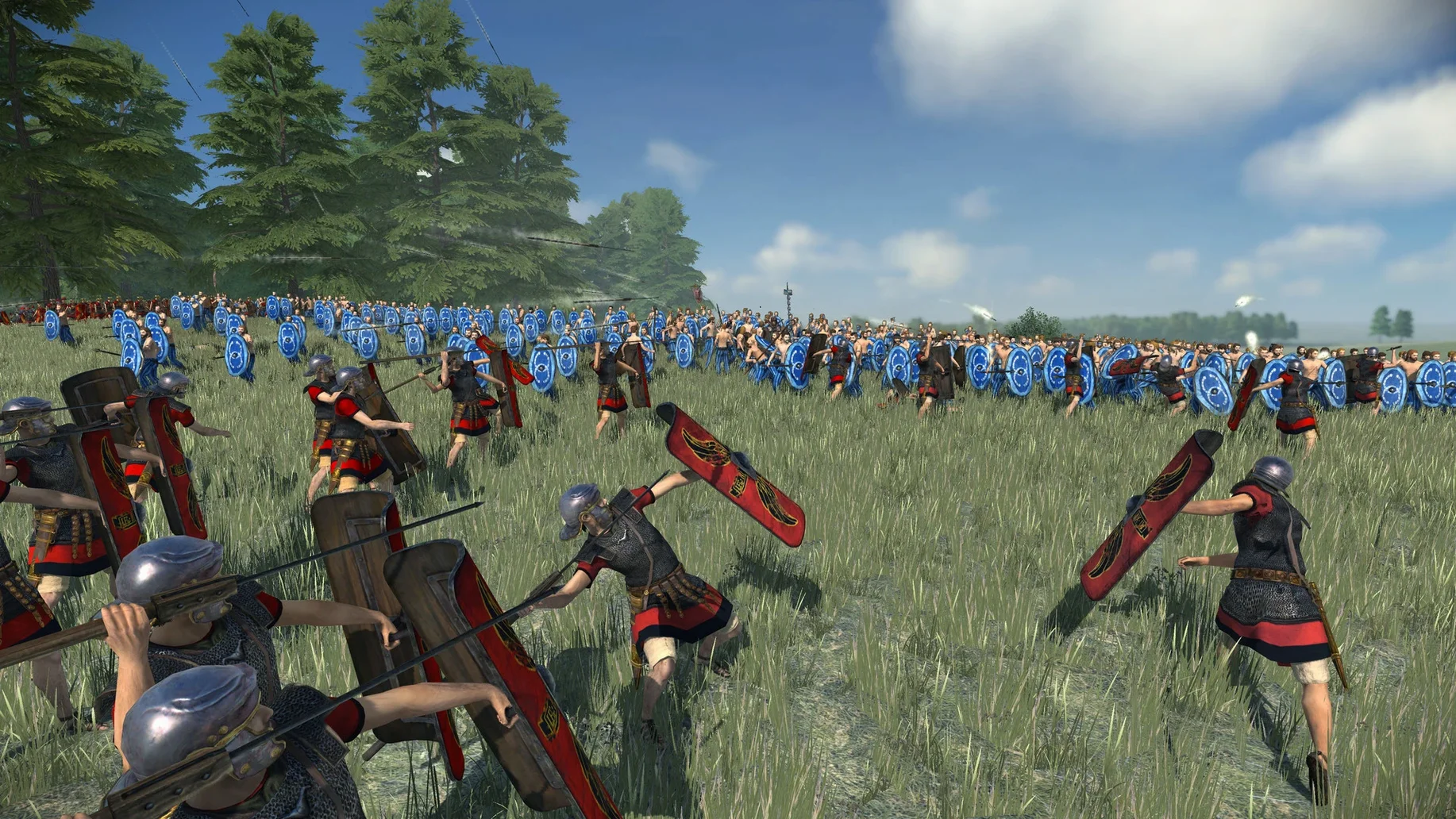
- Unit size — set to Large or Ultra. The tactical AI plans for standard unit sizes; smaller settings break the balance of cavalry charges and flanking.
- Campaign map shadows — off. They eat frames on integrated Apple Silicon GPUs without adding legible information.
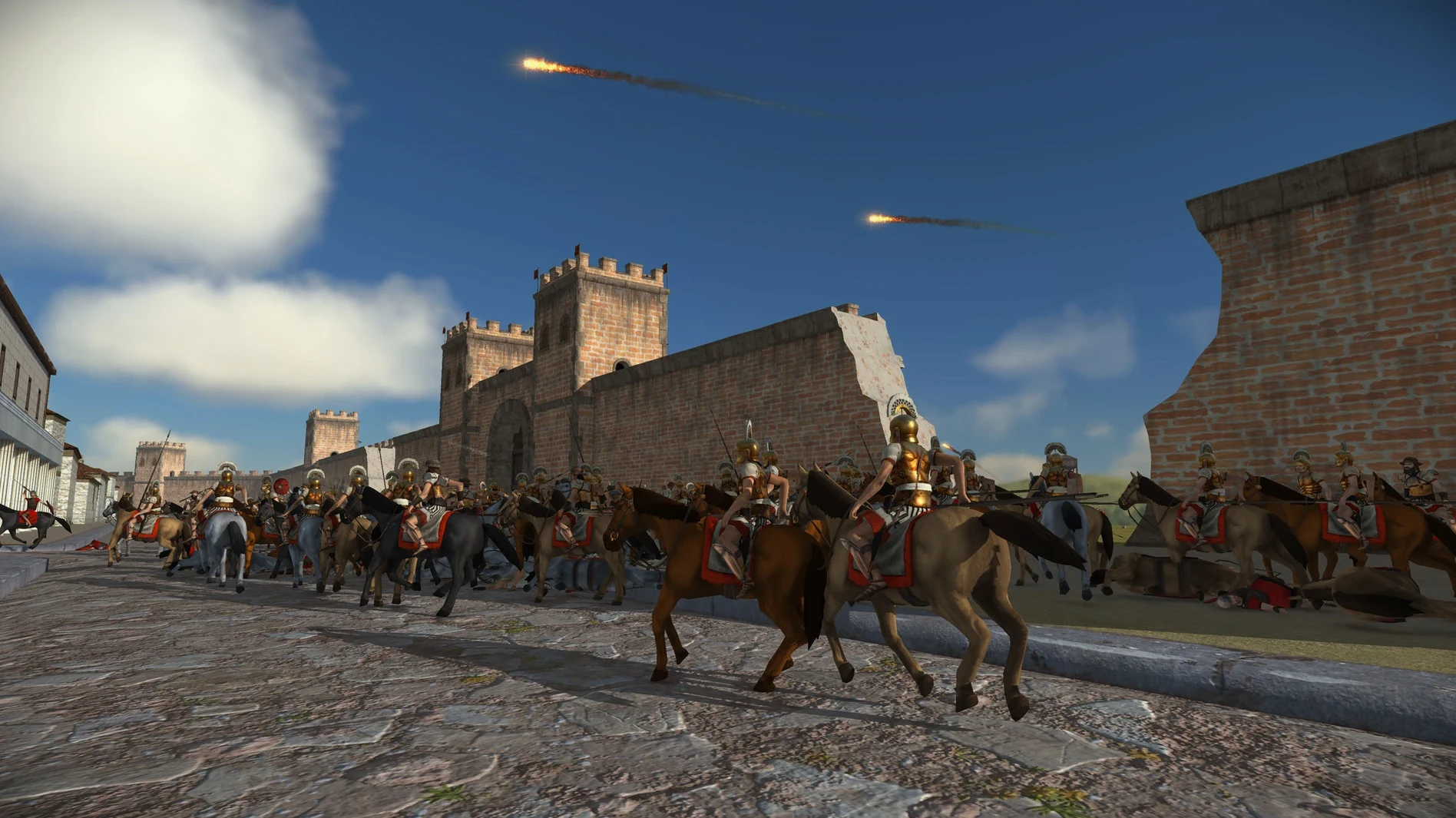
- Battle time limit — 60 minutes. Off by default, but leaving it unlimited invites stalemates when the AI camps a hill with three phalanx units and waits.
Once those are set, open the control remap panel and bind toggle guard mode to a side mouse button. Guard mode keeps hastati from chasing routed units across the map — you want them holding the line, not scattering into the fog of war.
- New — UI and UX refinements across the campaign and battle interfaces.
- Improved — Gameplay balance adjustments for late-game factions.
- Fixed — High-frequency crashes during large siege battles and several minor logic issues.
- macOS compatible (ARM 64-bit and x86 64-bit)
- Interface languages: English, French, Italian, German, Spanish, Russian, Simplified Chinese
Questions I get before install
Does the game include the original expansions?
Yes, the Alexander and Barbarian Invasion campaigns are both included in the remastered package.
Which languages have full voice acting?
English, German, French, and Russian include full voiceover; Spanish, Italian, and Mandarin Chinese include partial voiceover.
Comments 0
Sign in to leave a comment.Sign inCreate an account
No comments yet. If a step is still there after you install it, say so.
More in Games
All in Games Total War: PHARAOH
Commands ten leaders across a Bronze Age Collapse campaign map.
18 steps saved
 Total War: THREE KINGDOMS
Balances war, trade, and loyalty across a turn-based Three Kingdoms recreation.
12 steps saved
 Total War: WARHAMMER
Tests your province upgrades while a greenskin horde marches toward Altdorf.
23 steps saved
 Transport Fever 2
Builds land, water and air networks to move goods and people across three climates.
18 steps saved
 Tropico
Balances construction, economy and politics to keep an island nation stable.
16 steps saved
 TRYP FPV : The Drone Racer Simulator
Responds to weight and drag so every gate pass relies on real flight physics.
12 steps saved
 Updated
Tiny Glade
Turns a meadow into a diorama with no timers and no enemies.
22 steps saved
 Updated
Timberborn
Puts engineering ahead of decoration in a colony of thirsty beavers.