
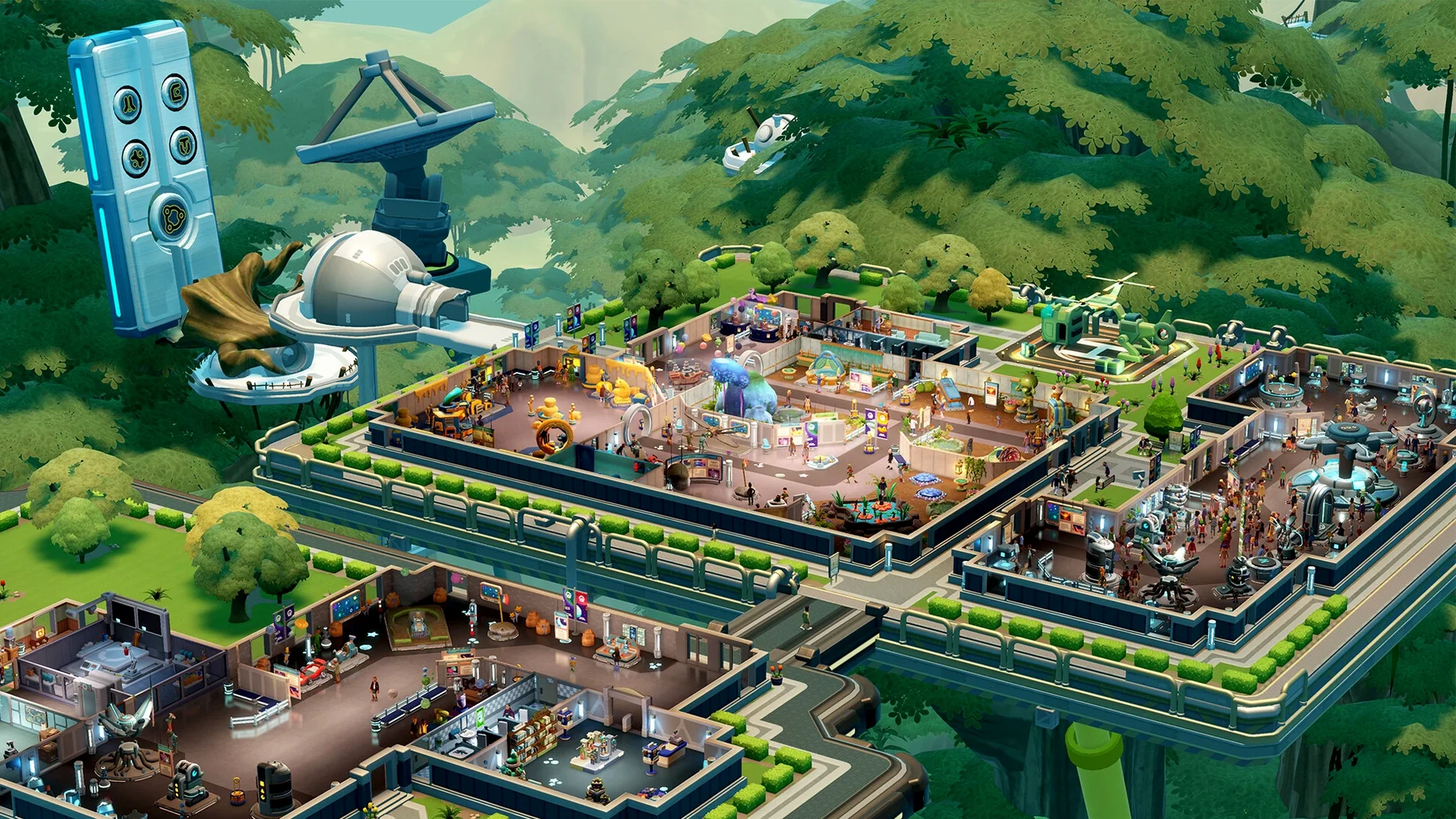
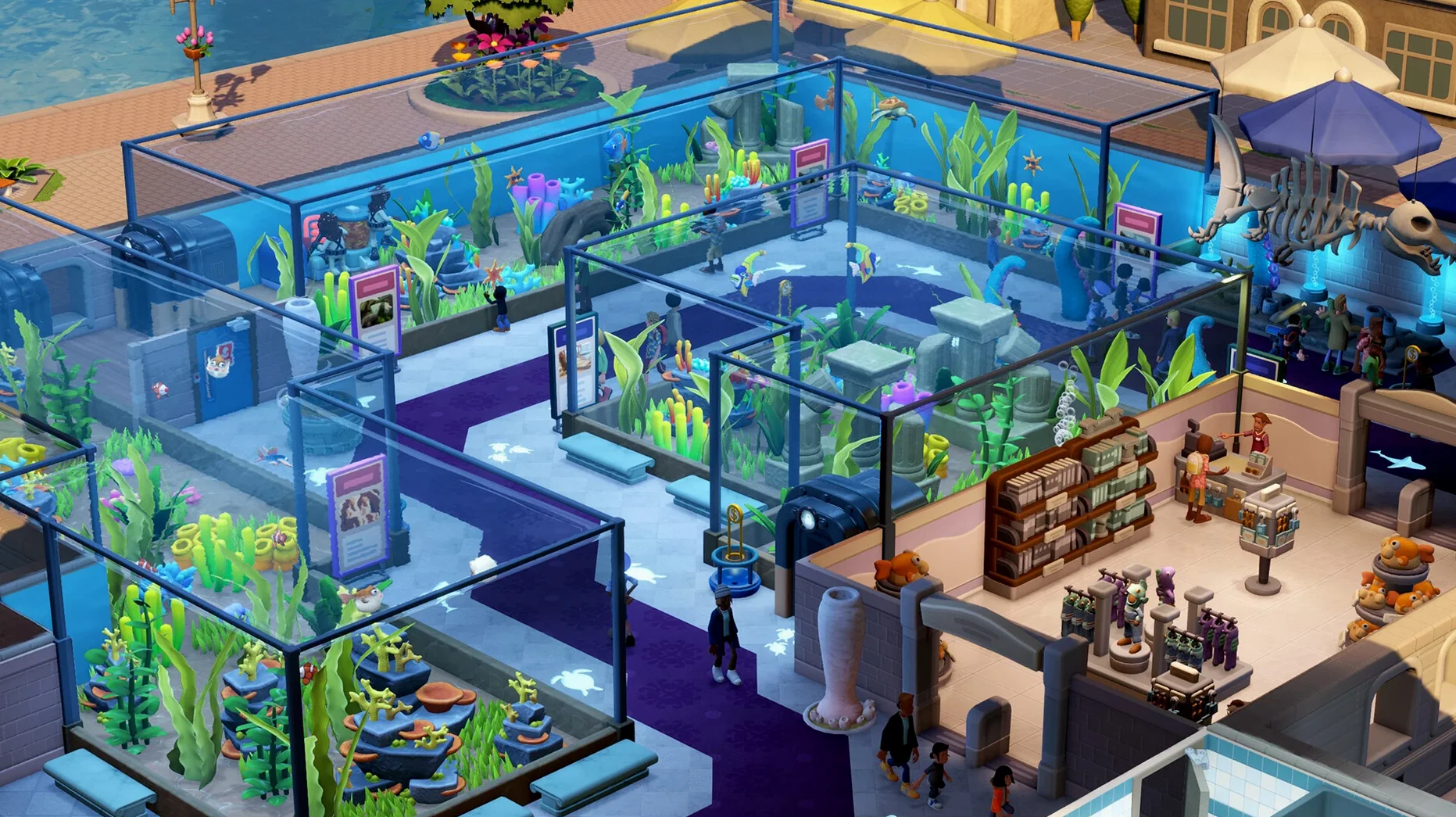
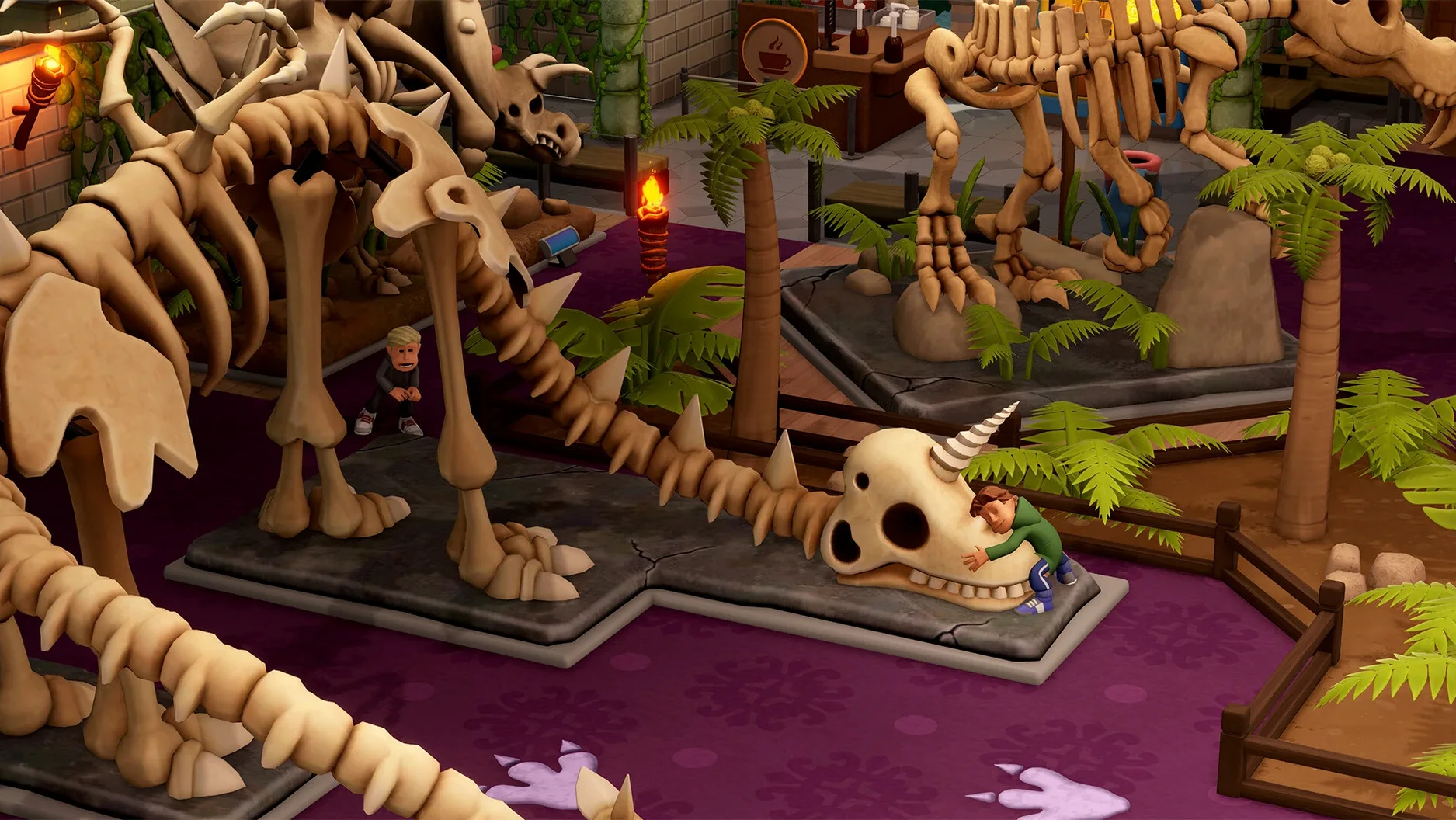
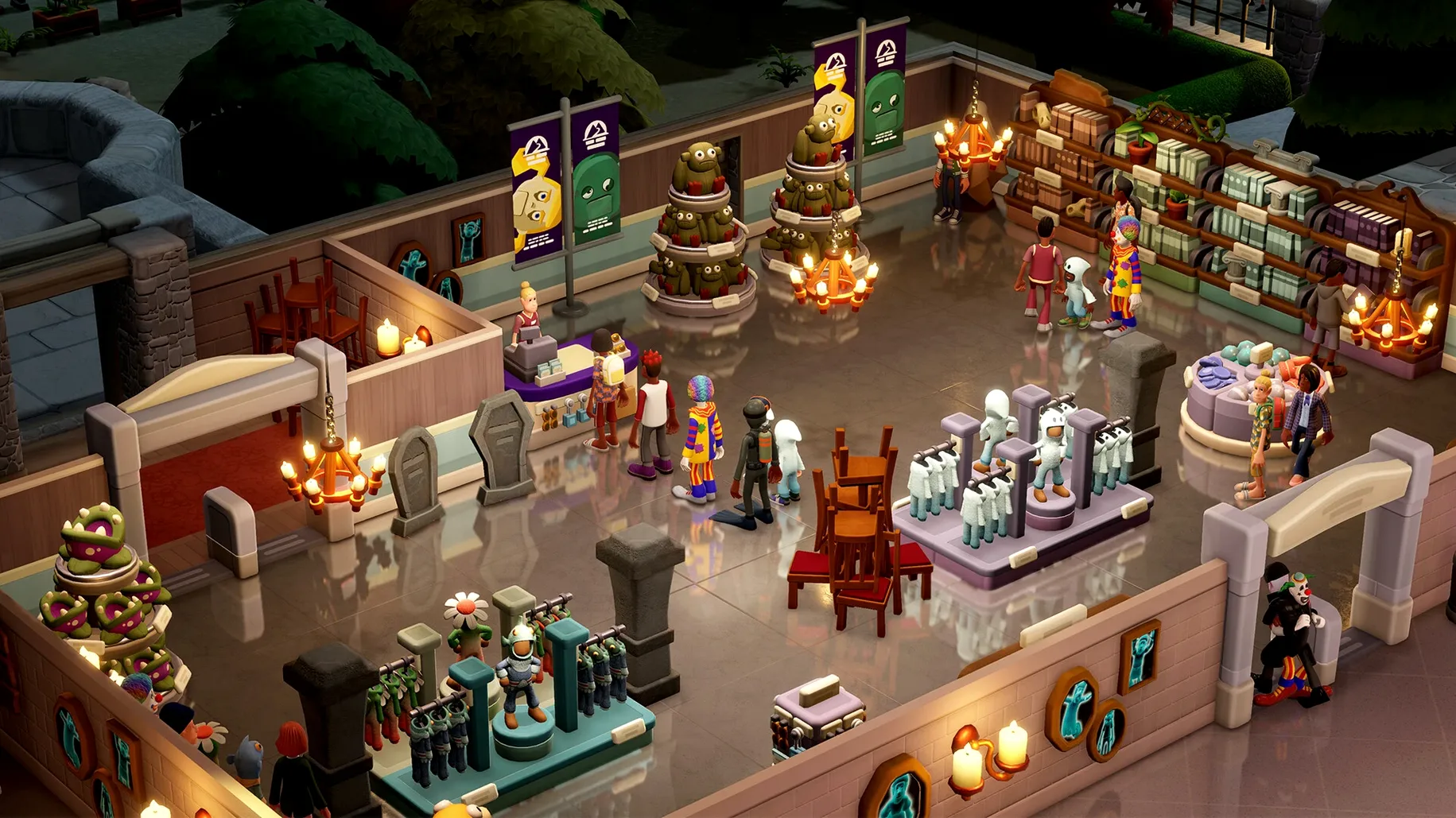
Two Point Museum suits players who enjoy management sims and want a lighthearted building challenge. You do not just place walls and decorations — you solve a constant puzzle of space, staff morale, and visitor satisfaction. The minute-to-minute loop is hands-on: you dispatch experts to five expedition maps, wait for their return, and decide where to display the finds. A fossil might need a specific humidity; a cursed artefact might need a guard nearby.
Juggling 18 Visitor Types With Layouts That Pull Donations
- Designing floor layouts that balance education, buzz, and donations
- Managing 18 visitor types, from hungry kids to critical inspectors
- Setting up security to catch thieves without ruining the guest experience
- Sending staff on expeditions to over 100 points of interest
- Running guided tours with a charismatic museum guide
- Switching to sandbox mode for unrestricted, large-scale custom museums
Expedition Timing Leaves a Specialist Gap in Daily Ops
- The five museum locations each introduce new environmental constraints
- Expedition timing matters — a missing expert leaves a gap in your daily operations
- Sandbox mode removes the campaign pressure, but requires self-directed goals
Shift-Placing Donation Bins Into Half-Tile Doorway Alignment
Several shortcuts sit just below the surface. Holding Shift while placing an exhibit item snaps it to a half-tile grid — useful for lining up donation bins with doorways. The Tab key cycles through staff who are idle, letting you spot an expert reading a magazine while a queue forms at the aquarium. Right-clicking any visitor opens a snapshot of their current needs, so you can check why someone is marching toward the exit without opening the full heatmap.
Three less obvious quality-of-life moves:
- Drag a decorative item over an existing one to swap rather than delete-and-place
- Double-click a tour route marker to see exactly which exhibits it passes, including their current condition
- Assign a staff member to a zone by clicking their portrait, then shift-clicking the zone — faster than digging through menus
Expedition reminders appear as small envelope icons. Click to accept and the team auto-assembles from available experts, but you can override any slot before they leave. That five-second check stops you from sending your only janitor to a distant dig site.
Exhibit Radius Puzzles Replace the Campus Rhythm
Players coming from Two Point Hospital or Two Point Campus will recognise the rhythm immediately: build, staff, tweak, repeat. What changes here is the spatial puzzle. Exhibits have radius effects — a dinosaur skeleton boosts Buzz in a three-tile circle, while a cursed sarcophagus drops Happiness unless a guard station overlaps it. Anyone who enjoys arranging rooms for optimal flow in a two point museum mac setup will spend hours adjusting these radii.
Sandbox enthusiasts who bounced off the campaign constraints in earlier Two Point games get a cleaner canvas. The five core museum types — prehistoric, aquatic, supernatural, science, and space — each unlock for sandbox once encountered in the campaign. Building a custom museum that mixes a space wing with a haunted corridor is where the decoration count (over 350 items) shines.
Completionists, too. With more than 200 unique exhibits, 100 expedition points of interest, and temporary exhibits that rotate objectives, chasing every item gives a two point museum download long legs. The guest-type variety — 18 distinct visitor profiles — means a layout that satisfies school groups may frustrate VIP donors, forcing constant iteration.
Matching Team Stars to Expedition Difficulty Before They Stall
Expeditions stall early. The most frequent snag is sending experts without checking the expedition difficulty. A one-star team on a three-star map returns with nothing or, worse, triggers an emergency that pulls your curator away. Fix: always match the team's combined skill to the map rating, and keep one spare expert trained in survival for rescue missions.
Tour bottlenecks. Group tours walk a fixed path. If a tour reaches an exhibit that a janitor is cleaning, the group waits — and the tour rating drops. Fix: schedule tours a minute after janitor rounds, or set the janitor zone to exclude the tour route during busy hours.
Donation bins in wrong spots. Placing a bin at the museum entrance seems logical, but guests donate after seeing something impressive. Bins belong next to Buzz-heavy exhibits, not the ticket desk. A simple drag-and-move fixes the cash flow.
Thieves targeting high-value items. If a guard is assigned to a zone but the exhibit sits at the edge, the patrol radius might not cover it. Check the guard's coverage overlay (the eye icon in their panel) and shift the station half a tile if needed.
Staff morale dips after a disaster. A fire or a break-in tanks staff happiness faster than guest complaints. Drop a break room near the affected wing and manually send affected staff there for two minutes. It recovers faster than waiting for their scheduled break.
Version 12.1.246284 Native has been released, delivering the current build of Two Point Museum for Mac.
- Apple Silicon or Intel 64-bit Mac
Questions I get before install
Can I build without campaign restrictions in Two Point Museum?
Yes, sandbox mode lets you build large custom museums with unlimited funds and no campaign objectives.
How do I get new exhibits?
You send your experts on expeditions to five distinct maps, each holding different item types across more than 100 points of interest.
What languages are spoken in the game?
The voice languages include English, German, Simplified Chinese, and Japanese.
Comments 0
Sign in to leave a comment.Sign inCreate an account
No comments yet. If a step is still there after you install it, say so.
More in Games
All in Games TRYP FPV : The Drone Racer Simulator
Responds to weight and drag so every gate pass relies on real flight physics.
18 steps saved
 Tropico
Balances construction, economy and politics to keep an island nation stable.
23 steps saved
 Transport Fever 2
Builds land, water and air networks to move goods and people across three climates.
8 steps saved
 Updated
Ultimate Theater Simulator
Turns a rundown cinema into a profitable destination one decision at a time.
23 steps saved
 Vagrus - The Riven Realms
Survives a dark fantasy wasteland by managing supplies, crew and trade contracts.
12 steps saved
 Vasilisa and Baba Yaga
Frames a folk tale as discrete chores a visual novel protagonist must finish.
12 steps saved
 Total War: WARHAMMER
Tests your province upgrades while a greenskin horde marches toward Altdorf.
18 steps saved
 Total War: THREE KINGDOMS
Balances war, trade, and loyalty across a turn-based Three Kingdoms recreation.