

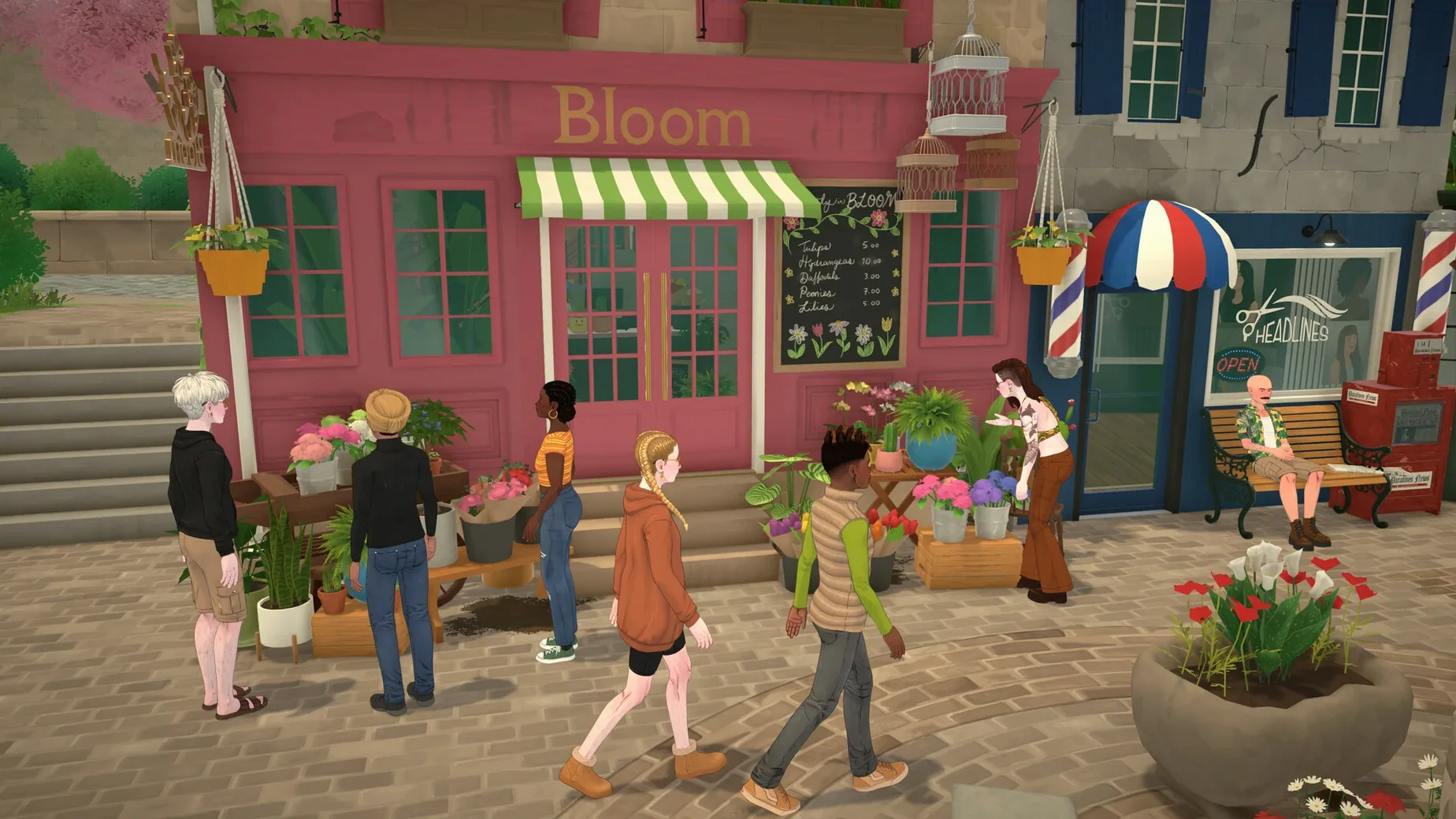
Paralives is an open-world life simulation game where you build homes, design characters, and steer their careers and relationships.
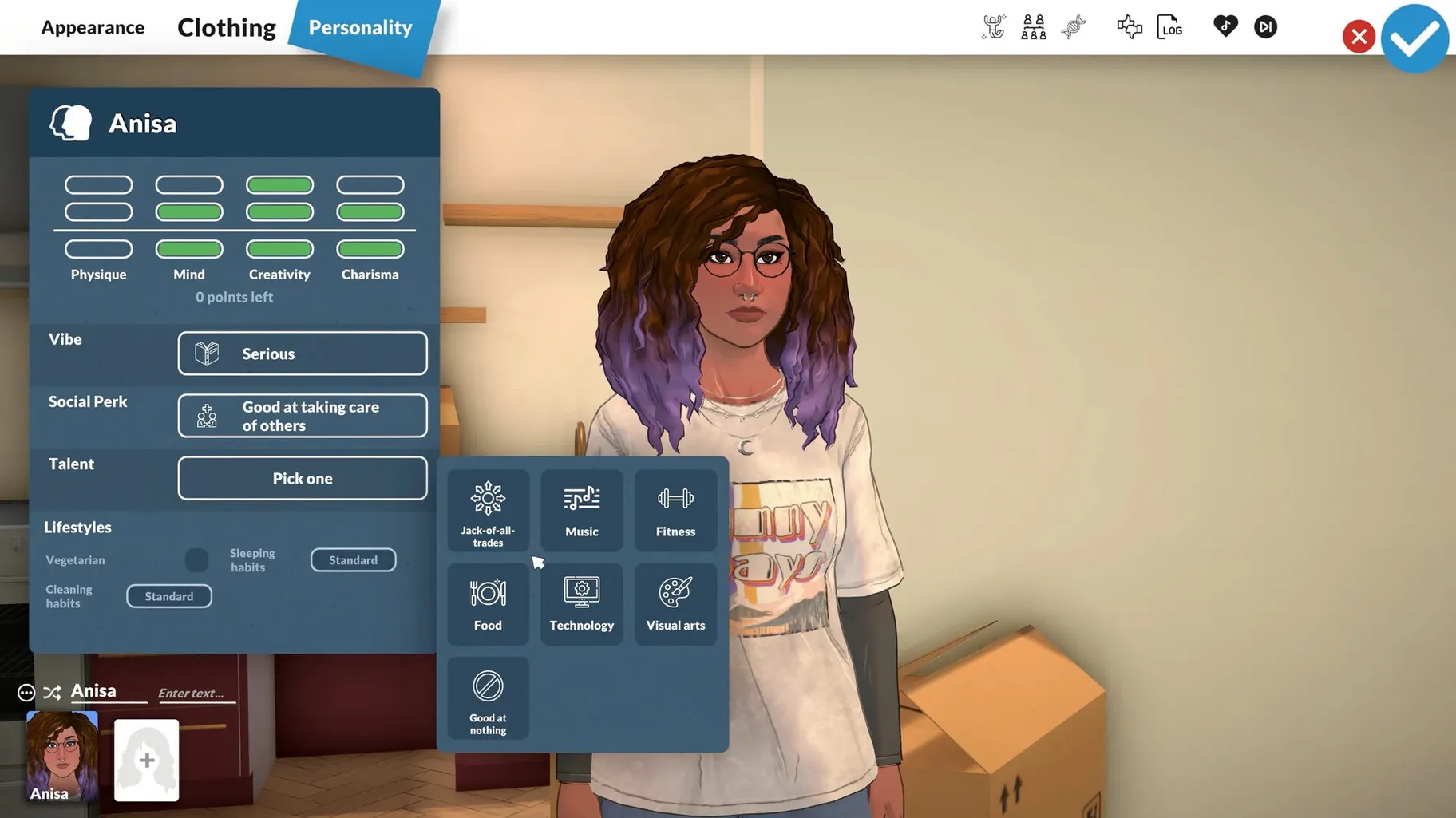
Character editor — set appearance, clothing, facial features, and height.
Build mode — place walls and objects without a grid.
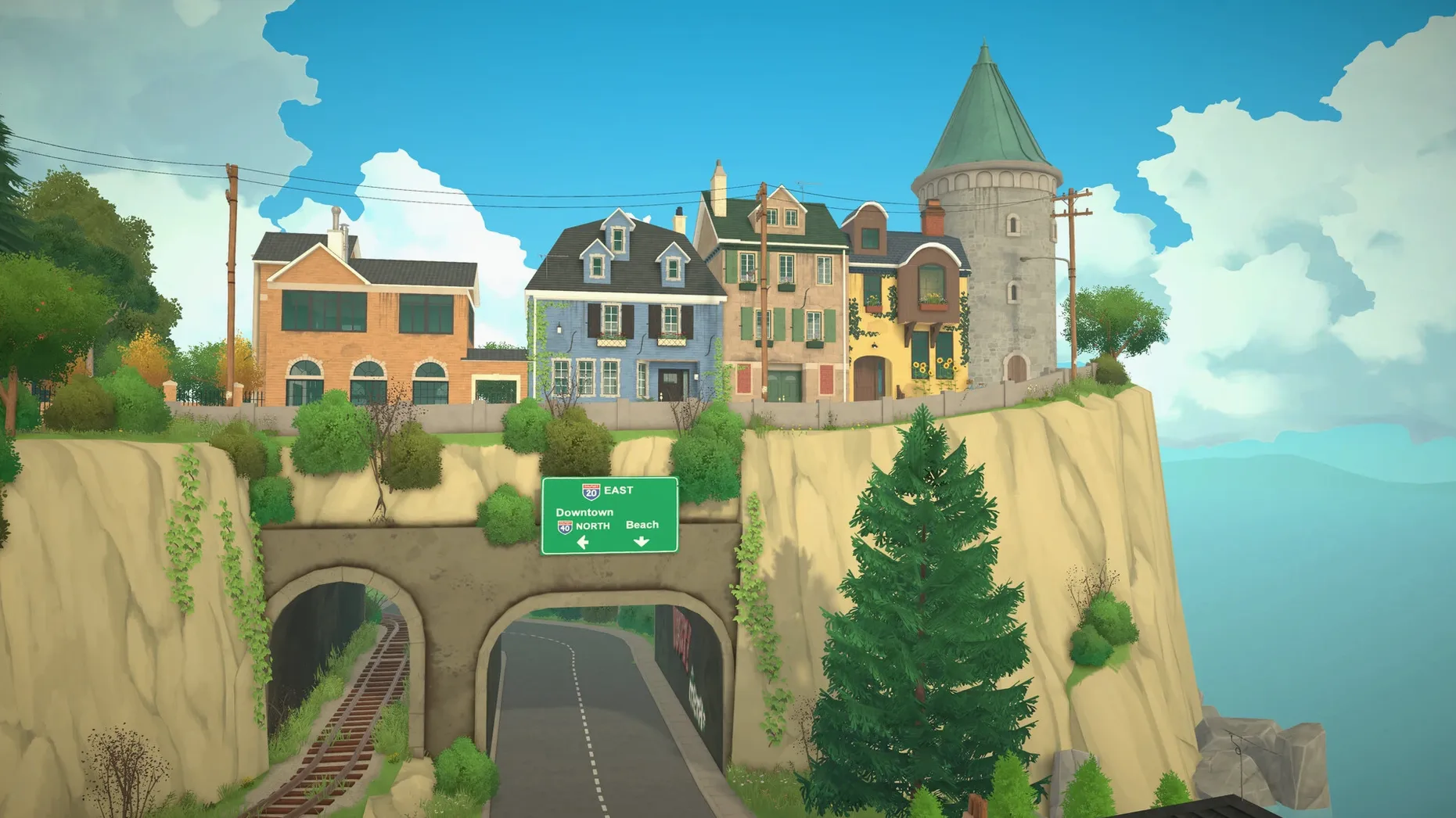
Live city — parks, shops, restaurants, and beaches to explore.
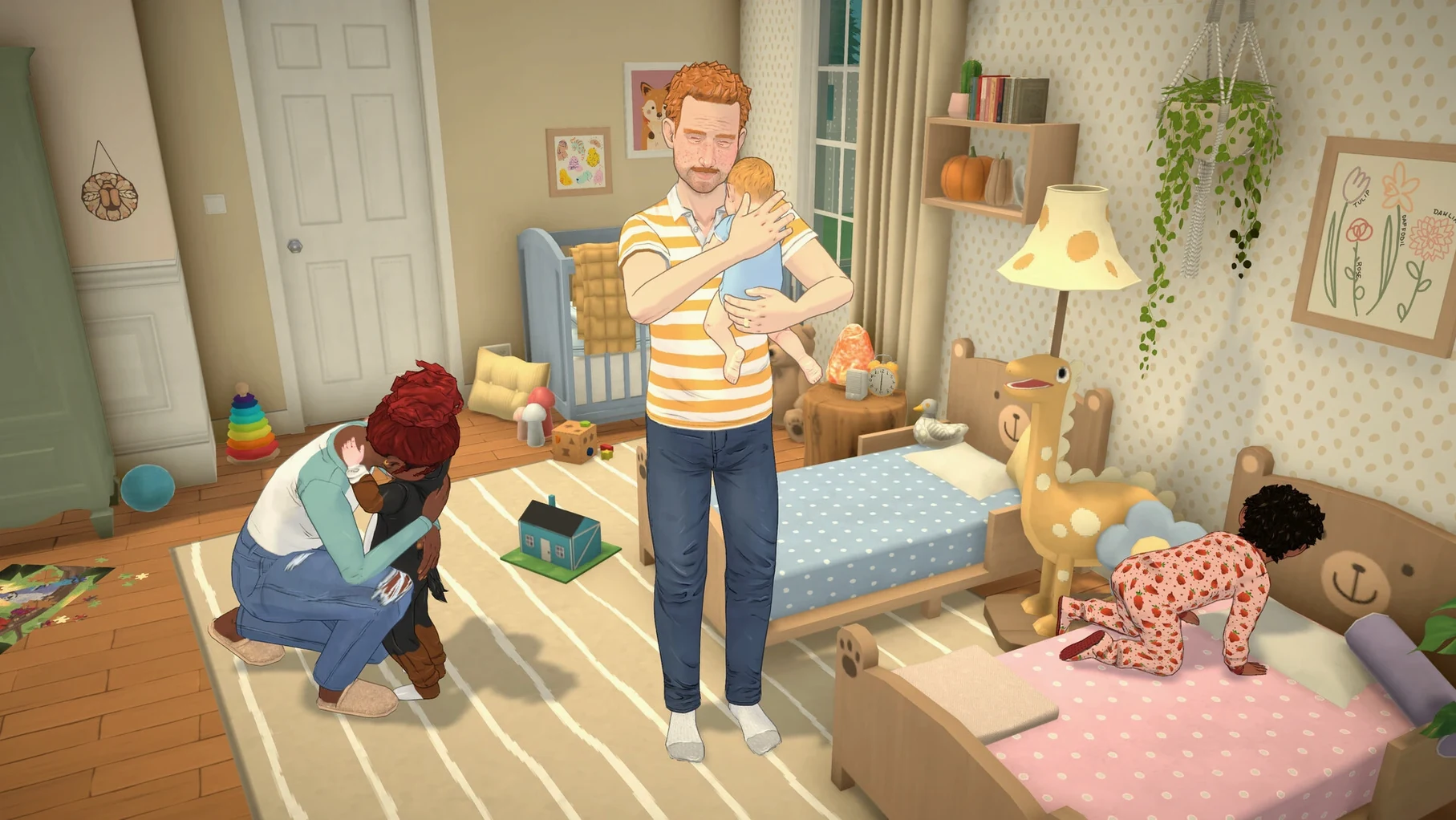
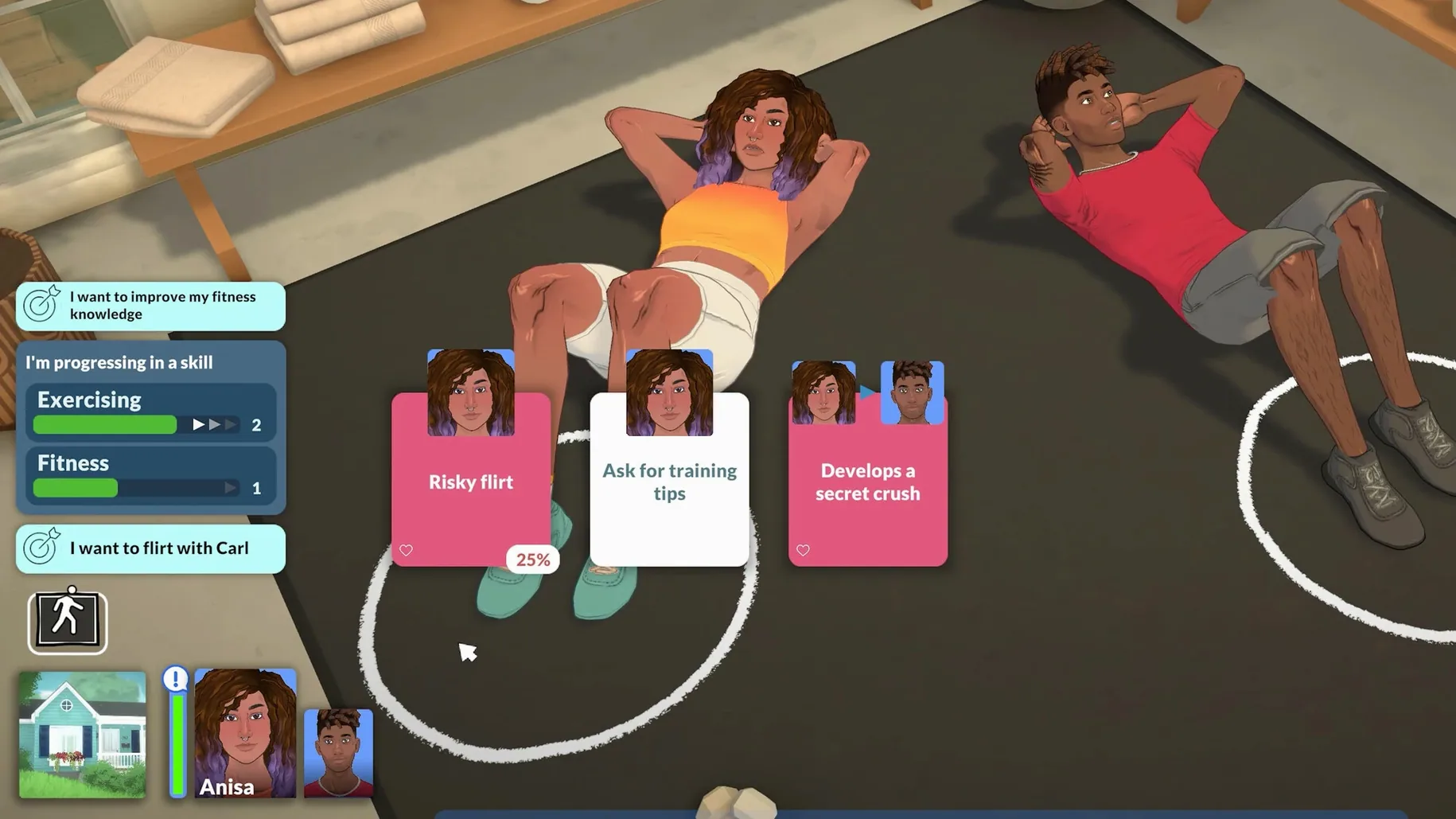
Life management — careers, relationships, and character development play out in real time.
Community content — Steam Workshop support for mods, houses, and custom items.
In practice: a builder’s session
A player who spends most of their time in Build Mode will notice the grid-free placement the moment they drag a window across a curved wall. The wall follows the cursor, not a tile. That single change collapses a dozen micro-steps that grid-based builders accept as normal — no more counting tiles to centre a door, no more demolishing a room to widen it by half a metre.
During a two-hour build, a typical flow looks like this:
- Draw the shell with straight and curved segments, then pull ceilings up or down per room.
- Place furniture from the expanded Build Mode menus, resize it with a corner handle, and nudge it into an alcove without snapping.
- Switch to the Classic camera to frame a tight corner, then toggle back to the default camera for the open-plan area.
- Save the lot, publish it to the Steam Workshop, and download a neighbour’s café build ten minutes later — no file wrangling, no manual folders.
The moment that surprises returning players is the height slider in the character editor. A short barista and a tall lifeguard feel distinct in the same beach lot, which feeds into how the game reads a scene. It’s a small range of adjustment, but it changes proportion enough that screenshots tell a different story.
Classic camera toggle anchors build-mode precision
Patch 0.1.8 and hotfix 0.1.8b tightened a few practical edges without overhauling the core loop.
Classic camera mode. The optional toggle brings back a familiar third-person angle for players who find the default camera too freeform. It’s useful for precise object placement along straight walls and for framing interior shots that match older building habits.
Expanded menus. Build Mode and Paramaker both received menu additions that reduce how often you need to scroll or search. More subcategories appear without an extra click, which shortens the jump from idea to placed object.
Embarrassed animations. The updated set reads more naturally in dense social scenes — a character fumbling a greeting in a busy restaurant now looks like a beat in a conversation, not a canned loop.
Mod creation fix. Hotfix 0.1.8b addressed a bug that blocked new mods using FBX mesh files. For creators who build custom furniture or character assets, this unblocked their pipeline the same day the patch landed. If you’ve been waiting to try a paralives for mac download that supports fresh community meshes, the current build is the one to grab.
- Apple Silicon Mac
Questions I get before install
Does Paralives run on Intel Macs?
The current build is tested on Apple Silicon. Official Intel support has not been confirmed.
Can I use custom mods on Mac?
Yes. The game supports user mods and Steam Workshop content, including community-created houses and items.
What languages does Paralives support?
The interface is available in English, French, German, Spanish, Italian, Portuguese, Polish, Russian, and Simplified Chinese.
Comments 0
Sign in to leave a comment.Sign inCreate an account
No comments yet. If a step is still there after you install it, say so.
More in Games
All in Games Palworld
Automates resource gathering and crafting by assigning creatures to your base.
10 steps saved
 Oxygen Not Included
Makes you manage gas pressure and liquid runoff so your colony does not suffocate itself.
16 steps saved
 Updated
Old World
Limits each turn by a pool of orders so every move carries strategic weight.
9 steps saved
 PIGFACE
Takes on brutal contract kills in a fast, bloody first-person shooter.
21 steps saved
 Pillars of Eternity: Definitive Edition
Delivers pause-and-play tactical combat anchored in decades of story craft.
5 steps saved
 Updated
Nova Roma
Forces you to balance resource chains, civic needs, and public order in a single turn.
13 steps saved
 Updated
No Man’s Sky
Explores an endless galaxy, landing on planets without a loading screen.
4 steps saved
 No, I'm Not a Human
Forces a grim choice at your door by studying faces and stories.