
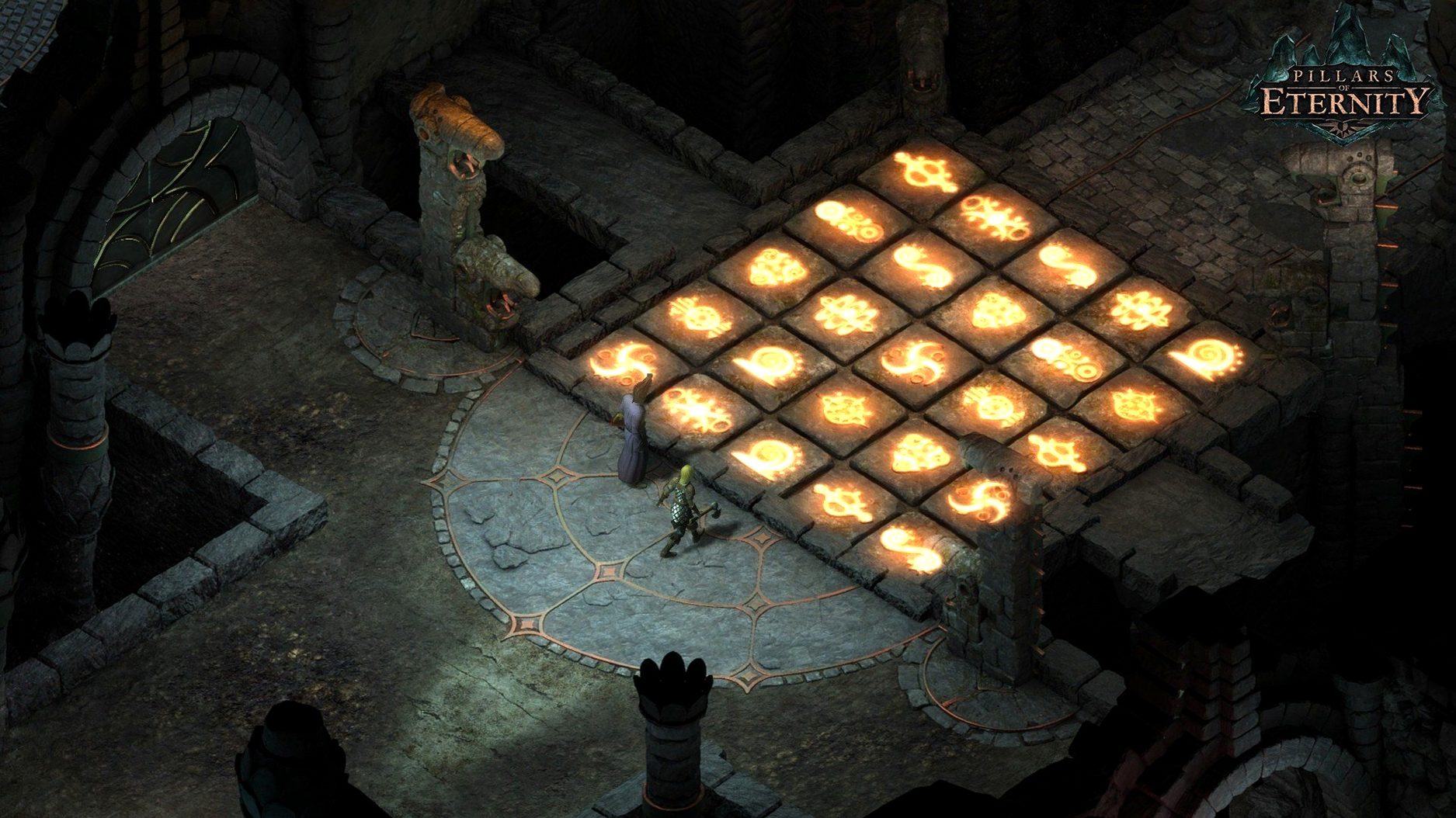
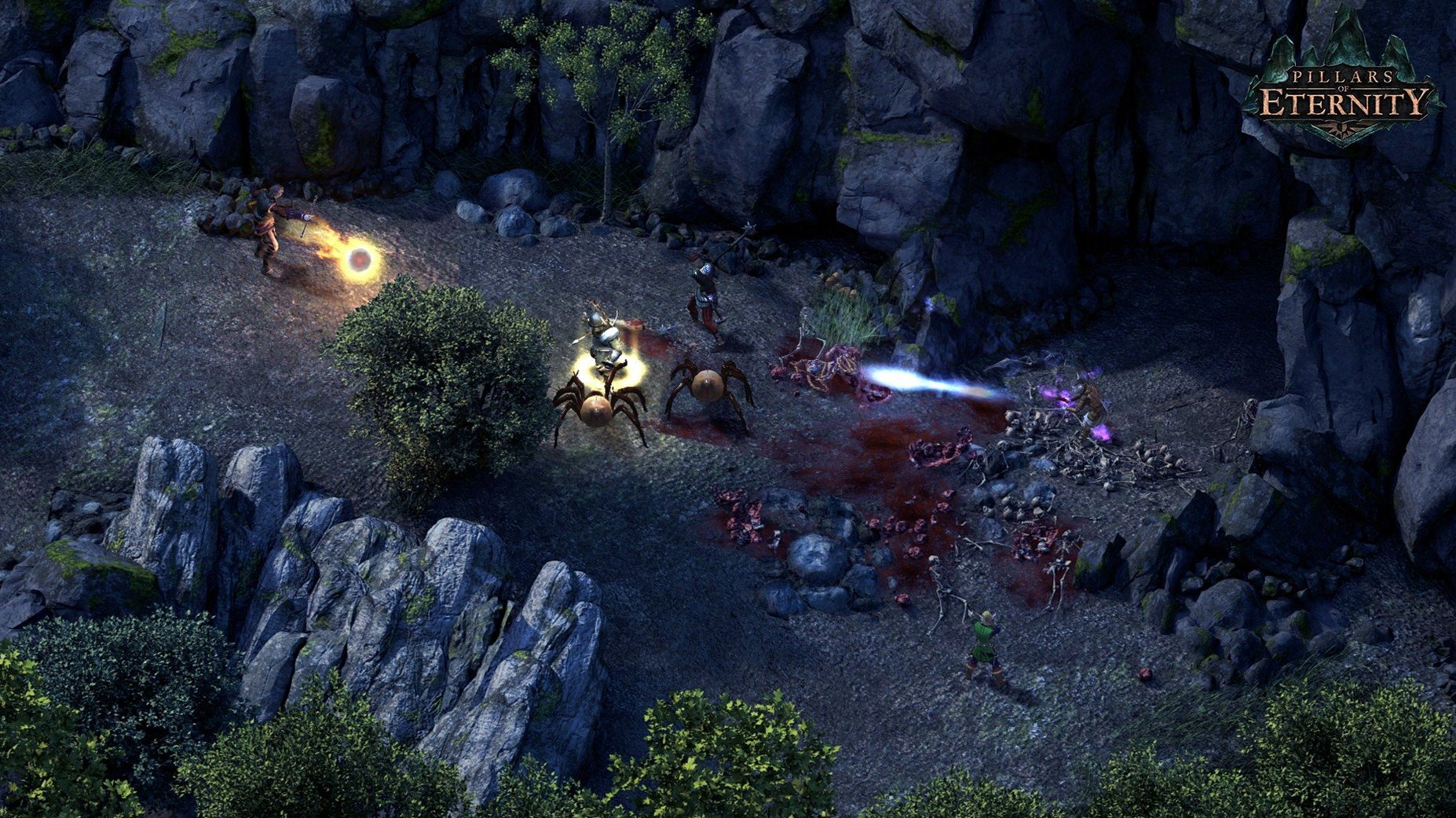
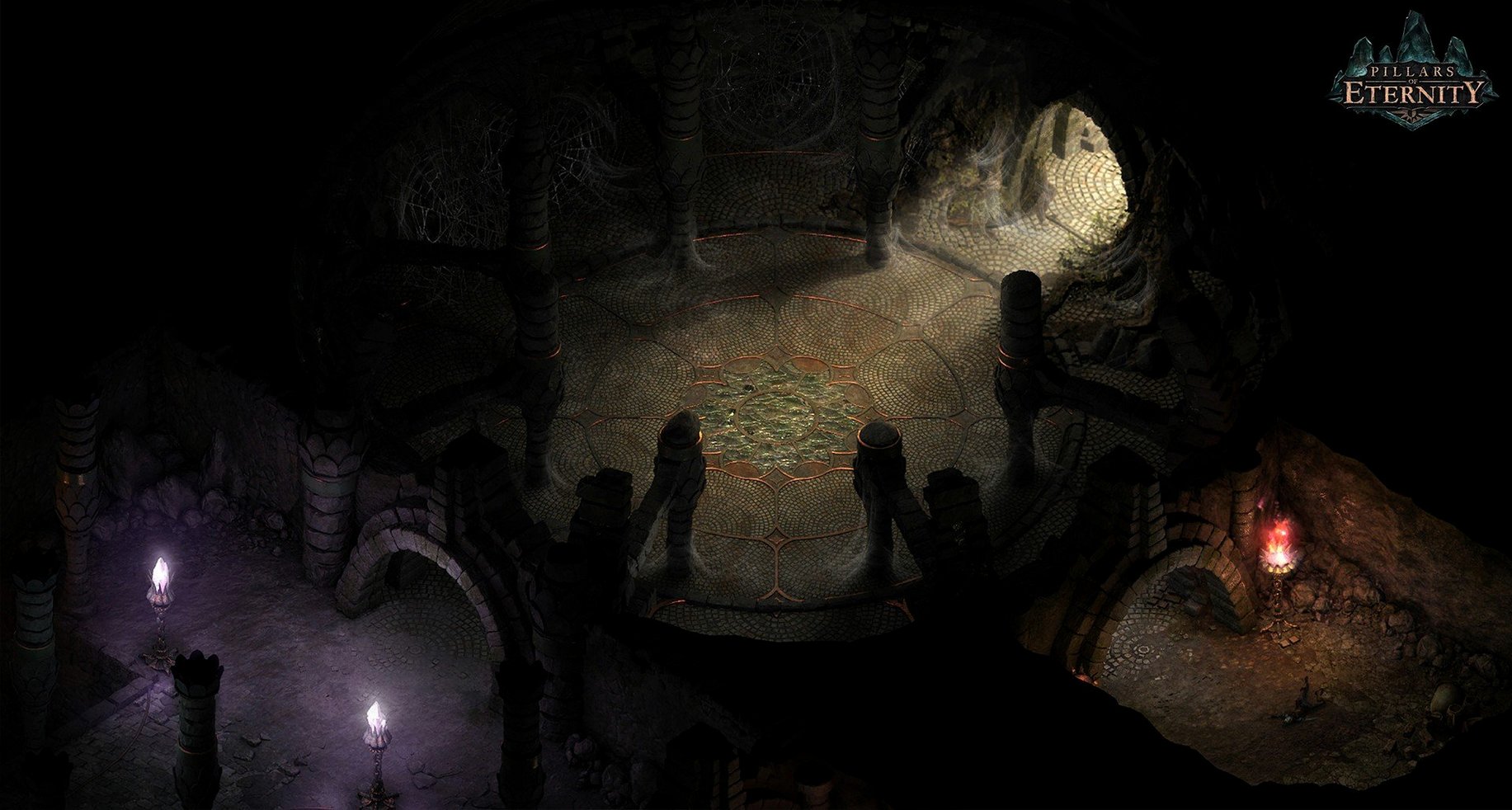
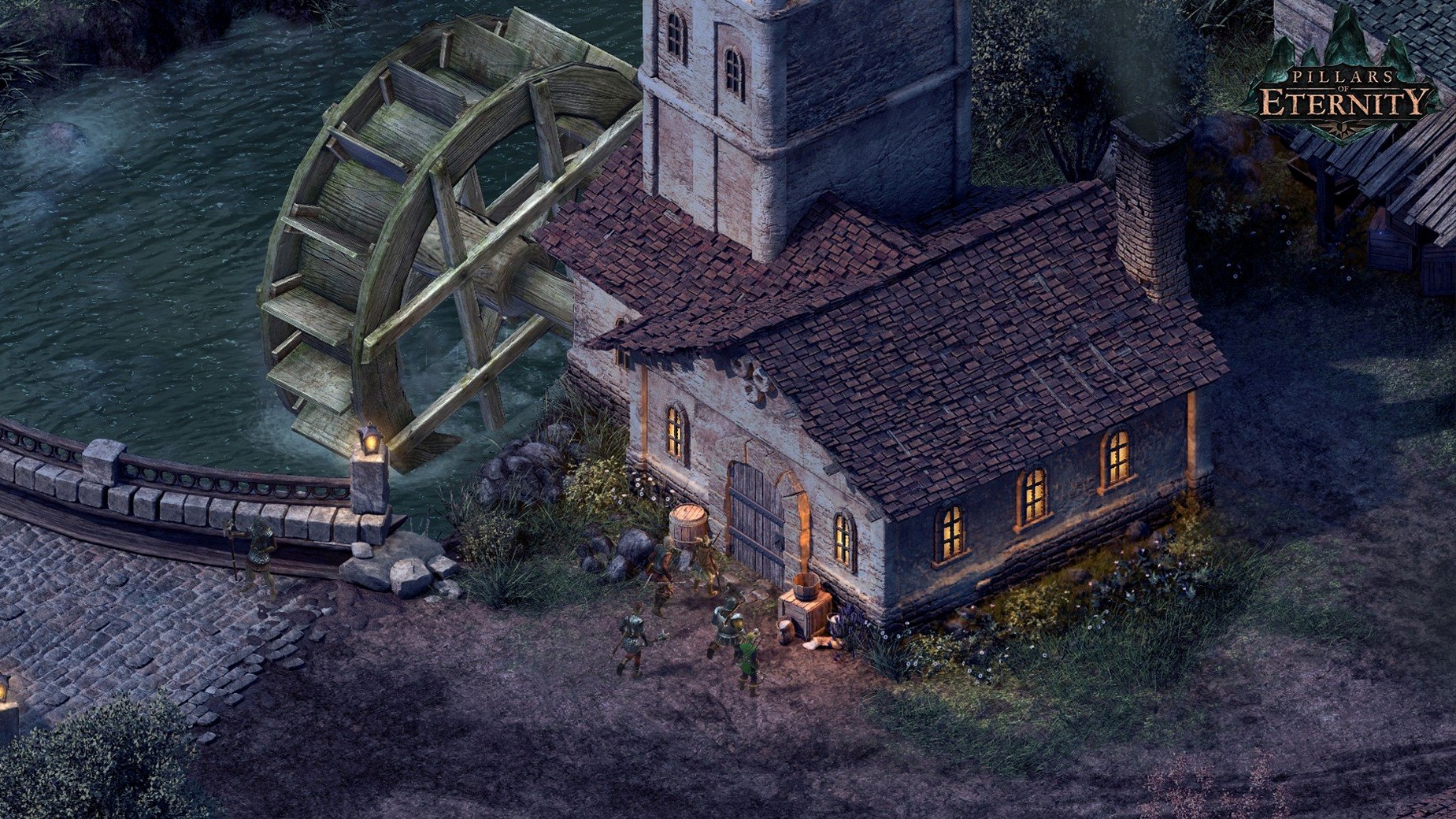
You’re ten hours in—your Cipher has just learned to manipulate enemy souls mid-battle. The tanking Fighter holds the line. This is the rhythm of Eora, where tactical pause-and-play combat meets decades of story-crafting heritage. Here is how to get it running on your Mac.
Install and configure
- Download and mount the disk image, then launch the installer package.
- Follow the steps. On the destination screen, pick Applications—it’s the path the game expects.
- Let the process finish. The first launch after installation will sit on a black screen longer than you’d think. That’s normal. Wait it out.
- Launch from the Applications folder. Welcome to the Dyrwood.
Create your party
Eleven classes define how you fight: from a chanting Chanter who buffs passively to a Cipher unlocking crowd-control powers through combat. Assign Stealth, Athletics, Lore, Mechanics, and Survival to rouse companions, and lead them through two full expansions plus the original game. All six interface languages are in the settings (voice remains English). This is a 64-bit Intel build, so Apple Silicon Macs require Rosetta 2. Performance is stable, but keep that data point in mind.
Adjust three things before your first serious session. Open Options, then the Graphics tab. Toggle VSync off if you spot stutter on a Retina display—it resolves frame pacing oddities on Intel Macs. Next, under Game, set Auto-Pause: Enemy Sighted. The game throws ambushes without warning; this tick gives you a heartbeat to plan. Finally, assign Slow Combat to a key you can reach without looking. Half-speed movement makes positioning feel deliberate rather than frantic.
Scouting Raedric’s Hold with Tab and Stealth
You load a save outside Raedric’s Hold. The party stands in drizzle, torches flickering against grey stone. First, you hold Tab to read every interactive label—door, corpse, hidden switch. The Rogue edges forward in Stealth to scout the main hall, revealing three guards and a priest. You pause. The Fighter is ordered to the choke point; the Chanter cues a speed chant. The Wizard shifts left for a line-of-sight spell. Spacebar. The room erupts in flame and steel. When the last guard crumples, you unpause and let the party catch breath. Loot is distributed, injuries treated. The Cipher’s focus bar empties—you made it through without a rest. Another save, another choice, and the story branches again.
- macOS (Intel-based Mac; Apple Silicon requires Rosetta 2)
- 64-bit Intel application
Comments 0
Sign in to leave a comment.Sign inCreate an account
No comments yet. If a step is still there after you install it, say so.
More in Games
All in Games PIGFACE
Takes on brutal contract kills in a fast, bloody first-person shooter.
22 steps saved
 Poppy Playtime - Chapter 4
Pushes puzzle solving into the factory's darkest corners with new threats.
12 steps saved
 Poppy Playtime - Chapter 5
Continues the toy-factory horror with new puzzles and the story's next chapter.
22 steps saved
 Potion Craft: Alchemist Simulator
Grinds, stirs, and heats ingredients with a granularity that rewards precision.
23 steps saved
 Updated
Paralives
Lets you build homes without a grid and steer characters through careers and relationships.
5 steps saved
 Prince of Persia: Lost Crown
Chains attacks and rewinds missteps inside a crumbling citadel.
12 steps saved
 Palworld
Automates resource gathering and crafting by assigning creatures to your base.
10 steps saved
 Oxygen Not Included
Makes you manage gas pressure and liquid runoff so your colony does not suffocate itself.