
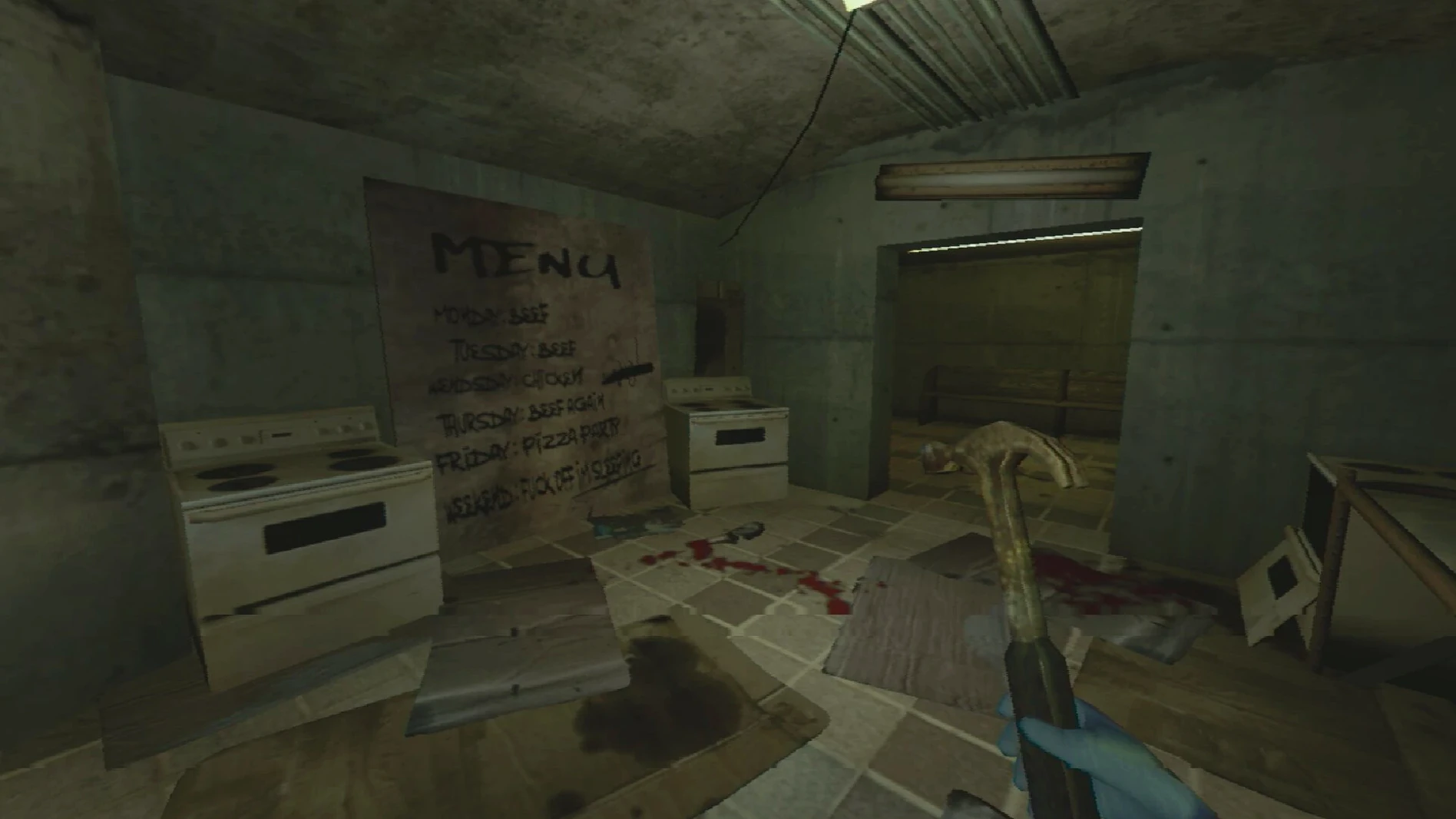
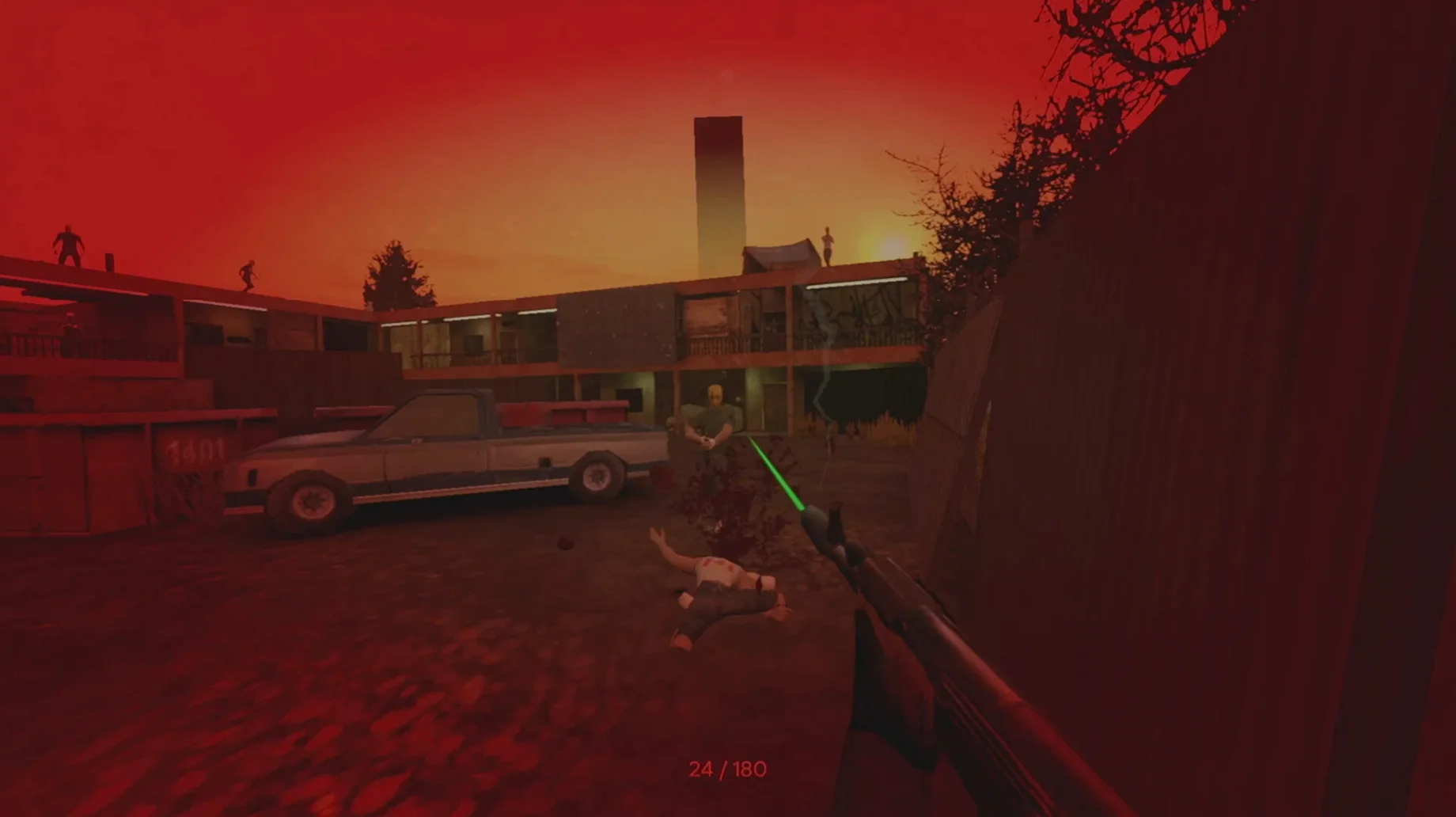
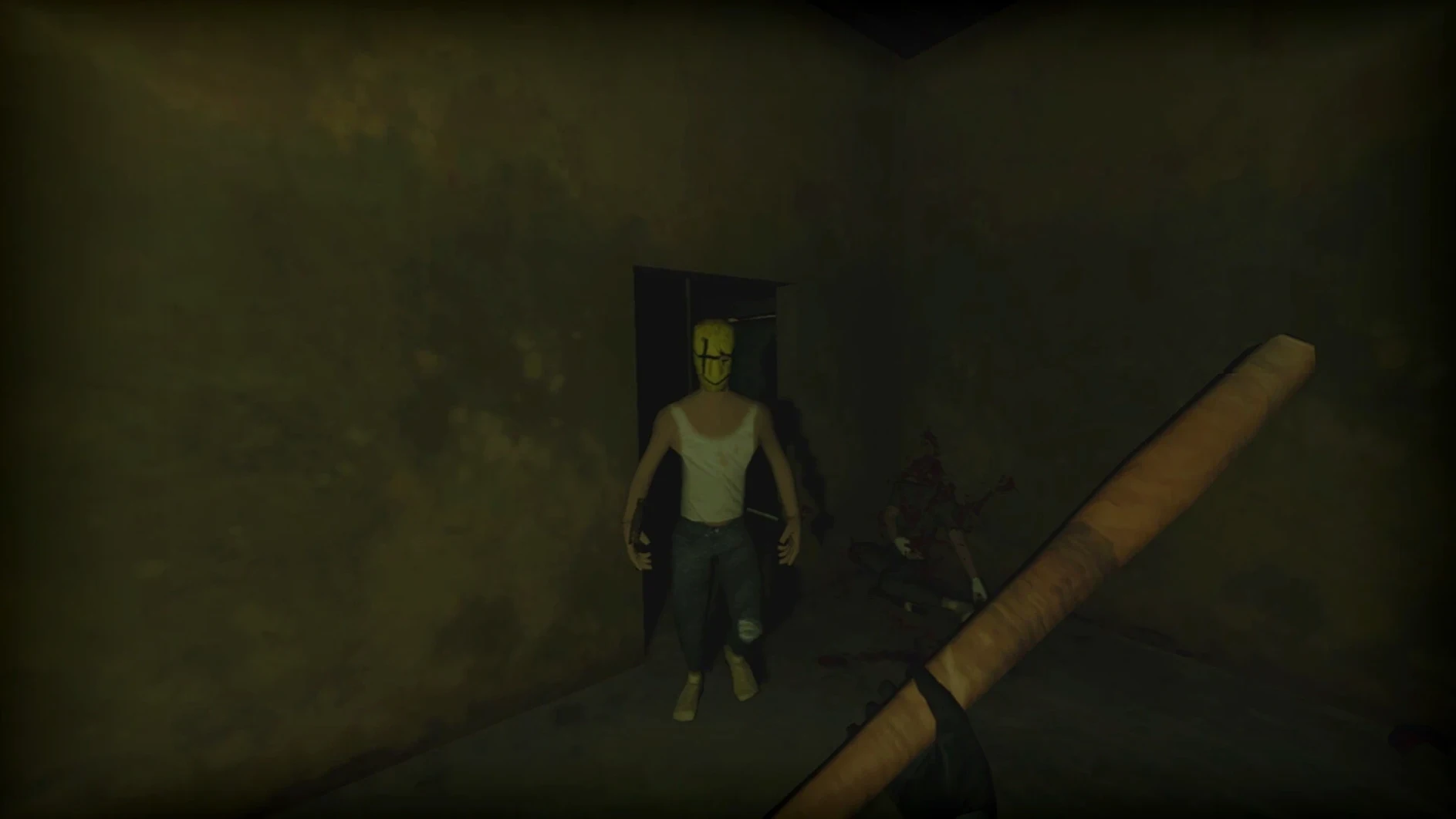
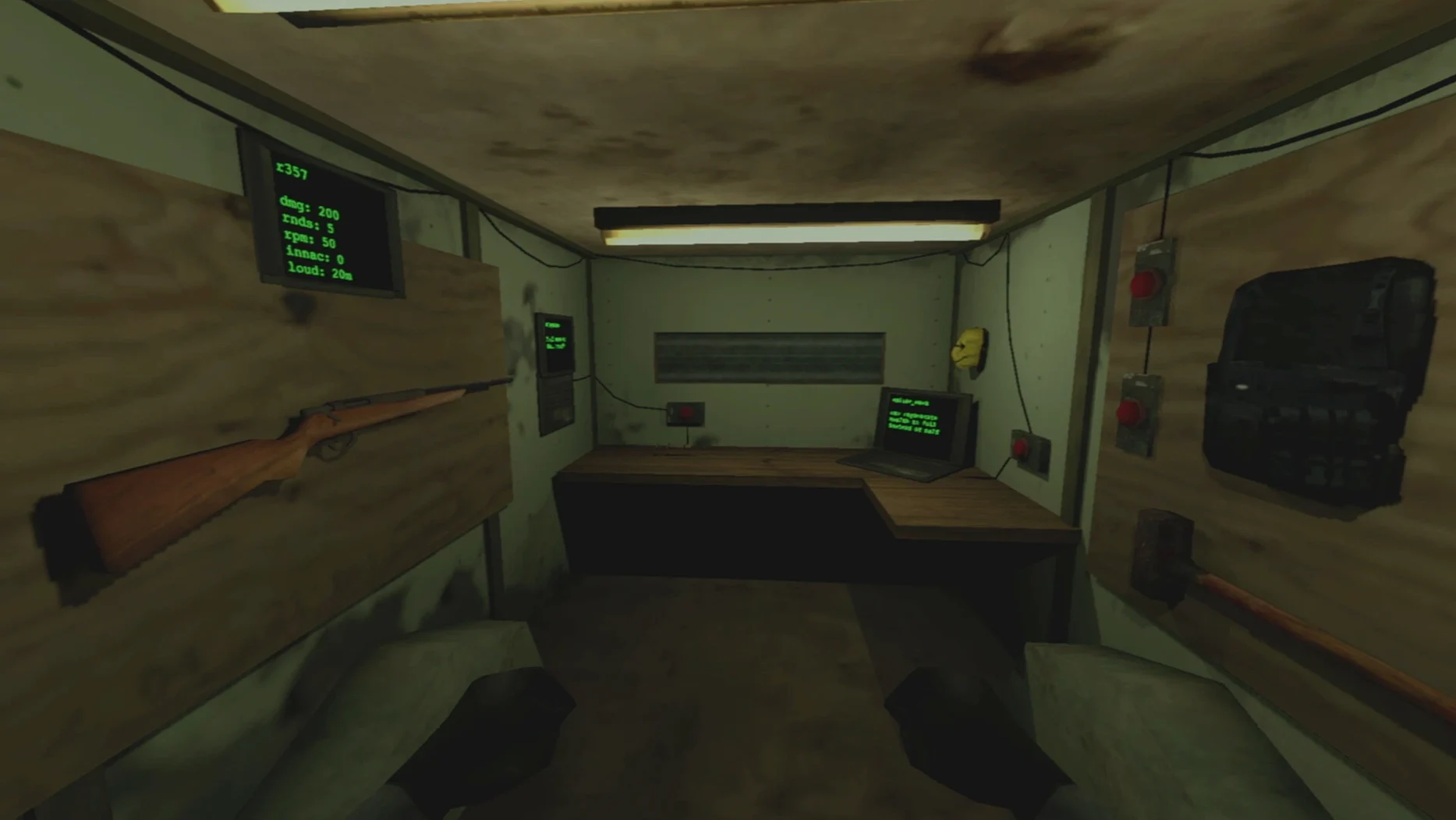
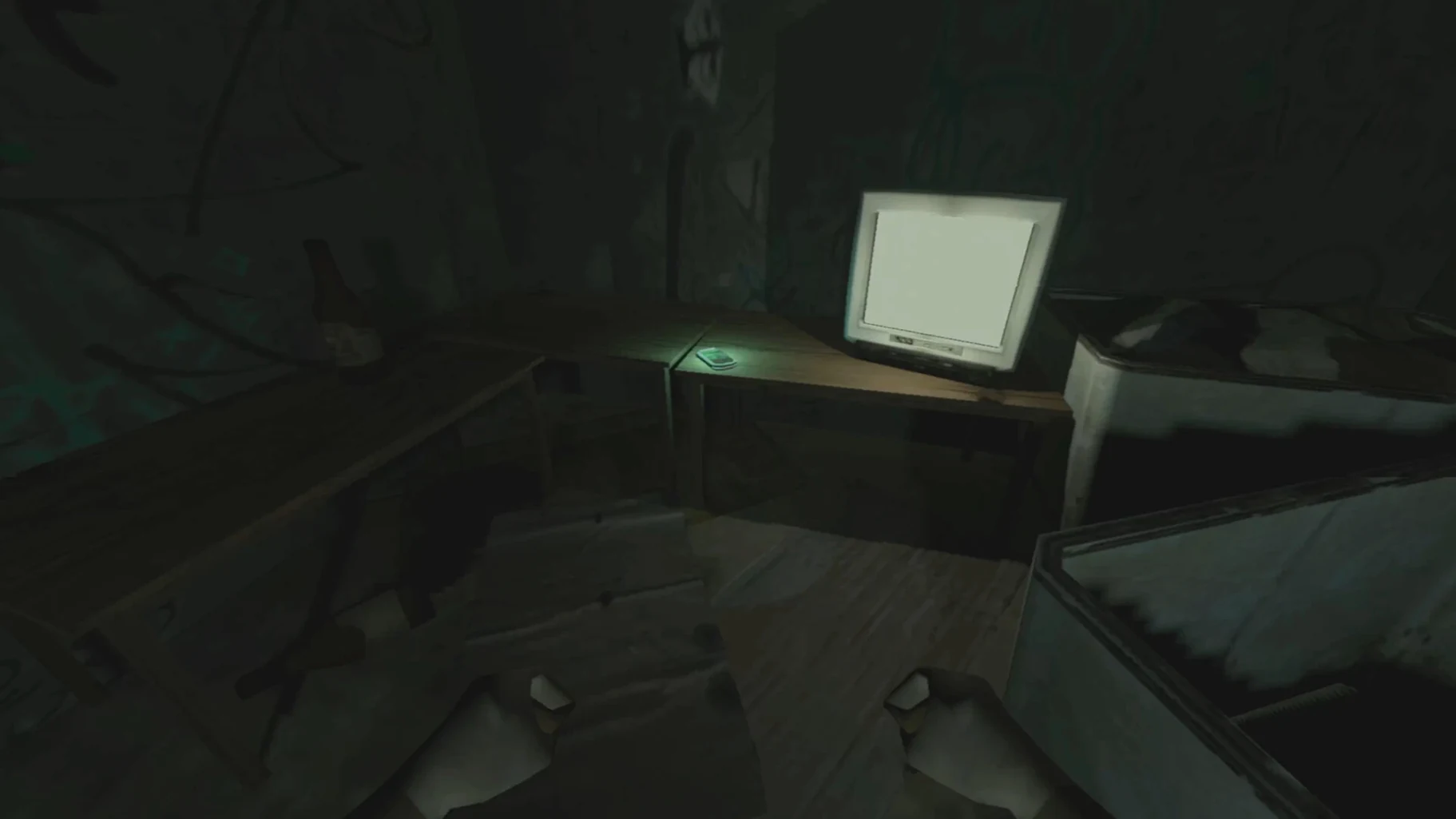
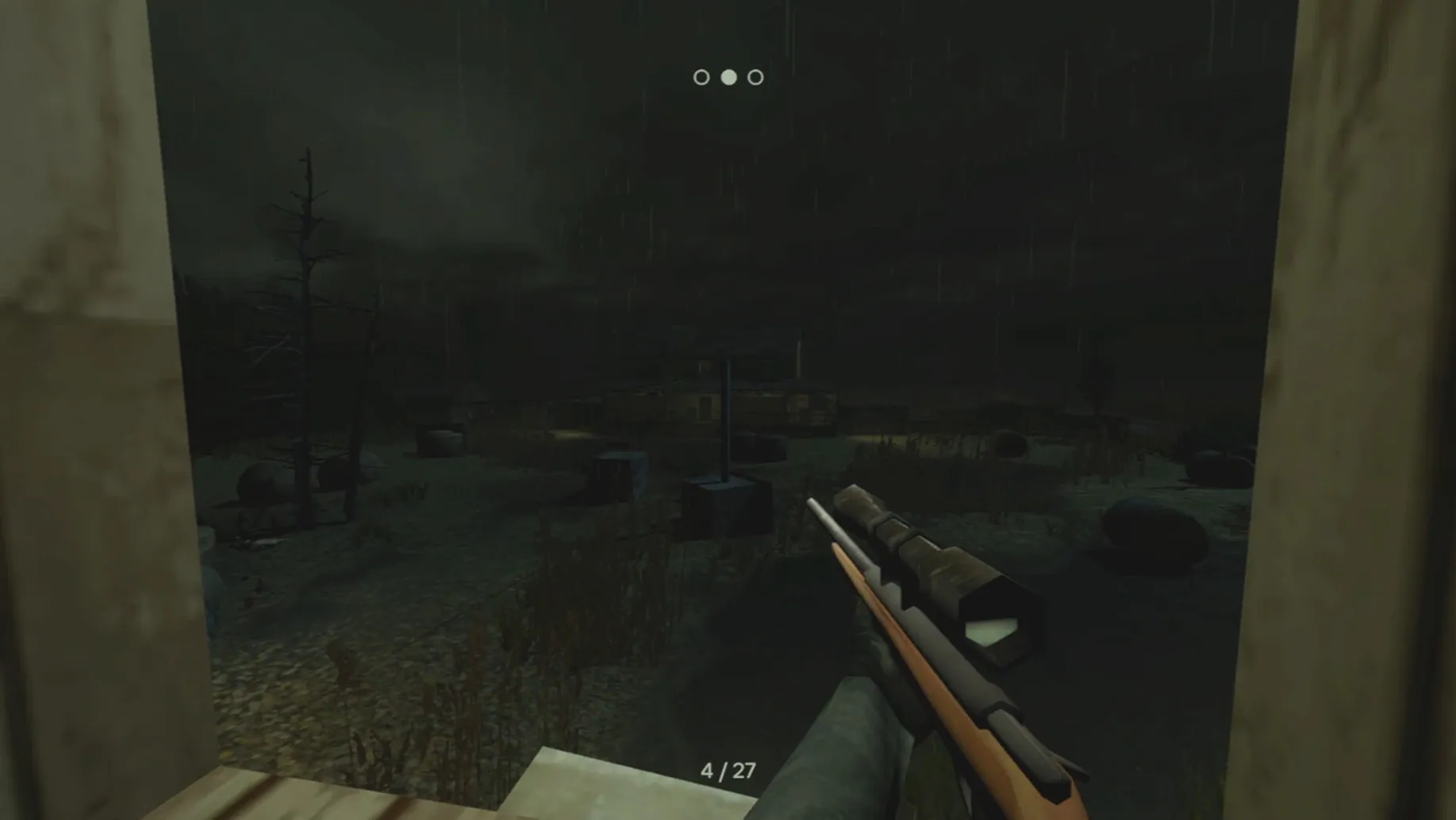
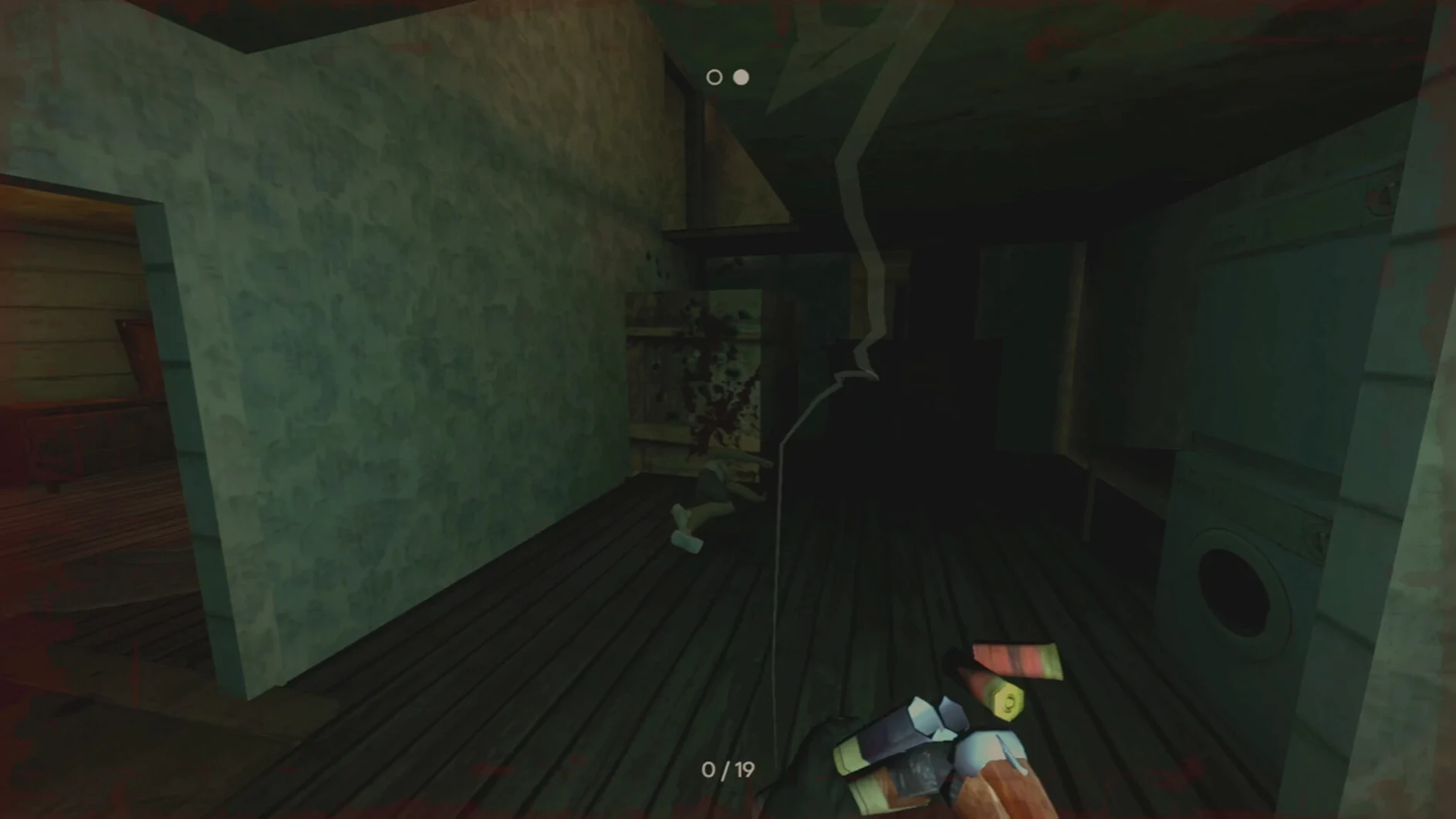
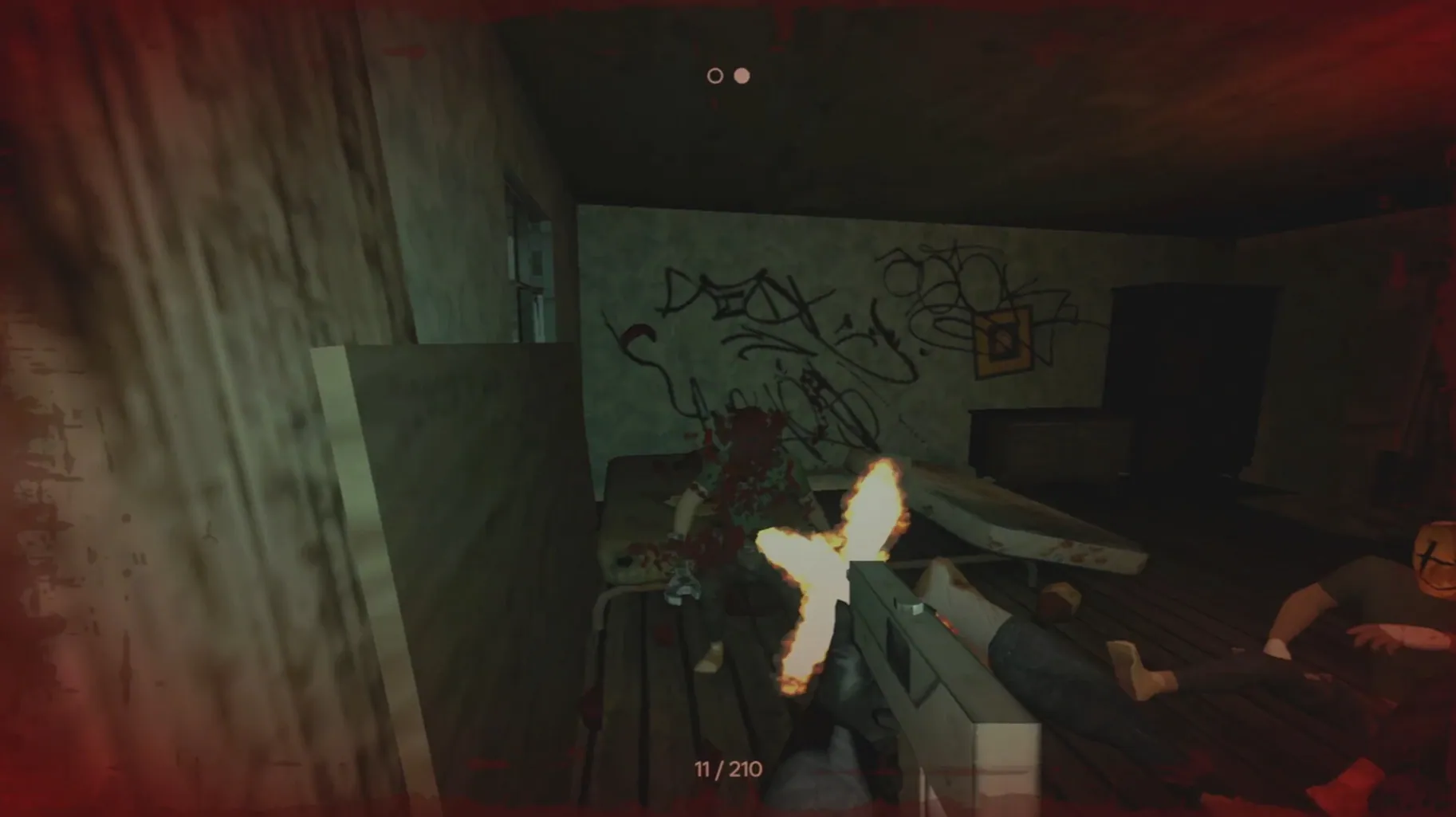
The Black Market terminal is where a run really starts. It’s where you spend blood money on the tools that might keep the bomb in your skull from going off. Pigface is an early access first-person shooter built around contract-based sandbox missions, and it runs on macOS through a Wineskin wrapper. You pick a job, gear up, and step into a fast-paced, ultra-violent combat zone where masks unlock new play styles and failure means a very personal detonation.
Performance and controls on Apple Silicon
This build has been tested on a 2024 M4 Mac mini running macOS Tahoe. Performance is stable for an early access title, with frame rates that hold up during crowded firefights. Controls map cleanly to a standard mouse and keyboard layout—WASD movement, number keys for weapon switching, and a responsive aim-down-sights toggle. There’s no native controller support in this wrapper, so stick to keyboard and mouse. The English interface and voice lines are fully intact.
Mission structure and progress
Each contract drops you into a combat sandbox with a single objective and a lot of armed opposition. Completing missions earns cash that feeds straight back into arsenal expansion through the Black Market. Found masks change your approach from run to run, and the early access version already packs enough weapon variety to make loadout decisions feel consequential.
Standing still gets you shotgunned
Treating Pigface like a cover shooter gets you killed fast. Movement is your main defence—stand still and a shotgunner ends the contract before you’ve spent a dollar. The second mistake is hoarding cash. An unspent pile buys nothing when a bomb timer hits zero. Spend early, even on the cheap pistol compensator; it tightens groups enough to survive the warehouse gauntlet.
Ignoring masks is the silent run-killer. A fresh mask doesn’t just change the visual—it rewires damage multipliers. Equip one the moment you find it, even mid-mission, and read the tooltip before the next breach. Lastly, skipping the Fix script after a failed first launch accounts for most support chatter. The disk image includes it for a reason.
Runs on M4 without Parallels
Does Pigface run on Apple Silicon without a virtual machine? Yes. The download is a self-contained Wineskin wrapper tested on a 2024 M4 Mac mini. No Parallels, no CrossOver installation, no separate Windows licence. Drag the app into Applications and launch it. If you hit a launch error, run the Fix file once and it resolves the Wine prefix permissions.
Is there enough content in early access to justify the space? The contract loop is short but repeatable, and the sandbox approach means no two breaches play the same. You get the full Black Market, mask unlocks, and an arsenal that already rewards experimentation. The version 0.30 build is a foundation, not a demo. If you want a raw, fast single-player shooter that respects your time between firefights, the download delivers exactly that.
- New: Initial early access release packaged for macOS through Wineskin.
- macOS Tahoe (tested)
- Apple Silicon (M4 tested)
- Mouse and keyboard required
Questions I get before install
What kind of game is Pigface?
It’s an early access first-person shooter with fast-paced, ultra-violent contract missions presented as combat sandboxes.
How do you unlock new gear in Pigface?
You earn money by completing missions and spend it through a Black Market system to expand your arsenal.
Comments 0
Sign in to leave a comment.Sign inCreate an account
No comments yet. If a step is still there after you install it, say so.
More in Games
All in Games Pillars of Eternity: Definitive Edition
Delivers pause-and-play tactical combat anchored in decades of story craft.
22 steps saved
 Poppy Playtime - Chapter 4
Pushes puzzle solving into the factory's darkest corners with new threats.
12 steps saved
 Poppy Playtime - Chapter 5
Continues the toy-factory horror with new puzzles and the story's next chapter.
22 steps saved
 Potion Craft: Alchemist Simulator
Grinds, stirs, and heats ingredients with a granularity that rewards precision.
23 steps saved
 Updated
Paralives
Lets you build homes without a grid and steer characters through careers and relationships.
12 steps saved
 Palworld
Automates resource gathering and crafting by assigning creatures to your base.
5 steps saved
 Prince of Persia: Lost Crown
Chains attacks and rewinds missteps inside a crumbling citadel.
10 steps saved
 Oxygen Not Included
Makes you manage gas pressure and liquid runoff so your colony does not suffocate itself.