
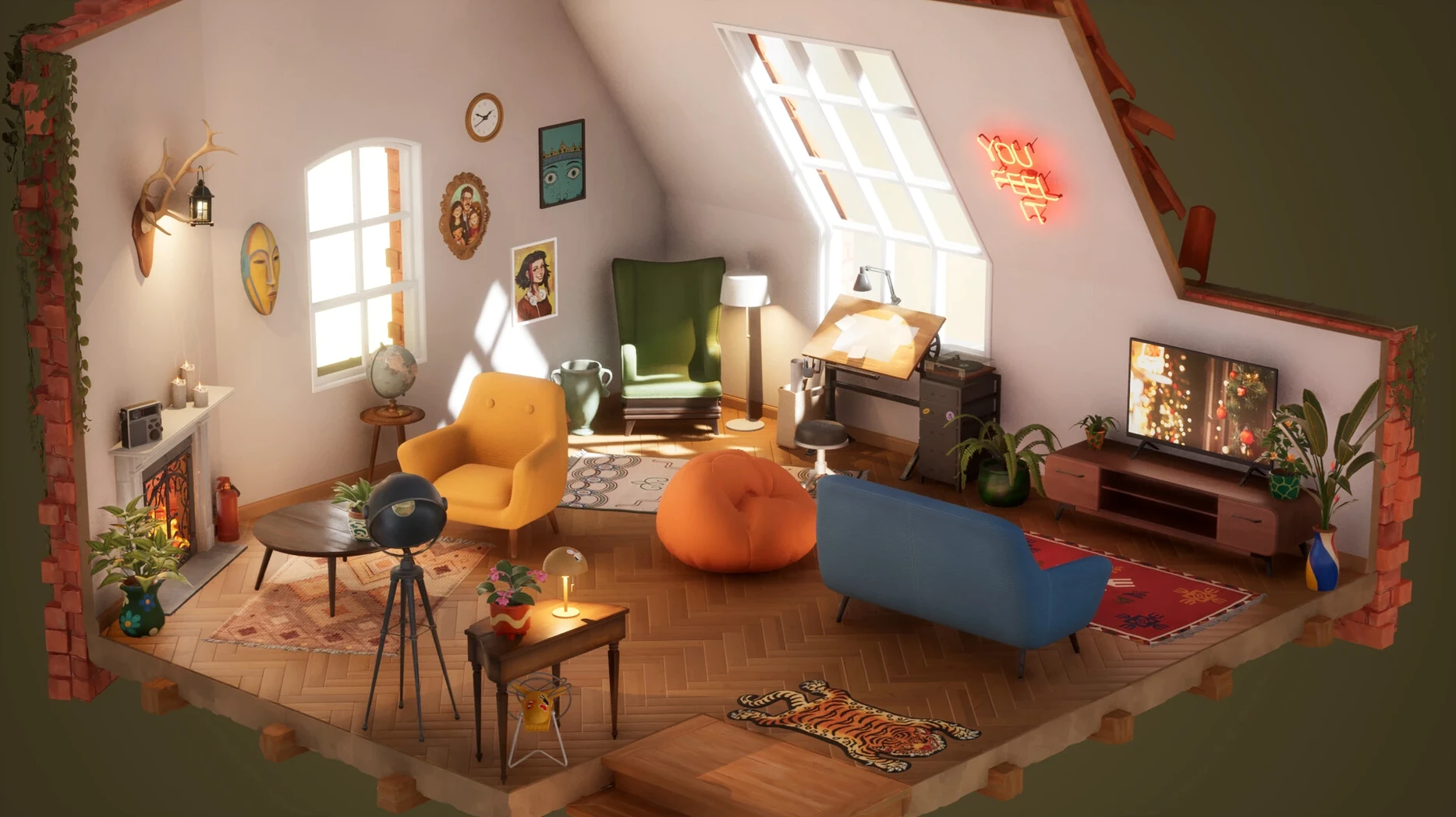
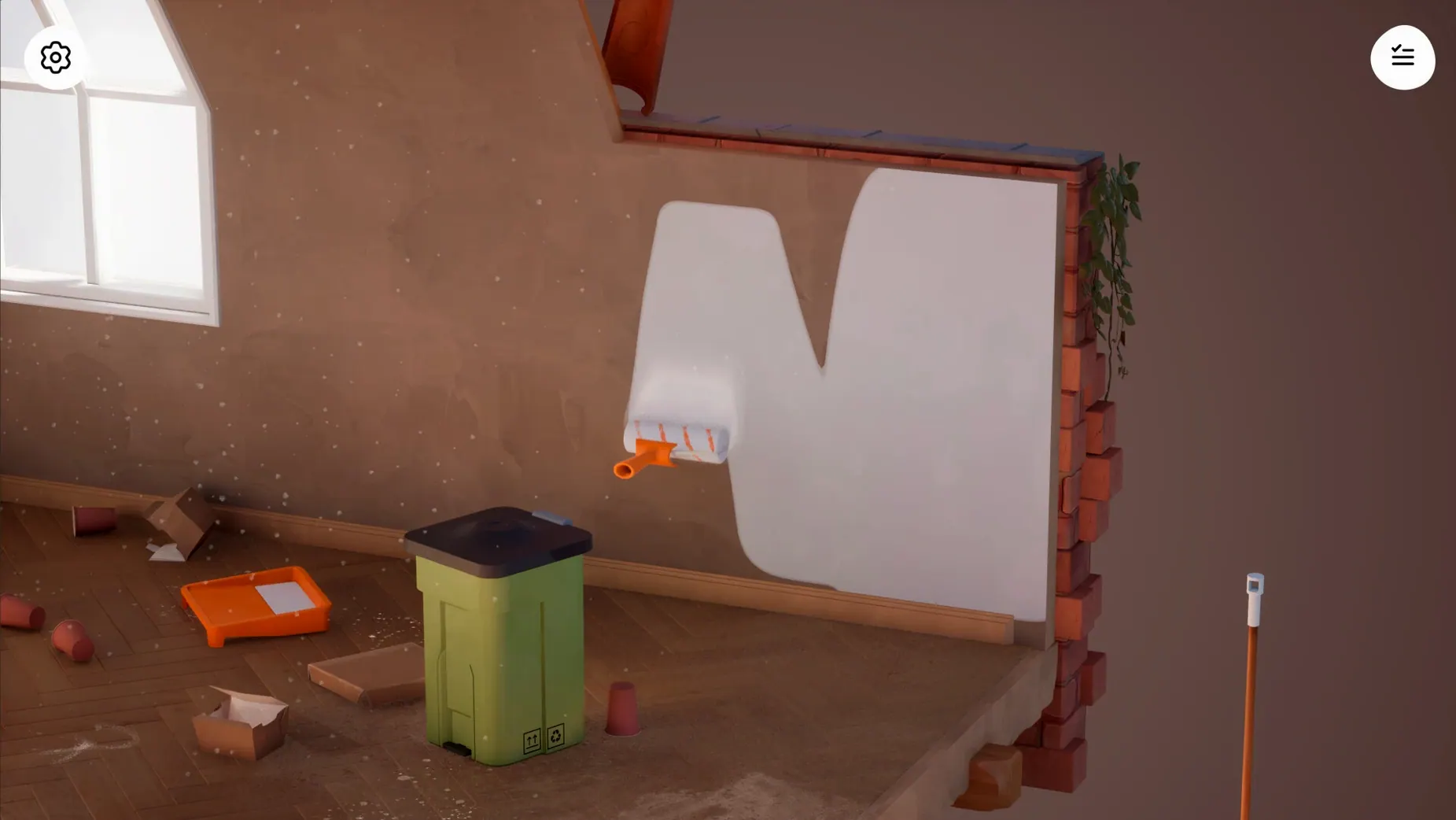
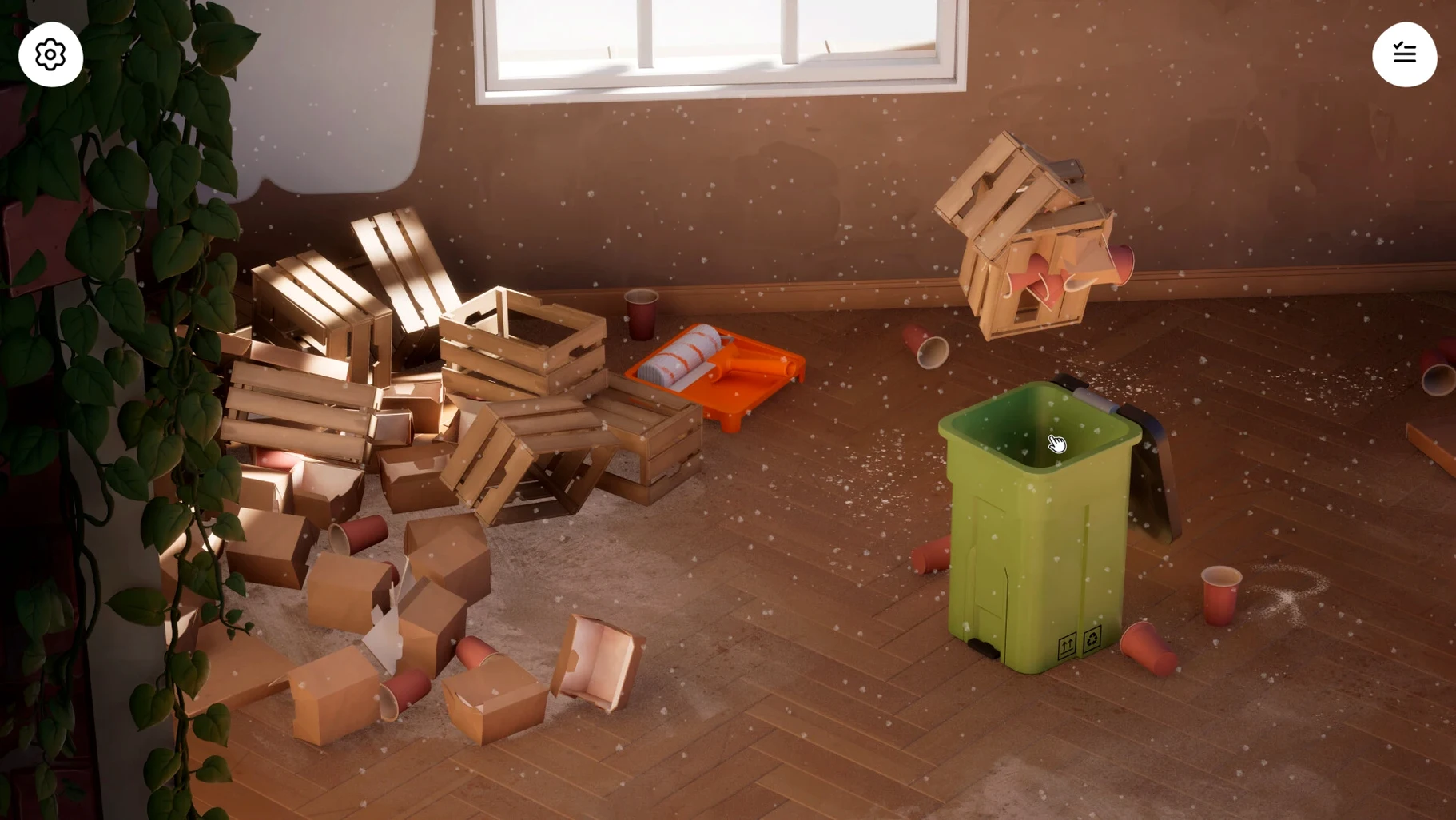
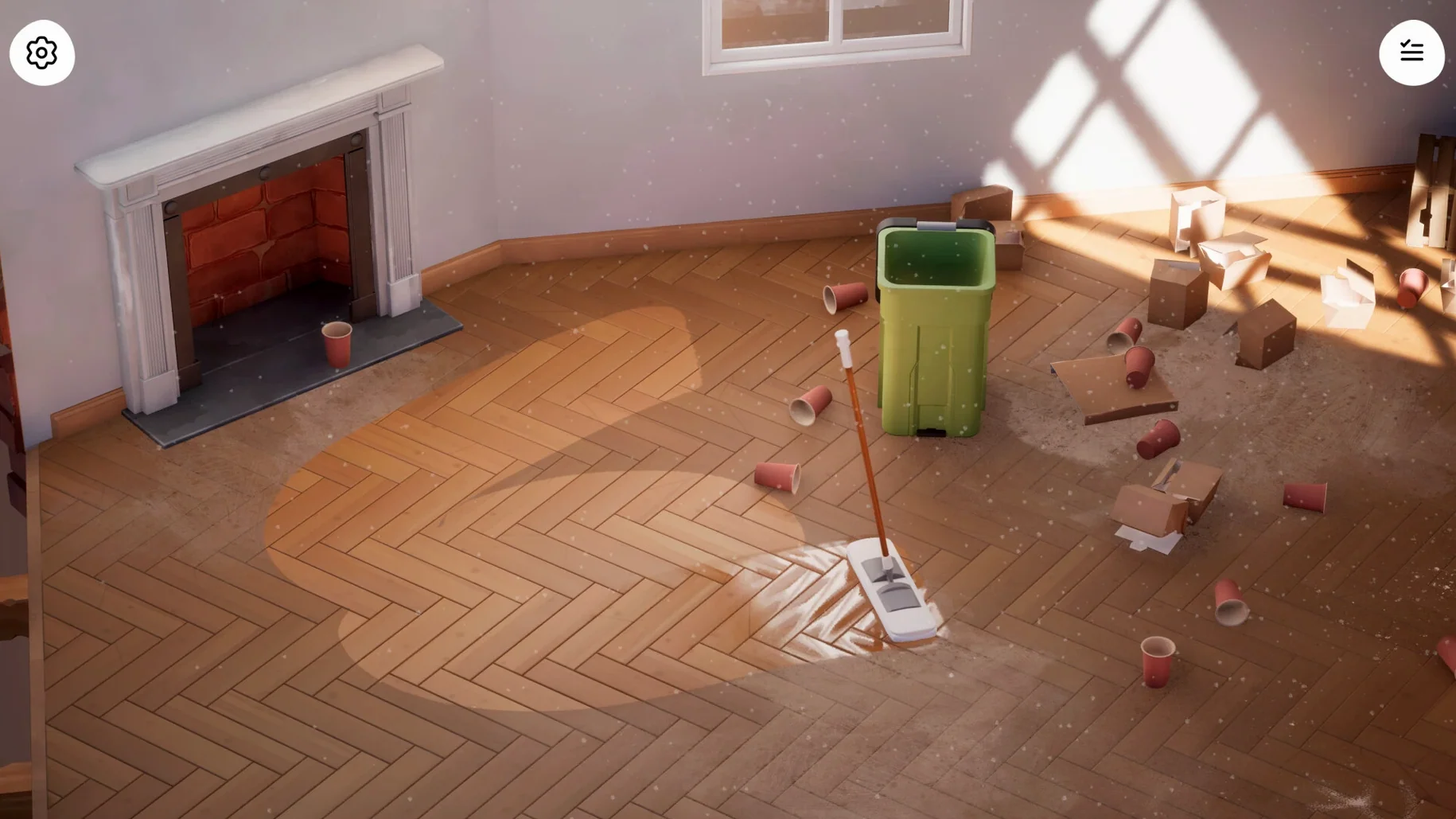
You begin in a room choked with dust and debris. A mop rests against the wall, a scraper waits on the floor. The work is straight-ahead: peel old wallpaper, crowbar broken tiles, wipe down every surface until the space is unrecognizably clean. Then you choose paint, arrange furniture from the level’s decor set, and step back to see what you’ve made.
- Clear the mess. Use the scraper and crowbar to strip away damage. The mop handles the last layer of grime.
- Choose a palette. Paint walls, ceilings and trim. Each level’s colour options tie to its furniture set, so your choices feel cohesive.
- Place and adjust. Drag in seating, lighting and decoration. Every object snaps to the room’s grid, but you control the arrangement.
- Frame the shot. Open photo mode, dial in a filter and camera angle, then grab a clean image of the finished room.
On Apple Silicon Macs, the macOS build runs at a steady frame rate with quick level loads. Controls map cleanly to mouse and trackpad—painting and object placement feel direct, without the drift you get from a controller port. It is a calm, goal-driven loop: scrub, decorate, photograph, repeat.
Offline Play and a Loose Storyline to Follow
Does it need a constant internet connection? No. The full game runs offline once installed.
Is there a story, or is it pure sandbox? Nine locations give you a loose through-line—each unlocked after you finish the previous one—but the game never pushes narrative on you. You restore at your own speed.
Can I redo a room later? Yes. Completed spaces stay open, so you can repaint or rearrange whenever you want a different look. Photo mode lets you keep a record of every version.
What about performance on an M1 or M2 Mac? The Apple Silicon build holds a smooth frame rate even during the painting passes, and level loads clock in under a handful of seconds.
Restoring Without Timers or Scores
Players who unwind with gentle simulation games will find their rhythm here—the absence of timers and scoring keeps the focus on the act of restoring. If you already reach for titles about tidying, building or slow decoration, the loop will feel familiar and frictionless.
Mac users with limited gaming libraries also benefit. The native Apple Silicon support means you aren't wrestling with a wrapped mobile port or a sluggish emulation layer. Casual players who just want one reliable, calm game on their machine tend to stick with it.
- Apple Silicon Mac
Questions I get before install
What tools do you use in Hozy?
You work with a mop for cleaning, a scraper for peeling old finishes, and a crowbar for removing damaged fixtures and tiles.
Does Hozy run natively on Apple Silicon?
Yes, the macOS version is built for Apple Silicon and delivers smooth performance with responsive mouse and trackpad controls.
Can you photograph your finished rooms?
Photo mode is built in, with adjustable filters and camera settings to frame and capture each completed room.
Comments 0
Sign in to leave a comment.Sign inCreate an account
No comments yet. If a step is still there after you install it, say so.
More in Games
All in Games HUMANKIND
Keeps exploration, combat, and city-building on one seamless map without loading screens.
20 steps saved
 House Flipper
Hands you a neglected property to clean, repair, and furnish room by room.
22 steps saved
 Hytale
Ships exploration, creative building, and multiplayer in a single Early Access sandbox.
8 steps saved
 Updated
HITMAN World of Assassination
Turns each level into a clockwork puzzle where disguise and timing decide the outcome.
23 steps saved
 Heroes of Might and Magic 4: Complete
Bundles base game and expansions into one launch for modern Macs.
16 steps saved
 Hell Clock
Compresses a full descent into minutes, scaling your power with each reset.
13 steps saved
 Updated
Hearts of Iron IV
Lets you queue research and manage production lines across a multi-year campaign.
12 steps saved
 Inkulinati
Sets a turn-based strategy battle inside a living medieval manuscript page.