
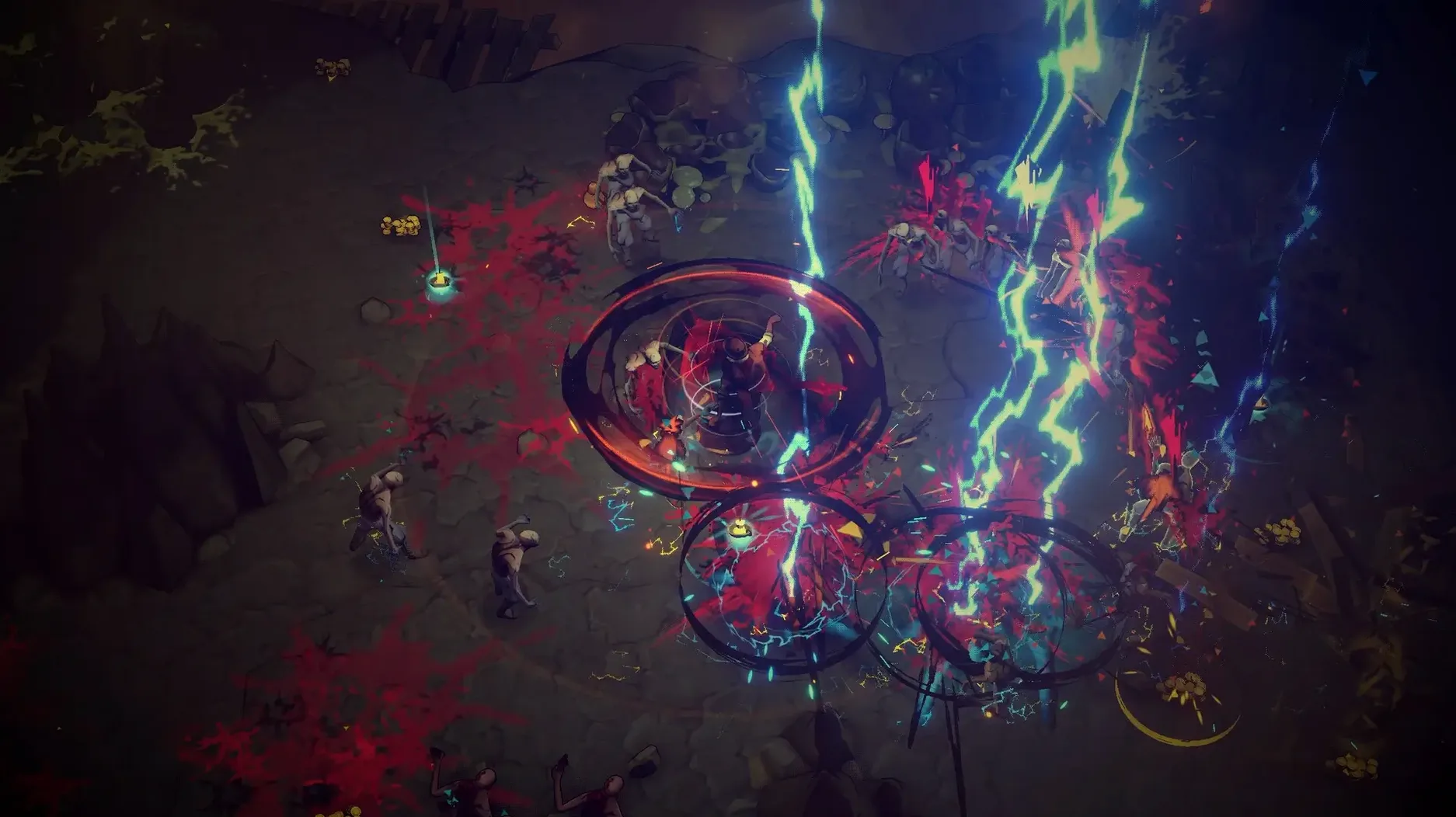
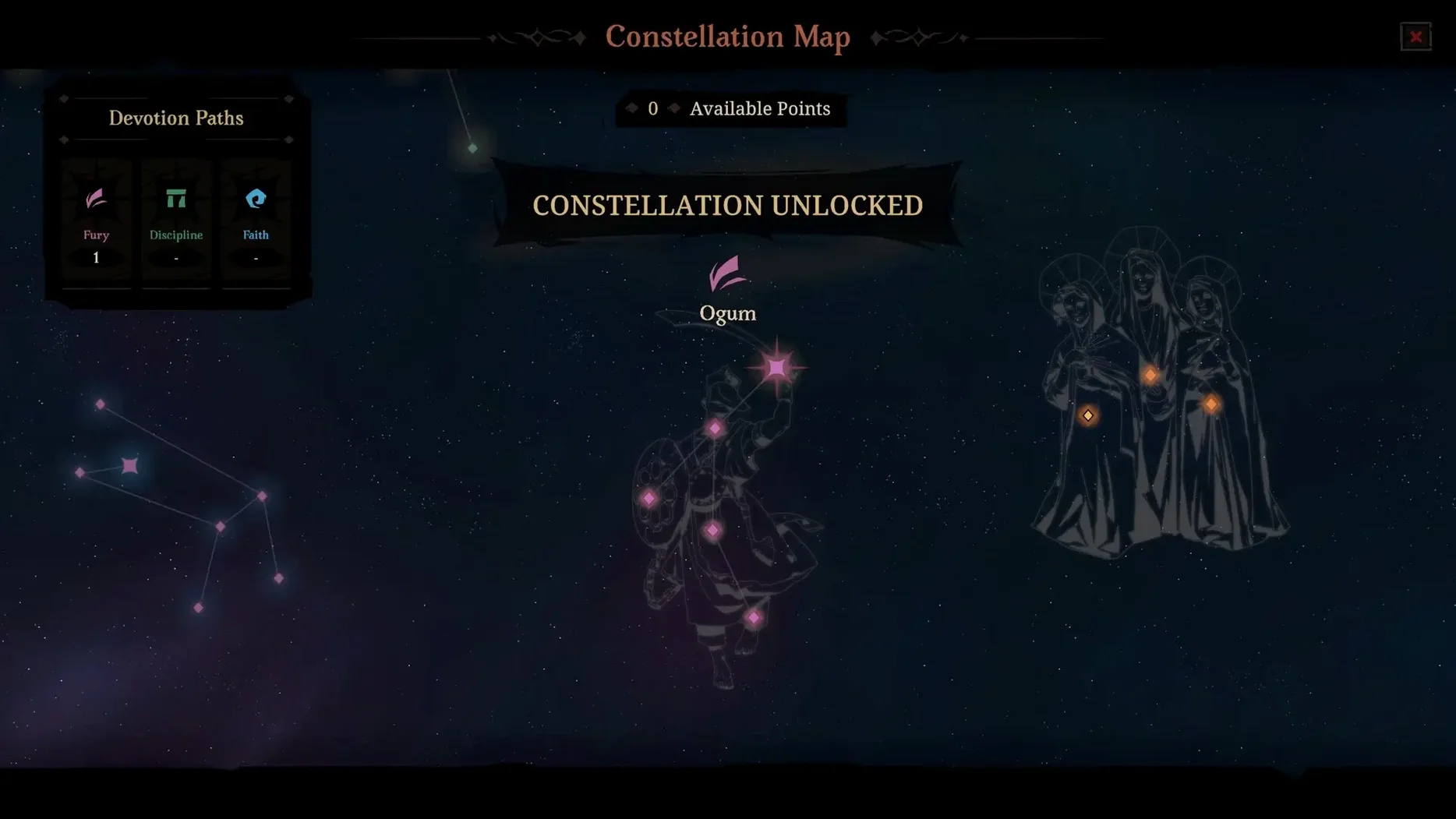
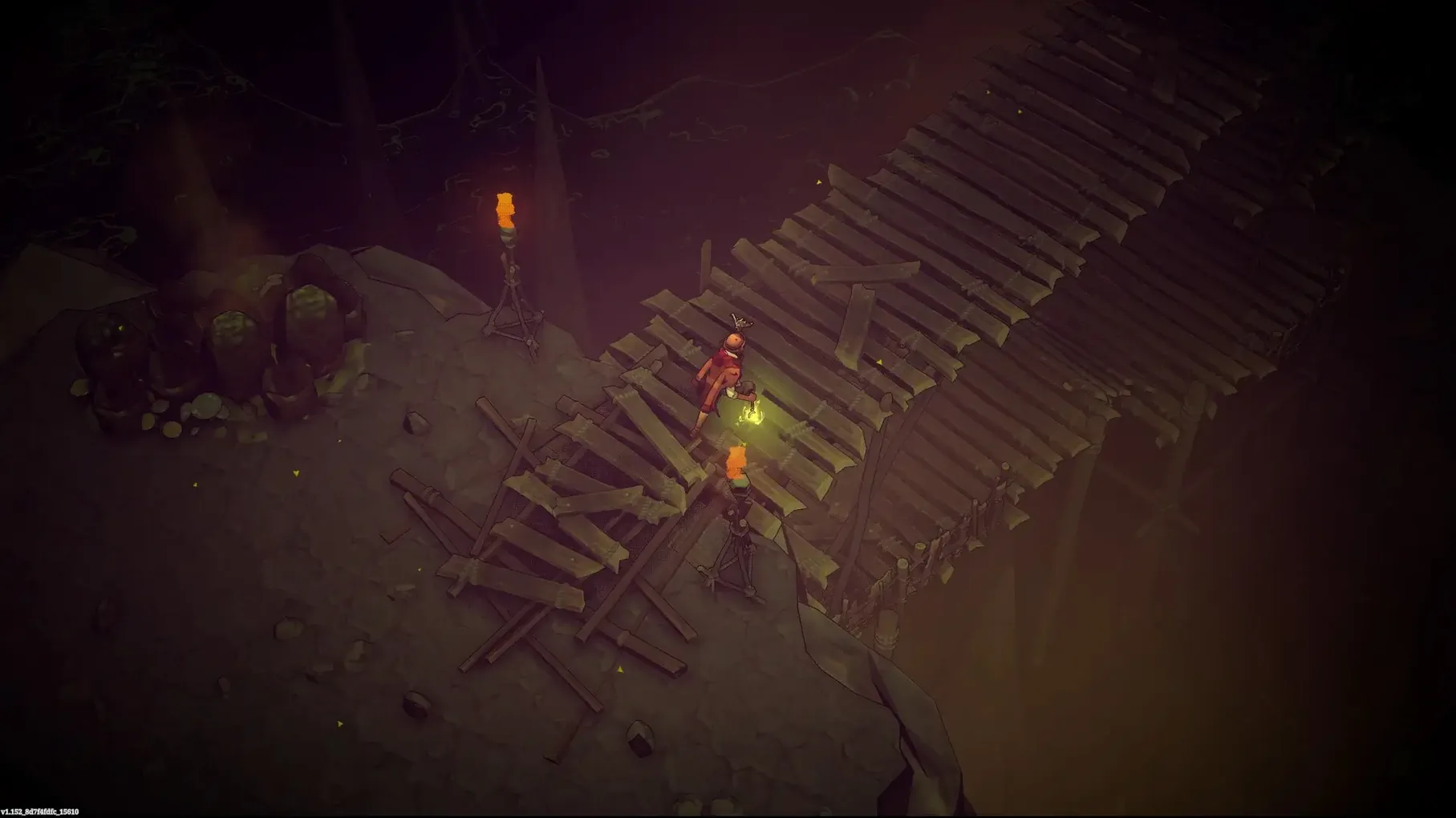
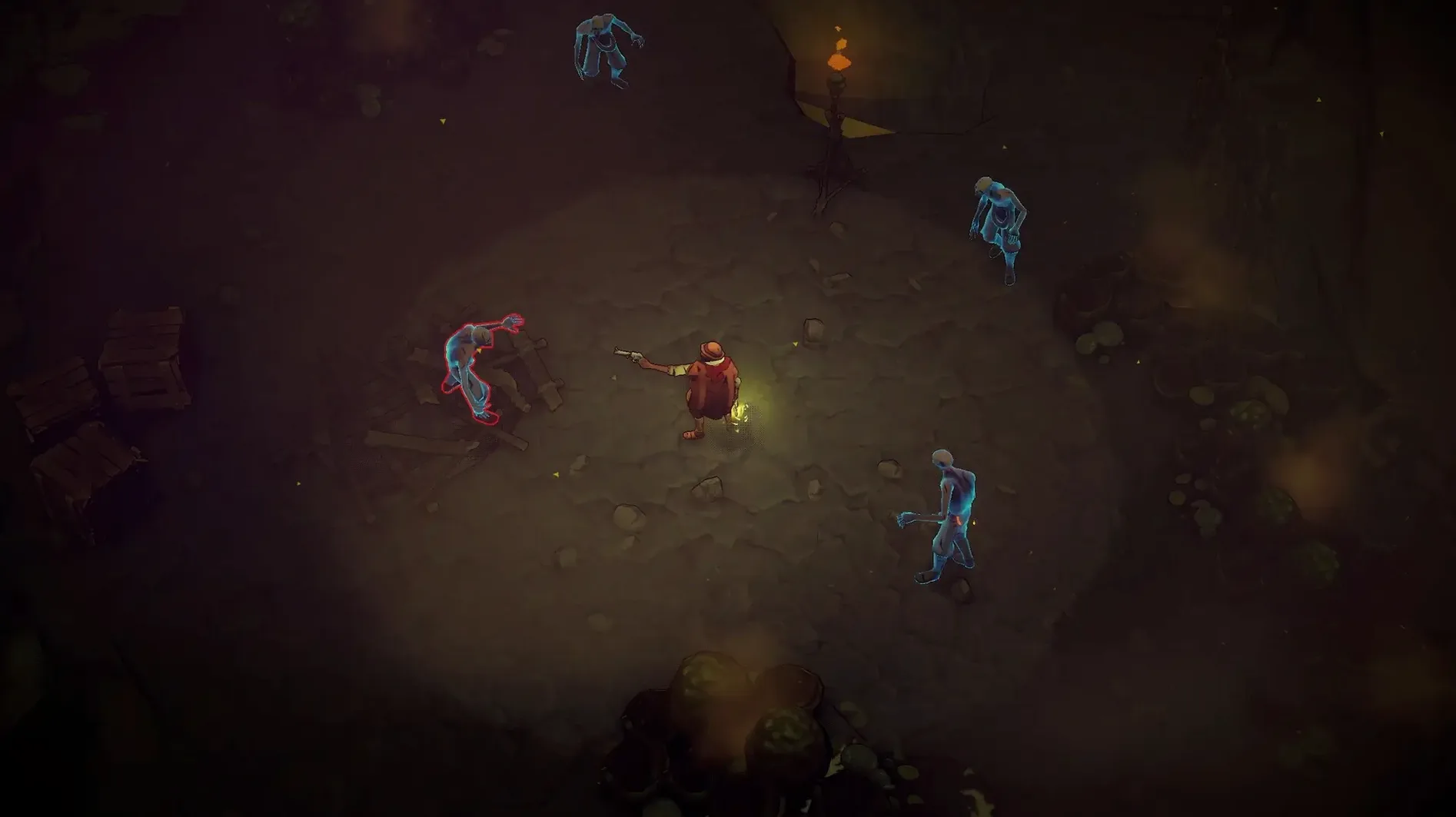
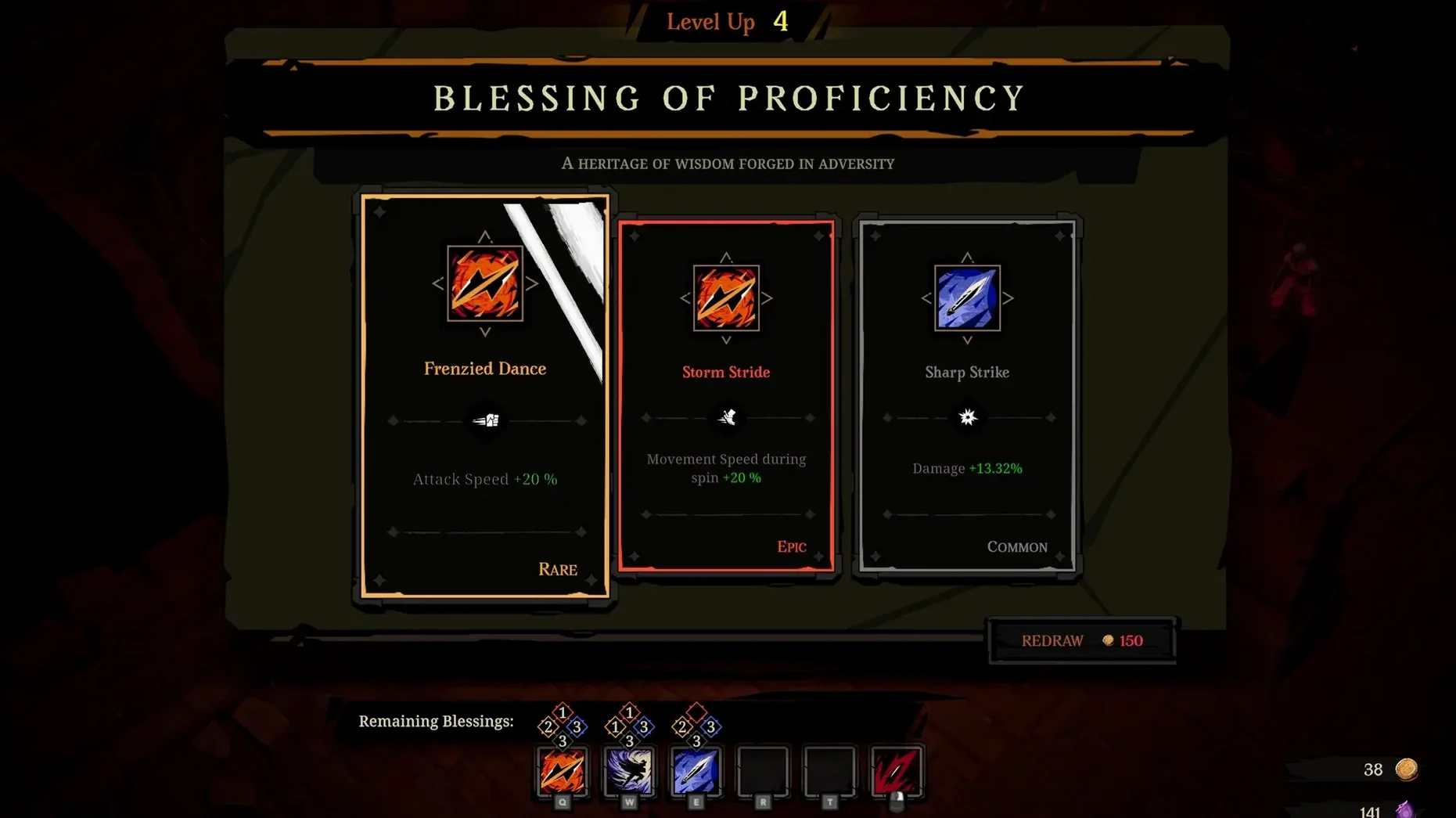
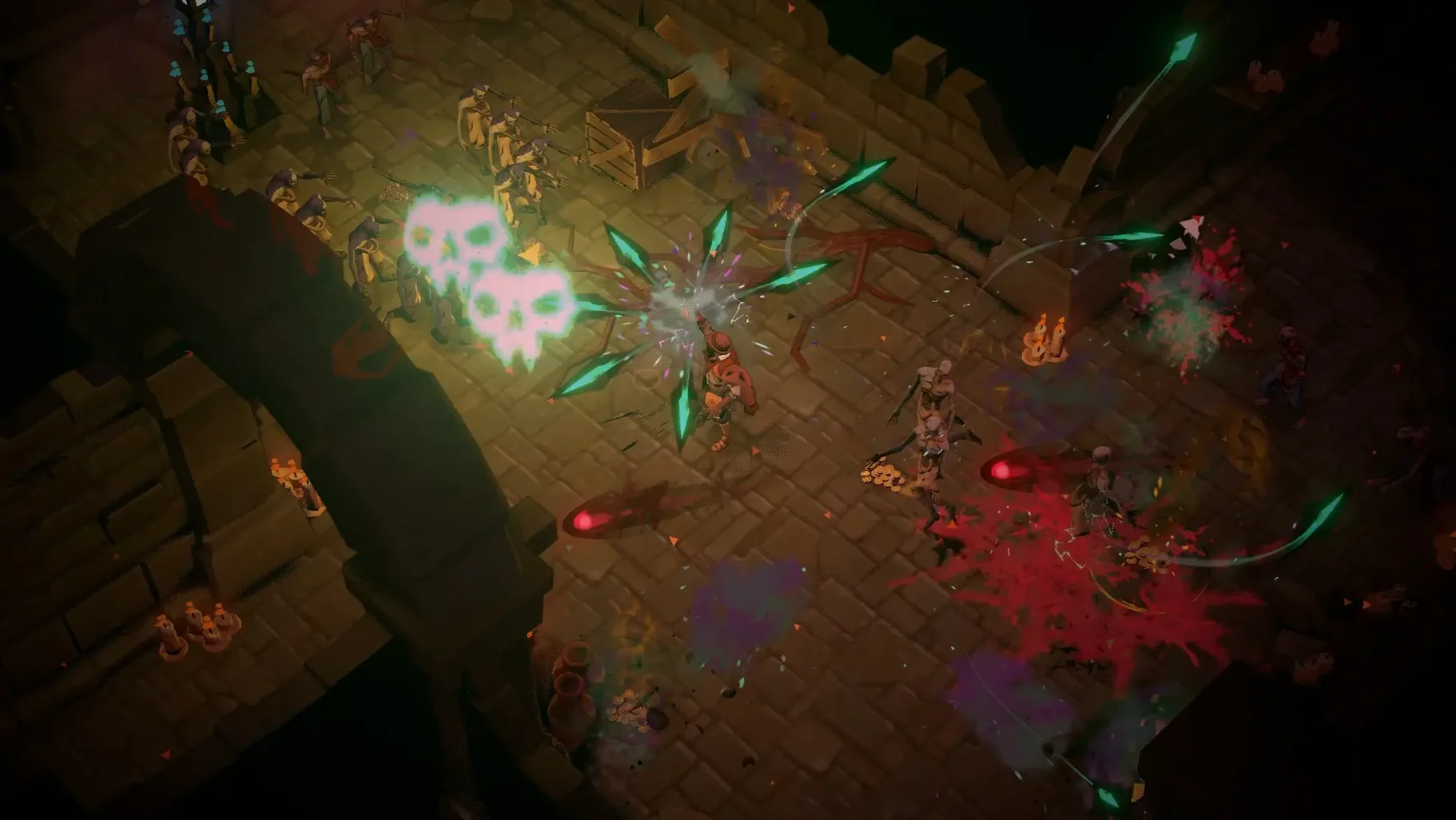
Hell Clock runs are short. A full descent takes minutes, not hours. Each run resets the clock and scales your power, pushing you to move faster, hit harder, and take bigger risks. The setting is Brazil's War of Canudos, rendered in a stark, violent palette that keeps the focus on combat.
This game suits players who enjoy tight, repeatable action loops. If you liked the structure of Hades or the aggression of Dead Cells, the rhythm will feel familiar. You pick a loadout, drop in, and let the time pressure sharpen every decision. The 2.0 update adds a Journeys system and an Endless Nightmares endgame for those who want to push past a standard clear.
Skip it if you want a slow, narrative-heavy RPG. The story is there in the background, but the game never lets it interrupt the pace. Voice work comes in English or Portuguese, with interface text in nine languages.
It is also a Wineskin build, tested on Apple Silicon. It runs smoothly, but you are not getting a native Metal port. For players who value raw feel and quick restart loops over polish, that trade-off works.
First days with Hell Clock — three habits that help
Spend your first hour in Calm mode. The time limit is off, which lets you learn enemy patterns and relic interactions without the clock punishing you. Once you recognise the Canudos bell's stun radius and the revolver's reload window, switch back to standard mode. The pressure will feel manageable, not chaotic.
Remap dodge to a shoulder trigger or a mouse button early. Default placement works, but any extra reach slows your counter-roll by a few frames, and that is enough to lose a run. Lock the setting in before muscle memory forms.
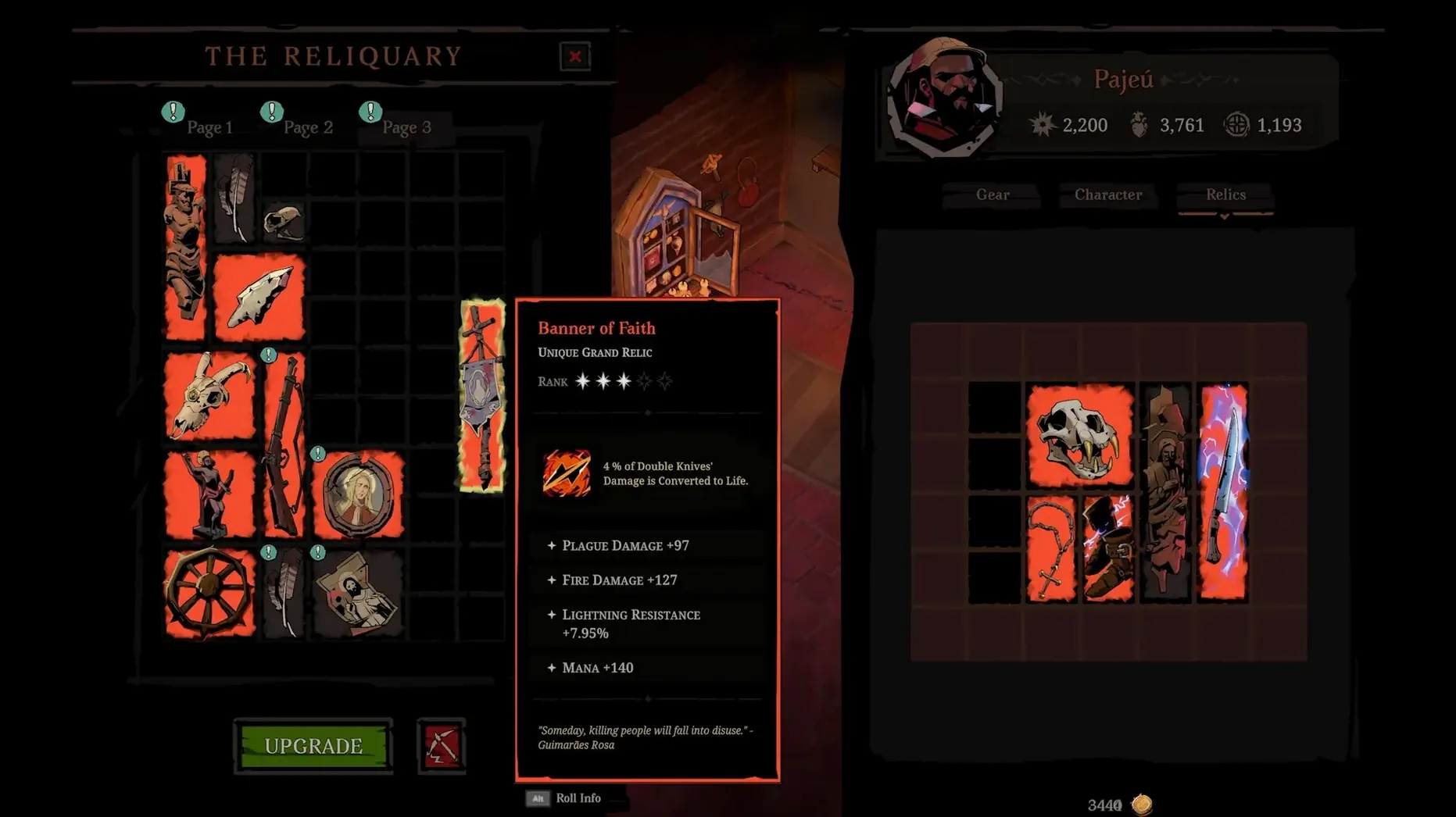
Test relic combinations in short loops. Two runs of ten minutes teach you more than one run of forty. The knife-and-bell pairing is a safe starter build for crowd control, while the revolver rewards tighter positioning. Pick one family and push it until you understand the upgrade tree, then branch out.
Speed, stability, resource footprint
On a Mac mini M1 running macOS Sequoia, the Wineskin wrapper adds a negligible start-up delay—about four seconds from launch to the title screen. Once in-game, frame pacing stays consistent even when the screen fills with undead mobs. No stutter during relic activations or boss spawns. The build is marked ARM and behaves like one.
Memory usage hovers under 2 GB in extended sessions. Fans remain quiet after back-to-back descents. I noticed no thermal throttling during an hour-long Endless Nightmares run, which matters if you play in a warm room.
Wineskin compatibility means the occasional visual quirk: shadow maps render a touch darker than on native Windows, and alt-tabbing back sometimes triggers a one-second black frame. Neither issue breaks the loop. The hell clock macos free build available here includes the Cursed War 2.0 update with all Journeys and Ascension content active from first launch—no launcher, no account check, no background processes lingering after you quit.
- New — Journeys system, Endless Nightmares endgame mode, Ascension mechanic, and Unique Blessings, all part of the Cursed War 2.0 update.
- Changed — Build label now indicates Wineskin.
- macOS Sequoia
- Apple Silicon (tested on Mac mini 2020 M1)
- Wineskin build
Comments 0
Sign in to leave a comment.Sign inCreate an account
No comments yet. If a step is still there after you install it, say so.
More in Games
All in Games Updated
Hearts of Iron IV
Lets you queue research and manage production lines across a multi-year campaign.
23 steps saved
 Heroes of Might and Magic 4: Complete
Bundles base game and expansions into one launch for modern Macs.
8 steps saved
 Updated
HITMAN World of Assassination
Turns each level into a clockwork puzzle where disguise and timing decide the outcome.
15 steps saved
 Half Sword
Turns medieval sword fights into brutal, physics-driven duels.
19 steps saved
 Hades II
Battles through the Underworld as Melinoë in fast, replayable roguelike runs.
16 steps saved
 HackHub - Ultimate Hacker Simulator
Simulates a terminal session where you pivot before the trace completes.
6 steps saved
 Guns, Gore & Cannoli 2
Adds 360-degree aiming to turn side-scrolling firefights fluid.
20 steps saved
 House Flipper
Hands you a neglected property to clean, repair, and furnish room by room.