

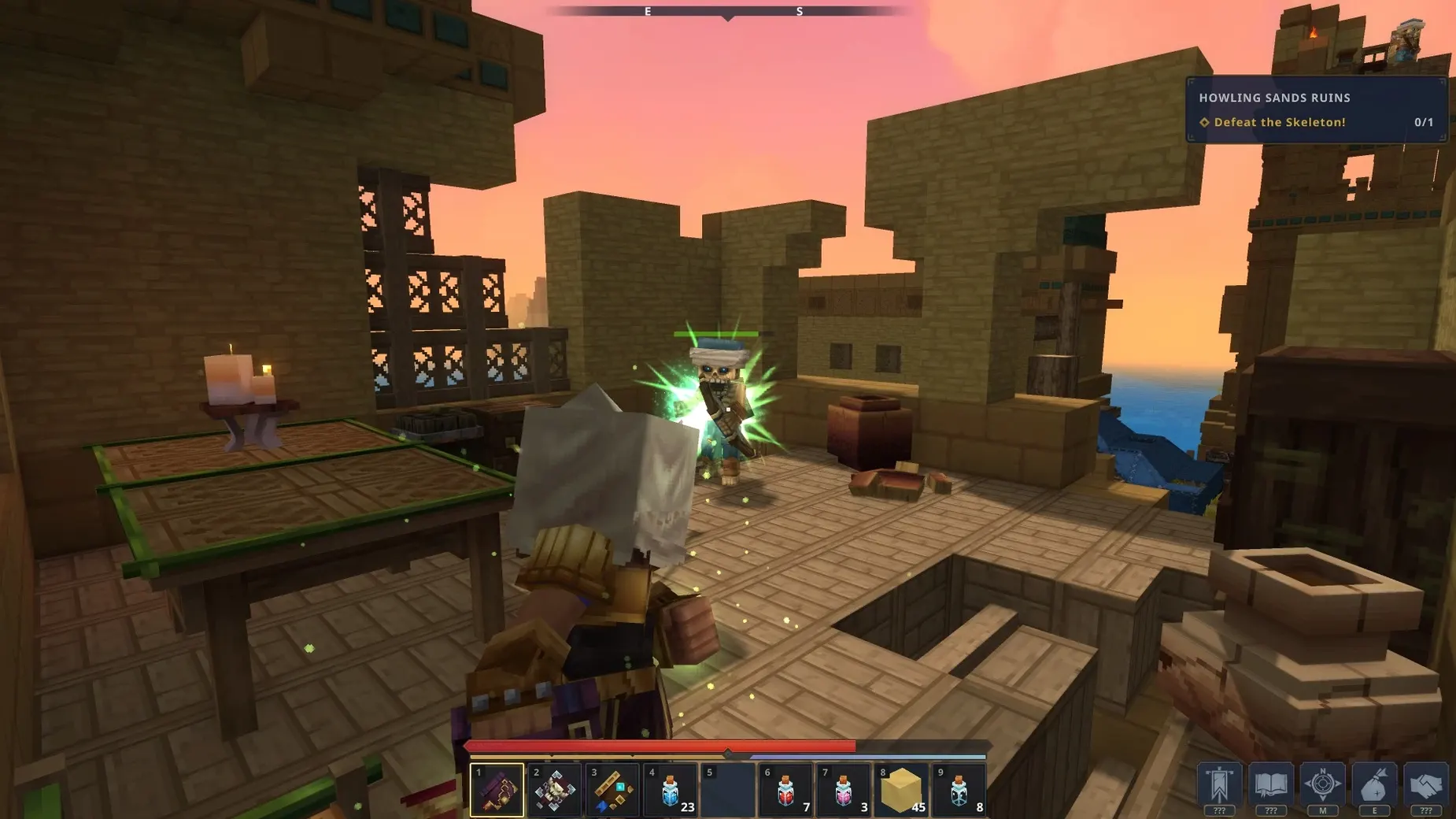
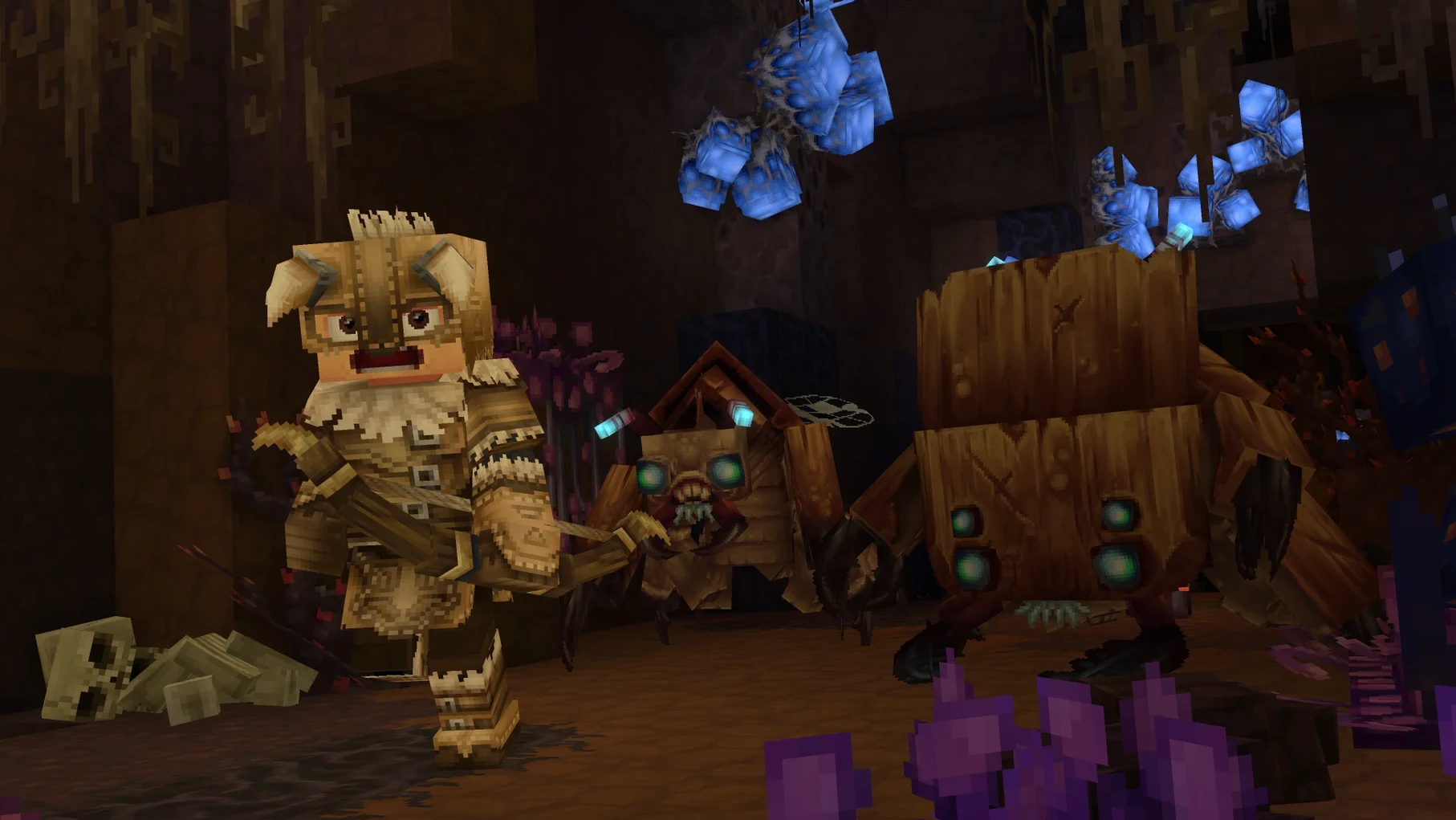
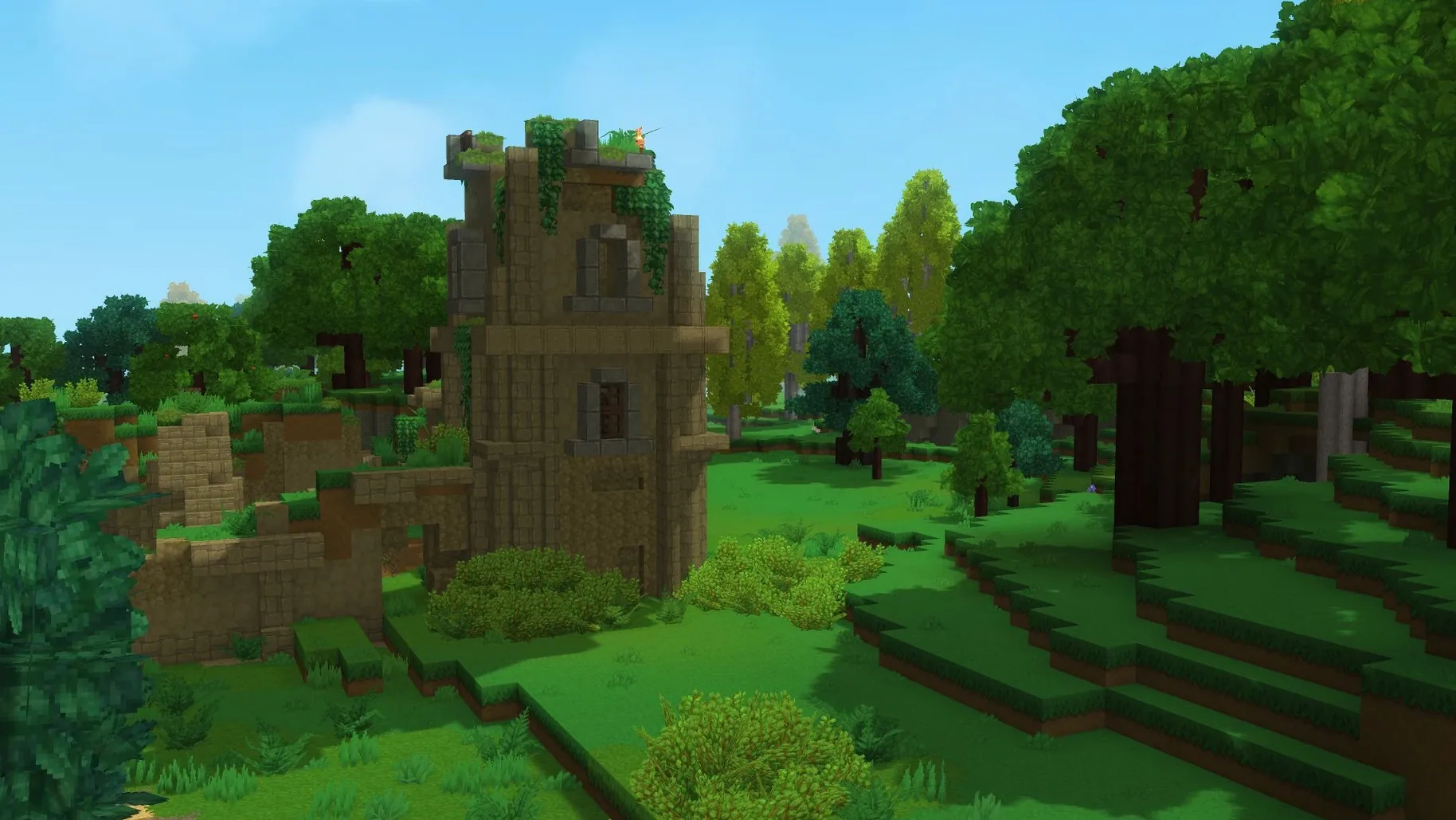
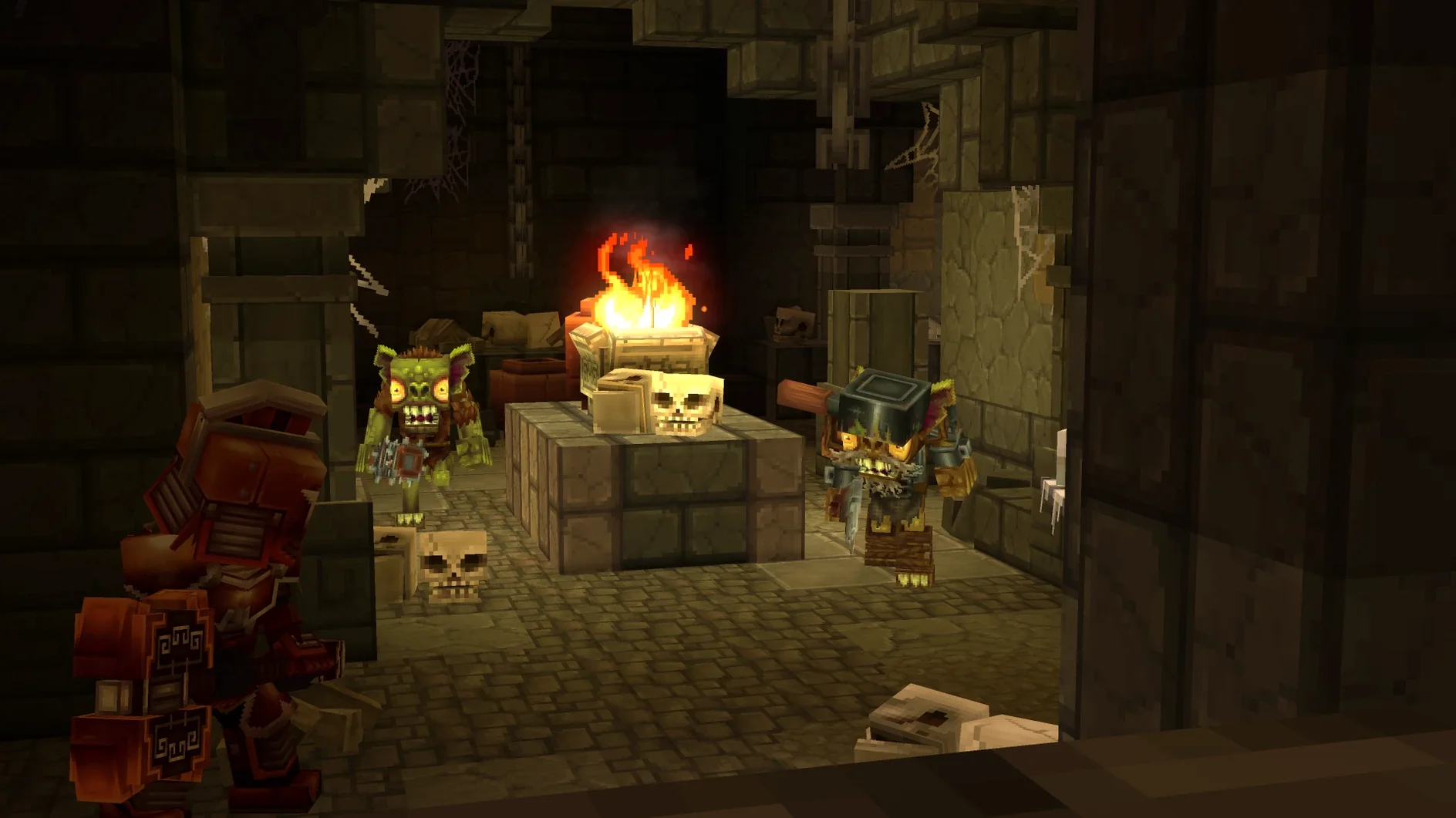
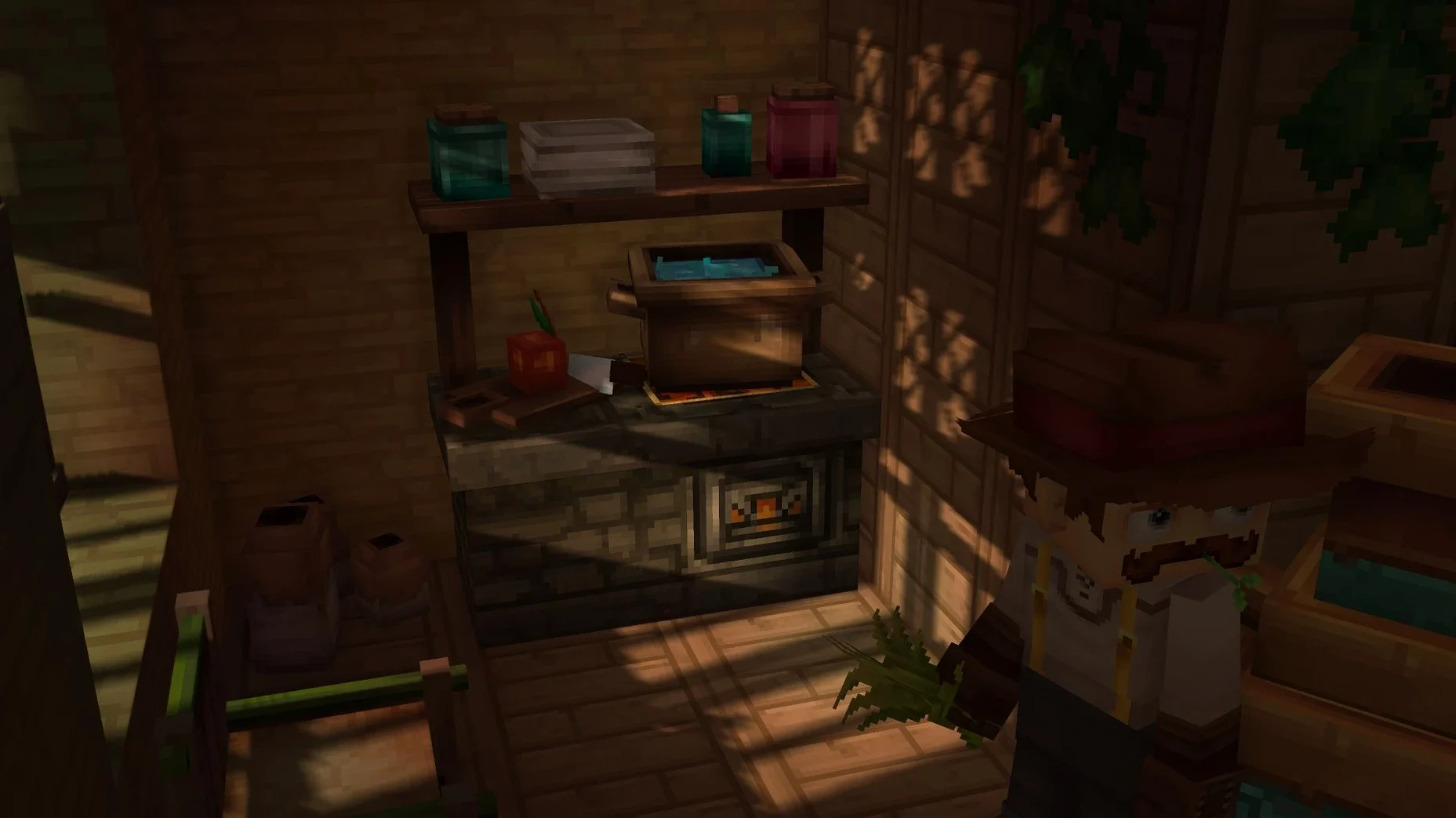
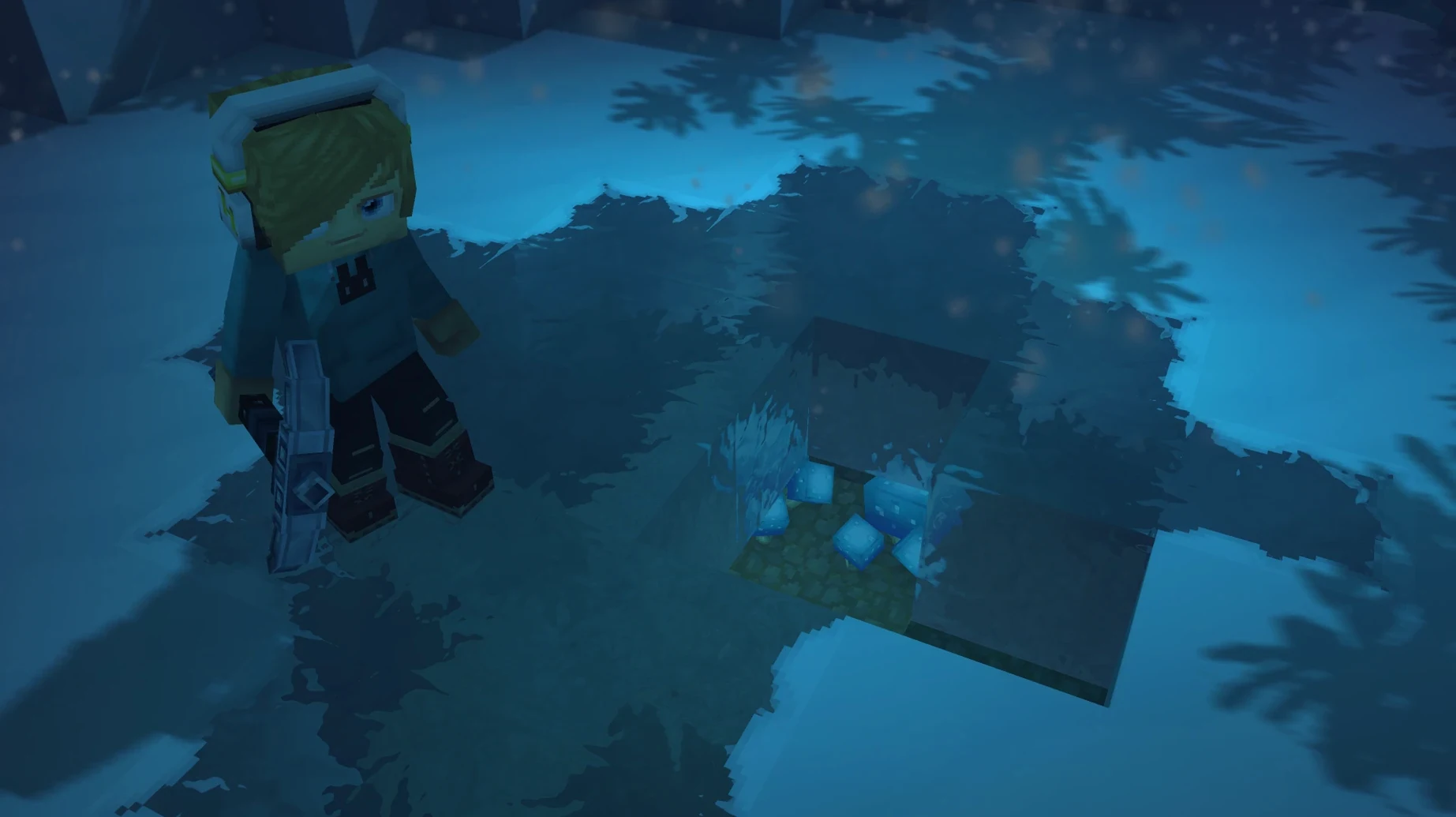
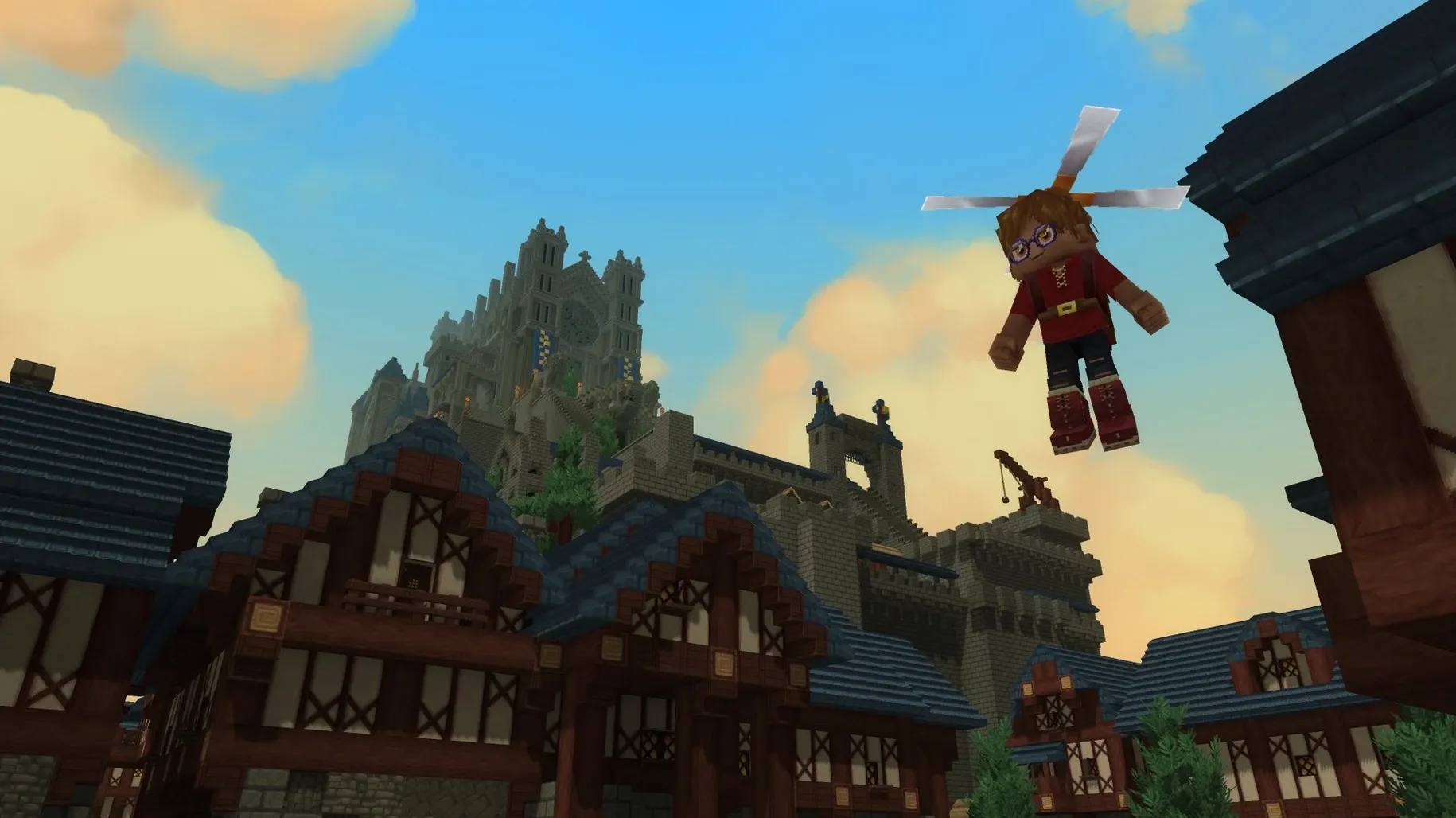
Build 2026.01.24-6E2D4FC36 marks the Early Access debut. Exploration Mode, Creative Mode, modding tools, and multiplayer all ship in this release. Core systems—camera, movement, combat, crafting, building, audio, and rendering—received targeted fixes that make the sandbox feel cohesive from the first boot.
Orchestral biomes hum on an M4 Mac mini
Yes. The build targets macOS Tahoe on Apple Silicon. Testing was done on a Mac mini 2024 with an M4 chip, and that machine handles the procedurally generated worlds, dungeons, and creature-filled caves without issue.
What modes are included?
Exploration Mode sends you through ruins and caverns with responsive combat. Creative Mode gives you unlimited blocks and the full building toolset. Multiplayer works across both, and modding support is active for custom minigames and community servers.
What performance should I expect?
On M4 hardware, the renderer stays smooth during exploration and block-heavy creative builds. The Early Access label means unfinished features and ongoing updates, but the frame pacing holds up well in the current version.
Timed parries turn blocky brawls into skill fights
Place Hytale next to Minecraft and you notice the RPG spine right away. Minecraft gives you a loose objective and a vast canvas; Hytale tightens that with dungeons, quest-like ruins, and combat that asks for timing instead of spam-clicking. The block-by-block building is familiar, but the art direction—softer lighting, animated fauna, biomes that feel hand-tuned—pushes it closer to a story-driven adventure than a pure sandbox.
Compare it to Terraria and the difference is dimension and scale. Terraria layers progression onto a 2D plane with boss gates; Hytale keeps that sense of escalation but sprawls it across a 3D world you can reshape. Server support in both games is strong, yet Hytale ships with modding tools baked into Early Access, not retrofitted later. Where Terraria rewards preparation, Hytale rewards exploration and reaction in equal measure.
Modifier-click empties your pockets into nearby chests
- Quick-stack to nearby containers — hold a modifier key and click a chest to dump matching items from your inventory. Cuts inventory tetris in half after a long cave run.
- Tool belt swap — assign a secondary hotbar row and toggle it with a single keystroke. Keep weapons on one row, building blocks on the other.
- Blueprint snap — in Creative Mode, hold
Shiftwhile placing a saved blueprint to align it to the nearest chunk border. Large builds stay grid-perfect without counting blocks. - Silent mode toggle — the audio menu includes a one-click music-only switch that keeps ambient cues active while muting the soundtrack. Useful when you want the world to breathe but your own playlist to play.
- Mod reload without restart — press
F8in a single-player world to hot-reload script mods. Iterating on a minigame no longer means watching the splash screen again.
None of these are tutorialised during the first hour, but each one shaves friction once the muscle memory locks in. The quick-stack alone changes how you manage loot between expeditions.
- New — Early Access launch with Exploration Mode and Creative Mode.
- New — Modding support and multiplayer available in all modes.
- Fixed — Core systems: camera, movement, combat, crafting, building, audio, and rendering.
- macOS Tahoe
- Apple Silicon (tested on Mac mini 2024 M4)
Questions I get before install
Which languages does it support?
The interface ships in English and Russian.
Can I host a server?
Multiplayer and community server tools are included, with modding support to create custom minigames.
Is this the full game?
This is an Early Access release with core exploration, building, and combat in place. Features will expand through ongoing updates.
Comments 0
Sign in to leave a comment.Sign inCreate an account
No comments yet. If a step is still there after you install it, say so.
More in Games
All in Games HUMANKIND
Keeps exploration, combat, and city-building on one seamless map without loading screens.
12 steps saved
 Hozy
Strips a room to its bones, then lets you paint and furnish the clean space.
20 steps saved
 House Flipper
Hands you a neglected property to clean, repair, and furnish room by room.
12 steps saved
 Inkulinati
Sets a turn-based strategy battle inside a living medieval manuscript page.
8 steps saved
 Updated
HITMAN World of Assassination
Turns each level into a clockwork puzzle where disguise and timing decide the outcome.
19 steps saved
 Updated
Invincible VS
Pits comic characters against each other in a fast 3v3 fighter on a single screen.
23 steps saved
 Heroes of Might and Magic 4: Complete
Bundles base game and expansions into one launch for modern Macs.
5 steps saved
 Updated
inZOI
Builds detailed lives and cities in a life sim with deep character creation.