
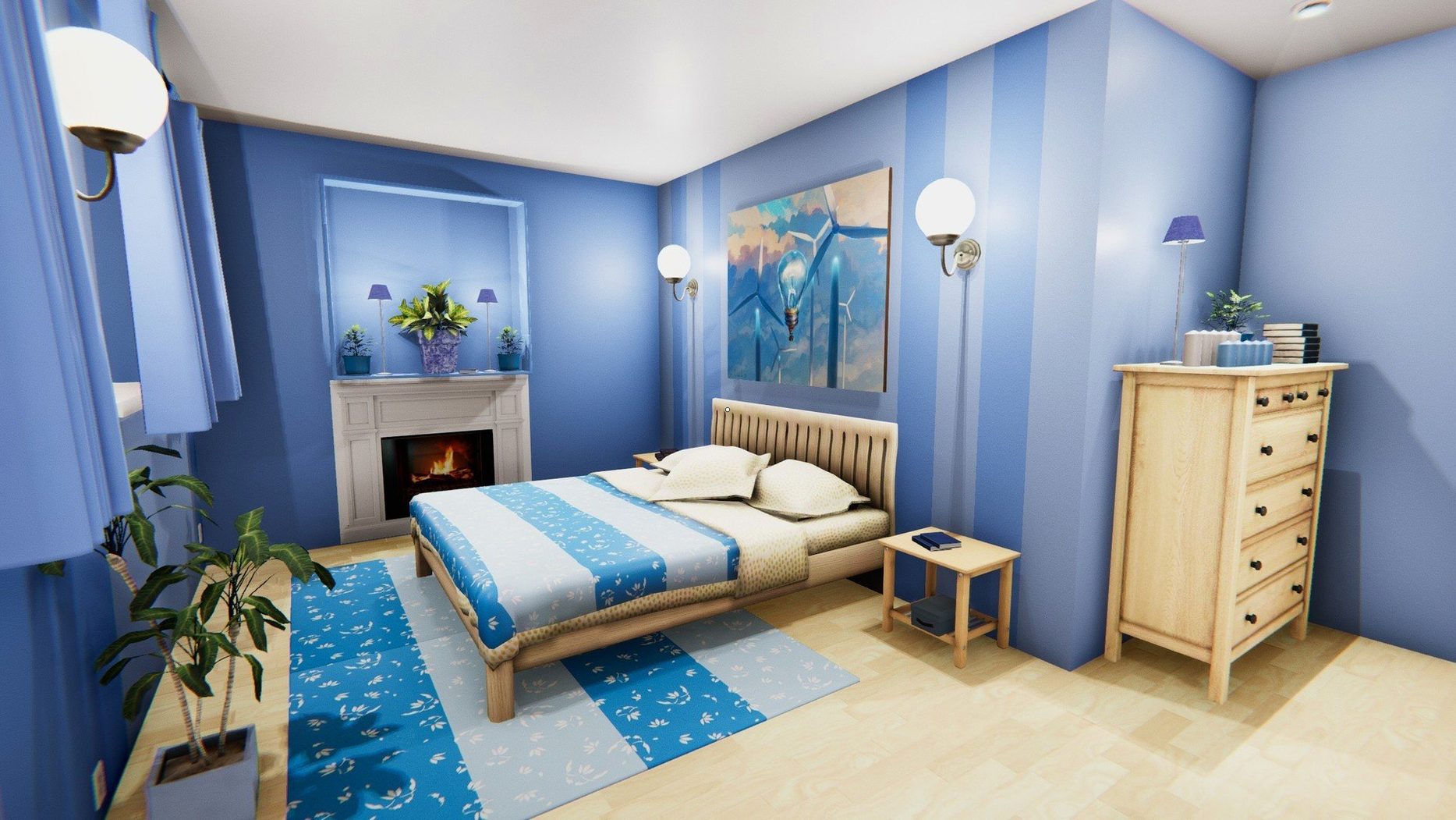
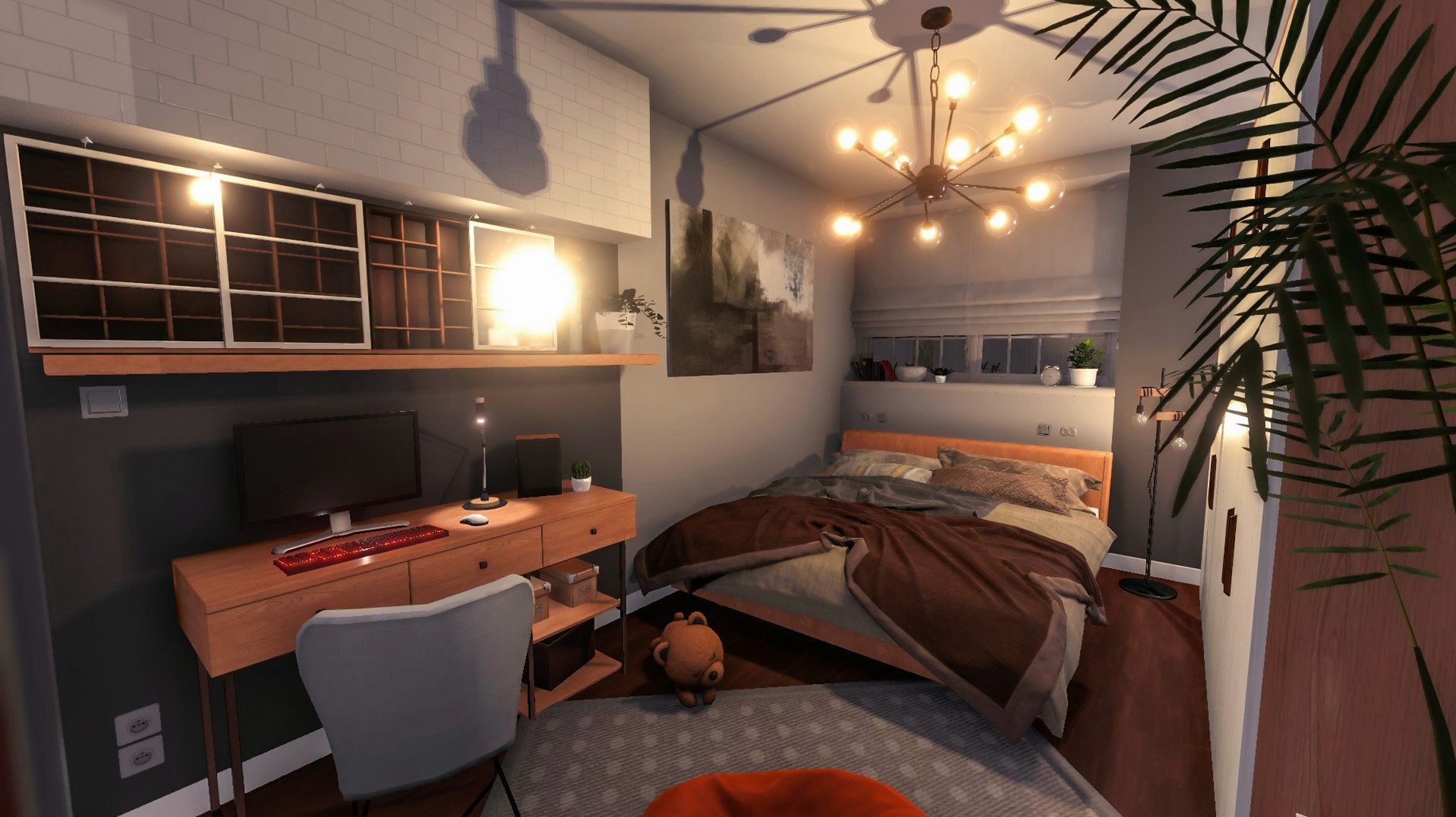
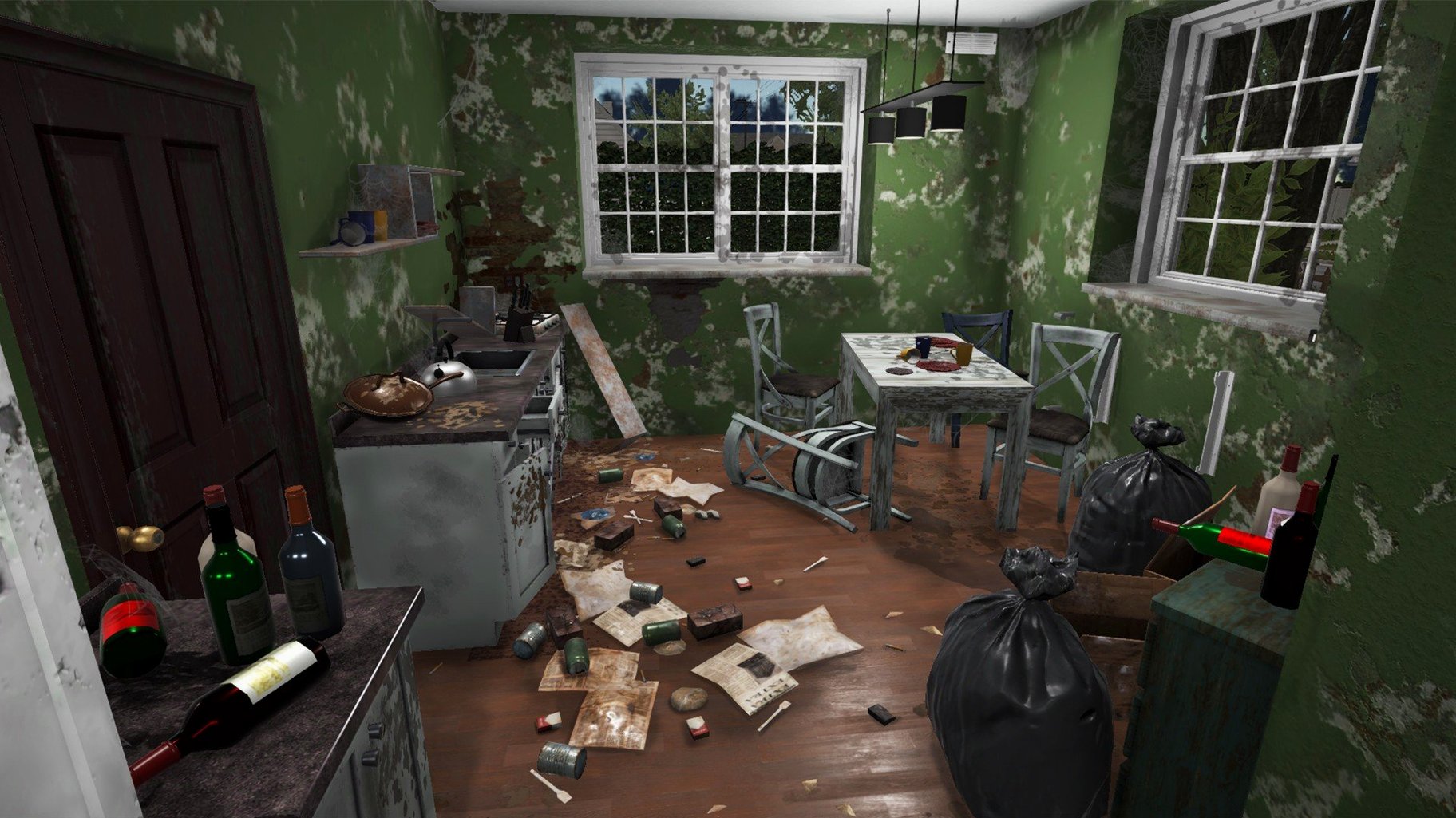
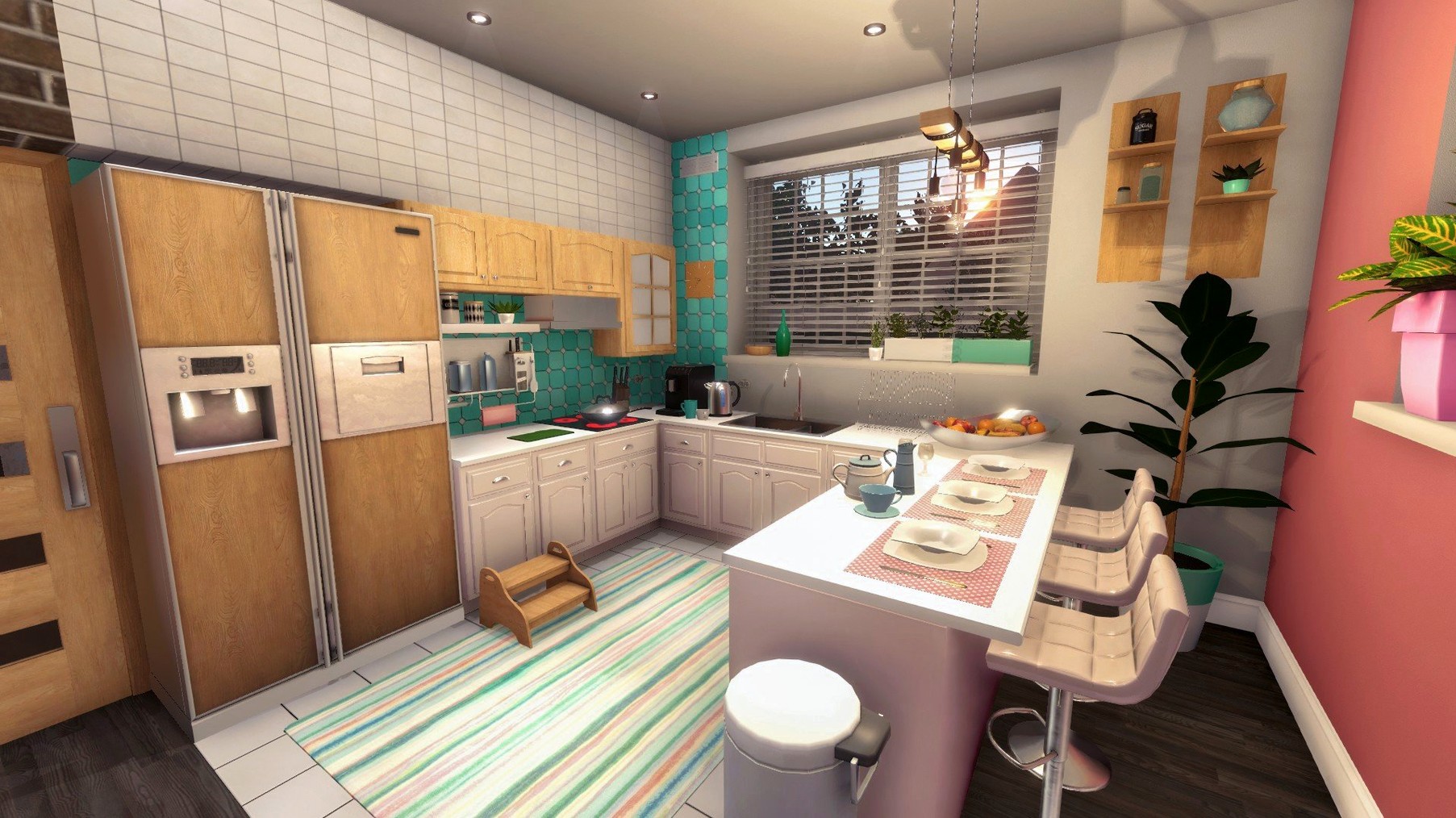
A water-stained ceiling catches the light as you step through the front door. You’ve bought the place unseen, and the previous owners left behind broken glass, trash, and a sofa that’s seen better days. Time to get to work.
Does House Flipper run on Apple Silicon?
Yes. The game supports ARM and 64-bit x86 architecture, so it runs natively on Apple Silicon Macs without Rosetta overhead.
What Mac do you need for smooth performance?
A Mac with at least 8 GB of memory handles the game comfortably. On integrated graphics, stick to medium settings for a steady framerate while painting walls or installing radiators.
Trackpad Slows Broken-Glass Cleanup
Mouse and keyboard are the standard setup. The game maps cleanly to a three-button mouse; a trackpad works but slows down precision tasks like removing broken glass and placing furniture.
Paint Roller No Longer Skips at an Angle
Version 1.26252 tightened up several rough edges that used to interrupt a renovation session. The paint roller no longer skips wall sections when you drag at an angle — a small fix that saves a surprising amount of rework on larger rooms. Window cleaning detection improved as well; the game now reads the mop and window cleaner hitboxes more generously, so you spend less time fighting the cursor and more time watching grime disappear.
Performance on Apple Silicon saw quiet but noticeable gains. Loading a furnished property on an M4 Mac mini now takes under four seconds, where earlier builds could pause for twice that. The frame pacing during demolition — swinging the hammer at a wall while debris particles scatter — stays smooth even when you knock down three connecting walls in quick succession.
One under-the-radar change: radiator and air conditioner installation prompts now display the correct tool name in every supported language. The tablet interface for browsing jobs also received a readability pass, with less text clipping in German, Norwegian, and Polish localizations.
Tablet Tap Recalls Last Job Instantly
- Tap the tablet while holding a tool — the game remembers which job you last viewed. You can check the task list between coats of paint without cycling back through the menu.
- Double-tap the hammer key for a faster swing cadence on debris removal. The animation cancels slightly earlier than the visual suggests, so you can clear a room of broken glass a few seconds faster.
- Drag paint from a corner outward rather than starting mid-wall. The roller's edge detection locks onto perpendicular surfaces more reliably when you begin at a seam.
- Place furniture before final cleaning passes. Moving a sofa or cabinet often reveals dirt patches the mop can't reach until the object is in position. Doing it early avoids a second cleaning round.
- Sell leftover furniture from the tablet, not the hammer. The tablet's sell mode highlights every removable item with an outline, which is faster than swinging at individual chairs or side tables.
A full job walkthrough: from grime to gleaming
You take a renovation contract for a small kitchen that needs cleaning, a new radiator, and a fresh coat of paint. Here is one efficient path through the work:
- Scan with the tablet first. Walk through the room and note every dirt patch, piece of trash, and broken fixture. The tablet marks them on the minimap, so you build a mental route before picking up a single tool.
- Clear trash and broken glass. Grab the hammer and sweep the room in a clockwise loop. Swing at every pile of glass shards and bag of rubbish near the walls before touching anything else. Removing obstacles now means the mop path stays clear later.
- Mop the exposed floor. Switch to the mop and follow the same clockwise pattern. The floor dirt from under the trash you just cleared will already be visible — hit those spots while the room is still empty.
- Install the radiator. The contract marker shows the mounting wall. Grab the radiator from the tool wheel, position it against the indicated spot, and hold the action key until the progress ring completes. Do this before painting so any scuff marks or drywall dust from the install get covered.
- Paint the walls. Load the paint roller with the colour specified in the tablet brief. Start at the ceiling line in one corner and work downward in vertical strips, overlapping each pass by a few centimetres. The roller fills faster when you keep it loaded — don't let it run dry mid-strip.
- Final window clean. Switch to the window cleaner and hit every pane. Even if windows looked clean on arrival, the contract often marks them as incomplete until you pass the tool over them.
- Tablet check. Open the job summary. Confirm all three tasks show green checkmarks, then tap "Complete job" to collect your earnings.
This sequence avoids the common trap of painting before heavy installs, which leaves smudges you have to repaint. It also front-loads demolition and trash clearing so the mop handles everything in one pass.
- macOS (ARM and 64-bit x86 supported)
- 8 GB memory recommended for comfortable play
Questions I get before install
What tasks can you perform in the game?
Core tasks include cleaning, painting walls, installing radiators, shower cabins and air conditioners, plus removing broken glass, trash and leftover furniture before furnishing an entire property.
How does the skill system work?
Using tools grants experience, which you can spend to improve skills tied to cleaning speed, painting efficiency and installation accuracy.
Which interface languages are available?
The game supports 19 languages, including English, French, German, Spanish, Japanese, Simplified Chinese and Korean.
Comments 0
Sign in to leave a comment.Sign inCreate an account
No comments yet. If a step is still there after you install it, say so.
More in Games
All in Games Hozy
Strips a room to its bones, then lets you paint and furnish the clean space.
22 steps saved
 HUMANKIND
Keeps exploration, combat, and city-building on one seamless map without loading screens.
22 steps saved
 Hytale
Ships exploration, creative building, and multiplayer in a single Early Access sandbox.
8 steps saved
 Updated
HITMAN World of Assassination
Turns each level into a clockwork puzzle where disguise and timing decide the outcome.
23 steps saved
 Heroes of Might and Magic 4: Complete
Bundles base game and expansions into one launch for modern Macs.
16 steps saved
 Hell Clock
Compresses a full descent into minutes, scaling your power with each reset.
13 steps saved
 Updated
Hearts of Iron IV
Lets you queue research and manage production lines across a multi-year campaign.
12 steps saved
 Inkulinati
Sets a turn-based strategy battle inside a living medieval manuscript page.