
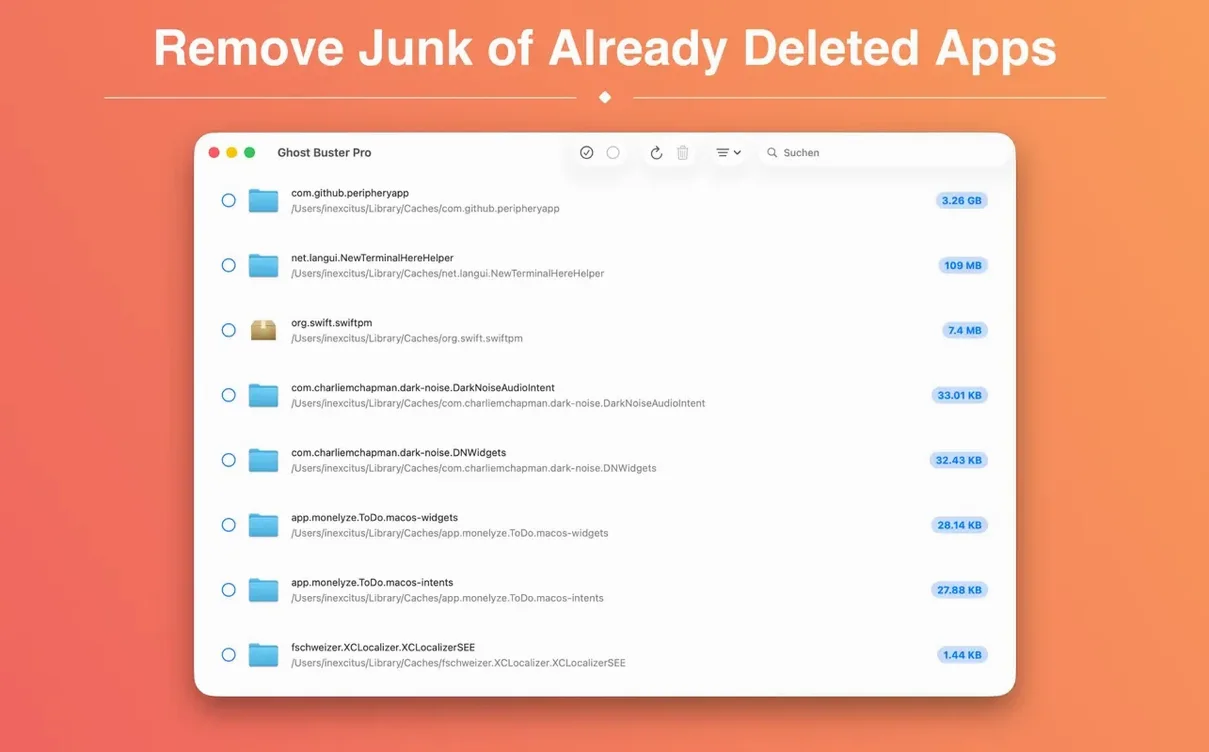
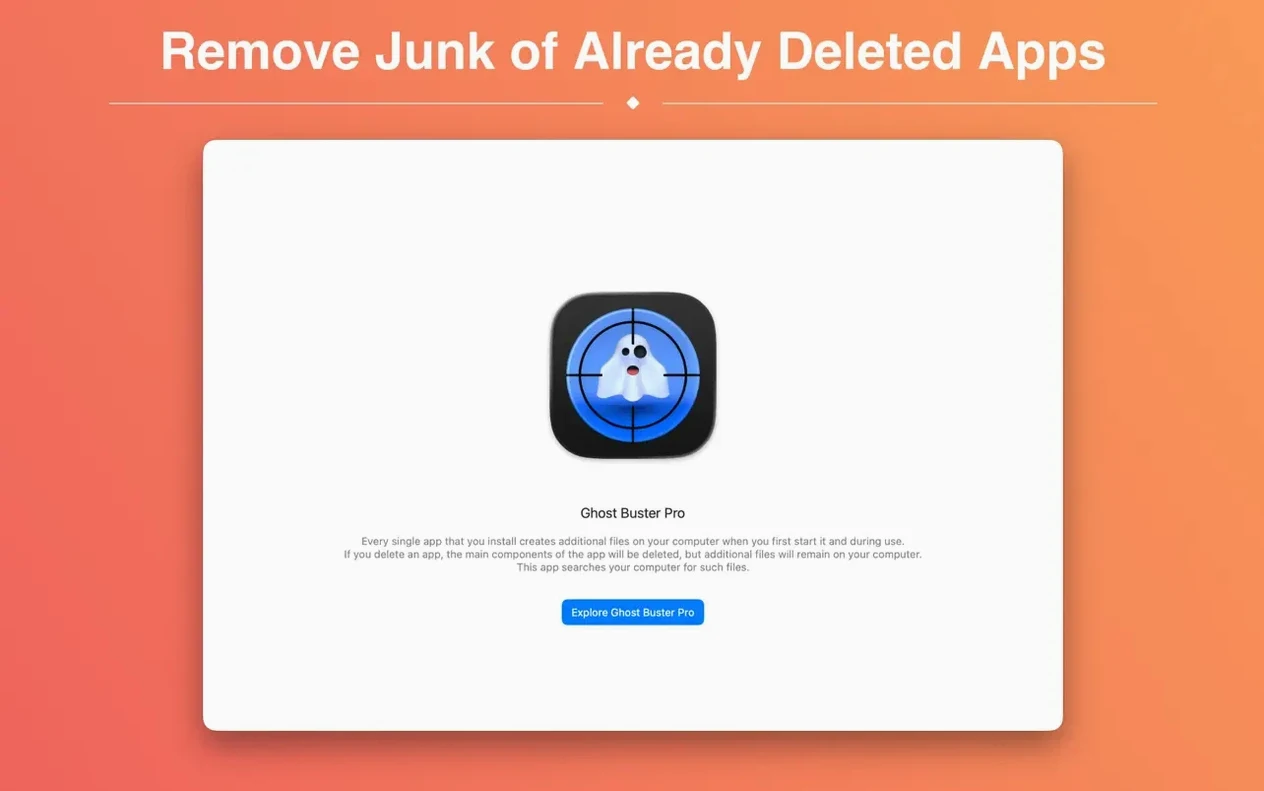
Your Trash can handles the main .app bundle. Ghost Buster Pro handles the rest. It scans your Mac for support files, preferences, and caches that belong to apps you have already removed.
Zero in on orphaned caches and preferences first
- Run a full scan to see a list of orphaned files sorted by the app that created them.
- Filter by file type — focus on caches or preferences folders first since they tend to be the largest.
- Preview any file with Quick Look before you decide. No data is deleted without your consent.
A focused cleanup
Version 6.2.0 keeps the workflow simple. Choose a leftover item, confirm you want it gone, and let the app handle the rest. It works on both Intel and Apple Silicon Macs running macOS 15.6, with interface support in nine languages including English, German, and French.
Single-purpose leftover scanner versus all-in-one suites
Most cleanup utilities bundle leftover scanning inside a larger suite of tools — app uninstallers, duplicate finders, startup managers. Ghost Buster Pro does one job and stays out of the way.
- AppCleaner — removes an app and its leftovers at the same time. Ghost Buster Pro targets files left behind by apps you already deleted, so it works for cleanups that started months ago.
- CleanMyMac — a full maintenance package with a leftover scanner as one module among many. Ghost Buster Pro loads faster and shows results immediately after launch, no extra modules to navigate.
- Hazel — rule-based file automation, not a leftover scanner. It can be configured to watch specific folders, but it will not trace orphaned preferences to a deleted app the way Ghost Buster Pro does.
If your cleanup habit is “delete the .app and forget it,” Ghost Buster Pro fills the gap without asking you to adopt a whole maintenance routine.
Hunting down a ghosted markdown editor’s remnants
Say you removed a markdown editor six months ago, and its name keeps showing up in crash reports or Quick Look previews. Start with a targeted pass.
- Launch Ghost Buster Pro and let the initial scan finish.
- Type part of the app name in the search field to isolate its leftovers.
- Sort results by file size so the largest cache directories appear first.
- Select a file and press
Spaceto preview it with Quick Look, then mark the ones you recognize. - Delete the marked items in one action, then run a second scan to confirm nothing else surfaced.
The second scan usually takes less than a minute. What remains after it is either unrelated to the retired app or too small to bother with.
Results appear instantly with no scan button required
- Immediate scan — results start appearing the moment the window opens. You do not need to press a “Scan” button or choose a drive first.
- One-click deletion — after selecting leftovers, a single confirm action removes all of them. No per-file approval dialogs.
- Sorting by source app — files are grouped by the app that created them, which makes it easier to spot fragments from apps you thought were fully gone.
- Quick Look support — press
Spaceon any listed item to inspect it before deleting. Useful for distinguishing a stale preference from a folder you actually want. - No background agent — the app does not sit in the menu bar or run scheduled scans. It works when you open it, then quits cleanly.
Users searching for a “ghost buster mac” tool usually want exactly this: a fast scan, a clear list, and a delete button that does what it says. Ghost Buster Pro delivers that without turning cleanup into a project.
- New — Built-in help explains how scanning works and what's safe to remove, so you can make decisions faster.
- New — Info button next to each result tells you exactly why an item counts as a leftover. No more guessing.
- Changed — Now requires Apple Silicon. Intel Macs can keep using the previous version.
- macOS 15.6 or later
- Apple Silicon or Intel 64-bit
Questions I get before install
Does Ghost Buster Pro delete files automatically?
No. It never deletes data without your explicit consent, so you always control what gets removed.
Can I use Ghost Buster Pro with Family Sharing?
Yes, the app supports Family Sharing, so your family group can use it on their own Macs.
Comments 0
Sign in to leave a comment.Sign inCreate an account
No comments yet. If a step is still there after you install it, say so.
More in Mac Apps
All in Mac Apps Gemini
Targets and removes exact duplicate files that waste drive space.
22 steps saved
 Glyphs
Creates and edits complete font families, from the first glyph to export.
17 steps saved
 GoLand
Surfaces goroutine leak data inline to start debugging immediately.
13 steps saved
 Updated
FxFactory Pro
Installs and manages video effect plugins for Final Cut Pro, Motion and Premiere.
16 steps saved
 FotoMagico
Turns a folder of photos into a timed presentation with captions and music.
20 steps saved
 Updated
ForkLift
Manages files across servers and cloud services in a dual-pane layout.
8 steps saved
 Guitar Pro
Writes and plays back tablature and sheet music for stringed instruments.
10 steps saved
 Guitar Rig
Processes a clean guitar signal through configurable amp and effect chains.