
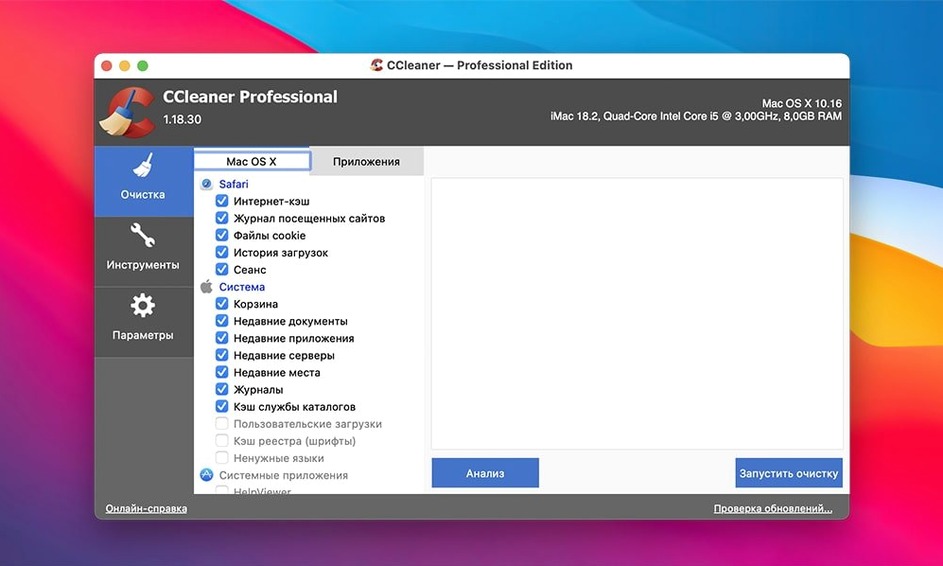
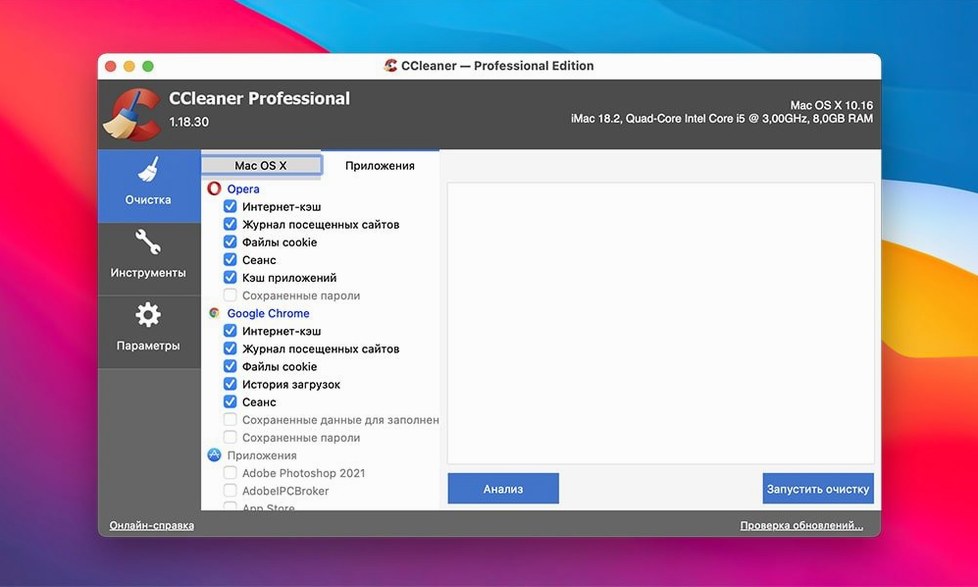
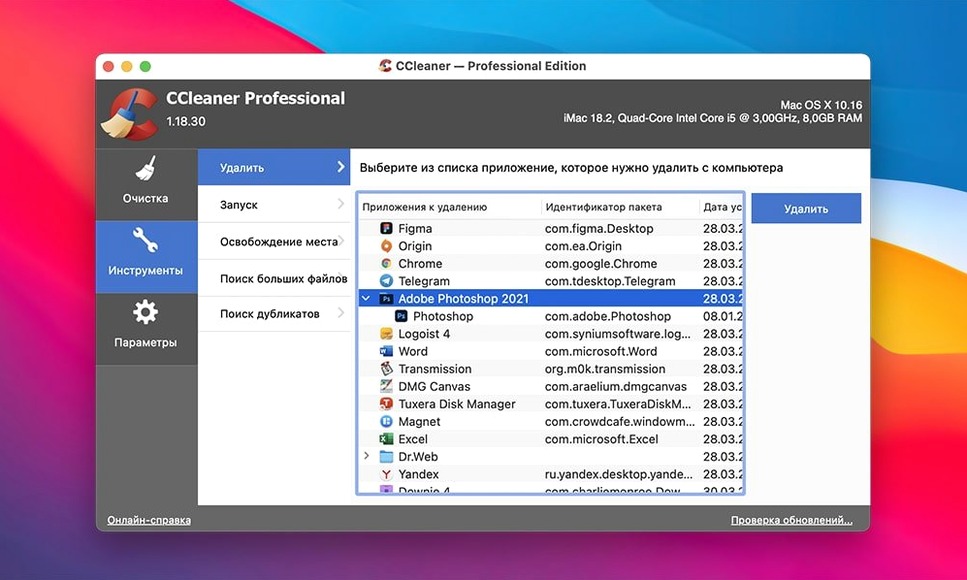
CCleaner Pro is a system cleanup tool that deletes temporary files, application caches, and recent-file lists to reclaim storage space on a Mac.
- Check compatibility. The app runs on Intel-based Macs from OS X 10.10 through macOS 13 Ventura.
- Pick what to clean. Select specific app logs, browser caches, or system junk. The software runs several verification checks before it deletes anything.
- Run the scan. Review the results, then confirm removal.
- Use the file wiper for sensitive data. A dedicated tool overwrites files multiple times so they cannot be recovered.
The interface keeps the process simple: a single scan across supported applications, a clear list of what was found, and a one-click clean. No scheduling gymnastics, no buried settings.
CCleaner vs the rest
CleanMyMac X bundles malware scanning, a menu-bar monitor, and software-update checks into one heavy package. That trades raw cleaning focus for breadth. If you want a single tool that also watches system health, CleanMyMac fits. If you only need to clear browser traces, app logs, and temporary files without the extras, CCleaner stays leaner.
Onyx is free and digs deep into macOS internals — cache rebuilding, permissions repair, hidden preference tweaks. It is powerful but not beginner-friendly. One wrong checkbox can cause odd behaviour. CCleaner exposes far fewer levers, so the risk of misclicking is nearly zero.
DaisyDisk visualizes storage as a sunburst chart, which is brilliant for spotting one massive folder you forgot about. It does not clean browser histories, recent-file lists, or app traces, though. Many people use DaisyDisk to find the culprit, then CCleaner to wipe the smaller clutter that accumulates across Safari, Chrome, and system temp folders.
Uncheck cookies and session data before you clean
Scan picks up files you want to keep. The default selection can include cookies or session data you rely on. Before you hit Clean, expand the results and uncheck any site or app entry you need. The verification step won't guess your preferences.
Gatekeeper blocks the installer. The disk image is not notarized by Apple. Mount it, then right-click the installer and choose Open. If that still triggers a warning, open Terminal and run xattr -cr on the app, then drag it into Applications. That clears the quarantine flag.
File wiper won't target free space. The overwrite tool works on specific files or folders you select. It does not scrub unallocated disk space the way a dedicated shredder would. For that, you would need a separate utility like Disk Utility's secure-erase option.
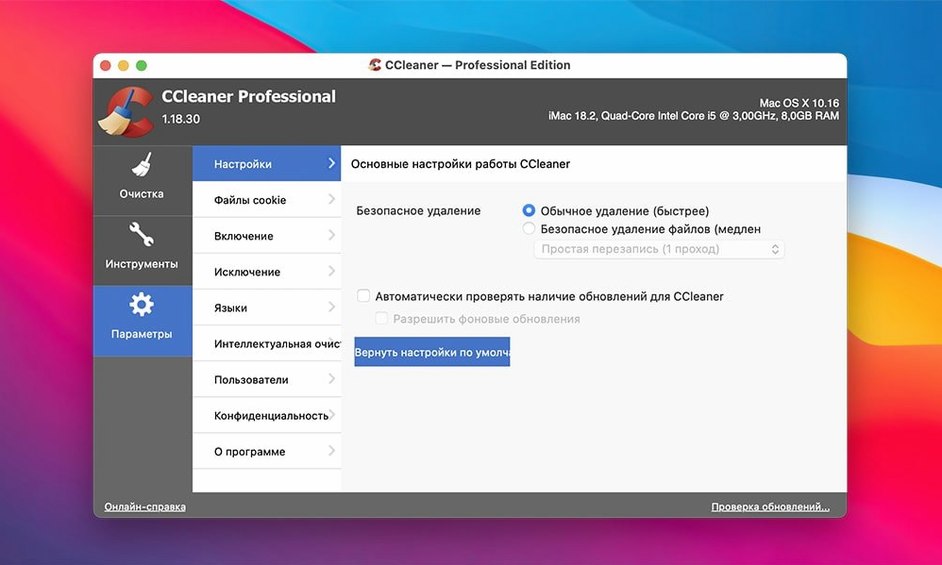
Browser extension data left behind. Some Chromium-based browsers store caches in profiles CCleaner doesn't recognize. If you use a lesser-known browser, run a scan, then check the file paths manually to confirm coverage. You can add custom folders in the preferences if needed.
Fewer false flags on system-language files
Version 1.18.30 tightened the verification routines that run before deletion. Users on forums had reported rare cases where the app flagged system-language files as junk. The updated logic excludes those false positives, so the scan results should match what you actually consider clutter.
Earlier builds struggled with Safari's updated cache structure on Monterey and Ventura. The fix in the current release restores full cleaning coverage for recent Safari versions without needing a separate script or manual purge.
The activation handling also changed. Previous cracks required disabling SIP or running a patcher that modified system files. The TNT build bundled with this version uses a self-contained approach that keeps the modification inside the app bundle, which reduces friction when macOS issues minor security updates.
Those searching for a CCleaner for Mac crack or a CCleaner Mac torrent often end up with older builds that miss the Safari fix and the refined verification step. A CCleaner torrent labelled version 1.16 or 1.17 will still clean, but you may see the false-positive language files and incomplete browser coverage. The same applies to any CCleaner Pro download torrent that predates the verification update.
- macOS: OS X 10.10 or later
- Architecture: Intel 64-bit
- Languages: English, Russian, German, Spanish, Italian, Dutch, Polish, Portuguese, French, Czech, Japanese
Questions I get before install
Which file-wiping standards does CCleaner for Mac use?
It uses a tool with multiple overwrite cycles designed to make file recovery impossible.
What does CCleaner remove from other apps?
It clears temporary files and recent-file lists left behind by other applications on your Mac.
Comments 0
Sign in to leave a comment.Sign inCreate an account
No comments yet. If a step is still there after you install it, say so.
More in Mac Apps
All in Mac Apps CleanMyMac
Clears system junk, mail attachments, and privacy traces in one scan.
12 steps saved
 Carbon Copy Cloner
Creates a direct, bootable duplicate of a disk on a schedule you set.
12 steps saved
 Updated
CleanShot X
Captures, annotates, and pins a window without leaving your screen.
17 steps saved
 Updated
Capture One
Gives tethered shooters direct raw-file control over colour and detail before retouching.
13 steps saved
 Clip Studio Paint
Draws comics, manga and illustrations with pen tools built for line art.
13 steps saved
 CapCut
Cuts short social videos fast with templates, auto captions and effects.
21 steps saved
 Clop Pro
Hands back a compressed copy the moment you copy an image or video.
13 steps saved
 Canopy
Shows playback controls and a countdown timer in a small overlay at the top of the screen.