NEF files carry two sets of dates: the one you shot, and the one your Mac sees. A Better Finder Attributes 7.50 closes that gap without a raw editor.
| Detail | Value |
|---|---|
| Current version | 7.50 |
| Developer | Publicspace |
| Languages | English, German, French |
| Architecture | Apple Silicon and Intel |
Start with a folder of Nikon raw files. Select them, choose the action to synchronize modification dates with shooting dates, and run it. The app reads the EXIF timestamp inside each NEF and rewrites the file's modification date to match. Batch work takes seconds, not an afternoon. Need the creation date fixed too? Set it in the same pass. The tool also adjusts JPEG EXIF data, handles ARF files, and keeps IPTC Date Created in line with EXIF time zone offsets.
Batch-fixing a 340-image shoot when the camera clock was off by 5 hours
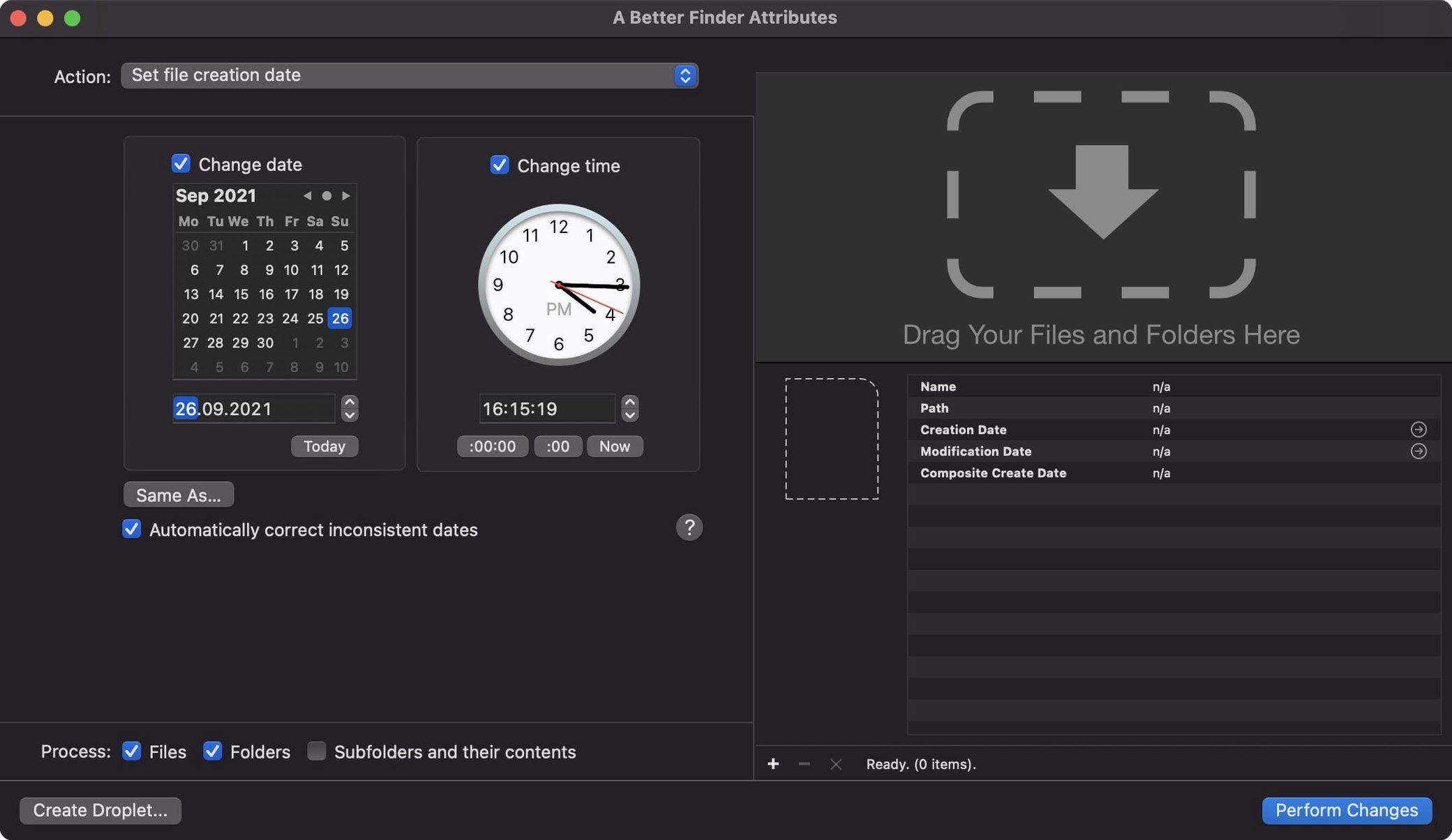
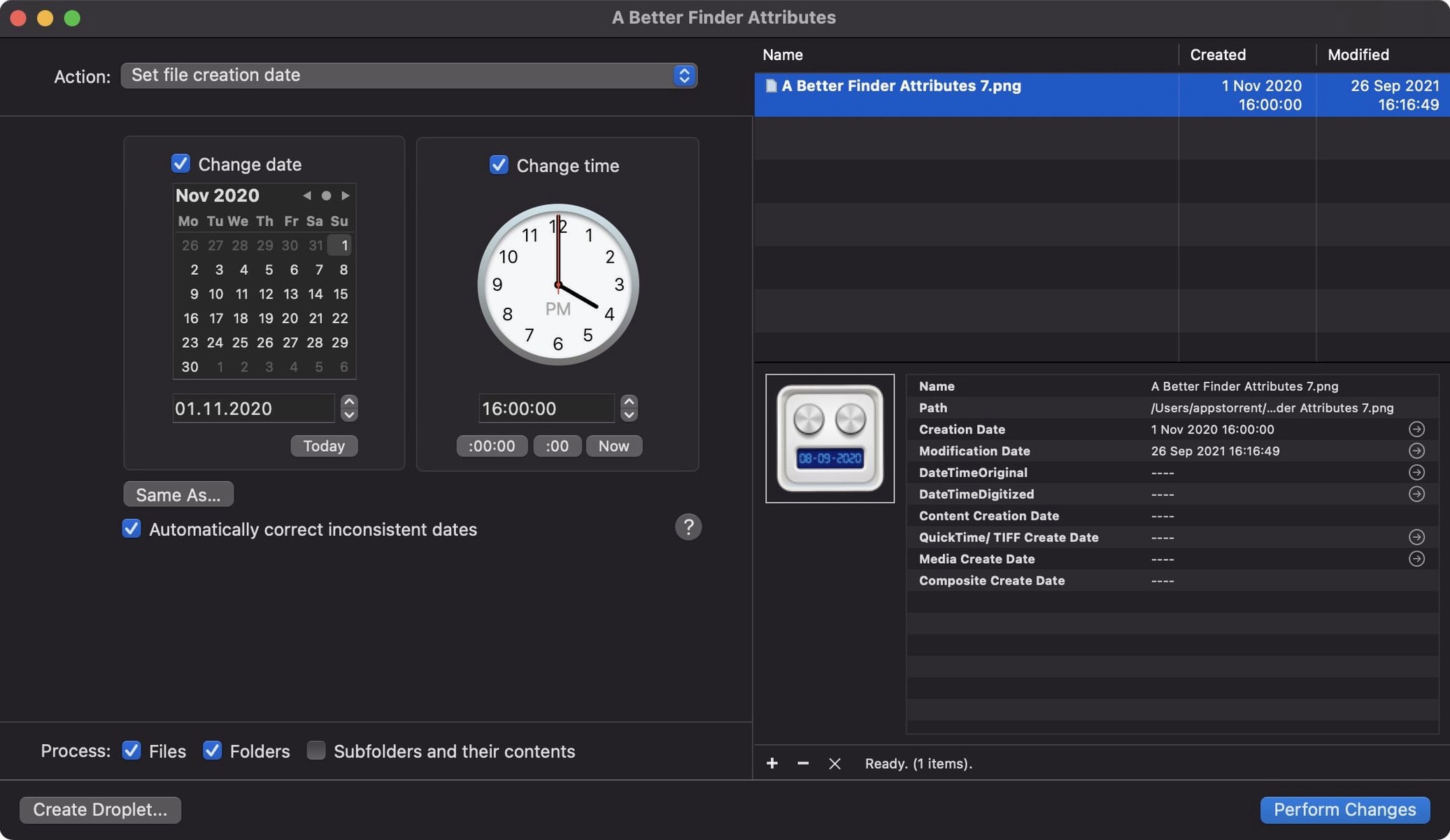
Monday morning. A client sends a folder of CR2 files from a Canon shoot where the camera clock was off by five hours. You drag the folder onto A Better Finder Attributes. The main window lists all 340 images. You tick Change creation date and set the action to Add 5 hours. Below it, you check Adjust EXIF timestamps so the metadata inside the file moves, not just the Finder label.
Before running anything, you pick one file and use the preview button. The before/after columns show exactly what will happen. Confident, you click Apply Changes. The progress bar sweeps across in under twelve seconds. Finder now sorts those photos into the correct sequence, and Lightroom reads the adjusted capture time without a single manual edit.
Next, a batch of scanned TIFFs needs their modification date set to match the handwritten dates on the prints. You switch to the Set to specific date action, type the date once, and apply it to the lot. Two tasks, under a minute.
Skipping the image editor to process date changes faster on large batches
A Better Finder Attributes vs. GraphicConverter — GraphicConverter can edit EXIF dates inside its browser, but it's a full image editor first. A Better Finder Attributes skips the editing surface entirely. It processes date changes faster on large batches and handles file-system attributes that GraphicConverter leaves alone, like the creation date and the Finder label visibility. If you only need to fix timestamps across a folder tree, the focused tool is the quicker one.
A Better Finder Attributes vs. ExifTool — ExifTool is a command-line powerhouse with no limits on what it can write. It also has no preview, no undo list, and no drag-and-drop batch window. A Better Finder Attributes wraps the same kind of power in a visual safety net. You see the result before it sticks. That matters when you are correcting a client's 4,000-image archive and cannot afford a mistake.
A Better Finder Attributes vs. Finder's built-in date columns — Finder shows dates but cannot change the creation date of a photo or push a timestamp into the EXIF header. It also cannot synchronize a file's modification date with its shooting date. The utility picks up where the operating system stops, especially for raw shooters dealing with CRW, ARF, and NEF containers.
Testing every action on copies before touching your real files
- Test on copies. Drop three files into a test folder and run every action you think you'll need — shift, set to specific, sync with EXIF. Open them in Finder and in your photo app to confirm the result before you touch a real project.
- Pin the app to your Dock. Drag-and-drop is the fastest way in. You can drop files, folders, even a mix, and the list populates immediately.
- Learn the preview column. The before/after pane is the undo net. Train yourself to glance at it before hitting apply. One wrong offset and you'll be grateful for the habit.
- Set the time zone once. In preferences, make sure the system time zone matches your intended adjustments. The 7.50 release tightened DST handling for QuickTime dates, so a correct base setting keeps movie files in sync with Photos and Final Cut Pro.
- Use the info button. Title bar info shows you the full metadata readout for a selected file. It is the quickest way to check whether a GPS coordinate or an IPTC date field is already populated before you overwrite it.
Version 7.55 brings a handful of targeted corrections that keep the attribute editor running cleanly on current macOS setups. The developer's notes point to a focused stability pass—no new features this round, just under-the-hood tightening.
- macOS 14.6 or later
- Apple Silicon or Intel 64-bit Mac
Questions I get before install
Can it change the last modified date of a file?
Yes, the app can change the last modified date on a file or a batch of files.
Does version 7.50 handle raw formats like NEF and ARF?
It adjusts date and time data in NEF files and ARF files, alongside JPEG EXIF data.
Comments 0
Sign in to leave a comment.Sign inCreate an account
No comments yet. If a step is still there after you install it, say so.
More in Mac Apps
All in Mac Apps A Better Finder Rename
Rebuilds hundreds of file names in one pass using configurable renaming categories.
22 steps saved
 Updated
Ableton Live
Controls clip timing precisely so dense sessions keep their transient punch.
17 steps saved
 Updated
Absynth
Builds evolving textures and drones with a semi-modular engine for sound design.
17 steps saved
 ACDSee Photo Studio
Chains exposure, sharpness, and watermark steps into one reusable batch preset.
4 steps saved
 1Password
Flags weak, reused, and exposed passwords so your team skips the security audit busywork.
13 steps saved
 Updated
Acorn
Edits screenshots and composites layers without the weight of a creative suite.
10 steps saved
 Updated
Adguard
Blocks ads and trackers across browsers and apps before they load.
9 steps saved
 Adobe After Effects
Composites, animates, and builds motion graphics for video and film projects.