
Version 2.18 is out, and the headliner is support for three AI-powered browsers. It also tightens up system requirements and ships with the usual stability refinements.
Four jobs one app handles
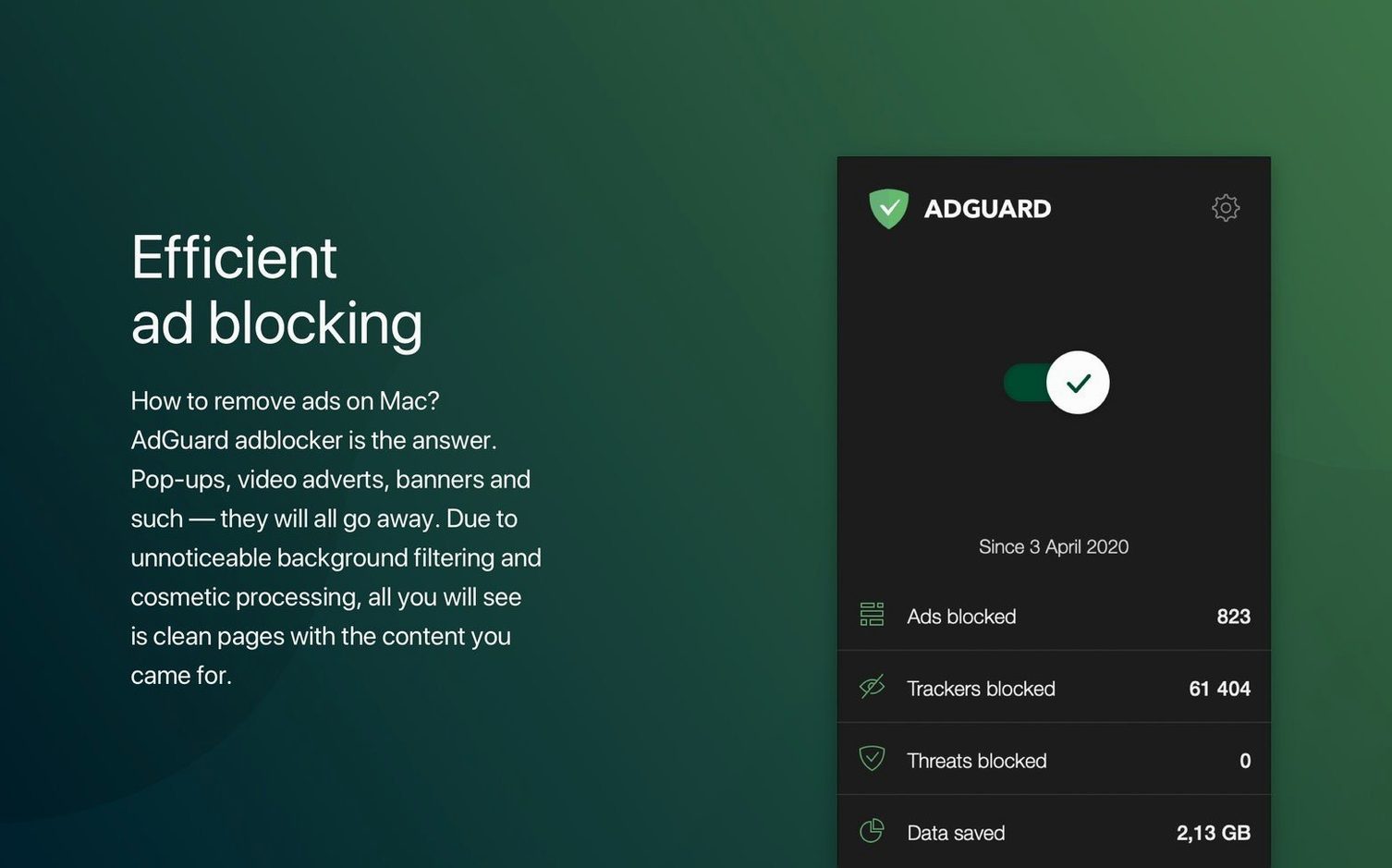
- Block ads everywhere. Filter traffic in every browser and app on your Mac — not just Safari.
- Stop trackers. Prevent scripts from building a profile of your activity across sites.
- Neutralize spyware. A dedicated filter blocks known malicious domains and fraud attempts.
- Manually tidy pages. Select and hide any persistent element an automatic rule misses.
System-level protection from Chrome to desktop apps, dark mode on Apple Silicon
AdGuard sits at the system level, so protection applies whether you work in Chrome, an AI browser, or a desktop app that loads web content. Dark mode support keeps it unobtrusive, and it runs natively on both Apple Silicon and Intel hardware. For a Safari-only approach, AdGuard Mini exists as a lighter alternative — but the full version is the pick when you want one filter across everything.
Right-click to block elements with a live preview slider
Right-click any blocked element on a page and choose Block element to open the manual selector. A live preview highlights what will disappear — drag the slider to widen or narrow the rule before confirming. This is far quicker than digging through the preferences panel.
The menu bar icon holds a few one-click shortcuts. Pause protection for 30 seconds, go to filtering log, or reload content blocker without opening the full interface. Hold Option while clicking the icon and you get a direct path to the support folder — helpful when troubleshooting a filter that's too aggressive.
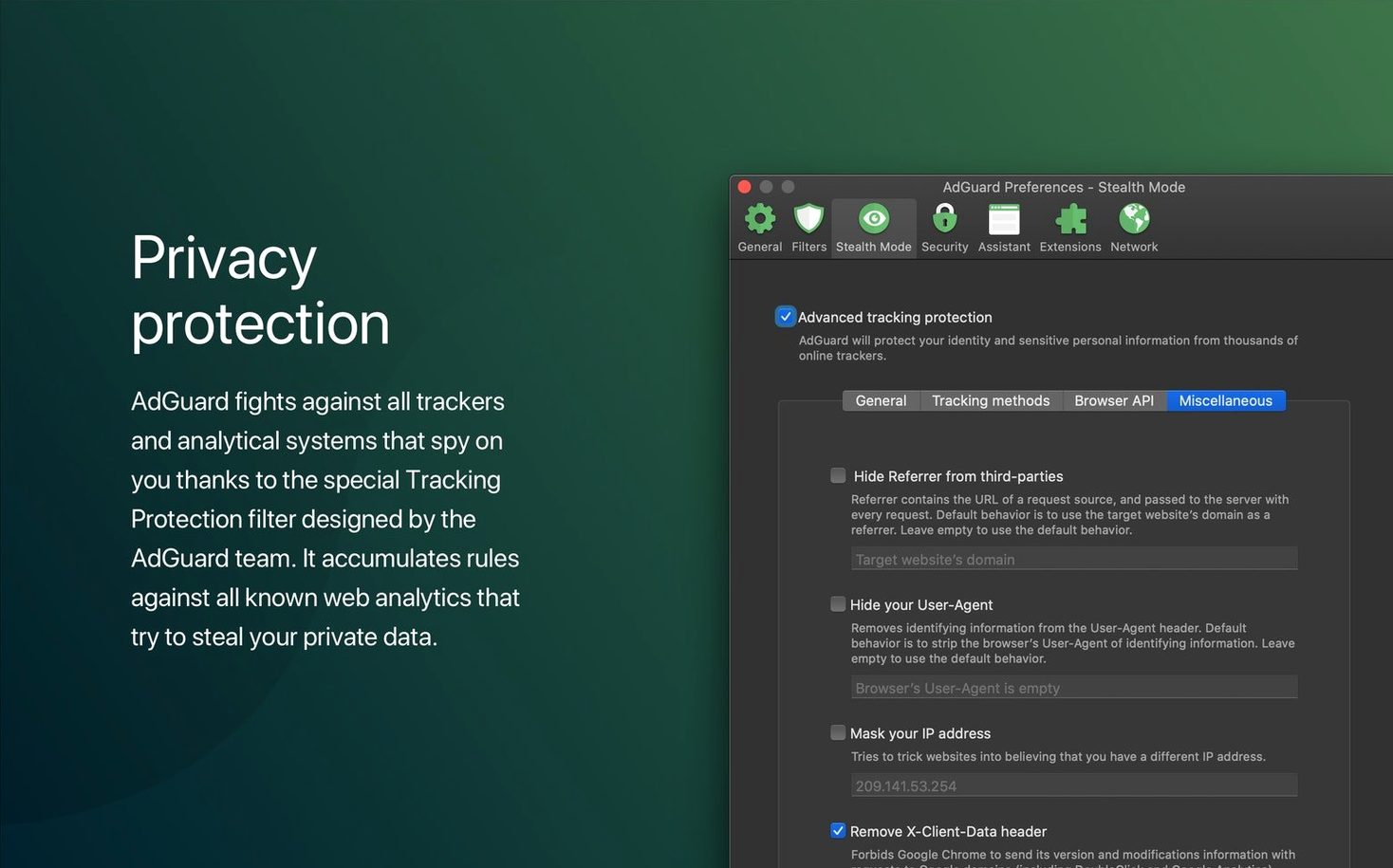
In the DNS protection settings, toggle on Use AdGuard DNS to offload tracker blocking from the local filter engine. This lightens the app's footprint slightly and catches domains that browser-level rules might miss. The privacy-friendly DNS-over-HTTPS option is right below it.
Native ARM idle at 120–150 MB with sub-second CPU spikes
On an Apple Silicon machine, version 2.18 idles at roughly 120–150 MB of RAM. CPU spikes are brief — usually when opening a media-heavy page — and settle within a second. The native ARM build shows no Rosetta lag, and the network extension integrates cleanly without periodic permission prompts.
Filtering 300,000-plus rules doesn't produce a perceptible delay in browsing. Page render times stay close to unfiltered speeds because AdGuard strips requests early in the network stack. The app's own UI responds immediately; switching tabs or toggling a filter list feels snappy.
Stability improvements in this release address a rare crash when waking from sleep with certain VPN configurations active. In daily use across a week of normal browsing, video calls and file downloads, the helper process stayed up without a single restart.
Day one: enable Annoyances and Social Media filter lists
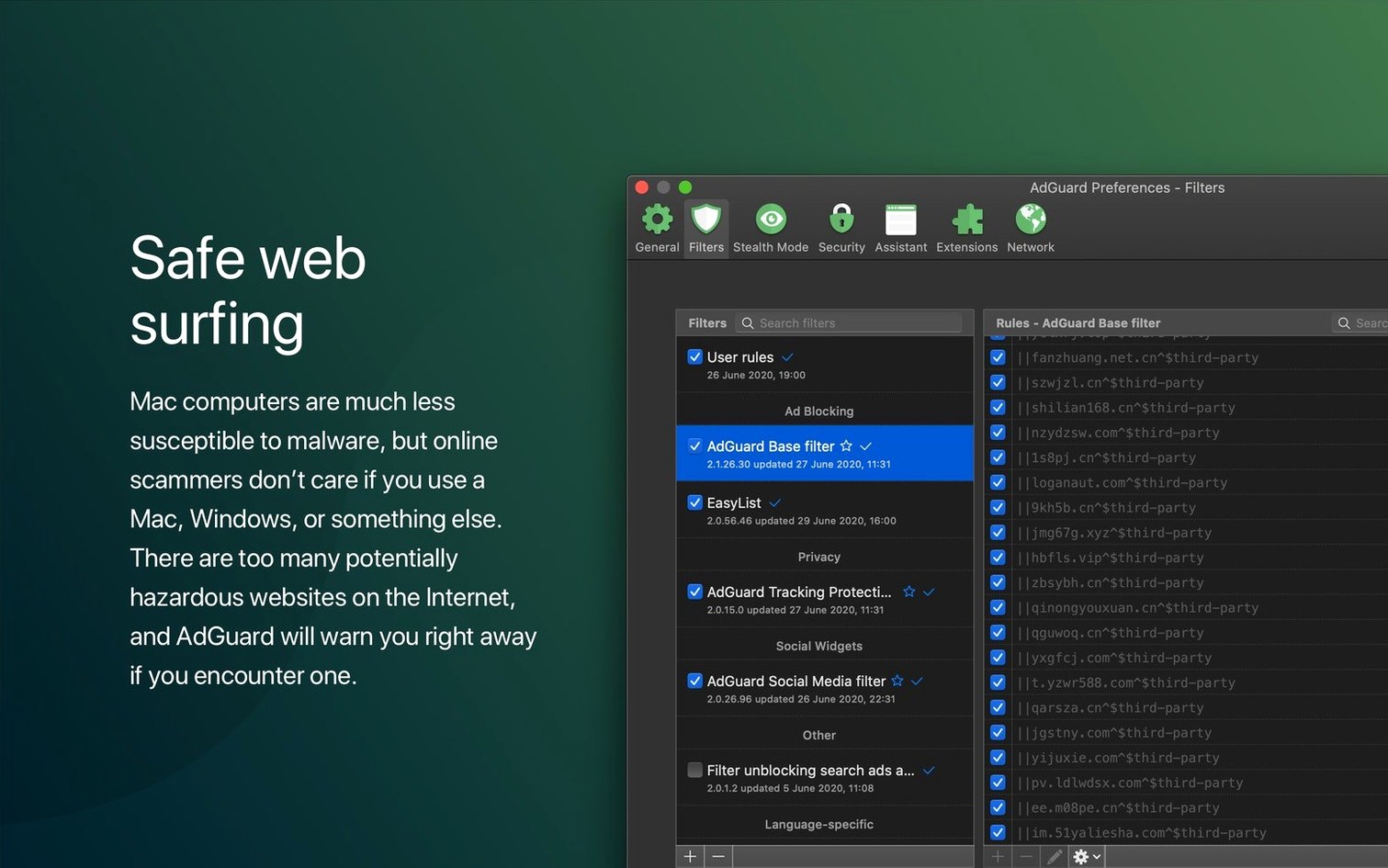
- Day one — check the filters. Open AdGuard > Settings > Filters and enable the language-specific lists you need. The default set is conservative; adding AdGuard Annoyances and AdGuard Social Media catches cookie notices and social widgets that slip through the base list.
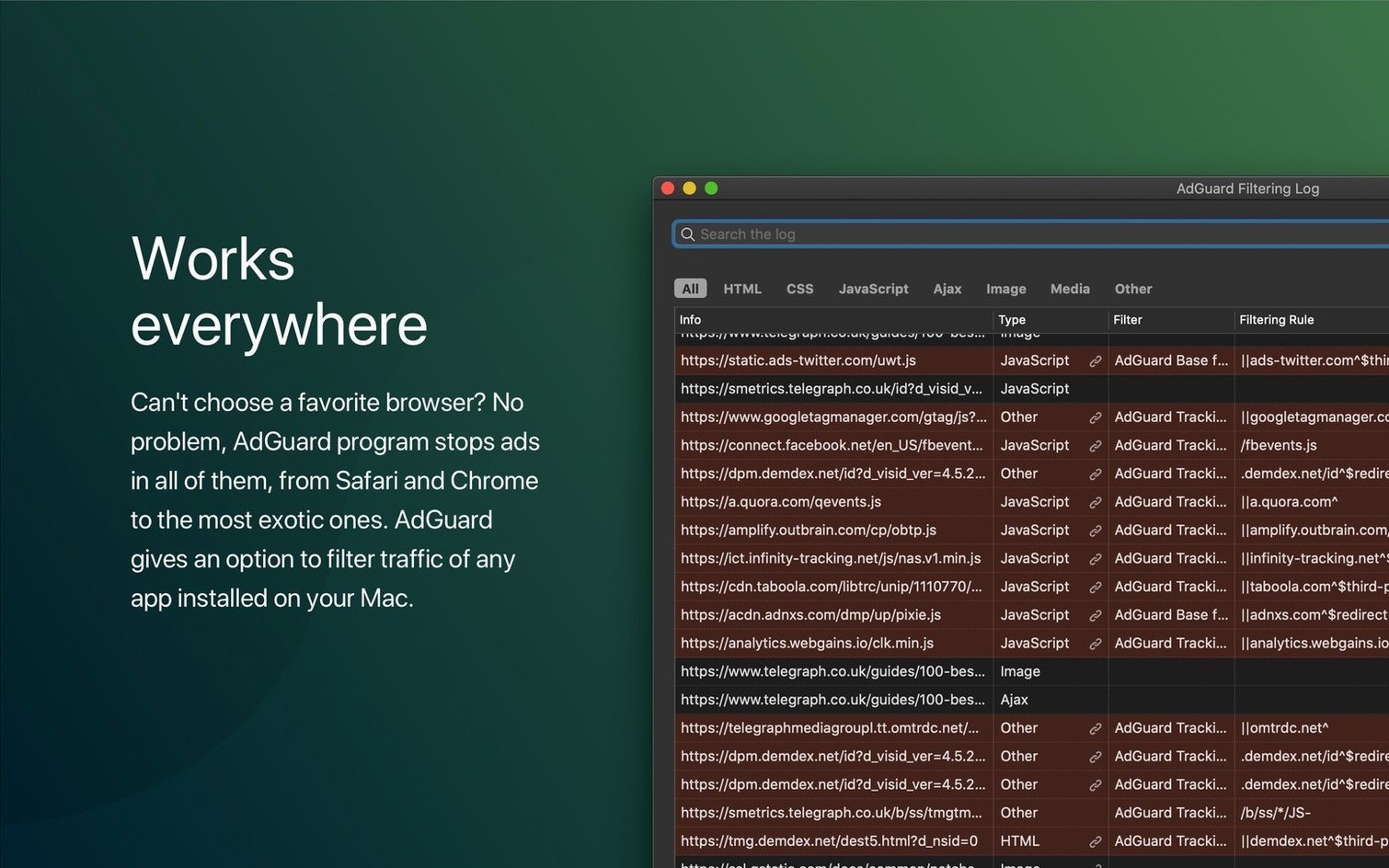
- Day two — whitelist what breaks. Some banking portals and internal company tools load scripts from blocked domains. When a page breaks, open the filtering log, find the blocked request, and add a
@@||domain.com^$importantrule with one click. Build a small custom whitelist over the first week and you will rarely need to touch it again. - Day three — tune HTTPS filtering. The app ships with a default certificate for decrypting HTTPS traffic. Check Network > HTTPS Filtering to confirm the certificate is trusted in your Keychain. If you use a local proxy or VPN for work, visit Network > Outbound Proxy and align the settings so AdGuard and your proxy chain correctly.
Once those three steps are done, the app largely fades into the background. Updates arrive roughly every few weeks, and the built-in updater handles them without a separate download. If you ever need a fresh copy, an adguard mac crack can be a starting point — just make sure the signed network extension is present and enabled in System Settings, while a direct adguard download mac gives you the installer that passes macOS Gatekeeper out of the box. For anyone moving from a browser-only blocker, the jump to system-wide filtering is noticeable within the first hour — cleaner pages, fewer pop-unders, and a quieter network panel in Activity Monitor.
AdGuard 2.20.2.2629 has arrived. The release notes are posted on the developer's site — head there for the full breakdown of this update.
- macOS 10.15 or later
- Apple Silicon or Intel 64-bit processor
Questions I get before install
What's the difference between AdGuard for Mac and AdGuard Mini?
AdGuard for Mac filters traffic in all browsers and apps at the system level, while AdGuard Mini is a lighter Safari-only ad blocker.
Can I block specific items AdGuard misses?
Yes, the manual blocking tool lets you select and hide individual ads or page elements that slip through automatic filters.
What Macs does this version support?
It runs on Apple Silicon and Intel 64-bit Macs with macOS 10.15 or later.
Comments 0
Sign in to leave a comment.Sign inCreate an account
No comments yet. If a step is still there after you install it, say so.
More in Mac Apps
All in Mac Apps Adobe After Effects
Composites, animates, and builds motion graphics for video and film projects.
13 steps saved
 Updated
Acorn
Edits screenshots and composites layers without the weight of a creative suite.
16 steps saved
 Adobe Animate
Produces vector animation for browsers, mobile devices, and game engines.
17 steps saved
 Adobe Audition
Captures, edits, and mixes multitrack audio with sample-accurate precision.
17 steps saved
 ACDSee Photo Studio
Chains exposure, sharpness, and watermark steps into one reusable batch preset.
6 steps saved
 Adobe Bridge
Previews, sorts, and batch-renames a whole shoot before you open any editor.
17 steps saved
 Updated
Absynth
Builds evolving textures and drones with a semi-modular engine for sound design.
22 steps saved
 Updated
Ableton Live
Controls clip timing precisely so dense sessions keep their transient punch.