

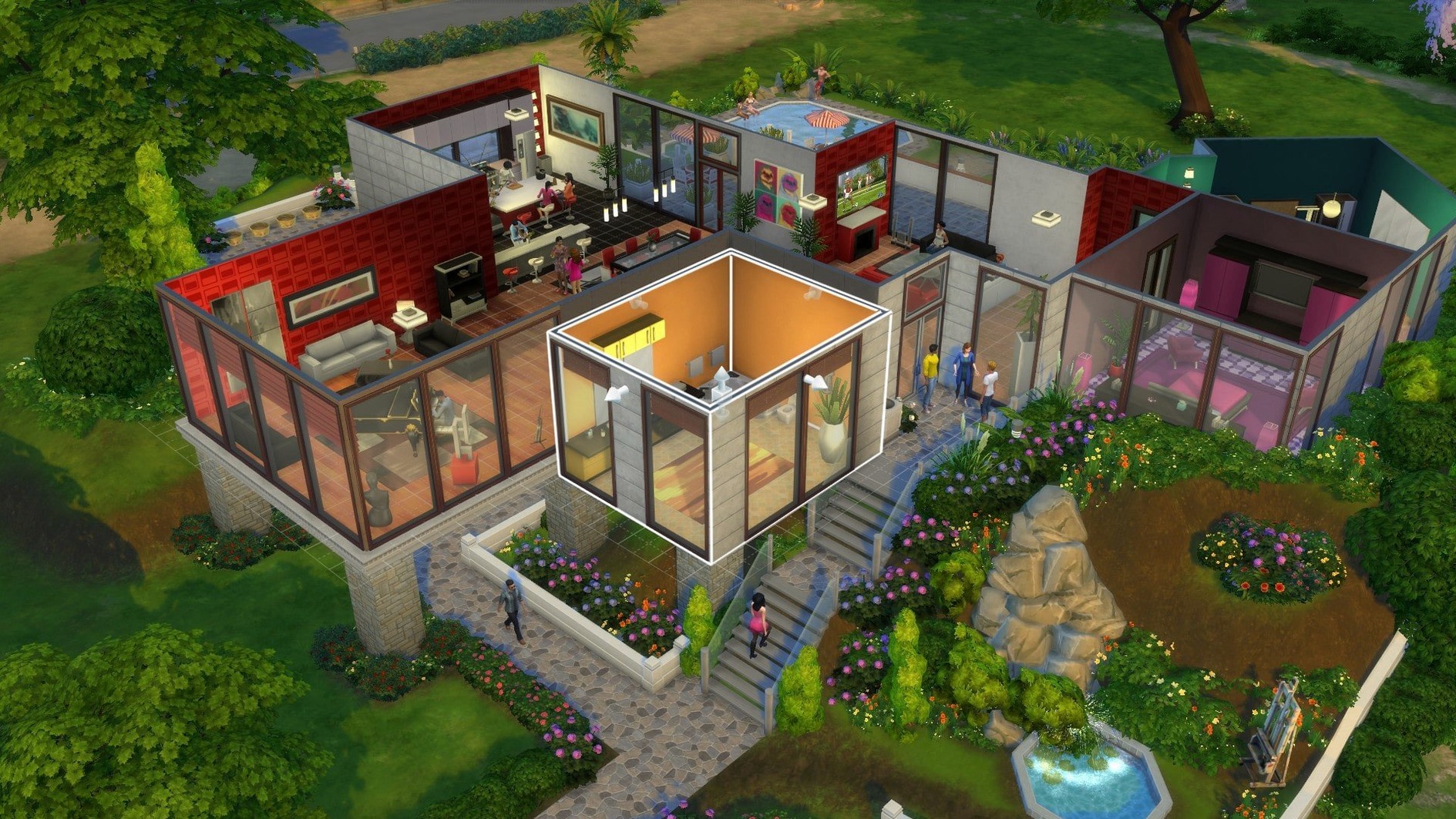

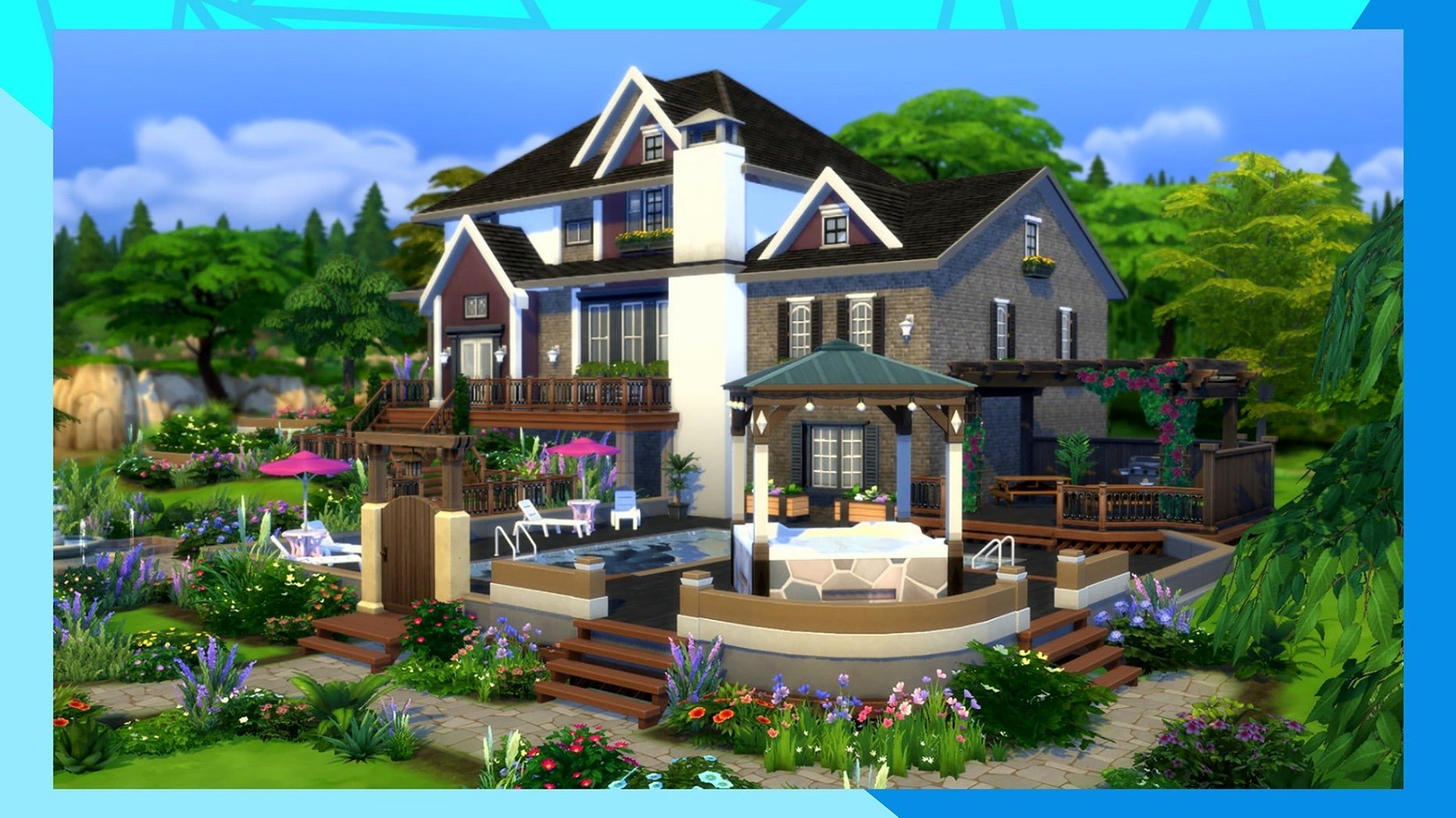
Where a word processor gives you a blank page, The Sims 4 hands you an empty lot and a neighbourhood of possibilities. It’s a life simulation built on creative freedom—you design characters, construct their homes, and guide their days through careers, relationships, and personal goals.
Thrives on self-directed architecture and multi-generational storytelling
You’ll settle in quickly if you enjoy setting your own objectives. An architecturally-minded player can spend hours on floor plans and furnishings. A storyteller might orchestrate family dramas across generations. The game supplies tools, not a tight script. Travel between towns, meet other Sims, and nudge your characters toward life goals—or simply watch the daily routines unfold. It works well on a MacBook Air with Apple silicon, where the ARM-native build keeps things responsive during long sessions.
Loses momentum without a win condition or directed narrative
If you need a clear win condition or a directed narrative, the open-ended pace can feel aimless. The draw here is process, not conquest. Managing needs, moods, and career ladders asks for patience; the reward is a reflective, personal sandbox rather than a series of escalating challenges.
A typical session begins quietly. I open a saved household in Willow Creek and the lot loads in under twelve seconds on the M1 Air. The first decision is always the smallest: send one Sim to practise programming while the other waters the garden. The day unpacks from there. A neighbour drops by uninvited around 10 a.m.—my Sim’s charisma skill is low, so the conversation sours quickly. I queue a solitary lunch, cancel the garden task, and pivot the afternoon toward a promotion push. By early evening the mood bar is green, the daily career task is ticked off, and I switch into build mode for twenty minutes to add a half-bath near the kitchen. Save and exit. The whole session ran about ninety minutes and nothing crashed. That’s the loop: micro-choices that accumulate into a small personal narrative, delivered without friction.
Runs silently at 60 fps on Apple Silicon with laptop mode off
On a 2020 MacBook Air, the ARM-native build sits comfortably at 60 fps with medium settings and laptop mode off. The fan spins up only during heavy build-mode zooms or when the game first loads a dense neighbourhood. Memory usage hovers around 2.4 GB; that leaves room for a browser and a notes app in the background. The main load bottleneck is the initial splash screen—on a cold launch it takes about 45 seconds. Once past the menu, transitions between lots are snappy. I’ve left the game running in the background during lunch breaks and returned to find it stable, with no corrupted saves. The August 2025 update improved Marketplace image caching noticeably: browsing community creations no longer stalls the UI on repeated visits.
Offers deeper building tools than Stardew Valley’s structured loop
- Stardew Valley — A tighter loop with farming, mining, and a fixed town. More structure, less open-ended character design. The Sims 4 offers deeper architectural tools; Stardew Valley rewards daily stamina management and combat.
- Disney Dreamlight Valley — Life simulation wrapped in a quest-driven Disney world. Stronger narrative handholds, but the build system is decoration-focused rather than architectural. The Sims 4 gives freer reign over room layouts and Sim personalities.
- Cities: Skylines — Shares the sandbox impulse, but operates at the macro scale. No individual character control. A player who enjoys zoning districts may prefer Skylines; someone who wants to stage a wedding gone wrong will stay in The Sims 4.
Option-drag in build mode unlocks off-grid object placement
- Alt-drag in build mode — Holding Option while placing an object lets you position it off-grid. Essential for cluttered shelf styling or offsetting a rug by a few centimetres.
- Simology panel shortcuts — Right-click a Sim’s portrait to jump directly to their skill panel or inventory. Saves three clicks every time you need to check progress.
- Saved outfits — The clothing tab supports five saved outfit slots per category. Set up a rainy-day look once and swap it in with a single click when the weather turns.
- Camera presets — Ctrl+5 through Ctrl+9 save camera angles. Use them to snap between the kitchen, the nursery, and the front porch without scrolling across the lot.
- Eye-dropper tool — In build mode, tap E on an existing object to clone its style and paint it onto new items. Matching wood tones across a room becomes a two-second task.
- New — Marketplace browsing is snappier.
- Improved — Marketplace images cache after the first download.
- Fixed — Several bug fixes shipped with the update.
- macOS (tested on Sonoma)
- Apple Silicon and 64-bit Intel Macs
- Runs on MacBook Air (M1, 2020)
Comments 0
Sign in to leave a comment.Sign inCreate an account
No comments yet. If a step is still there after you install it, say so.
More in Games
All in Games The Life and Suffering of Sir Brante
Turns every choice into a page in your character's unfolding journal.
4 steps saved
 Thief: Master Thief Edition
Moves you through shadows while reading patrols and picking locks.
23 steps saved
 The Last Plague: Blight
Tests your survival skills alone in a forest with no hand-holding.
4 steps saved
 The Invincible
Explores a hard-sci-fi planet as an astrobiologist caught in a larger conflict.
22 steps saved
 Updated
Timberborn
Puts engineering ahead of decoration in a colony of thirsty beavers.
20 steps saved
 The Elder Scrolls III: Morrowind
Explores the strange island of Vvardenfell in a classic open-world RPG.
12 steps saved
 Updated
Tiny Glade
Turns a meadow into a diorama with no timers and no enemies.
22 steps saved
 The Drifter
Lets a dead man relive his final moments to solve his own murder.