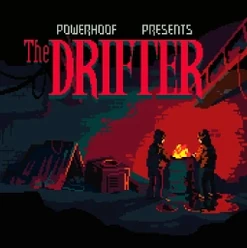
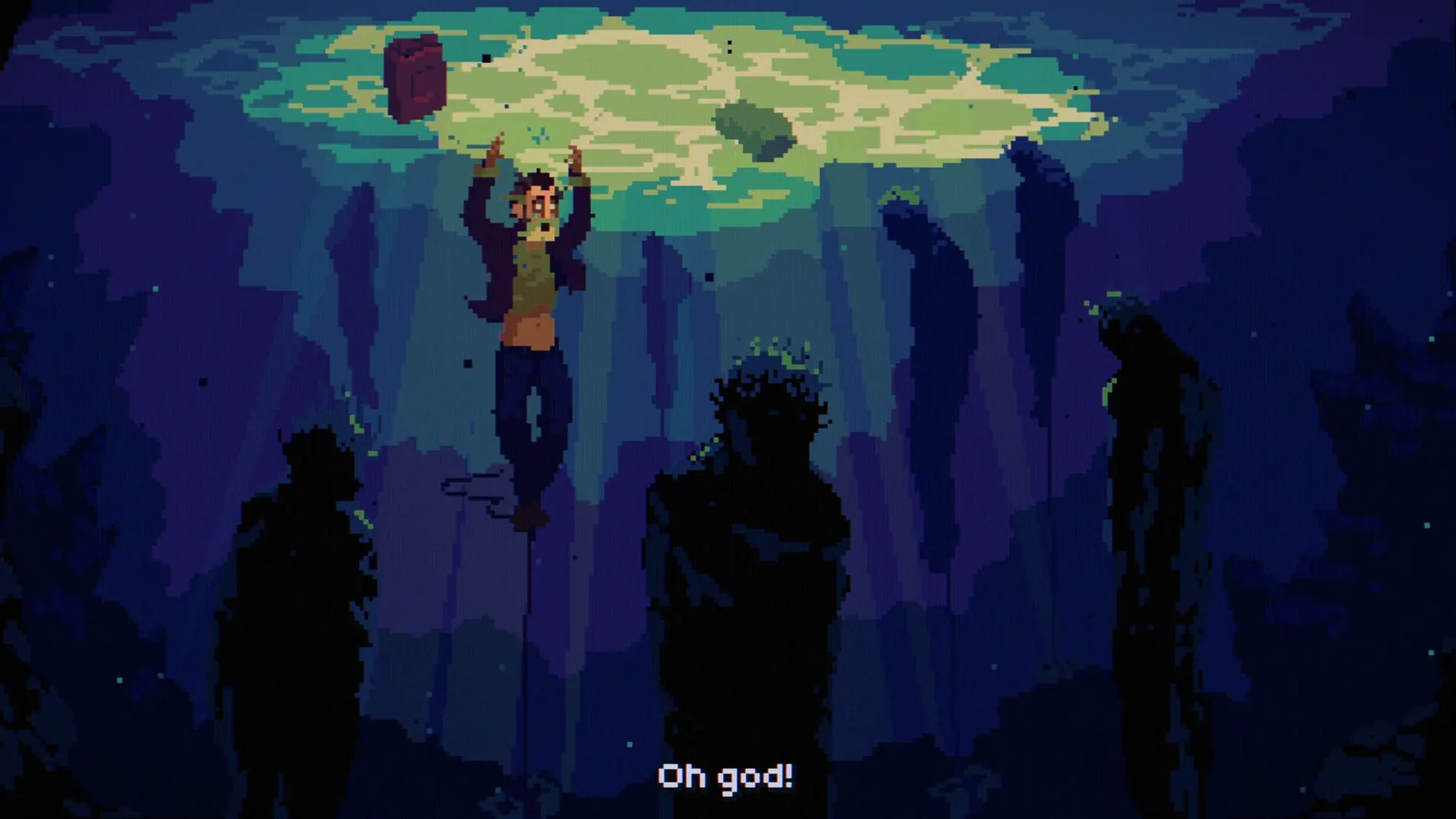
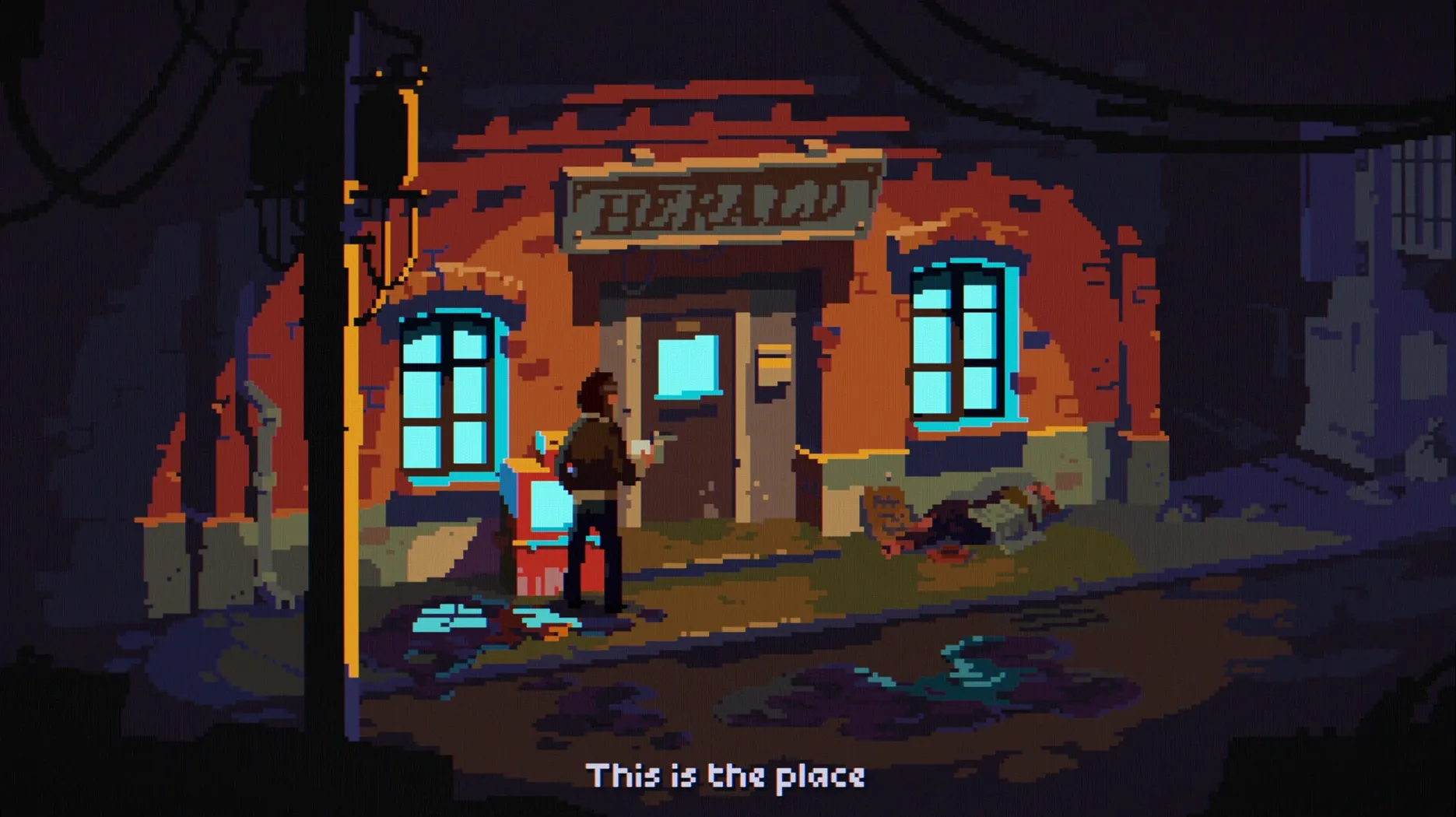
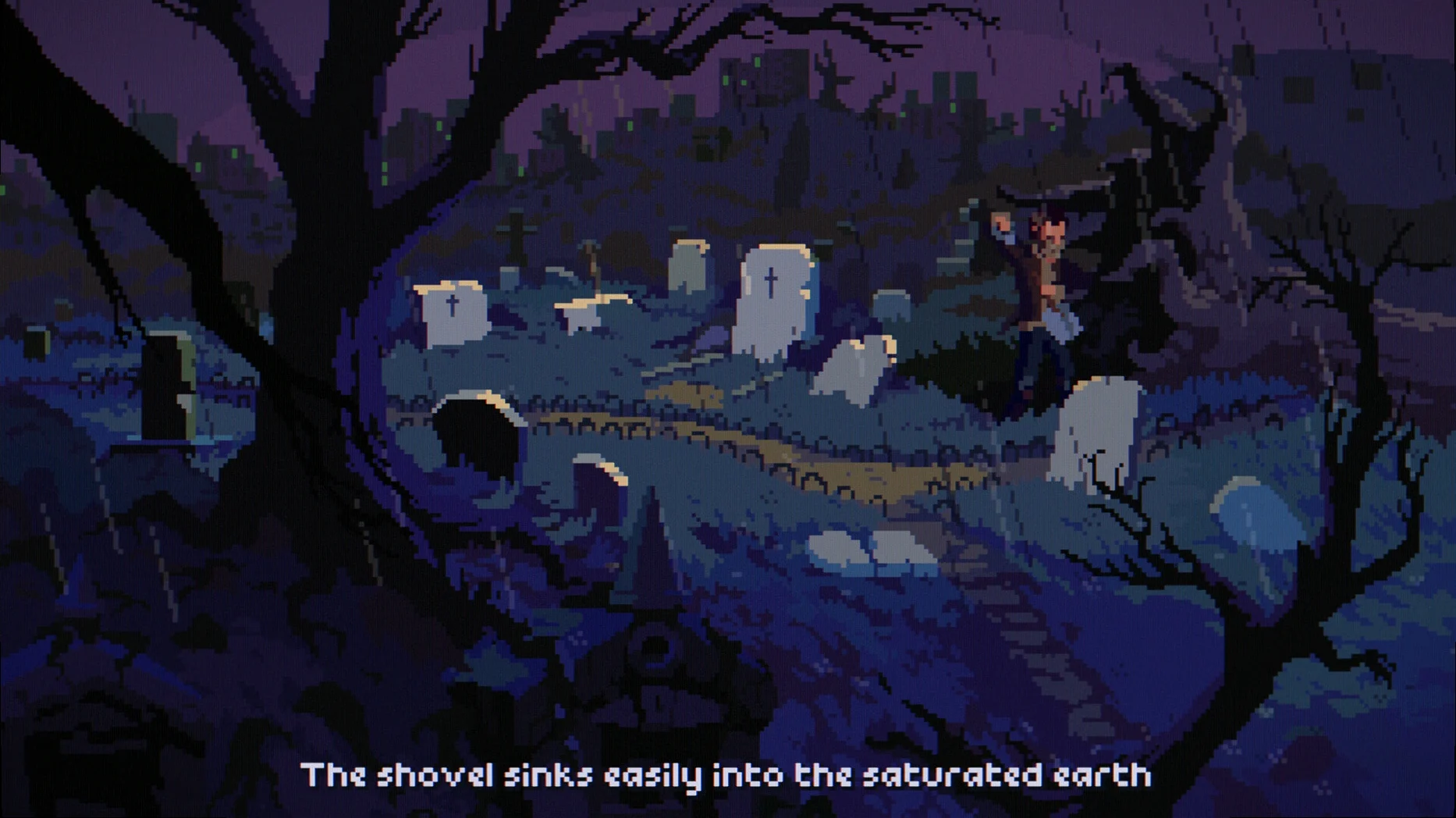
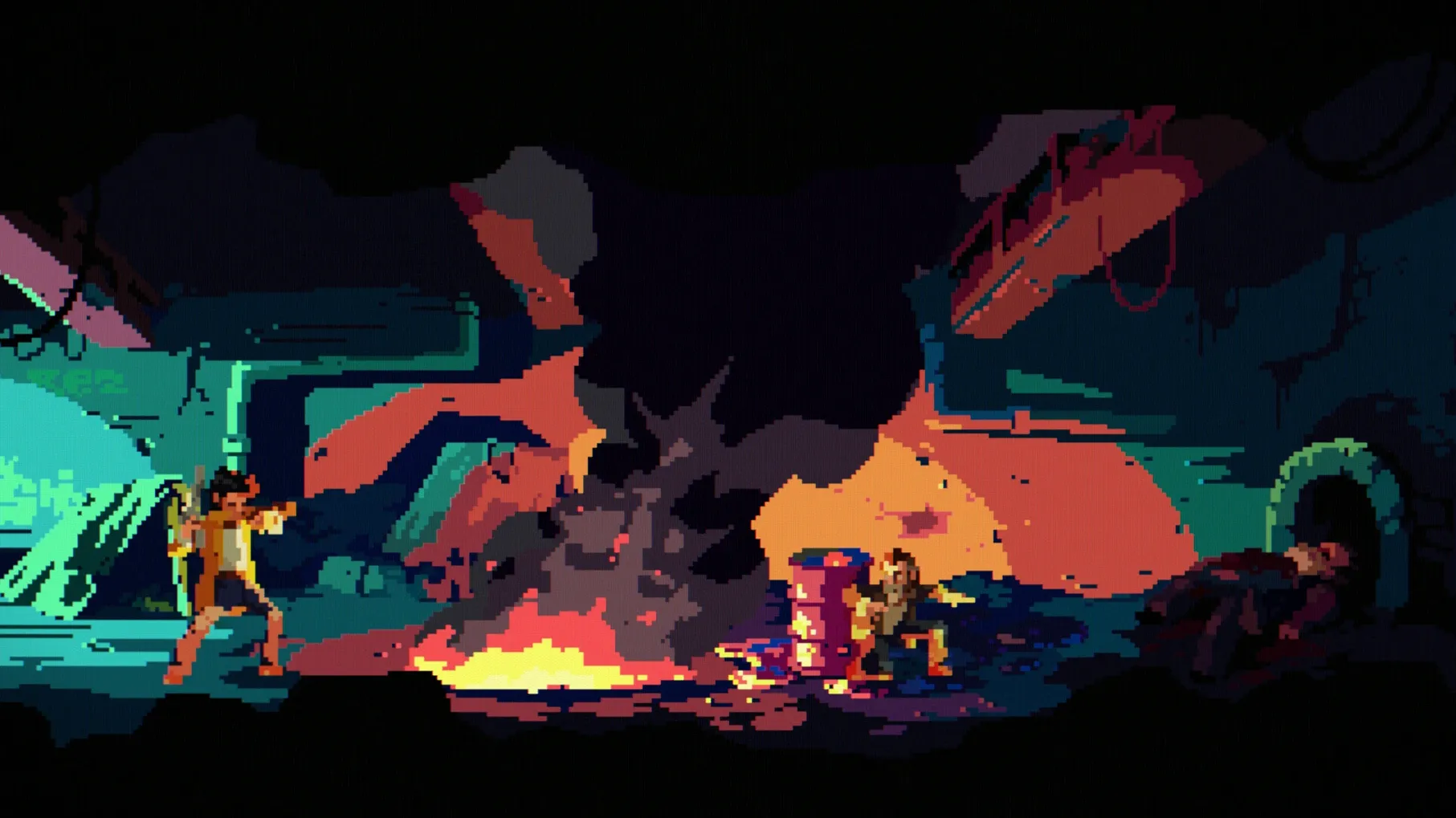
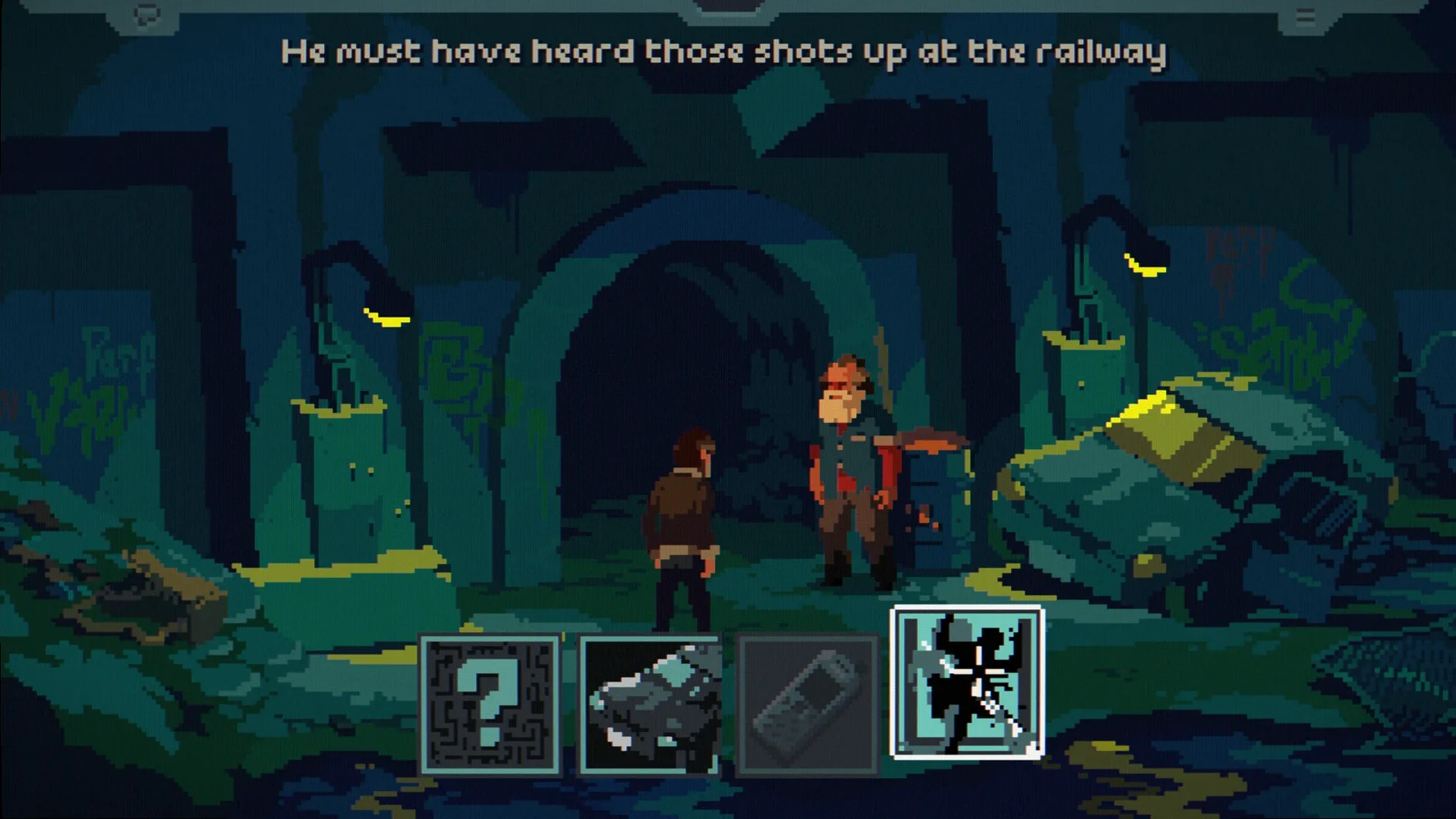
You click on a flickering streetlamp outside a motel. Mick Carter moves toward it, unaware he's seconds from witnessing a murder that will end his own life. That's the loop at the heart of The Drifter — a point-and-click thriller where a dead man returns to his body just before the kill, piecing together a conspiracy in the moments between death and resurrection.
- Point-and-click adventure built around a repeating death-loop mechanic
- Play as Mick Carter, a drifter caught in a murder conspiracy
- Mouse-driven controls; full gamepad support with twin-stick movement
- Runs natively on Apple Silicon and Intel Macs
- Localized interface in English, German and Russian
Expect clean performance on any modern Mac. The hand-illustrated environments and moody synth score run without fuss, and the gamepad support makes it comfortable to play away from a desk.
Let the opening murder play out twice
Play the first loop twice before you try to outsmart it. The opening murder is a scripted event — you cannot prevent it on your first run. Let it happen. The game teaches its rules through repetition, and the second loop surfaces dialogue options and hotspot interactions that were invisible the first time around.
Three habits that help early on:
- Tap the highlight key (hold
Tab) whenever you enter a new screen. A few interactive objects sit flush against pixel-art backgrounds and are easy to miss without the overlay. - Talk to every character after major events. NPC dialogue trees shift between loops, sometimes revealing new leads without a prompt.
- Keep rough notes on recurring symbols. The game doesn't log its environmental clues, and a symbol that looks like set dressing in loop two might anchor a puzzle in loop five.
Gamepad players should set twin-stick sensitivity in the pause menu during the first session. The default value leans sluggish on Apple Silicon Macs. Bump it up two notches and Mick's movement snaps into pace with the faster action scenes.
Move the window to your primary screen
Hotspot won't register on a second screen. This is the most reported hiccup. If you're running a multi-monitor setup, The Drifter occasionally locks its click detection to the primary display even when the window sits on a secondary one. Move the window back to your main screen, click once inside it, then drag it over. The detection resets.
Dialogue audio drops after a system sleep wake. The game's audio engine doesn't always reinitialize properly when macOS resumes from sleep. Save your progress, quit to desktop, and relaunch. The issue clears immediately.
Gamepad not recognized after a Bluetooth reconnect. The Drifter polls connected controllers at launch, not continuously. If your controller disconnects mid-session, plug it in via USB or restart the game. Wireless re-pairing alone won't restore input.
Stuck on a puzzle? Check whether you've exhausted all dialogue with the character who sent you there. Several puzzles gate progress behind a single unread conversation line rather than an inventory item — a deliberate design choice that trips up players accustomed to object-first logic.
If you grabbed download the drifter for mac and hit launch issues on first run, check that macOS hasn't quarantined the binary. Right-click the app icon, choose Open, and confirm the dialogue. This clears the Gatekeeper block in seconds.
- macOS (native Apple Silicon and Intel support)
Questions I get before install
What is the gameplay loop in The Drifter?
You play as Mick Carter, who is murdered after witnessing a crime, then returns to his body seconds before death to investigate the conspiracy.
Does The Drifter support controllers on Mac?
Yes, the game supports twin-stick control with a gamepad, alongside standard point-and-click mouse controls.
Comments 0
Sign in to leave a comment.Sign inCreate an account
No comments yet. If a step is still there after you install it, say so.
More in Games
All in Games The Elder Scrolls III: Morrowind
Explores the strange island of Vvardenfell in a classic open-world RPG.
14 steps saved
 Updated
The Colonists
Rewards tidy supply lines in a colony run by self-replicating robots.
4 steps saved
 The Invincible
Explores a hard-sci-fi planet as an astrobiologist caught in a larger conflict.
23 steps saved
 The Last Plague: Blight
Tests your survival skills alone in a forest with no hand-holding.
6 steps saved
 The Life and Suffering of Sir Brante
Turns every choice into a page in your character's unfolding journal.
11 steps saved
 Terraria
Digs, builds and fights through a 2D world full of bosses and loot.
22 steps saved
 The Sims 4
Hands you an empty lot and a neighbourhood of creative possibilities.
4 steps saved
 Thief: Master Thief Edition
Moves you through shadows while reading patrols and picking locks.