
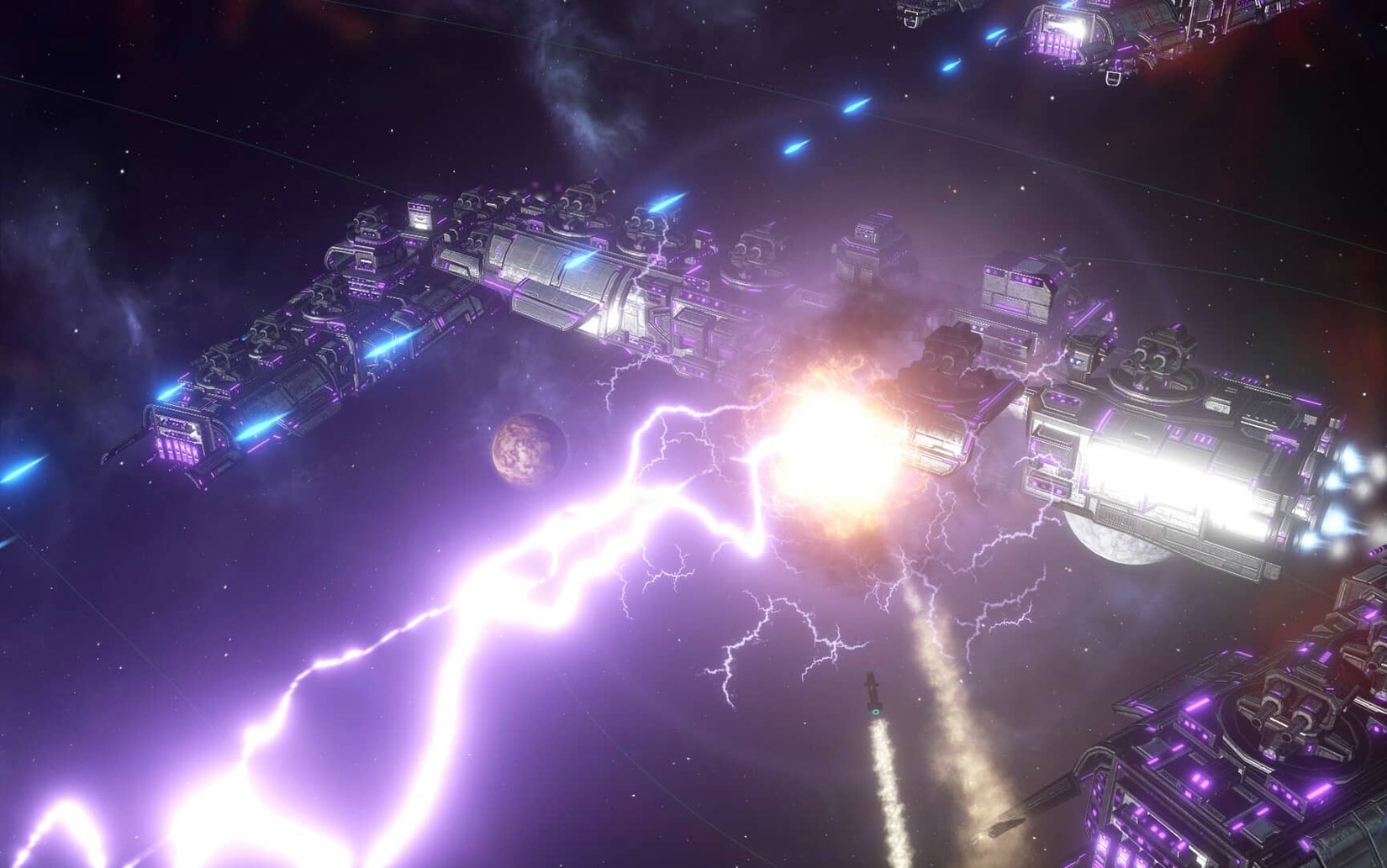
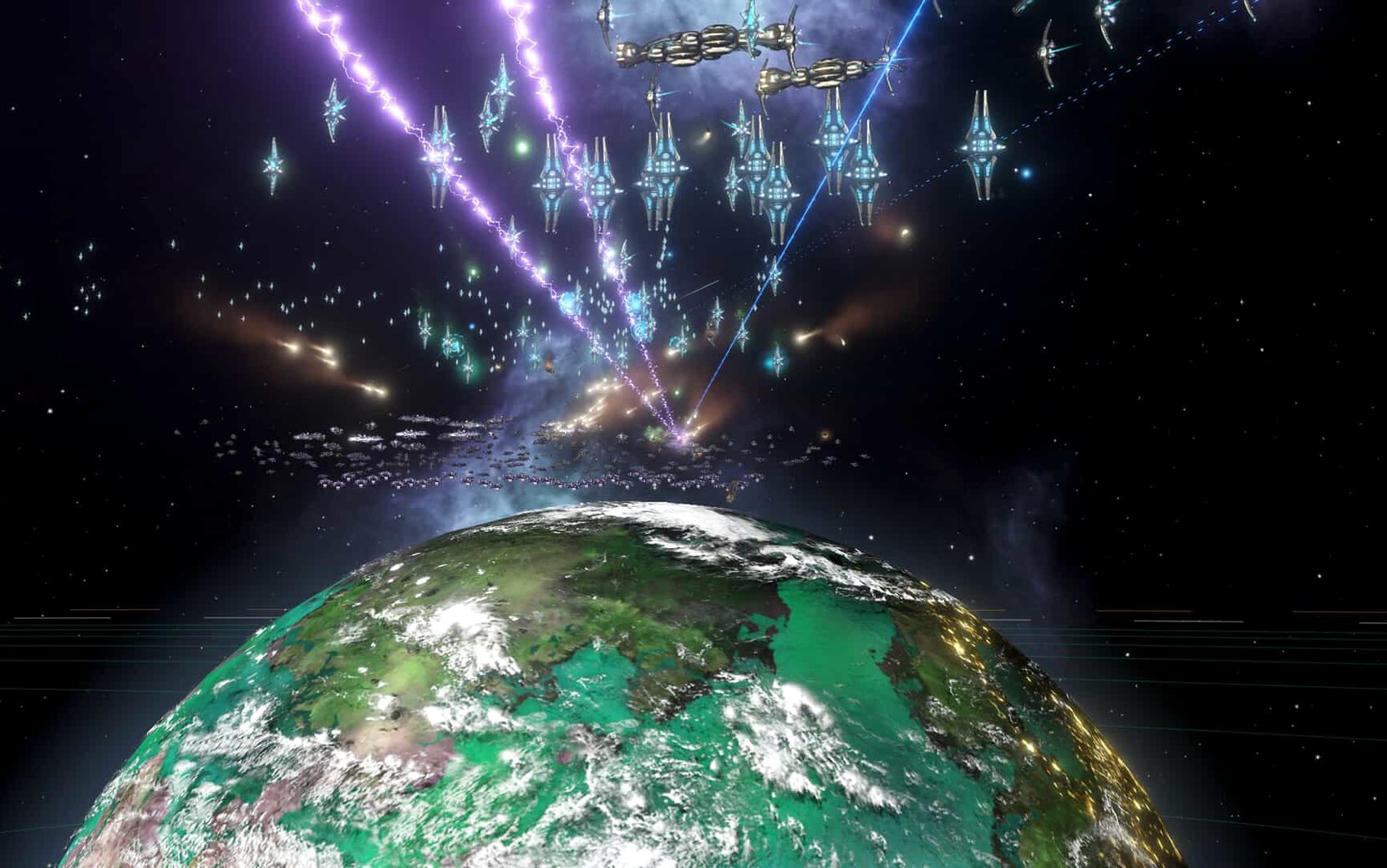
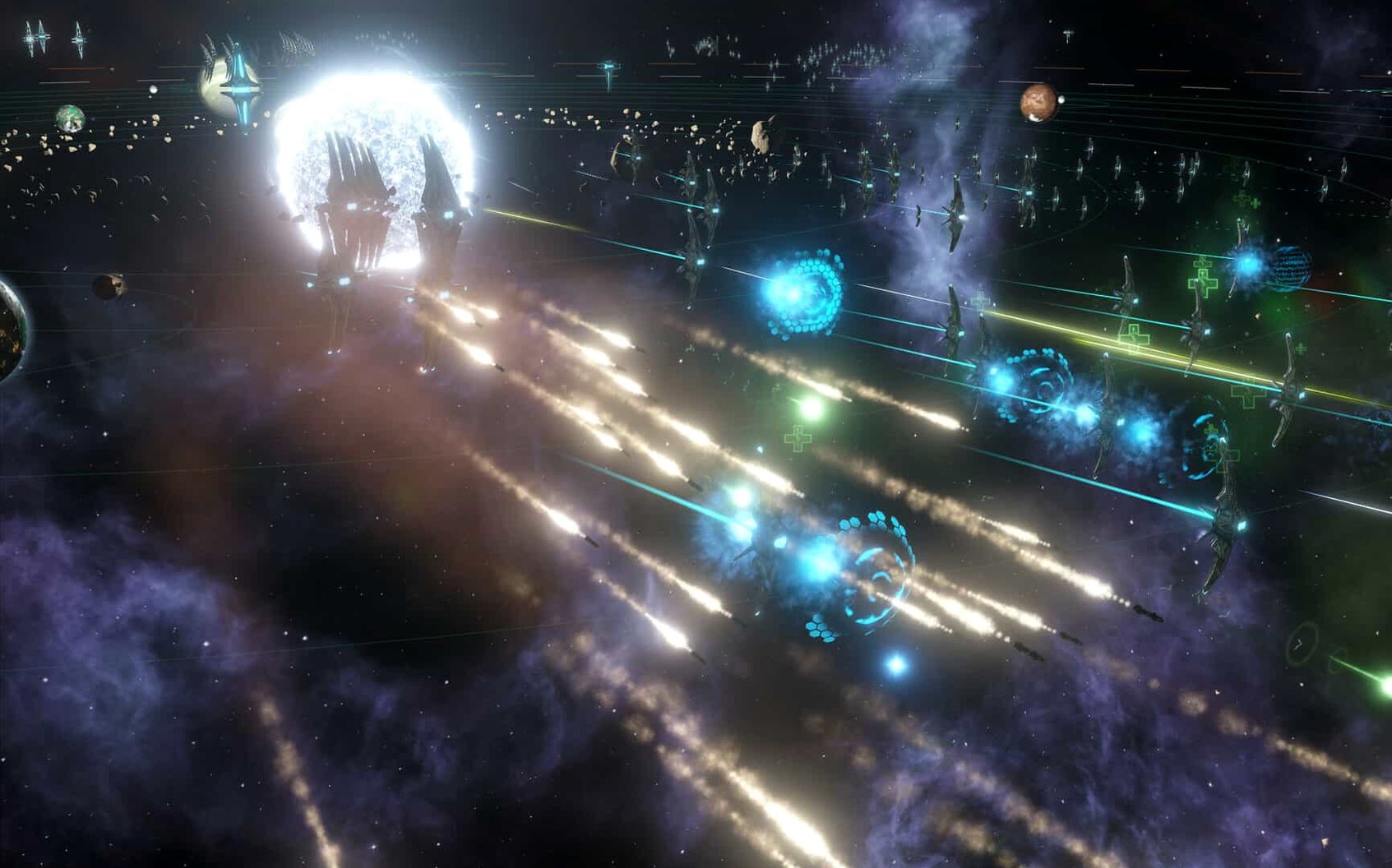
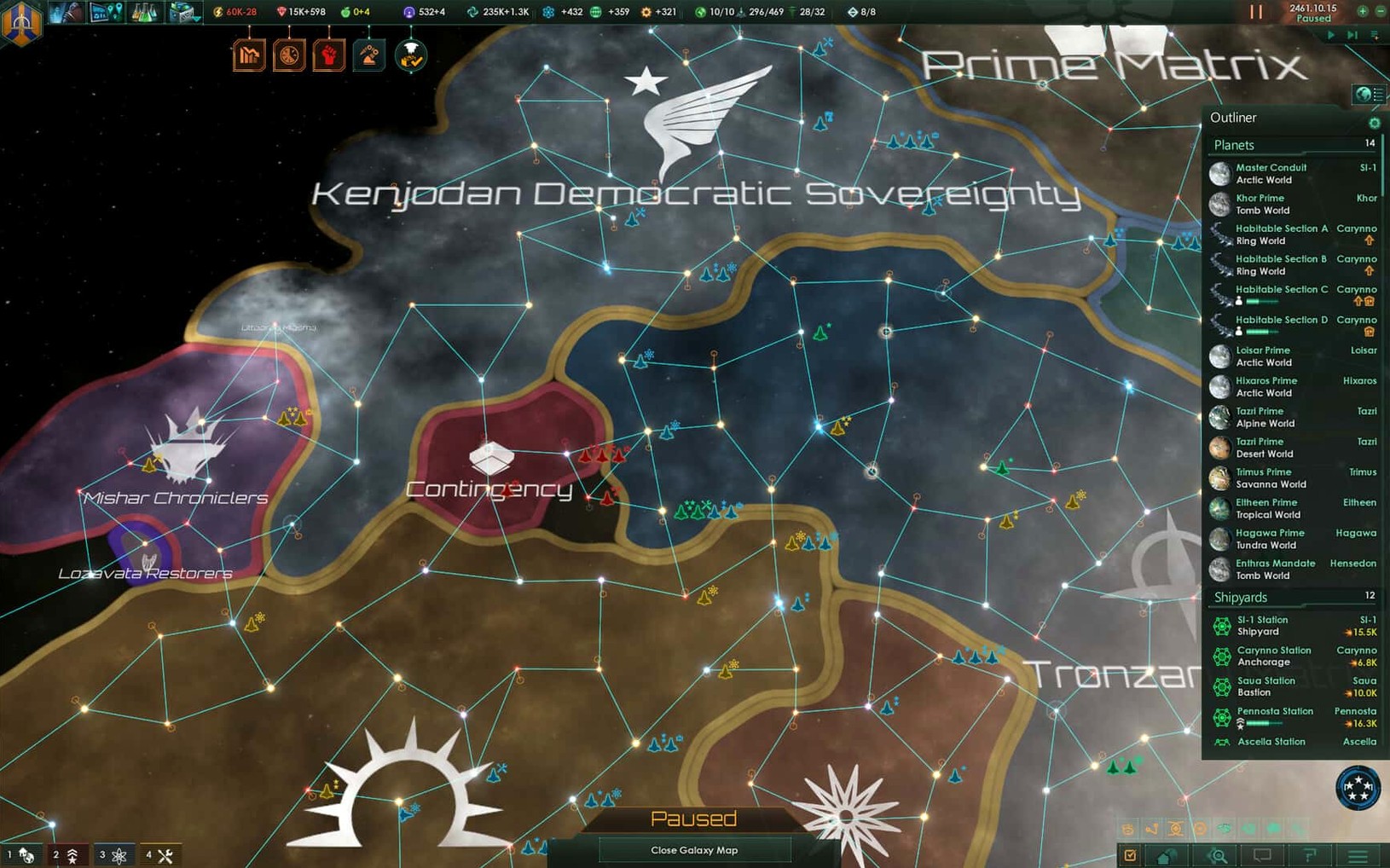
Stellaris is a real-time 4X grand strategy game where you guide a spacefaring civilization from its first interstellar steps to galactic dominance. On a Mac, the experience turns your screen into a sprawling map packed with anomalies, hostile fleets, and barely habitable worlds.
- Survey the map. The map is dense with space objects. Not every planet is habitable, so your science ships must take samples and search for useful resources before you commit to a colony.
- Expand carefully. Place your first settlements on worlds that actually support your species. As a colony gains more inhabitants, managing its political factions and economic output becomes a real balancing act.
- Delegate to the AI. You cannot micromanage everything. Let the artificial intelligence handle autonomous regions when your empire grows too large to manage sector by sector.
- Command your fleets. Classic 4X strategy mechanics govern combat. Version 4.5.1 changes fleet automation so it follows your selected actions and options more reliably, and disables the frustrating auto-disengagement from battle after 15 days of inactivity.
Performance on Intel Macs holds steady through the mid-game, though late-game galaxy populations will push the 64-bit x86 architecture. Lower the graphics preset if the frame rate dips during large fleet engagements.
Stellaris vs. Other 4X Strategy Games on Mac
Stellaris vs. Endless Space 2. Amplitude's offering locks you into turn-based lanes and a cleaner, more stylized interface. Stellaris commits to real-time pacing and a far messier political simulation. Where Endless Space 2 gives you elegant faction quests, Stellaris throws internal conflicts at you the moment your colonies gain more inhabitants. The paradox game demands you manage autonomous regions, budget allocations, and diplomatic relations simultaneously—no tidy turns to catch your breath.
Stellaris vs. Galactic Civilizations III. GalCiv III leans harder into turn-based, hex-grid warfare and a more traditional tech tree. Stellaris replaces that with a clock ticking in the upper corner and a map that feels less like a board game. The AI in Stellaris can actually run sectors for you, something GalCiv never attempts. For a stellaris download that prioritizes empire management over tactical combat, Paradox's design wins.
Stellaris vs. Distant Worlds 2. Distant Worlds 2 simulates every freighter and private mining ship individually—an impressive technical feat that can overwhelm. Stellaris abstracts civilian activity, keeping your focus on research, diplomacy, and fleet automation. If you search for a Stellaris Mac torrent to test the waters, you will find a game that runs its simulation at a higher level, trading granularity for playable pacing.
Forty-Second Galaxy Load on Intel
On an Intel Mac, the 64-bit x86 build loads a new galaxy in under forty seconds. The early game hums along with no perceptible lag; science ships survey the map and colonizers take samples without taxing the CPU. Version 4.5.1 has removed several crash triggers—startup, galaxy generation, alliance formation, and federation law votes are all more stable now. Multiplayer out-of-sync issues involving custom AI empires are also fixed in this hotfix.
Late-game performance is where the simulation shows its weight. Large galaxy sizes with many space objects and hundreds of colonized worlds will push any Intel processor. The game remains responsive, but frame pacing dips during fleet combat. Lowering the graphics preset helps, though the real bottleneck is the sheer number of population calculations running behind the clock in the upper corner. Memory use stays reasonable at around 3.5 GB for a mid-sized galaxy, climbing toward 6 GB when the map fills with late-game empires. The DRM-free build adds no background services, so quitting Stellaris returns all resources to the system immediately.
- Intel 64-bit
Questions I get before install
Can I play Stellaris with friends on a Mac?
Yes. The 4.5.1 hotfix specifically addresses a multiplayer out-of-sync issue involving custom AI empires, making cross-platform sessions more stable.
How do I switch the interface language to Russian?
Launch the game once, close it after the menu loads, then open Documents/Paradox Interactive/Stellaris/settings.txt. Change l_english to l_russian and save the file.
Comments 0
Sign in to leave a comment.Sign inCreate an account
No comments yet. If a step is still there after you install it, say so.
More in Games
All in Games Updated
Stormworks: Build and Rescue
Lets you design, wire, and pilot your own rescue vessel in a physics-driven ocean.
18 steps saved
 STORROR Parkour Pro
Chains hundreds of parkour animations into an uninterrupted rooftop run.
14 steps saved
 Static Dread: The Lighthouse
Keeps a lighthouse lit while the surrounding village descends into ritual horror.
5 steps saved
 Stardew Valley
Restores a neglected farm and rebuilds a whole town, season by season.
5 steps saved
 Sons Of The Forest
Lets a small team survive together on a hostile island after a rescue mission unravels.
21 steps saved
 Songs of Conquest
Asks you to make hard tactical choices with a faction and a Wielder each turn.
23 steps saved
 Software Inc
Simulates building a product company from an empty floor and a bare bank account.
15 steps saved
 Sniper Elite 4
Delivers deliberate marksmanship where distance, wind, and heartbeat shape each shot.