
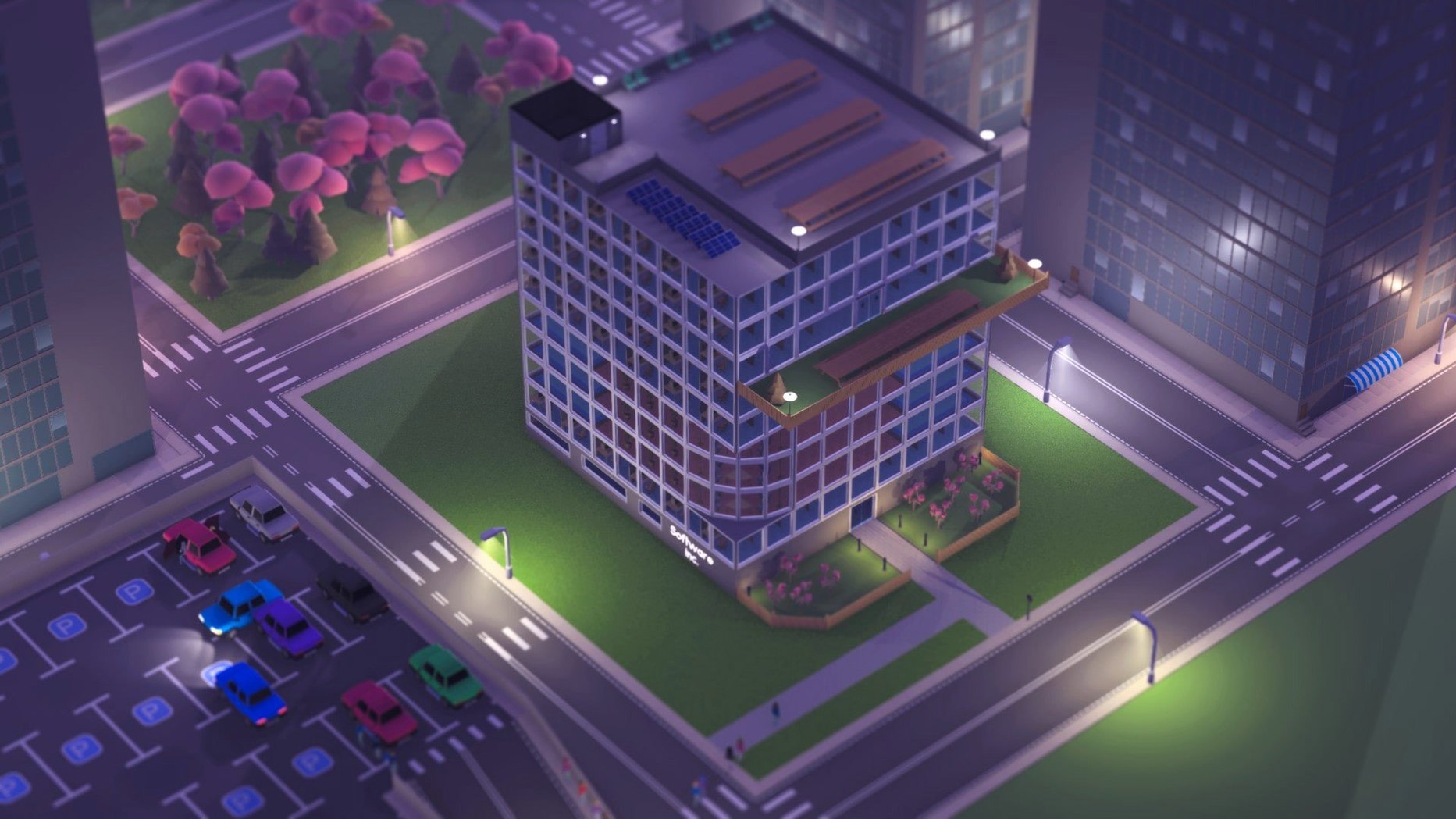

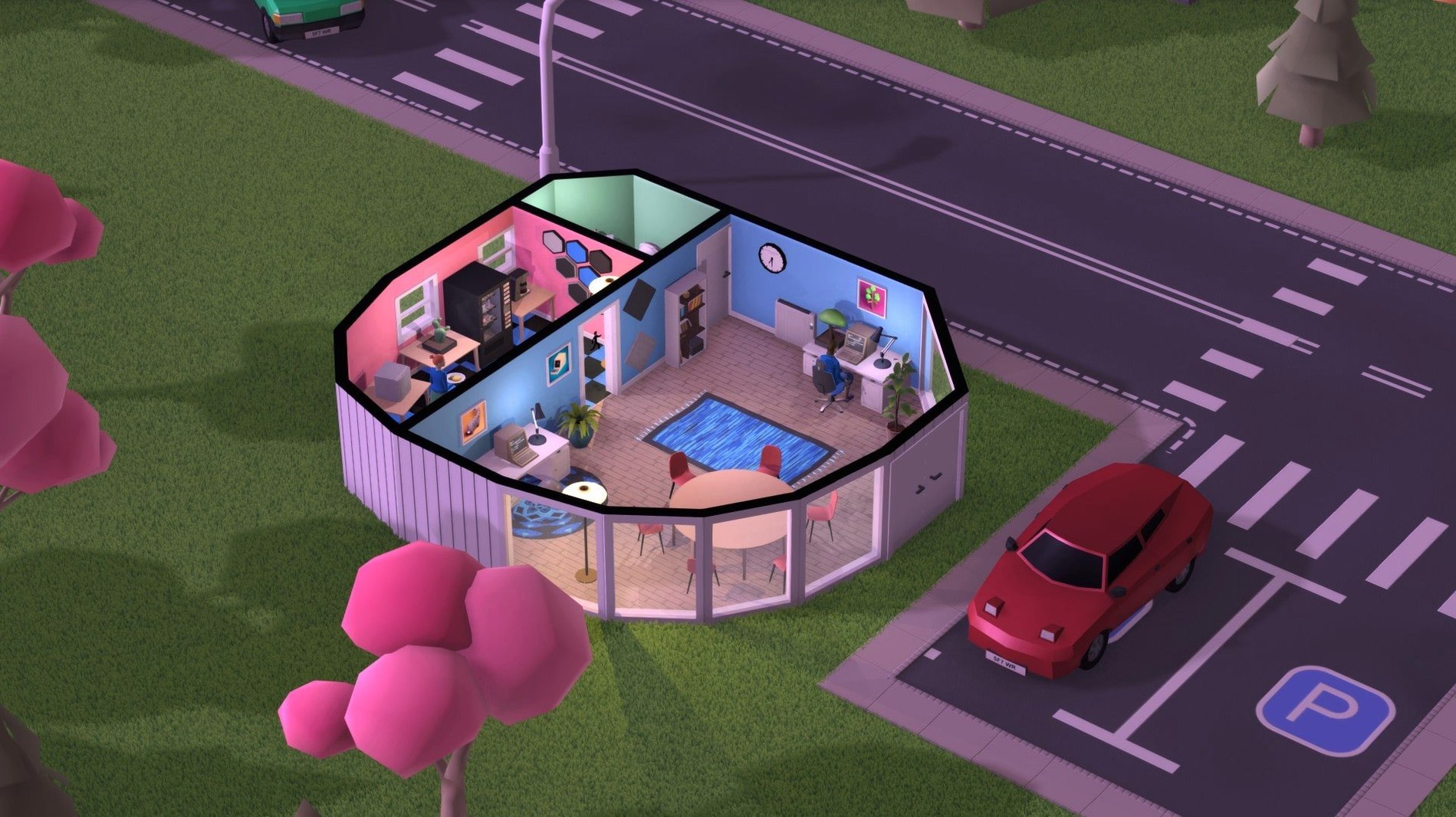
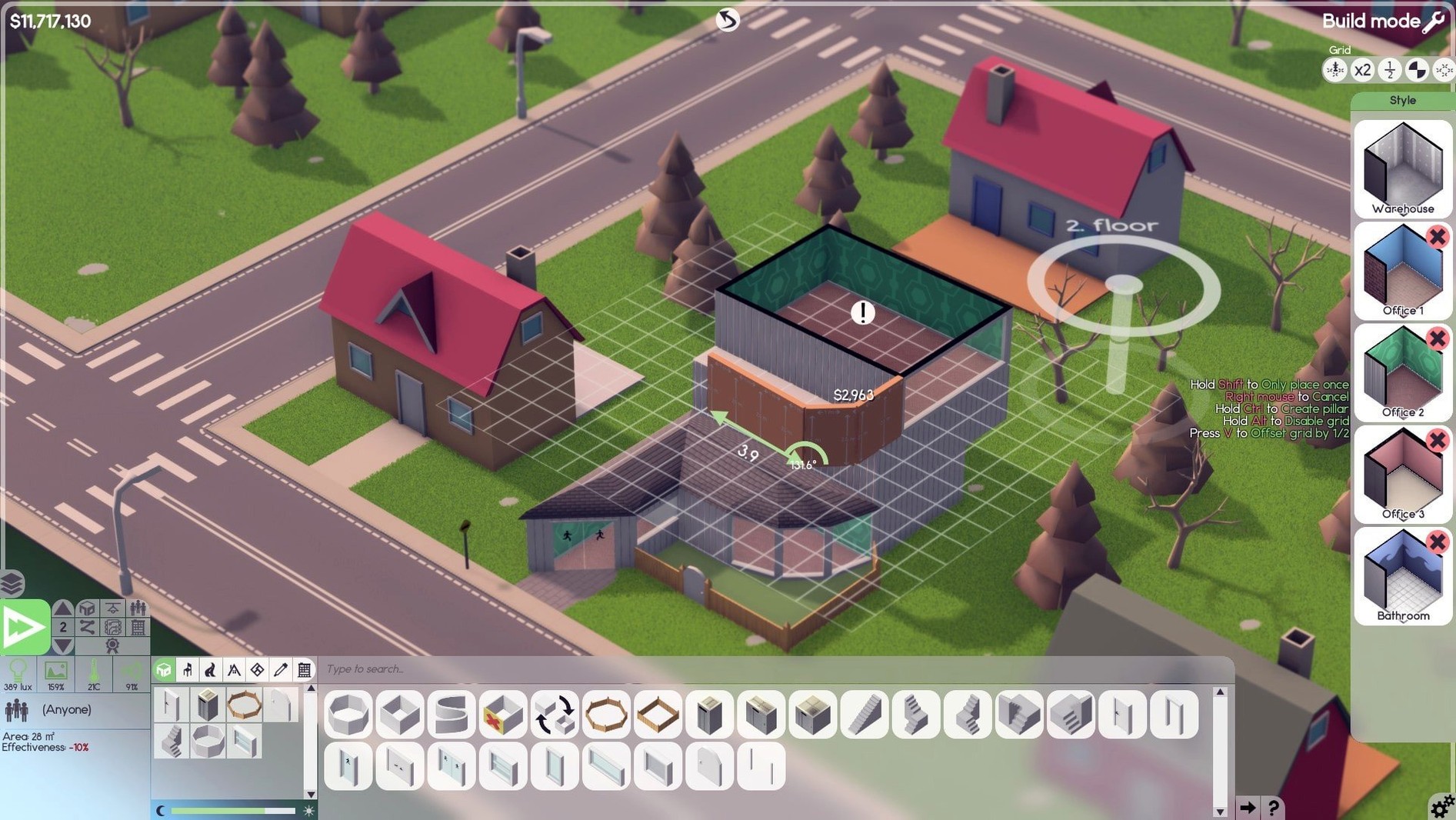
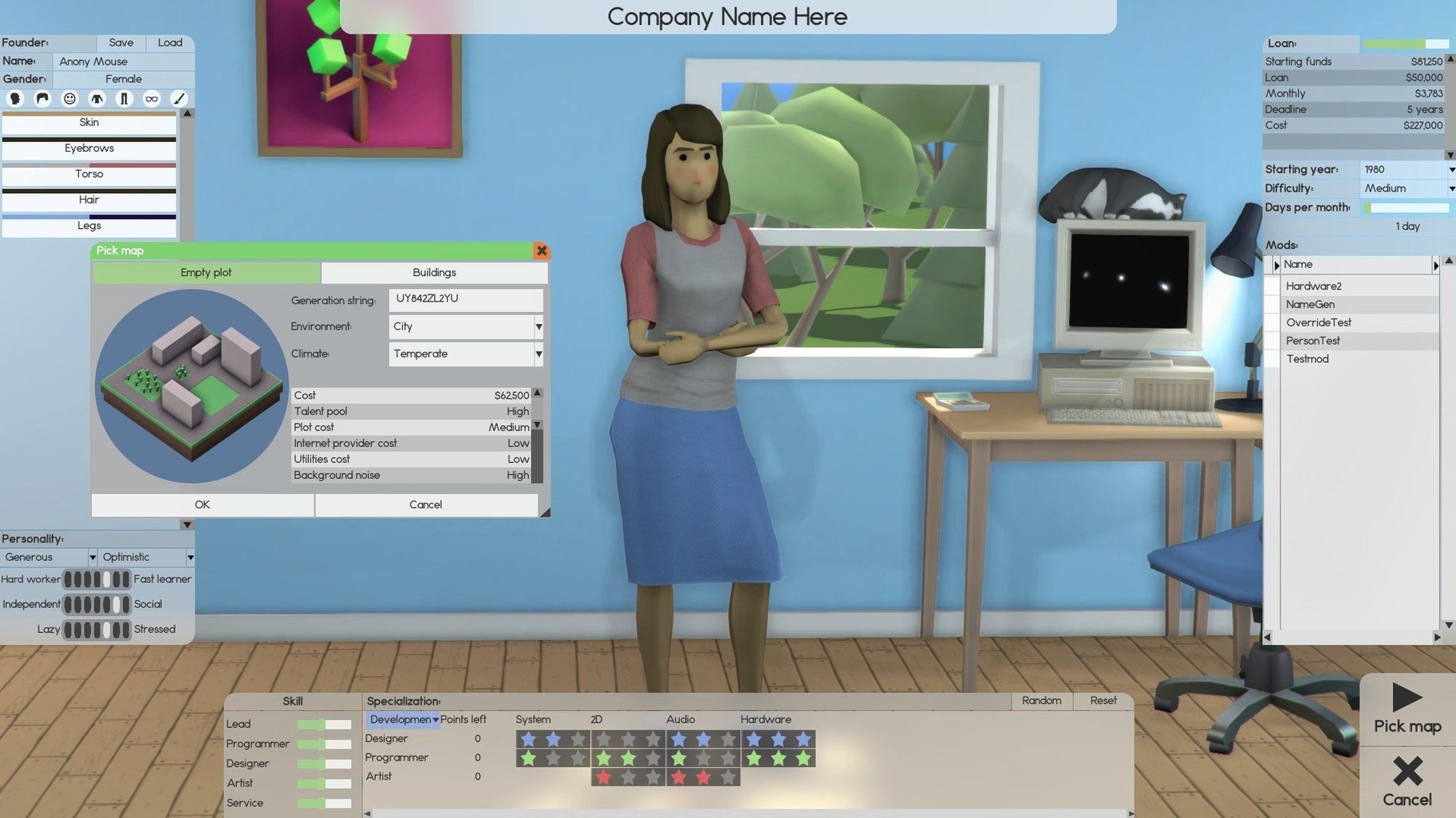
Most tycoon games hand you a theme park. Software Inc hands you an empty floor, a bare bank account, and a market that doesn't care if you survive. It's a business simulation stripped of decoration — you design products, hire talent, manage facilities, and compete for contracts without a safety net.
Long-range logistics fans who love laying out offices
- Players who enjoy long-range planning over instant action
- Fans of logistics sims who like laying out offices and server rooms
- Anyone curious about the mechanics behind software sales, franchises, and stock markets
- Solo deep-focus sessions with a soundtrack underneath
Early access shifts and losing your first few companies
- Early access means systems can shift between updates
- No hand-holding — you learn by losing a few companies first
- Pacing is slow; a satisfying run can stretch across many hours
- Not a coding game — you manage people and products, not syntax
Climbing over the three walls: cash, hiring, and pacing
New players tend to hit the same three walls. Here's what they look like and how to climb over them.
Cash bleeding in year one. You hire too fast, lease a big floor, and watch the bank balance evaporate. The fix is unglamorous: start with one designer and one developer, take on small contract work, and stay in a rented corner until the first product ships. Contract income is predictable — products are not.
Staff hate each other. You packed a loud extrovert next to a solitary coder and now efficiency tanked. Open the employee panel and check the Compatibility stat before seating. Put like-minded personalities in clusters. Leaders with high social skill can smooth friction, but they can't fix a room layout problem.
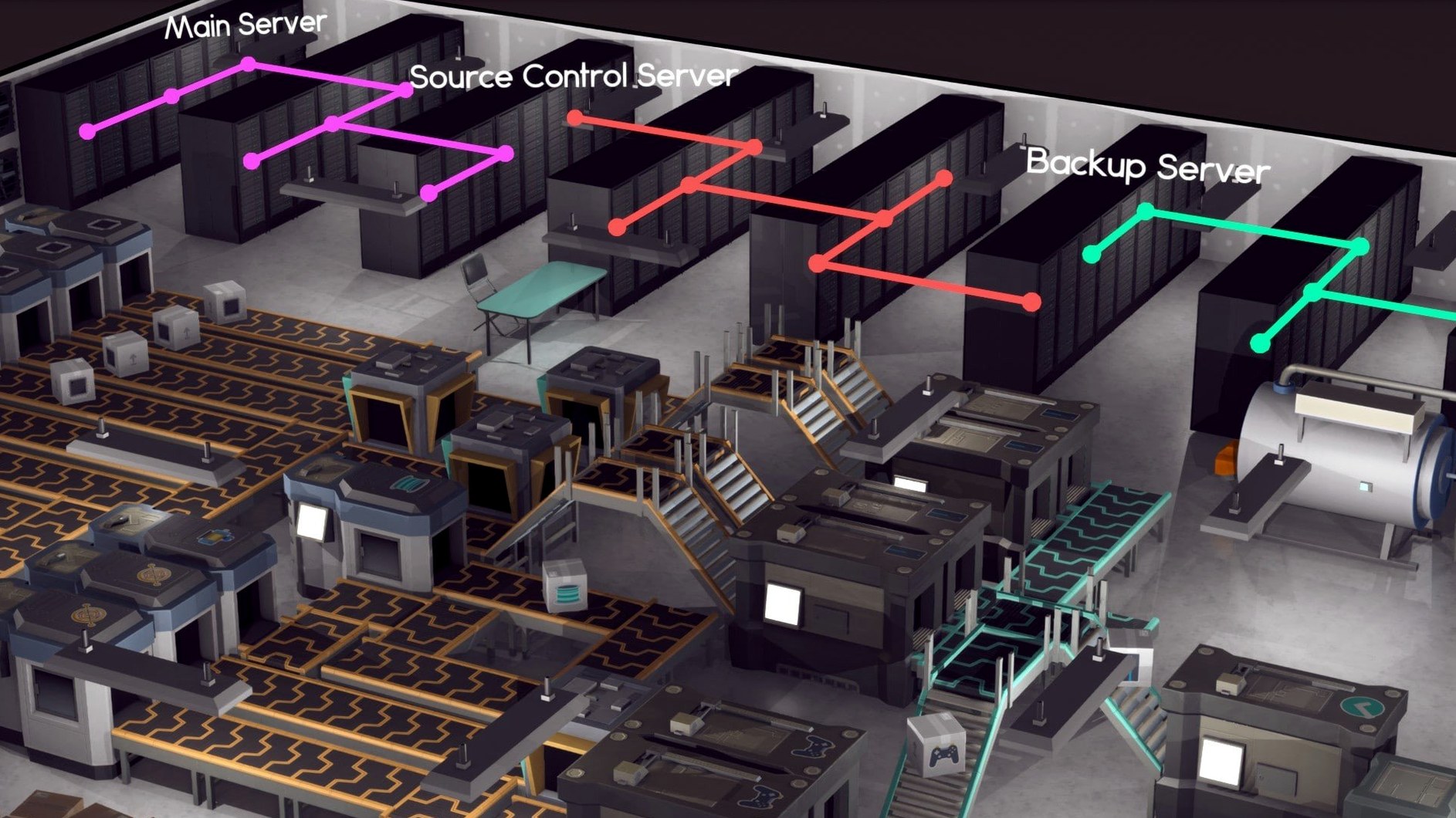
Servers crash at launch. You shipped a product, sales spiked, and the server room fell over. Plan server capacity before the release date — a single rack won't carry a hit product. Build cooling and maintenance access early, because retrofitting a live office is messy and expensive.
Shift-click rooms and blueprint mode before spending
- Shift-click room building — hold Shift while dragging to create rectangular rooms in one motion instead of placing four walls individually.
- Blueprint mode — press
Bto plan layouts before spending a dollar. Blueprints can be saved, duplicated across floors, and converted to real construction only when you're ready. - Schedule groups — set distinct work hours for development, support, and maintenance shifts. Night crews keep servers alive while day staff ship features.
- Keyboard parking —
Rtoggles road placement,Pdrops a parking lot. Small things that save menu diving once you memorize them. - Franchise snap — when a product outgrows your team, spin it into a franchise. The original team keeps working on the core product while franchise teams handle ports and updates.
Pulling the camera back from Game Dev Tycoon's product cycle
Three other simulations sit in the same neighbourhood. None overlaps completely.
Game Dev Tycoon focuses entirely on the product lifecycle — conceive, build, ship, review. Software Inc pulls the camera much further back. You're not just picking features; you're managing the building, the benefits policy, the parking lot, and the server cooling. Game Dev Tycoon is a tight narrative arc. Software Inc is an open-ended infrastructure sandbox.
Startup Company shares the office-building and staff-management DNA but leans web-app casual. Its systems are simpler: no multi-floor construction, no road planning, no stock market. Software Inc expects you to care about HVAC placement and team compatibility in ways Startup Company deliberately avoids. If you want a lighter session, Startup Company fits. If you want deeper logistics, Software Inc pulls ahead.
Project Highrise matches the floor-by-floor construction and tenant management but swaps software for skyscrapers. It's the closest in architectural feel — vertical building, utility routing, tenant satisfaction — yet it never asks you to ship a product or negotiate a publishing deal. Software Inc blends that construction layer with product-market mechanics, so your building exists to serve a business, not just house tenants.
- macOS details not specified by developer
- Supports both Apple Silicon and Intel 64-bit
Questions I get before install
Does Software Inc run on Apple Silicon Macs?
Yes. The game supports ARM and 64-bit x86 architectures, and it has been tested on macOS Tahoe with an M4 Mac mini.
Comments 0
Sign in to leave a comment.Sign inCreate an account
No comments yet. If a step is still there after you install it, say so.
More in Games
All in Games Sniper Elite 4
Delivers deliberate marksmanship where distance, wind, and heartbeat shape each shot.
21 steps saved
 Songs of Conquest
Asks you to make hard tactical choices with a faction and a Wielder each turn.
5 steps saved
 Sons Of The Forest
Lets a small team survive together on a hostile island after a rescue mission unravels.
4 steps saved
 Sleeping Dogs
Sets an undercover story inside a dense, neon-lit Hong Kong that feels claustrophobic.
7 steps saved
 Slay the Spire 2
Expands the deckbuilder loop with a co-op mode for up to four players.
5 steps saved
 Stardew Valley
Restores a neglected farm and rebuilds a whole town, season by season.
14 steps saved
 Static Dread: The Lighthouse
Keeps a lighthouse lit while the surrounding village descends into ritual horror.
20 steps saved
 Updated
Stellaris
Guides a spacefaring civilization from first interstellar steps to galactic dominance on a sprawling map.