
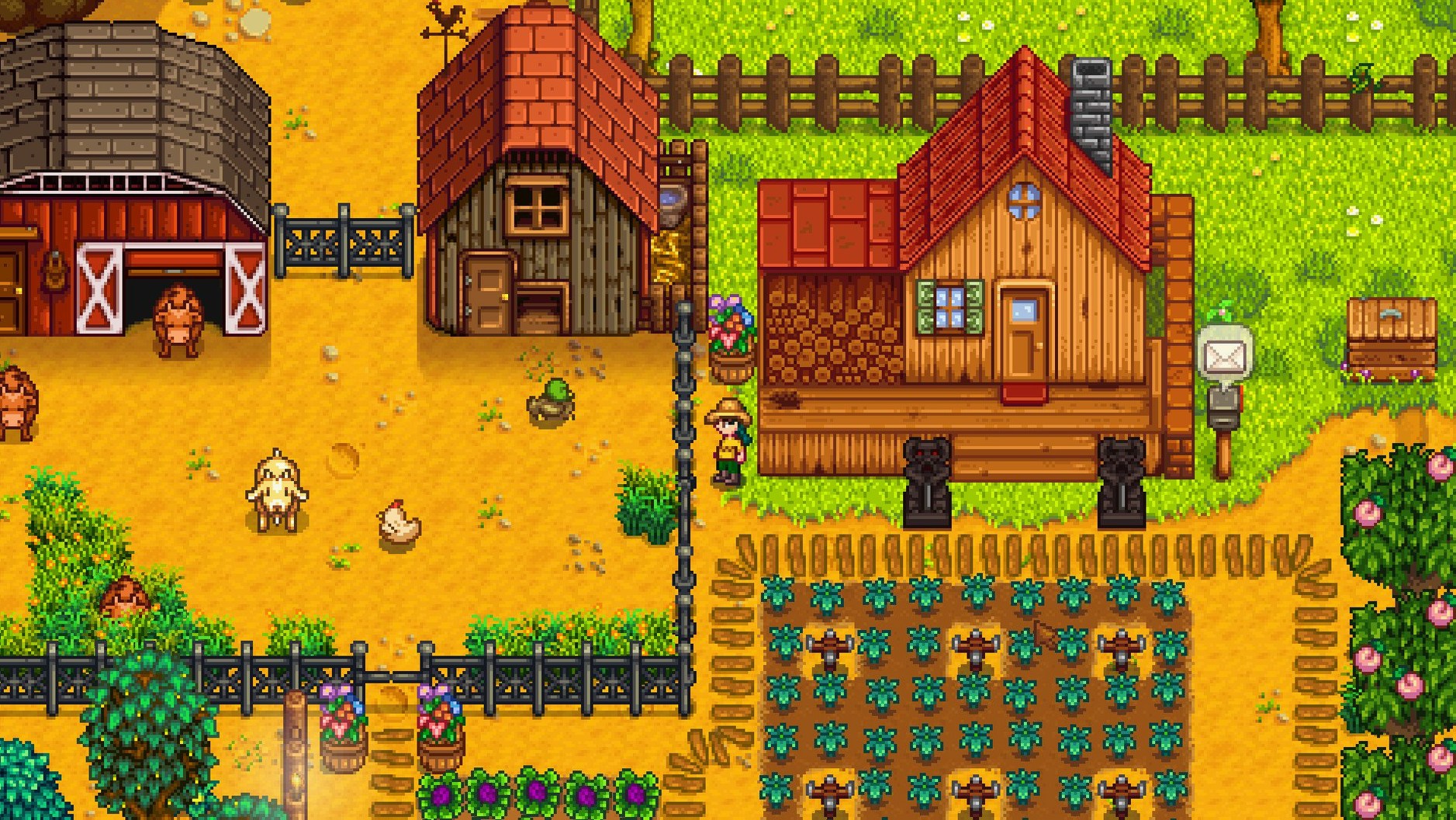
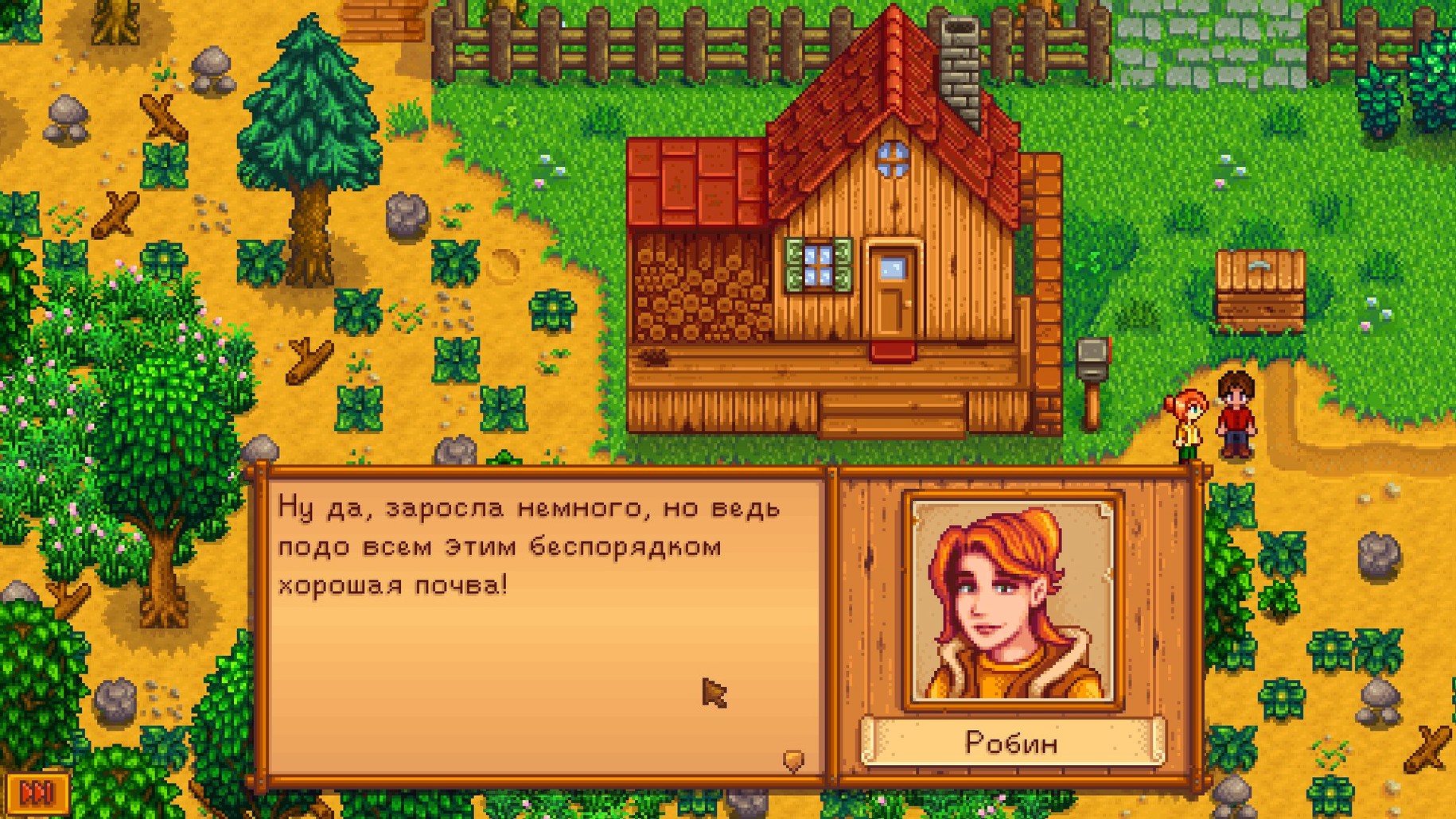
If you have ever spent a few hours in a Harvest Moon game, you already recognize the rhythm. Stardew Valley takes that seed — a neglected farm, a calendar of seasons, a nearby town — and gives you tools to restore the whole valley, not just the fields. You arrive at an overgrown plot left to you by your grandfather. The community center that once held the town together sits abandoned. Your work is to clear the land, plant crops, raise animals, and decide how much of the surrounding world you want to repair.
| Detail | Information |
|---|---|
| Developer | ConcernedApe |
| Version | 1.6.15.24357.8705766150 |
| Languages | 12 incl. English, French, Japanese, Korean, Russian, Simplified Chinese |
| Architecture | Apple Silicon & Intel (64-bit) |
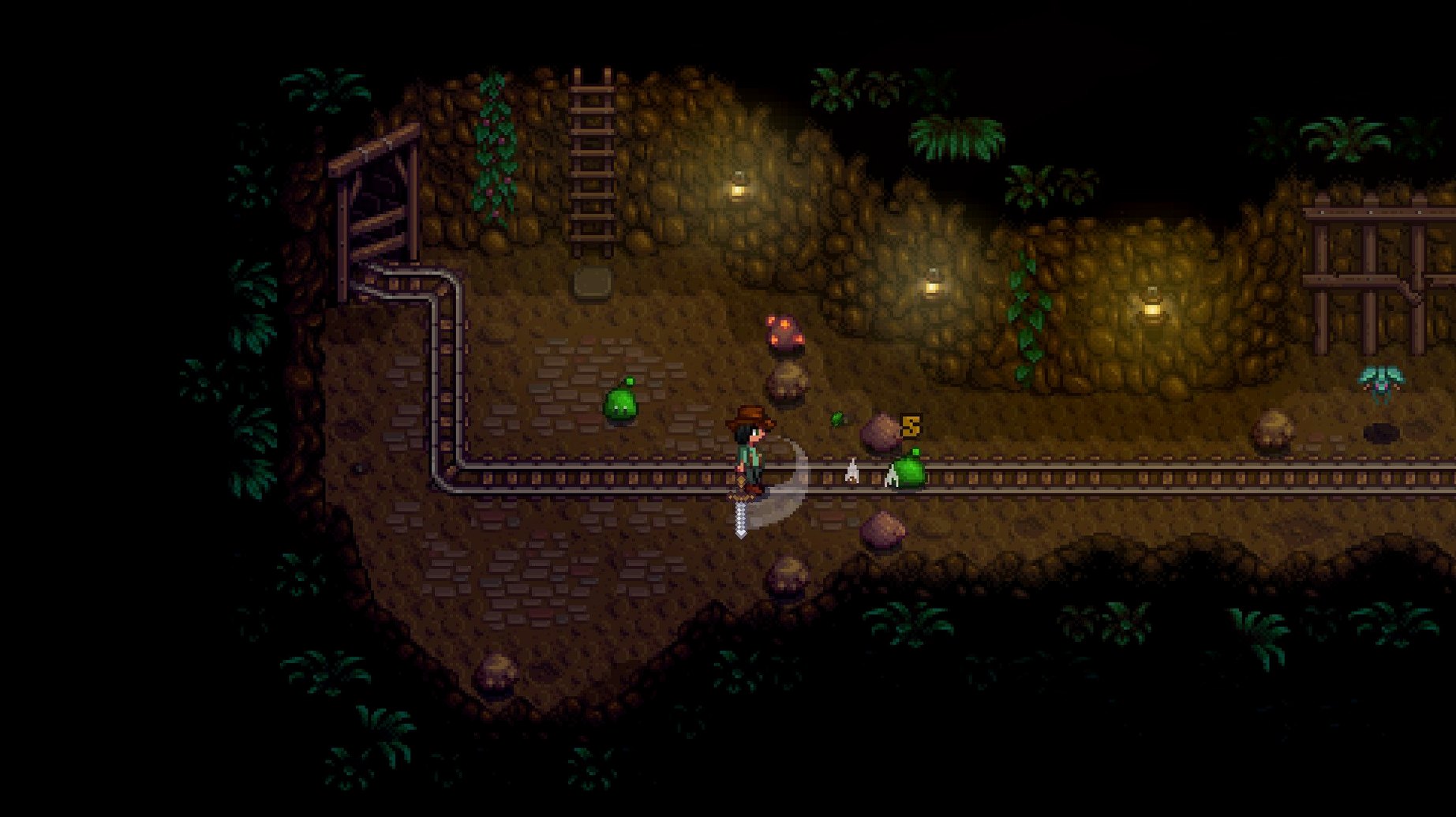
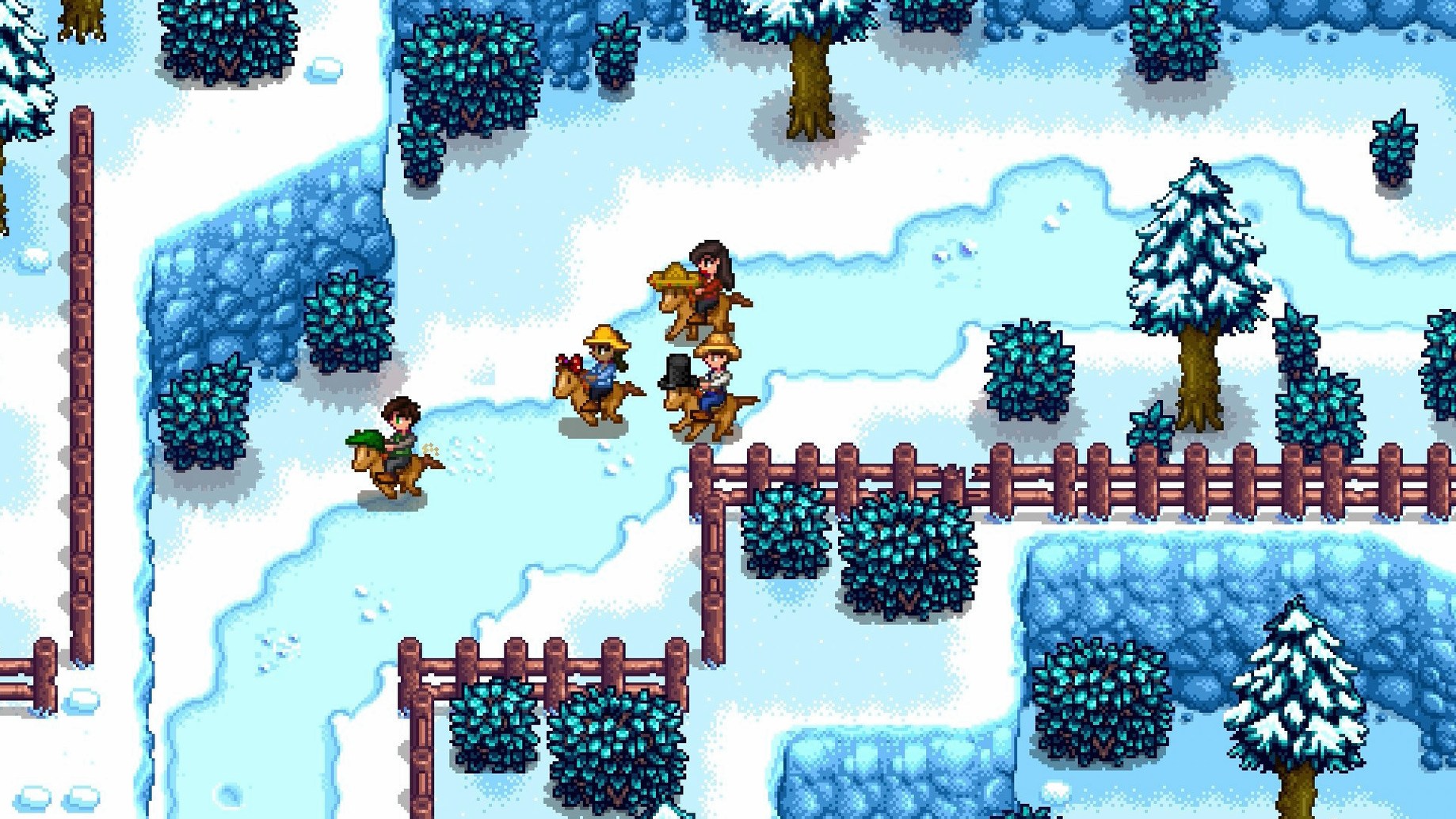
The game ships with the full single-player valley, plus local and online multiplayer. You mine for ore, fight slimes in the caves, cook recipes, and complete bundles for the Junimos to gradually reopen the community center. Twelve interface languages are included, so you can organize your farm in English, German, Spanish, Portuguese, or switch to Japanese, Simplified Chinese, or Russian without extra downloads. The core loop — wake, water, harvest, explore — stays simple, but the systems layer in complexity at your own pace.
Shift-Click to Buy 25 Seeds at Once
Holding Shift while buying from a shop instantly grabs five items instead of one. Combine it with Control and you purchase a full stack of 25 — a lifesaver when stocking up on seeds at Pierre’s or buying hay from Marnie in bulk.
Placing items onto a sign automatically displays them, no menu required. A sign holding a bar of iridium ore next to a chest tells you exactly what is inside. Do the same with bait on a crab pot sign and you avoid checking every pot manually.
Right-clicking a filled chest swaps its entire contents with your inventory, row by row. It takes a moment to trust, but once it clicks, reorganizing sheds and fridges becomes a ten-second job instead of a five-minute drag. The Junimo bundle button added to fridge interfaces in version 1.6.15.24357.8705766150 makes this even smoother — you see what the community center still needs without carrying ingredients back and forth.
The add to existing stacks button on chests deserves a name drop. Press it once and every item in your backpack finds its matching pile. No more opening three chests to put away iron ore, coal, and frozen tears after a mine run.
- Hold right-click on a crop — continuous harvesting without individual clicks.
- Press Y — quick yes to any confirmation dialogue, including eating food in the mines while under attack.
- Tab — cycles through inventory rows on the keyboard, keeping both hands off the mouse.
- Escape or E — closes every menu instantly; opens the inventory when nothing else is active.
- Right-click a fence post with a gate in hand — replaces the post instead of placing a freestanding gate that does not align.
Sub-8-Second Farm Loads on Apple Silicon
The Mac build runs natively on both Apple Silicon and 64-bit Intel hardware. On an M-series chip, the game loads a fully developed farm in under eight seconds. Screen transitions between the farm, town, and mines feel immediate — there is no loading bar, no fade-to-black pause long enough to check your phone.
Memory use stays modest. Watching Activity Monitor during a full day of rain, with sprinklers animating across 500 plots and two barns of animals roaming, the process rarely climbs above 1.2 GB. The fan stays quiet. You can leave Stardew Valley running in the background while Xcode or a dozen browser tabs chew through resources, and the game does not stutter when you switch back.
Performance optimizations in the current update are noticeable in two places: the mushroom cave and heavily decorated sheds. Before the patch, placing 40 kegs and 20 preserve jars in one shed introduced a micro-pause each time you entered. That hitch is gone now. Multiplayer stability fixes also mean fewer desyncs when a friend bombs a crowded slime hutch — the game recovers without anyone dropping.
Turn On Auto-Run Before Your First Harvest
A handful of defaults prioritize visibility over comfort. Changing them early shapes a smoother first year.
- Auto-Run
- Turn it on in the Options tab. Holding a modifier to walk is far less frequent than wanting to sprint to the carpenter before closing time.
- Show Tool Hit Location
- Enabled by default on some platforms, but worth confirming. A red outline shows exactly which tile your hoe or watering can will affect — essential when standing between two rows of trellis crops.
- Zoom Level
- The default 100% can feel tight on a 13-inch MacBook screen. Pulling back to 85% or 75% gives peripheral vision of forage items and artifact spots without constant camera panning.
- Always Show Tool Hit Location
- Separate from the basic toggle, this setting keeps the tile highlight visible while moving, not just when the tool is charged. It prevents the common mistake of watering the wrong row when repositioning.
- Gamepad Mode & Controller Vibration
- If you play with a controller, force gamepad mode on and vibration off. The rumble motor drains battery and adds nothing to the fishing minigame or combat feedback that sound cues do not already provide.
- Pause When Game Window Is Inactive
- Uncheck this if you want days to pass while you check the wiki on a second screen. Re-check it if you have a cat that walks across the keyboard — a paused day is better than a dead farmer at 2 a.m. in the mines.
Sound settings reward a quick pass too. Lowering ambient sound to 60% and keeping footsteps at 30% makes the seasonal music stand out without muddling the audio cue of a prismatic shard dropping in the quarry. The game has twelve interface languages to switch between, and the language change takes effect immediately — no restart required, which makes toggling between English and your preferred script painless when checking item names against the community center bundle list.
- New — A Junimo bundle button now appears on fridge and mini-fridge interfaces for faster deposit.
- Improved — Legendary fish ponds produce roe more often and carry a higher average daily value.
- Improved — Performance optimizations across several systems.
- Fixed — Crashes, multiplayer disconnects, and localization errors corrected.
- macOS (64-bit)
- Apple Silicon or Intel Mac
Comments 0
Sign in to leave a comment.Sign inCreate an account
No comments yet. If a step is still there after you install it, say so.
More in Games
All in Games Static Dread: The Lighthouse
Keeps a lighthouse lit while the surrounding village descends into ritual horror.
5 steps saved
 Sons Of The Forest
Lets a small team survive together on a hostile island after a rescue mission unravels.
20 steps saved
 Updated
Stellaris
Guides a spacefaring civilization from first interstellar steps to galactic dominance on a sprawling map.
18 steps saved
 Updated
Stormworks: Build and Rescue
Lets you design, wire, and pilot your own rescue vessel in a physics-driven ocean.
18 steps saved
 STORROR Parkour Pro
Chains hundreds of parkour animations into an uninterrupted rooftop run.
21 steps saved
 Songs of Conquest
Asks you to make hard tactical choices with a faction and a Wielder each turn.
23 steps saved
 Software Inc
Simulates building a product company from an empty floor and a bare bank account.
15 steps saved
 Sniper Elite 4
Delivers deliberate marksmanship where distance, wind, and heartbeat shape each shot.