
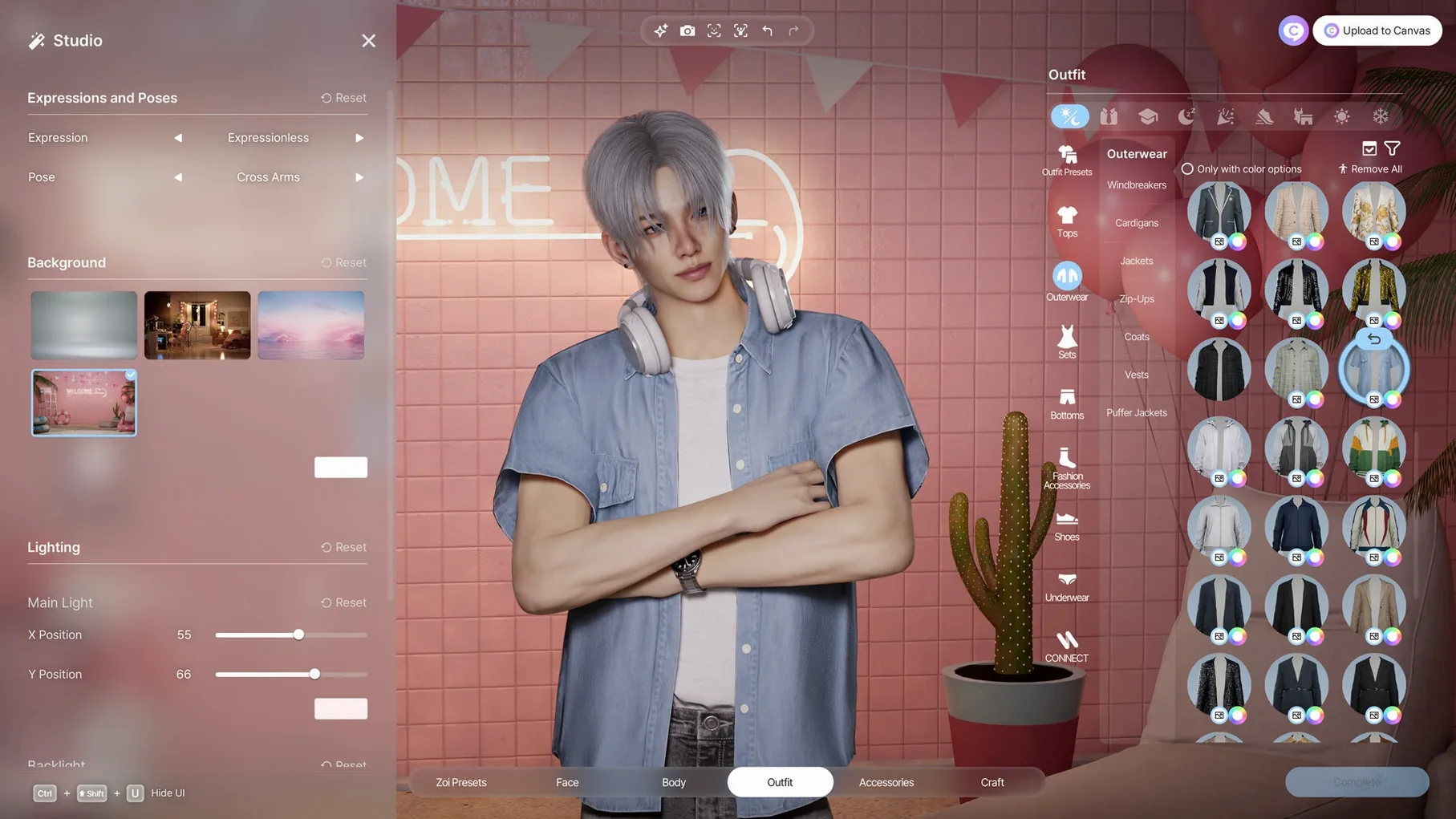
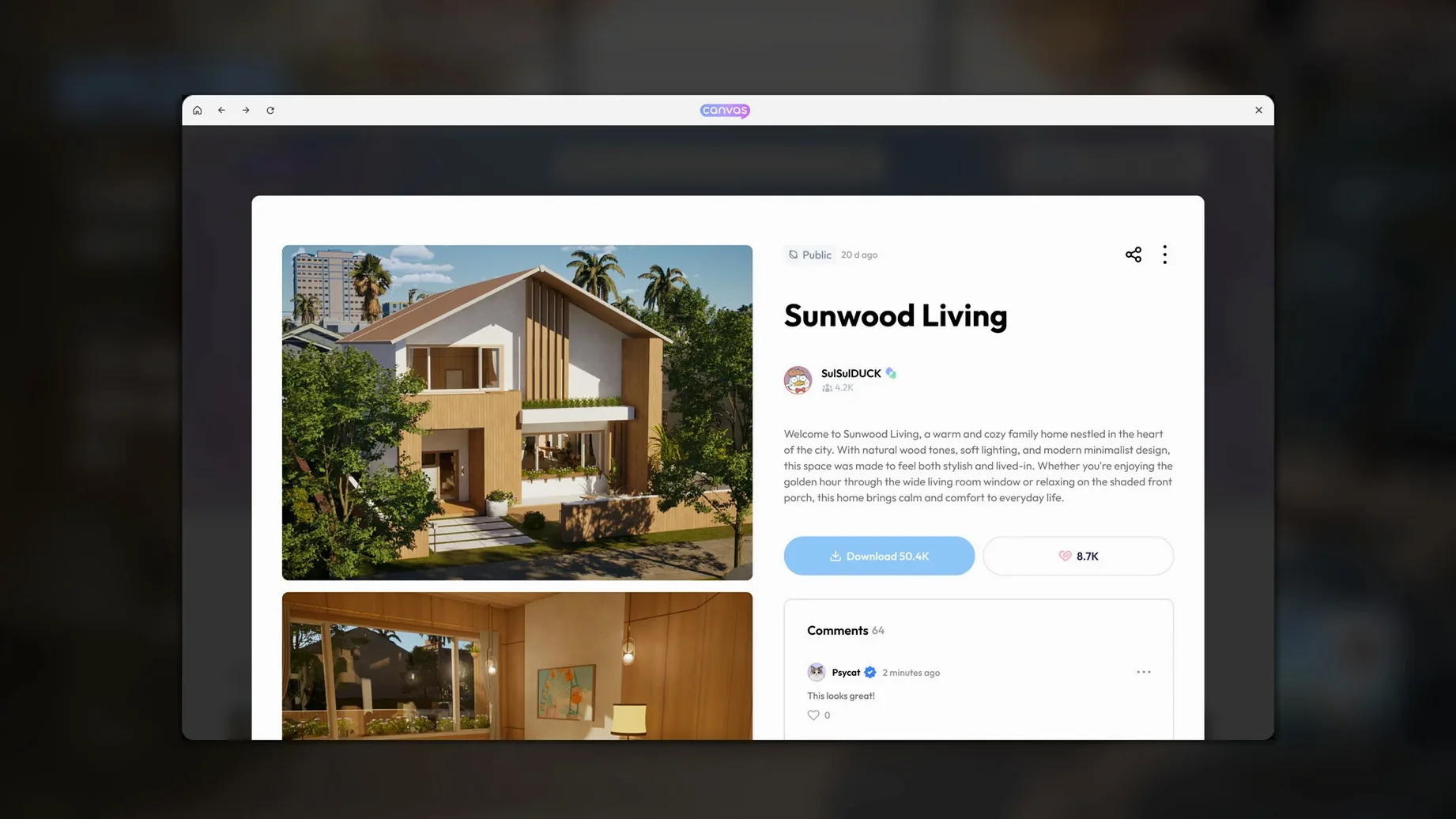

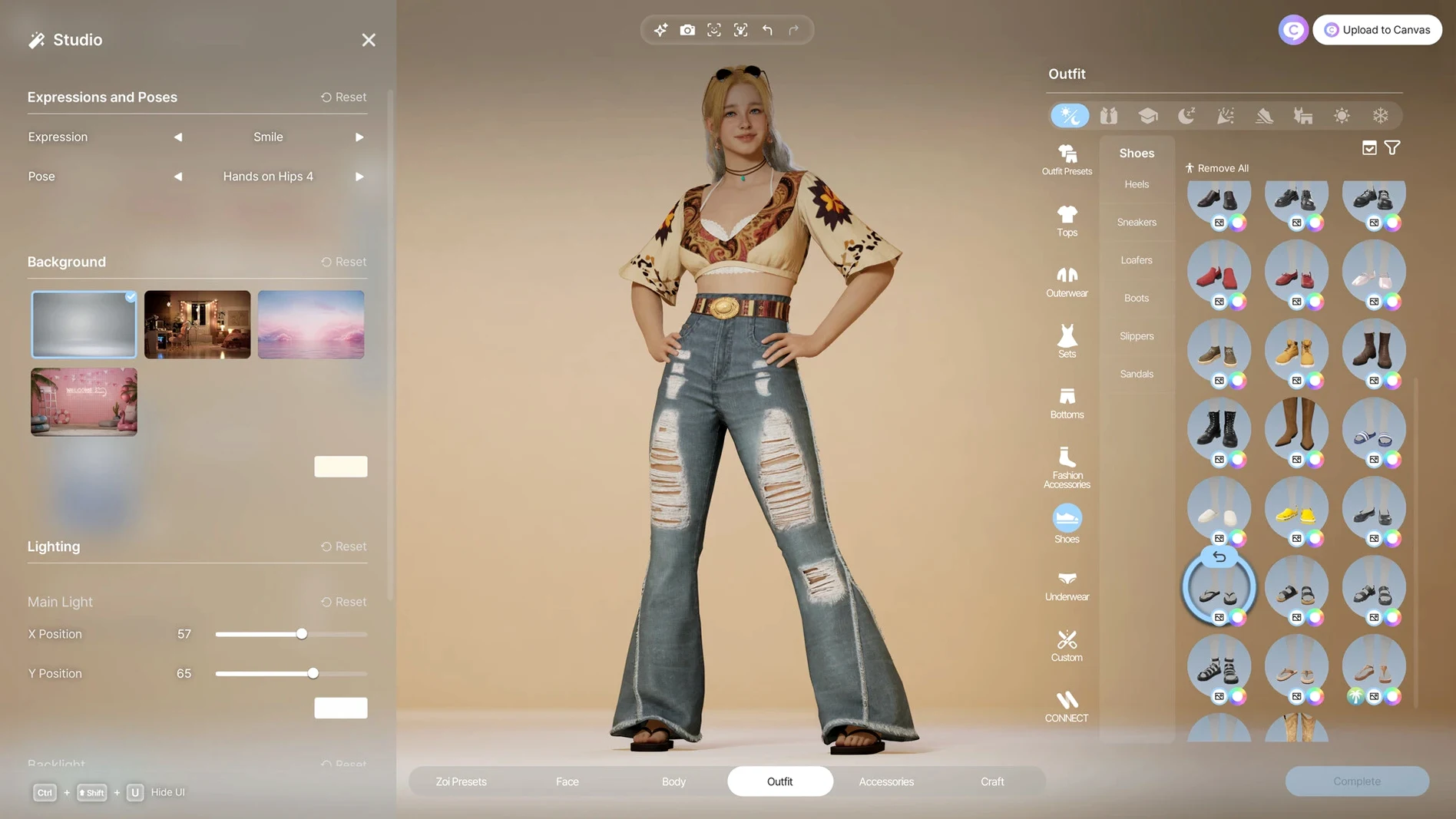


Most life sims hand you a neighbourhood. inZOI hands you the zoning board. You are not just decorating a house; you are governing the weather, the rumours circulating on the street, and the diseases that might follow a bad municipal decision. It is a game for players who find ordinary god games too passive.
You will enjoy this if you
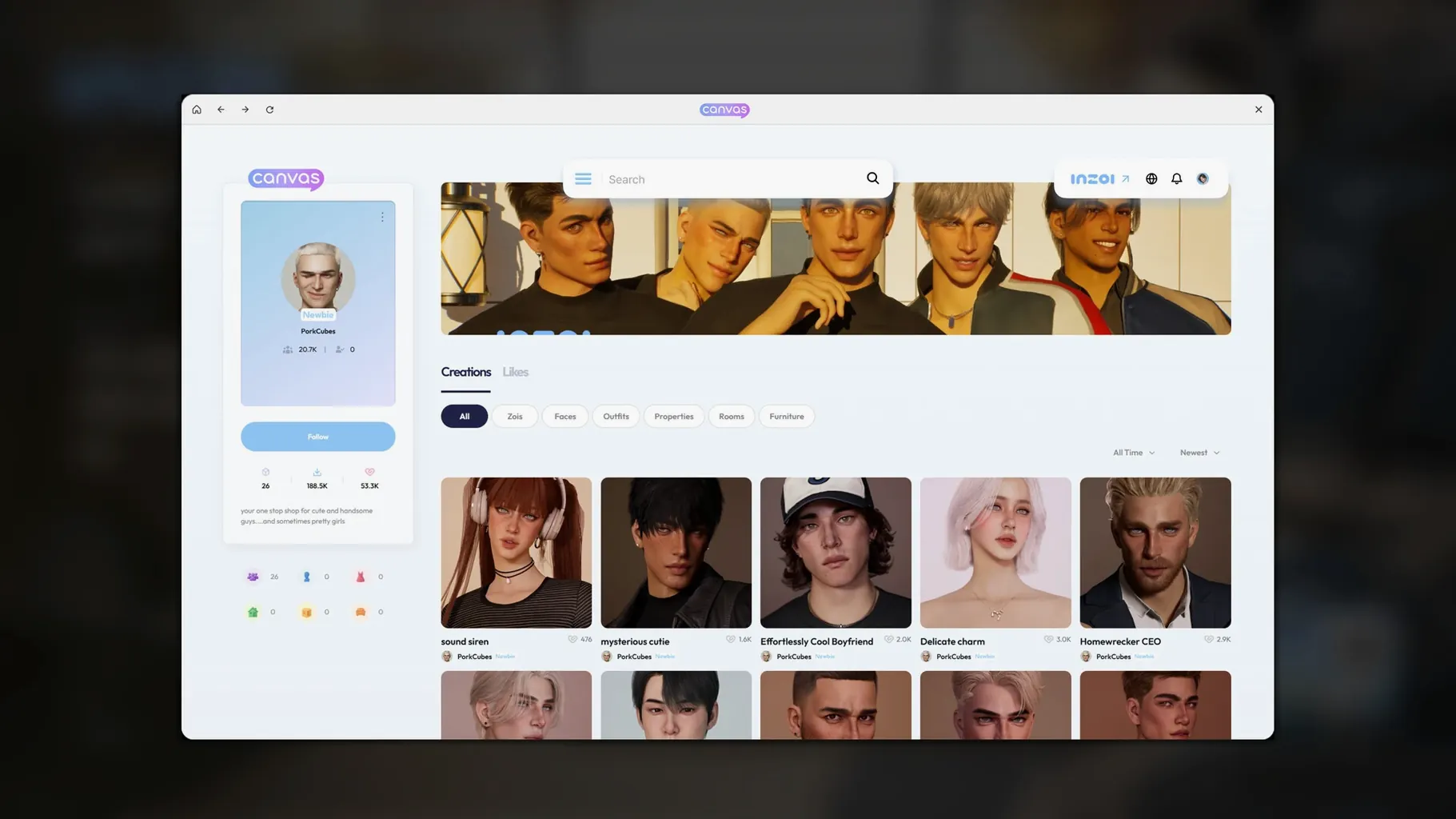
- Spend more time in a character creator than the actual game. With over 250 options covering everything from manicure shape to facial capture from uploaded video, the tool is the main event.
- Treat building systems like CAD software. You can manipulate walls, roofs, stairs, fences, platforms, and gates with architectural precision.
- Want a community that pushes back. Simulation events generate trends, rumours, and diseases that change how the city behaves without your direct input.
You might bounce off if you
This early-access build demands an Apple Silicon Mac and a tolerance for systems that are still finding their balance. There is no Intel support, and the simulation depth means you are managing a live ecosystem, not just arranging furniture. If you prefer a relaxed, fully guided experience with clear win conditions, the open-ended, cause-and-effect chaos here will feel like work.
A 17-point face rig from a 10-second selfie video
Start in the character studio. Pick a body shape, then move straight to facial capture. A short video of yourself looking left, right, and raising an eyebrow gives the AI enough data to map seventeen expression points onto your Zoi. The result is unsettlingly personal — your frown becomes their frown during a rumour event.
Next, pull up the generative texture tool. Type “faded denim jacket with embroidered crows” into the text prompt. The local AI model produces three pattern variations. Apply the best one to a jacket template, adjust the wear and tear slider, and lock it. That jacket now exists as an asset you can reuse across households.
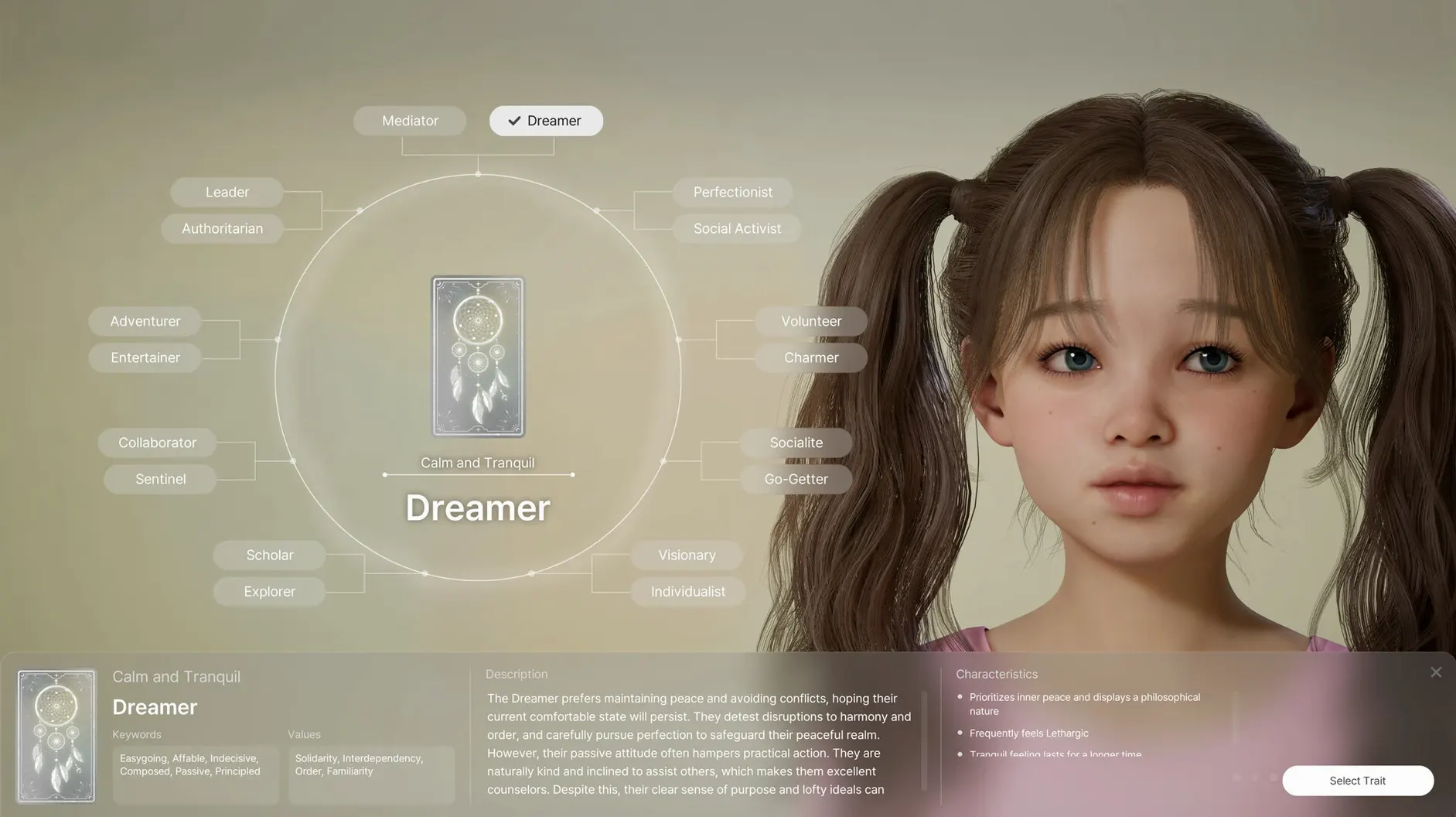
Assign the Zoi three core personality traits. Choose “sceptical,” “loyal,” and “gossip-prone.” These are not cosmetic labels. A sceptical Zoi will question a sudden trend sweeping the city. A gossip-prone one will spread it anyway. The tension between traits creates behaviour you do not script — only observe.
How inZOI fits with other apps and macOS
inZOI plays well with a clean desktop. Run it alongside a reference board in Finder — drag a photo of a real Tokyo side street onto your second display, then rebuild its roof profile in build mode. The game’s Unreal Engine 5 renderer keeps up without dropping frames on a Mac mini M4, even with weather effects cycling in the background.
The 3D object import pipeline connects to anything that exports a 2D image. Sketch a chair in Preview, save as PNG, and the local AI converts it into a usable 3D furniture asset. It is rough — proportions need manual tweaking — but the loop from idea to in-game object takes under two minutes. For video-based animations, record a short clip with Photo Booth. Assign that movement to a Zoi’s idle animation set. Now one character fidgets exactly like you do.
macOS Spaces keeps the chaos contained. Assign inZOI to its own Space. Swipe left to build a city; swipe right to check your notes. The game respects the system-wide mute key, so you can kill the soundtrack without digging through menus. Stage Manager is less useful — inZOI wants the full screen.
Right-click the sky to cycle roofs instantly
- Right-click empty air in build mode — it cycles through roof types without opening a palette. The shortcut is undocumented, but it saves a dozen clicks per build session.
- Hold Option while placing furniture — disables grid snapping. Use it to angle a desk exactly toward a window or push a rug half a centimetre into a corner.
- Double-tap the spacebar during a rumour event — it opens the relationship map centred on the Zoi who started the story. You can trace how the information spread block by block, and decide whether to intervene or let the simulation burn itself out.
- The manicure system has its own layering logic — base colour, tip shape, gloss level, and wear. A chipped manicure on a Zoi with the “disorganised” trait reinforces the personality visually without any UI prompt telling you it happened.
- Weather edits stick across saves — if you set a district to permanent drizzle, it stays through city reloads. Use it to create a permanently moody neighbourhood that affects how Zois dress and gather outdoors.
The inzoi mac download package bundles all twelve languages into a single build. Switch via the in-game menu without restarting. If you are sharing a city file with someone who plays in Korean while you use French, the simulation text localises on your machine — names, traits, and event logs all follow your language setting. The architecture is the same Apple Silicon binary regardless of which inzoi free download macbook source you use.
Version 0.11.2 Native arrives for Apple Silicon with minor housekeeping under the hood.
- Apple Silicon Mac
Questions I get before install
How do I get the character's movements from a video into the game?
inZOI supports motion capture from uploaded videos. You import the clip and the game maps the recorded movement onto your character.
Comments 0
Sign in to leave a comment.Sign inCreate an account
No comments yet. If a step is still there after you install it, say so.
More in Games
All in Games Updated
Invincible VS
Pits comic characters against each other in a fast 3v3 fighter on a single screen.
12 steps saved
 Inkulinati
Sets a turn-based strategy battle inside a living medieval manuscript page.
18 steps saved
 It Reaches
Follows a grainy body-camera feed through a derelict hospital to piece together a story.
22 steps saved
 Hytale
Ships exploration, creative building, and multiplayer in a single Early Access sandbox.
19 steps saved
 Jackal
Tears through 1970s Las Vegas as a hitman dismantling the mafia with bare hands.
22 steps saved
 Updated
HUMANKIND
Keeps exploration, combat, and city-building on one seamless map without loading screens.
12 steps saved
 Updated
Hozy
Strips a room to its bones, then lets you paint and furnish the clean space.
20 steps saved
 House Flipper
Hands you a neglected property to clean, repair, and furnish room by room.