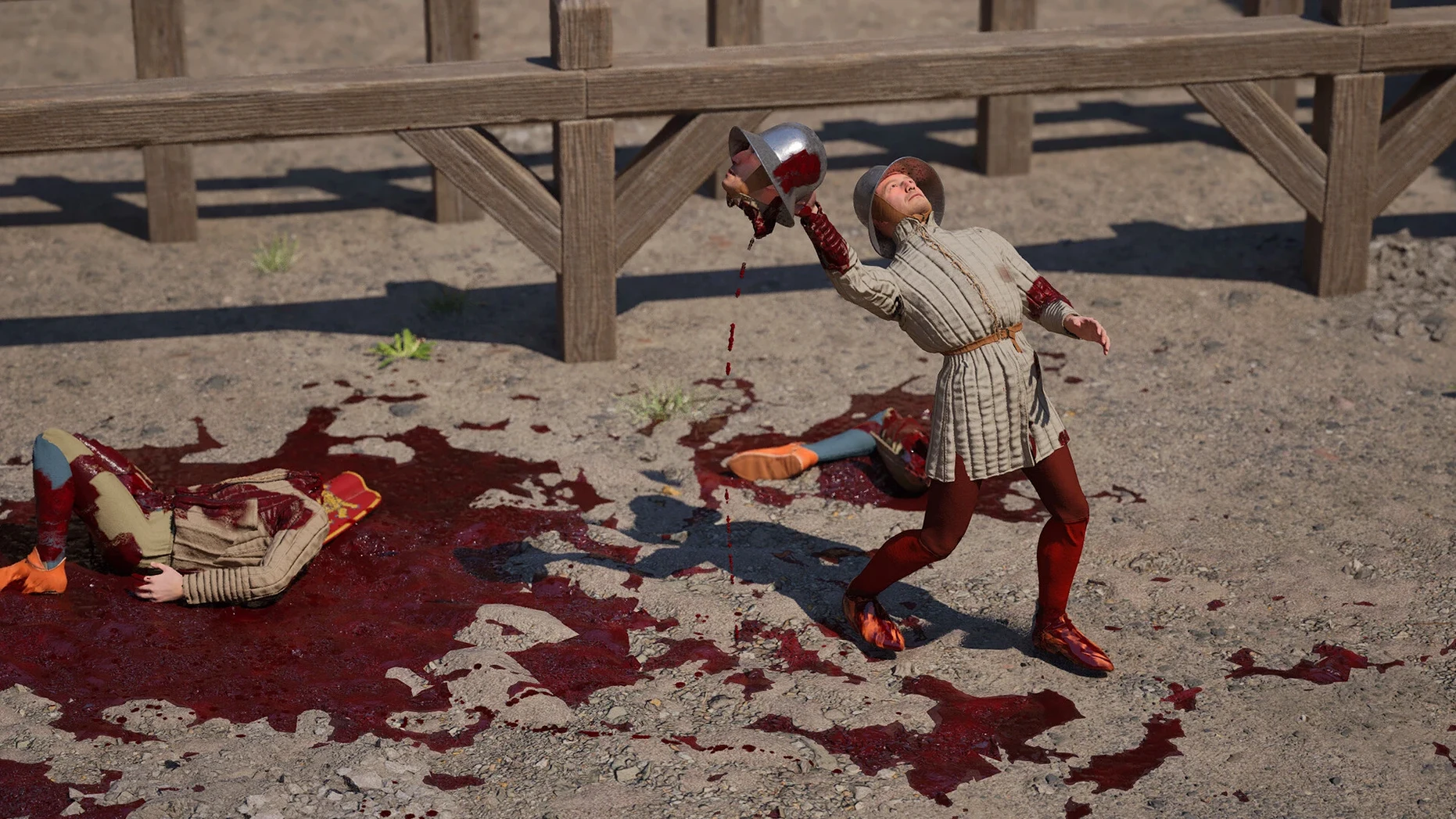
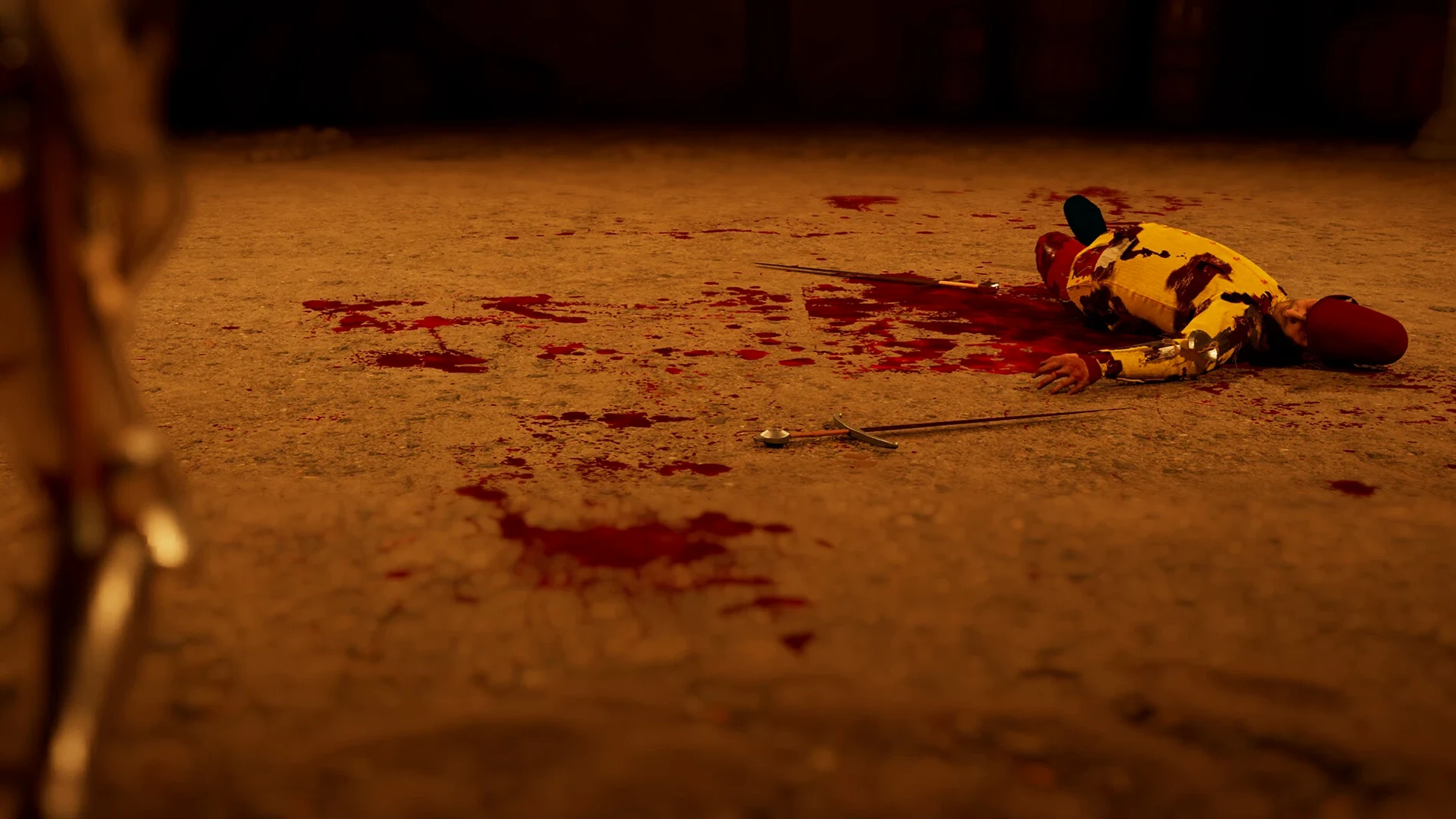
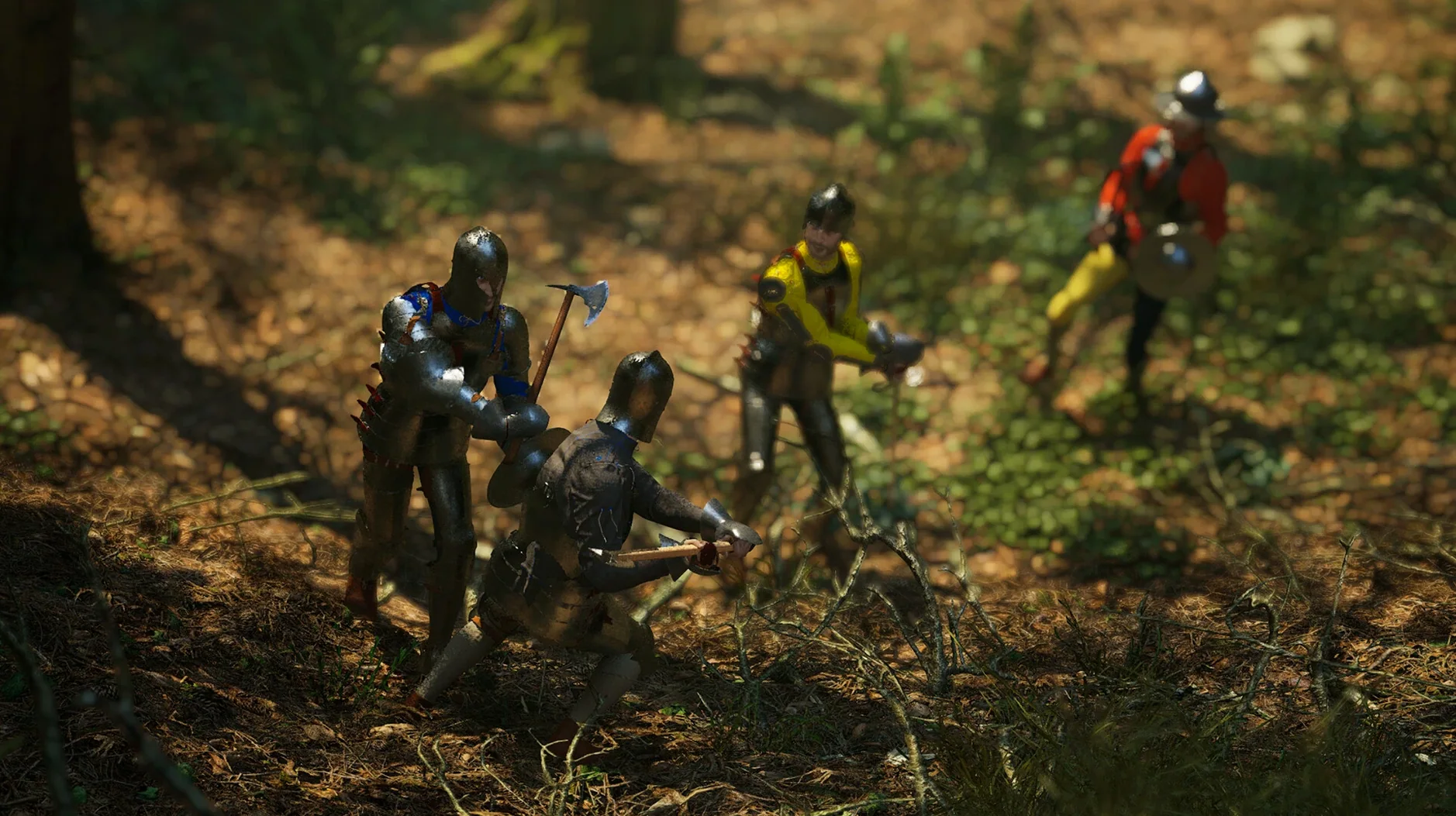
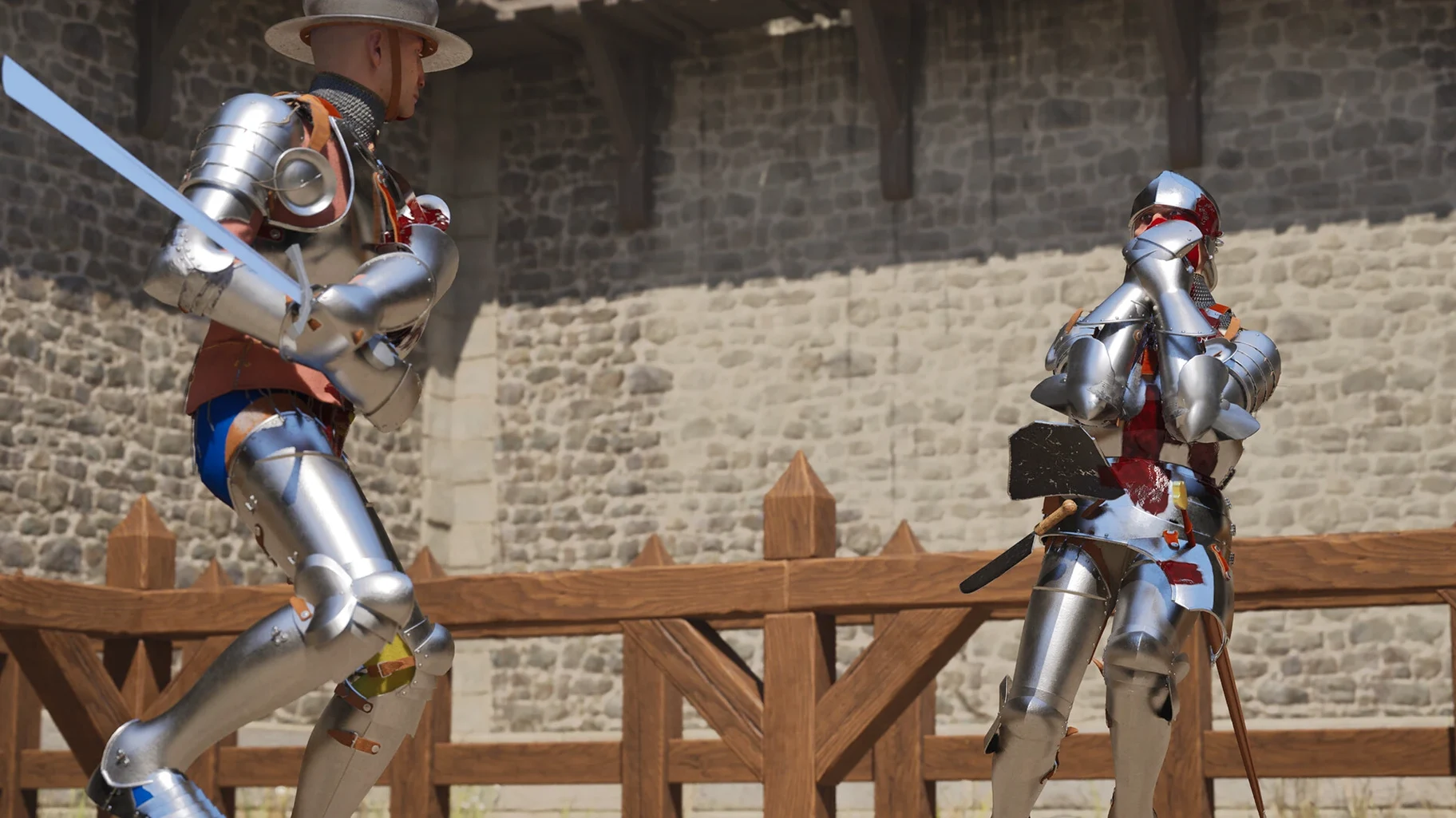
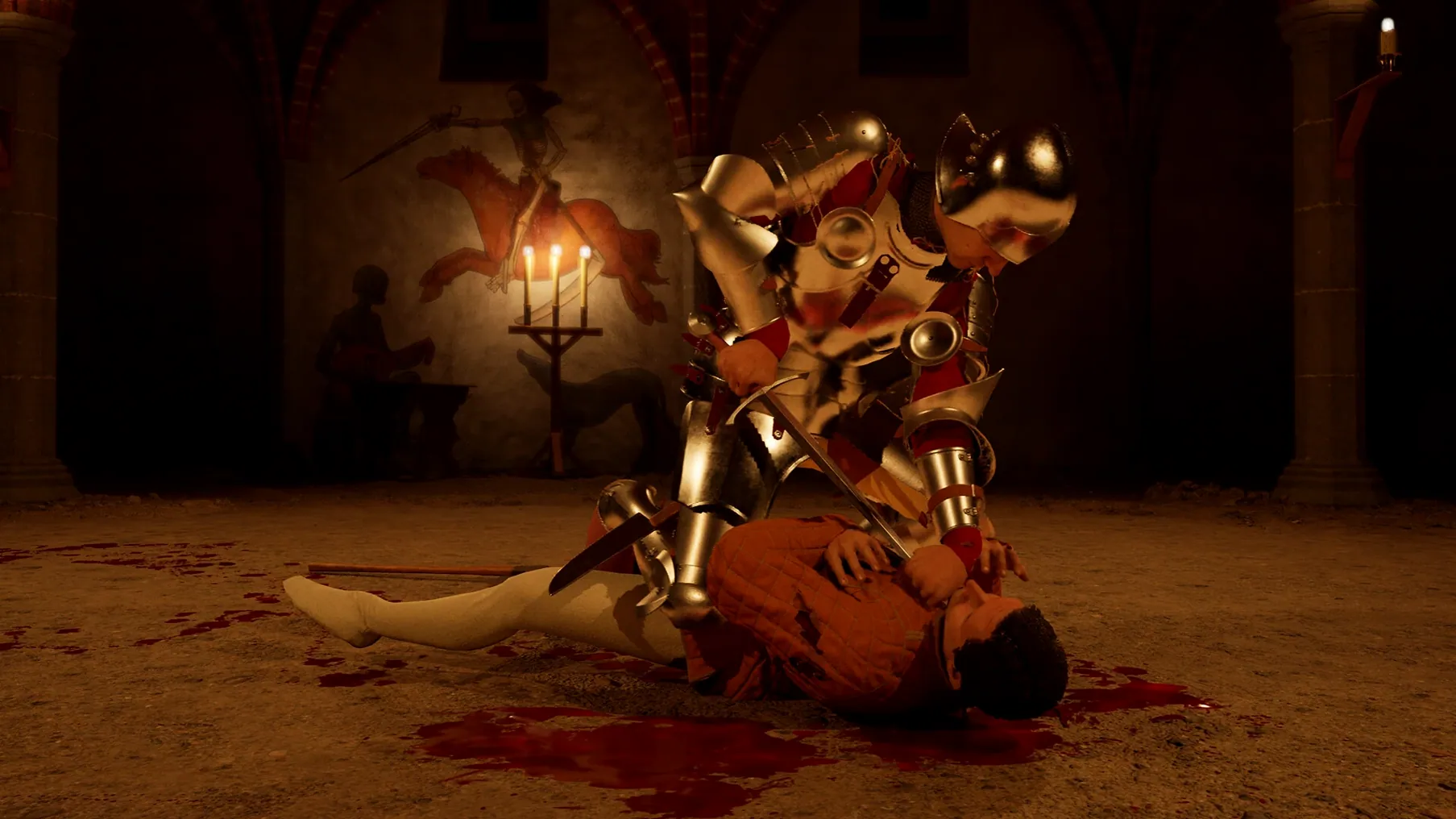
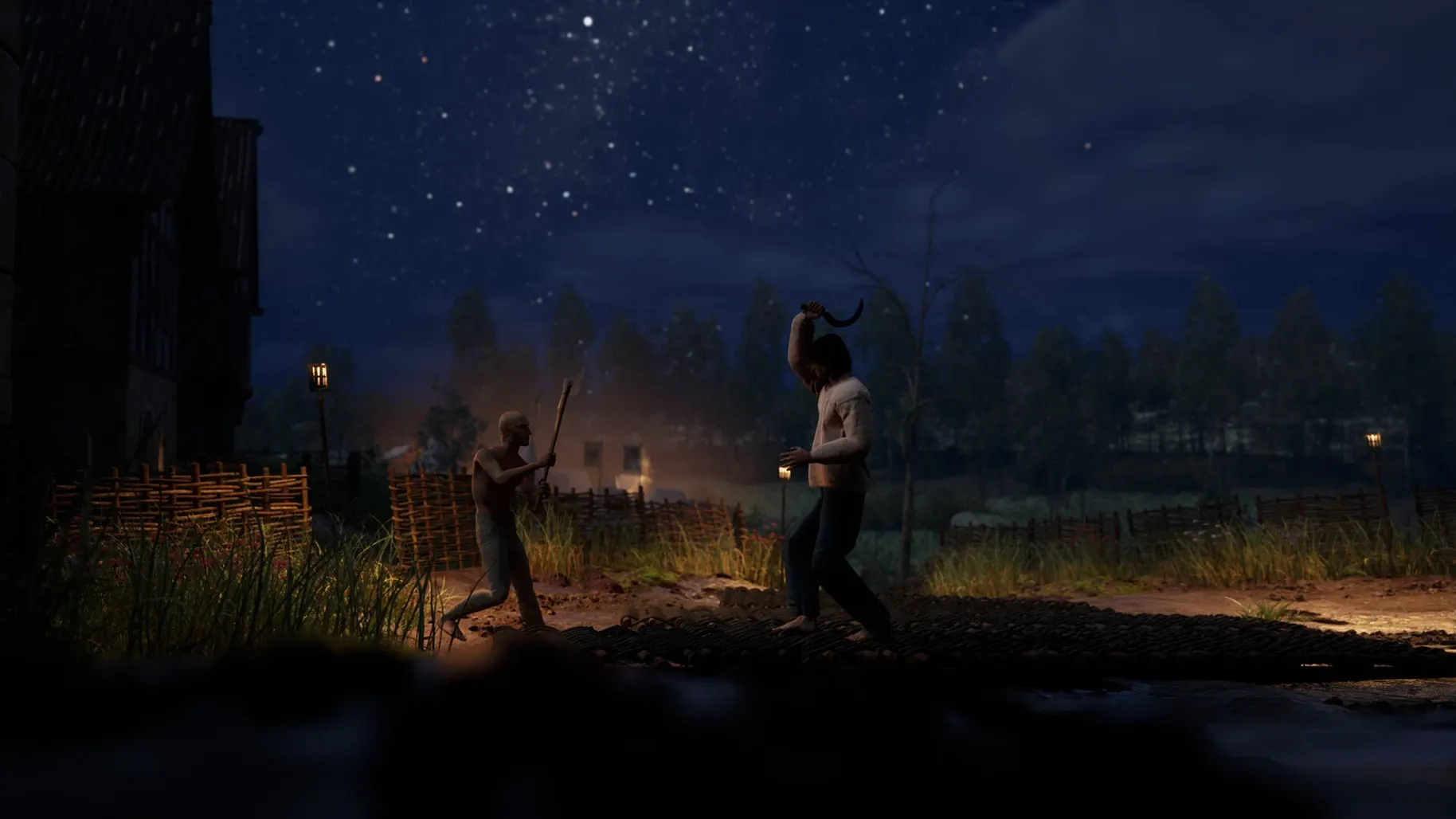
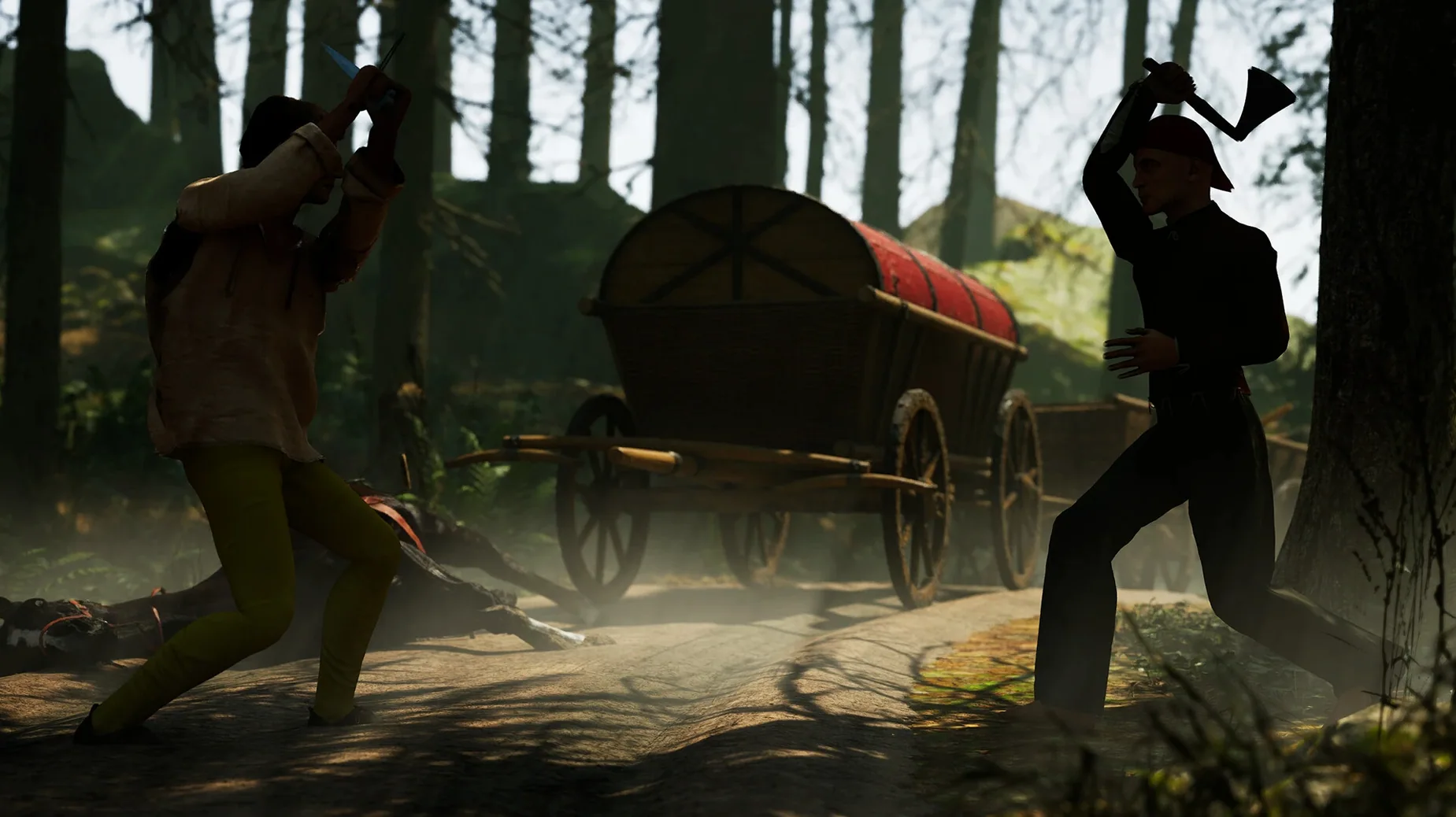
One hit can end a fight. There are no health bars in Half Sword, only the physics of a sharp blade meeting unprotected flesh. A single clean stroke to the head or neck drops your opponent immediately.
You control the weapon with the mouse, dragging and swinging to determine angle and force. Movement is independent of attack direction, so you can step left while cutting right. The game expects you to manage distance, timing, and balance without on-screen prompts.
Most sessions follow a simple loop. You select a weapon — anything from a longsword to a pitchfork — and face an opponent in a dirt arena. The fight itself lasts anywhere from two seconds to two minutes. After it ends, you choose another loadout and go again. There is no campaign, no levelling, just repeated bouts where you gradually learn to read stances and exploit openings.
Performance in Daily Use
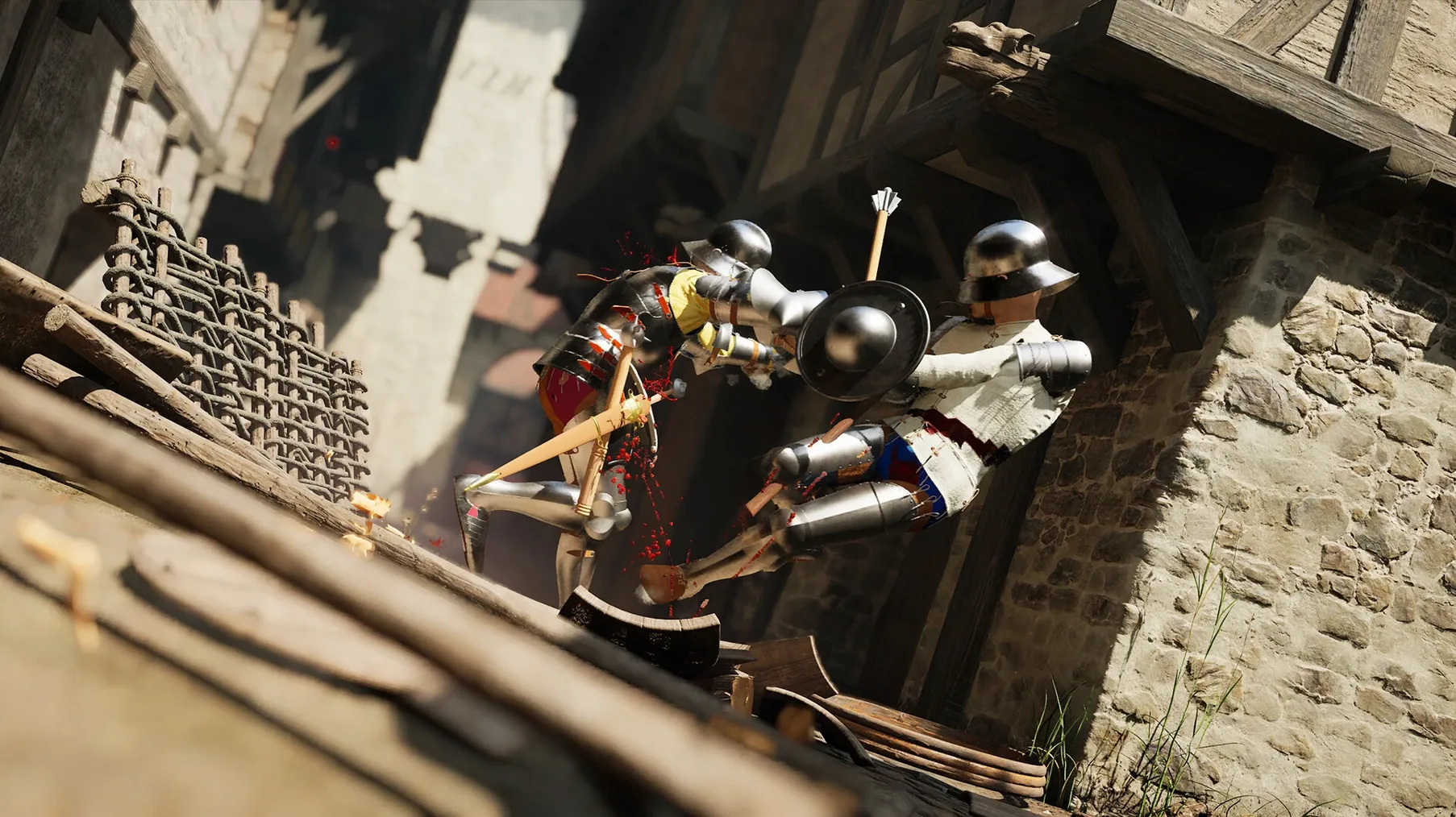
The Wineskin wrapper carries little overhead on Apple Silicon. On a Mac mini M4, the game holds a steady frame rate through most duels, even when a blade catches a helmet and sends both fighter and steel tumbling. Load times between bouts stay under ten seconds.
Expect occasional stutter when dismemberment triggers or when several physics objects collide at once. These hitches are brief and rare enough not to interrupt the rhythm. Memory use sits modest for a 3D title; background apps rarely need closing before launch.
Stability is acceptable for an Early Access build. Crashes happen, mostly after long sessions or when alt-tabbing repeatedly. Save data survives without issue. If the game refuses to start after the first install, run the Fix file from the disk image once — that resolves most launch errors tied to the Wineskin prefix.
First Days with Half Sword
Start with the longsword. It is the most forgiving weapon for learning reach and swing arcs. Spend the first hour ignoring wins and losses; focus on watching how your blade glances off armour versus how it bites into cloth.
- Set the interface language in the settings menu before your first real session — all five supported languages are selectable in-game.
- Keep your mouse movements deliberate. Fast flicks look dramatic but rarely connect with force.
- After every death, name what killed you. Most early losses come from overcommitting to a swing, not from slow reflexes.
- Experiment with a pitchfork or axe by day two. Unusual weapons force you to consider distance differently.
Those who download Half Sword for Mac should expect a steep first hour, then a quick settling-in period. The controls feel strange until you stop fighting them.
The 0.6.1.5 build runs on Apple Silicon via Wineskin, with the interface available in English, Russian, German, Spanish, and French. Voice lines are English only.
- Apple Silicon Mac
- Wineskin-packaged build
Questions I get before install
Does Half Sword run natively on Apple Silicon?
No, it uses Wineskin packaging for macOS and was tested on a Mac mini M4 running macOS Tahoe.
How do I change the language?
Open the in-game settings and select from Russian, English, German, Spanish, or French.
What sort of game is this?
It is a physics-based medieval combat simulator focused on realistic weapon handling and quick, decisive arena fights.
Comments 0
Sign in to leave a comment.Sign inCreate an account
No comments yet. If a step is still there after you install it, say so.
More in Games
All in Games Hades II
Battles through the Underworld as Melinoë in fast, replayable roguelike runs.
16 steps saved
 HackHub - Ultimate Hacker Simulator
Simulates a terminal session where you pivot before the trace completes.
6 steps saved
 Guns, Gore & Cannoli 2
Adds 360-degree aiming to turn side-scrolling firefights fluid.
13 steps saved
 Updated
Hearts of Iron IV
Lets you queue research and manage production lines across a multi-year campaign.
16 steps saved
 Hell Clock
Compresses a full descent into minutes, scaling your power with each reset.
23 steps saved
 Heroes of Might and Magic 4: Complete
Bundles base game and expansions into one launch for modern Macs.
8 steps saved
 Updated
HITMAN World of Assassination
Turns each level into a clockwork puzzle where disguise and timing decide the outcome.
4 steps saved
 Grand Theft Auto V
Drops three criminals into Los Santos for heists, chases and open-world chaos.