
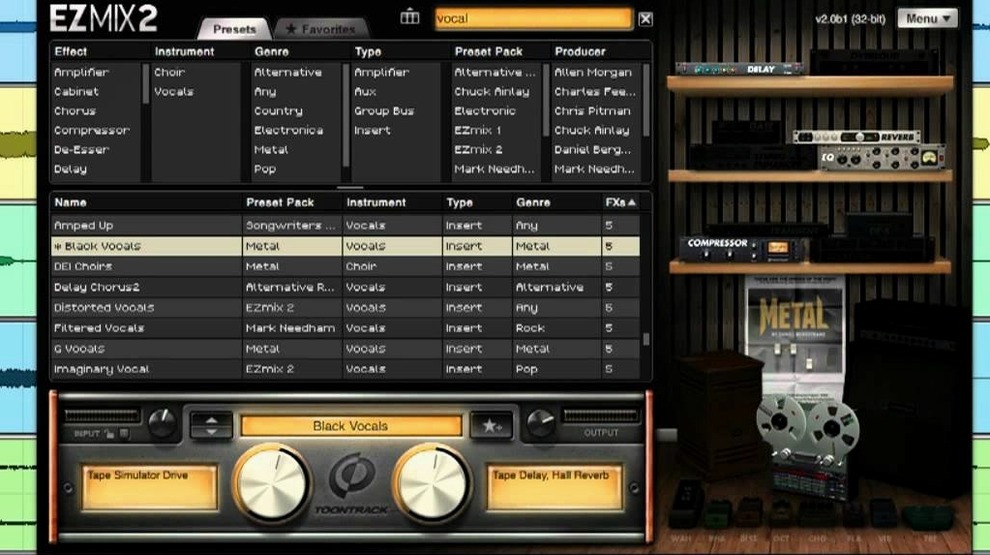
Home-studio musicians and songwriters reach for EZmix when they want a finished sound without building effects chains from scratch. You place it on a vocal track to pull up a radio-ready tone, on a drum bus to add glue and punch, or across the master output for quick levelling. Each preset is a complete signal chain—compression, EQ, saturation, and time-based effects combined by mixing engineers.
On instrument channels, it doubles as a guitar and bass rig. The included amp and cabinet simulations let you dial in a DI tone during tracking or practice through the independent host application. No DAW required for that session; just launch, plug in, and play.
Version 3.2.2 keeps every EZmix 2 preset intact while adding support for expansion packs released from Q4 2025 onward. The workflow stays the same: pick a channel type, audition presets, and adjust a single wet/dry control to fit the mix.
DAW or Standalone? How EZmix Actually Runs
Does EZmix work as a regular plug-in, or do I need extra software? It runs inside any DAW that hosts VST, AU, or AAX plug-ins. Insert it on a channel strip exactly like a compressor or EQ. The standalone host is a bonus for guitar and bass practice—launch it without opening Logic or Ableton.
Will my old EZmix 2 presets disappear? No. Version 3.2.2 retains every preset and expansion you already own. The upgrade adds support for newer packs released from Q4 2025 onward; it never strips content away.
How heavy is it on CPU? A single instance draws modest resources because the processing chain is fixed per preset. You can run multiple instances across a session—drums, bass, vocals, master bus—without freezing tracks, even on older Intel Macs. Apple Silicon machines handle it with plenty of headroom.
Do I need an audio interface for the standalone amp mode? Yes. The host application expects your interface as the input and output device. Plug your guitar or bass into a Hi‑Z input, select the device in preferences, and start playing.
Lock the Blend Knob While You Browse Presets
- Wet/dry mix lock. When you lock the wet/dry slider, it stays put while you audition new presets. This saves time comparing a few options at the same blend level.
- Preset favouriting. Click the star icon next to any preset name. Your shortlist appears in a dedicated Favourites folder—handy when you settle on a go‑to vocal chain or mastering curve.
- Search by instrument tag. The preset browser groups tones by source: Kick, Snare, Bass DI, Vocal Lead, and so on. Typing “acoustic” narrows results to acoustic guitar chains in seconds.
- Standalone host metronome. The independent app includes a basic metronome with tap tempo. Useful for warming up with a DI amp tone before tracking.
- Silent preset switching. EZmix fades between chains, so you never hear a spike or gap when clicking through options during playback.
Home Songwriters Skipping the Mix Rabbit Hole
Songwriters recording at home. You want your demo to sound balanced without spending an afternoon on EQ curves. EZmix gives you producer‑crafted chains for acoustic guitar, piano, and vocals. Load a preset, adjust wet/dry, and move on to writing.
Guitarists who practise through a Mac. The amp and cabinet simulations cover clean, crunch, and high‑gain tones. Plug into your interface, launch the standalone host, and you have a quiet practice rig that reacts to picking dynamics—no pedalboard, no microphone bleed.
Content creators who mix spoken word. Dialogue and voiceover chains compress peaks and control sibilance in one step. Drop EZmix on a narration track, pick a broadcast‑style preset, and the level sits where you need it.
Self‑producing bands. When you track drums in a rehearsal room and vocals in a closet, the room sounds differ wildly. EZmix masks those inconsistencies with targeted reverb and EQ chains per channel. The drum bus presets tighten kick and snare while taming cymbal wash, all from a single insert.
Anyone searching for an ezmix torrent or an ezmix 3 free download usually wants to test the workflow before committing to expansion packs. The core library covers enough ground to judge whether the single‑slider approach fits a session. Once you hear how fast a drum bus gels or how a vocal sits in a dense chorus, the utility becomes clear. The same preset logic extends across the entire toontrack ezmix bundle—you keep the immediacy, and you pick up packs only when a project calls for a specific flavour.
- New — Compatibility with EZmix expansion packs released from Q4 2025 onward.
- macOS 10.13 or higher
- Apple Silicon or Intel processor
Comments 0
Sign in to leave a comment.Sign inCreate an account
No comments yet. If a step is still there after you install it, say so.
More in VST Plugins
All in VST Plugins Toontrack EZkeys
Puts a full piano, organ, or keys engine inside your session.
13 steps saved
 Tone Empire EDYN
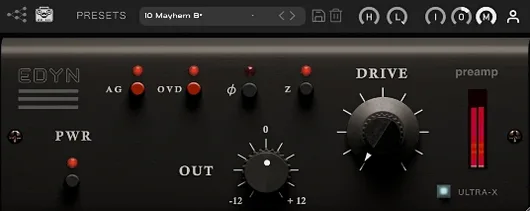
Adds console-style colour and dynamics to tracks, drum buses or the master.
18 steps saved
 Tokyo Speirs RoundTrip
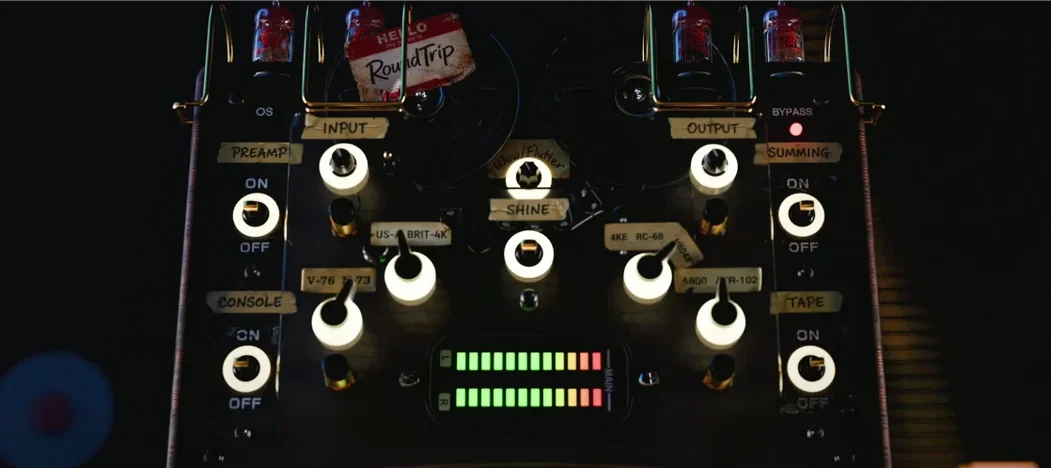
Gives each track instance a unique personality through component variation.
19 steps saved
 UJAM Beatmaker VICE
Delivers 1980s drum machine punch as a single playable instrument.
22 steps saved
 uJAM Cinedream
Generates a moving guitar part from a single held key.
20 steps saved
 UJAM Symphonic Elements STRIIIINGS
Places sixty string ensemble textures from Hans Zimmer’s recordings under your fingers.
4 steps saved
 T-RackS
Shapes a full album's final tone with a drag-and-drop chain of mastering modules.
19 steps saved
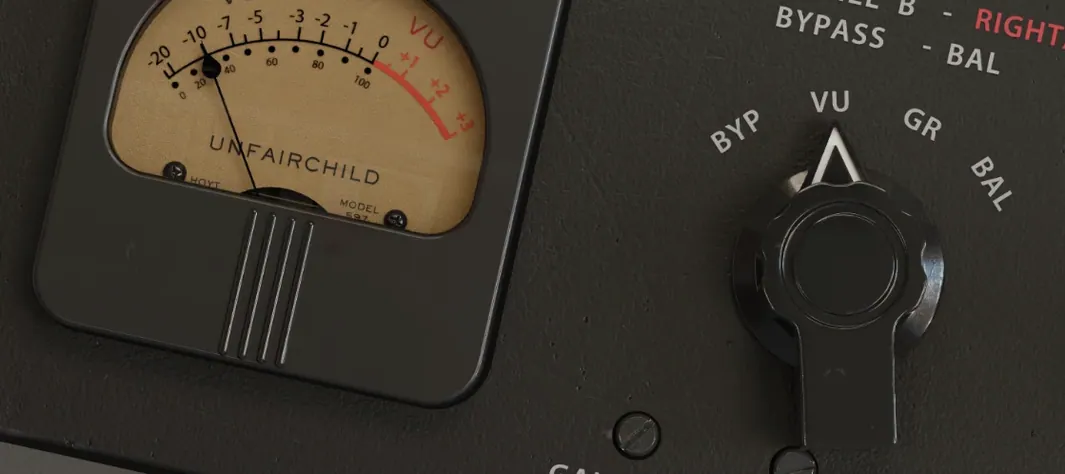 UnderTone Audio UnFairchild
Recalls the colour and glue of the classic Fairchild tube compressor.