
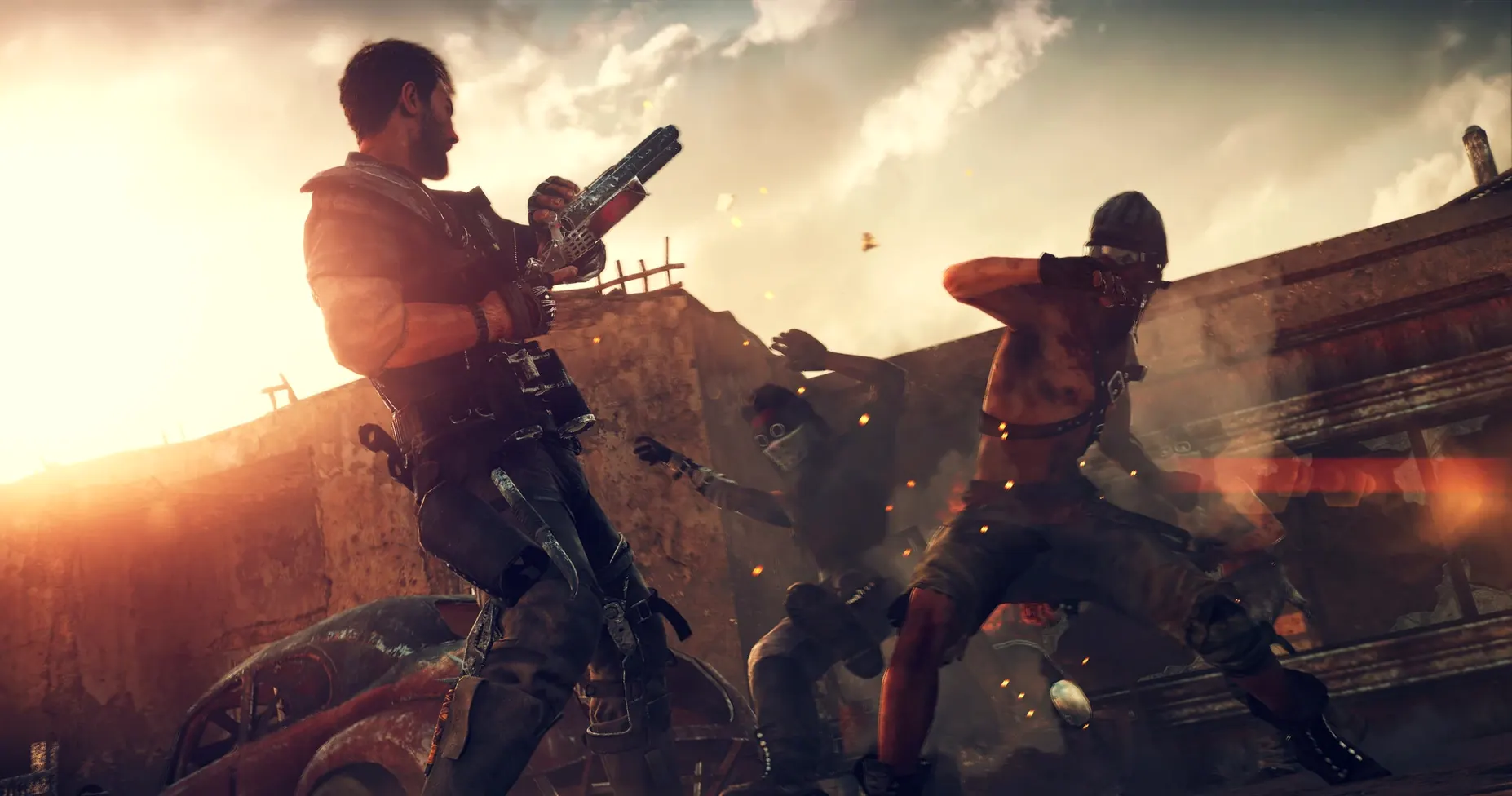
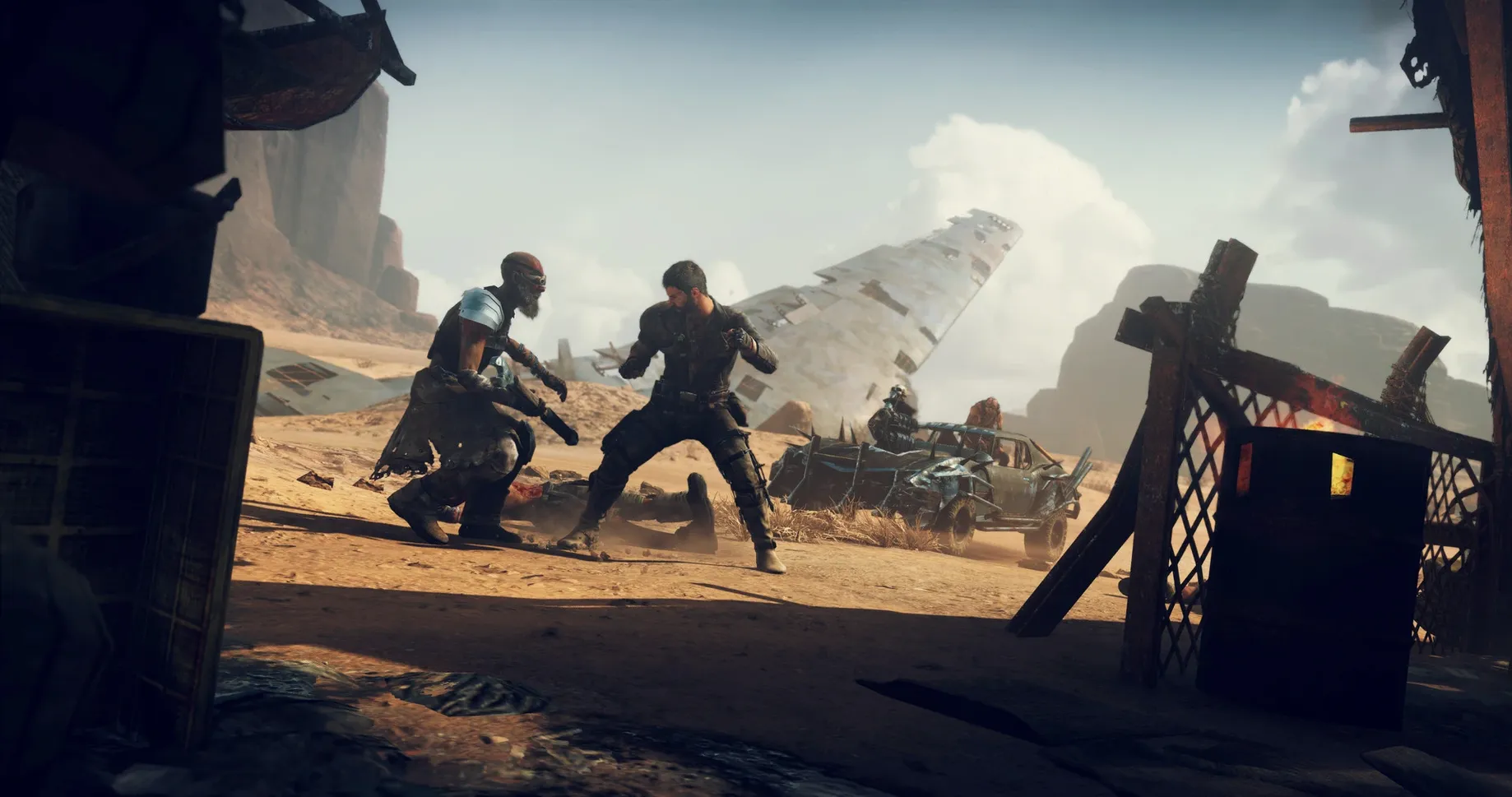

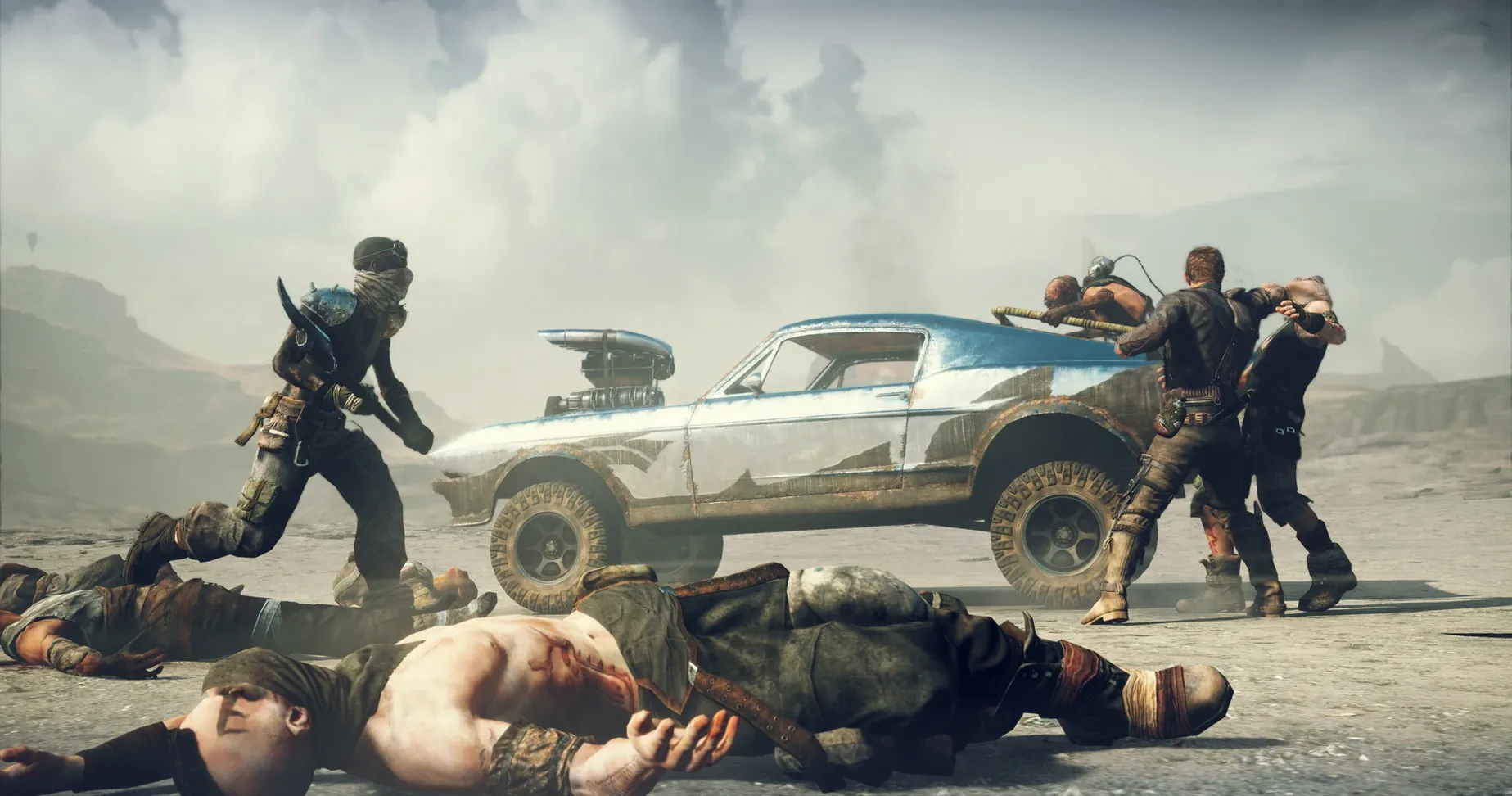
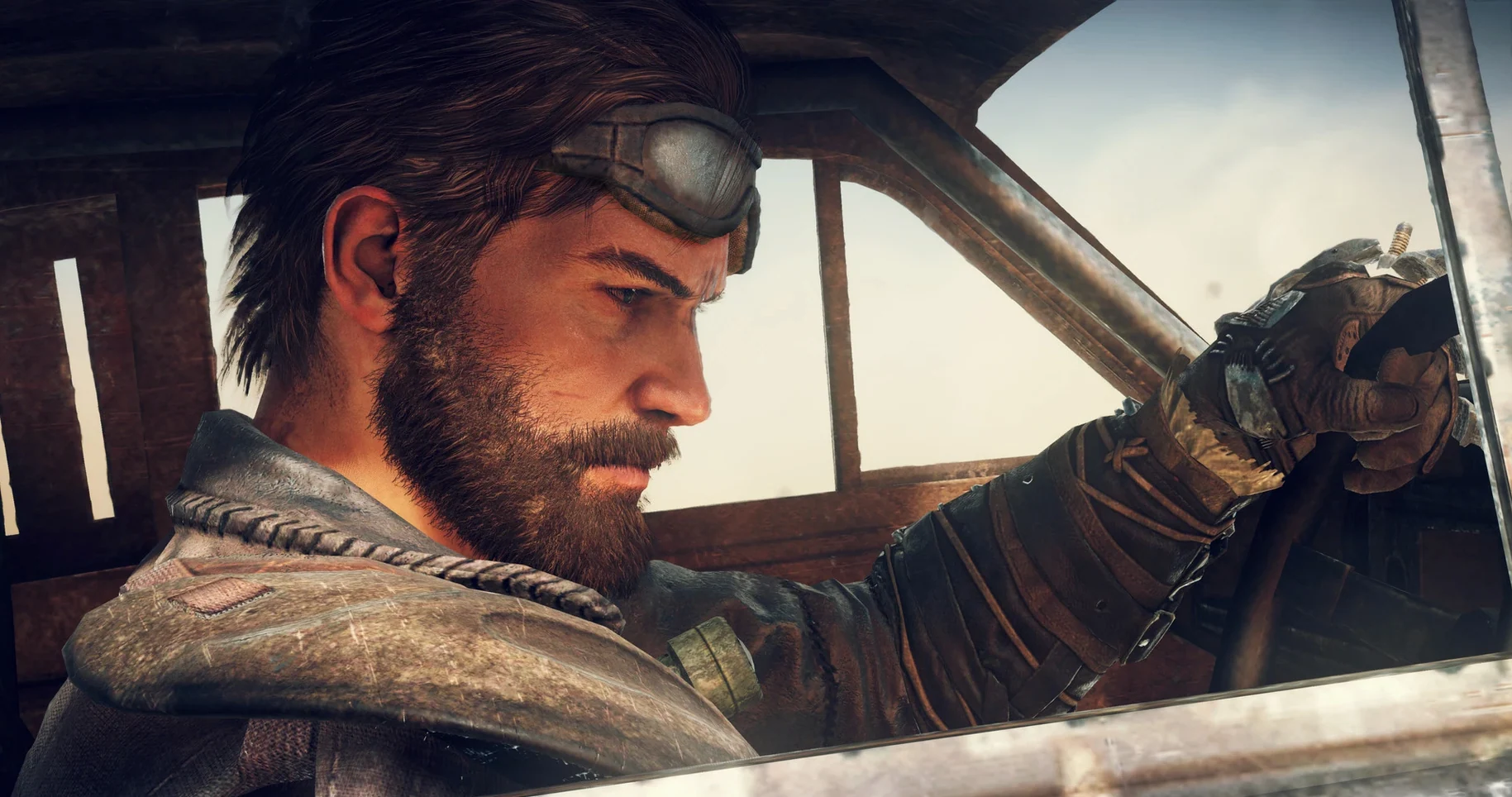
Where a driving sim meets third-person brawler, Mad Max plants you in a sun-scorched open world with nothing but a car and a grudge.
Vehicle combat — Arm your Magnum Opus and tear across the desert, ramming and harpooning enemy war parties.
On-foot combat — Brutal, weighty hand-to-hand fighting against scavengers and war boys.
Open wasteland — Explore strongholds, scavenge for scraps, and manage resources to keep your car running.
Lone warrior — You control Mad Max, building his legend across a hostile, decaying world.
Sink Into the Lore and Slow-Burn Scavenging Loop
Fans of the franchise who already know the lore will sink straight into its dust-choked atmosphere without needing a primer. The game rewards patience with a slow-burn loop of scavenging, upgrading, and territory control — not just checkpoint racing.
Three types of player tend to stick with it longest:
- Open-world completionists — The map is littered with camps to clear, scrap to collect, and threat levels to zero out. If clearing icons off a map feels meditative, this delivers weeks of it.
- Car customisation obsessives — The Magnum Opus is less a vehicle and more a rolling project. Engine, armour, tyres, ramming spikes, harpoon upgrades — every choice changes how you fight.
- Combat-first players — On-foot fights feel heavy and consequential. Arkham-style rhythm, but slower, meaner, with bone-cracking sound design that makes every punch land.
Anyone expecting a tight narrative or snappy pacing may bounce off. The story is serviceable but thin — the world itself is the real hook.
Locate the MadMaxData Folder Manually on First Launch
A few friction points surface early, especially on Intel Macs running the 1.0 fix build.
- Game stalls during the first launch — The initial boot asks you to locate the
MadMaxDatafolder manually. Browse to it in the dialog, confirm, and let the game restart itself. Skipping this step leaves you staring at a black screen. - Stuttering on wide-open stretches — The Wasteland streams assets constantly. Drop shadow quality and draw distance before touching resolution. Intel integrated graphics benefit from capping the frame rate at 30.
- Controller not recognised — Wired Xbox or PlayStation controllers usually work after a restart. Disconnect before launching the game, reconnect once the main menu loads. Bluetooth pads are patchy; stick with USB.
- Language stubbornly stays on Russian — Right-click the app, choose Show Package Contents, then open
Contents/Resources/activated.iniin TextEdit. Deleterussiannext to the language line and typeenglish. Save, relaunch. - Camera snaps around during vehicle combat — The default auto-centre is aggressive. Turn off Camera Auto-Level in the gameplay settings and widen the field of view by a few degrees.
If the game feels sluggish, treat it as a resource-management sim: close browsers, pause syncing, and give the Wasteland room to breathe. The engine is from 2015 and expects uninterrupted CPU cycles.
- Intel Mac (x86 64-bit)
- macOS Tahoe (tested on Mac mini 2024 M4)
Questions I get before install
Does this build run on Apple Silicon Macs?
The game uses x86 64-bit architecture and was tested on a Mac mini 2024 M4 running macOS Tahoe.
Can I play Mad Max in Russian?
Yes. The interface includes Russian, English, German, Spanish, Italian, Polish, Portuguese, French, and Japanese.
Comments 0
Sign in to leave a comment.Sign inCreate an account
No comments yet. If a step is still there after you install it, say so.
More in Games
All in Games Mafia III
Dismantles a New Orleans mafia across one bundled story and three DLCs.
13 steps saved
 Megabonk
Throws you into waves of enemies on random maps, each hero with its own abilities.
4 steps saved
 Lucky Tower Ultimate
Turns a dungeon escape into a hand-drawn slapstick run with tight timing.
4 steps saved
 Metro 2033 Redux
Sends you through a hostile Moscow metro where every bullet counts.
6 steps saved
 Metro Exodus
Leads a squad across non-linear, post-apocalyptic Russian landscapes.
15 steps saved
 Little Nightmares Enhanced Edition
Guides Six through the Maw in a dark puzzle-platformer, now in 4K.
9 steps saved
 Library Of Ruina
Counters enemy dice with your own pages in turn-based clashes that decide each encounter.
14 steps saved
 Minecraft
Turns gathered blocks into structures that stand against the night.