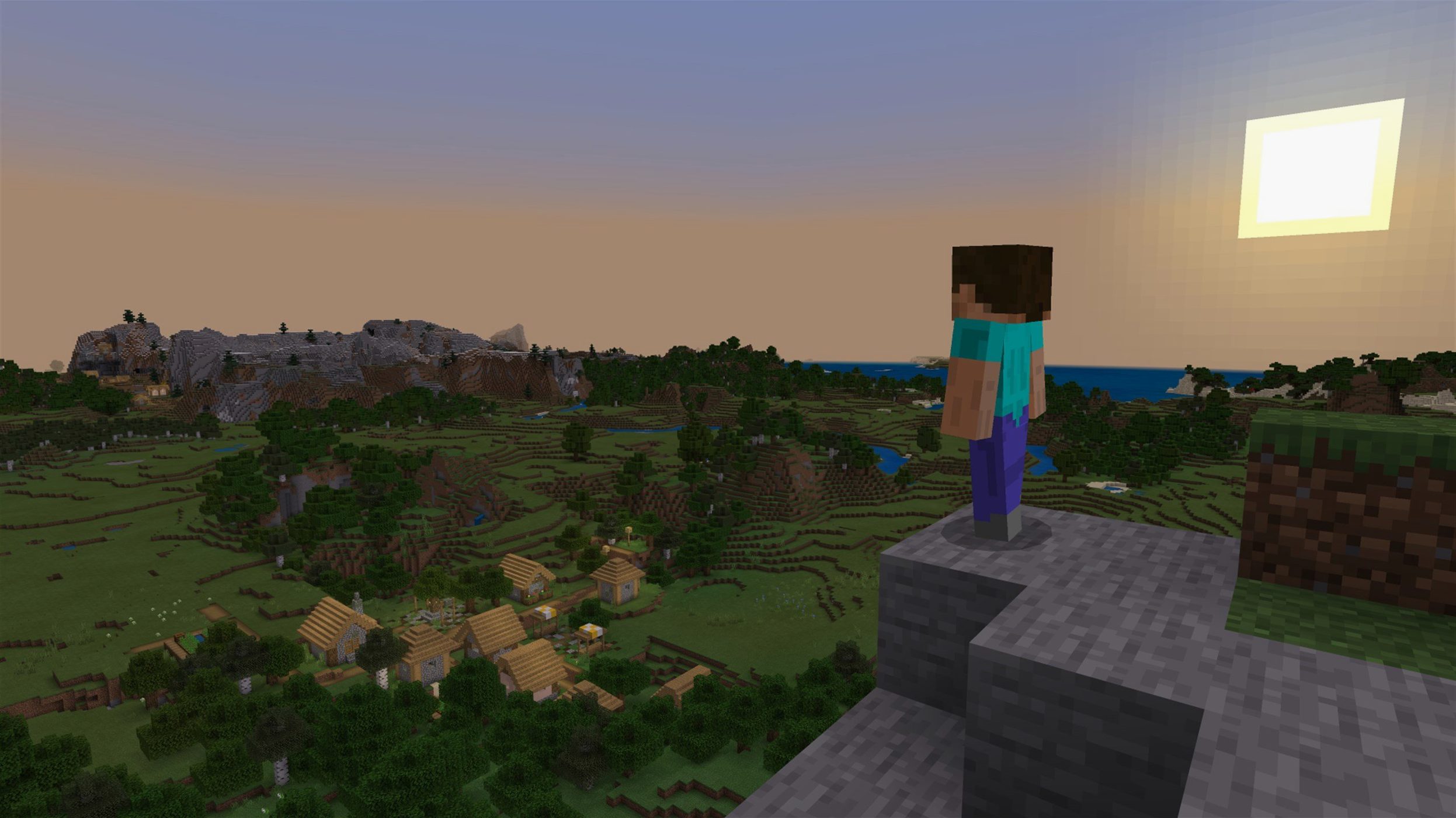
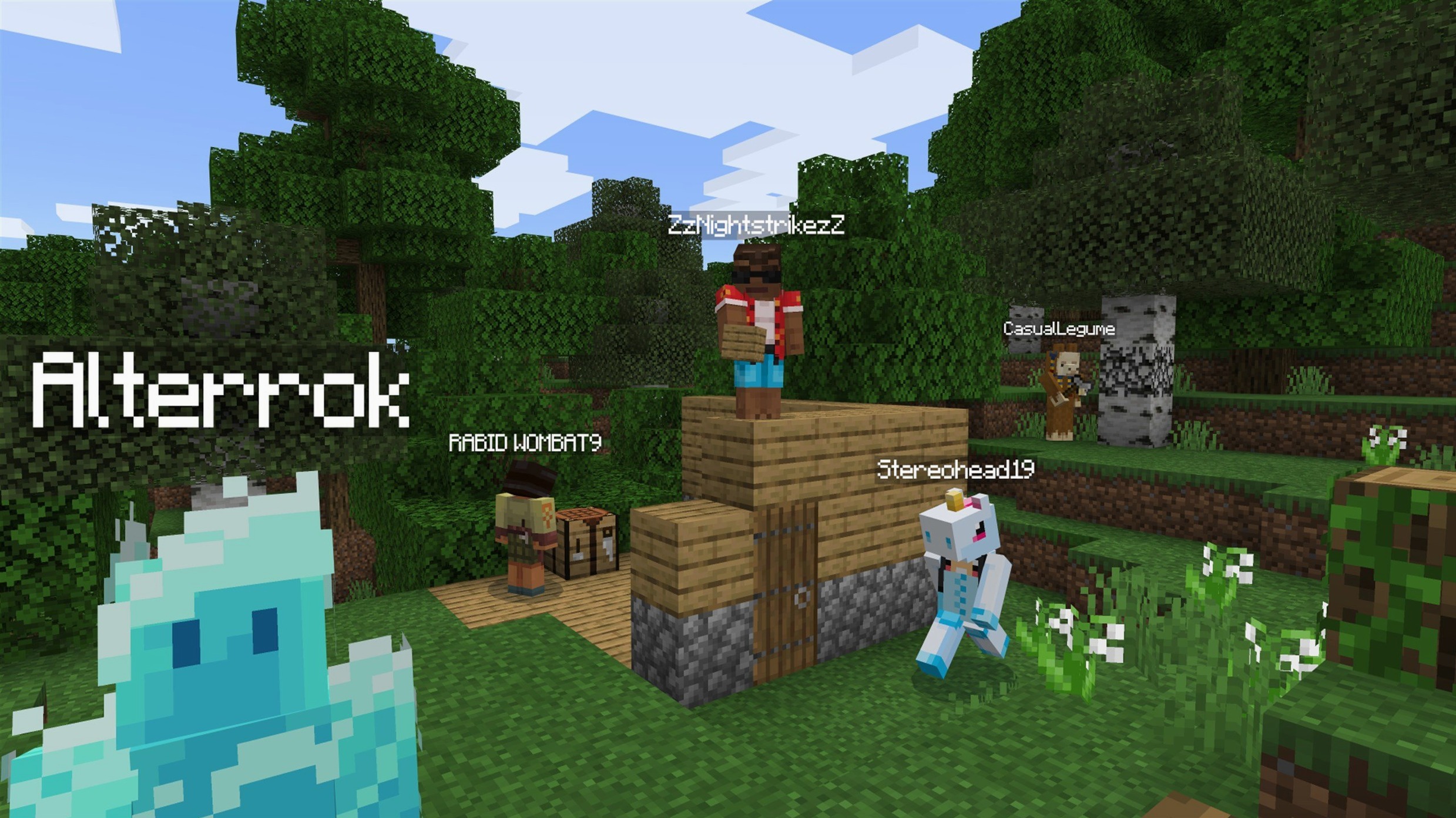
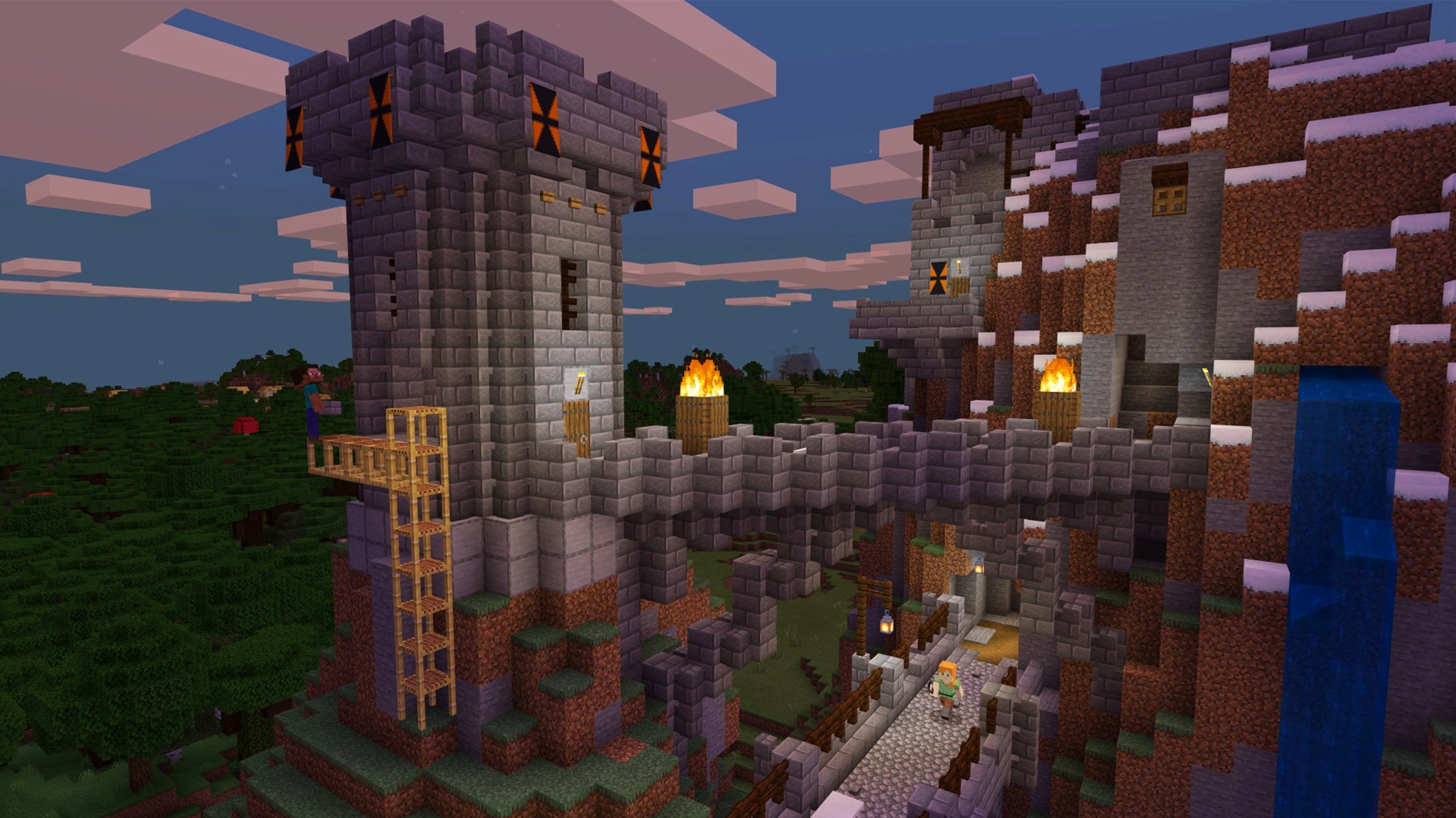
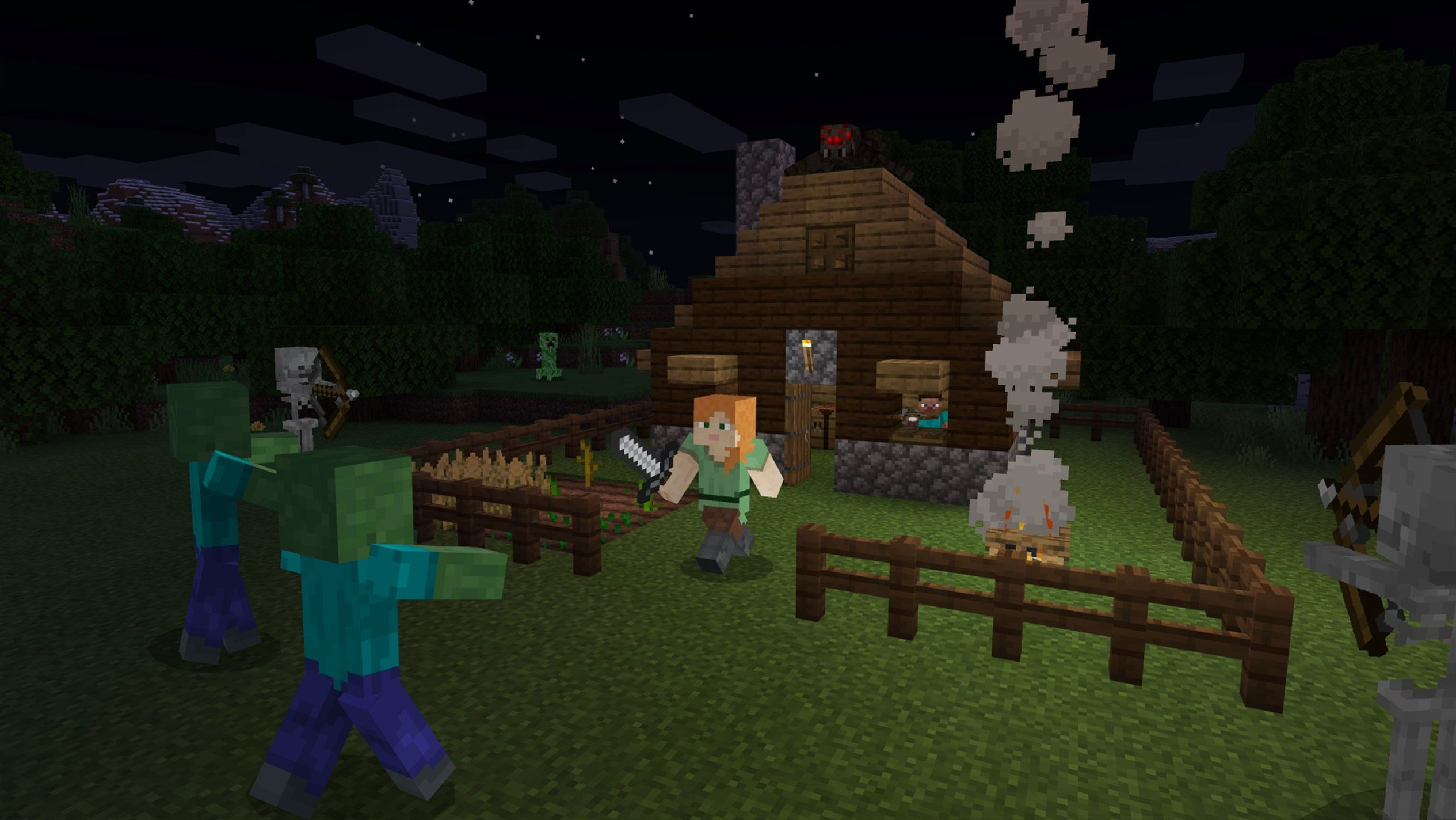
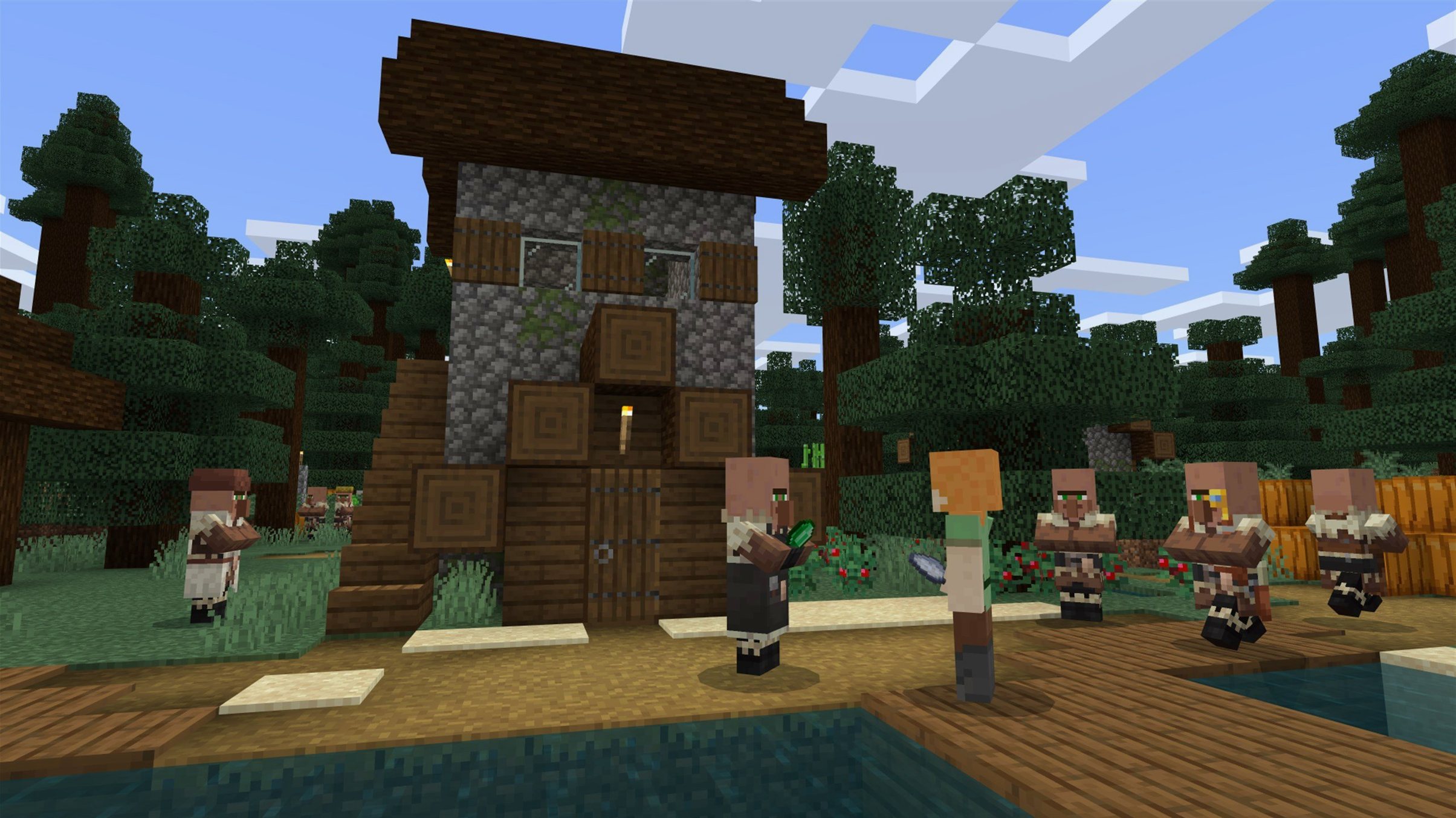
You punch a tree to get wood. You turn that wood into planks, then a crafting table. Within ten minutes, a rough dirt hovel stands between you and the creepers hissing in the dark. That sequence—gather, refine, build, survive—is the loop you repeat every time you load a world.
Open-ended building, redstone tinkering, and stress-free exploration
- Open-ended construction without a fixed storyline
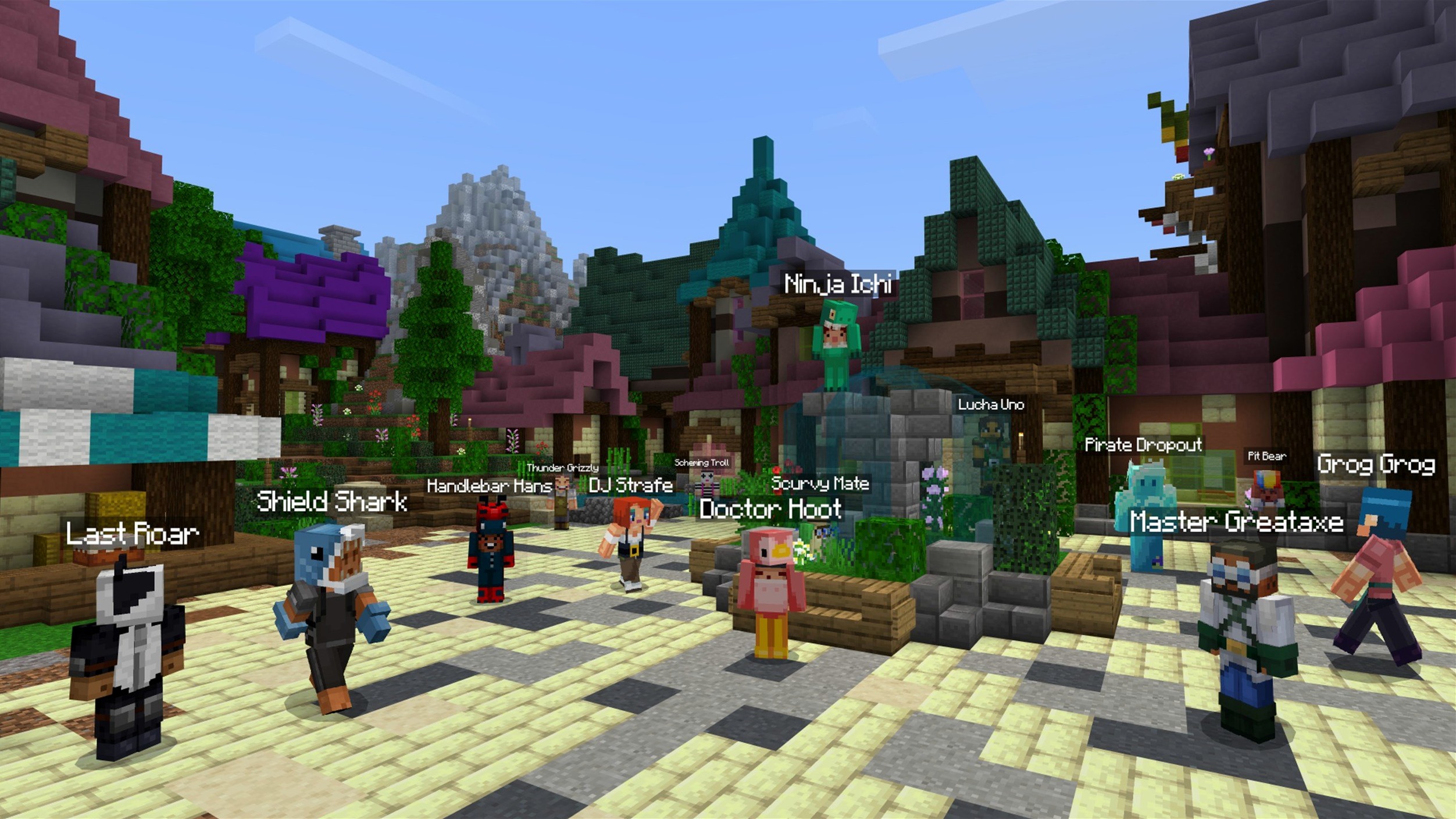
- Collaborative building on shared servers or Realms
- Redstone engineering and automated farm design
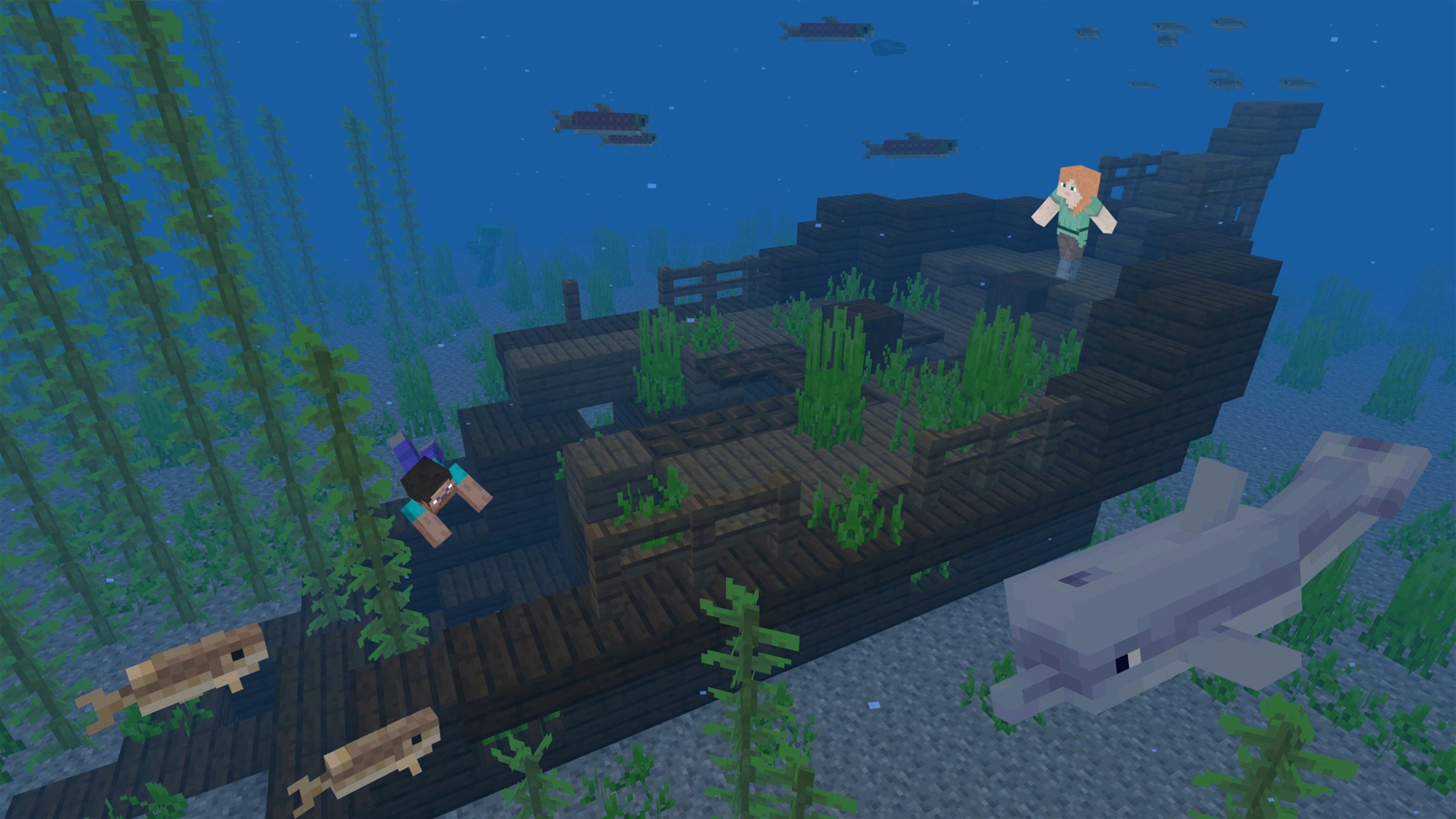
- Low-pressure exploration across varied biomes
No built-in tutorial and self-directed goals
- No built-in tutorial; recipes and mechanics are learned through play or the recipe book
- Java Edition multiplayer requires a same-version server
- In-game goals are self-directed—there is no win condition
Launcher won’t open after a macOS update
The launcher refuses to open after a macOS update. Nine times out of ten, that means the quarantine flag got slapped back on the .app bundle. Pop open Terminal and run xattr -d com.apple.quarantine /Applications/Minecraft.app. Re-launch, and you are back in.
Frame rates tank when you look at your animal pens or a sprawling storage hall. That is entity cramming plus item frames chewing through draw calls. Raise the maximum entity cramming gamerule or spread livestock across a few chunks. For the storage room, replace item frames with signs or shove stacks into shulker boxes. A fast-rendering resource pack—say, one with simpler blockstate models—helps more than dropping render distance.
Multiplayer connection refused. Check that your game version matches the server exactly. 1.21.7 won't connect to a 1.21.4 server, full stop. Next, confirm the server address has no stray space at the end. Finally, whitelist the Java binary in macOS firewall settings: System Settings → Network → Firewall → Options. Add java and set to allow incoming connections.
Modding setups break after the 1.21.7 resource pack version bump to 64. If you run Fabric or Forge, most resource packs tuned for pack version 63 will need an update. The fix is usually a one-line edit in the pack.mcmeta file. Open it in any text editor, change "pack_format": 63 to "pack_format": 64, save, reload resources. Works for most cosmetic packs.
Sync worlds across Macs via iCloud Drive
Drag a world folder into iCloud Drive, and you have a dead-simple backup that syncs across machines. The folder lives in ~/Library/Application Support/minecraft/saves. An alias or symbolic link pointed at your iCloud directory keeps the launcher happy and your worlds safe from a botched system wipe.
Triple-tap the F3+H shortcut to toggle advanced tooltip data. With it on, the item screen shows durability numbers, NBT tag names, and block IDs. Copy those into a sticky note or a note-taking app. I keep a running plain-text equipment log in Tot—quick reference when I am trading with villagers or enchanting gear.
macOS Stage Manager plays well with Minecraft in windowed mode. Put the game on one stage, your recipe reference or nether-route spreadsheet on another. Switching stages mid-session is faster than tabbing out of fullscreen and back. Set the video option to Windowed, then resize to a comfortable width.
Spotlight privacy is worth a tweak. The launcher caches asset files that Spotlight does not need to index. Add the entire ~/Library/Application Support/minecraft folder to the Spotlight exclusion list. Saves a trickle of background CPU and stops .json cracks and lang files from cluttering search results when you look up work documents.
Native ARM64 support on M-series Macs, no Rosetta required
Will the Java Edition run on an M-series Mac, or only on Intel? It runs natively on both. The 1.21.7 launcher ships ARM64 and x86_64 builds. On Apple Silicon machines, it picks the ARM runtime automatically. No Rosetta translation layer, no loss in performance from emulation.
I have zero Java installed. Do I need to fiddle with the JDK? No. The official launcher bundles its own Java runtime. You never touch the command line, never set JAVA_HOME, never argue with Homebrew about which OpenJDK release is current. The launcher keeps its copy tucked inside the application bundle, completely isolated from the rest of your system.
Can I transfer a world from a Windows PC to a Mac without breaking anything? Yes. Worlds are platform-independent. Grab the save folder from %appdata%\.minecraft\saves on the PC, copy it onto a thumb drive or network transfer it, drop it into ~/Library/Application Support/minecraft/saves on the Mac. Launch the game, and the world appears in the singleplayer list. Player inventory, builds, and seed all carry over intact.
Steady 120–160 fps at 18 chunks on Apple Silicon
On an Apple Silicon Mac with 16 GB of shared memory, vanilla 1.21.7 holds a steady 120–160 fps at 18 chunks of render distance and fancy graphics. The internal server ticks along at 20 TPS in a new survival world with minimal redstone. Fan doesn't spin up until you hit 32 chunks or load a dense server-side datapack.
Memory use hovers around 1.8–2.4 GB for vanilla singleplayer. That is modest by modern game standards. If you plan to run heavy mod packs, you will want to increase the launcher's allocated RAM. 4–6 GB covers most Kitchen Sink packs; 8 GB is the safe upper bound before the garbage collector starts fighting the game loop. Keep the allocation within a 2 GB window to avoid pause spikes.
Shutting the internal server on world exit used to be hit-or-miss in older builds. 1.21.7 closes cleanly. No hanging launcher process in Activity Monitor, no leftover Java process eating 100% CPU three minutes after you quit. Texture reload after switching resource packs is noticeably faster than in 1.21.3—the launch team fixed the texture leak that forced a full asset re-scan on every reload.
V-sync and G-Sync-compatible displays work smoothly in windowed mode. Turn V-Sync off in the video settings if your display supports variable refresh. The game's OpenGL pipeline doesn't trip over macOS's compositor the way it did two years ago. Tearing is absent; input latency drops just enough to notice when you are bridging at speed in Bedwars.
- New — 3×3 painting added to the collectable artwork roster.
- New — Lava Chicken music disc now obtainable in the world.
- Changed — Data pack version bumped to 81; resource pack version now 64.
- Fixed — Resource pack loading errors, Qualcomm GPU rendering artefacts, text clipping, startup crashes on select AMD graphics, and texture leaks after resource reloads.
- macOS (64-bit system)
- Apple Silicon and Intel Macs supported
- Java Edition runs on Mac, Windows, and Linux
Comments 0
Sign in to leave a comment.Sign inCreate an account
No comments yet. If a step is still there after you install it, say so.
More in Games
All in Games Mortal Kombat: Legacy Kollection
Collects arcade ROMs and home ports under one launcher with a documentary.
6 steps saved
 Metro Exodus
Leads a squad across non-linear, post-apocalyptic Russian landscapes.
4 steps saved
 Metro 2033 Redux
Sends you through a hostile Moscow metro where every bullet counts.
13 steps saved
 Megabonk
Throws you into waves of enemies on random maps, each hero with its own abilities.
21 steps saved
 Mafia III
Dismantles a New Orleans mafia across one bundled story and three DLCs.
21 steps saved
 Mad Max
Tears across a scorched wasteland in a car built for ramming and harpooning.
15 steps saved
 Updated
NBA 2K26 Arcade Edition
Delivers console-scale basketball with MyPLAYER and franchise modes.
4 steps saved
 No, I'm Not a Human
Forces a grim choice at your door by studying faces and stories.