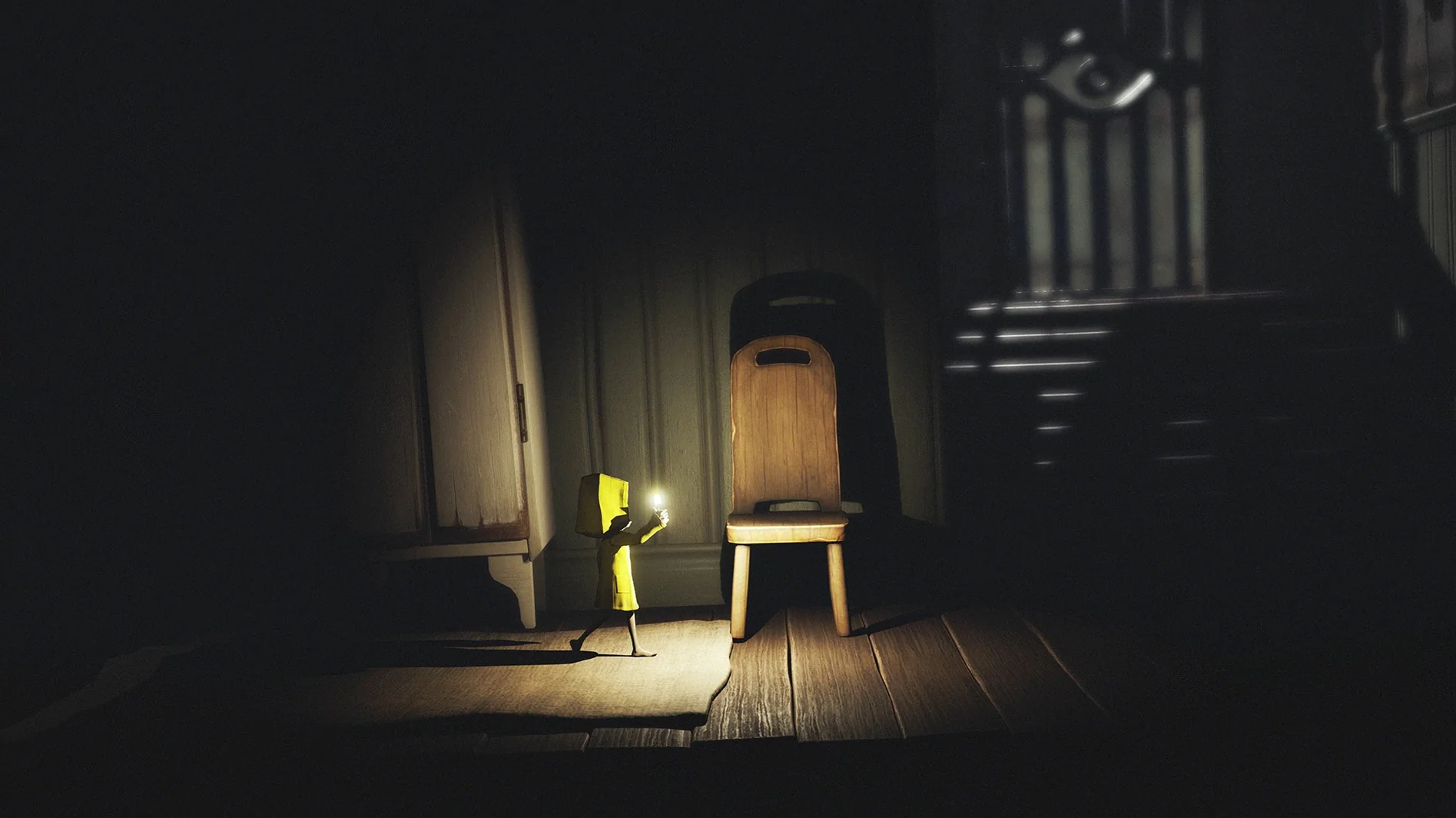
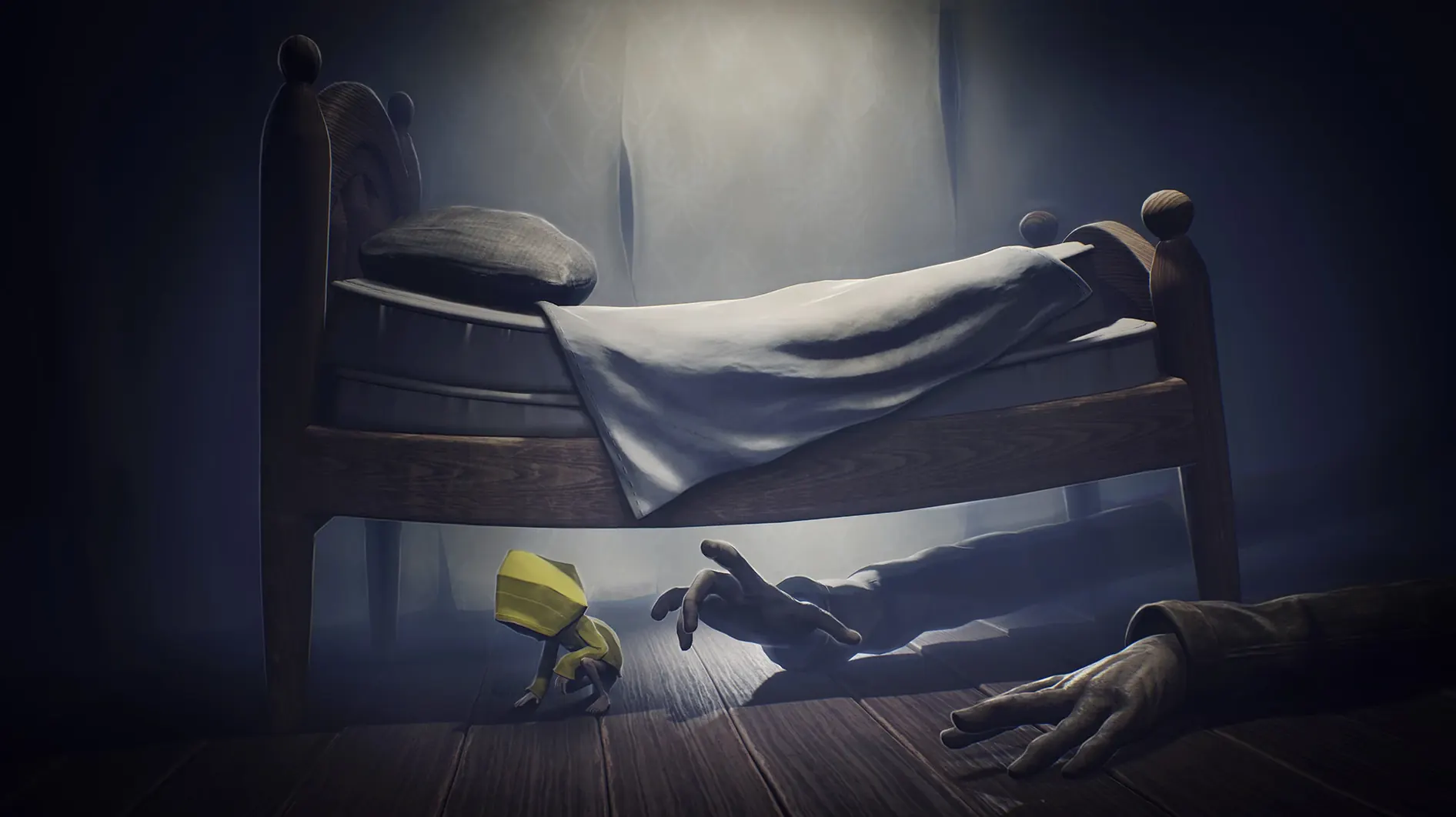
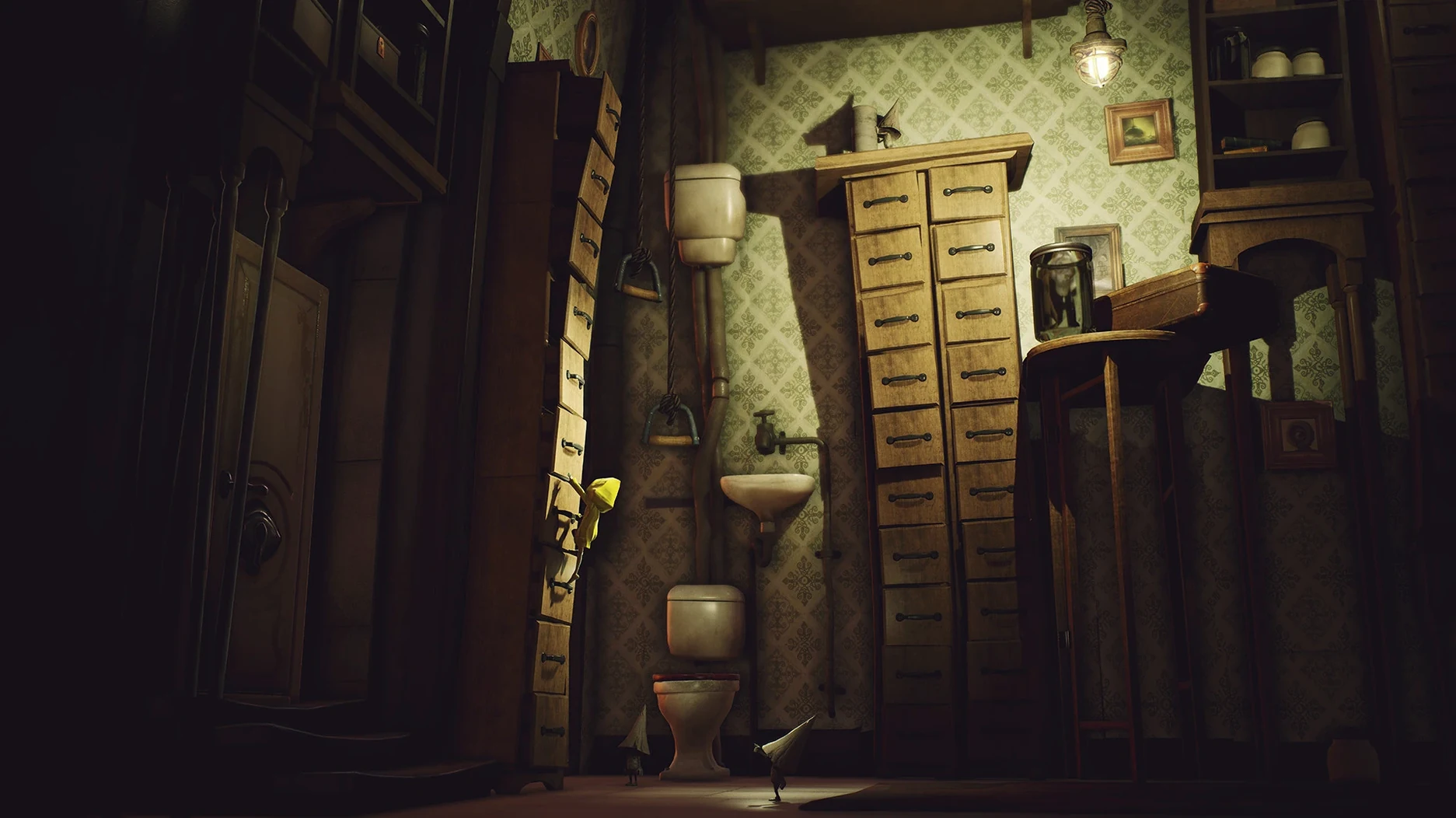
Little Nightmares Enhanced Edition is a visually upgraded version of the original grim adventure through the Maw.
Quality Mode — unlocks 4K resolution at 30 FPS with volumetric lighting and improved visual effects for maximum atmosphere.
Performance Mode — targets smooth 60 FPS to keep the platforming and chases responsive on modern displays.
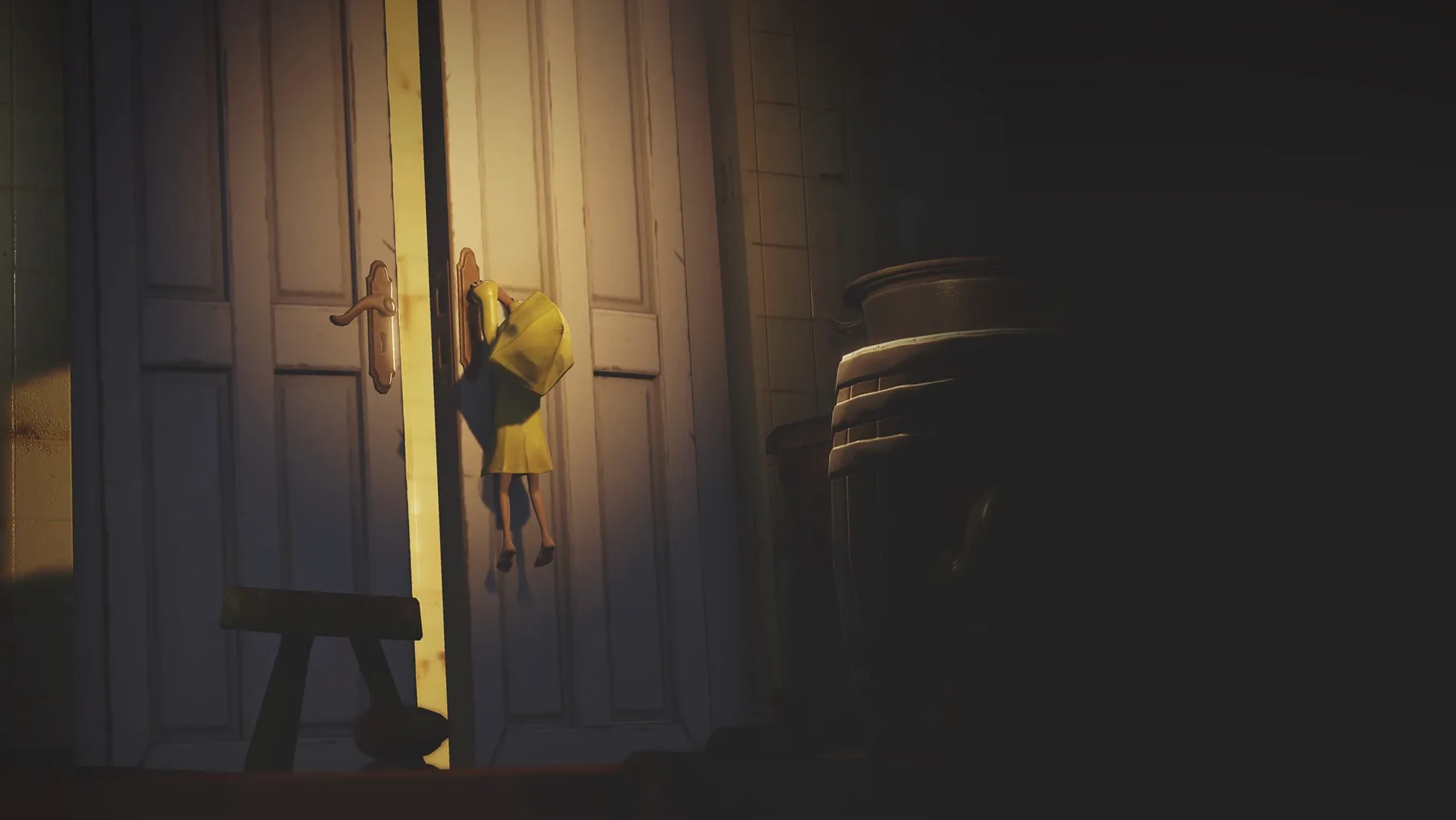
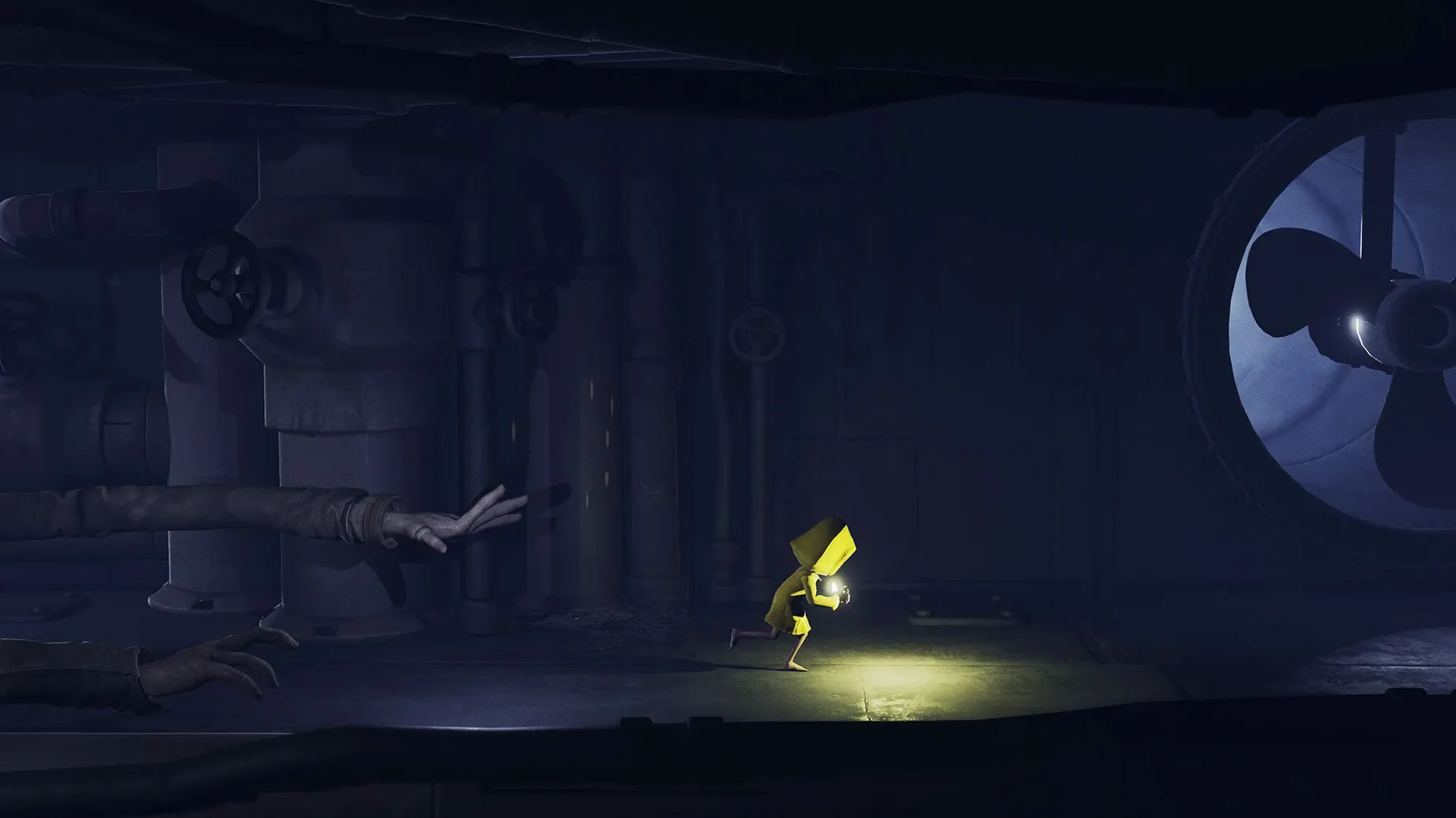
The Maw — the vast, submerged vessel where a small, raincoated child must hide, sneak, and outmaneuver grotesque, distorted adults.
Save Data — progress is locked to this edition. Existing saves from the standard version cannot be imported. New files live inside the app bundle.
Apple Silicon Build — packaged exclusively for Apple Silicon Macs and tested on macOS Tahoe with an M4 chip.
Skipped install step or display mode conflict
Most issues trace back to two things: a skipped install step or a display mode that fights the hardware.
Launch Error After Copying
The disk image includes a Fix file for a reason. If the app bounces once and quits, or shows an error dialog, mount the original DMG again and run that file. It adjusts the Wineskin wrapper so the game can find its own assets. After running it once, the app should launch normally from the Applications folder.
Performance Stuttering in 4K
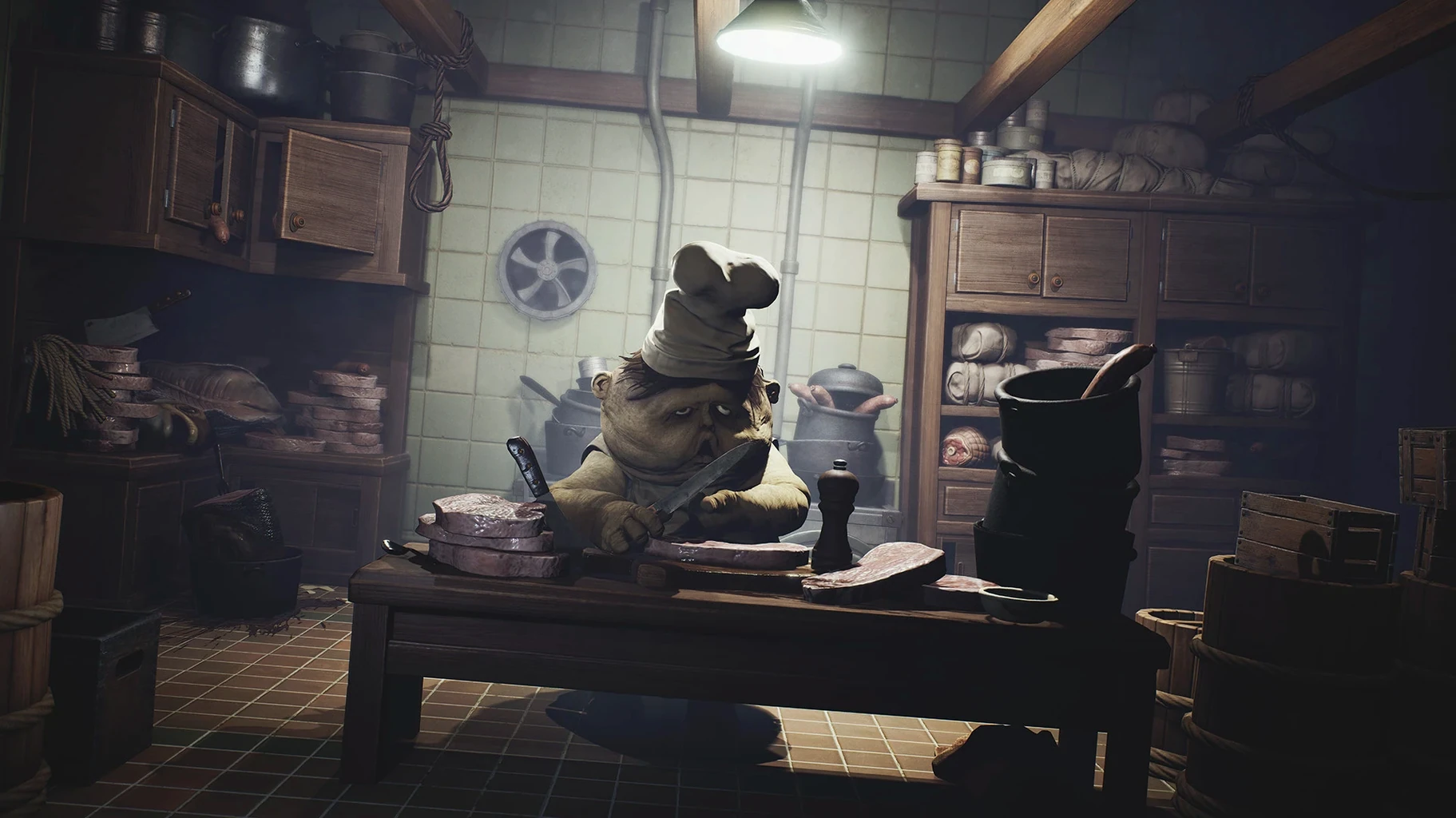
Quality Mode pushes volumetric lighting and particle density hard. On a Mac mini, even an M4 can drop frames in busy scenes — the kitchen with rising steam, for example. Switch to Performance Mode from the settings menu. The 60 FPS target keeps Six's movements crisp during chase sequences where timing matters.
Save Files Not Persisting
Because saves live inside the app bundle at AppData/Local/Little Nightmares Enhanced Edition/Saved/SaveGames, a standard app replacement wipes your progress. If you need to reinstall, pull that folder out first, then drop it back into the fresh bundle afterward.
Controller Not Recognised
The Wineskin wrapper sometimes ignores a paired DualSense or Xbox controller on first launch. Quit the app, disconnect and reconnect the controller, then launch again. If that doesn't take, opening the game with the controller already awake usually sorts it.
Ray-traced shadows draw horror fans on Apple Silicon
This build suits two groups particularly well.
Horror fans on Apple Silicon who missed the original console run. The Enhanced Edition's ray-traced shadows and volumetric lighting turn the Maw's dripping corridors into something genuinely oppressive. If 4K dark atmosphere matters more to you than raw frame rate, the Quality Mode on a Studio Display or Pro Display XDR makes the long, silent sections land harder.
Players who re-play atmospheric games for craft. The water effects, extra particles, and the choice between Quality and Performance modes give you reasons to revisit rooms you already know. Watching how the kitchen's steam behaves under volumetric lights versus the base game rewards the kind of player who inspects level design. You also get the DLC content patched in, so the complete narrative arc sits in one bundle.
A slice of players search for little nightmares enhanced edition macos free hoping to sample the series before committing. This build fits that: it runs clean on modern Apple Silicon, and the atmosphere sells itself within the first ten minutes of creeping past the Janitor.
- Fixed — DLC integration patch applied.
- macOS (Apple Silicon only; tested on macOS Tahoe)
- Tested on Mac mini 2024 M4
Questions I get before install
Can I transfer my old Little Nightmares save files to the Enhanced Edition?
No. Save files from the base version of Little Nightmares are not compatible and cannot be transferred to this edition.
What display options are available in the Enhanced Edition on Mac?
You can choose between Quality Mode for 4K visuals with enhanced lighting, or Performance Mode for a smoother 60 FPS experience.
Comments 0
Sign in to leave a comment.Sign inCreate an account
No comments yet. If a step is still there after you install it, say so.
More in Games
All in Games Library Of Ruina
Counters enemy dice with your own pages in turn-based clashes that decide each encounter.
9 steps saved
 Updated
Len's Island
Mixes dungeon crawling, open-world combat, crafting, and farming on a single island.
4 steps saved
 Lucky Tower Ultimate
Turns a dungeon escape into a hand-drawn slapstick run with tight timing.
13 steps saved
 Kona
Investigates a frozen Quebec mystery as a detective alone in a 1970 blizzard.
22 steps saved
 Kingdom Rush 5: Alliance TD
Defends maps with a pair of heroes you choose from a roster of 27 upgradable characters.
12 steps saved
 KIBORG
Fights through broadcasted prison-planet runs where each brawl decides your survival.
4 steps saved
 Updated
Keep Driving
Guides a procedurally generated road trip through countryside, towns, and unexpected detours.
21 steps saved
 Mad Max
Tears across a scorched wasteland in a car built for ramming and harpooning.