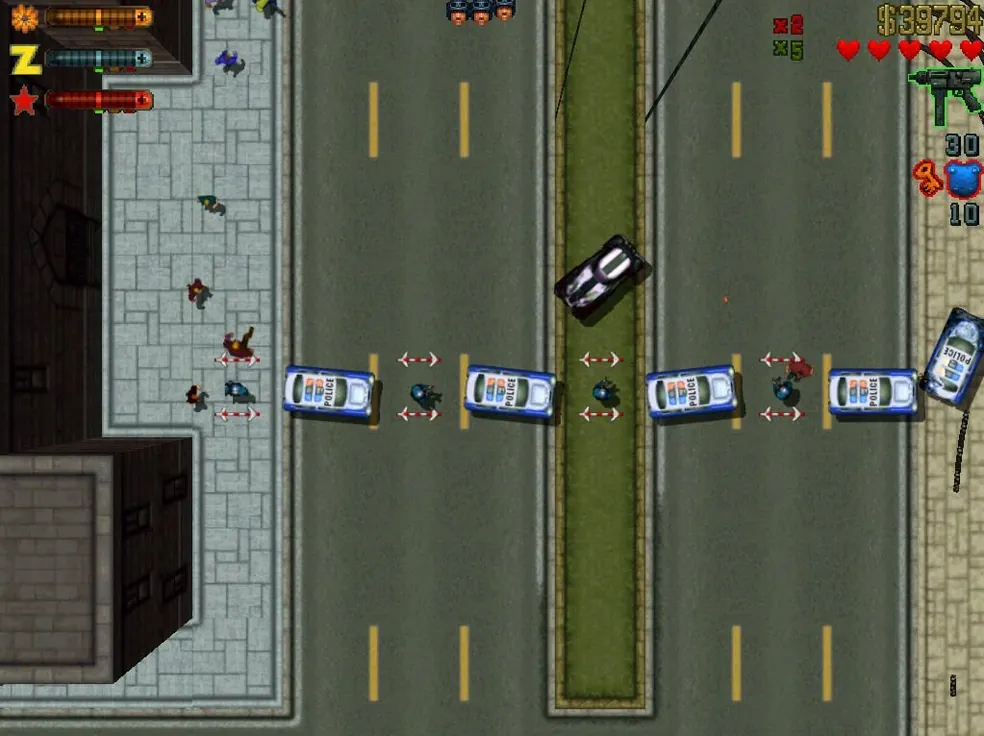
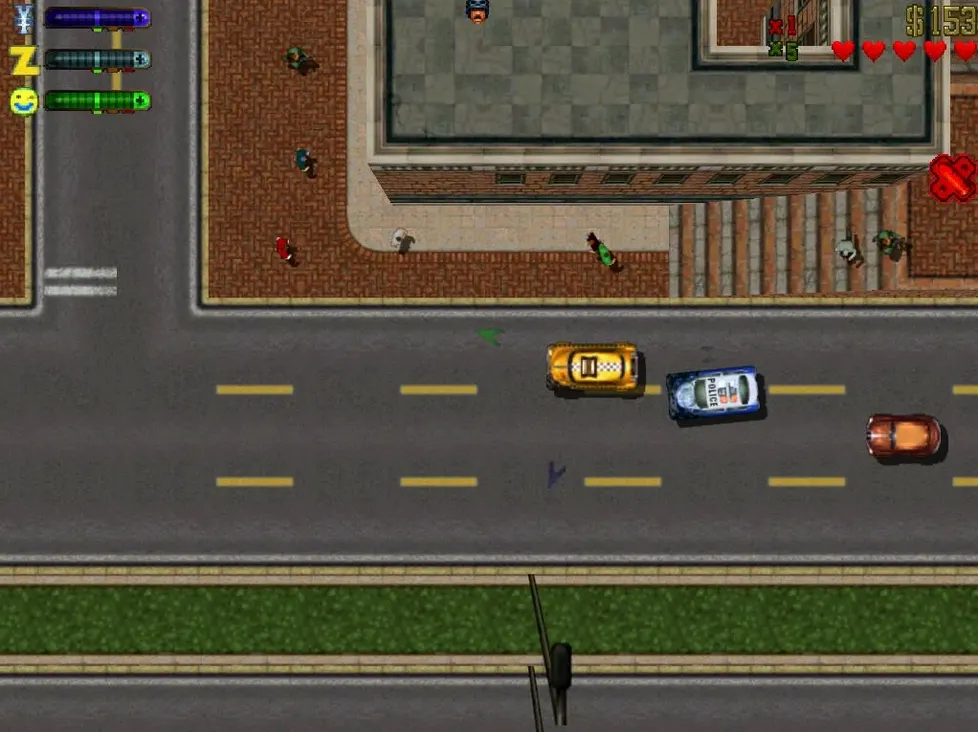
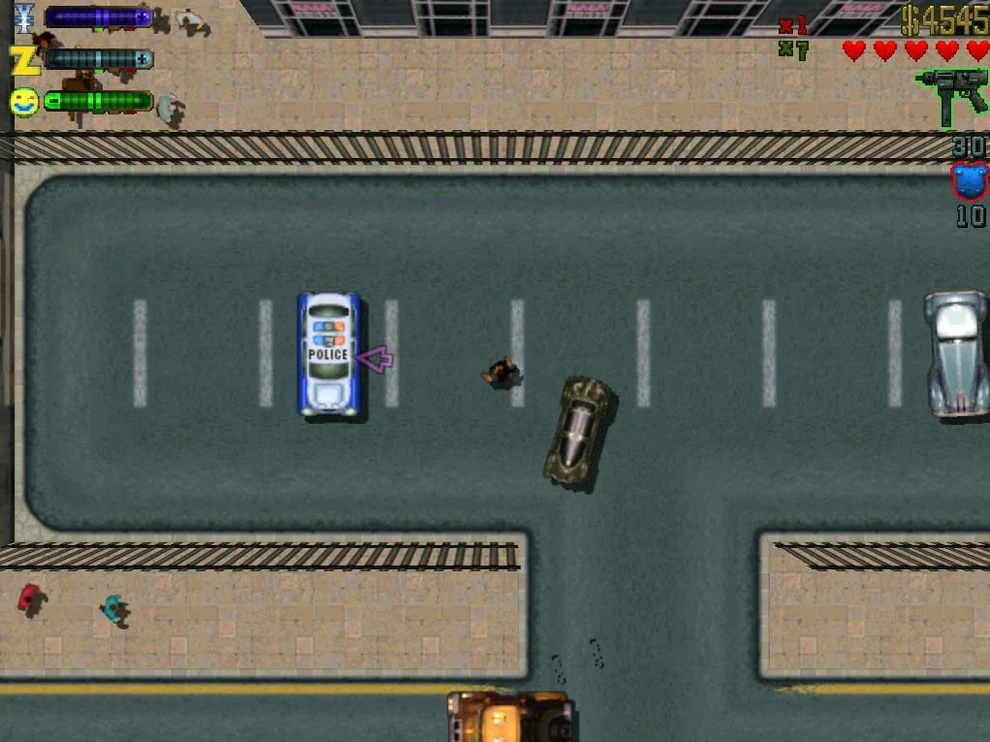
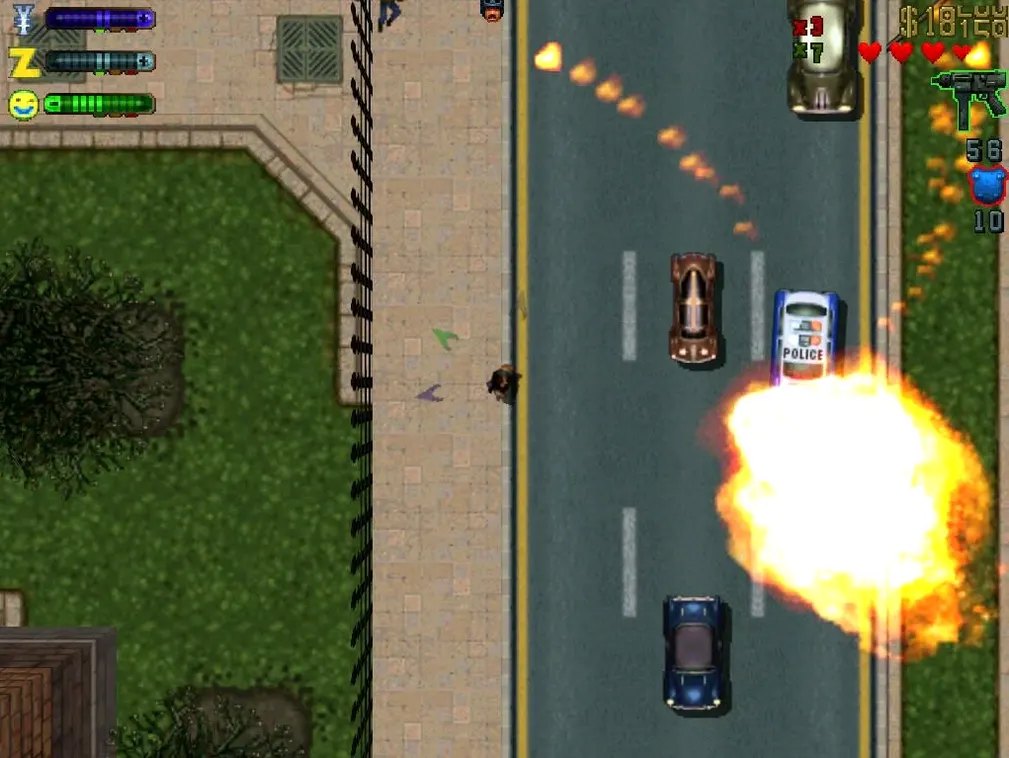
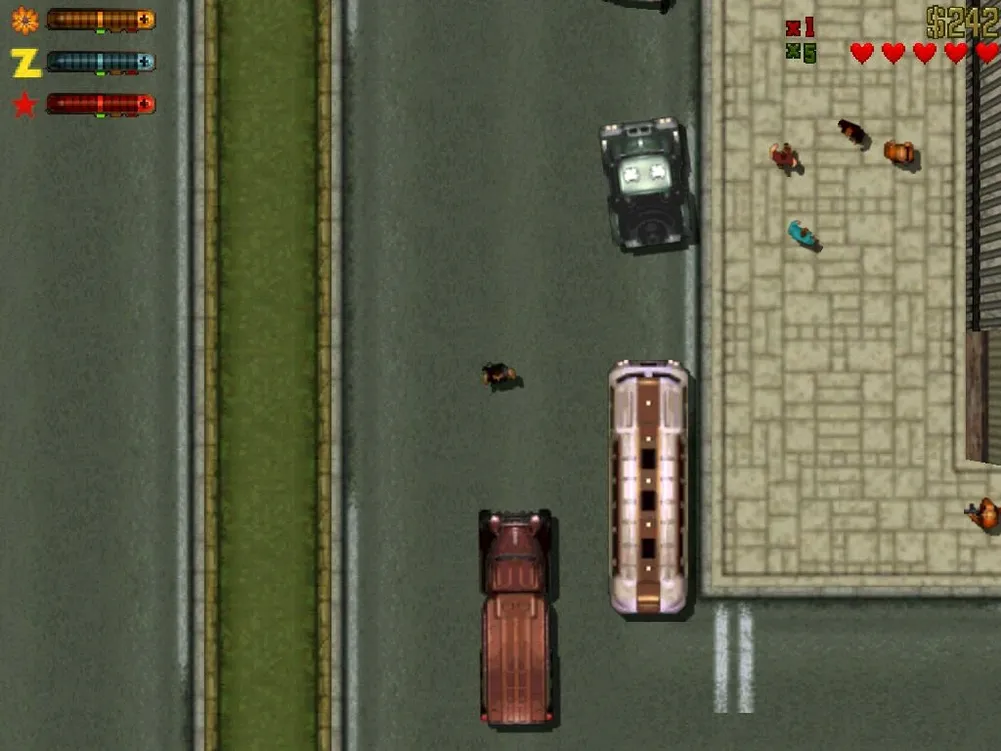
This is for the player who wants the raw blueprint of open-world chaos without the cinematic bloat. Not the HD-era GTA, but the lean, top-down arcade original where reputation is a score and the city is a grid of bad decisions.
Districts, Gangs, and Shifting Respect
- Three districts across one city, each unlocked by proving your worth
- Seven gangs to work for or betray — Zaibatsu, Loonies, Yakuza, and more
- Respect system that shifts missions and hostility as you pick sides
- A fleet of stolen cars, each with its own handling and radio station
- Arcade-style rampages, kill frenzies, and hidden tokens scattered across the map
- Save system that tracks your progress per district
How it runs today
This is the 1.03 build, wrapped in Wineskin for modern Mac hardware. It includes the original soundtrack and supports both ARM and x86 64-bit architectures. Language options for interface and subtitles cover English, Russian, German, and Italian. The only nod to modernity is the DxWnd launcher that appears on startup — double-click the GTA2 icon and the city loads as it did in 1999.
No Pre-Install Notes or Warnings
Does it need much setup?
No. The Wineskin wrapper handles the Windows-era code behind the scenes. You mount the disk image, drag the app over, and launch it. One extra step: when the DxWnd window opens, double-click the GTA2 icon. That is the whole routine. If something breaks on first launch, the disk image includes a Fix file for startup errors.
Where do saves live?
Inside the app bundle itself. The path ends in SharedSupport/prefix/drive_c/KS Games/Grand Theft Auto 2/player. Keep that in mind if you back up manually or move the app between Macs — your progress travels with the bundle.
Can I switch the language later?
Yes. Interface and subtitle language change from the in-game settings. If the settings window does not appear while playing, exit the game and it opens on the way out. Voice audio stays in Russian or English, matching the two recorded tracks.
ARM and Intel Support Confirmed on Tahoe
The build covers ARM and x86 64-bit, and it has been tested on macOS Tahoe with a 2024 M4 Mac mini. Older Intel machines and Apple Silicon both qualify. The game itself is light by modern standards — the wrapper needs more attention than the city streets do.
What the 1.03 Wineskin build changed
The core game is untouched — same missions, same gangs, same top-down camera. What changed for everyday use is the packaging. The Wineskin layer replaces the old dependence on obsolete Mac ports and lets the 1999 code run cleanly on current hardware. The Definitive Edition variant in this build keeps the full music, which older stripped-down releases often dropped. For players hunting a grand theft auto 2 macos free install that still includes the soundtrack, that detail matters. Startup now routes through DxWnd, a small window that acts as a compatibility bridge before the game takes over the screen.
The trade-off is minor. Saves sit inside the app bundle rather than in a user-facing folder, and language changes sometimes require leaving the game to reach the settings window. Neither affects play once the city loads. What you get is the original arcade loop — earn respect, steal faster cars, survive longer police chases — running without activation or online checks.
- New — Wineskin build for macOS compatibility
- Tested on macOS Tahoe
- Apple Silicon (M-series) or Intel (x86 64-bit)
Comments 0
Sign in to leave a comment.Sign inCreate an account
No comments yet. If a step is still there after you install it, say so.
More in Games
All in Games Grand Theft Auto V
Drops three criminals into Los Santos for heists, chases and open-world chaos.
6 steps saved
 Guns, Gore & Cannoli 2
Adds 360-degree aiming to turn side-scrolling firefights fluid.
16 steps saved
 HackHub - Ultimate Hacker Simulator
Simulates a terminal session where you pivot before the trace completes.
23 steps saved
 Gear.Club Stradale
Builds a car collection and racing infrastructure inside a social club.
19 steps saved
 Hades II
Battles through the Underworld as Melinoë in fast, replayable roguelike runs.
15 steps saved
 Half Sword
Turns medieval sword fights into brutal, physics-driven duels.
8 steps saved
 Frostpunk
Tests how far you will push a society to survive an endless winter.
13 steps saved
 Updated
Hearts of Iron IV
Lets you queue research and manage production lines across a multi-year campaign.